Top Gmail Alternatives in 2026
Here for Gmail itself? See the full Gmail profile, pricing & reviews →
Suggest a change- If you want to keep a full office suite bundled with email but move off Google's ecosystem, choose Microsoft Outlook. Microsoft 365 Business plans bundle Word, Excel, PowerPoint, and Teams with Outlook the same way Workspace bundles Drive and Docs with Gmail, so switching costs you a login habit, not a whole workflow.
- If you're a small business or solo founder who wants a custom-domain inbox for close to nothing, choose Zoho Mail. Zoho's free plan supports 5 users on your own domain, and its Workplace Standard tier bundles a full office suite for $3 per user a month, less than half Gmail's cheapest business seat.
- If you want encrypted email that's easy to turn on with no setup, and a tool built to move your Gmail data over, choose Proton Mail. Proton Mail encrypts messages end to end, its free plan works indefinitely rather than as a trial, and its Easy Switch tool migrates mail, contacts, and calendar straight out of Gmail.
- If you want the strongest encryption available, including subject lines, with post-quantum cryptography by default, choose Tuta. Tuta encrypts subject lines as well as message bodies, something Proton Mail's OpenPGP-based encryption doesn't cover, and it runs post-quantum cryptography by default on every plan, including free.
- If you want to pay directly for an ad-free inbox built on an open protocol instead of a walled-in AI feature, choose Fastmail. Fastmail has no free tier and no ads, has been independent and employee-owned since 2013, and shipped an MCP server on top of its open JMAP protocol so AI assistants can connect with scoped permissions instead of a single vendor's built-in AI.
- If you're buried in cold email, newsletters, and marketing mail and want a hard gate before any of it reaches you, choose HEY. HEY's Screener makes you approve every new sender before their mail ever lands in your inbox, instead of filtering spam after the fact the way Gmail does.
- If you're setting up an inbox for an AI agent instead of a person, choose AgentMail. AgentMail gives each agent its own real email address through an API, with webhooks on incoming mail and a free plan covering 3 inboxes, which beats wiring an agent into a Gmail account through OAuth workarounds.
- If you already live in Google Docs, Drive, and Meet and need every vendor and client to already know how to work with you, choose stay on Gmail. no alternative here matches Workspace's combination of near-universal compatibility and one bill covering mail, docs, storage, and video calls.
Gmail is free and familiar, but it comes with two catches once you look past the personal inbox. You can't buy a standalone business address on your own domain; a custom @yourcompany.com email means buying the full Google Workspace bundle, Drive, Docs, Meet and all, even if mail is the only piece you wanted. And Google keeps folding Gemini AI features into a shifting, repriced lineup of plans, which makes it harder to know what you're actually paying for.
The tools below are real substitutes people and small teams cross-shop when they leave Gmail: a full office-suite competitor in Outlook, a cheaper business bundle in Zoho Mail, encrypted-first picks in Proton Mail and Tuta, a paid ad-free host in Fastmail, and an opinionated inbox-filtering tool in HEY. Which one wins depends on whether you're chasing privacy, price, or a familiar office suite.
One thing this list won't help with: giving an AI agent its own inbox. That's a developer wiring a bot into email through an API, not a person switching off Gmail, so a tool like AgentMail isn't ranked here even though it solves a real adjacent problem.
Gmail alternatives compared
| Tool | Best for | Starting price | Free option | Last update |
|---|---|---|---|---|
| Microsoft OutlookBest overall alternative | Small businesses that already plan to use Word, Excel, PowerPoint, and Teams and want one bill for all of it | $5.4/seat/mo | Yes | June 2026 |
| Zoho MailBest value for a custom-domain inbox | Small businesses and solo founders who want a custom-domain inbox for close to nothing | $1/seat/mo | Yes | May 2026 |
| Proton MailBest for turnkey privacy | Privacy-focused individuals who want encrypted email without configuring anything themselves | EUR 3.99/seat/mo | Yes | June 2026 |
| FastmailBest for paying directly instead of trading data | Privacy-focused individuals who want to pay for email instead of being the product | $3/seat/mo | Trial (30 days, no credit card required) | April 2026 |
| TutaBest for maximum encryption | Privacy-focused individuals who want encrypted email, calendar, and contacts without paying much | EUR 3/mo | Yes | July 2026 |
| HEYBest for cutting unwanted mail | People who get buried in cold email, newsletters, and marketing mail and want a hard gate before any of it reaches them | $99/yr | Trial (30 days on HEY for You, no credit card required) | January 2026 |
| AgentMailBest for AI agents | Developers and founders building an AI agent or automation that needs to send, receive, and act on email under its own address | $20/mo | Yes | July 2026 |
Why teams switch from Gmail
Gemini AI features are split across a confusing, frequently repriced lineup of plans
Google's Gemini features are spread across Google One and Workspace plans that keep changing price. The entry consumer 'Google AI Plus' plan was recently cut from $8 to $4.99/month, but getting Gemini everywhere across Google's other apps still requires the pricier $20/month AI Pro plan.
Google is testing shrinking free storage for new accounts
Google has confirmed it is testing giving brand-new Gmail accounts, in select regions, only 5GB of free storage instead of the usual 15GB, unlocking the full amount only if the user adds a phone number.
You can't buy Gmail alone for a business
A custom-domain business inbox requires buying the full Google Workspace bundle, Drive, Docs, Meet and all, even for a team that only wanted email.
Paying month to month costs roughly 20% more than annual billing
Every Google Workspace business tier costs about 20% more per seat if you pay monthly instead of committing to a year, a jump confirmed by toggling the billing option on Google's own pricing page.
The best Gmail alternatives, ranked
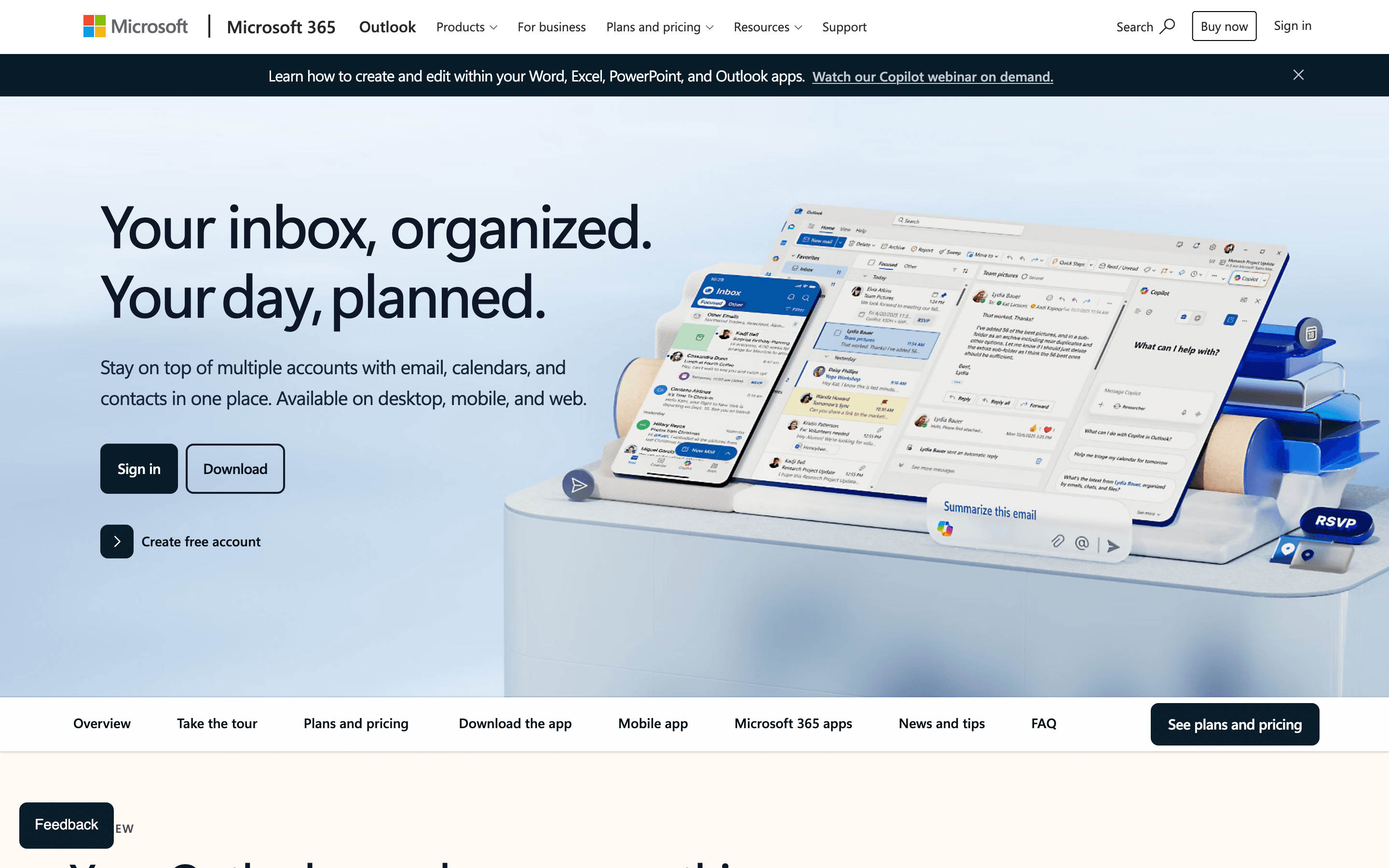
Outlook is the alternative most businesses already compare Gmail against, since both are sold as email wrapped inside a bigger office bundle rather than standalone products. Microsoft 365 Business Basic (with Teams) runs $7 per user a month and Business Standard is $14, matching Gmail's $7 and $14 tiers for base email plus office bundling. But that price match doesn't carry over to AI: plain Business Basic has no AI feature at all, and plain Business Standard only adds a secure AI chat, not full Copilot drafting inside Outlook. Full Copilot in Outlook needs a separate, pricier tier, Business Standard with Copilot, at $23.50 per user a month. Gmail's $7 Business Starter tier already includes a full Gemini assistant in Gmail, so the real AI price gap is $7 versus $23.50, not $7-$14 versus $7-$14. The free Outlook.com tier gives 15GB of storage with no time limit, matching Gmail's free tier. The catch: Microsoft raised Business Basic and Standard prices 12-17% on July 1, 2026, the steepest hike since 2022, and New Outlook for Windows has been reported to route third-party account passwords through Microsoft's own servers, a real concern if you're leaving Gmail over privacy rather than price. Pick Outlook if your team already runs on Word, Excel, and Teams.
Pros
- + One subscription covers email, calendar, Word, Excel, PowerPoint, and Teams, so there's no separate email bill for teams already on Microsoft 365
- + Copilot can draft, summarize, and reply to email directly inside Outlook, no separate AI tool needed
- + Familiar interface most people have already used at a past job or school
Cons
- – Microsoft raised Business Basic and Business Standard prices 12-17% in July 2026, the sharpest jump since 2022, and the cheapest per-seat rate requires an annual commitment
- – You cannot buy Outlook alone at the advertised low prices; a real business email address needs at least the Business Basic seat
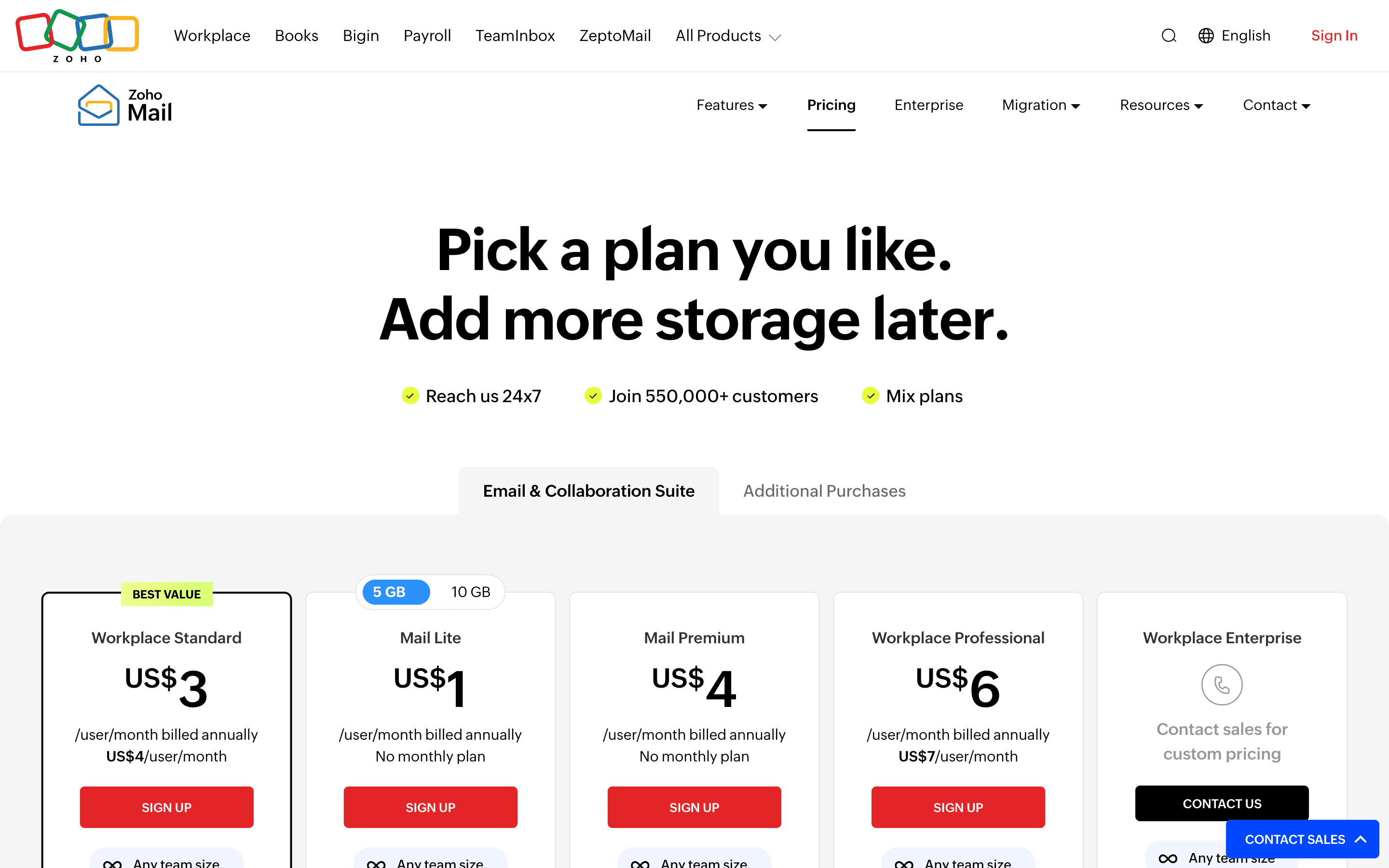
Zoho Mail is the cheapest way to get a real custom-domain inbox with an office suite attached. The free plan covers 5 users on your own domain, and Workplace Standard, which adds WorkDrive, Writer, Sheet, and Cliq, costs $3 per user a month billed annually, less than half of Gmail's $7 Business Starter seat for a comparable bundle. Mail-only plans start even lower, at $1 per user a month for Mail Lite. The tradeoffs show up at the edges: the free plan dropped IMAP, POP, and ActiveSync access, so it's web-only unless you pay, and support response times are a recurring complaint in reviews, especially during setup. Zoho fits a cost-conscious founder or small team migrating off Google Workspace who doesn't need deep third-party integrations and is comfortable troubleshooting setup without much handholding.
Pros
- + Cheapest named-tier pricing of any major business email provider, starting at $1/user/month
- + Free plan supports a real custom domain for up to 5 users
- + Workplace plans bundle a full office suite (docs, drive, chat, meetings) at the same per-user price as mail-only competitors
Cons
- – Free plan no longer includes IMAP, POP, or ActiveSync, so it's web-only unless you pay
- – Mail Lite and Mail Premium only bill annually, no monthly option if you want to try before committing
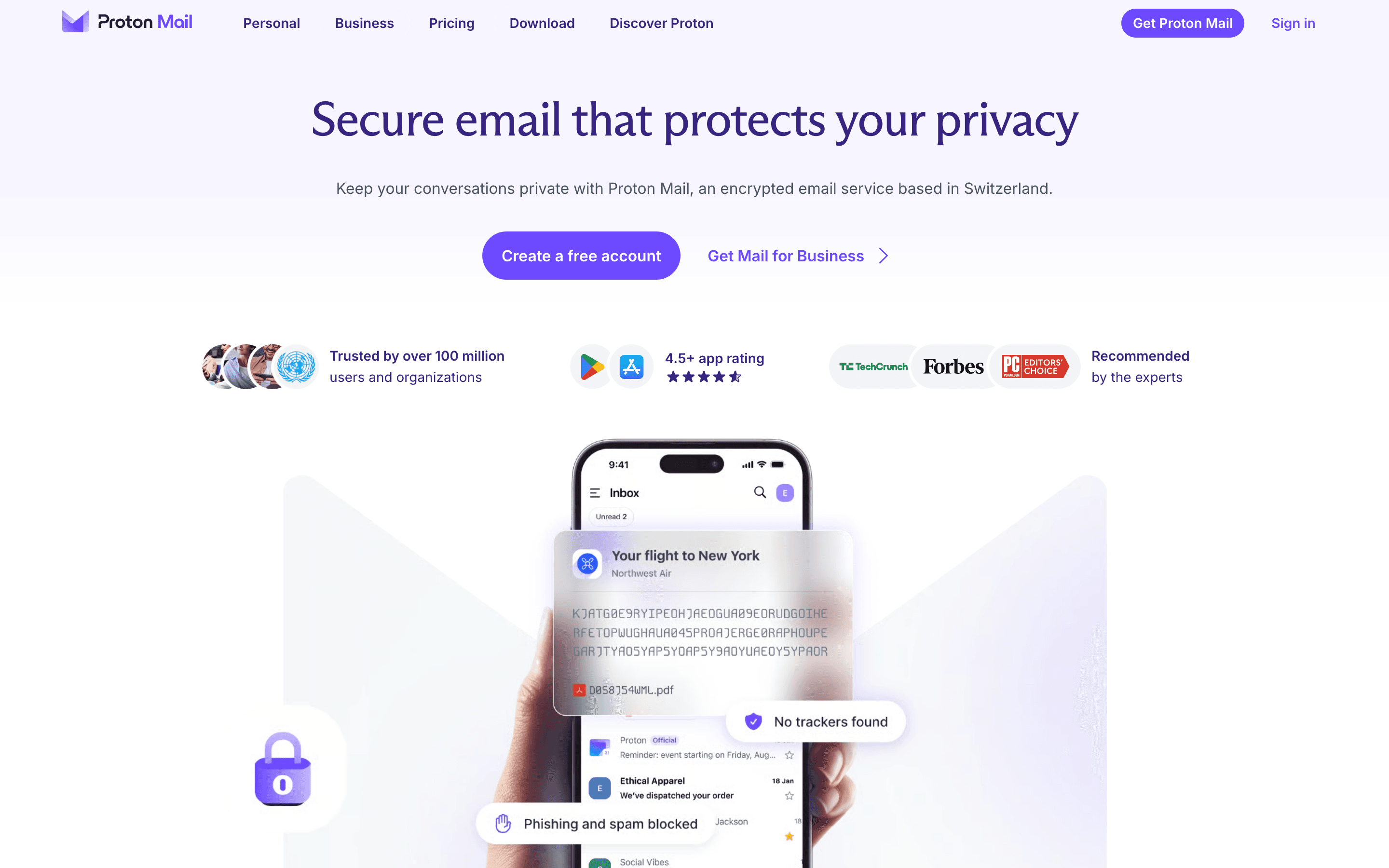
Proton Mail is the pick for anyone who wants encrypted email without configuring anything themselves. Messages between Proton users are encrypted end to end, the free plan (1 address, 1GB storage, 150 messages a day) has no time limit, and Proton built an Easy Switch tool specifically to import mail, contacts, and calendar out of Gmail. Custom domain support starts on the entry Mail Plus tier at just under 4 euros a month, which converts to roughly $4.30-$4.40, about the same as Zoho's Mail Premium tier and more than Zoho's cheapest mail-only plan, Mail Lite at $1 a month. The gap from Gmail, and from Tuta: subject lines and metadata like sender and timestamp aren't encrypted, since that's a limit of the OpenPGP standard Proton uses, and full VPN and password-manager access don't unlock until the pricier Unlimited plan at $9.99 a month. Choose Proton Mail if you want encryption that's easy to turn on, not the strongest encryption available.
Pros
- + Free plan is usable indefinitely, not a time-limited trial
- + Unlimited and the household plans above it bundle full VPN, Drive storage, Pass password manager, and calendar for one price
- + Open-source apps and a Swiss legal jurisdiction outside US and EU data-sharing agreements
Cons
- – Subject lines and message metadata (sender, recipient, timestamps) are not encrypted
- – Monthly billing costs noticeably more than annual billing on every paid tier
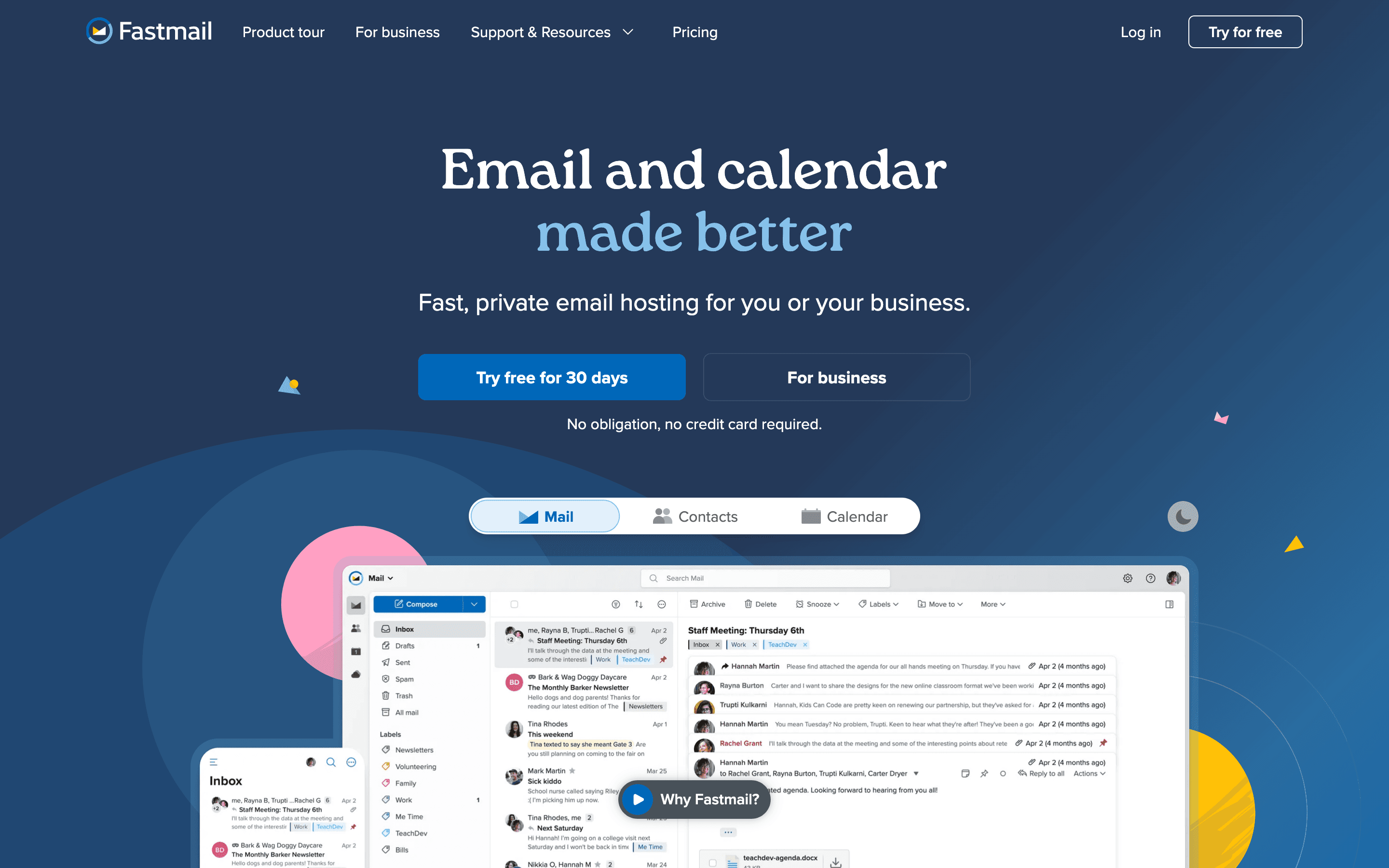
Fastmail is the pick for someone who wants to pay for email directly instead of trading their data for a free tier, which is exactly the trade Gmail's personal plan makes. It has no ads and no free plan at all, just a 30-day trial, with individual plans starting at $5 a month and business plans at $3 per user a month for 6GB each. It's been independent and employee-owned since a 2013 buyout from Opera, and it recently shipped an MCP server so AI assistants can connect to a mailbox with scoped permissions, similar in spirit to what Gemini does inside Gmail but built as an open, portable protocol (JMAP) rather than a walled-in feature. The catch: no free tier means there's no permanent no-cost option the way Gmail, Proton, or Zoho offer, and the cheapest business tier's 6GB storage is thin next to Gmail's 30GB starting pool.
Pros
- + No ads, no free tier funded by scanning your mail
- + Independent and employee-owned since a 2013 staff buyout from Opera Software, running continuously since 1999
- + Fast, capable webmail and mobile apps built on JMAP, the open protocol Fastmail itself designed
Cons
- – No free plan at all, unlike Gmail, Outlook, or Proton Mail's limited free tier
- – Storage on the cheapest business tier (6 GB per user) is thin next to Google Workspace or Microsoft 365
Tuta goes a step further on encryption than Proton Mail: it encrypts subject lines too, not just message bodies, and runs post-quantum cryptography by default on every plan, including free. The free plan gives a working encrypted inbox with 1GB storage and one calendar, and the cheapest paid tier, Revolutionary, unlocks a custom domain and 20GB of storage for 3 euros a month billed annually, similar in price to Proton's Mail Plus. Tuta is German-hosted and GDPR-compliant, which matters if data residency inside the EU is the actual reason you're leaving Gmail. The real gap from Gmail: no IMAP support at all, so you can't connect a third-party mail app the way you can with Gmail, Zoho, or Fastmail, and new signups go through a manual anti-abuse review that Tuta says takes up to 48 hours but has stretched to several days for some users.
Pros
- + End-to-end encrypts subject lines too, not just message bodies, which most competitors don't do
- + Post-quantum encryption is standard on every plan, including free
- + Cheapest paid tier (Revolutionary) unlocks a custom domain, unlimited calendars, and 20 GB for €3/month billed annually
Cons
- – No inline image embedding and image previews show a warning frame that some users find intrusive
- – Monthly billing costs noticeably more than annual billing on every plan (for example Revolutionary is €3.60/month monthly vs €3/month annual)
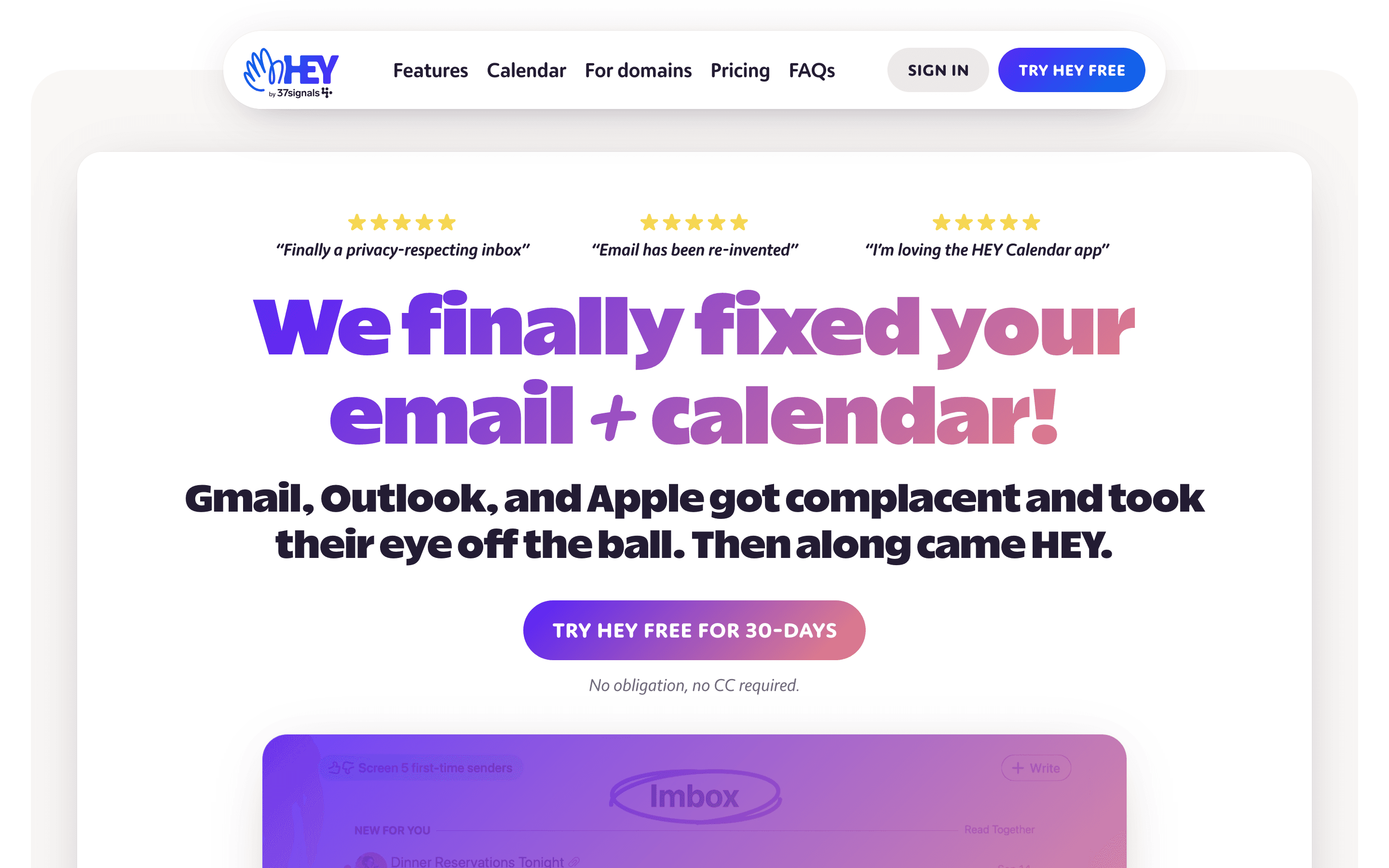
HEY solves a different Gmail complaint than the privacy-focused picks above: too much unwanted mail getting through in the first place. Every new sender lands in a Screener you approve or block before their mail reaches your inbox, and approved mail auto-sorts into Imbox, The Feed, and Paper Trail instead of one long list the way Gmail does. Pricing is flat and simple: $99 a year for an individual @hey.com address, or HEY for Domains at $12 per seat a month for a company domain with centralized admin. The tradeoff is real workflow change: no folders, no labels, and no IMAP or POP, so you can't check HEY from Apple Mail, Outlook, or any third-party client the way you can with Gmail. Pick HEY only if you're ready to fully adopt its opinionated triage model instead of replicating Gmail's filing habits.
Pros
- + The screener genuinely stops unwanted senders before they hit your inbox, not after
- + Imbox, Feed, and Paper Trail auto-sorting cuts down on manual filing
- + Calendar, blog (HEY World), and email all live in one account with one login
Cons
- – No free tier. You pay $99/year even for a single personal address once the trial ends
- – Short @hey.com addresses cost far more ($349/year for 3 characters, $999/year for 2 characters)
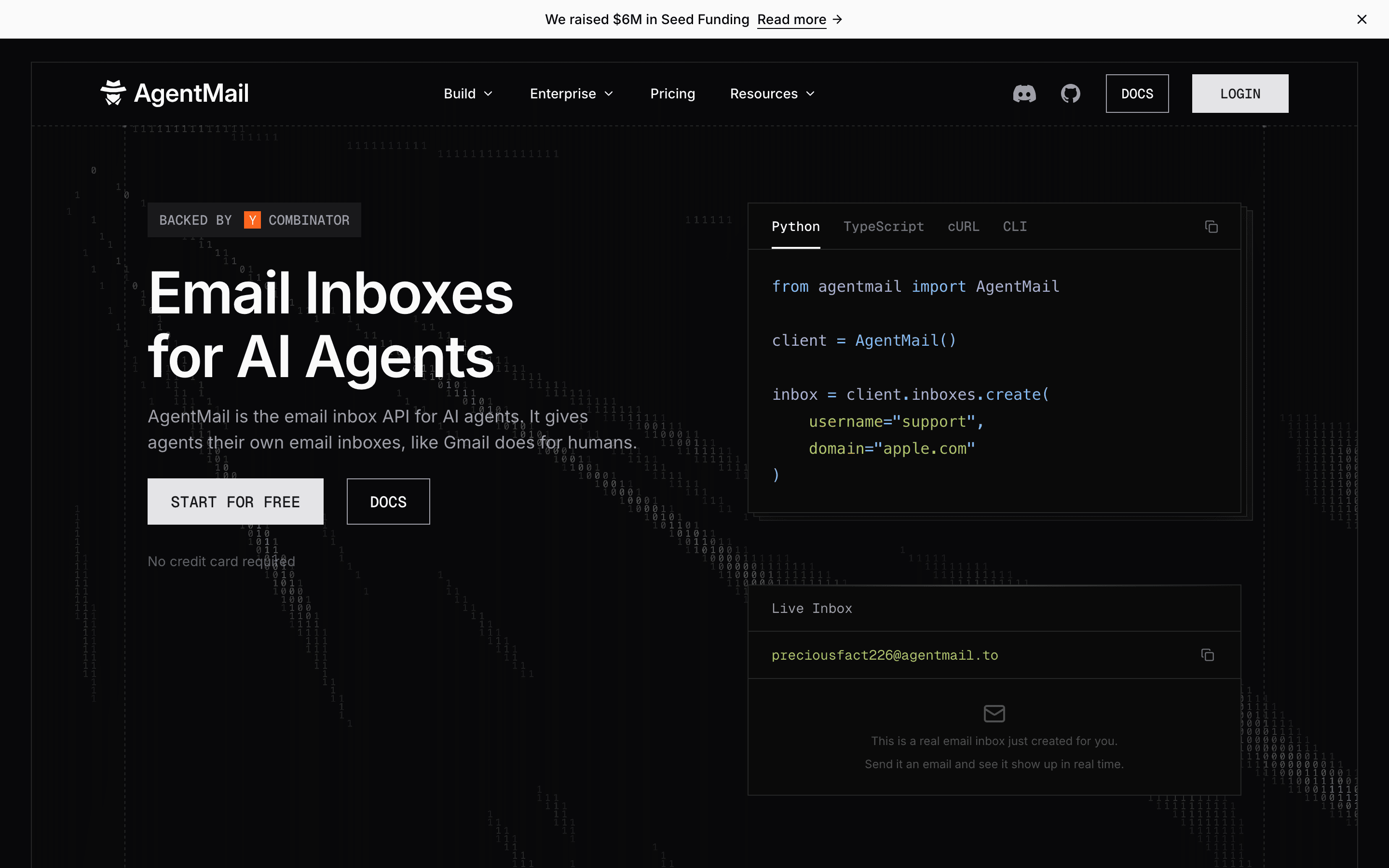
AgentMail answers a question the other tools on this list don't: what happens when the thing that needs an email address is an AI agent, not a person. It is not a Gmail replacement for humans, there is no webmail client at all. You create inboxes through an API, get webhooks when mail arrives, and let your agent send, read, and act on messages itself. That replaces the common workaround of running an agent through a Gmail account on OAuth scopes and app passwords that were never designed for autonomous software. The free plan covers 3 inboxes and 3,000 emails a month with no credit card, and paid plans are priced per inbox rather than per seat, starting at $20 a month. If a person will read the mail, pick any other tool on this page. If software will, this is the one built for it.
Pros
- + Free plan needs no credit card and covers 3 inboxes and 3,000 emails a month, enough to try it for real
- + Pricing is public and per-inbox, not per-seat, so cost does not climb just because you add teammates
- + No hidden fees on the API itself, and prices are flat month to month with no per-seat markup
Cons
- – Big gap between tiers: Developer tops out at 10 inboxes for $20 a month, then the next plan jumps straight to $200 a month for 150 inboxes, with nothing in between
- – No web or mobile app to read mail yourself, since it is built purely as an API for agents
Should your product be on this email providers list?
If you build a tool that belongs next to the ones above, submit it. A human reviews every submission. Approved products get their own page with pricing and screenshots, plus a place in the comparisons where they fit. It is free. You sign in with your work email so you can follow the decision, and there is no password to create.
Gmail alternatives: FAQ
What's the cheapest real alternative to Gmail for a small business?+
Zoho Mail. Its free plan covers up to 5 users on a custom domain, and its paid Workplace Standard tier, which adds a full office suite, costs $3 per user a month billed annually, less than half of Gmail's cheapest Business Starter seat.
What's the best privacy-focused alternative to Gmail?+
Proton Mail. It encrypts message bodies end to end, its free plan has no time limit, and its Easy Switch tool migrates mail, contacts, and calendar straight out of Gmail.
Is there a Gmail alternative that still bundles a full office suite?+
Yes, two: Outlook through Microsoft 365, which bundles Word, Excel, PowerPoint, and Teams, and Zoho Mail through its Workplace plans, which bundle WorkDrive, Writer, Sheet, and Cliq at a lower per-seat price.
Can I keep using a third-party mail app like Outlook or Apple Mail if I switch off Gmail?+
It depends on the provider and the plan. Zoho Mail's paid plans support IMAP, but its free plan is web-only with no IMAP, POP, or ActiveSync. Fastmail supports IMAP starting at its Standard tier; its cheapest business plan, Business Basic, doesn't include it. Tuta and HEY don't support IMAP at all, and Proton Mail's IMAP access is limited to its own Bridge app on paid plans.
Gmail alternatives: pricing compared
Entry price, billing model, and whether pricing is public. 8 of 8 publish pricing you can check without talking to sales.
| Tool | Starting price | Billing | Free option | Pricing disclosed |
|---|---|---|---|---|
| Gmail | $7/seat/mo | freemium (personal) / per-seat (Google Workspace for business) | Yes | Partly public |
| Microsoft Outlook | $5.4/seat/mo | tiered | Yes | Public |
| Zoho Mail | $1/seat/mo | per-seat | Yes | Partly public |
| Proton Mail | EUR 3.99/seat/mo | tiered | Yes | Public |
| Fastmail | $3/seat/mo | per-seat | Trial (30 days, no credit card required) | Public |
| Tuta | EUR 3/mo | tiered | Yes | Public |
| HEY | $99/yr | flat | Trial (30 days on HEY for You, no credit card required) | Public |
| AgentMail | $20/mo | tiered | Yes | Partly public |
How we made these picks. We compare tools on public pricing, features, and hands-on assessment, then verify every price against the vendor's own page. We never accept payment for rankings. Read the full methodology. Spotted an error? Report it.
More email providers comparisons
Further reading
- Email inbox for AI agents: how to set one up - Agents need a real inbox with an API and webhooks, not a login. AgentMail is built for that; Gmail, Fastmail, and Zoho only bolt on partial access.