Top Salesforce Alternatives in 2026
Here for Salesforce itself? See the full Salesforce profile, pricing & reviews →
Suggest a change- If you want marketing, sales, and service on one shared contact record instead of Salesforce's separate clouds and admin overhead, choose HubSpot. Its free CRM and Starter bundle unify contacts, deals, and support tickets under one record, and Breeze AI is built into workflows rather than needing a separate consulting-heavy setup.
- If you want Salesforce-level automation, forecasting, and an AI assistant without paying Enterprise-tier prices, choose Zoho CRM. Standard tier, at $14/seat/month, already includes multiple pipelines and workflow automation, and Zia AI arrives at Enterprise ($40/seat) instead of Salesforce's $175-550/seat range for similar depth.
- If you're a small sales team that wants a fast visual pipeline live in a day, with no configuration project, choose Pipedrive. Lite starts at $14/seat/month with an AI Sales Assistant included, and there's no admin or Apex code required to get reps working.
- If your team runs high-volume outbound calling and wants a dialer, SMS, and call logging built into the CRM record, choose Close. Calling, SMS, and email log straight to the lead automatically on every plan, though the power dialer and workflow automation need the $99/seat Growth tier, and the predictive dialer needs the $139/seat Scale tier, well above the $35/seat Essentials price.
- If you want Salesforce-style custom objects shaped around your own process, without hiring an admin or writing Apex, choose Attio. Its data model is user-defined on every tier, AI enrichment is built in rather than a separate suite, and the free plan covers 3 seats and 50,000 records before Plus at $29/seat/month.
- If your team lives in Gmail and Google Calendar and Salesforce feels like a second job to keep updated, choose Copper. It works inside Google Workspace and auto-fills records from email and calendar activity, though the revenue-rollup deal record needs Professional at $59/seat/month, not the $23 Basic tier.
- If you rely on Salesforce's AppExchange marketplace, custom Apex objects, or Agentforce agents built directly on live CRM data, choose stay on Salesforce. No alternative here matches that depth of customization or third-party ecosystem, and rebuilding it elsewhere usually costs more than staying and paying for an admin.
Salesforce is the default enterprise CRM, but the sticker price hides the real cost. Only Starter Suite ($25/seat/month) can be billed monthly. Pro Suite ($100/seat) and everything above it are annual-only with no published month-to-month rate, and most sales teams end up at Enterprise ($175/seat) or higher once they need the full Agentforce AI suite, which climbs to $350-550/seat. The free plan caps at 2 users, so it barely counts as a real option, and most Enterprise-tier rollouts need an in-house admin or implementation partner to set up custom objects, workflows, and Apex code on top of the license.
The six alternatives below fit different jobs, not one universal swap. HubSpot is the closest match if you want marketing, sales, and service unified on one shared contact record without Salesforce's admin overhead, though its standard $20/seat/month Starter rate (a limited-time new-customer promo drops it to $7/seat billed annually) still undercuts Salesforce's $25/seat Starter Suite. Zoho CRM covers similar ground to Salesforce's own automation and forecasting at roughly a third of the per-seat price. Pipedrive and Close both drop the platform ambitions and focus on a fast sales pipeline, one built around a visual kanban board, the other around outbound calling. Attio rebuilds the custom-object flexibility without the admin overhead, aimed at startups rather than enterprise compliance. And Copper is the pick when the honest problem is that Salesforce lives outside the Gmail inbox your team actually works in. Match the alternative to what you actually use Salesforce for, not its name recognition.
Salesforce alternatives compared
| Tool | Best for | Starting price | Free option | Last update |
|---|---|---|---|---|
| HubSpotBest overall alternative | Growing companies that want marketing, sales, and support data in one system instead of stitching together separate point tools | $7/seat/mo | Yes | June 2026 |
| Zoho CRMBest value | Small and mid-size sales teams that want automation, forecasting, and AI features without paying enterprise-tier prices | $14/seat/mo | Yes | June 2026 |
| Pipedrive | Small and mid-sized B2B sales teams that want a fast, visual pipeline without a heavy admin setup | $14/seat/mo | Trial (14 days, full access to the selected plan, no credit card required) | June 2026 |
| CloseBest for outbound sales teams | Small and midsize teams doing high-volume outbound calling and email who want calling, SMS, and email built into the CRM | $9/seat/mo | Trial (14 days, no credit card required) | May 2026 |
| AttioBest for a custom data model | Startups and small sales teams that want a CRM shaped around their own process instead of a rigid template | $29/seat/mo | Yes | June 2026 |
| CopperBest for Google Workspace teams | Small teams already living in Gmail and Google Calendar who want a CRM that feels native to that workflow | $23/seat/mo | Trial (14 days, no credit card required) | June 2026 |
Why teams switch from Salesforce
Real cost climbs fast past the entry tier
Only Starter Suite ($25/seat/month) can be billed monthly. Pro Suite ($100/seat) and every tier above it are annual-only with no published month-to-month rate, and the full Agentforce AI suite needs Unlimited ($350/seat) or Agentforce 1 Sales ($550/seat).
Configuration complexity requires an admin or implementation partner
Custom objects, Apex code, and complex automation mean most Enterprise-tier-and-up rollouts need a Salesforce admin or outside partner, adding cost beyond the license itself.
The free plan is too small for a real team
Free Suite caps at 2 user licenses, so it only works for solo users. Anything past that needs a paid edition starting at $25/seat/month.
AI features are gated behind the top tiers
Agentforce is included from Enterprise ($175/seat), but unmetered usage, predictive AI, and Sales Engagement need Unlimited ($350/seat) or the $550/seat Agentforce 1 Sales edition.
The best Salesforce alternatives, ranked
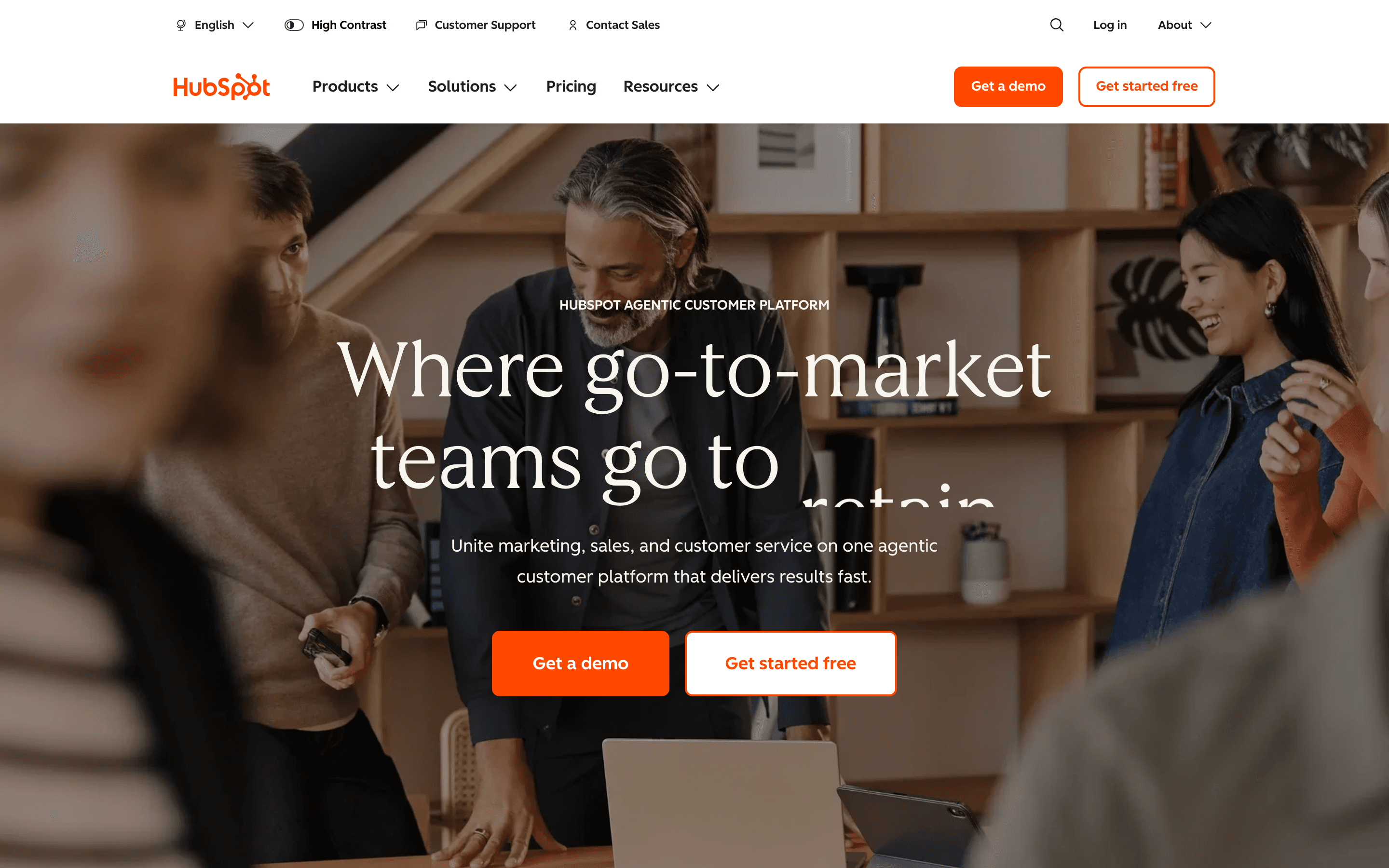
HubSpot is the most direct platform-for-platform swap for Salesforce. Both sell a shared record across sales, marketing, and service, but HubSpot's entry point is far cheaper: a free CRM for up to 2 users, then a Starter Customer Platform bundle at $20/seat/month standard (a limited-time new-customer promo drops it to $7/seat billed annually) against Salesforce's $25/seat Starter Suite. The gap widens fast, though. Sales Hub Professional runs $90-100/seat plus a $1,500 one-time onboarding fee, and Enterprise adds $3,500 more, similar in spirit to Salesforce's own annual-only Pro Suite and up. Breeze AI, including a Customer Agent and prospecting agent, is built into records rather than sold as a separate product the way Agentforce sometimes feels bolted onto lower Salesforce tiers. Pick HubSpot if you want one platform across departments without Salesforce's Apex-level configuration, and you're willing to pay onboarding fees once you outgrow Starter.
Pros
- + One contact record shared across marketing, sales, and service cuts down on duplicate data entry
- + The free CRM plan has no time limit and needs no credit card to start
- + A large ecosystem of native integrations and a marketplace of third-party apps
Cons
- – Marketing Hub pricing tracks marketing contact volume, so costs can rise as your list grows even without adding seats
- – Professional and Enterprise tiers on Sales and Marketing Hub carry separate one-time onboarding fees, from $1,500 to $7,000 depending on hub and tier
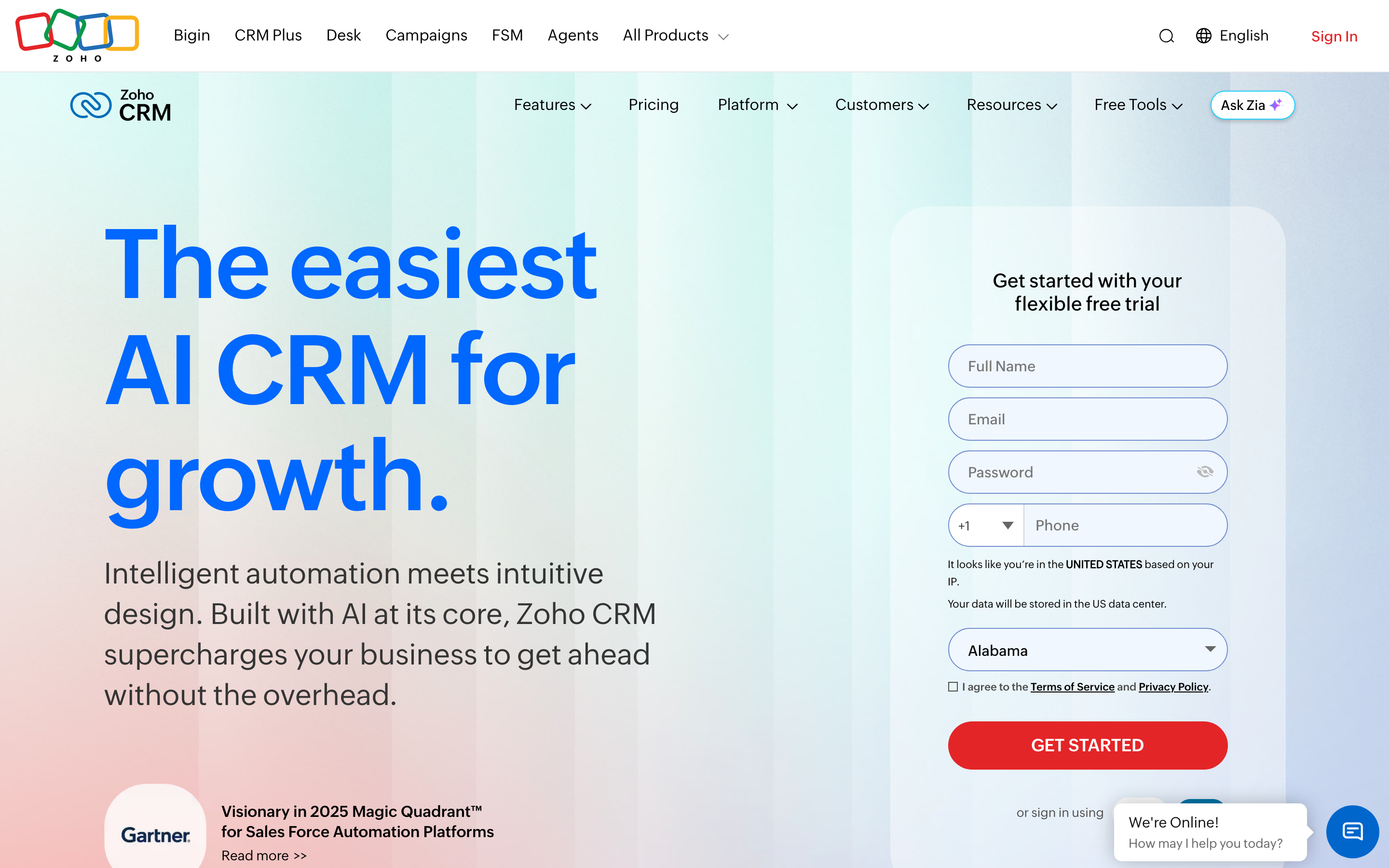
Zoho CRM is the value play for teams that want Salesforce's breadth of automation and forecasting without Salesforce's price. Its Standard tier, at $14/seat/month billed annually, already includes multiple sales pipelines and workflow rules, features Salesforce doesn't offer until Enterprise ($175/seat). Zia, its AI assistant, along with journey orchestration and territory management, ship at Enterprise ($40/seat), a fraction of what Salesforce charges for equivalent AI depth at Unlimited ($350) or Agentforce 1 Sales ($550). The free plan also covers 3 users versus Salesforce's 2. The tradeoff is polish: reviewers consistently describe Zoho's settings and admin screens as dense and dated, and its pricing page localizes to your region's currency, which can obscure the real USD cost. For teams that outgrew Salesforce's price more than its feature set, Zoho CRM is the strongest straight swap.
Pros
- + Automation (workflow rules, Blueprint process flows) and sales forecasting are available starting on the Standard tier, not gated to the top plan
- + Zia AI assistant, journey orchestration, and territory management are included from the Enterprise tier with no extra add-on fees
- + Free forever plan for up to 3 users covers basic pipeline and contact management
Cons
- – Interface and admin/settings screens are widely reported as dense and dated compared with HubSpot or Pipedrive
- – CPQ, inventory management, and custom portals require moving up to Professional or Enterprise, adding cost as teams grow
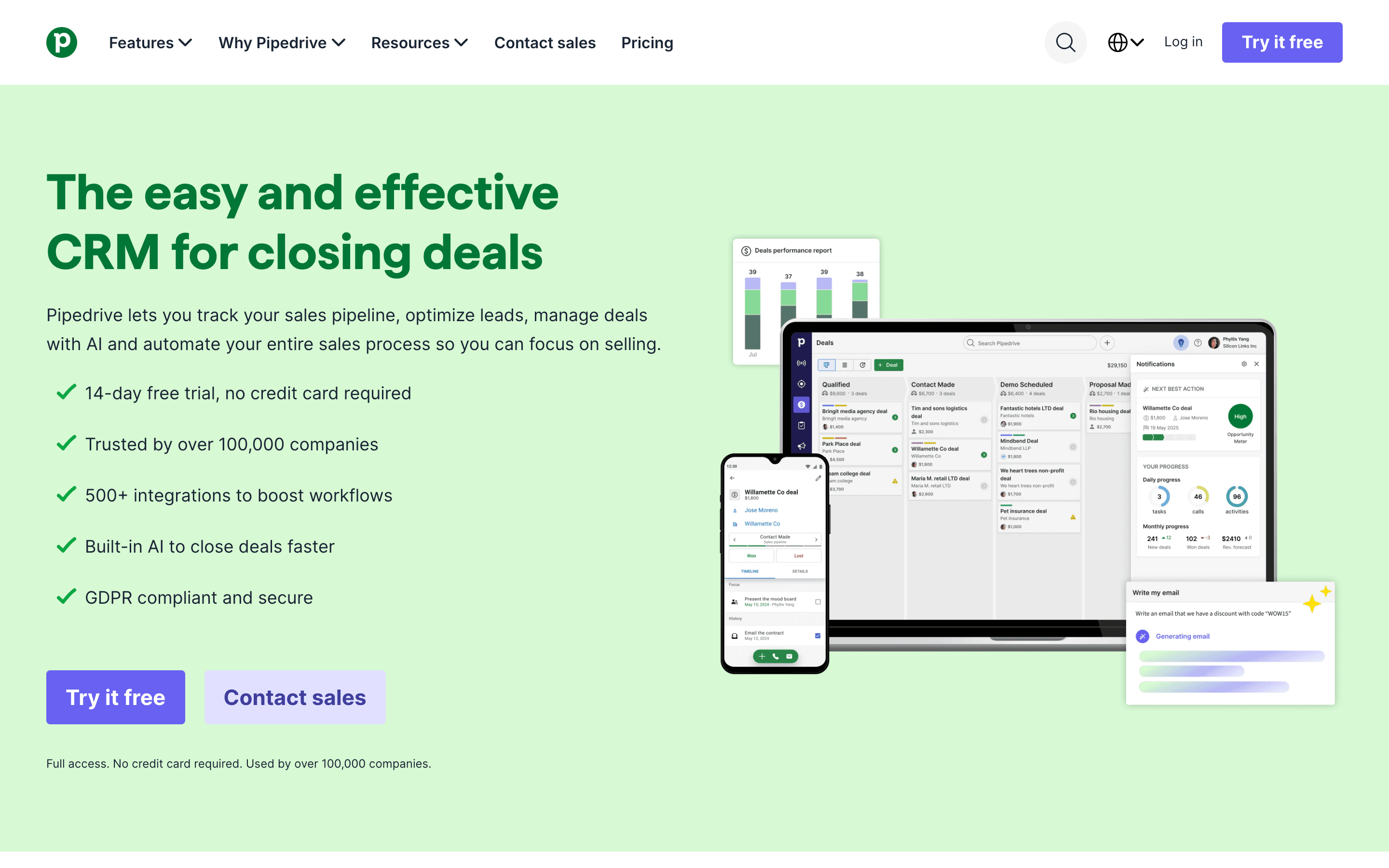
Pipedrive drops Salesforce's platform ambitions entirely and focuses on one job: a fast, visual sales pipeline reps can learn without training. Lite starts at $14/seat/month with an AI Sales Assistant included from day one, well below Salesforce's $25/seat Starter Suite, and there's no admin or custom-object setup required to get moving, a 14-day full-featured trial needs no credit card either. A native MCP server, added in June 2026, also connects CRM data to AI assistants like Claude or ChatGPT on any plan. What you lose is Salesforce's depth. There's no permanent free plan, LeadBooster and other lead-gen tools are separate paid add-ons on lower tiers, and even the top Ultimate plan caps custom fields, reports, and teams instead of offering true unlimited scale. Pipedrive fits teams that want deal-stage tracking done well, not a configurable enterprise data model.
Pros
- + The pipeline UI is fast to set up and easy for reps to learn with little training
- + AI Sales Assistant and AI-generated reports are included on the entry plans too, not held back for the top tier
- + 500+ marketplace integrations, plus a native MCP server added in June 2026 for connecting CRM data to ChatGPT and Claude
Cons
- – No permanent free plan, unlike some CRM competitors
- – Core revenue-generating features like LeadBooster's chatbot, live chat, and prospecting tools, plus Smart Docs and Campaigns, cost extra unless you're on Premium or Ultimate
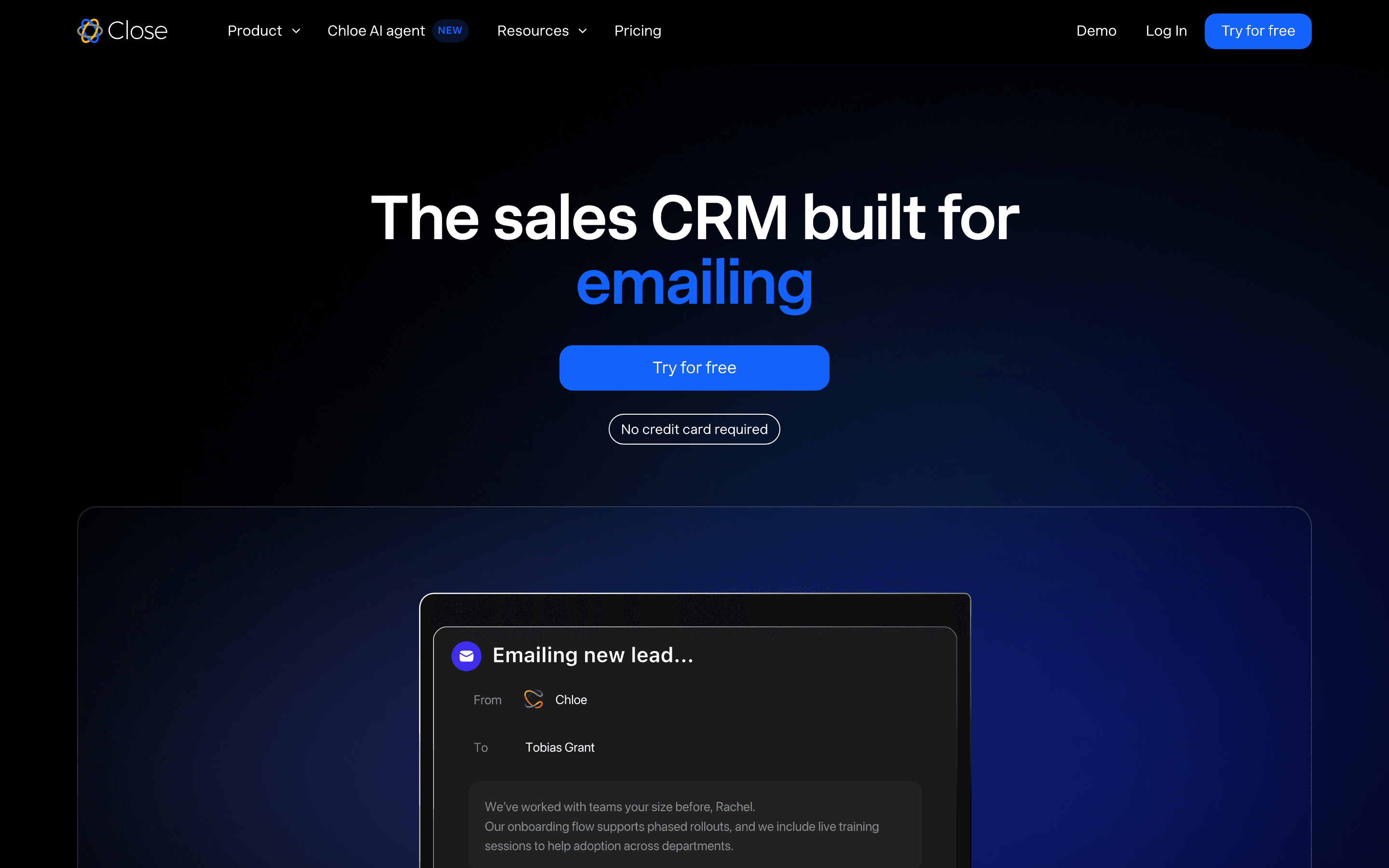
Close skips Salesforce's marketing and service ambitions and is built purely for outbound-heavy sales teams. Calling, SMS, and email log to the lead record automatically on every plan, and Chloe, its built-in AI voice agent, qualifies leads and updates records on its own using a monthly credit allowance included on every plan. Essentials starts at $35/seat/month with unlimited contacts, well under Salesforce's comparable Enterprise tier at $175/seat, but Essentials doesn't include the dialer or automation that make Close worth choosing for outbound teams: the power dialer and workflow automation are Growth-tier features at $99/seat, and the predictive dialer is Scale-only at $139/seat. Budget for one of those tiers, not the $35/seat headline price, if the dialer is the reason you're picking Close. The catch is that Close doesn't try to replace Salesforce's breadth either. There's no free-forever plan, the 1-user Solo tier means real teams jump straight to $35/seat, and calling minutes and phone numbers bill separately on top of the seat price. Close is a strong fit only if your Salesforce usage was really opportunity tracking plus a lot of phone and email outreach, and you budget for the $99-139/seat tiers that actually deliver the dialer.
Pros
- + Calling, SMS, and email are built into the product, not bolted on, so call and message activity logs straight to the lead record
- + The power dialer speeds up high-volume outbound calling, and the predictive dialer on the Scale plan speeds it up further
- + Workflow automation, multi-step email, call, and SMS sequences with branching, comes starting on the Growth plan instead of a separate add-on product
Cons
- – There's no free-forever tier, only a 14-day trial, so teams can't run it long-term at zero cost the way they can with HubSpot's free CRM
- – The Solo plan caps out at 1 user and 10,000 leads, so almost any real team has to jump straight to the $35-a-seat Essentials tier
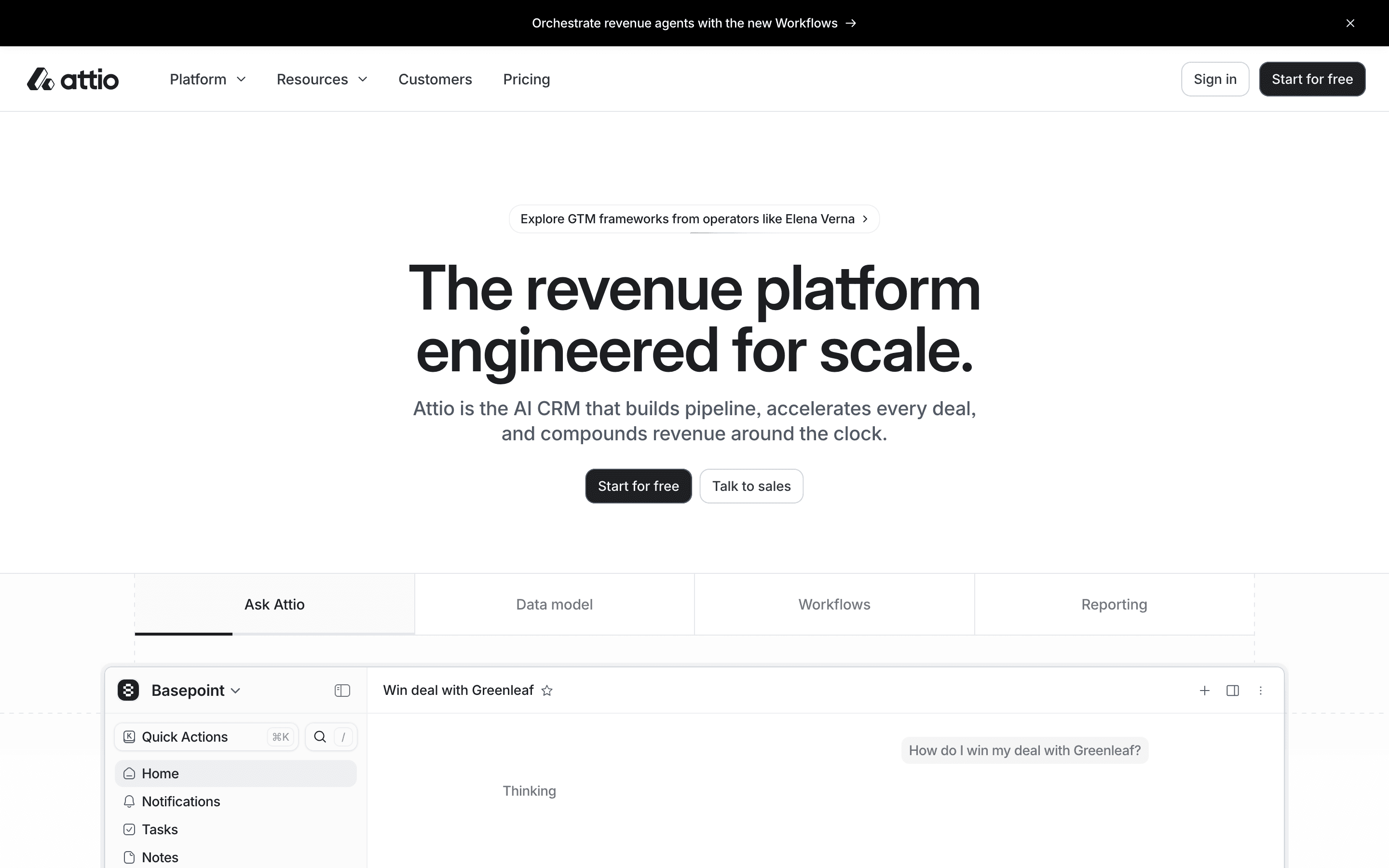
Attio answers the Salesforce customization question from the opposite direction: instead of custom objects built by an admin writing Apex, the whole data model is user-defined from the start. You shape your own objects and relations in the interface, and AI enrichment and 'Ask Attio' record creation are built into the product rather than sold as a separate suite the way Agentforce is. The pricing gap is real too: a free-forever plan covers 3 seats and 50,000 records, Plus is $29/seat/month billed annually ($36 monthly), and Pro at $69/seat ($86 monthly) adds call intelligence, sequences, and advanced permissions, all under Salesforce's $175/seat Enterprise tier. Two catches. First, Attio meters AI and enrichment through a credit system, so heavy use can push the real monthly bill above the per-seat sticker. Second, it's built for startups and small teams, not for Salesforce's compliance-heavy enterprise deployments: Enterprise pricing is quote-only, and the 14-day trial only covers the Pro plan. Pick Attio if what you liked about Salesforce was bending the CRM to your process, and what you disliked was needing an admin to do it.
Pros
- + Custom objects and a flexible data model instead of a fixed contact/company/deal structure
- + Connects to your inbox and calendar with built-in enrichment to keep records current
- + Free plan covers up to 3 seats with 50,000 records, enough to actually run a small team on
Cons
- – Call intelligence, sequences, and advanced permissions are locked behind the Pro tier, a 138% jump in per-seat price over Plus ($69 vs $29/seat/month billed annually)
- – The credit system means actual monthly cost can exceed the per-seat sticker price once AI and enrichment features are used heavily
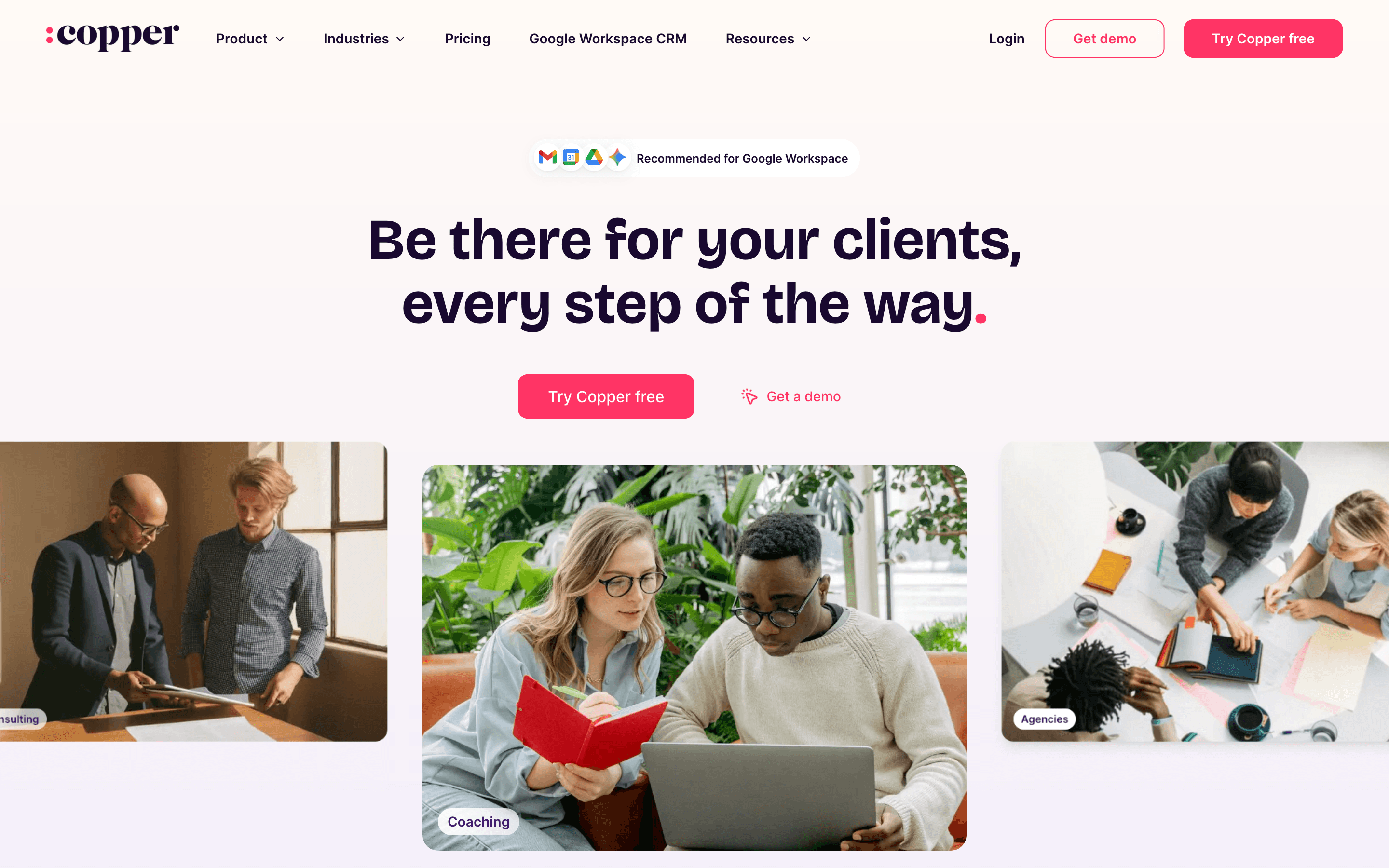
Copper makes sense when the real complaint about Salesforce is that it's a separate, heavyweight app your team has to remember to update. Copper lives inside Gmail and Google Workspace, pulls contacts, threads, and calendar activity straight from the inbox, and auto-fills records, so reps stop doing data entry in a second system. Pricing is published and simple: Basic at $23/seat/month billed annually ($29 monthly) with up to 2,500 contacts, Professional at $59/seat ($69 monthly), Business at $99/seat ($134 monthly). The catch sits in the tier design: Basic includes pipelines but not Sales Opportunities, the deal record with a revenue rollup, so most sales teams effectively start at Professional. There's no free-forever plan, only a 14-day trial, native reporting has real gaps (Copper's own answer is its Looker Studio and Google Sheets connectors), and multiple reviews describe a rigid cancellation and auto-renewal process. Copper is a workflow swap, not a platform swap: right if your team runs on Google and Salesforce was overkill, wrong if you need forecasting depth or anything outside the Google ecosystem.
Pros
- + Auto-logs email and calendar activity so reps spend less time on data entry
- + Clean, simple interface that's fast to learn for non-technical sales teams
- + Pricing is published up front, no sales call required to see what it costs
Cons
- – Basic plan includes basic pipelines but not Sales Opportunities, the deal record with a revenue rollup, so most teams end up needing Professional
- – Native reporting has real gaps (reviewers note not every field can be included in a report); Copper ships official Looker Studio and Google Sheets export connectors as the standard workaround for deeper analysis
Should your product be on this crm & marketing list?
If you build a tool that belongs next to the ones above, submit it. A human reviews every submission. Approved products get their own page with pricing and screenshots, plus a place in the comparisons where they fit. It is free. You sign in with your work email so you can follow the decision, and there is no password to create.
Salesforce alternatives: FAQ
What's the cheapest real alternative to Salesforce?+
Zoho CRM's free plan covers 3 users with basic workflow automation, past Salesforce's 2-user free cap. Once you outgrow it, Standard tier is $14/seat/month and already includes multiple pipelines and automation Salesforce doesn't offer until Enterprise ($175/seat).
Which Salesforce alternative is closest to a full platform replacement?+
HubSpot is the closest match. It unifies marketing, sales, and service on one shared contact record the way Salesforce's cloud suite does, at a much lower entry price, though it carries its own onboarding fees once you reach Professional and Enterprise tiers.
I just need a simple pipeline without Salesforce's setup overhead. What should I use?+
Pipedrive or Close both work without an admin or custom-object configuration. Pipedrive suits general visual pipeline management with an AI assistant included from its entry tier. Close is the better fit if your team does high-volume outbound calling, since dialing and SMS are native to the product.
Is there an alternative with Salesforce's level of customization?+
Not at Salesforce's depth. Custom objects, Apex code, and the AppExchange marketplace go further than anything on this list. Attio gets closest in spirit for small teams: its data model is fully user-defined on every tier, including the free 3-seat plan, but it has no equivalent of the AppExchange ecosystem. Teams that genuinely need Salesforce's full depth are usually better off staying and budgeting for an admin than trying to rebuild it elsewhere.
How hard is switching off Salesforce?+
Plan for three costs beyond the license: exporting your data (reports and the data loader get contacts, accounts, and opportunities out, but custom objects and Apex automations don't translate), rebuilding integrations and workflows in the new tool, and retraining the team. Teams that only used core pipeline features usually migrate in weeks; orgs with years of custom configuration should budget a real project. We walk through a concrete example in our Salesforce-to-HubSpot switch guide.
Salesforce alternatives: pricing compared
Entry price, billing model, and whether pricing is public. 7 of 7 publish pricing you can check without talking to sales.
| Tool | Starting price | Billing | Free option | Pricing disclosed |
|---|---|---|---|---|
| Salesforce | $25/seat/mo | per-seat | Yes | Public |
| HubSpot | $7/seat/mo | tiered | Yes | Public |
| Zoho CRM | $14/seat/mo | per-seat | Yes | Public |
| Pipedrive | $14/seat/mo | per-seat | Trial (14 days, full access to the selected plan, no credit card required) | Public |
| Close | $9/seat/mo | per-seat | Trial (14 days, no credit card required) | Public |
| Attio | $29/seat/mo | per-seat | Yes | Partly public |
| Copper | $23/seat/mo | per-seat | Trial (14 days, no credit card required) | Public |
How we made these picks. We compare tools on public pricing, features, and hands-on assessment, then verify every price against the vendor's own page. We never accept payment for rankings. Read the full methodology. Spotted an error? Report it.
More crm & marketing comparisons
Further reading
- How to switch from Salesforce to HubSpot - HubSpot's Starter Customer Platform starts near $20/seat versus Salesforce's $25-550/seat range. Here's what data ports over and what you rebuild.
- CRM Pricing Compared: 9 Tools, Real List Prices - Entry list prices for HubSpot, Pipedrive, Salesforce, Attio, Close and more, checked against vendor pricing pages in July 2026, plus what the cheap tier hides.
- CRM software cost for a 10-seat sales team in 2026 - CRM software cost starts at $9-25 per seat, but a working 10-seat team pays $140-1,750 a month once real tiers, onboarding fees, and add-ons are added.