Jira Service Management Review
Cloud ITSM tool for incidents, changes, and requests, built on Jira's ticketing core
Is this your product? Claim this page · Request a change
Looking for a Jira Service Management alternative? See our ranked comparison.→What is Jira Service Management?
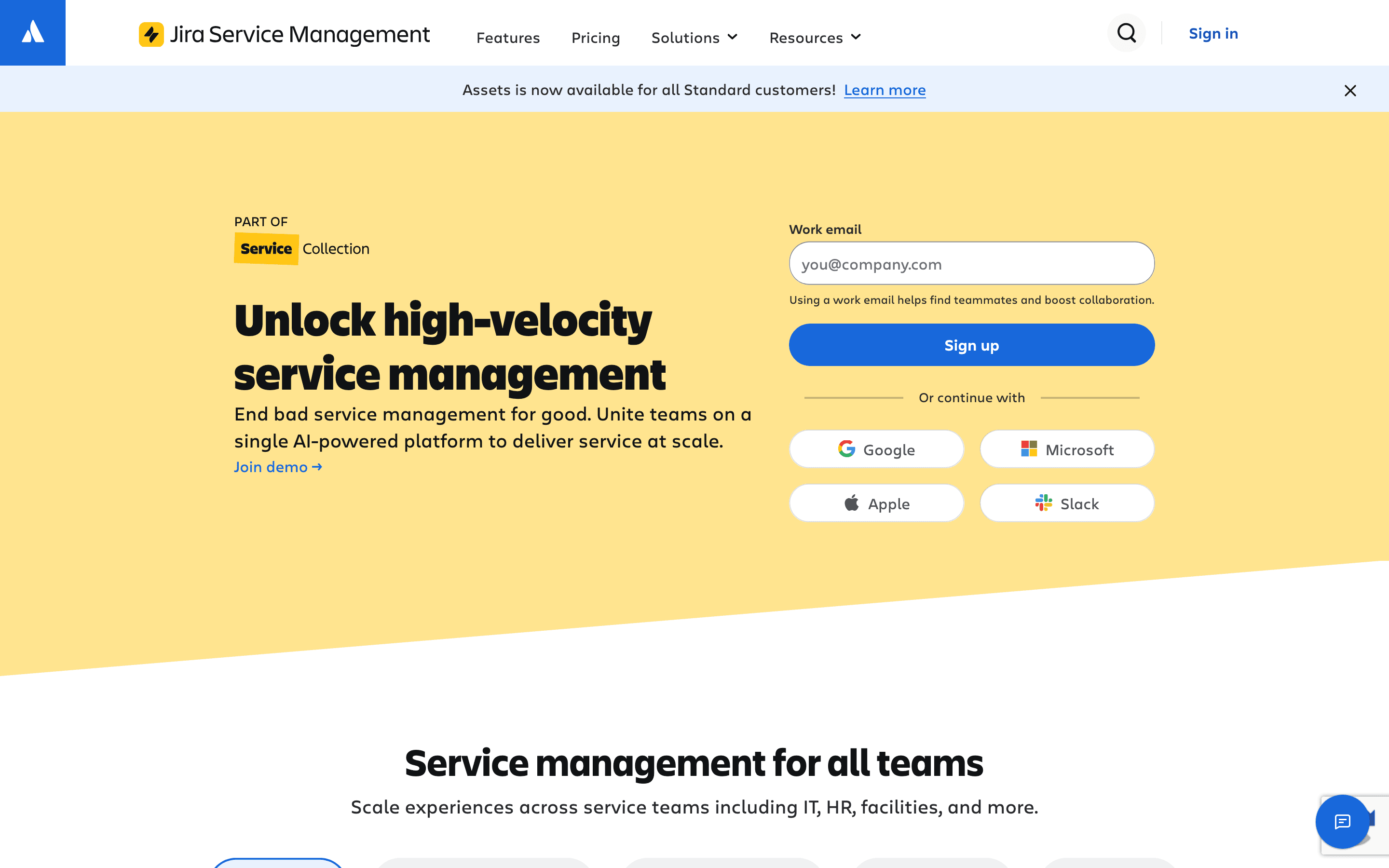
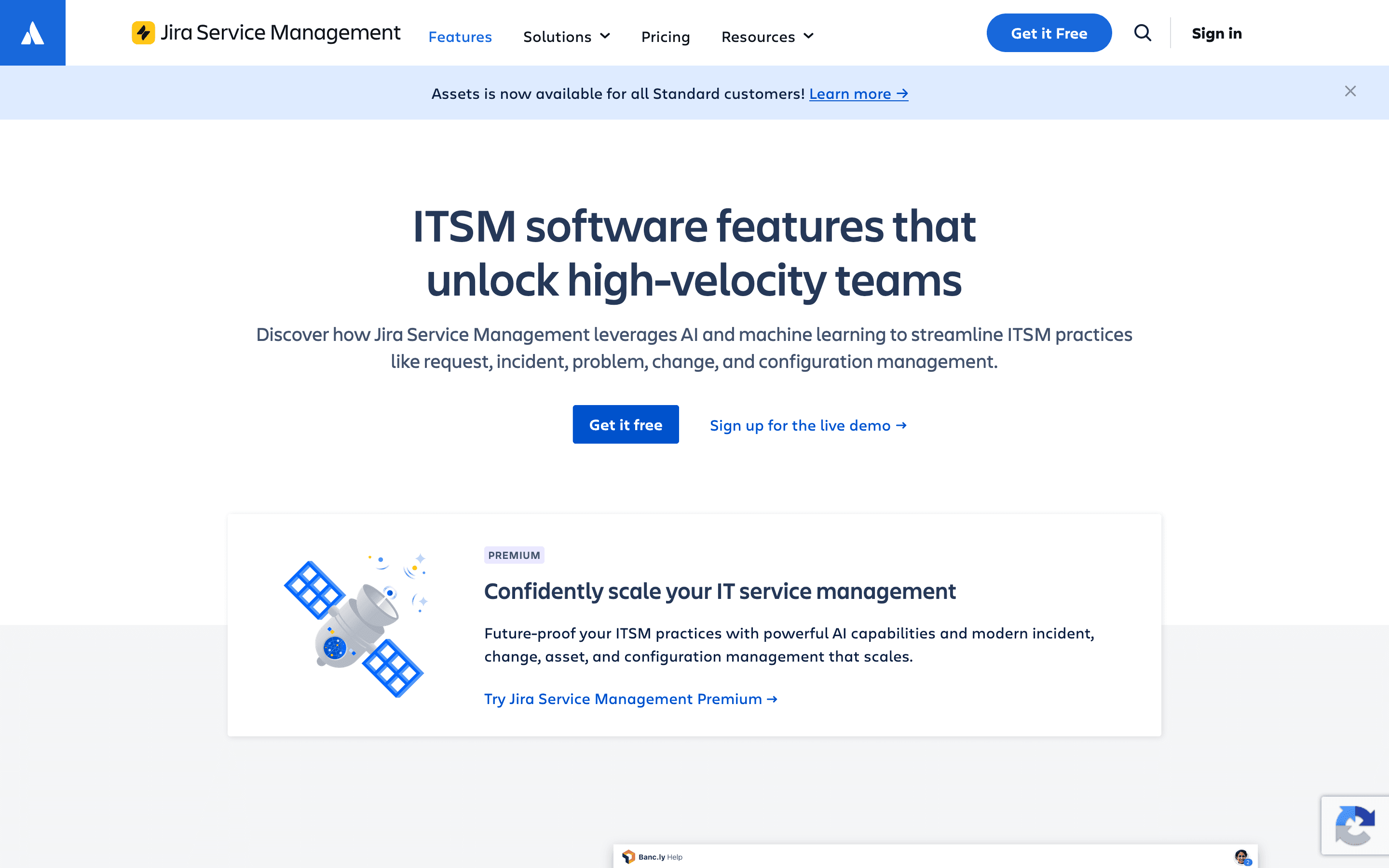
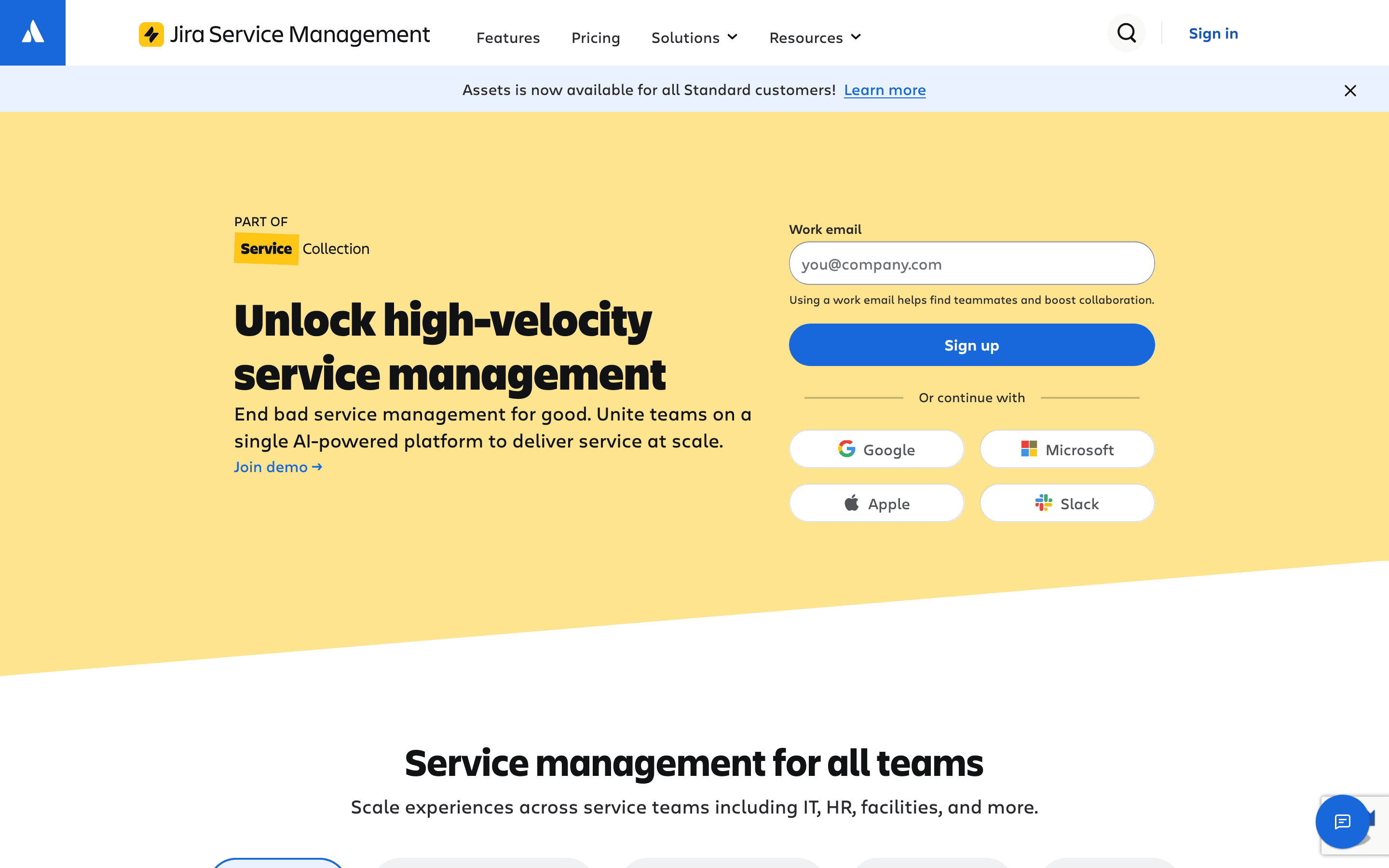
Jira Service Management is Atlassian's cloud ITSM product, built on the same ticketing engine as Jira Software. It handles incidents, service requests, changes, problems, and a CMDB (Assets), and it's the tool Atlassian now points Opsgenie customers to as that product winds down.
Because it shares a backend with Jira, it fits teams that already run engineering work in Jira and want IT support tickets, dev tickets, and change requests visible in the same place. Setup leans on Jira's workflow and automation engine, which is flexible but takes real configuration work rather than being ready out of the box.
Jira Service Management screenshots
Who it's for
- ✓ IT teams already running engineering or product work in Jira who want service desk tickets in the same system
- ✓ Orgs migrating off Opsgenie that need on-call alerting folded into their existing Atlassian stack
- ✓ Teams that want a genuinely free tier for a small agent count before committing to a paid plan
Who should look elsewhere
- ✗ Teams that want a service desk running well on day one without configuring Jira workflows first
- ✗ Orgs that need asset tracking or virtual agent conversations at real volume, since both are metered add-ons above the plan allowance
Pros
- + Free plan is genuinely free forever for up to 3 agents, not just a trial
- + Customers who submit requests never need a paid seat, only agents working tickets do
- + Deep integration with Jira Software and Confluence if your engineering org is already on Atlassian
- + Premium includes a 99.9% uptime SLA and 24/7 support
Cons
- – Assets (CMDB) and Virtual Agent conversations are metered separately once you exceed the monthly allowance, so real cost can run above the per-seat price
- – Jira's workflow engine is powerful but requires real setup time before the service desk feels usable
- – Standard plan's support is regional business hours only, so 24/7 coverage means jumping straight to Premium
- – Enterprise pricing is quote-only and requires an annual commitment
Jira Service Management pricing
What you pay for
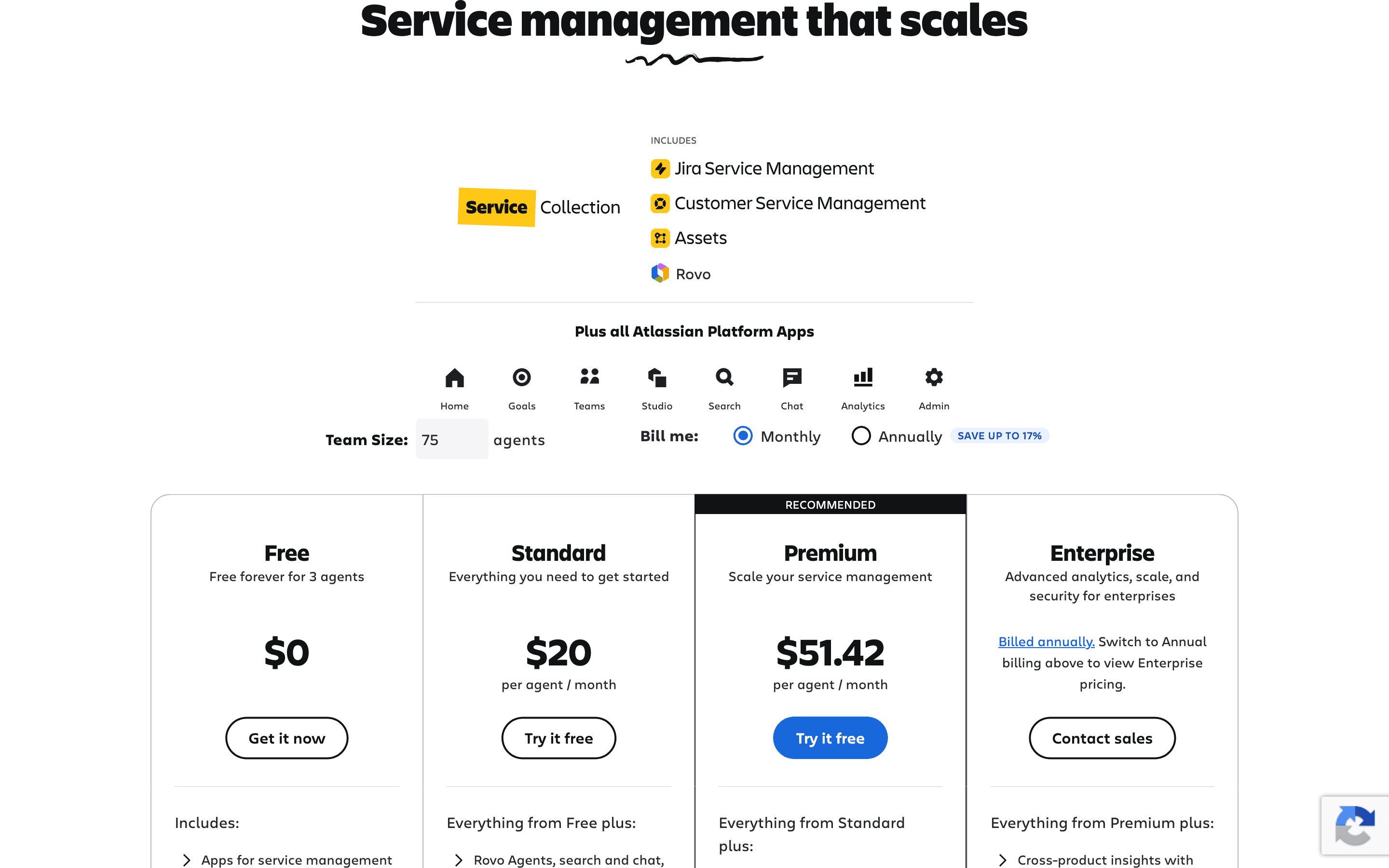
Jira Service Management charges per agent per month. Only people who work tickets need a paid seat, employees who just submit requests are free. There's a real free-forever plan for up to 3 agents, then Standard and Premium are priced and published, and Enterprise is quote-only. Atlassian now sells this under its bundled "Service Collection" pricing page rather than a standalone JSM price list, though the product itself is still called Jira Service Management.
At about $20/month to start, it sits mid-pack on price in ITSM & Internal Help Desk.
| Plan | Price | Highlights |
|---|---|---|
| Free | Free | Up to 3 agents · 2GB storage · Community support only |
| Standard | $20/seat/mo | Up to 100,000 agents, unlimited customers · 5,000 Assets objects a month included · Regional business-hours support |
| Premium | $51.42/seat/mo | 50,000 Assets objects a month included · 1,000 Virtual Agent conversations a month included · 24/7 support and incident management · 99.9% uptime SLA |
| Enterprise | Custom | 500,000 Assets objects a month included · Annual billing only · SSO, SCIM, and advanced admin controls |
$20/agent/month (Standard) and $51.42/agent/month (Premium) are the monthly-billed list prices shown by default on Atlassian's pricing calculator. Switching the calculator to annual billing shows up to 17% savings, but Atlassian doesn't publish a single flat annual per-agent number on the page itself, it depends on agent count. Assets objects and Virtual Agent conversations beyond the included monthly allowance are billed as separate usage add-ons ($0.02/object/month, $0.30/conversation/month), so heavy asset tracking or chatbot use costs more than the sticker seat price implies. Enterprise requires an annual contract and a sales conversation.
Pricing verified July 7, 2026 · source
How Jira Service Management's pricing compares
Jira Service Management next to its closest alternatives on entry price, billing, and whether pricing is public.
| Tool | Starting price | Billing | Free option | Pricing disclosed |
|---|---|---|---|---|
| Jira Service Management | $20/seat/mo | per-seat | Yes | Partly public |
| Freshservice | $19/seat/mo | per-seat | Trial (14 days, full feature access) | Partly public |
| ServiceNow | Custom / quote | quote-only | No | Not disclosed |
| SysAid | $89/seat/mo | per-seat | Trial (Free trial with full feature access, no credit card required) | Partly public |
| Zendesk | $19/seat/mo | per-seat | Trial (14 days (defaults to Suite Professional plan with Copilot access)) | Partly public |
Is Jira Service Management still actively developed?
Last significant update: July 2026. Added support for anonymous, unlicensed, and customer user access on the jira:uiModifications Forge module, so apps can declare which user types their UI Modifications support in the manifest.
Top Jira Service Management alternatives
Jira Service Management FAQ
Is Jira Service Management free?+
Yes, for up to 3 agents, with 2GB storage and community support only. Paid plans start at $20 per agent a month on Standard, billed monthly (annual billing brings the rate down, though Atlassian doesn't publish one flat annual number).
Do I have to pay for employees who just submit tickets?+
No. Only agents who work tickets need a license. Anyone submitting requests through the portal or by email counts as a customer and is free, with no cap on how many you can have.
What happens to Assets and Virtual Agent usage above the plan limit?+
Standard includes 5,000 Assets objects and Premium includes 50,000 a month, plus 1,000 Virtual Agent conversations on paid plans. Go over that and you're billed $0.02 per object and $0.30 per conversation on top of your seat price.
Why is Atlassian pushing Opsgenie customers to Jira Service Management?+
Atlassian stopped selling new Opsgenie subscriptions on June 4, 2025, and will shut the product off entirely on April 5, 2027. Opsgenie's alerting and on-call features now live inside Jira Service Management, and Atlassian's own migration tooling moves existing customers there.