Top Zoho CRM Alternatives in 2026
Here for Zoho CRM itself? See the full Zoho CRM profile, pricing & reviews →
Suggest a change- If you've outgrown Zoho's interface and want sales, marketing, and service unified on one contact record, choose HubSpot. One shared contact record across Hubs replaces Zoho's separate apps, and the Starter bundle is temporarily cheaper than Zoho's Standard tier under a new-customer promo ($7-10 a seat vs. Zoho's $14), then pricier at $20 a seat once that promo expires.
- If you like Zoho's low entry price but want a faster, cleaner pipeline to onboard reps, choose Pipedrive. Lite costs the same $14 a seat a month as Zoho Standard, and its visual kanban board takes reps a day to learn instead of weeks in Zoho's settings menus.
- If you need deep customization, custom objects, or an admin-managed process that Zoho's Blueprint can't handle, choose Salesforce. Apex-level configuration and the AppExchange marketplace go further than Zoho's customization ceiling, though you'll likely need an admin to run it.
- If your real complaint about Zoho is thin marketing automation, not a thin CRM, choose ActiveCampaign. The visual, branching automation builder goes deeper than Zoho's workflow rules and Blueprint flows, though the CRM here stays secondary and pricing tracks total stored contacts rather than seats.
- If your team runs high-volume outbound calling and wants a dialer built into the CRM, not a third-party add-on, choose Close. Calling, SMS, and email are built into every record from the entry tier, and the Growth plan ($99 a seat) adds the power dialer and workflow automation Zoho only supports through outside telephony integrations.
- If you're already deep in the Zoho One suite (Books, Desk, Campaigns) and rely on native integration across them, choose stay on Zoho CRM. None of these alternatives natively replicate Zoho One's cross-app integration, and switching usually means re-connecting several separate tools.
Zoho CRM's biggest draw is price. Standard tier runs $14 a seat a month and already includes workflow automation and forecasting, features many competitors save for higher tiers, with a free plan for up to 3 users. Teams still leave, mostly over the interface. Reviewers consistently call the settings and admin screens dense and dated next to newer CRMs, CPQ and customer portals only unlock at Professional or Enterprise, and the pricing page localizes by visitor region and adds local taxes, so the real USD cost is easy to misread.
The six alternatives below solve different problems, not one universal upgrade. HubSpot matches Zoho's broad-platform ambition with a cleaner interface and a genuine free CRM, though its paid tiers cost more once you scale past Starter. Pipedrive costs about the same as Zoho's Standard tier but trades Zoho's density for a fast, visual pipeline. Salesforce is the enterprise option for teams that need deep customization and will eventually outgrow anything simpler. ActiveCampaign replaces Zoho's automation and reporting with a branching marketing engine, and treats the CRM as a secondary feature. Brevo undercuts everyone on entry price with a genuinely free CRM bundled into a marketing platform. Close is built specifically for outbound, calling-heavy sales teams and skips marketing tools entirely. Match the pick to the reason you're actually leaving, not the name recognition.
Zoho CRM alternatives compared
| Tool | Best for | Starting price | Free option | Last update |
|---|---|---|---|---|
| HubSpot | Growing companies that want marketing, sales, and support data in one system instead of stitching together separate point tools | $7/seat/mo | Yes | June 2026 |
| PipedriveBest value | Small and mid-sized B2B sales teams that want a fast, visual pipeline without a heavy admin setup | $14/seat/mo | Trial (14 days, full access to the selected plan, no credit card required) | June 2026 |
| SalesforceBest for enterprise | Mid-market and enterprise sales teams that need deep customization, complex approval workflows, or industry-specific data models | $25/seat/mo | Yes | June 2026 |
| ActiveCampaign | Small and mid-size businesses that want email marketing and marketing automation in one tool without stitching together separate apps | $15/seat/mo | Trial (14 days, no credit card required) | March 2026 |
| BrevoBest free option | Small businesses and solo marketers who want email, SMS, and basic CRM without paying per contact | $9/mo | Yes | May 2026 |
| CloseBest for outbound sales teams | Small and midsize teams doing high-volume outbound calling and email who want calling, SMS, and email built into the CRM | $9/seat/mo | Trial (14 days, no credit card required) | May 2026 |
Why teams switch from Zoho CRM
Real cost climbs once you need CPQ, inventory, or customer portals
Those features aren't included until Professional or Enterprise, pushing per-seat cost from $14 on Standard to $23 or $40 a month.
The interface and settings area feel dense and dated
Reviewers consistently describe Zoho CRM's admin and settings screens as cluttered next to newer CRMs like HubSpot or Pipedrive.
The pricing page localizes currency and adds local taxes
Zoho's site shows local currency by visitor region, for example INR instead of USD, plus VAT or GST on top, making the real USD cost easy to misread.
Support quality is inconsistent on lower tiers without a paid add-on
Response times and support quality are often reported as inconsistent unless you pay extra for a support plan.
The best Zoho CRM alternatives, ranked
HubSpot
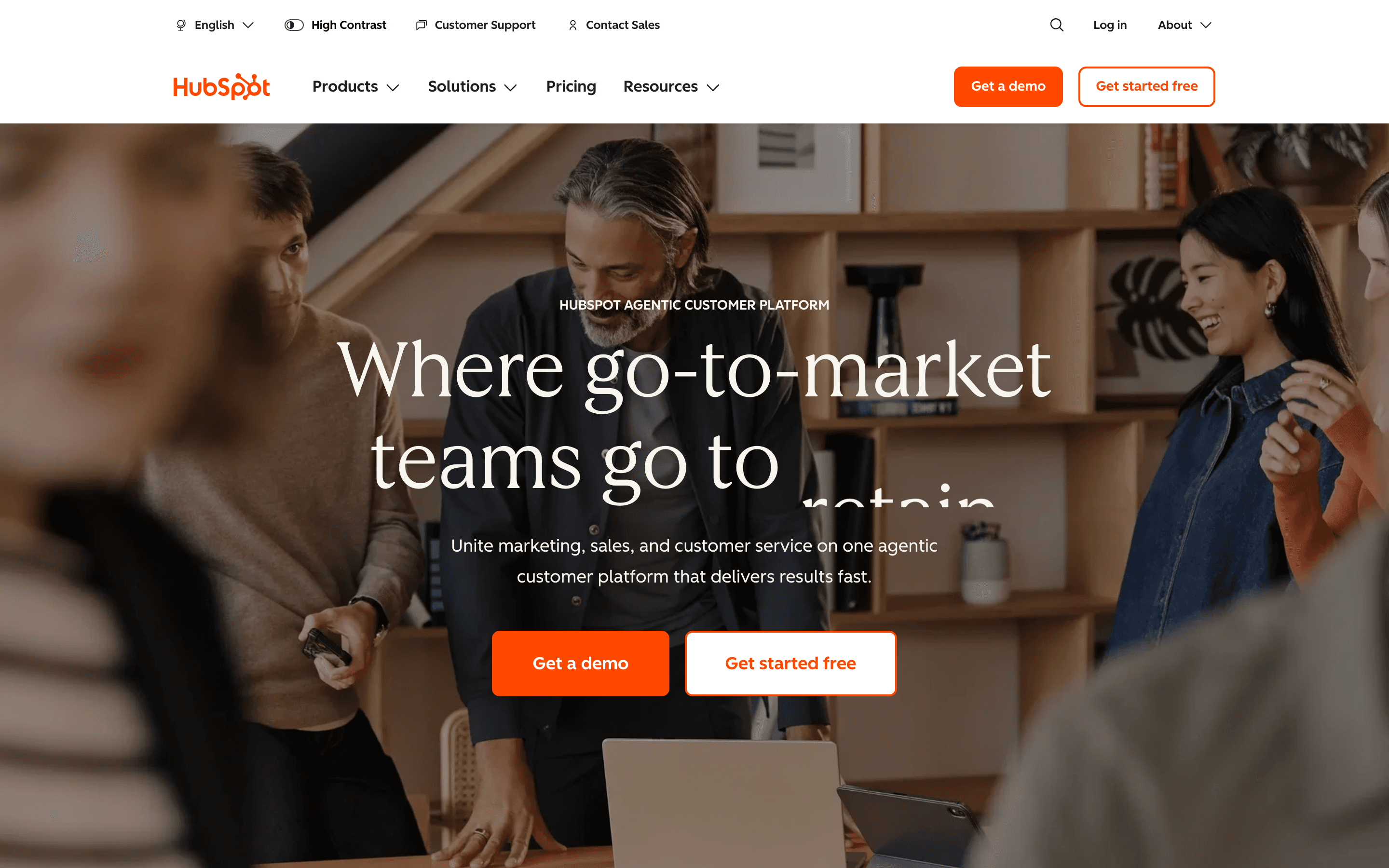
HubSpot is the closest match to Zoho CRM's broad-platform ambition, but with a more polished interface. Its free CRM covers 2 users with contact and deal management, tasks, and basic email tracking, a bit tighter than Zoho's free 3-user cap. The Starter Customer Platform bundle starts around $7-20 a seat a month depending on the current promo, roughly comparable to Zoho's $14 Standard tier, and folds Sales, Marketing, and Service basics under one shared contact record instead of Zoho's separate apps.
The gap opens at Professional. Sales Hub Professional jumps to $90-100 a seat a month plus a $1,500 onboarding fee, well above Zoho's $23 Professional tier, and Marketing Hub pricing climbs with contact list size on top of that. HubSpot fits teams that outgrew Zoho's interface more than its price, and want marketing, sales, and service unified on one record.
Pros
- + One contact record shared across marketing, sales, and service cuts down on duplicate data entry
- + The free CRM plan has no time limit and needs no credit card to start
- + A large ecosystem of native integrations and a marketplace of third-party apps
Cons
- – Marketing Hub pricing tracks marketing contact volume, so costs can rise as your list grows even without adding seats
- – Professional and Enterprise tiers on Sales and Marketing Hub carry separate one-time onboarding fees, from $1,500 to $7,000 depending on hub and tier
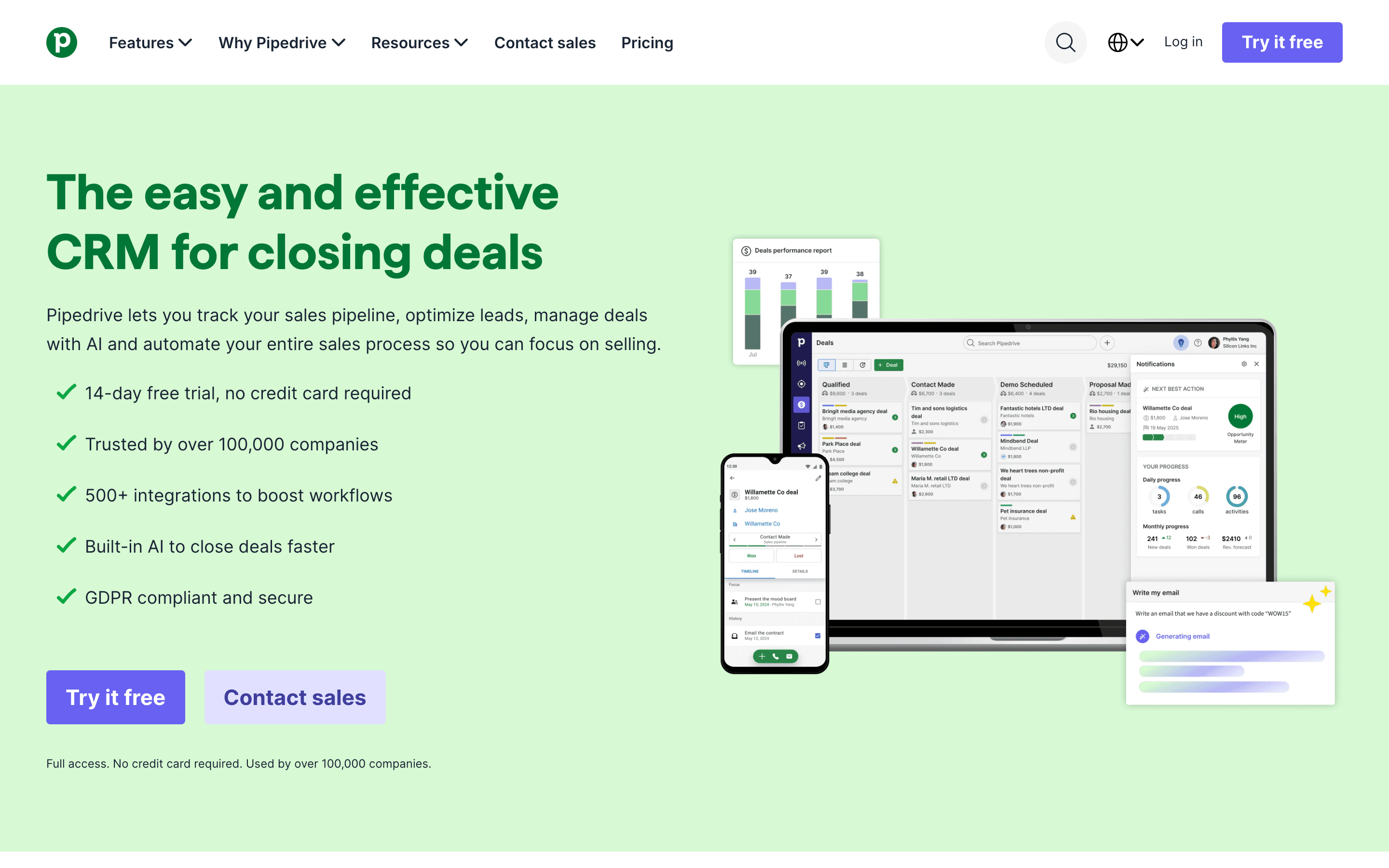
Pipedrive is priced almost identically to Zoho CRM's Standard tier. Lite starts at $14 a seat a month versus Zoho's $14, but it spends that budget differently. Instead of workflow rules and forecasting bundled into a dense settings area, Pipedrive centers on a visual, drag-and-drop pipeline that reps can learn in a day, with an AI Sales Assistant included from the entry tier and a native MCP server added in June 2026 for connecting deals to AI assistants like Claude or ChatGPT.
The tradeoff is breadth. Pipedrive has no free-forever plan, unlike Zoho's 3-user free tier, and features like LeadBooster lead generation, e-signatures, and two-way email sync are reserved for Growth and Premium rather than included flat the way Zoho bundles automation into Standard. Pick Pipedrive if Zoho's density, not its price, is the reason you're looking elsewhere.
Pros
- + The pipeline UI is fast to set up and easy for reps to learn with little training
- + AI Sales Assistant and AI-generated reports are included on the entry plans too, not held back for the top tier
- + 500+ marketplace integrations, plus a native MCP server added in June 2026 for connecting CRM data to ChatGPT and Claude
Cons
- – No permanent free plan, unlike some CRM competitors
- – Core revenue-generating features like LeadBooster's chatbot, live chat, and prospecting tools, plus Smart Docs and Campaigns, cost extra unless you're on Premium or Ultimate
Salesforce serves the opposite end of the market from Zoho CRM's low-cost positioning. Its free Suite caps at 2 seats, a notch below Zoho's 3-user free plan, and Starter Suite runs $25 a seat a month, already above Zoho's $14 Standard. From there the gap widens fast: Pro Suite is $100, Enterprise is $175, and Agentforce 1 Sales tops out at $550 a seat a month, each adding custom objects, Apex-level configuration, and Agentforce AI agents built directly on CRM data.
That depth usually requires help. Only Starter Suite is built for self-serve setup, and most Enterprise-tier rollouts need an in-house admin or implementation partner, a cost Zoho's simpler Blueprint automation doesn't carry. Choose Salesforce if you expect to outgrow Zoho's customization ceiling, not if you want a lighter, cheaper CRM.
Pros
- + Deep customization: custom objects, fields, page layouts, and Apex code cover almost any sales process
- + The largest third-party ecosystem of any CRM (AppExchange/AgentExchange), so most niche needs already have an integration or app
- + Agentforce lets teams build AI agents, like SDR-style lead qualification bots, directly on existing CRM data without a separate AI platform
Cons
- – Only the entry-level Starter Suite offers monthly billing; Pro Suite and every tier above it are billed annually only, with no published month-to-month rate
- – Real-world cost climbs fast once you need the full AI suite or industry clouds: Agentforce and Conversation Intelligence start at Enterprise ($175/user/month), but unmetered Agentforce usage, Predictive AI, and Sales Engagement need Unlimited ($350) or the $550/user/month Agentforce 1 Sales edition
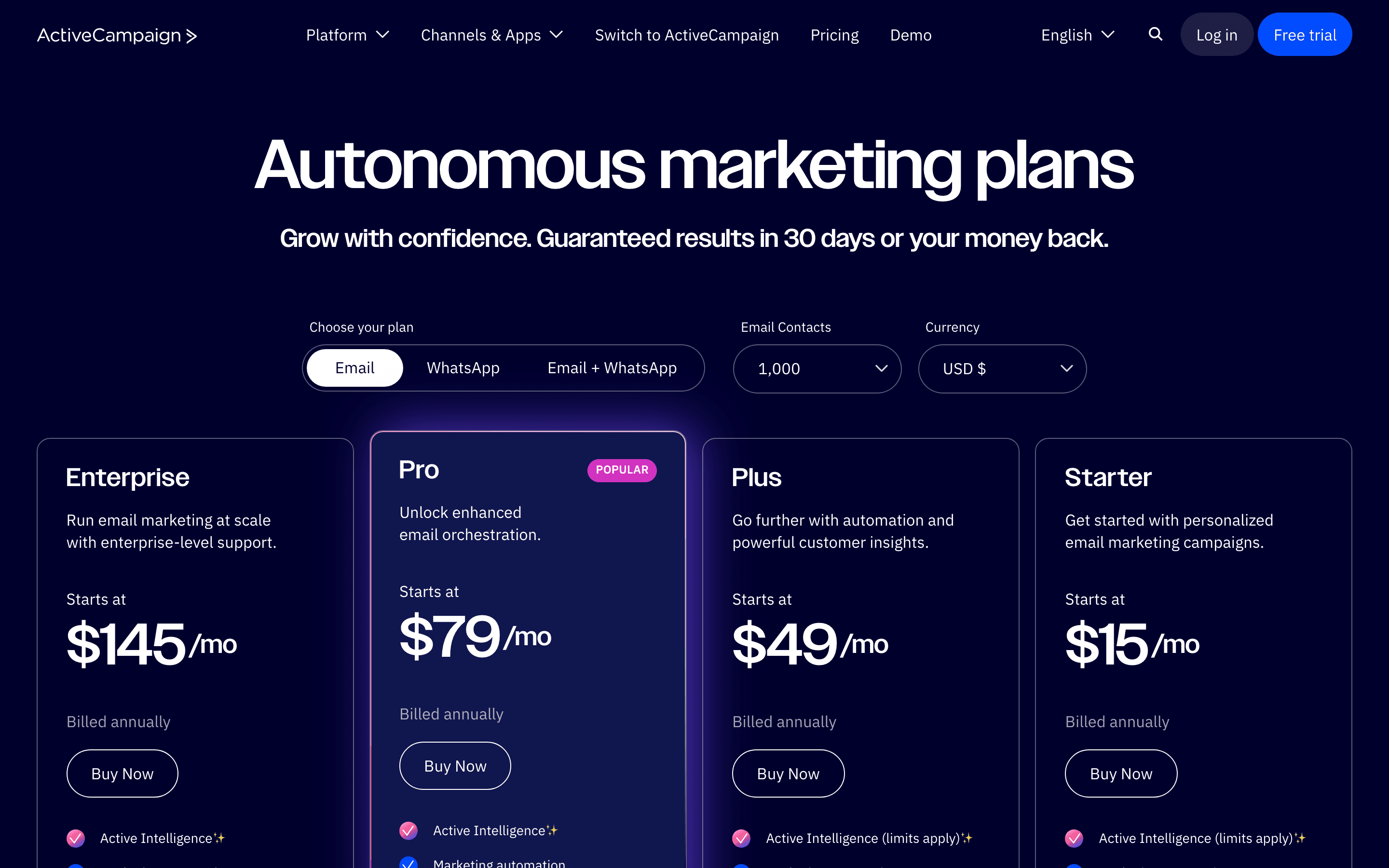
ActiveCampaign isn't really a CRM swap, it's a marketing-automation swap that happens to include a CRM. Its visual, branching automation builder goes deeper than Zoho's workflow rules and Blueprint process flows, and its 2025-2026 Active Intelligence layer adds AI-drafted campaigns and contact-import mapping that Zoho's Zia assistant doesn't match feature for feature. Entry pricing at 1,000 contacts starts around $15 a month on Starter, close to Zoho's $14 Standard tier, with a sales CRM and pipeline included from Plus ($49) up.
The catch: the CRM here stays secondary to the automation engine, and cost tracks total stored contacts rather than seats, including unsubscribed and bounced contacts since a November 2025 policy change. ActiveCampaign fits teams whose real complaint about Zoho is thin marketing automation, not a thin CRM.
Pros
- + Automation builder handles complex, branching workflows better than most email-only tools
- + CRM and sales pipeline are included on paid plans instead of requiring a separate purchase
- + Wide integration library, over 1,000 listed connections including e-commerce and ad platforms
Cons
- – No free forever plan, unlike Mailchimp, Brevo, or MailerLite
- – Pricing is contact-count based and jumps in large steps at each threshold, so renewal costs can rise sharply as a list grows
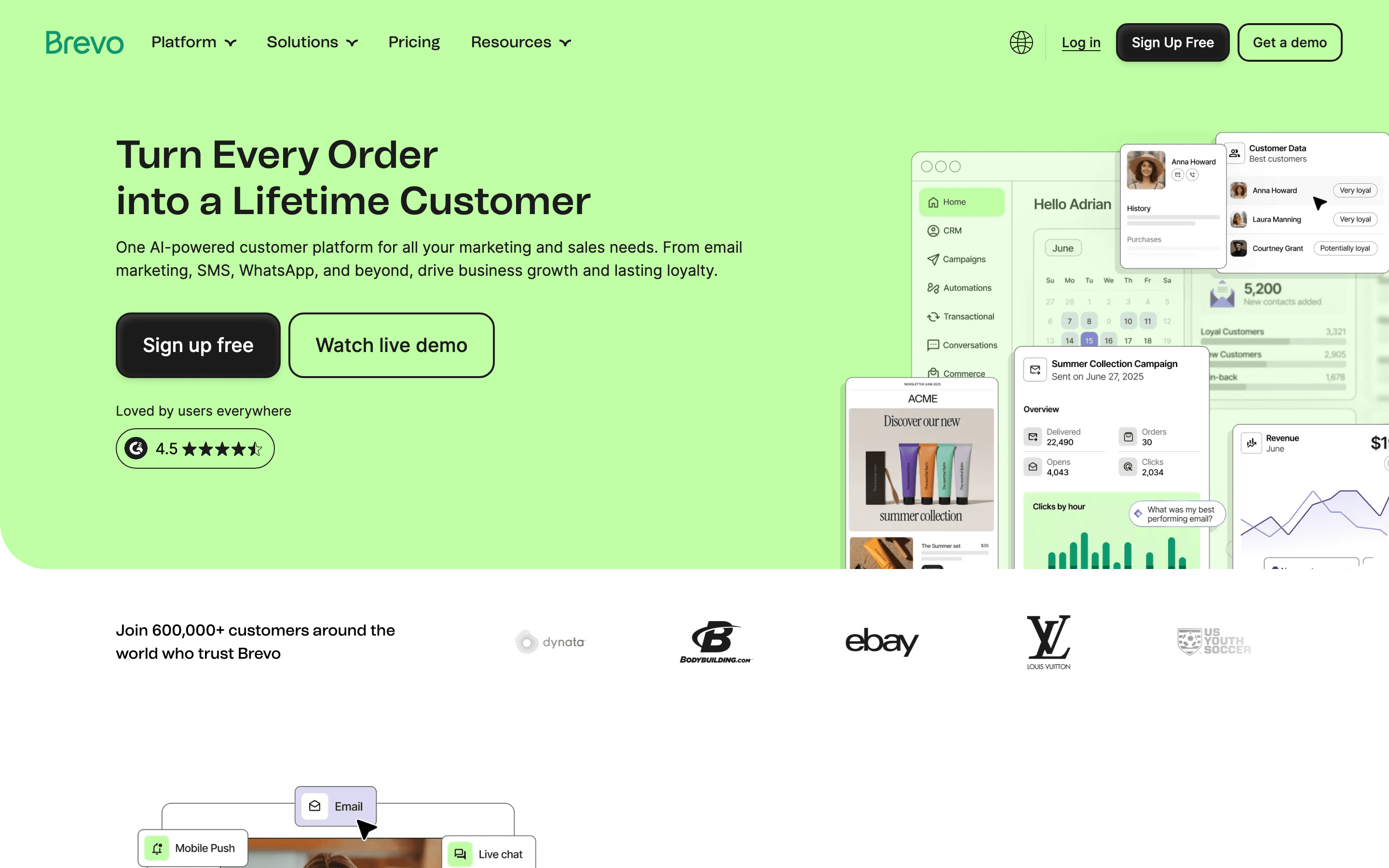
Brevo undercuts Zoho CRM on price at every entry point. Its Free plan stores up to 100,000 contacts and includes a working CRM and sales pipeline at no cost, far past Zoho's free-tier cap of 3 users, and Starter begins at $9 a month once you outgrow it, versus Zoho's $14 Standard. Like Zoho, the core CRM (deals, tasks, forecasting) ships free on every plan rather than gated to a paid tier.
What you give up is CRM maturity. Sales automation workflows and extra sales seats need a separate Sales Essentials ($31 a month) or Sales Advanced ($64 a month) add-on layered on top, and pricing scales with contact count and email volume instead of Zoho's flatter per-seat model. Brevo suits a marketing-led small business replacing Zoho's free tier, not a sales-first deployment chasing Zoho's Enterprise features.
Pros
- + Pricing is based on email volume, not contact count, so large lists with low send frequency stay cheap
- + Free plan includes SMS, WhatsApp, and CRM access, not just email
- + Transactional email (API, SMTP, webhooks) is included on every plan, even the free one
Cons
- – The free and Starter plans still show the Brevo logo unless you pay extra to remove it
- – CRM and sales pipeline features are separate paid add-ons (Sales Essentials, Sales Advanced), not included in the core plans
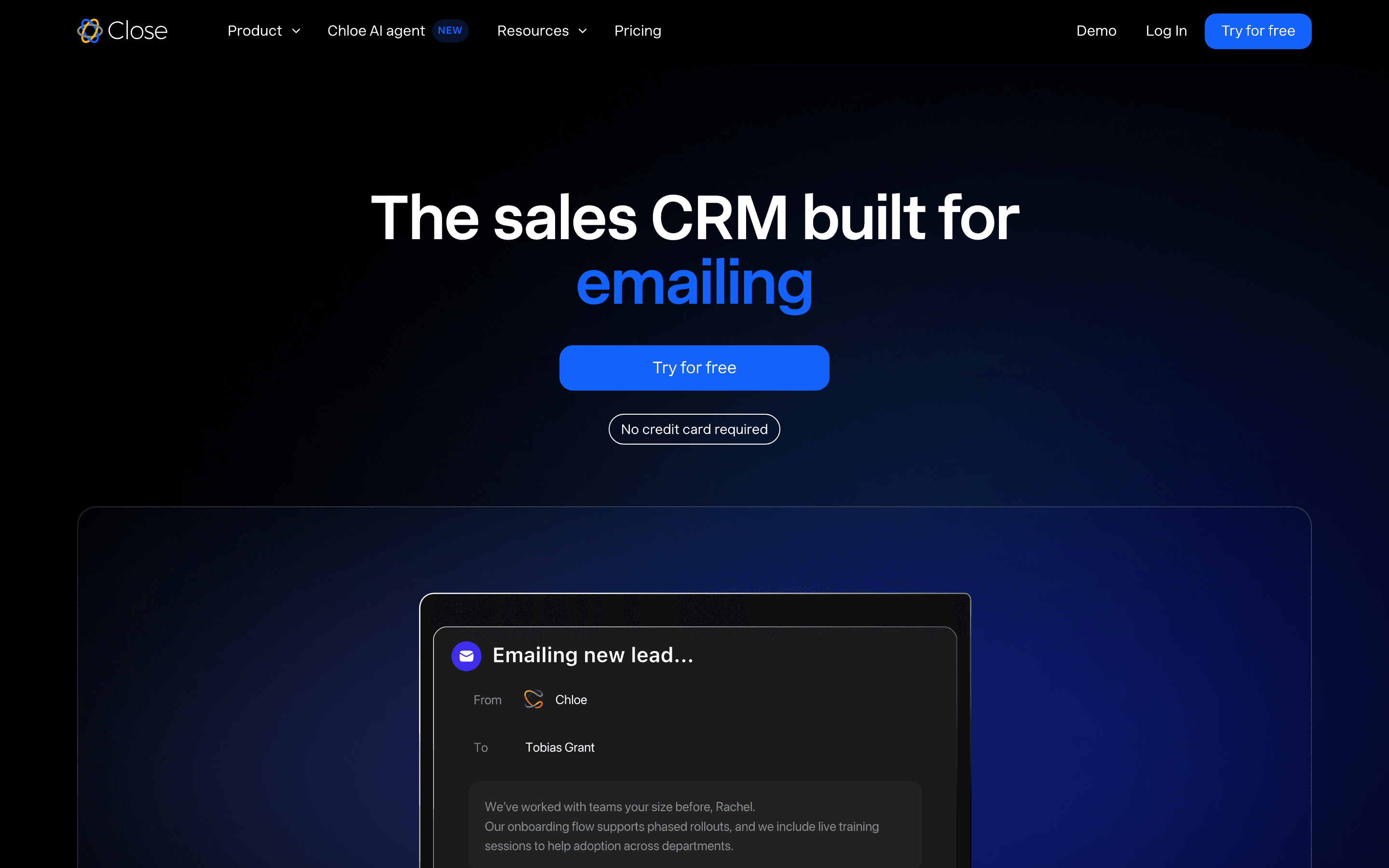
Close skips Zoho's broader platform ambitions entirely and focuses on one thing: outbound sales. Calling, SMS, and email are built into every record from the $9 Solo tier, something Zoho doesn't offer without third-party telephony add-ons. But the power dialer and workflow automation, the features that make Close worth switching for, aren't part of that entry price: they're gated to the Growth plan at $99 a seat a month, and the predictive dialer sits one tier higher on Scale at $139 a seat.
Essentials, at $35 a seat with unlimited contacts, adds team collaboration and a shared inbox but not the dialer or automation. There's no free-forever plan, only a 14-day trial, unlike Zoho's 3-user free tier, and the 1-user Solo plan means real teams jump straight to at least $35 a seat, then to $99 if calling and automation are the reason they're buying. Calling minutes and phone numbers bill separately on usage. Close fits teams whose Zoho complaint is weak native calling, but budget for Growth, not Essentials, to actually get the dialer.
Pros
- + Calling, SMS, and email are built into the product, not bolted on, so call and message activity logs straight to the lead record
- + The power dialer speeds up high-volume outbound calling, and the predictive dialer on the Scale plan speeds it up further
- + Workflow automation, multi-step email, call, and SMS sequences with branching, comes starting on the Growth plan instead of a separate add-on product
Cons
- – There's no free-forever tier, only a 14-day trial, so teams can't run it long-term at zero cost the way they can with HubSpot's free CRM
- – The Solo plan caps out at 1 user and 10,000 leads, so almost any real team has to jump straight to the $35-a-seat Essentials tier
Should your product be on this crm & marketing list?
If you build a tool that belongs next to the ones above, submit it. A human reviews every submission. Approved products get their own page with pricing and screenshots, plus a place in the comparisons where they fit. It is free. You sign in with your work email so you can follow the decision, and there is no password to create.
Zoho CRM alternatives: FAQ
What's the cheapest Zoho CRM alternative with a real free plan?+
Brevo's free plan holds up to 100,000 contacts and a working CRM at no cost and no credit card, well past Zoho's free-tier cap of 3 users. HubSpot's free CRM covers 2 users with contact and deal management.
Which Zoho CRM alternative is best for a bigger, more complex sales org?+
Salesforce, once you move past its 2-seat free tier into Enterprise ($175 a seat) or higher, offers the deepest customization and the largest third-party marketplace of any option here, beyond what Zoho's Ultimate tier provides.
I like Zoho's low price but want a cleaner interface. What should I use?+
Pipedrive costs about the same per seat as Zoho's Standard tier, $14 a month, and is built around a visual, drag-and-drop pipeline that's faster for reps to learn than Zoho's denser settings screens.
Which alternative is built for high-volume outbound calling?+
Close bundles calling, SMS, and email directly into CRM records from its $9 Solo tier, something Zoho doesn't offer without third-party telephony add-ons. But the power dialer and workflow automation require the $99-a-seat Growth plan, and the predictive dialer is reserved for Scale at $139 a seat.
Zoho CRM alternatives: pricing compared
Entry price, billing model, and whether pricing is public. 7 of 7 publish pricing you can check without talking to sales.
| Tool | Starting price | Billing | Free option | Pricing disclosed |
|---|---|---|---|---|
| Zoho CRM | $14/seat/mo | per-seat | Yes | Public |
| HubSpot | $7/seat/mo | tiered | Yes | Public |
| Pipedrive | $14/seat/mo | per-seat | Trial (14 days, full access to the selected plan, no credit card required) | Public |
| Salesforce | $25/seat/mo | per-seat | Yes | Public |
| ActiveCampaign | $15/seat/mo | tiered | Trial (14 days, no credit card required) | Public |
| Brevo | $9/mo | tiered | Yes | Partly public |
| Close | $9/seat/mo | per-seat | Trial (14 days, no credit card required) | Public |
How we made these picks. We compare tools on public pricing, features, and hands-on assessment, then verify every price against the vendor's own page. We never accept payment for rankings. Read the full methodology. Spotted an error? Report it.