Top WPML Alternatives in 2026
Here for WPML itself? See the full WPML profile, pricing & reviews →
Suggest a change- If you want to keep your existing WordPress content and get a translated site live fast, choose Weglot. it works as a script or plugin overlay that detects and machine-translates your current pages in days, without restructuring content into linked translation posts, and it handles hreflang tags, translated URLs, and sitemaps for you. Treat that speed as the selling point, not cost: Weglot only undercuts WPML while a site stays inside the free 2,000-word plan, and its paid Starter tier already runs more per year than WPML's entry tier.
- If cost is the main reason you're leaving WPML, you don't need WooCommerce translation or heavy machine-translation volume, and you want to stay fully inside WordPress, choose Polylang. its core plugin is free forever, which is the real cost win over WPML's 39 EUR/year entry tier. Polylang Pro, at 99 EUR per site per year, matches WPML's comparable Multilingual CMS tier price for price (also 99 EUR/year) rather than undercutting it, so the case for Pro is staying WordPress-native and paying only for what you use, not a lower sticker price. That case weakens further for WooCommerce stores doing real machine-translation volume: Polylang's WooCommerce support only comes via the Business Pack (139 EUR/year for one site) and its DeepL integration is just a connector, so you still need a separate DeepL subscription on top, while WPML's 99 EUR/year Multilingual CMS tier bundles WooCommerce support and 90,000 AI translation credits in one price.
- If you're an agency or open-source project that wants unlimited translators and a real free tier outside a WordPress license, choose Crowdin. its Free plan includes 60,000 hosted words and unlimited translator seats, and paid tiers price by hosted words and private projects instead of charging per translator.
- If you're localizing an app or software product alongside your website, not just WordPress pages, choose Lokalise. its GitHub, Figma, and CI/CD integrations and processed-words pricing are built around a product's translation pipeline rather than a single site's plugin dashboard.
- If you need audio and video localization like dubbing and subtitles alongside text, choose Phrase. Phrase Studio bundles dubbing, subtitles, and voice cloning into the same platform as its text translation memory, and none of WPML's other alternatives offer that.
- If you're a small WordPress site or agency deep in Elementor, Divi, or WooCommerce workflows and translation cost isn't your main pain, choose stay on WPML. its integration depth with WooCommerce and major page builders would take real migration effort to replace for a small gain, and the Multilingual Agency tier gets cheap per site once you're managing several client installs.
WPML is the default paid translation plugin for WordPress, and it's a solid fit if your whole site, theme, and store already run there. Teams look elsewhere for two main reasons: the per-site license plus separate AI-credit billing adds up faster than the sticker price suggests, and support runs through a ticket queue that reviewers describe as slow to resolve real issues.
The right alternative depends on what you're actually trying to fix. If you want a translated site live fast without touching your content structure, Weglot is the closest swap, but its cost advantage over WPML is narrow: only the free plan, capped at 2,000 words, actually costs less, and most real WordPress sites use up that word count fast. Once a site needs Weglot's paid Starter tier it already costs more per year than WPML's cheapest tier, before a second language even enters the picture. If cost is the issue, you don't need WooCommerce translation or heavy machine-translation volume, and you want to stay fully inside WordPress, Polylang's free core plugin does the same job for nothing. And if WPML's real limit is that it only handles a single WordPress site, Crowdin, Lokalise, and Phrase are built to translate a whole product, including any app that sits alongside the website.
WPML alternatives compared
| Tool | Best for | Starting price | Free option | Last update |
|---|---|---|---|---|
| WeglotBest quick swap | Marketing and product teams that want a translated site live in days without touching the codebase | EUR 15/mo | Yes | May 2025 |
| PolylangBest free WordPress-native option | WordPress sites that want a lightweight, native way to run 2-5 languages without a subscription-per-word model | EUR 99/yr | Yes | June 2026 |
| CrowdinBest free-forever TMS beyond WordPress | Product and engineering teams localizing an app or SaaS product into many languages from a git repo or design tool | $50/mo | Yes | July 2026 |
| Lokalise | Product teams that need developer-friendly integrations (GitHub, Figma, CLI) alongside a translator-facing editor | $144/mo | Trial (14 days on any plan, no credit card required) | June 2026 |
| PhraseBest for text plus audio/video | Product and engineering teams that need string management wired into GitHub, Figma, or their CMS with real developer tooling | $27/seat/mo | Trial (14 days) | July 2026 |
Why teams switch from WPML
WPML's pricing draws real complaints about cost
At least one reviewer calls WPML very expensive and says they've stopped using it as much, without breaking down whether license or AI-credit costs drove that.
Support is slow and runs through a ticket queue
Multiple reviewers describe slow replies and agents misreading the actual issue when they file a support ticket.
AI translation costs sit outside the plugin license
AI translation is billed separately from the plugin license itself, so the sticker price on wpml.org undercounts what a larger site actually pays each year.
Renewal terms aren't shown up front
License and support lapse after a year unless you renew, and the renewal price isn't disclosed on the main pricing page.
The best WPML alternatives, ranked
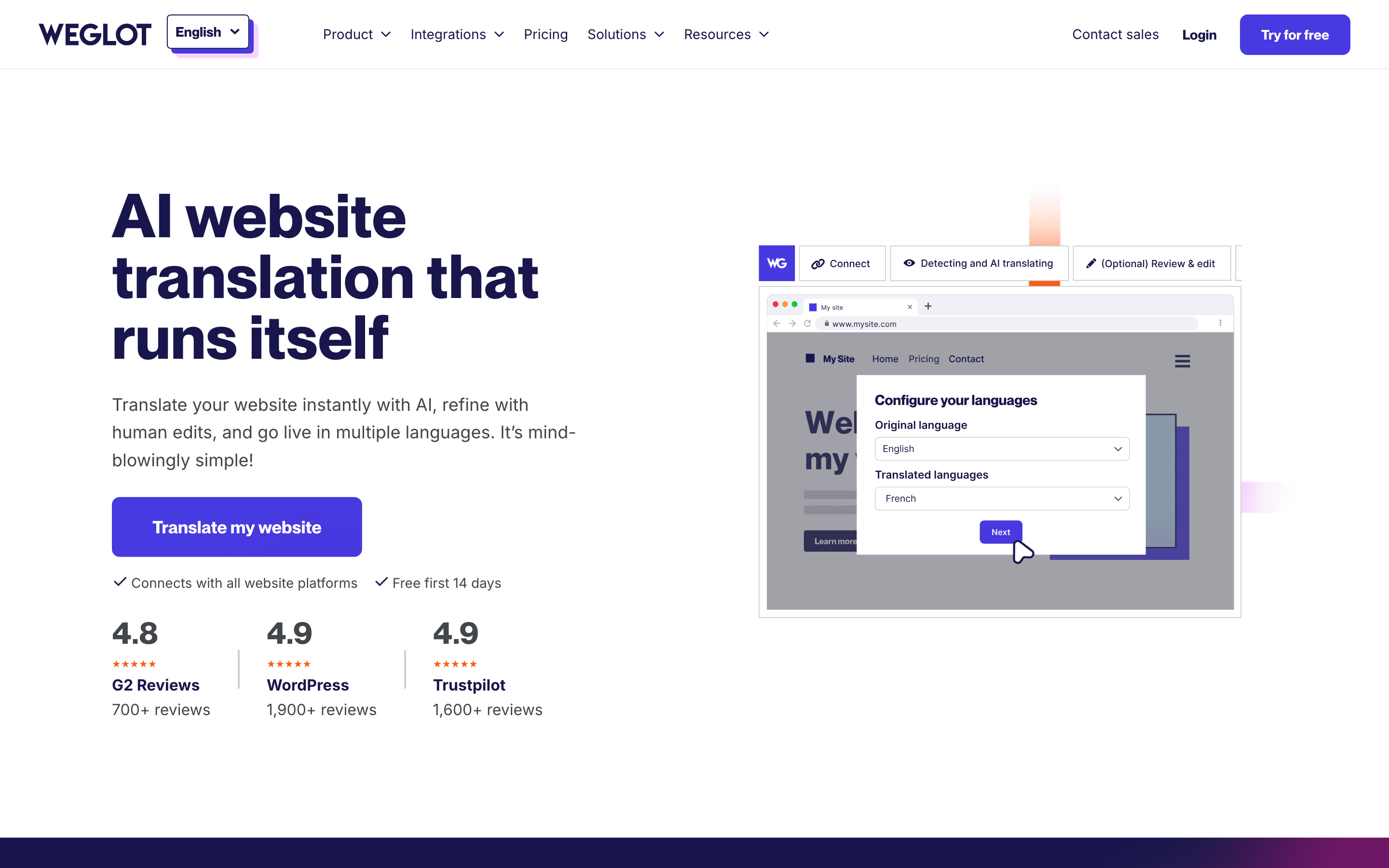
Weglot is the fastest way off WPML if the real complaint is setup weight rather than workflow. You add one script or plugin, pick target languages, and it detects and machine-translates your existing pages without restructuring content into linked translation posts the way WPML and Polylang require. It also handles the SEO plumbing WPML leaves to you: hreflang tags, translated URLs, and sitemaps come built in. Pricing scales by unique words translated and number of languages rather than by site license, and that's where the cost story gets weaker than it first looks. Only the free plan, capped at 2,000 words on one language, actually lands under WPML's 39 EUR/year Blog tier, and most real WordPress sites use up 2,000 words almost immediately. Once a site needs the 15 EUR/month Starter tier, roughly 150-180 EUR a year even paid annually, Weglot already costs meaningfully more than WPML's entry tier, before a second language even enters the picture; two or more languages push it to the 29 EUR/month Business plan, roughly 290-350 EUR a year. So the cheaper-than-WPML case really only holds while a site stays inside the free word cap, not for a normal single-language site with real content. The free plan (2,000 words, one language) is real and permanent, not a trial, but treat Weglot's win as speed and SEO handling, not price. The tradeoff: Enterprise pricing is quote-only, and a Capterra reviewer reports that hidden page text can still count toward your word quota.
Pros
- + Live in minutes with a script tag or plugin, no rebuild of the site
- + Handles hreflang, translated URLs, and sitemaps automatically for SEO
- + Real free plan for small sites, not just a trial
Cons
- – Billed by unique words and languages, not seats, so costs are harder to predict than a flat per-seat plan
- – A Capterra reviewer reports that words on hidden or unused parts of a page can still count against the word quota
Polylang is the closest structural match to WPML: it's a native WordPress plugin where every translation is its own linked post, not a proxy layer sitting in front of the site. The core plugin covers posts, pages, media, categories, and tags for free, forever, which directly answers the cost complaint that follows WPML around: free versus WPML's 39 EUR/year entry tier is the real savings case. Polylang Pro, at 99 EUR per site per year, adds a DeepL connector for machine translation, XLIFF import/export for working with agencies, and custom post type support. That license fee matches WPML's comparable Multilingual CMS tier (also 99 EUR/year) rather than beating it, and the DeepL connector only links out to a separate DeepL subscription or API account; it doesn't bundle translation credits the way WPML's tier bundles 90,000 AI credits. So Pro versus CMS is a price tie at best, and once you add a DeepL bill on top it can run behind. A WooCommerce add-on, priced the same as Pro, covers products, cart, checkout, and order emails, but for a WooCommerce store that also wants machine translation, the real comparison is Polylang's Business Pack (Pro plus WooCommerce, 139 EUR/year for one site) plus a separate DeepL bill, against WPML's 99 EUR/year CMS tier that already includes both WooCommerce support and AI credits, and that comparison doesn't favor Polylang either. The catch: free-tier support is community forums only, WooCommerce isn't included in Pro itself, and multilingual sitemaps depend on a separate SEO plugin like Yoast. For a WordPress team that wants to keep working natively in wp-admin and stay on the free plugin, Polylang is the direct swap; teams who'd need Pro or Business Pack should price those against WPML's comparable tiers first rather than assume Polylang wins on cost.
Pros
- + Free tier is genuinely usable, not a crippled trial
- + Translations live as normal WordPress posts, so no lock-in to a proxy or separate CMS
- + Per-site pricing is transparent and public, with a real WooCommerce add-on rather than a bolted-on afterthought
Cons
- – Machine translation and WooCommerce support require separate paid add-ons on top of the free plugin
- – Free version support is community forums only, no guaranteed response
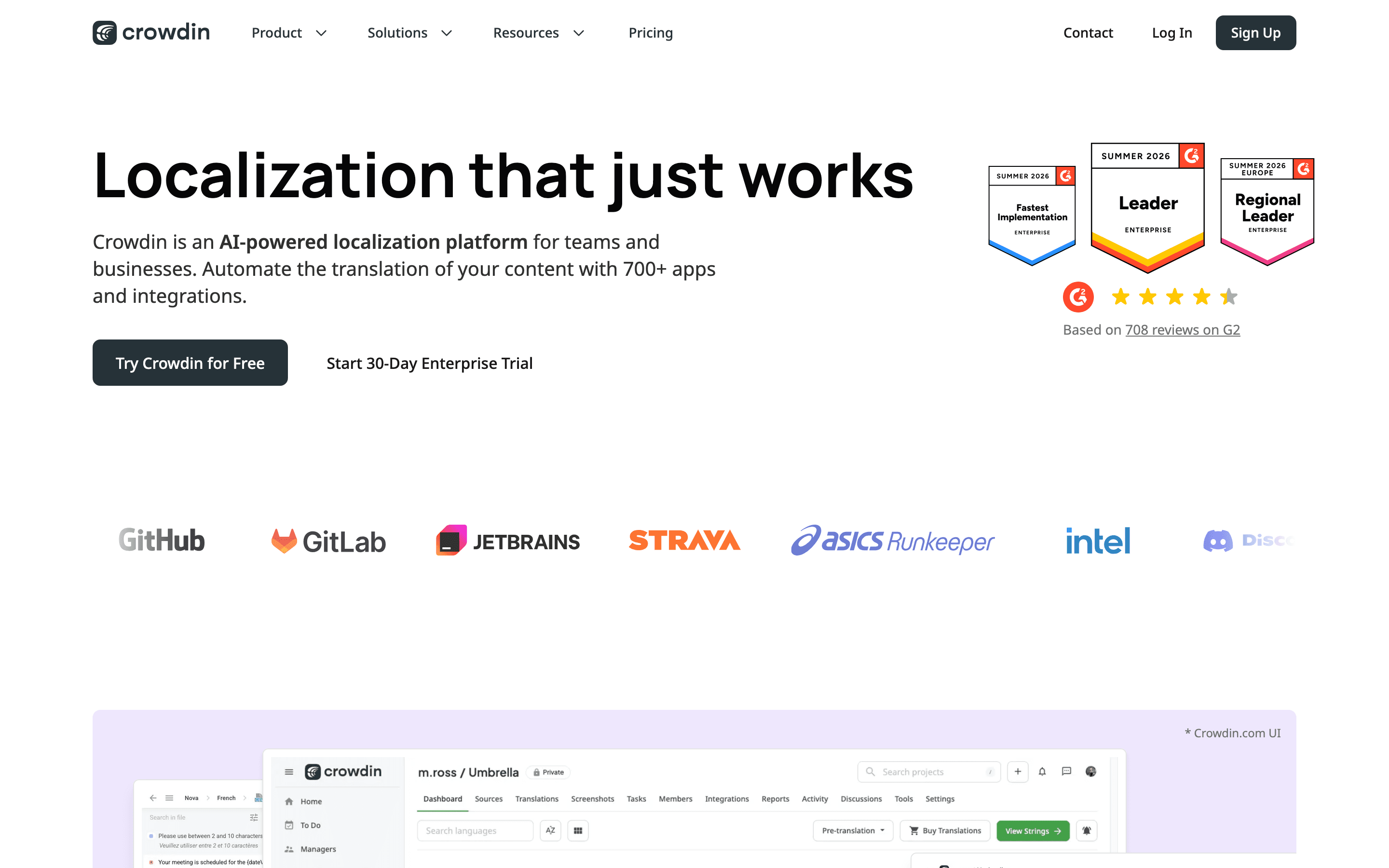
Crowdin fits WordPress teams that have outgrown a plugin-only approach and want a real translation platform behind the site, especially agencies or open-source projects juggling more than one property. Its Free plan includes 60,000 hosted words and unlimited translator seats, a genuinely usable starting point rather than a crippled trial, and paid tiers, from $50 a month billed annually, price by hosted words and private projects rather than charging per translator the way agencies often fear with per-seat tools. It connects to GitHub, GitLab, Figma, and WordPress, plus a CLI and API for teams who want translation wired into a real workflow instead of a plugin dashboard. The tradeoff: hosted words multiply with every added language, so a site adding many languages climbs tiers fast, and Business or Enterprise pricing needs a sales call. Best suited to teams ready to manage translation as a pipeline, not a WordPress-only task.
Pros
- + Free plan is genuinely usable for open source and small projects, with 60,000 hosted words and unlimited translators
- + Unlimited translator seats on every paid plan, so adding reviewers or contributors doesn't raise the bill by itself
- + Deep integration ecosystem (CLI, API, GitHub/GitLab, Figma, CMS connectors) and a store with over 100,000 app installs
Cons
- – Hosted words scale with target languages, so adding languages multiplies cost even if the source text doesn't grow
- – Multiple Capterra reviewers describe pricing getting more expensive over time even with a basic workflow, and call it steep for small teams or indie developers
Lokalise
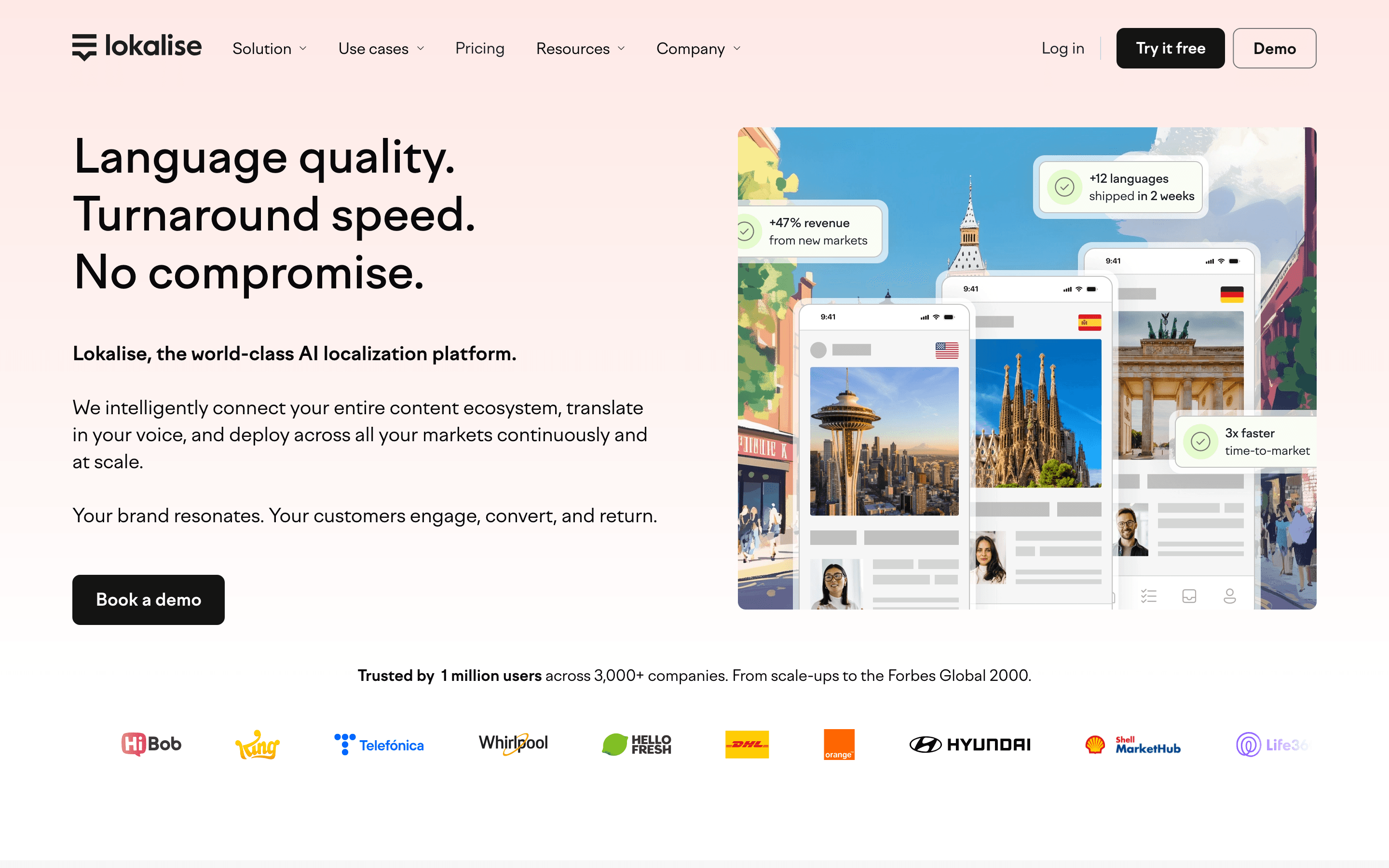
Lokalise is built for product teams localizing more than a WordPress site, an app or software product alongside the marketing site, with GitHub, Figma, and CI/CD integrations that WPML doesn't attempt. Since its late-2025 repricing, every plan is unlimited on seats and hosted words and priced instead on words processed per year, so cost tracks actual translation volume rather than site licenses or AI credits bought separately. There's no free-forever plan anymore, only a 14-day trial, and entry pricing, from $144 a month billed annually, sits well above WPML's per-site fee, a sign of a different buyer: a team with a real product to localize, not one website. Support is rated responsive even on lower tiers, a contrast to WPML's ticket-queue complaints. The catch: self-serve signup tops out at the Growth plan, anything bigger needs a sales demo, and reviewers flag a 90-day cancellation notice period.
Pros
- + Deep integrations with GitHub, Figma, and CI/CD pipelines for developer workflows
- + Translation memory and glossary tools carry over once you're on Growth or above
- + Support is consistently rated responsive, including on lower tiers
Cons
- – No free-forever plan since the 2025 repricing, only a 14-day trial
- – Entry pricing rose roughly 20% in the move to the new plans, and self-serve signup now tops out at Growth ($375/mo billed annually, $435/mo month-to-month); anything above that requires a sales demo
Phrase is the option for teams whose localization needs have grown past a website plugin entirely: text, audio, and video in one platform, with Phrase Studio adding dubbing, subtitles, and voice cloning that WPML, Weglot, and Polylang don't touch at all. It routes translation across multiple MT and AI engines and integrates with Figma, GitHub, and Jira for product teams managing strings alongside code. Pricing is usage-based across words, MT/AI units, and video hours, and the entry point built for product teams, Software UI/UX, starts at $525 a month, a large jump from WPML's per-site licensing and a sign this fits a company with a dedicated localization budget, not a single WordPress site. Business and Enterprise pricing needs a sales call, and reviewers report slow billing support. Choose Phrase only once the job has expanded beyond translating a website into translating a product.
Pros
- + One platform covers text, audio, and video localization, so you don't stitch together separate tools for subtitles and dubbing
- + Deep integrations (Figma, GitHub, Jira, 50+ file formats) mean less manual export/import between design, code, and translation
- + Ships product updates weekly, so bug fixes and new AI features land fast rather than in occasional big releases
Cons
- – Usage-based capacity limits are hard to predict in advance: uploading a file for a word-count estimate can eat into your quota even before anything is translated
- – Business and Enterprise pricing is quote-only, so you can't compare real numbers without a sales call
Should your product be on this website & software localization list?
If you build a tool that belongs next to the ones above, submit it. A human reviews every submission. Approved products get their own page with pricing and screenshots, plus a place in the comparisons where they fit. It is free. You sign in with your work email so you can follow the decision, and there is no password to create.
WPML alternatives: FAQ
What's the easiest WPML alternative to switch to?+
Weglot, since it works as a script or plugin overlay on your existing WordPress pages rather than requiring you to rebuild content as linked translation posts. Most sites are live within days.
Is there a free WPML alternative?+
Polylang's core plugin is free forever and covers manual translation of posts, pages, media, categories, and tags. Crowdin also has a genuine Free plan, 60,000 hosted words and unlimited translators, if you want a broader translation platform instead of a WordPress plugin.
Which WPML alternative also handles a mobile app or software product, not only a website?+
Lokalise and Crowdin are both built around syncing source strings from a codebase through GitHub or a CLI, which fits localizing an app's UI strings. Crowdin also connects directly to WordPress, so it can cover the website too. Lokalise has no WordPress or CMS connector, so it only handles the app or product side; you'd still need to keep the WordPress site translated separately, with Weglot or Polylang.
Do any WPML alternatives handle audio or video localization?+
Phrase is the only one of these five with a built-in tool for it, Phrase Studio, which covers dubbing, subtitles, and voice cloning alongside its text translation management.
WPML alternatives: pricing compared
Entry price, billing model, and whether pricing is public. 6 of 6 publish pricing you can check without talking to sales.
| Tool | Starting price | Billing | Free option | Pricing disclosed |
|---|---|---|---|---|
| WPML | EUR 39/site/yr | tiered | No | Public |
| Weglot | EUR 15/mo | tiered | Yes | Partly public |
| Polylang | EUR 99/yr | tiered | Yes | Public |
| Crowdin | $50/mo | tiered | Yes | Partly public |
| Lokalise | $144/mo | tiered | Trial (14 days on any plan, no credit card required) | Partly public |
| Phrase | $27/seat/mo | tiered | Trial (14 days) | Partly public |
How we made these picks. We compare tools on public pricing, features, and hands-on assessment, then verify every price against the vendor's own page. We never accept payment for rankings. Read the full methodology. Spotted an error? Report it.