Weglot Review
Adds a translated version of your website in minutes, no developer rework needed
Is this your product? Claim this page · Request a change
Looking for a Weglot alternative? See our ranked comparison.→What is Weglot?
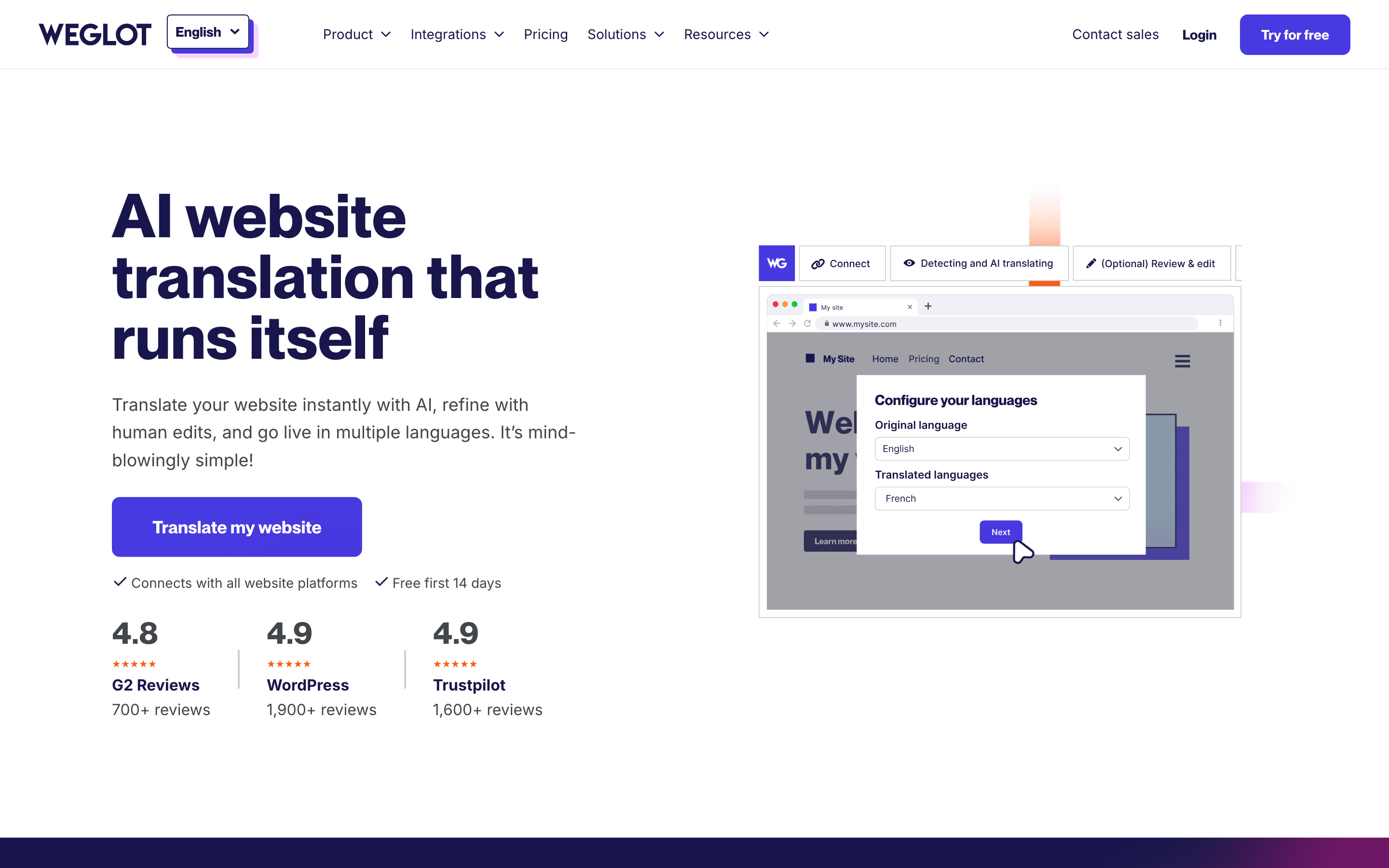
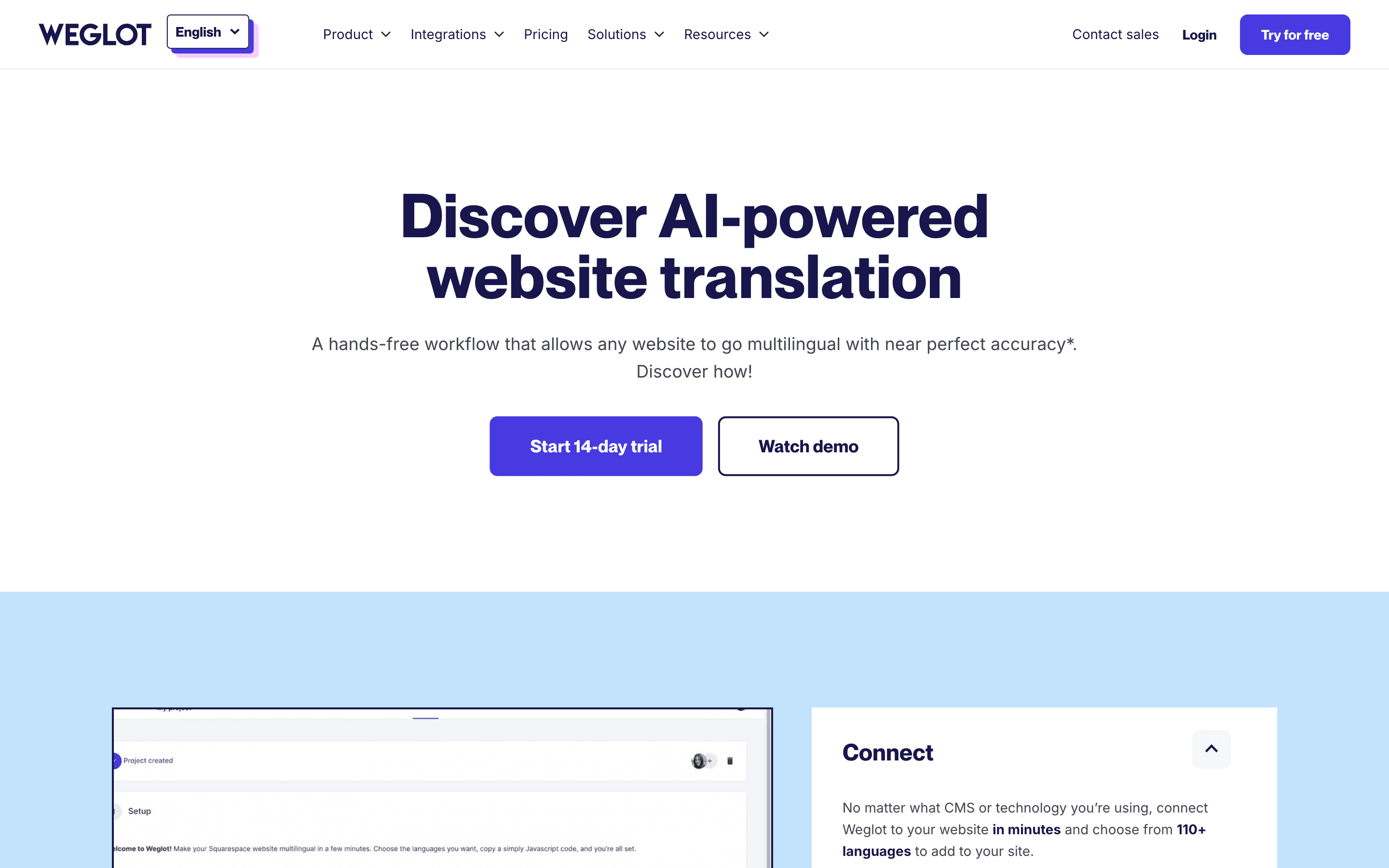
Weglot is a translation layer that sits in front of your existing website. You add one script or plugin, pick your target languages, and it detects your text, machine-translates it, and serves translated pages at subdomains or subdirectories like /fr/ or /es/. You then edit any translation by hand in its dashboard or hand it off to a human translator through the same interface.
It is built to avoid a rebuild of your site's content pipeline. It works on top of WordPress, Shopify, Webflow, and custom-coded sites, and it handles the SEO plumbing (hreflang tags, translated URLs, sitemaps) so translated pages are indexable on their own.
Because pricing is metered by unique words and language count rather than seats, a marketing site with a lot of content or many target languages moves up tiers fast even with a small team.
Weglot screenshots
Who it's for
- ✓ Marketing and product teams that want a translated site live in days without touching the codebase
- ✓ Sites already on WordPress, Shopify, or Webflow that need SEO-friendly translated URLs
Who should look elsewhere
- ✗ Teams that need full control over a translation memory and terminology database across many products, not just one website
- ✗ High-word-count sites adding many languages, where per-word tiered pricing gets expensive fast
Pros
- + Live in minutes with a script tag or plugin, no rebuild of the site
- + Handles hreflang, translated URLs, and sitemaps automatically for SEO
- + Real free plan for small sites, not just a trial
- + Can mix machine translation with in-dashboard human edits or professional translators
Cons
- – Billed by unique words and languages, not seats, so costs are harder to predict than a flat per-seat plan
- – A Capterra reviewer reports that words on hidden or unused parts of a page can still count against the word quota
- – Enterprise pricing is not disclosed and needs a sales call
- – A Capterra review cites poor billing support, including being unable to reissue an invoice
Weglot pricing
What you pay for
You pay for a combination of unique words translated and number of languages, plus a few team-size caps on the higher tiers. Pricing is fully disclosed on the site down to the Extended plan; only Enterprise is quote-only. The free plan is real and permanent for very small sites, not a trial.
At about $15/month to start, it sits mid-pack on price in Website & Software Localization.
| Plan | Price | Highlights |
|---|---|---|
| Free | Free | 2,000 translated words · 1 language · No credit card required |
| Starter | $15/mo | 10,000 translated words · 1 language · Media translation, auto-redirection |
| Business | $29/mo | 50,000 translated words · 3 languages · Access to pro human translators |
| Pro | $79/mo | 200,000 translated words · 5 languages · Stats, translated URLs, 10 team members |
| Advanced | $299/mo | 1,000,000 translated words · 10 languages · Export/import, custom languages, 25 team members |
| Extended | $699/mo | 5,000,000 translated words · 20 languages · Top-level domain, premium support, 50 team members |
| Enterprise | Custom | Custom security and compliance · SAML SSO · Custom reverse proxy · Dedicated contract |
Prices are in EUR and billed monthly; paying annually cuts the cost to about 10 months' worth (Weglot advertises it as 2 months free). Weglot shows a USD estimate for US visitors but says on the pricing page that the final charge depends on the EUR/USD rate on your subscription date. Cost scales with two variables: unique words translated per site and number of languages, not seats, so a small site with many languages can cost more than a large site with one language.
Pricing verified July 7, 2026 · source
How Weglot's pricing compares
Weglot next to its closest alternatives on entry price, billing, and whether pricing is public.
| Tool | Starting price | Billing | Free option | Pricing disclosed |
|---|---|---|---|---|
| Weglot | EUR 15/mo | tiered | Yes | Partly public |
| WPML | EUR 39/site/yr | tiered | No | Public |
| Polylang | EUR 99/yr | tiered | Yes | Public |
| Crowdin | $50/mo | tiered | Yes | Partly public |
| Lokalise | $144/mo | tiered | Trial (14 days on any plan, no credit card required) | Partly public |
| Phrase | $27/seat/mo | tiered | Trial (14 days) | Partly public |
Is Weglot still actively developed?
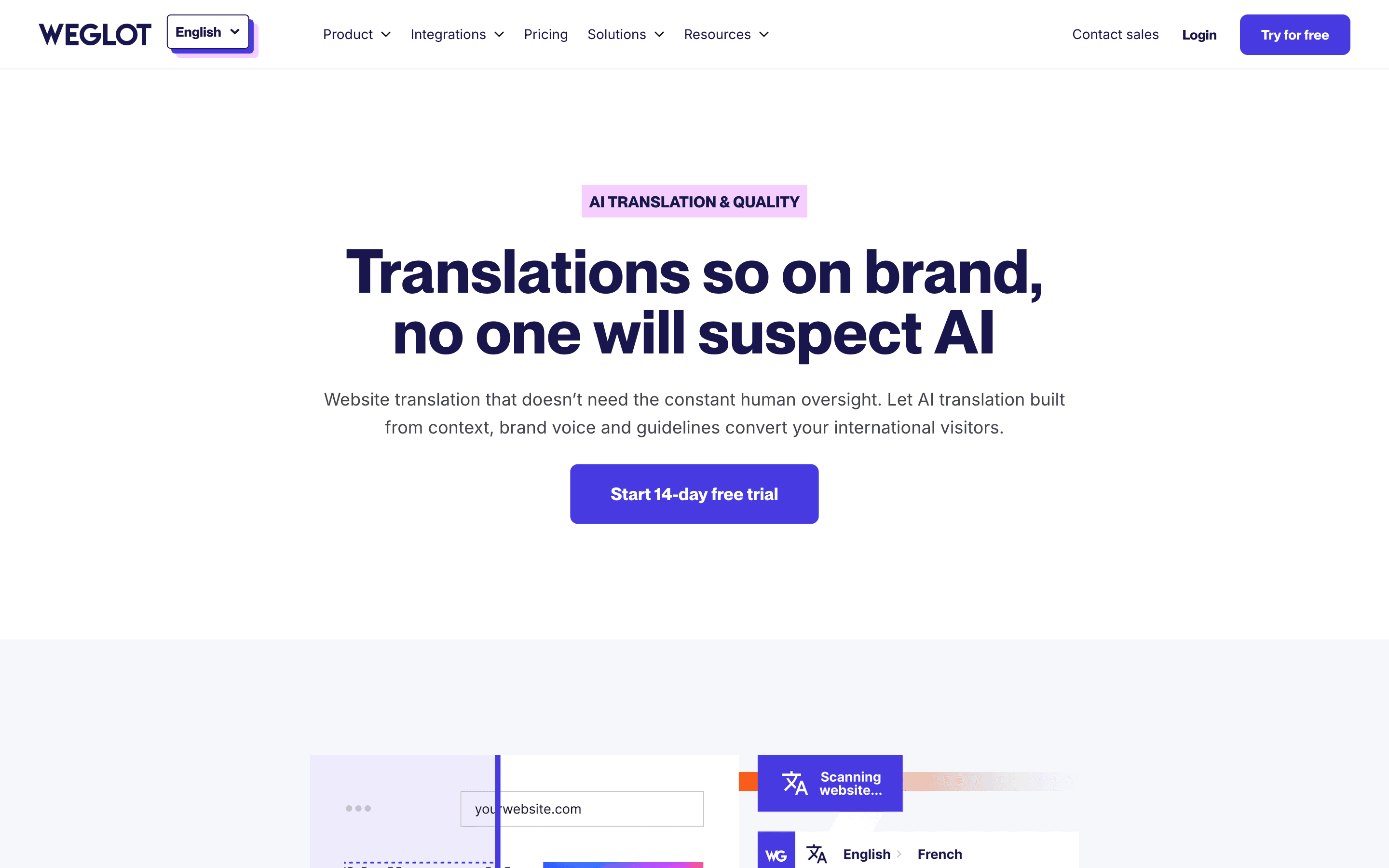
Last significant update: May 2025. Weglot launched a custom AI language model for paid plans, trained on a site's brand identity and past translation edits so automatic translations match its tone and style.
Top Weglot alternatives
Weglot FAQ
Is Weglot really free?+
Yes, for very small sites. The Free plan covers 2,000 unique translated words in one language with no credit card and no time limit. Anything past that needs a paid plan.
How does Weglot count words toward my plan limit?+
It counts unique words detected and translated across your site, not page views. At least one reviewer notes that text on hidden or unused parts of a page can still get counted, which makes usage harder to predict than seat-based pricing.
Can I use human translators instead of machine translation?+
Yes, from the Starter plan up you get access to Weglot's professional translator marketplace inside the same dashboard used for editing machine translations.