Top Carrd Alternatives in 2026
Here for Carrd itself? See the full Carrd profile, pricing & reviews →
Suggest a change- If you want a fast, custom-looking site with a real CMS to grow into, choose Framer. Its free-form design canvas launches nearly as fast as Carrd, and the built-in CMS lets a single landing page grow into a small blog or case-study section without switching tools.
- If you plan to sell products or take bookings alongside your site, choose Wix. It's the only option here that bundles a real storefront, product catalog, and appointment scheduling into the same builder Carrd users are used to.
- If you want a polished, professionally designed look without hiring a designer, choose Squarespace. Its templates look designed out of the box and every plan, even the cheapest, includes 24/7 support and built-in checkout tools Carrd never offers.
- If you want the cheapest ongoing plan that still unlocks a full plugin ecosystem and a path to self-hosted WordPress, choose WordPress.com. Personal runs $48/year billed annually and already unlocks all 60,000-plus WordPress plugins, plus a clear upgrade path to self-hosted WordPress if you outgrow the hosted plan.
- If you've fully outgrown a single page and want a real CMS with code you could hand to a developer, choose Webflow. It outputs real HTML and CSS instead of a proprietary layout, so a site that starts as a Carrd replacement can scale into a fully custom, developer-ready marketing site.
- If you only need one simple page, like a landing page, waitlist, or link-in-bio, and don't plan to add a blog or multiple pages, choose stay on Carrd. Nothing on this list matches Carrd's $9-a-year starting price for exactly that job, and bringing in a bigger builder just to run one page is more tool than the job needs.
Carrd is the fastest way to get one page live, but it only ever builds one page. Once you need a blog, more than a handful of pages, or a real online store, you're looking at a different tool.
The six builders below all get a non-technical founder or marketer to a live site without hiring an engineer. Where they differ is how far each one takes you past that first page, and how much it costs to get there.
Carrd alternatives compared
| Tool | Best for | Starting price | Free option | Last update |
|---|---|---|---|---|
| FramerBest overall upgrade from Carrd | Founders and designers who want a marketing site that looks custom-built, not templated, and can be live in days | $10/site/mo | Yes | July 2026 |
| WixBest for ecommerce and bookings | Founders and small teams who need a working site or store live this week without hiring a developer | $17/mo | Yes | June 2026 |
| SquarespaceBest polished template design | Founders and marketers who need a professional-looking site live this week without a developer | $19/mo | Trial (14 days, no credit card required) | May 2026 |
| WordPress.comBest value | Founders and marketers who want a working site live today without touching code or a server | $9/mo | Yes | July 2026 |
| Webflow | Marketers and designers who want pixel-level control without writing code | $15/site/mo | Yes | July 2026 |
Why teams switch from Carrd
The single-page format forces a rebuild once you need a blog, multiple pages, or ongoing SEO content
Every Carrd site is one scrolling page, so any new content type means manually reworking that same page rather than adding a new one.
There's no built-in ecommerce checkout
Carrd can collect payments through forms and embeds, but it has no native storefront, cart, or checkout the way Wix, Squarespace, and WordPress.com do.
Custom domains and forms are locked behind the Pro Standard tier
The cheapest paid plan, Pro Lite at $9/year, removes Carrd's branding but still has no custom domain or forms; those need Pro Standard at $19/year.
The best Carrd alternatives, ranked
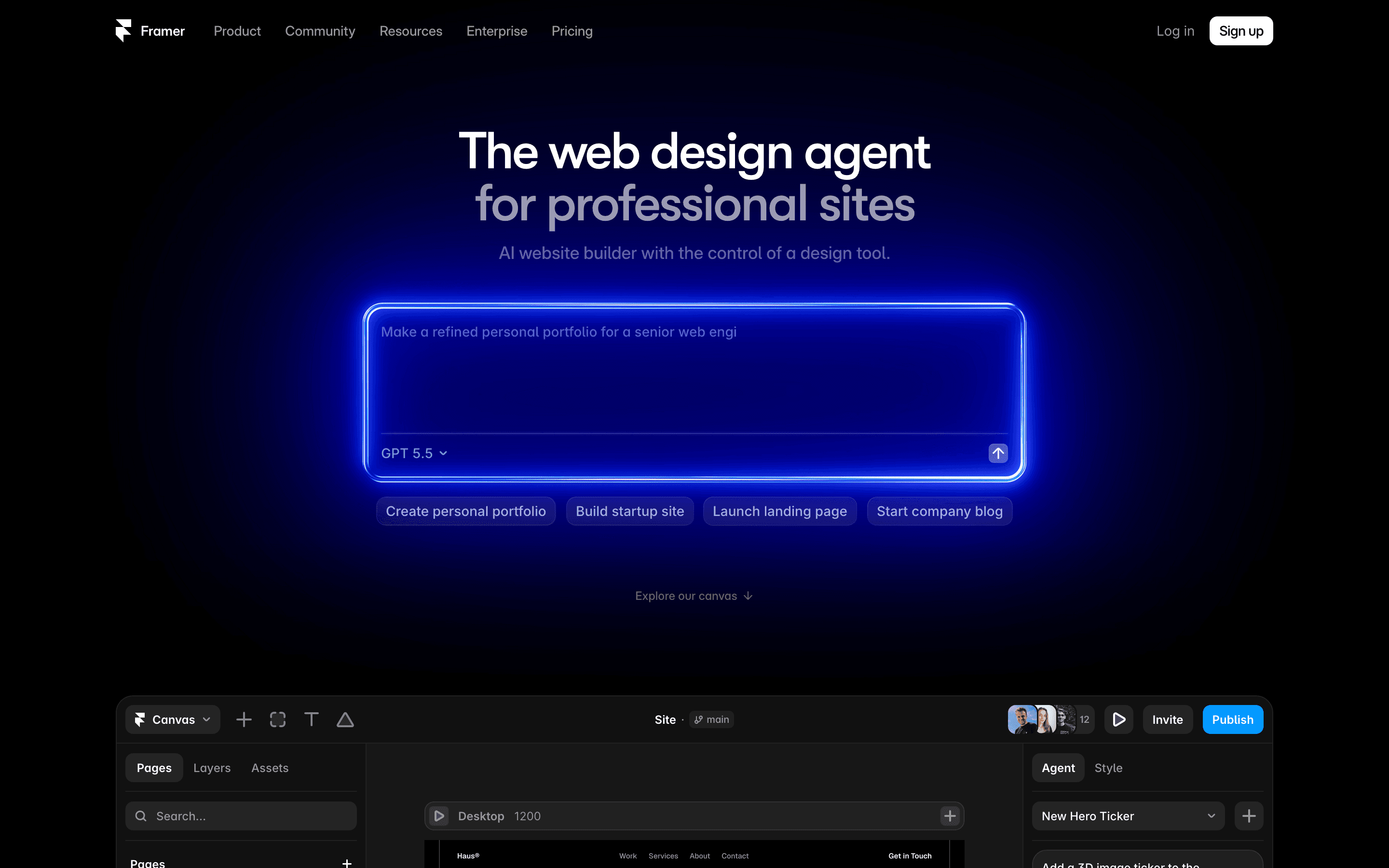
Framer is the pick that keeps Carrd's speed while adding real room to grow. You still work in a free-form visual canvas rather than a form, but it comes with a built-in CMS, so a landing page can turn into a small blog or case-study section without switching tools later. The free plan is usable for a real test site, not just a demo, and paid plans start at $10/month, about $120/year. That's roughly 6 times Carrd's $19/year Pro Standard tier, the tier you'd need for a custom domain. Framer also moves fast: it added new AI models to its page generator in July 2026 alone. The catch is that extra editors cost $20/month each, and bandwidth or CMS items past the plan limit are paid add-ons, so a small team's real bill climbs past the $10 sticker price.
Pros
- + Real visual design control, closer to Figma than to a typical drag-and-drop builder
- + CMS, hosting, staging, and AI page generation are all in one product with no plugins to wire together
- + Free plan is usable for testing a real site, not just a stripped-down demo
Cons
- – Extra editor seats cost $20/month each on every paid plan, so team pricing climbs fast past the headline number
- – Bandwidth, CMS collections, and page limits are all separate paid add-ons once you exceed the plan default
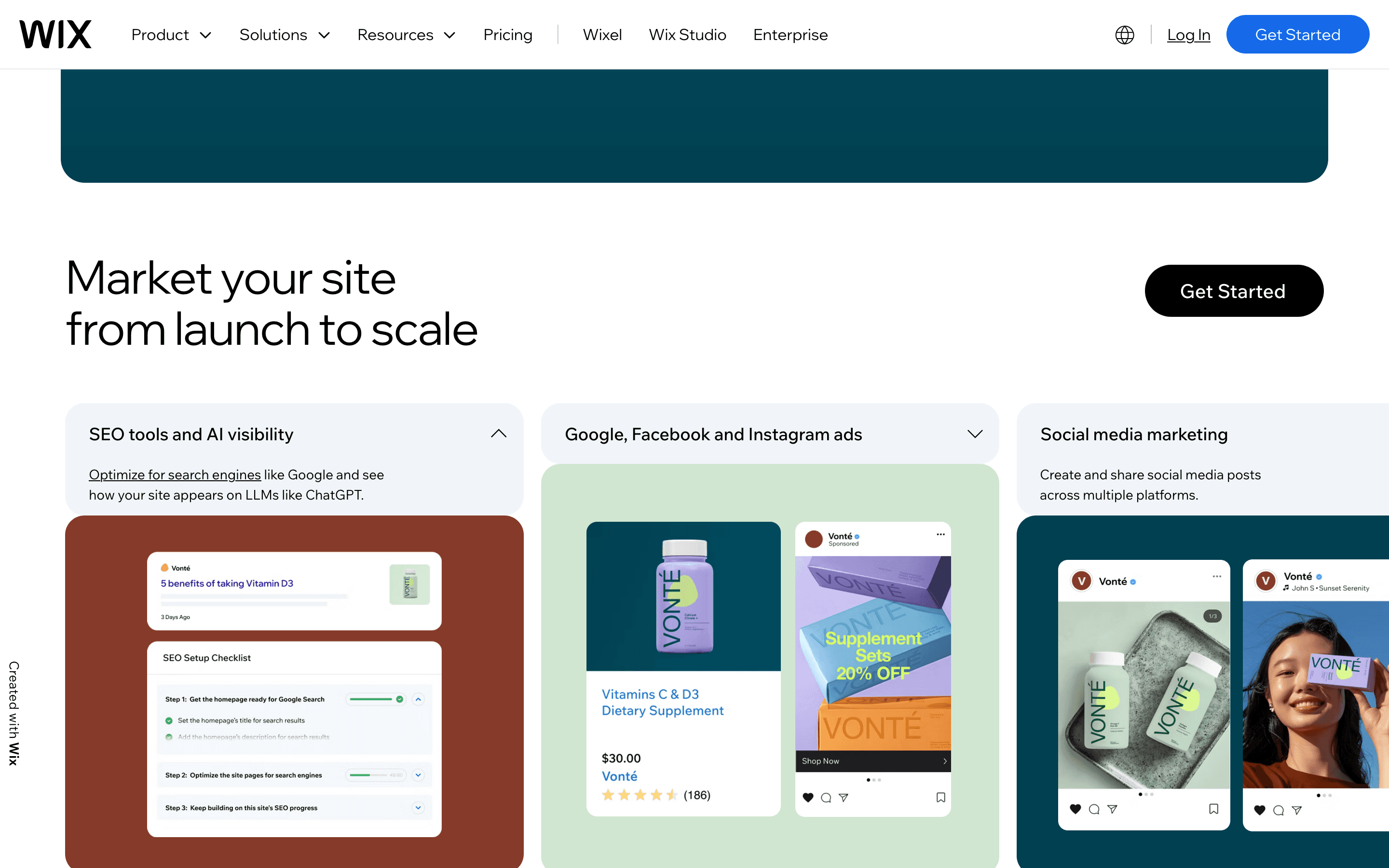
Wix is the option for founders who expect to outgrow a single page fast, especially into selling products or taking bookings. The free plan lets you build and preview before paying, and its AI generator gets a usable draft up from a prompt in minutes. Once you need to actually sell, Core at $29/month unlocks ecommerce for up to 50,000 products plus scheduling, things Carrd doesn't do at all. The tradeoff is cost and lock-in: Light runs $17/month, $204/year, roughly 11 times Carrd's $19/year Pro Standard tier, and Wix Payments still charges 2.9% plus $0.30 per transaction on top of the subscription. Wix sites also can't be exported, so if you outgrow Wix later, you're rebuilding from scratch rather than migrating.
Pros
- + Free plan lets you build and preview a full site before paying anything
- + Ecommerce, bookings, blog, and marketing tools all live in the same editor, so you don't stitch together separate apps
- + AI site generator gets a usable draft up in minutes from a text prompt
Cons
- – You cannot export or migrate a Wix site to another host, so switching later means rebuilding from scratch
- – Wix Payments charges 2.9% + $0.30 per transaction (3.7% + $0.30 for Amex) on Core, Business, and Business Elite alike, on top of the subscription price
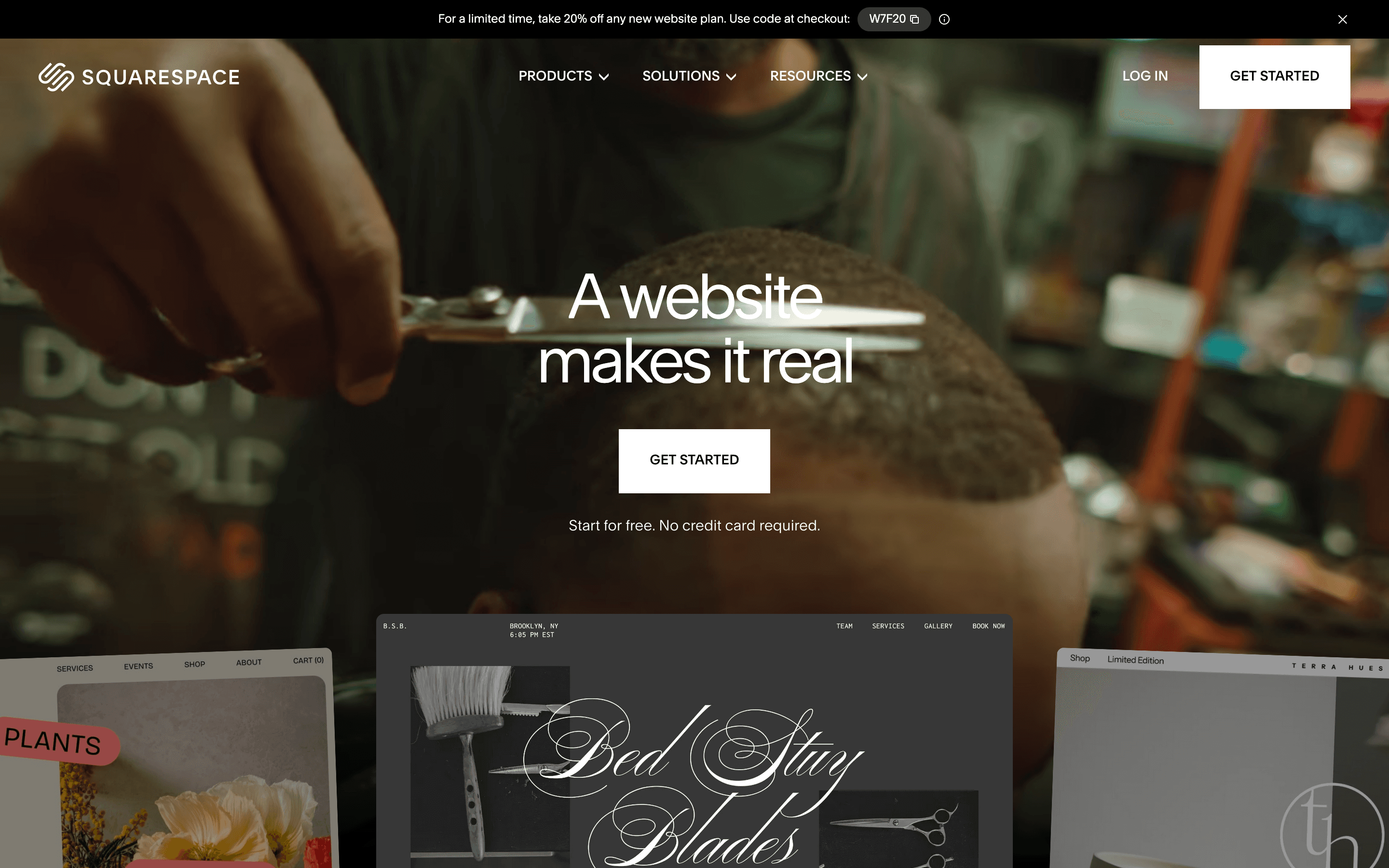
Squarespace suits founders who want a site that looks professionally designed without hiring a designer, which matters more once a one-page Carrd site starts feeling like a placeholder. Every plan, even the $19/month Basic, includes point of sale, customer accounts, and 24/7 support, areas where Carrd offers nothing. There's no free plan, only a 14-day trial, so you can't run a live site for free the way you can on Carrd. Commerce fees also start higher: Basic keeps a 2% cut on sales and 7% on digital products, dropping only on pricier tiers. Squarespace has also raised prices repeatedly, most recently in 2026, and its Trustpilot rating sits at a low 1.2 out of 5 over support complaints, worth weighing against Carrd's simpler, cheaper setup.
Pros
- + Templates look polished out of the box, with less fiddling to get a professional result
- + Ecommerce, hosting, domain, and support are bundled into one plan and one bill
- + Transaction fees drop to 0% on Core and up, so growing stores aren't taxed on top of the plan fee
Cons
- – No free plan, only a 14-day trial, so there's no way to run a live site for free long-term
- – No phone support; help is limited to live chat and email
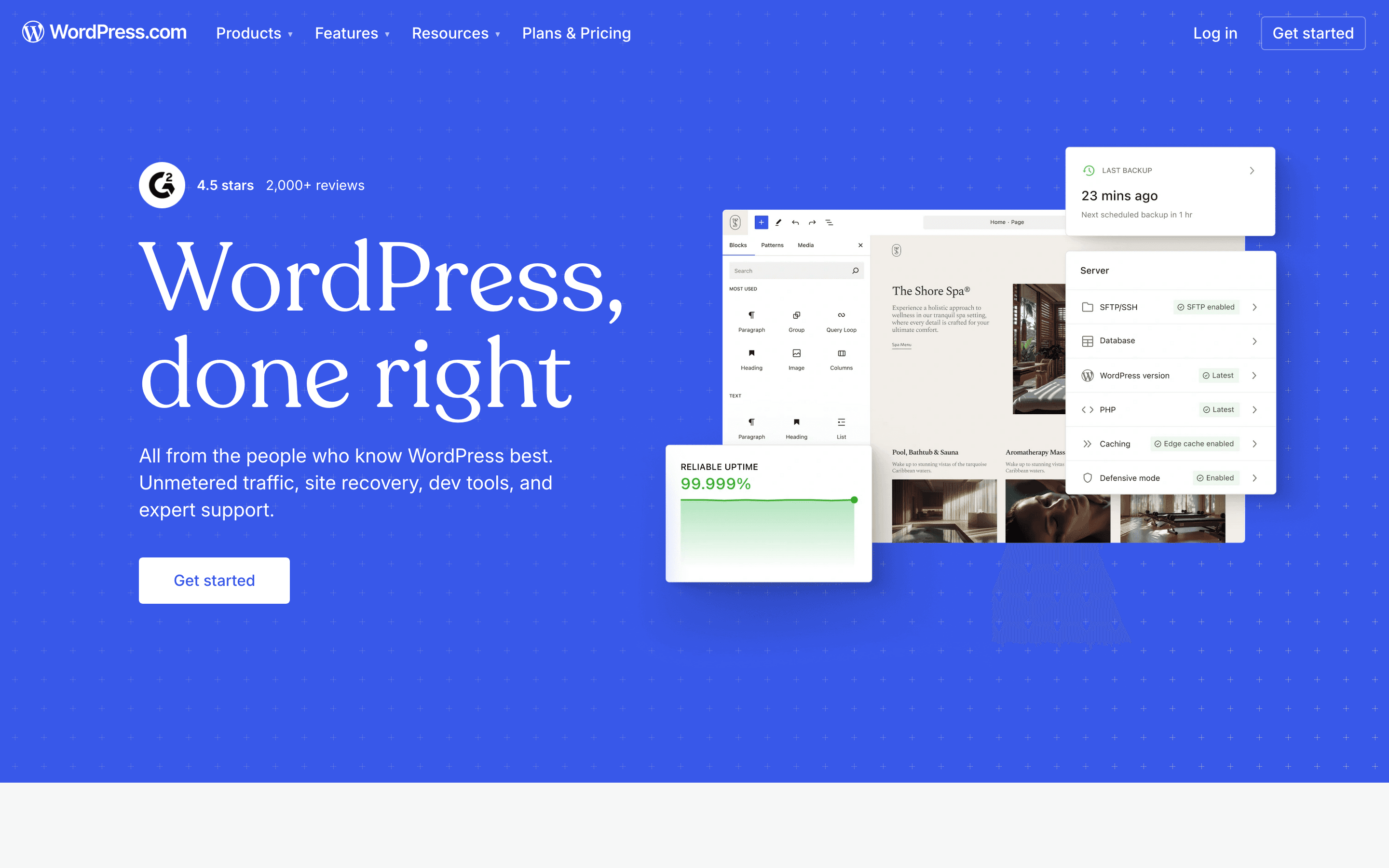
WordPress.com is the choice for teams that want to eventually run on real WordPress, with plugins, themes, and a path to self-hosting that Carrd simply doesn't offer. Personal runs $48/year billed annually ($108/year if billed monthly), still roughly 2.5 times Carrd's $19/year Pro Standard tier, but it already unlocks all 60,000-plus plugins, not just a top tier. The free plan works for testing, though it caps storage at 1 GB and shows WordPress.com's own ads. The catch is the jump to developer features: SFTP, WP-CLI, GitHub deploys, and real-time backups all sit behind the $40/month Business plan, a steep step up from Premium at $18. WordPress.com's block editor is also a real learning curve compared to Carrd's simple block-drag layout, and its 2022 pricing overhaul, later reversed, still shows up in reviews as a trust concern.
Pros
- + Free plan lets you launch and test a site with no credit card
- + Business and Commerce plans include real-time backups, SFTP/SSH, and Git deploys, which most website builders don't offer
- + Access to the full 60,000+ plugin marketplace on any paid plan, not just the top tier
Cons
- – Developer tools like SFTP/SSH, WP-CLI, GitHub deployments, staging sites, and real-time backups are locked out until you pay for Business at $40/month (or $25/month annual), a steep jump from Premium at $18
- – Storage tops out at 50 GB even on the $70/month Commerce plan; more space costs extra
Webflow
Webflow is for teams that have fully outgrown Carrd's one-page model and want a real CMS plus code-quality output they could someday hand to a developer. Its visual canvas mirrors actual CSS, and Premium at $25/month gives you full CMS collections for a blog or directory that Carrd can't build at all. That power comes at a real cost to the reader Carrd serves best: Webflow has a steep learning curve, is not built for launching in an afternoon, and a team of more than a couple of builders needs a separate $2,500/month Team workspace on top of site costs. Webflow's May 2026 pricing overhaul also cut default bandwidth on Premium and raised bills for many existing customers, so it's the most expensive and most complex option on this list by a wide margin.
Pros
- + Design control close to hand-written CSS, no proprietary rendering quirks
- + A real CMS with collections, not just editable blocks
- + Clean code export if you ever need to hand the site to developers
Cons
- – Steep learning curve compared to drag-and-drop builders like Squarespace or Wix
- – May 2026 pricing overhaul raised costs for many existing customers, especially monthly billers and high-bandwidth sites
Should your product be on this website builders list?
If you build a tool that belongs next to the ones above, submit it. A human reviews every submission. Approved products get their own page with pricing and screenshots, plus a place in the comparisons where they fit. It is free. You sign in with your work email so you can follow the decision, and there is no password to create.
Carrd alternatives: FAQ
What's the best Carrd alternative for a founder who needs a site live this week?+
Framer launches nearly as fast as Carrd, and adds a built-in CMS for when you need more than one page.
Is there a free Carrd alternative?+
Yes. Framer, Wix, and WordPress.com all have usable free plans, though each caps storage, bandwidth, or pages until you upgrade.
What's the cheapest paid Carrd alternative?+
WordPress.com's Personal plan runs $48/year billed annually ($108/year billed monthly). That's the cheapest full alternative here, but still about 2.5 times Carrd's $19-a-year Pro Standard tier.
Which Carrd alternative has the best built-in CMS or blog?+
Webflow has the most capable CMS, with true collections for blogs or directories. Framer's CMS covers the same basics with a simpler learning curve.
Carrd alternatives: pricing compared
Entry price, billing model, and whether pricing is public. 6 of 6 publish pricing you can check without talking to sales.
| Tool | Starting price | Billing | Free option | Pricing disclosed |
|---|---|---|---|---|
| Carrd | $9/yr | tiered | Yes | Public |
| Framer | $10/site/mo | tiered | Yes | Partly public |
| Wix | $17/mo | tiered | Yes | Partly public |
| Squarespace | $19/mo | tiered | Trial (14 days, no credit card required) | Public |
| WordPress.com | $9/mo | tiered | Yes | Partly public |
| Webflow | $15/site/mo | tiered | Yes | Partly public |
How we made these picks. We compare tools on public pricing, features, and hands-on assessment, then verify every price against the vendor's own page. We never accept payment for rankings. Read the full methodology. Spotted an error? Report it.