Top Coda Alternatives in 2026
Here for Coda itself? See the full Coda profile, pricing & reviews →
Suggest a change- If you're already running Jira and want docs cross-linked to tickets, choose Confluence. Confluence's native two-way Jira linking is deeper than what Coda's Jira Pack approximates.
- If you want the closest all-in-one workspace to Coda, with flexible pages, databases, and a genuinely usable free plan, choose Notion. Notion's pages-and-databases model is the nearest thing to Coda's flexibility, and its free plan supports real ongoing use rather than a time-limited trial.
- If your docs keep drifting out of sync with what's actually happening in Slack, Linear, and GitHub, choose Slite. the Slite Agent watches those connected tools, flags docs that no longer match reality, and drafts a fix for someone to approve, instead of leaving drift for a human to stumble on.
- If you're publishing engineering docs or an API reference and want it synced straight from a Git repo, choose GitBook. GitBook's native two-way GitHub and GitLab sync and OpenAPI-based reference generation cover a job none of the other four tools are built for.
- If you built actual lightweight internal apps, trackers, or a small CRM inside Coda docs using its formula language and Packs, choose migrate the docs first, rebuild the apps on your own timeline. None of Confluence, Notion, Slite, Slab, or GitBook match Coda's formula depth and Pack ecosystem, so those custom apps are the hard part to move. But Coda is being wound down into the Superhuman Suite, so don't treat that lock-in as a reason to stay. Move your written knowledge to a wiki like Notion now, and rebuild the app logic separately rather than waiting for the platform's roadmap to stall.
Coda is being wound down as a standalone product. Grammarly acquired it in December 2024, rebranded to Superhuman, and now sells Coda inside the Superhuman Suite rather than as its own tool. If Coda holds your company's knowledge today, that's the reason to start planning a move: the roadmap now belongs to a bundle. On top of that, the $33 Business tier packs in Grammarly Pro and Superhuman Mail whether you want them or not, and it's also the tier with more AI credits, so teams that just want more AI than the $12 Pro plan offers end up paying for two extra apps they didn't ask for, plus a formula language that takes real time to learn.
The five tools below all compete for the same job: a shared place to write, structure, and find internal knowledge. None of them match Coda's formula-and-Packs app-building depth feature for feature, so the right pick depends on whether your team actually uses that depth or just wants a good wiki.
Coda alternatives compared
| Tool | Best for | Starting price | Free option | Last update |
|---|---|---|---|---|
| Notion | Teams that want project tracking, docs, and a wiki in one tool instead of three | $10/seat/mo | Yes | July 2026 |
| ConfluenceBest for enterprise | Teams already running Jira who want docs and tickets linked in one system | $6.7/seat/mo | Yes | June 2026 |
| SliteBest for keeping docs from going stale | Ops and eng teams whose docs drift out of sync with Slack threads, Linear tickets, and GitHub PRs and want an agent to catch that instead of a human stumbling on it later | $10/seat/mo | Trial (14 days, no credit card required) | June 2026 |
| SlabBest free alternative | Small to mid-size teams that want a simple, fast internal wiki without a lot of setup | $6.67/seat/mo | Yes | July 2025 |
| GitBookBest for engineering docs | Engineering teams that want docs synced to a GitHub or GitLab repo instead of a separate CMS | $65/mo | Yes | June 2026 |
Why teams switch from Coda
The bigger AI tier comes bundled with Grammarly and Superhuman Mail
Since the July 2026 Superhuman Docs rebrand, the $33 Business tier bundles in Grammarly Pro and Superhuman Mail on top of Coda docs, whether a team wants them or not. The $12 Pro tier stays docs-only, so a team that wants more AI credits than Pro offers but not a bundled email client and grammar tool doesn't have a plan for that.
The formula language takes real time to learn
Reviewers commonly describe 2 to 4 weeks of ramp-up before Coda's formulas and doc structure click for a new team.
Heavy docs slow down
Docs packed with tables and formulas can get sluggish enough that Coda publishes its own help center guide dedicated to speeding up heavy docs, a sign performance is a known pain point.
Mobile is weak
Reviewers say mobile search often surfaces loosely related results or opens the wrong page, and there is no offline mode.
The best Coda alternatives, ranked
Notion
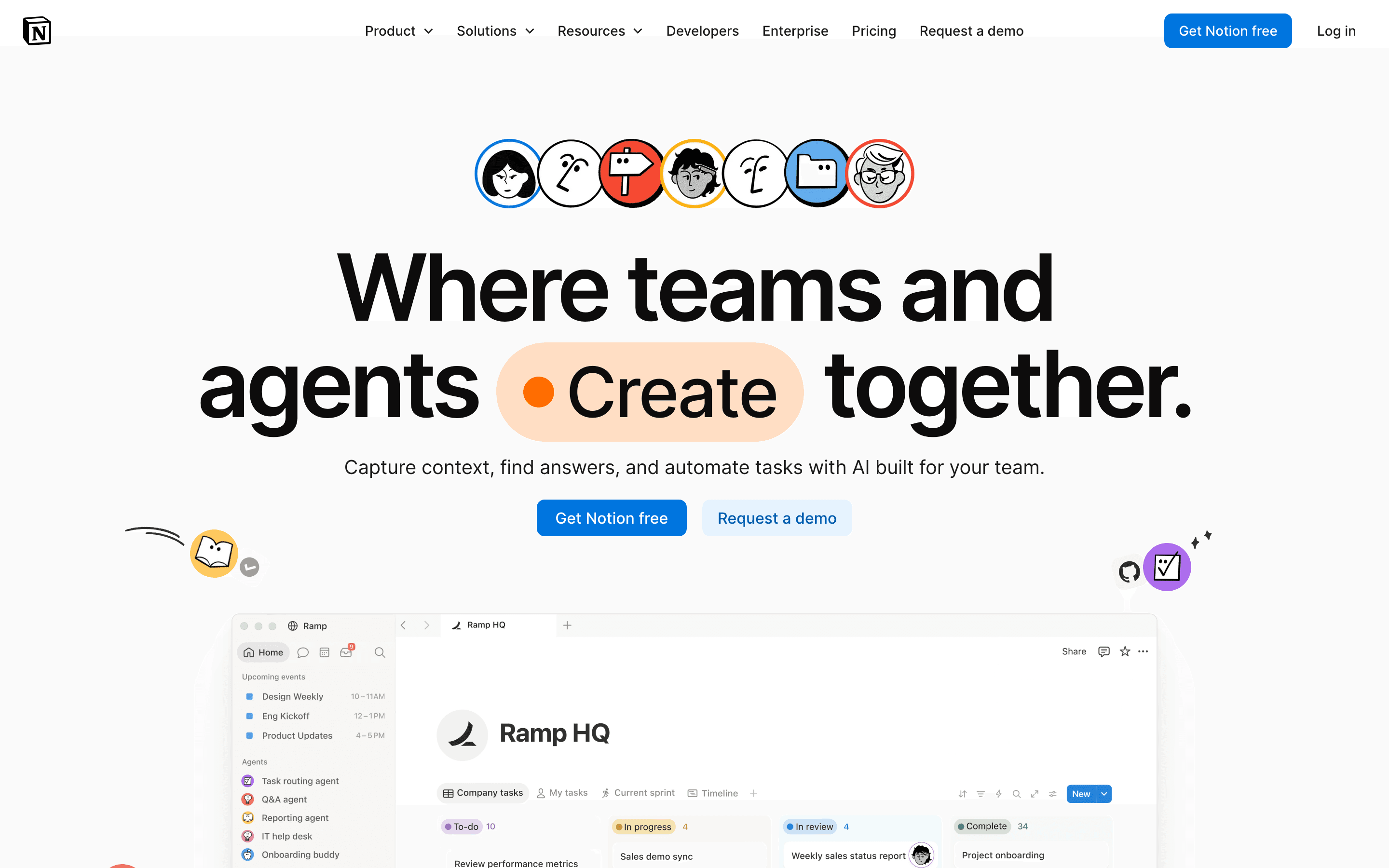
Notion is the most direct swap for Coda's core idea: pages and databases you shape however you want, not a fixed wiki template. Free is usable for real work, with unlimited individual use and 10 external guests, and Plus starts at $10 per seat per month, close to Coda's $12 Doc Maker price. The catch is AI: Notion Agent and AI Meeting Notes only unlock on the $20 per seat per month Business plan, and Custom Agents bill separately by credit on top of seats, so a team chasing Coda's automation depth ends up paying more per seat than the headline Plus price suggests. Notion also skews toward project tracking and personal notes rather than Coda's formula-driven mini apps, so treat it here as the flexible, general-purpose pick rather than a dedicated docs competitor. There's no equivalent to Coda's Packs or button-driven automations, so teams that built real tools inside Coda docs will rebuild that logic as Notion databases and templates instead of formulas.
Pros
- + One tool covers docs, wikis, and task tracking, cutting down on app switching
- + Databases and pages are flexible enough to build almost any workflow
- + Free plan is usable for real work, not just a stripped-down trial
Cons
- – No native Gantt chart, dependency tracking, or resource management, so real project management needs a template workaround or a plugin
- – Full AI access requires the $20/seat/month Business plan; Free and Plus only get a capped trial
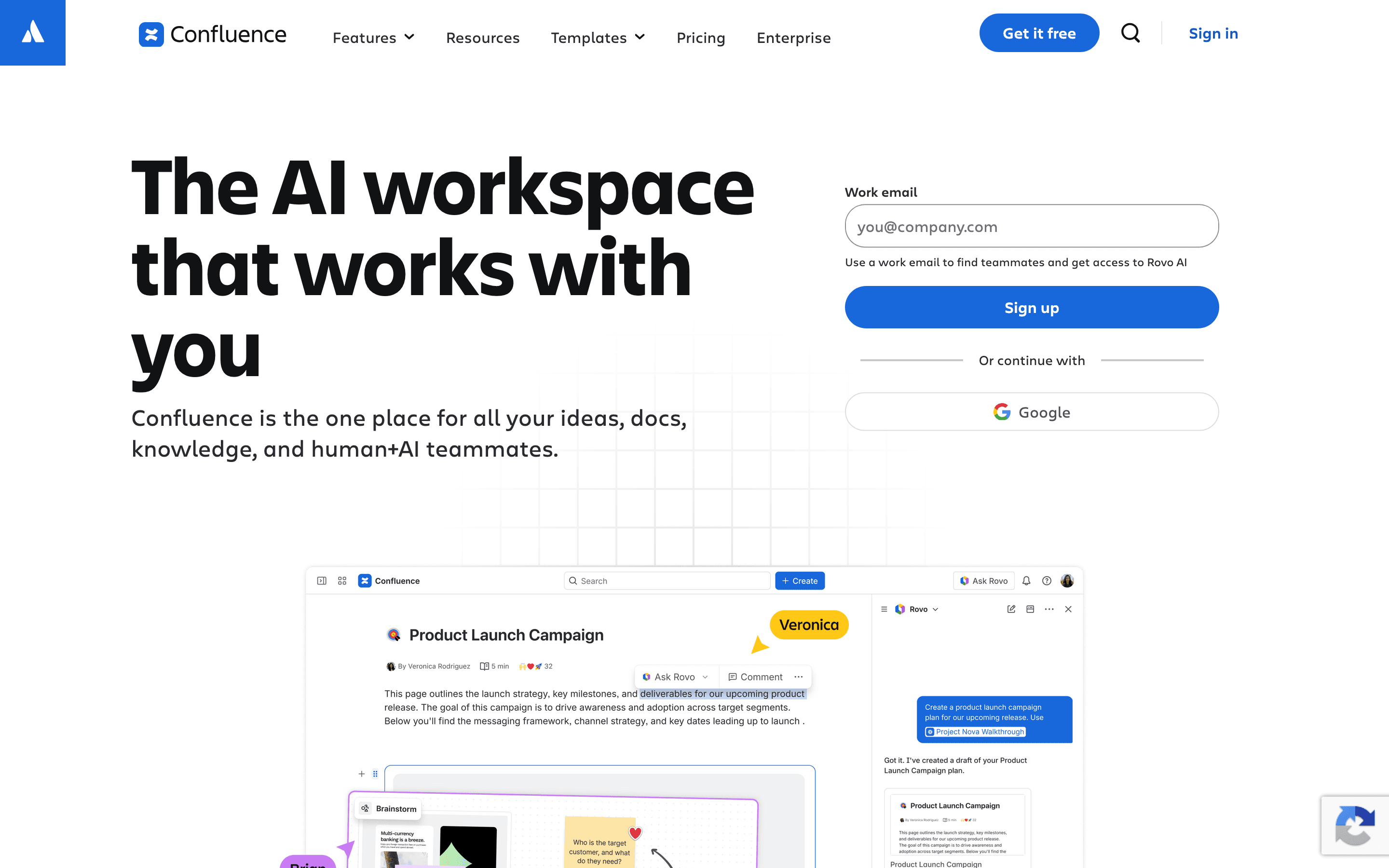
Confluence is the wiki alternative for teams that live in Jira. Pages link directly to tickets, so specs and work items stay connected in a way Coda's Packs only approximate. Free covers 10 users, Standard starts at $6.70 per seat per month, cheaper than Coda's $12 Doc Maker price, and Premium adds Rovo AI search plus a 99.9% uptime SLA. The tradeoff is depth versus flexibility: Confluence has no formula language or button automations, so it won't replace a Coda doc that doubled as a lightweight CRM or tracker, it replaces the writing and documentation side only. Search across large instances is a recurring complaint, and Enterprise pricing isn't published, you go through sales for a real number. For an eng team already paying for Jira, Confluence removes a second subscription's worth of friction that Coda never solved.
Pros
- + Deep two-way linking with Jira tickets, so specs and work items stay connected
- + Granular space and page permissions for larger orgs with mixed access needs
- + Free plan supports up to 10 users with unlimited pages and spaces
Cons
- – Per-seat price climbs fast once you're past the smallest team bands
- – Search inside large instances is a common complaint, people struggle to find older pages across spaces
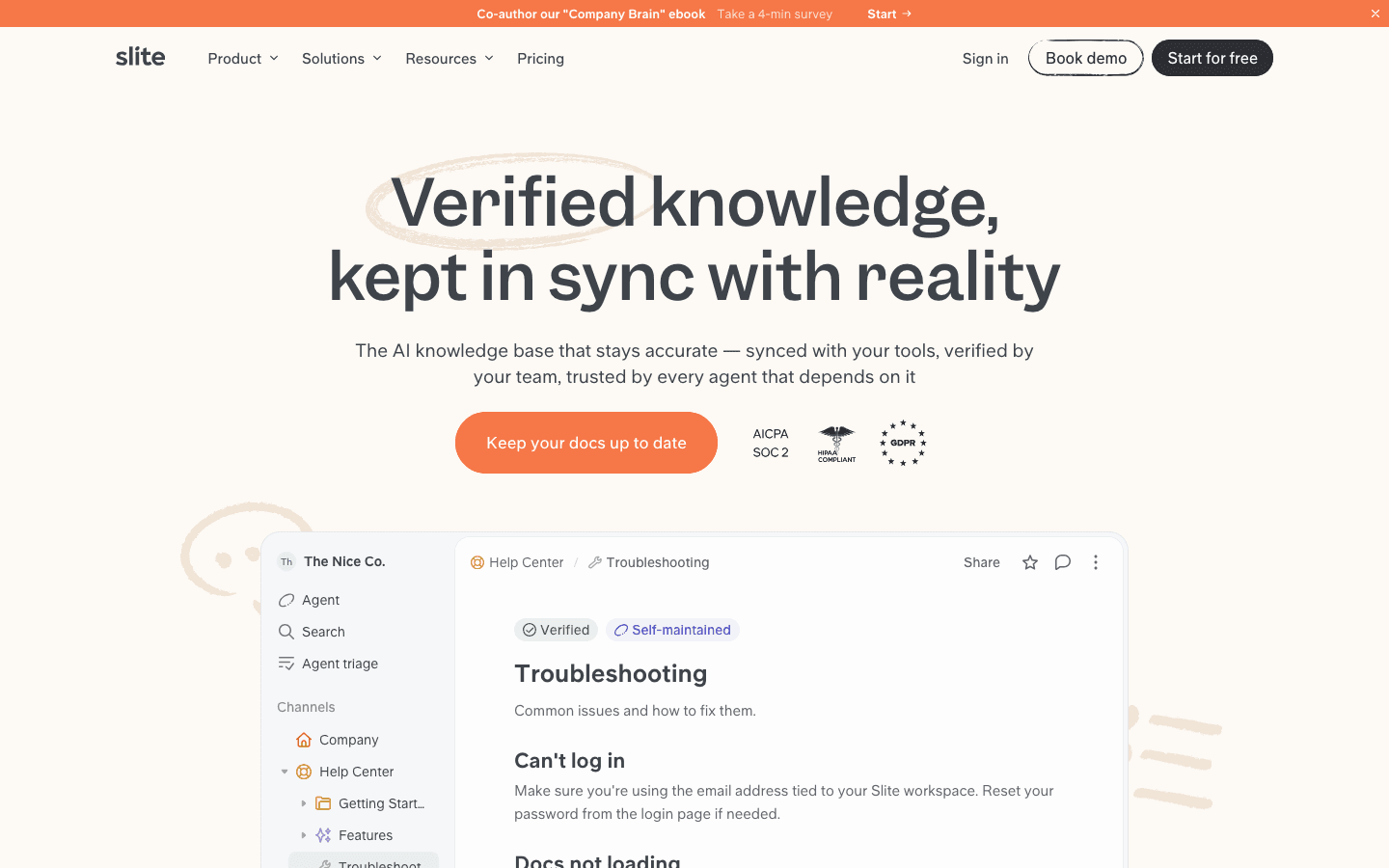
Slite's pitch is squarely the company-brain problem: docs go stale the moment nobody's watching them. The Slite Agent watches Slack, Linear, and GitHub, flags docs that no longer match reality, drafts a fix, and routes it to someone for approval, a more active version of the verification habit Coda leaves entirely to your team. Basic is $10 per seat per month billed annually, close to Coda's $12, but there's no free-forever plan, only a 14-day trial, and Basic's AI search caps out at 30 questions per seat a month. Pro, at $20 per seat, is where the Agent and deeper automation live. Slite doesn't try to be a database or app builder the way Coda does. It's a narrower, sharper tool for keeping written knowledge accurate, which suits teams whose real problem is drift, not missing structure.
Pros
- + Slite Agent catches doc drift automatically instead of relying on someone to notice a doc is outdated
- + Verification workflow gives every doc a clear owner and an audit trail of who confirmed it's still accurate
- + MCP and API access mean Claude, ChatGPT, or your own agents can search and update docs through the same permission model your team uses
Cons
- – No free-forever plan, only a 14-day trial, so there's no way to run it long-term at zero cost
- – The published $10/$20 per-seat prices are annual-billing prices only; the site doesn't show what monthly billing costs
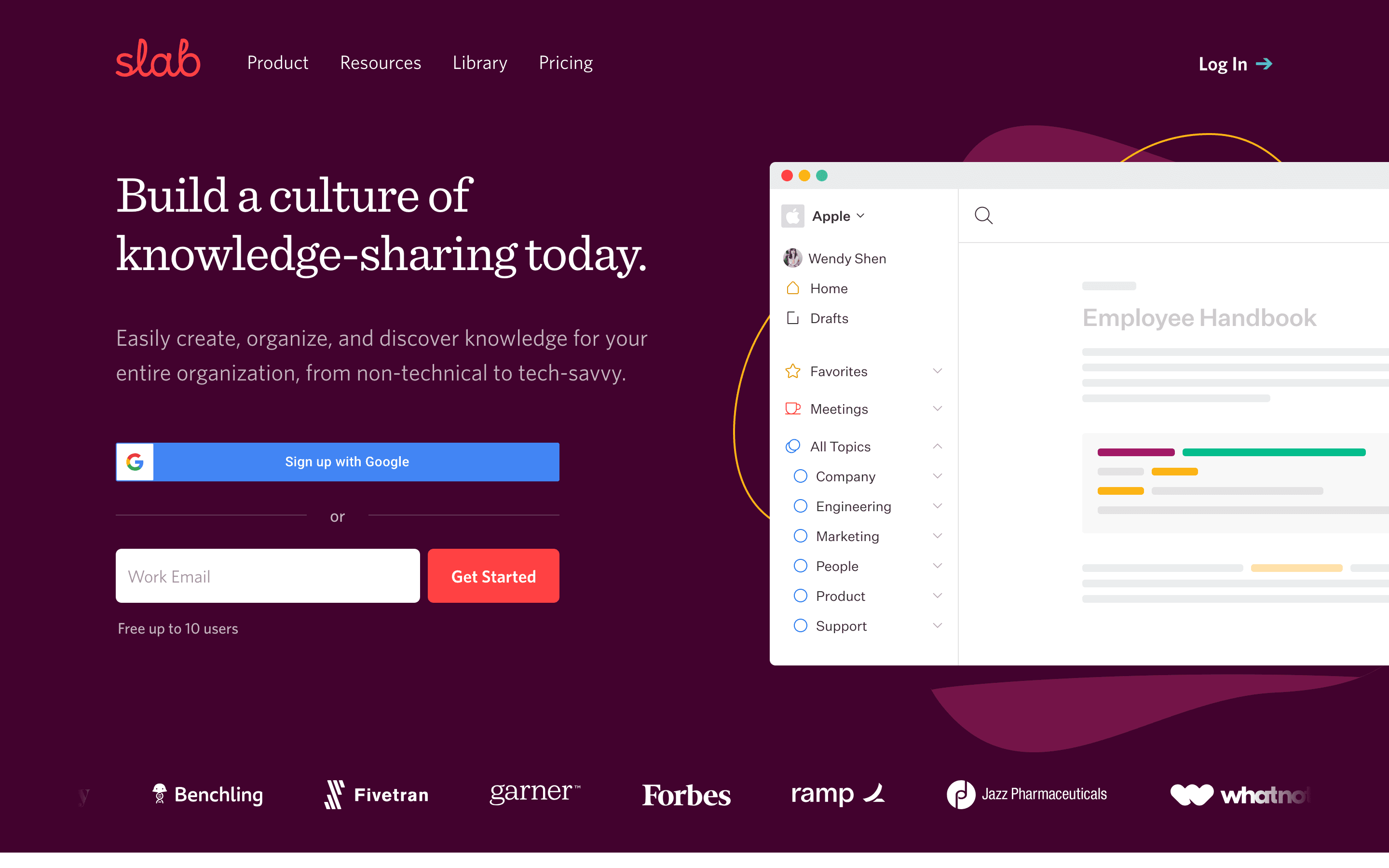
Slab is the plainest, cheapest swap: a fast wiki with strong search and a free plan that supports 10 users forever, not a time-limited trial. Startup runs $6.67 per seat per month, about half of Coda's $12 Doc Maker price, and even the free tier includes Google SSO and Slack, GitHub, and Google Workspace integrations that some competitors lock behind paid plans. What it doesn't do is Coda's formula layer. There are no tables-with-buttons or Packs, so any doc you turned into a lightweight tracker or app in Coda comes back as a plain page in Slab. SAML SSO and SCIM require the pricier Business plan, an 87% jump per seat, and importing existing docs from Google Drive commonly scrambles the original structure, so migrating in takes real cleanup. Best fit is a team that wants a wiki, not a database.
Pros
- + Free plan covers up to 10 users forever, not just a trial
- + Search is consistently the feature reviewers call out as strong, including results pulled from connected apps
- + Basic SSO and integrations like Slack, GitHub, and Google Workspace are included even on the free plan, not locked behind a paid tier
Cons
- – SAML/SCIM and a custom domain require the Business plan, an 87% jump per seat over Startup
- – Enterprise pricing is quote-only with a 100-user minimum, so larger teams can't see a real number upfront
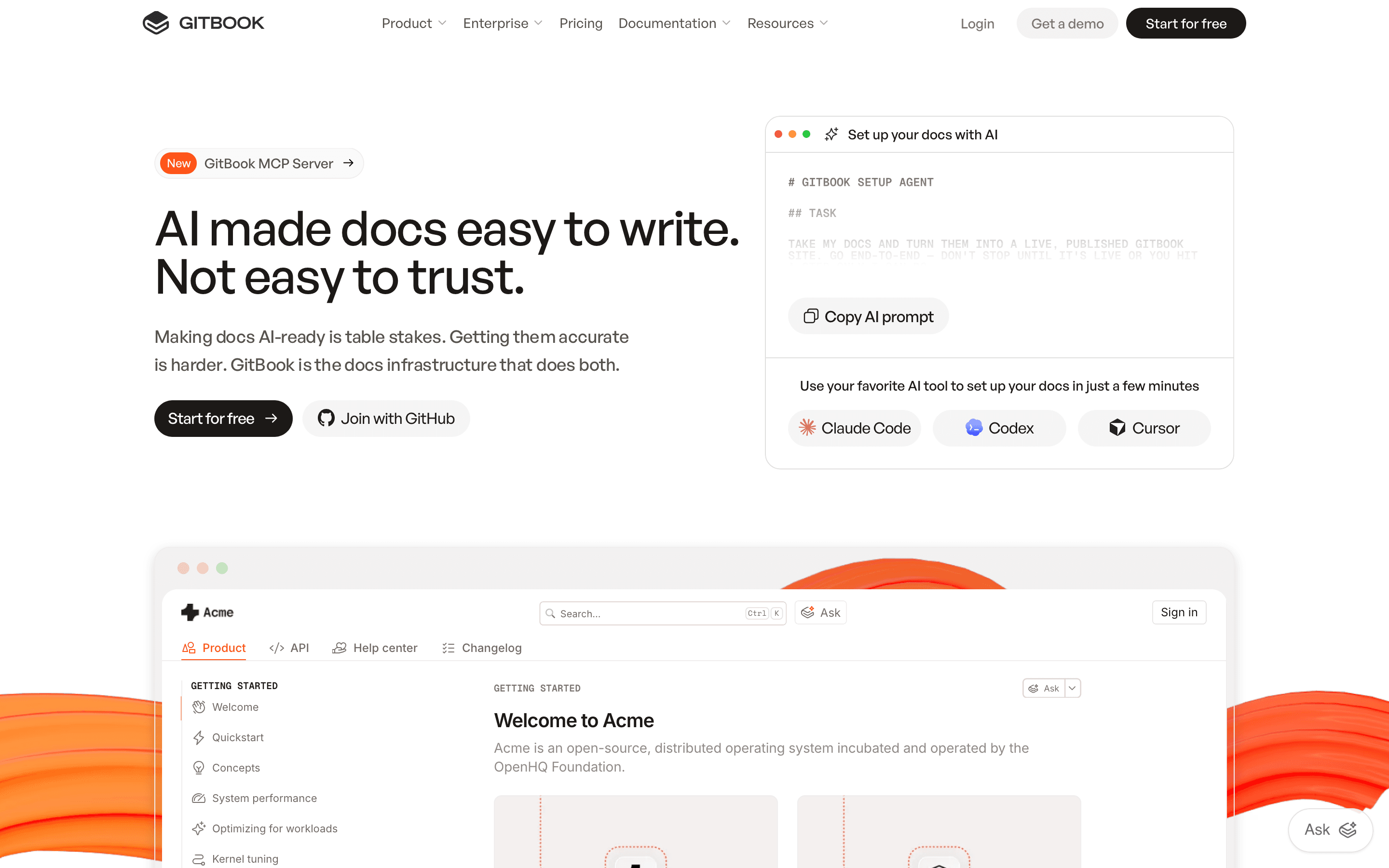
GitBook fits teams whose company brain is really engineering and API documentation synced to a Git repo, a narrower job than Coda tries to do. Two-way GitHub and GitLab sync and OpenAPI-based reference generation cover ground Coda has no equivalent for. Pricing is the thing to watch: Premium is $65 per site per month plus $12 per user per month, so a 5-person team on one site pays $113 a month, and running a second docs site, say a help center next to the API reference, bills the site fee again from scratch. A team that documented this in public after leaving GitBook hit $315 a month minimum on a 10-person, 3-site setup before AI add-ons. GitBook Agent and AI insights, the features closest to Coda's automation, only unlock on the $249-per-site Ultimate plan. Good fit for a single docs site with a small team, expensive fast beyond that.
Pros
- + Pricing is public and itemized, not hidden behind a sales call except at the Enterprise tier
- + Native two-way Git sync for teams that already keep docs source in a repo
- + AI Assistant and GitBook Agent are built into the product, not a bolted-on plugin
Cons
- – Per-site plus per-user billing means the sticker price on the pricing page understates real cost for any team past one seat
- – Running multiple docs sites (API reference, CLI docs, help center) multiplies the site fee for each one
Should your product be on this docs & knowledge bases list?
If you build a tool that belongs next to the ones above, submit it. A human reviews every submission. Approved products get their own page with pricing and screenshots, plus a place in the comparisons where they fit. It is free. You sign in with your work email so you can follow the decision, and there is no password to create.
Coda alternatives: FAQ
What's the best free alternative to Coda?+
Slab has the strongest free plan of the group. It supports up to 10 users with no time limit, and includes Google SSO plus Slack, GitHub, and Google Workspace integrations that some competitors reserve for paid tiers.
Which Coda alternative works best for a team already using Jira?+
Confluence. Pages link directly to Jira tickets, and Standard starts at $6.70 per seat per month, cheaper than Coda's $12 Doc Maker price.
Is there a Coda alternative that stops docs from going out of date?+
Slite is built around that specific problem. Its Slite Agent watches connected tools like Slack, Linear, and GitHub, flags docs that no longer match reality, and drafts a fix for a teammate to approve.
What's the closest all-in-one alternative to Coda?+
Notion. Its flexible pages-and-databases model is the nearest match to Coda's structure, with a free plan usable for real ongoing work rather than a time-limited trial.
Coda alternatives: pricing compared
Entry price, billing model, and whether pricing is public. 6 of 6 publish pricing you can check without talking to sales.
| Tool | Starting price | Billing | Free option | Pricing disclosed |
|---|---|---|---|---|
| Coda | $12/seat/mo | tiered | Yes | Partly public |
| Notion | $10/seat/mo | per-seat | Yes | Partly public |
| Confluence | $6.7/seat/mo | per-seat | Yes | Partly public |
| Slite | $10/seat/mo | per-seat | Trial (14 days, no credit card required) | Partly public |
| Slab | $6.67/seat/mo | per-seat | Yes | Partly public |
| GitBook | $65/mo | per-site + per-seat | Yes | Partly public |
How we made these picks. We compare tools on public pricing, features, and hands-on assessment, then verify every price against the vendor's own page. We never accept payment for rankings. Read the full methodology. Spotted an error? Report it.