GitBook Review
Docs platform for engineering teams, built on Git sync and a block editor
Is this your product? Claim this page · Request a change
Looking for a GitBook alternative? See our ranked comparison.→What is GitBook?
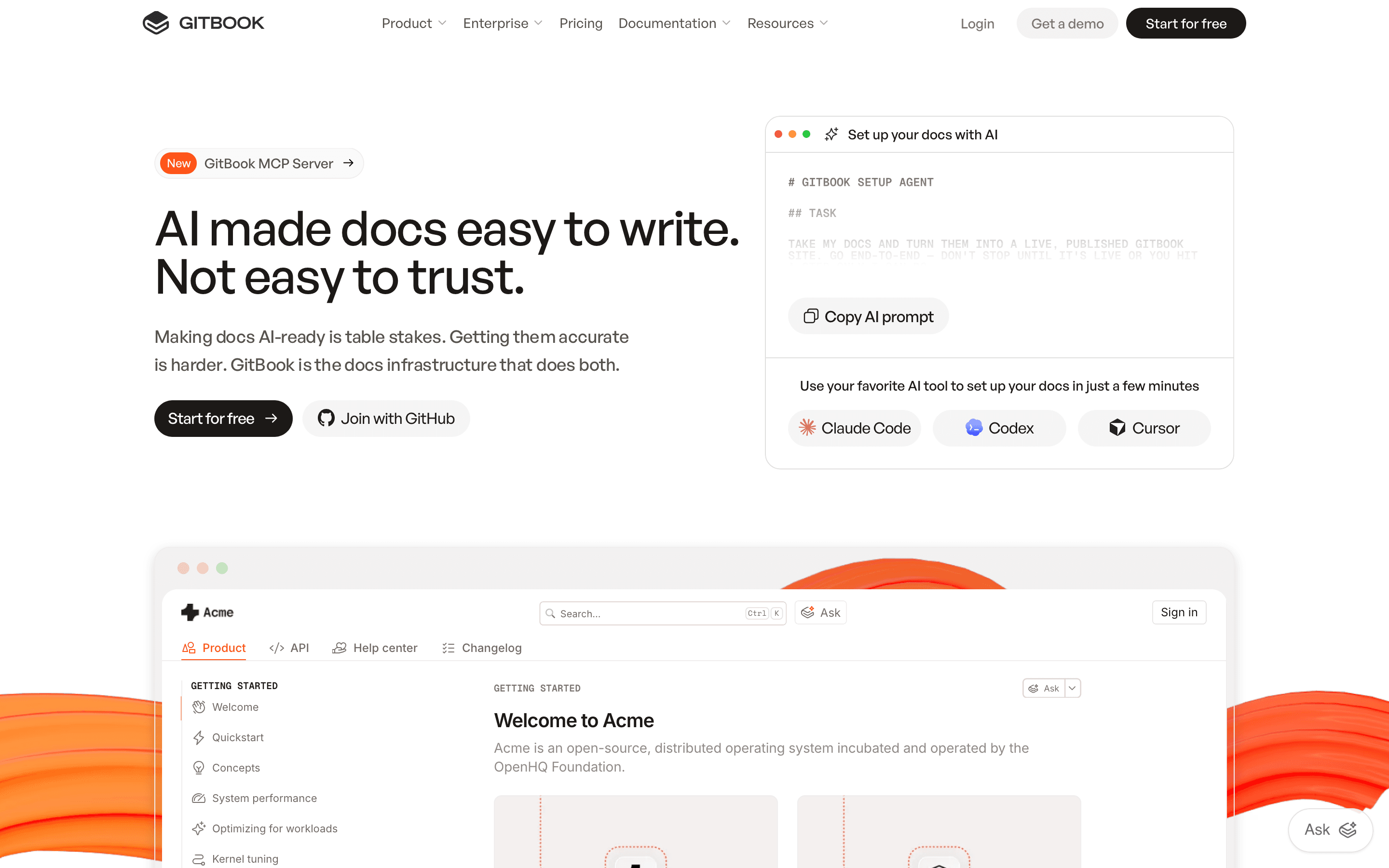
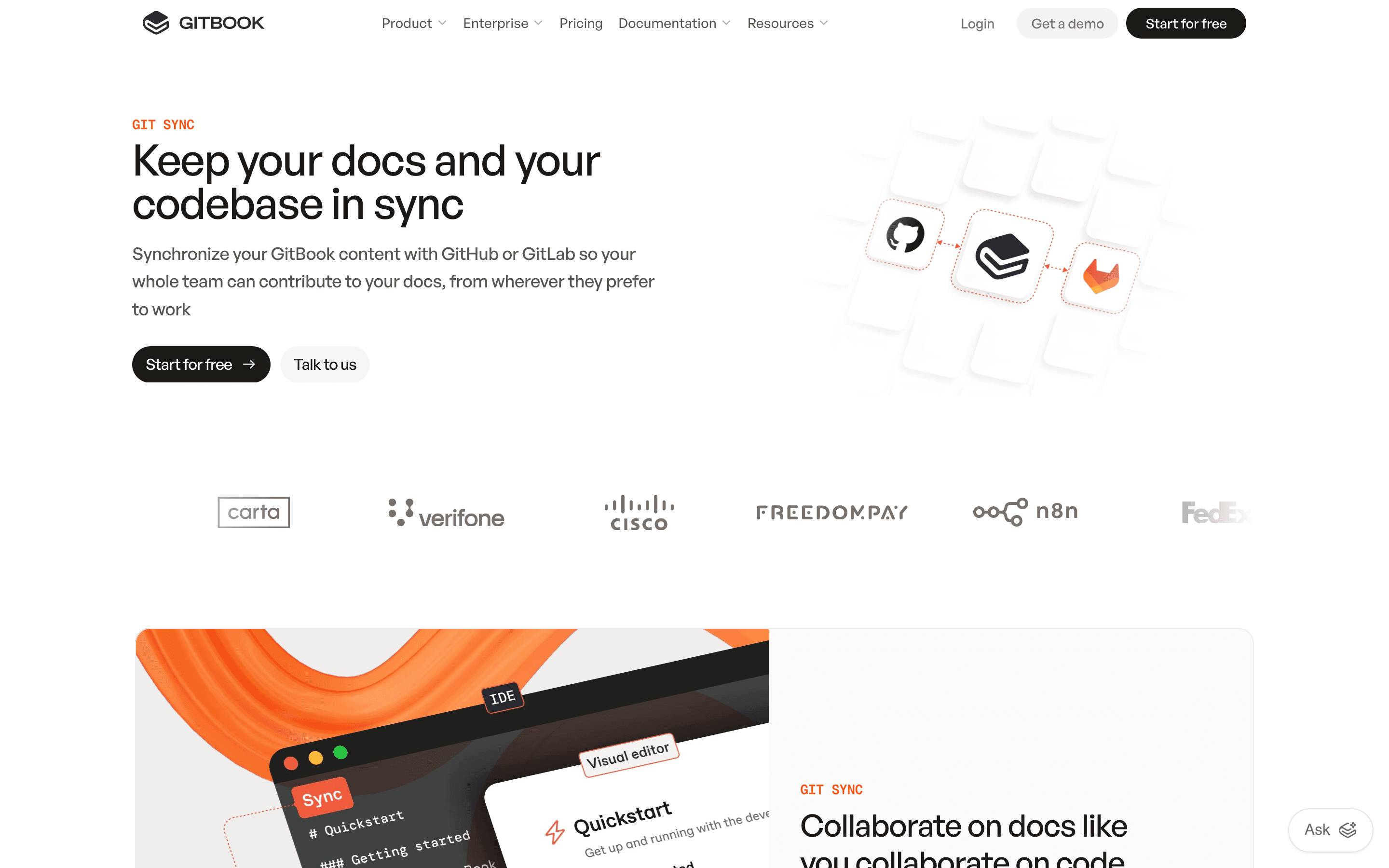
GitBook is a documentation platform built around a block-based editor and two-way Git sync, aimed at teams writing developer docs, API references, and internal knowledge bases. Content lives as structured pages you can edit visually or sync from a GitHub or GitLab repo, and it publishes to a hosted docs site.
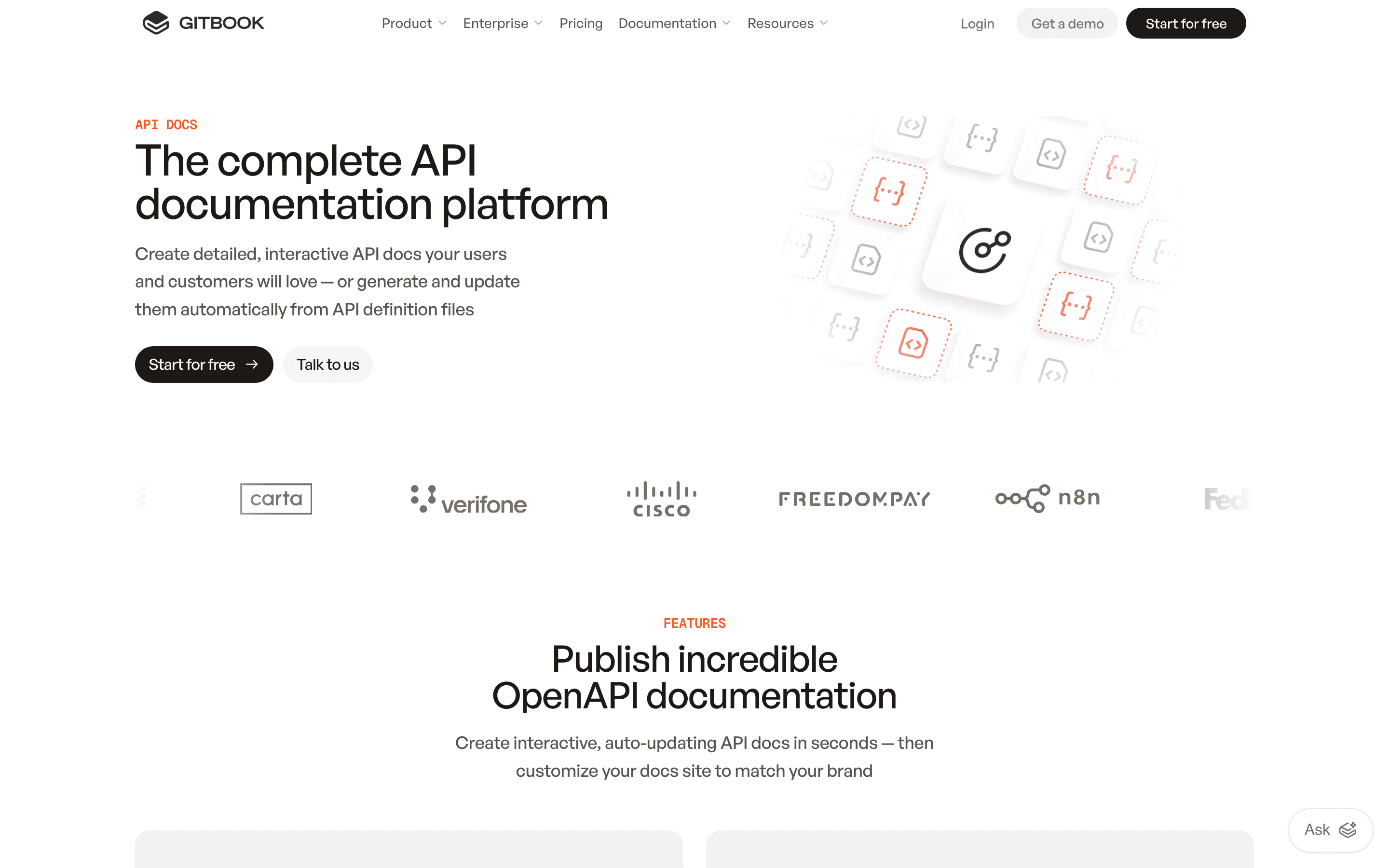
GitBook has leaned hard into AI over the past two years: a GitBook Agent that drafts and reviews content inside change requests, an AI Assistant that answers reader questions on published sites, and OpenAPI-based tools for generating API reference pages. Recent updates focus almost entirely on this AI layer rather than core editing.
Pricing is structured per docs site plus per user, which means the cost of running GitBook scales in two directions at once: more people and more separate sites.
GitBook screenshots
Who it's for
- ✓ Engineering teams that want docs synced to a GitHub or GitLab repo instead of a separate CMS
- ✓ Teams publishing a single public API reference or product docs site with a small number of editors
- ✓ Teams that want AI drafting and review baked into the docs workflow, on the Ultimate plan
Who should look elsewhere
- ✗ Teams running several separate docs sites, since each one is billed again in full
- ✗ Cost-sensitive teams with more than a handful of editors, since every seat past the first is a flat $12/month add-on
- ✗ Teams that need to export content elsewhere later; GitBook's block format does not convert cleanly to plain markdown
Pros
- + Pricing is public and itemized, not hidden behind a sales call except at the Enterprise tier
- + Native two-way Git sync for teams that already keep docs source in a repo
- + AI Assistant and GitBook Agent are built into the product, not a bolted-on plugin
- + Free tier is a real, usable single-user plan, not a time-limited trial
Cons
- – Per-site plus per-user billing means the sticker price on the pricing page understates real cost for any team past one seat
- – Running multiple docs sites (API reference, CLI docs, help center) multiplies the site fee for each one
- – AI features that matter most (GitBook Agent, AI insights) only unlock on the $249/site Ultimate plan
- – Exporting content out of GitBook is lossy since it uses proprietary block formats that don't map to standard markdown
GitBook pricing
What you pay for
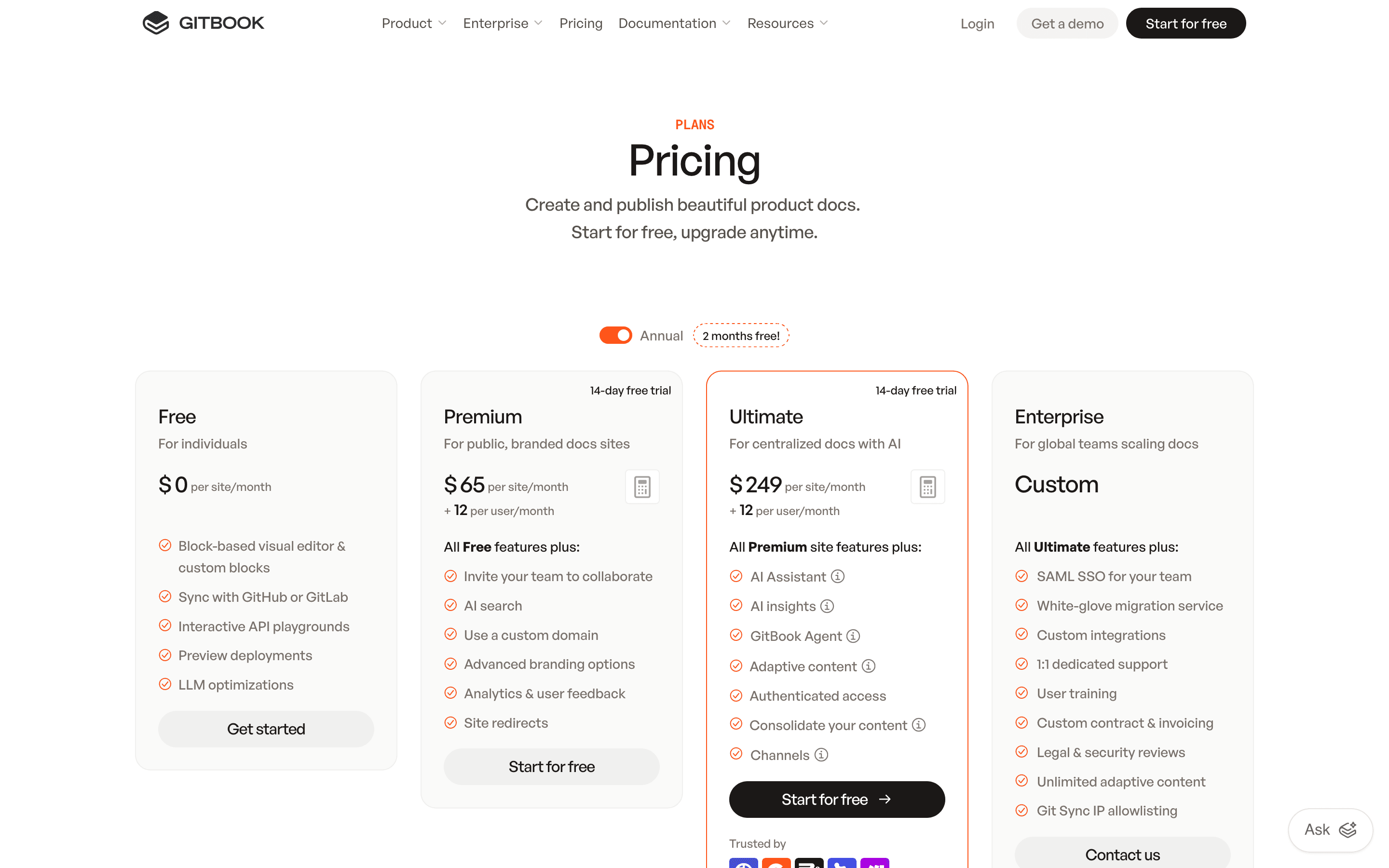
You pay per docs site plus per user on that site, and GitBook lists exact numbers on its pricing page rather than hiding them behind a sales call. The catch is the math is not one number: a real team cost is site fee plus seat fee, multiplied by however many separate sites you run, plus AI add-ons like translation if you use them. Enterprise pricing is quote-only.
At about $65/month to start, it sits at the higher end of Docs & Knowledge Bases pricing.
| Plan | Price | Highlights |
|---|---|---|
| Free | Free | One user · One docs site · Block editor, GitHub/GitLab sync · API playgrounds · Unlimited traffic |
| Premium | $65/mo | $65 per site/month plus $12 per user/month · AI search · Custom domain · Advanced branding and analytics |
| Ultimate | $249/mo | $249 per site/month plus $12 per user/month · GitBook Agent and AI Assistant (500 answers included) · AI insights · Authenticated access, channels |
| Enterprise | Custom | SAML SSO · White-glove migration · Dedicated support · IP allowlisting |
Every paid tier charges a per-site fee plus $12/user/month on top, so a 5-person team on Premium pays $65 + (4 x $12) = $113/month, not $65. Each separate docs site is billed again from scratch. Annual billing gives 2 months free. Auto-translation is a paid add-on: $25 for the first 50,000 words, then $0.20 per 1,000 words after that.
Pricing verified July 7, 2026 · source
How GitBook's pricing compares
GitBook next to its closest alternatives on entry price, billing, and whether pricing is public.
| Tool | Starting price | Billing | Free option | Pricing disclosed |
|---|---|---|---|---|
| GitBook | $65/mo | per-site + per-seat | Yes | Partly public |
| Confluence | $6.7/seat/mo | per-seat | Yes | Partly public |
| Slite | $10/seat/mo | per-seat | Trial (14 days, no credit card required) | Partly public |
| Slab | $6.67/seat/mo | per-seat | Yes | Partly public |
| Notion | $10/seat/mo | per-seat | Yes | Partly public |
Is GitBook still actively developed?
Last significant update: June 2026. Change requests can now update page content directly via the API, GitBook Agent picked up more change-request features, and table diffs got clearer in version comparisons.
Top GitBook alternatives
GitBook FAQ
Is GitBook free?+
Yes, for one user on one site. The free plan includes the full block editor, Git sync, and API playgrounds, but adding a second user or a second site requires a paid plan.
How much does GitBook actually cost for a small team?+
Premium is $65 per site per month plus $12 per user per month. A 5-person team on one site pays $65 plus 4 extra seats at $12 each, or $113/month, not the $65 headline price.
Does GitBook charge separately for each docs site?+
Yes. The per-site fee applies to every site you publish, so a team running an API reference and a separate help center pays the site fee twice.
What AI features does GitBook include?+
AI search is on Premium. GitBook Agent, AI Assistant with 500 included answers, and AI insights are only on the Ultimate plan at $249 per site per month.