Notion Review
All-in-one workspace for docs, wikis, and lightweight project tracking
Is this your product? Claim this page · Request a change
Looking for a Notion alternative? See our ranked comparison.→What is Notion?
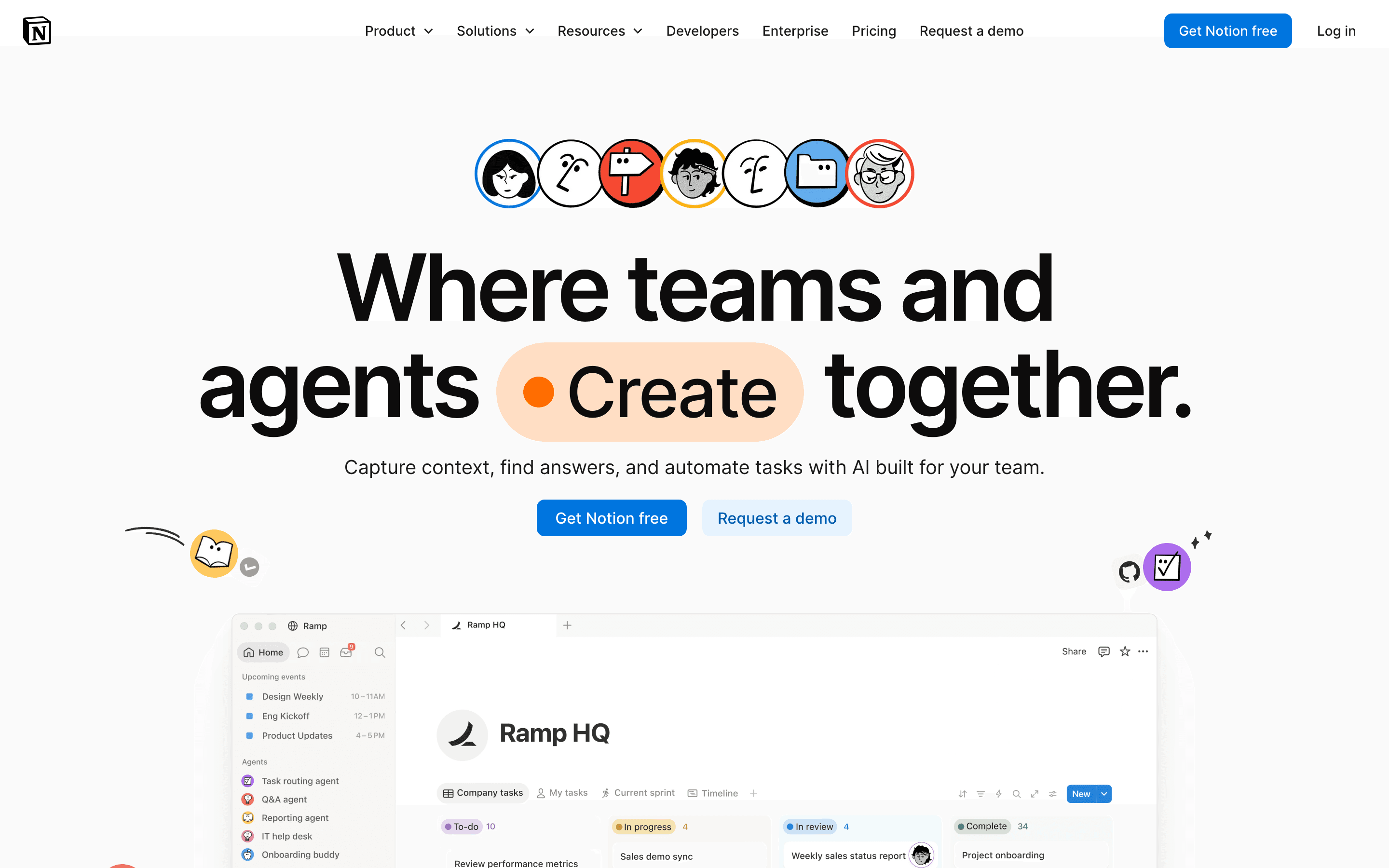
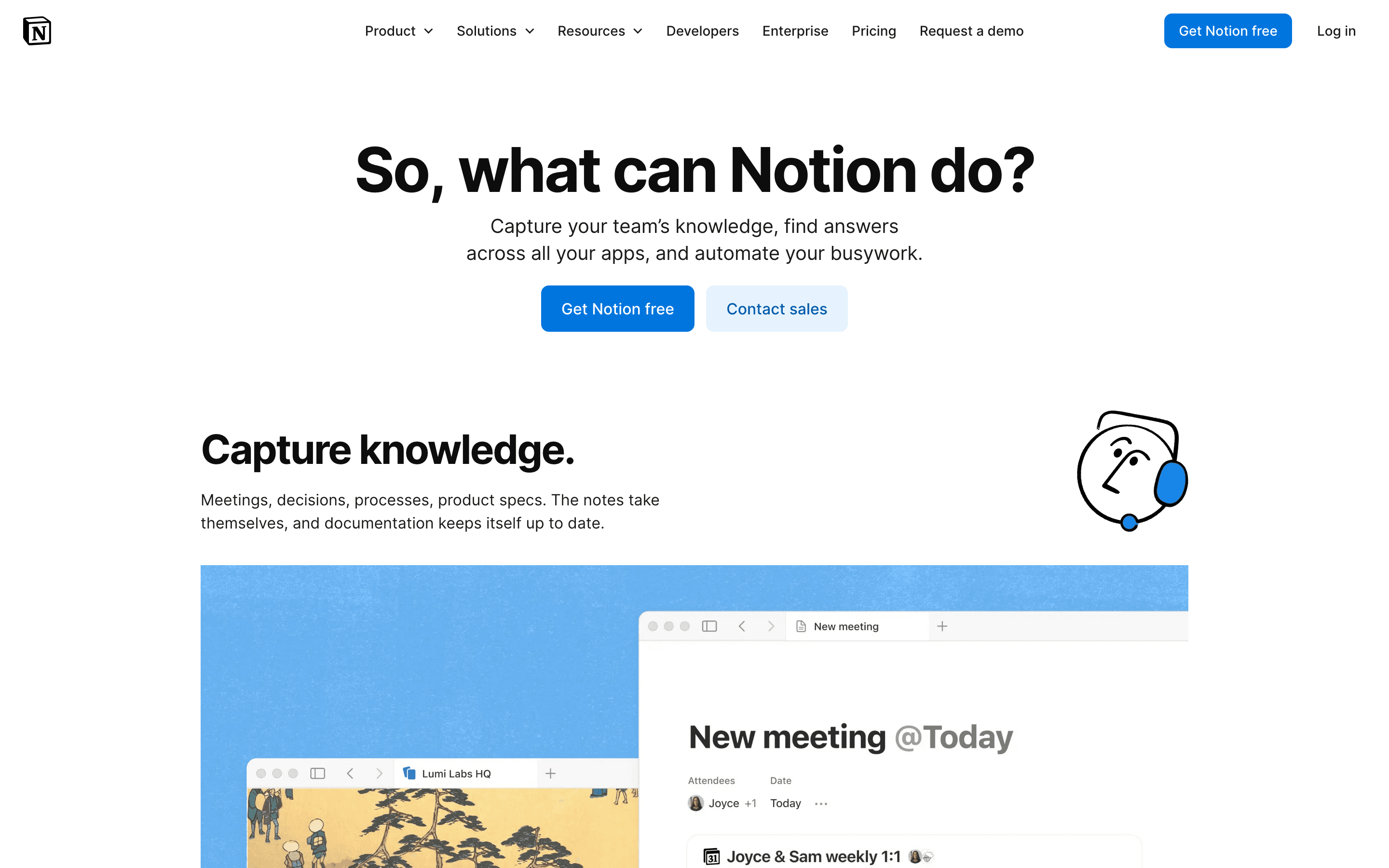
Notion is a workspace app built around flexible pages and databases. Teams use it for docs, wikis, notes, and lightweight project tracking, building their own structure out of blocks rather than working inside a fixed template.
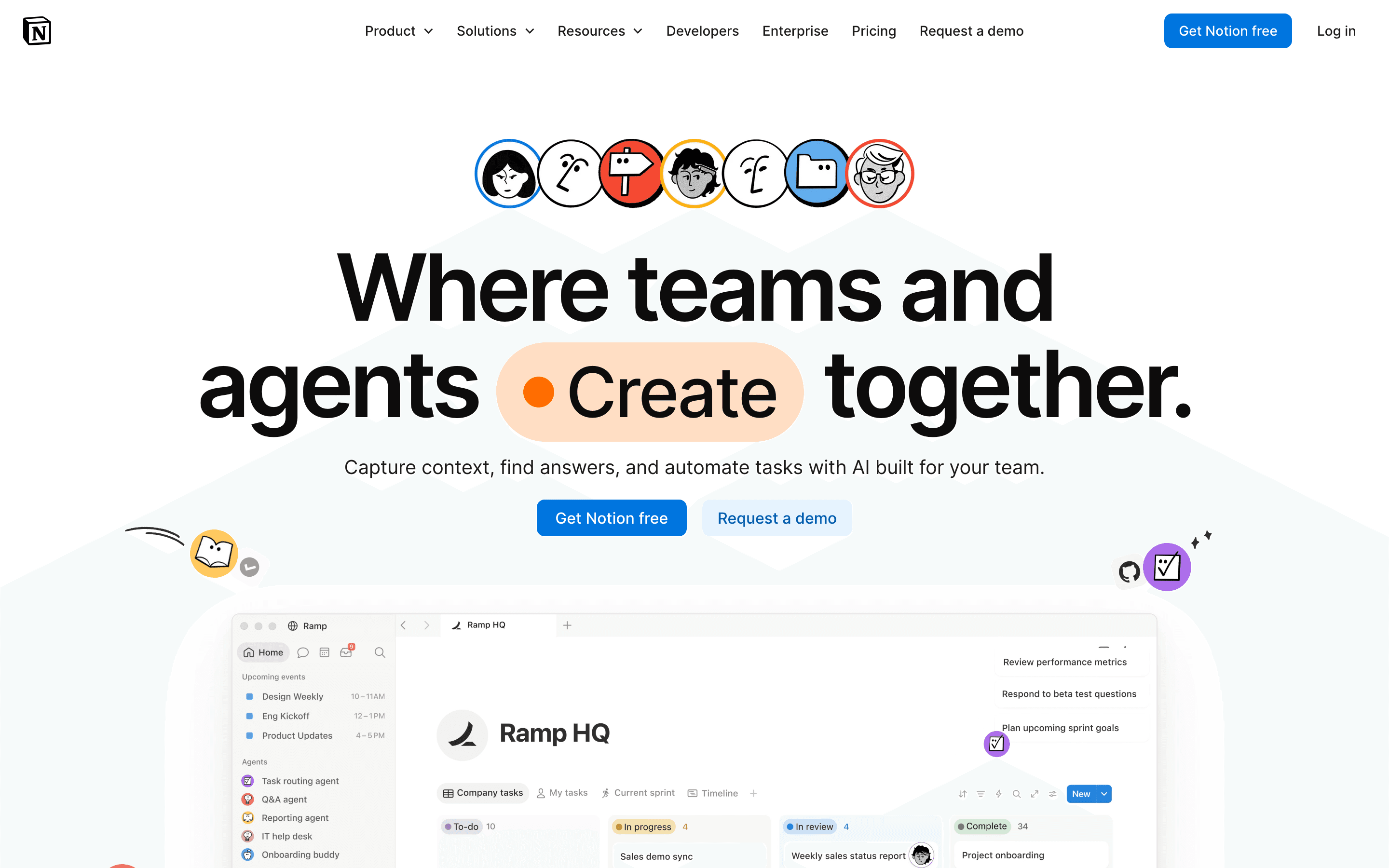
For project management specifically, Notion works well as a shared task list, roadmap, or sprint board that lives next to your docs, but it lacks native Gantt charts, resourcing views, and the automation depth of dedicated PM tools. Recent releases have pushed hard into AI: agents that can be assigned tasks, meeting note transcription, and a credit-based system for custom agents layered on top of the seat price.
Notion screenshots
Who it's for
- ✓ Teams that want project tracking, docs, and a wiki in one tool instead of three
- ✓ Small teams that don't need formal resourcing, time tracking, or Gantt views
Who should look elsewhere
- ✗ Teams that need dedicated project management features like dependencies, Gantt charts, or workload views out of the box
- ✗ Teams that want AI features without upgrading every seat to the $20/month Business plan
Pros
- + One tool covers docs, wikis, and task tracking, cutting down on app switching
- + Databases and pages are flexible enough to build almost any workflow
- + Free plan is usable for real work, not just a stripped-down trial
- + Fast pace of feature releases, including AI agents and Microsoft file support
Cons
- – No native Gantt chart, dependency tracking, or resource management, so real project management needs a template workaround or a plugin
- – Full AI access requires the $20/seat/month Business plan; Free and Plus only get a capped trial
- – Custom Agents bill separately by credits on top of your seat cost, making total spend harder to predict
- – Flexibility means new teams often spend real time building a workflow instead of using one out of the box
Notion pricing
What you pay for
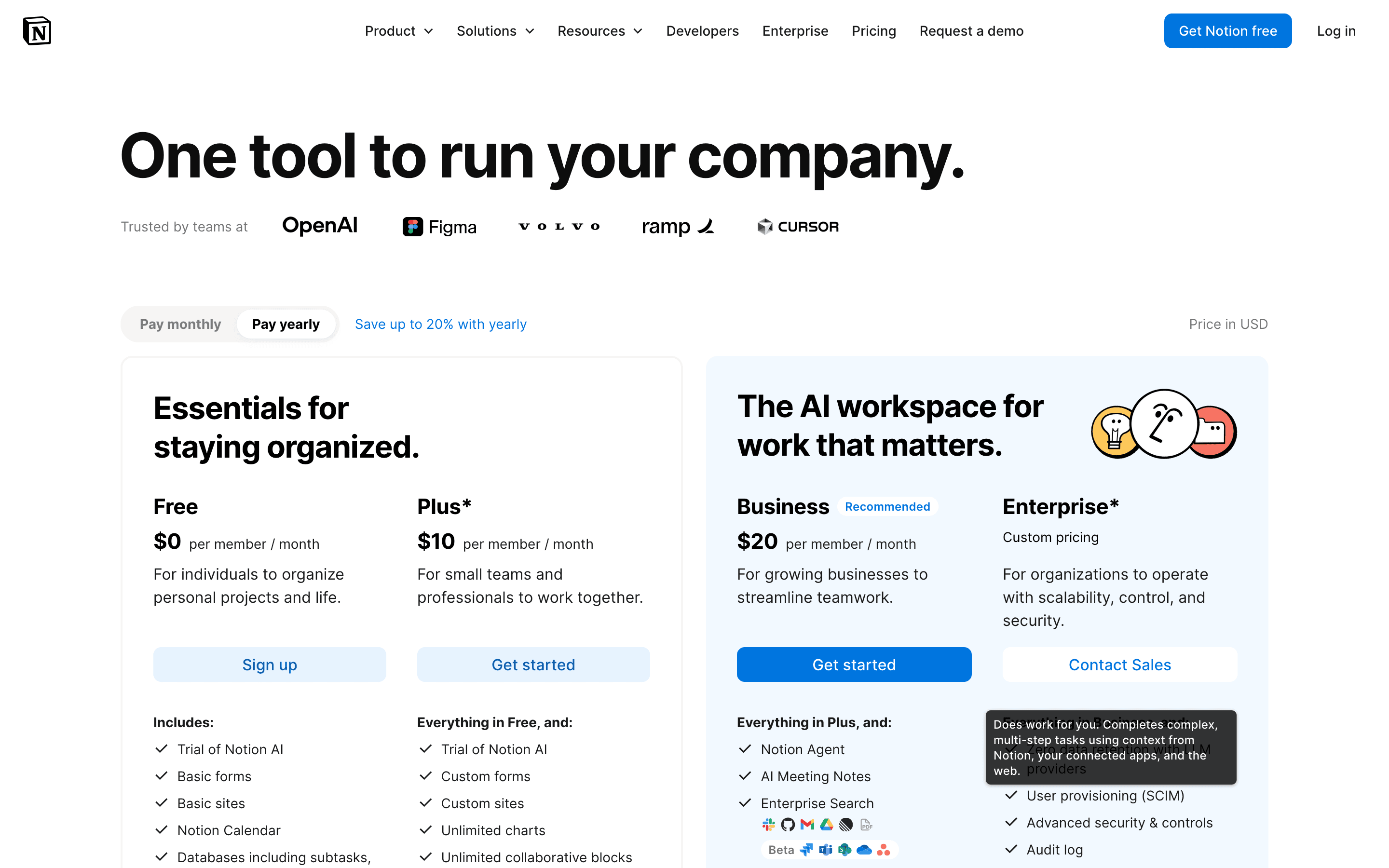
Notion charges per seat, with Free, Plus ($10/seat/month), and Business ($20/seat/month) as the disclosed plans, plus a quote-only Enterprise tier. AI is bundled into Business rather than sold as a cheap add-on, so teams that want full AI features end up paying for the mid-size-business plan even if they don't need its admin controls. Custom Agents run on a separate credit system charged on top of your seats, which can add a second line to the bill.
At about $10/month to start, it sits mid-pack on price in Project Management.
| Plan | Price | Highlights |
|---|---|---|
| Free | Free | Unlimited individual use · 5MB file upload cap · 10 external guests · 7-day page history · Trial access to AI |
| Plus | $10/seat/mo | Unlimited file uploads · 30-day page history · Custom forms and sites · Unlimited collaborative blocks |
| Business | $20/seat/mo | Notion Agent and AI Meeting Notes · Enterprise Search (Beta) · SAML SSO · Private teamspaces · 90-day version history · Premium connections (GitHub, Asana, and more) |
| Enterprise | Custom | SCIM user provisioning · Unlimited version history · Audit logs · Zero data retention with LLM providers · Dedicated customer success manager |
Prices shown are per member per month billed monthly, as listed on the pricing page's default toggle; Notion advertises up to 20% off with annual billing but does not show the exact annual per-seat figure without selecting that toggle. Full AI (Notion Agent, AI Meeting Notes, Enterprise Search) requires Business at $20/seat/month; Free and Plus only get a limited AI trial. Custom Agents run on a separate credit system at $10 per 1,000 monthly credits, on top of seat costs. Enterprise pricing is quote-only.
Pricing verified July 7, 2026 · source
How Notion's pricing compares
Notion next to its closest alternatives on entry price, billing, and whether pricing is public.
| Tool | Starting price | Billing | Free option | Pricing disclosed |
|---|---|---|---|---|
| Notion | $10/seat/mo | per-seat | Yes | Partly public |
| Asana | $10.99/seat/mo | per-seat | Yes | Partly public |
| monday.com | $9/seat/mo | per-seat | Yes | Partly public |
| ClickUp | $7/seat/mo | per-seat | Yes | Partly public |
| Linear | $10/seat/mo | per-seat | Yes | Partly public |
| Trello | $5/seat/mo | per-seat | Yes | Public |
| Basecamp | $15/seat/mo | tiered | Yes | Public |
Is Notion still actively developed?
Last significant update: July 2026. Notion 3.6 added External Agents (Claude and Cursor can now be assigned tasks alongside teammates), speaker identification in AI Meeting Notes, interactive HTML blocks, PPTX/XLSX/DOCX file support, and Outlook Mail and Calendar integration for agents.
Top Notion alternatives
Notion FAQ
Is Notion free?+
Yes. The Free plan has no time limit and supports unlimited individual use, though file uploads are capped at 5MB and guests at 10.
Do I need the Business plan to use Notion AI?+
For full AI features like Notion Agent and AI Meeting Notes, yes. Free and Plus only get a limited AI trial; the $20/seat/month Business plan is required for ongoing use.
Does Notion have real project management features like Gantt charts?+
Not natively. Notion's databases can be configured to approximate timelines and boards, but teams that need dependency tracking or resourcing usually pair Notion with, or switch to, a dedicated project management tool.
How much do Custom Agents cost?+
They run on a separate credit system priced at $10 per 1,000 monthly Notion credits, charged on top of your regular seat cost.