Confluence Review
Team wiki and docs workspace built by Atlassian, wired into Jira
Is this your product? Claim this page · Request a change
Looking for a Confluence alternative? See our ranked comparison.→What is Confluence?
Confluence is Atlassian's team wiki. You write pages, organize them into spaces, and link them to Jira tickets, so documentation, specs, and meeting notes live next to the work they describe.
It covers pages, whiteboards, and databases (lightweight structured tables) for organizing linked work. Atlassian has been pushing its Rovo AI features into Confluence for search, chat, and page summaries, and those show up more fully on Premium and Enterprise.
The product is built to sit inside the Atlassian stack. Teams already running Jira get the most value because pages, tickets, and permissions cross-reference each other directly.
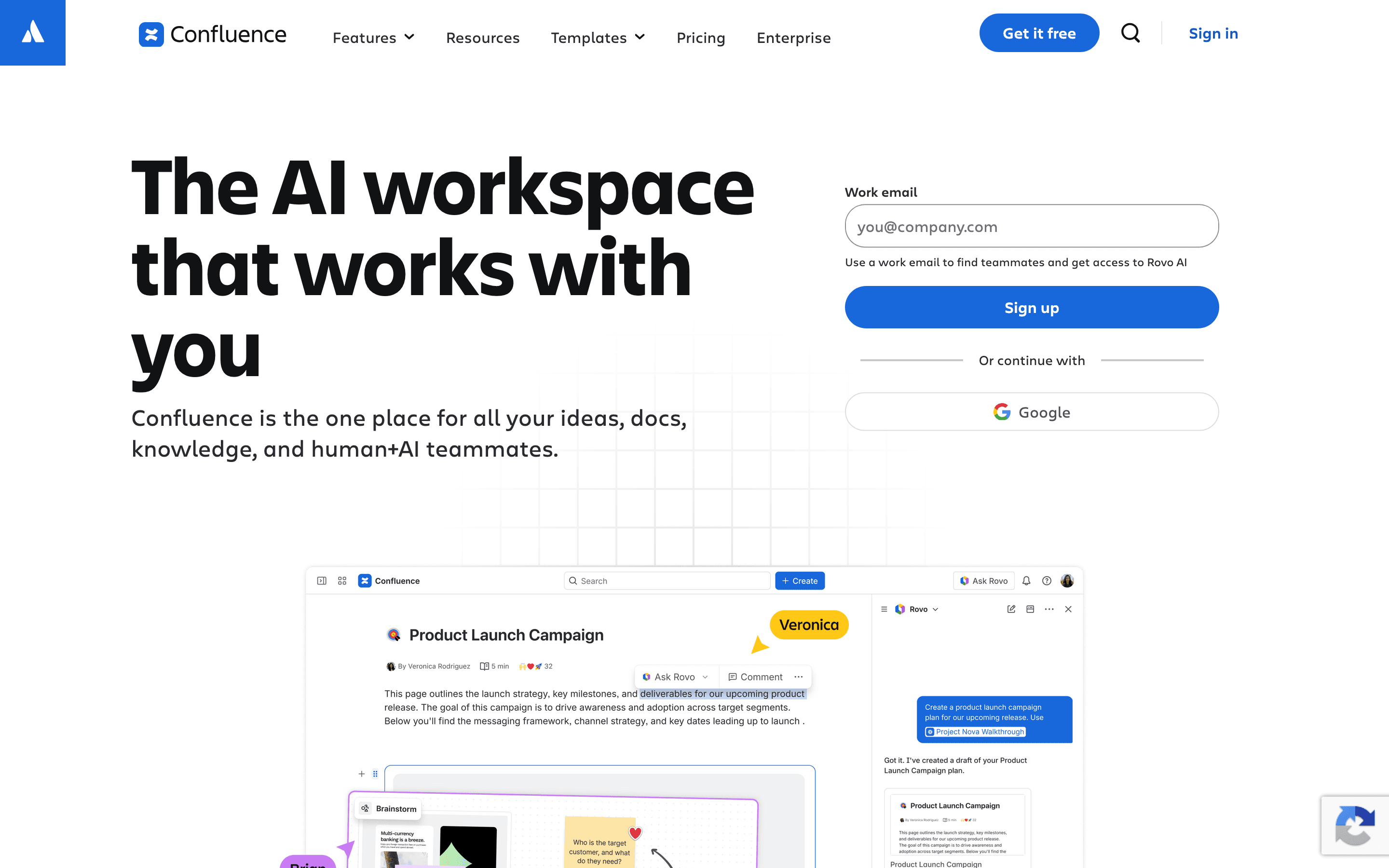
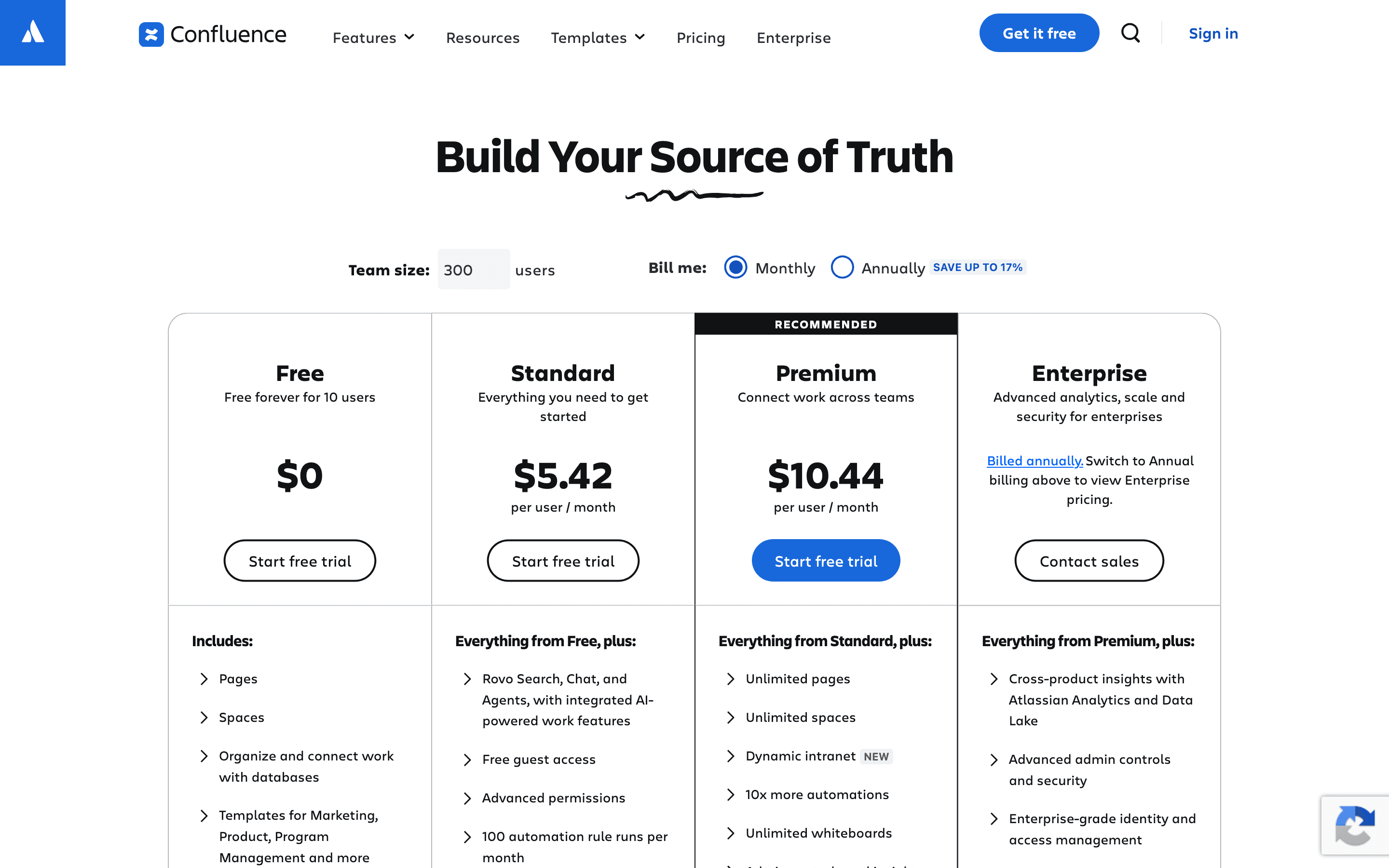
Confluence screenshots

Who it's for
- ✓ Teams already running Jira who want docs and tickets linked in one system
- ✓ Engineering and product orgs that need structured spaces, page history, and granular permissions
- ✓ Companies that need the audit logs, SSO, and data residency controls Premium and Enterprise add
Who should look elsewhere
- ✗ Small teams that just want a simple, fast doc tool with no Jira dependency
- ✗ Teams that find the editor and page hierarchy heavier than they need
- ✗ Anyone who wants a flat, predictable bill regardless of headcount
Pros
- + Deep two-way linking with Jira tickets, so specs and work items stay connected
- + Granular space and page permissions for larger orgs with mixed access needs
- + Free plan supports up to 10 users with unlimited pages and spaces
- + Databases and whiteboards cover more than plain text docs without leaving the product
Cons
- – Per-seat price climbs fast once you're past the smallest team bands
- – Search inside large instances is a common complaint, people struggle to find older pages across spaces
- – The current cloud editor is widely seen as a step down from the old server-era editor
- – Enterprise pricing isn't published as a flat rate, you have to go through sales to get a real number
Confluence pricing
What you pay for
You pay per user per month, with the rate dropping as your headcount grows. Confluence publishes its per-seat price for Free, Standard, and Premium on its site, so you can get an exact number without talking to sales. Enterprise has no published price at all; the checkout flow sends you straight to a sales quote request.
At about $6.7/month to start, it is one of the cheaper options in Docs & Knowledge Bases.
| Plan | Price | Highlights |
|---|---|---|
| Free | Free | Up to 10 users · Unlimited pages and spaces · 2 GB file storage · Up to 3 active whiteboards per user |
| Standard | $6.7/seat/mo | 250 GB of storage · Advanced permissions · Admin controls and insights · 9/5 regional support |
| Premium | $13.2/seat/mo | Unlimited storage · 99.9% uptime SLA · Rovo AI search, chat, and agents · 24/7 support for critical issues · Advanced admin controls and security |
| Enterprise | Custom | Multiple sites (up to 150) · 99.95% uptime SLA · 24/7 support for all issues · Enterprise-grade identity and access management · Cross-product insights with Atlassian Analytics and Data Lake |
Prices are per user/month billed monthly, from the live self-serve checkout on Atlassian's site (1-100 user band). Annual billing is invoiced as a flat total for your user-count band rather than the monthly rate times 12; for Standard in this band that works out to about $67 per user per year, roughly 17% less than paying monthly. Enterprise has no self-serve price. Atlassian's checkout routes Enterprise signups to a sales quote request instead.
Pricing verified July 7, 2026 · source
How Confluence's pricing compares
Confluence next to its closest alternatives on entry price, billing, and whether pricing is public.
| Tool | Starting price | Billing | Free option | Pricing disclosed |
|---|---|---|---|---|
| Confluence | $6.7/seat/mo | per-seat | Yes | Partly public |
| Slite | $10/seat/mo | per-seat | Trial (14 days, no credit card required) | Partly public |
| Slab | $6.67/seat/mo | per-seat | Yes | Partly public |
| GitBook | $65/mo | per-site + per-seat | Yes | Partly public |
| Notion | $10/seat/mo | per-seat | Yes | Partly public |
Is Confluence still actively developed?
Last significant update: June 2026. Atlassian shipped new REST API endpoints for the Space Permission Migration API, letting admins convert legacy granular space permissions into role-based access control (RBAC) in bulk instead of remapping them by hand.
Top Confluence alternatives
Confluence FAQ
Is Confluence free?+
Yes, for up to 10 users. The Free plan includes unlimited pages and spaces but caps file storage at 2 GB and limits whiteboards to 3 active per user.
How much does Confluence cost per user?+
Standard starts at $6.70 per user per month billed monthly, and Premium starts at $13.20 per user per month billed monthly, both for the 1-100 user band. Paying annually lowers the effective rate.
Do I need Jira to use Confluence?+
No, Confluence works standalone. But its permission model and integrations are built assuming you're also on Jira, and that's where most of its value shows up.
Is Enterprise pricing published?+
No. Confluence Enterprise has no self-serve checkout price; the pricing page routes you to a sales quote request instead.