Top GitBook Alternatives in 2026
Here for GitBook itself? See the full GitBook profile, pricing & reviews →
Suggest a change- If you're already running Jira and want docs and tickets cross-linked, choose Confluence. Confluence links pages directly to Jira tickets and its permission model assumes you're on both. Notion lists Jira as an integration too, but as a generic sync, not a two-way page-to-ticket link with shared permissions.
- If you want one tool for docs, notes, and lightweight task tracking instead of a dedicated docs platform, choose Notion. Notion covers docs, wikis, and task tracking under a single seat-based plan, cutting out the separate per-site fee GitBook charges.
- If you want AI to catch docs that drift out of sync with your engineering tools automatically, choose Slite. the Slite Agent watches Slack, Linear, and GitHub for changes, flags docs that look stale, and drafts a fix for someone to approve, which goes further than GitBook's AI Assistant does for readers.
- If you want a simple internal wiki with doc verification built in and no per-site billing, choose Slab. Slab's free plan already includes post verification and covers up to 10 users forever, and every paid plan charges per seat only, never per site. Slab is internal-only, though. It has no way to publish a public-facing docs site, so it only fits teams replacing GitBook as a private wiki, not as a customer-facing docs host.
- If your docs exist to publish a public API reference straight from your repo, choose stay on GitBook. none of these five alternatives offer GitBook's two-way Git sync or OpenAPI-based reference generation, so switching would cost you the exact workflow GitBook's per-site fee is paying for.
This page is for teams using GitBook as an internal wiki or knowledge base, not for GitBook's actual headline job: shipping developer docs and API references straight from a GitHub or GitLab repo. None of the four tools below sync with Git or generate OpenAPI-based reference pages, so if that workflow is why your team picked GitBook, none of these replace it. Look at a docs-as-code tool like ReadMe, Mintlify, or Docusaurus instead.
For everyone else, GitBook's seams show once headcount grows or a team runs more than one docs site, because GitBook charges per site plus per seat, so every extra person and every extra site adds to the bill on its own.
The four alternatives below are all internal docs and wiki tools that charge per seat with no separate site fee: Confluence, Notion, Slab, and Slite.
GitBook alternatives compared
| Tool | Best for | Starting price | Free option | Last update |
|---|---|---|---|---|
| ConfluenceBest for teams already on Jira | Teams already running Jira who want docs and tickets linked in one system | $6.7/seat/mo | Yes | June 2026 |
| NotionBest all-in-one workspace | Teams that want project tracking, docs, and a wiki in one tool instead of three | $10/seat/mo | Yes | July 2026 |
| SlabBest free alternative | Small to mid-size teams that want a simple, fast internal wiki without a lot of setup | $6.67/seat/mo | Yes | July 2025 |
| SliteBest for automatic doc upkeep | Ops and eng teams whose docs drift out of sync with Slack threads, Linear tickets, and GitHub PRs and want an agent to catch that instead of a human stumbling on it later | $10/seat/mo | Trial (14 days, no credit card required) | June 2026 |
Why teams switch from GitBook
Per-site plus per-user pricing compounds fast
A public post-mortem from a team that used GitBook for two years documented a 10-person, 3-site setup hitting $315 a month minimum before any AI add-ons, since every site is billed again in full on top of per-seat fees.
Custom domains and branding sit behind the paid tier
Teams that want their docs on their own domain have to leave GitBook's free plan, a specific complaint raised in the same team's post-mortem after two years on the product.
Exporting content out of GitBook is lossy
GitBook's proprietary block format doesn't convert cleanly to standard markdown, which the same post-mortem cited as a reason migrating away was painful.
The AI features that matter most are locked to the priciest plan
GitBook Agent, the AI Assistant with included answers, and AI insights only unlock on the $249 per site per month Ultimate tier, not on Premium.
The best GitBook alternatives, ranked
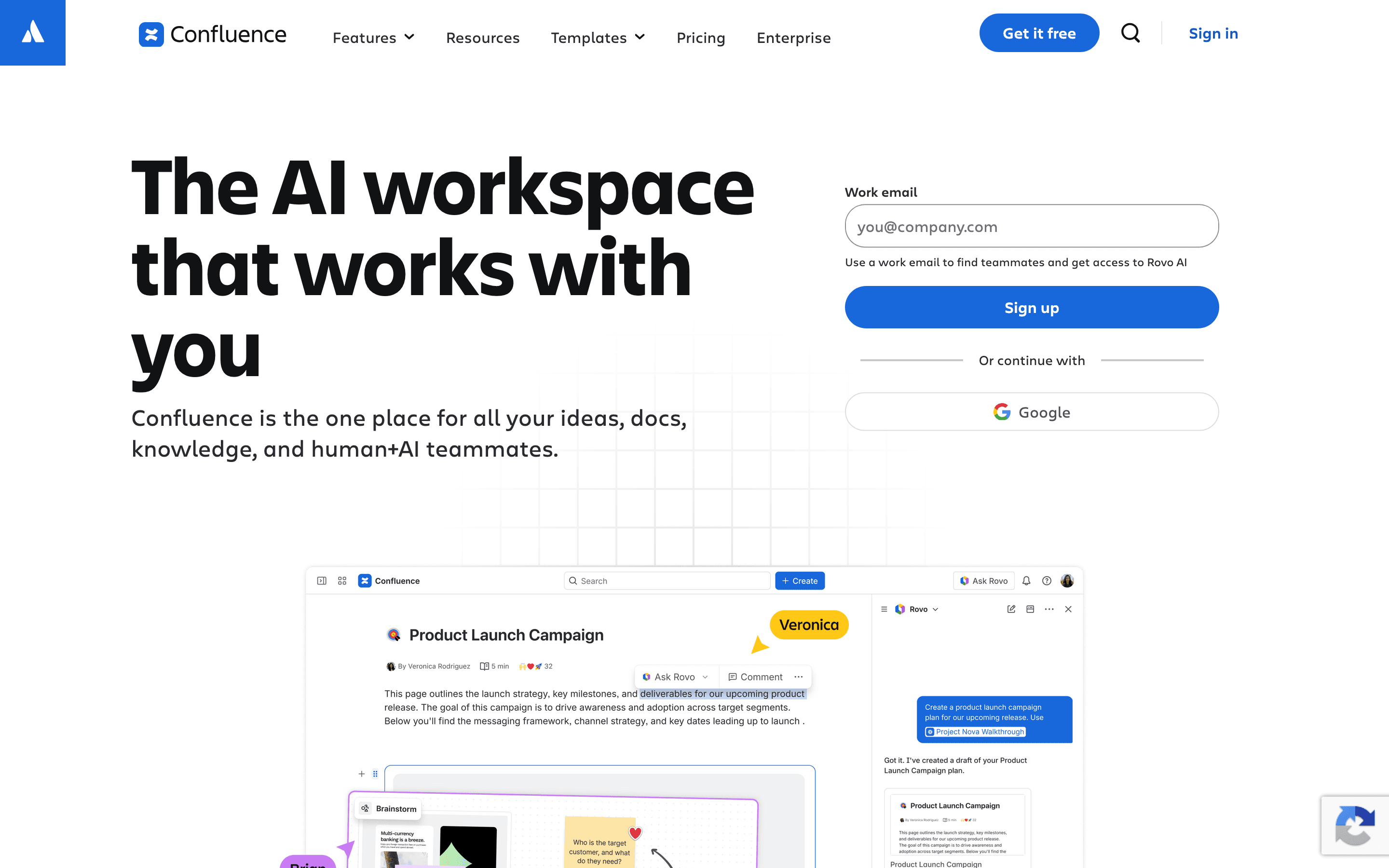
Confluence is the most direct competitor for teams whose docs live next to engineering work. Pages link straight to Jira tickets, so specs and tickets stay connected without the two-way Git sync GitBook uses instead. Pricing is per seat with no separate site charge: the Free plan covers up to 10 users with unlimited pages and spaces, and Standard starts at $6.70 per user per month, cheaper than GitBook's cheapest paid seat once you're past a single site.
The tradeoffs are real. Reviewers commonly flag search inside large instances as weak, and the current cloud editor is widely seen as a step down from Atlassian's older server editor. Enterprise pricing is quote-only, same as GitBook's top tier. For a team that already runs Jira and wants pages and tickets in one place, Confluence is the clearest swap.
Pros
- + Deep two-way linking with Jira tickets, so specs and work items stay connected
- + Granular space and page permissions for larger orgs with mixed access needs
- + Free plan supports up to 10 users with unlimited pages and spaces
Cons
- – Per-seat price climbs fast once you're past the smallest team bands
- – Search inside large instances is a common complaint, people struggle to find older pages across spaces
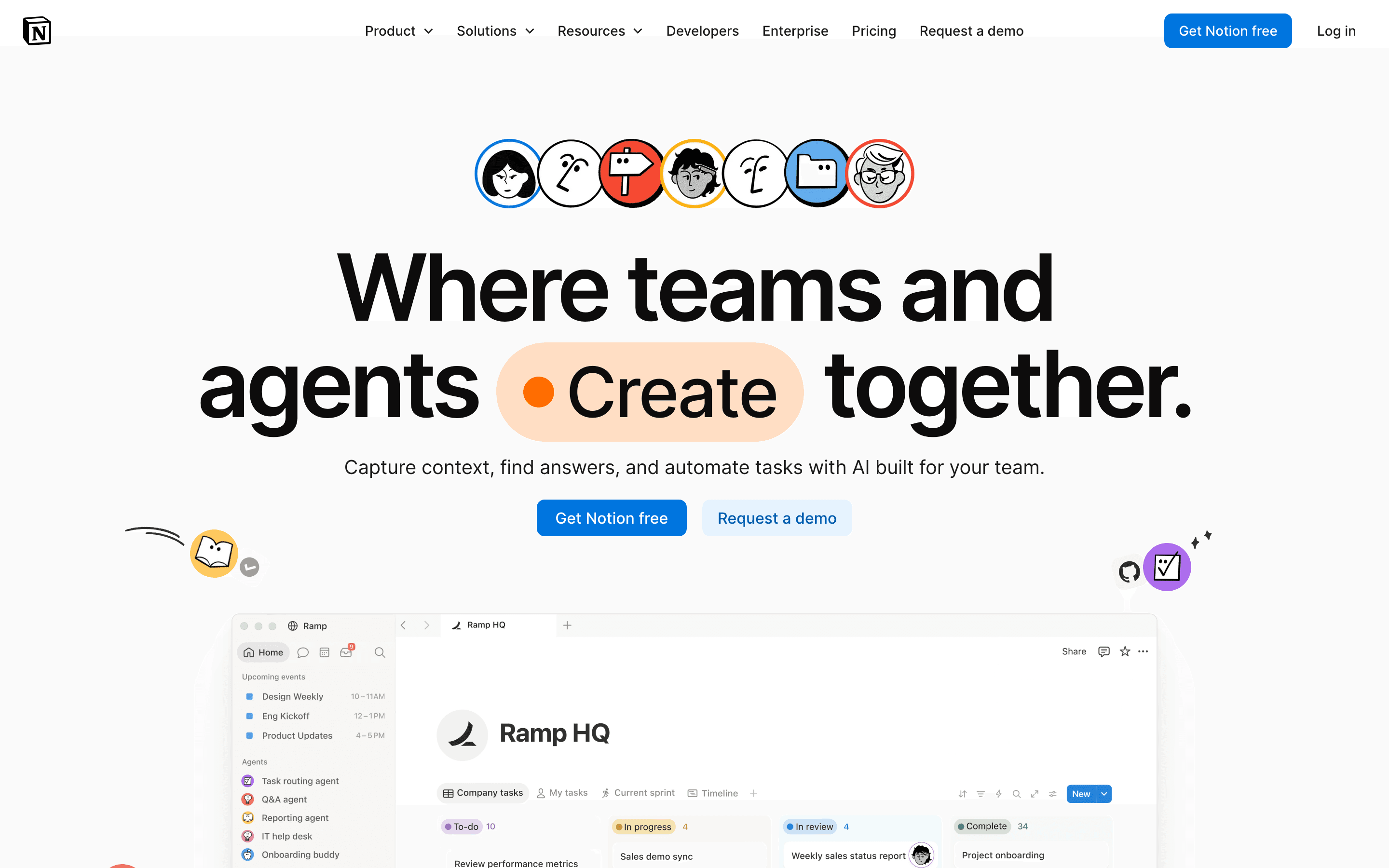
Notion is the broadest swap on this list: one workspace for docs, wikis, and lightweight task tracking instead of a dedicated docs platform. The Free plan supports unlimited individual use, and Plus starts at $10 per seat per month with no per-site fee at all, so running several docs spaces costs the same as running one.
The catch is that full AI, the closest thing Notion has to GitBook's Agent and AI Assistant, sits behind the $20 per seat Business plan, and Custom Agents bill separately on a credit system on top of seats. Notion also has no Git sync and no OpenAPI-based reference generation, so publishing a versioned API doc from a repo isn't a workflow it replaces. It fits teams that want one flexible tool for docs and light project tracking, not teams that picked GitBook specifically for its Git-backed publishing.
Pros
- + One tool covers docs, wikis, and task tracking, cutting down on app switching
- + Databases and pages are flexible enough to build almost any workflow
- + Free plan is usable for real work, not just a stripped-down trial
Cons
- – No native Gantt chart, dependency tracking, or resource management, so real project management needs a template workaround or a plugin
- – Full AI access requires the $20/seat/month Business plan; Free and Plus only get a capped trial
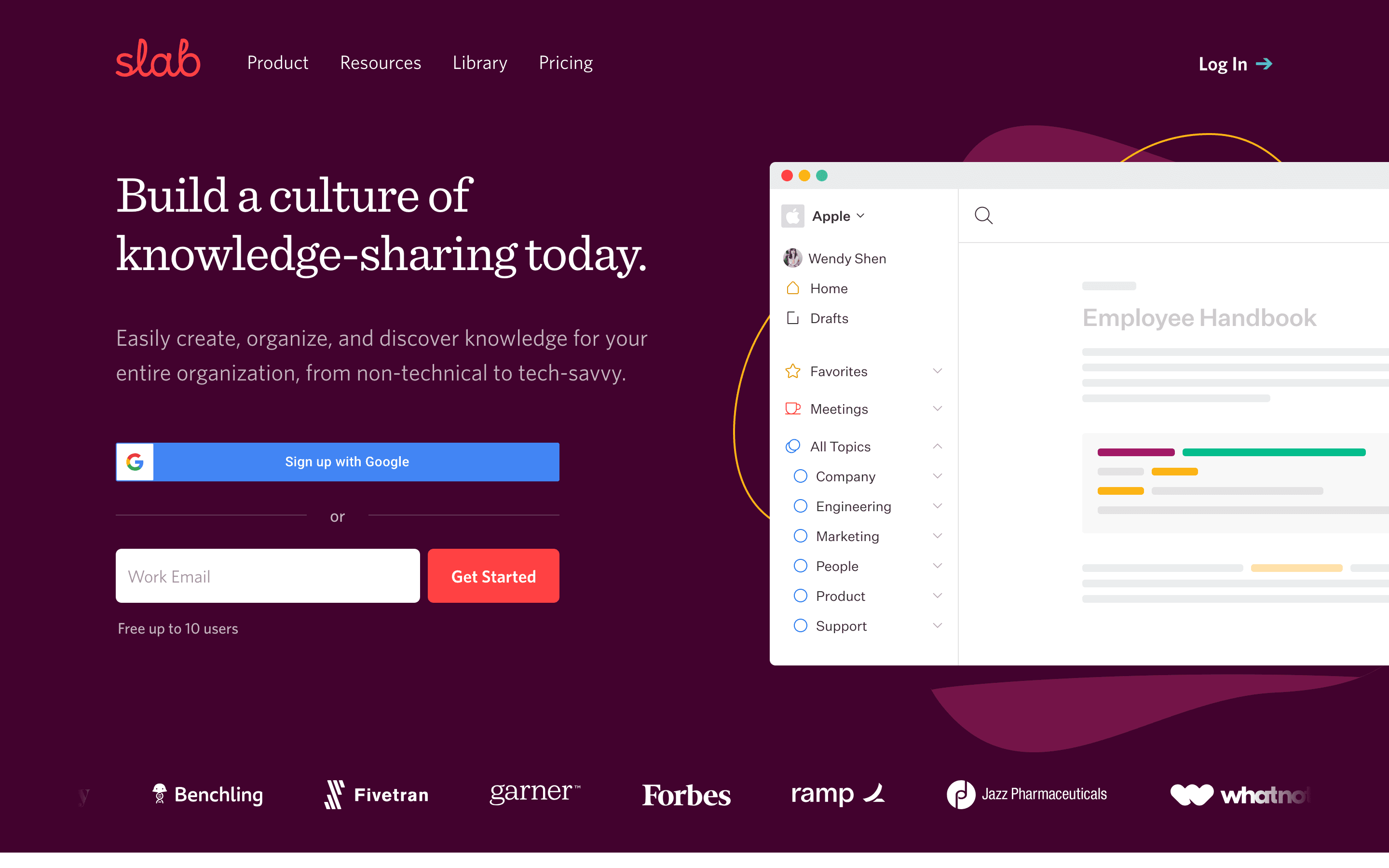
Slab is the closest match to GitBook's structured, block-based editor without the per-site billing. The free plan covers up to 10 users forever, not a time-limited trial, and paid seats start at $6.67 per user per month billed annually with unlimited users on every paid tier. Post verification gives every doc a clear owner and a history of who confirmed it's current, the same problem GitBook's block format and version history try to solve.
Slab is built for internal knowledge only. It has no public-facing docs site, so a team leaving GitBook to publish help center or customer-facing docs can't do that job here at all, only the private-wiki side of what GitBook does. Migrating in also takes real work: importing existing docs from Google Drive can scramble structure, and PDF export doesn't handle markdown formatting well, which echoes GitBook's own lossy-export problem rather than fixing it. SAML SSO and a custom domain require the Business plan. Slab suits a team that wants a fast, simple internal wiki and doesn't need Git sync, a public docs site, or API reference pages.
Pros
- + Free plan covers up to 10 users forever, not just a trial
- + Search is consistently the feature reviewers call out as strong, including results pulled from connected apps
- + Basic SSO and integrations like Slack, GitHub, and Google Workspace are included even on the free plan, not locked behind a paid tier
Cons
- – SAML/SCIM and a custom domain require the Business plan, an 87% jump per seat over Startup
- – Enterprise pricing is quote-only with a 100-user minimum, so larger teams can't see a real number upfront
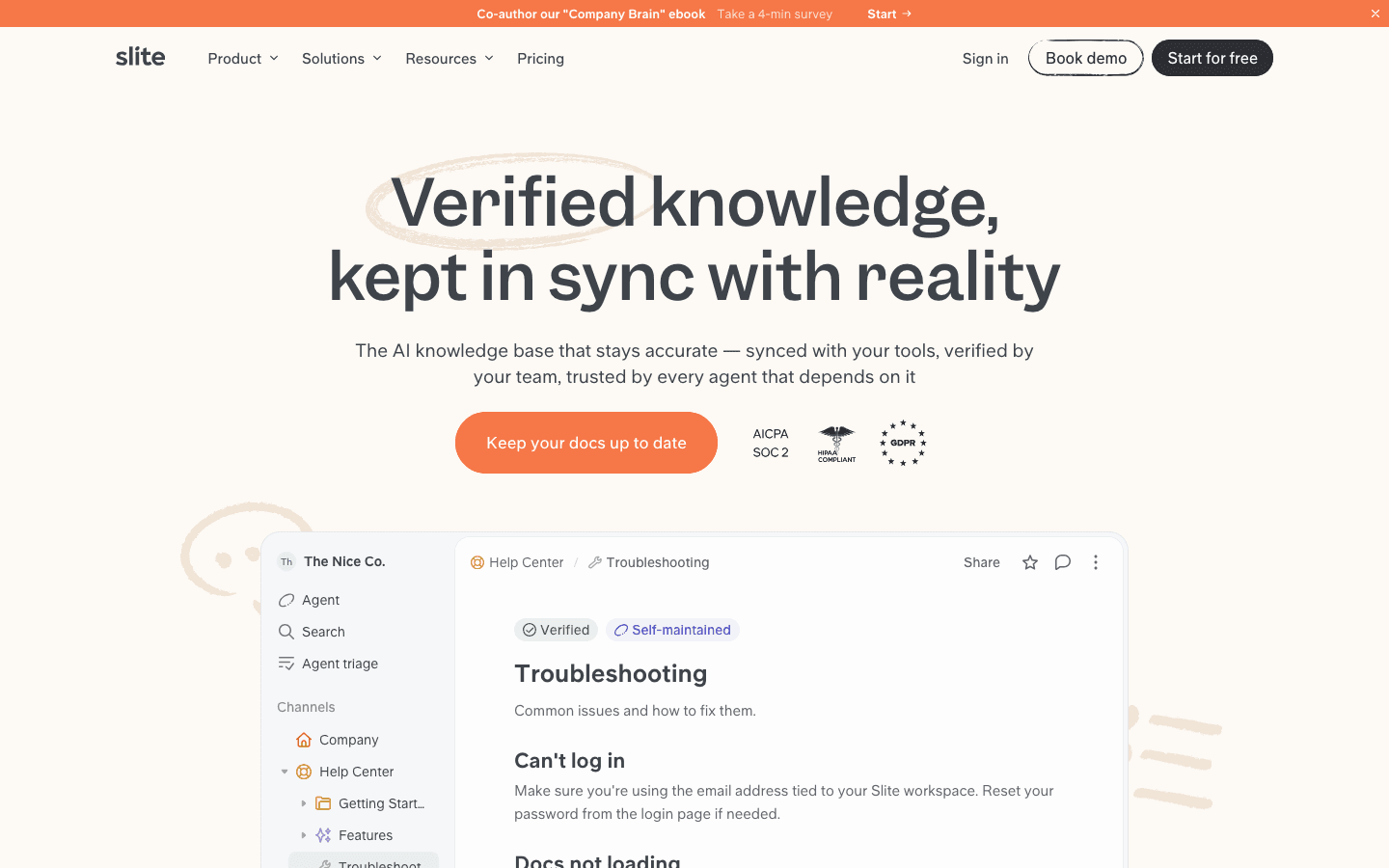
Slite is built around a specific worry: docs go stale the moment nobody's watching them. The Slite Agent connects to Slack, Linear, and GitHub, flags docs that no longer match what's happening in those tools, drafts a fix, and routes it to someone to approve, which is a more active version of the drift problem GitBook's AI Assistant doesn't really address for editors.
There's no free-forever plan, only a 14-day trial, and Basic's AI search is capped at 30 questions per seat per month, with Pro's Agent credits capped at 50. Basic starts at $10 per seat per month billed annually and Pro at $20, both cheaper than GitBook's per-site-plus-per-seat math once a team has more than a couple of editors. Reviewers also note fewer integrations than some competitors. Slite fits ops and eng teams whose docs drift out of sync with Slack and GitHub activity and want an agent catching that instead of a person.
Pros
- + Slite Agent catches doc drift automatically instead of relying on someone to notice a doc is outdated
- + Verification workflow gives every doc a clear owner and an audit trail of who confirmed it's still accurate
- + MCP and API access mean Claude, ChatGPT, or your own agents can search and update docs through the same permission model your team uses
Cons
- – No free-forever plan, only a 14-day trial, so there's no way to run it long-term at zero cost
- – The published $10/$20 per-seat prices are annual-billing prices only; the site doesn't show what monthly billing costs
Should your product be on this docs & knowledge bases list?
If you build a tool that belongs next to the ones above, submit it. A human reviews every submission. Approved products get their own page with pricing and screenshots, plus a place in the comparisons where they fit. It is free. You sign in with your work email so you can follow the decision, and there is no password to create.
GitBook alternatives: FAQ
Is there a GitBook alternative that doesn't charge extra per docs site?+
Yes. Confluence, Notion, Slab, and Slite all price by seat only, with no separate per-site fee, so running more than one docs space doesn't multiply your bill the way GitBook's per-site charge does.
What's the best free GitBook alternative for a small team?+
Confluence and Slab both offer free plans for up to 10 users, well past GitBook's free plan cap of one user on one site.
Which GitBook alternative fits a team that already lives in Jira?+
Confluence. Pages link directly to Jira tickets and its permission model is built assuming you're on both products.
Is there an alternative with AI that flags outdated docs the way GitBook's Agent does?+
Slite. The Slite Agent watches connected tools like Slack, Linear, and GitHub for changes, flags docs that look stale, drafts a fix, and routes it for someone to approve before it goes live.
GitBook alternatives: pricing compared
Entry price, billing model, and whether pricing is public. 5 of 5 publish pricing you can check without talking to sales.
| Tool | Starting price | Billing | Free option | Pricing disclosed |
|---|---|---|---|---|
| GitBook | $65/mo | per-site + per-seat | Yes | Partly public |
| Confluence | $6.7/seat/mo | per-seat | Yes | Partly public |
| Notion | $10/seat/mo | per-seat | Yes | Partly public |
| Slab | $6.67/seat/mo | per-seat | Yes | Partly public |
| Slite | $10/seat/mo | per-seat | Trial (14 days, no credit card required) | Partly public |
How we made these picks. We compare tools on public pricing, features, and hands-on assessment, then verify every price against the vendor's own page. We never accept payment for rankings. Read the full methodology. Spotted an error? Report it.