Top Slab Alternatives in 2026
Here for Slab itself? See the full Slab profile, pricing & reviews →
Suggest a change- If you're already running Jira and want specs linked directly to the tickets they describe, choose Confluence. Confluence's two-way Jira integration links pages and tickets directly, something Slab has no equivalent for.
- If you want one workspace for docs, wiki, and lightweight task tracking instead of three separate tools, choose Notion. Notion's pages and databases double as a task tracker on top of a wiki, and Plus starts at $10 per seat a month.
- If your biggest problem is docs going stale faster than anyone can review them, choose Slite. Slite's Agent watches Slack, Linear, and GitHub for changes, flags docs that no longer match reality, and drafts the fix, instead of relying on someone to manually re-verify a post the way Slab does.
- If you're a team under 10 people that just wants a free wiki with basic SSO, choose stay on Slab. Slab's free plan includes basic Google SSO at zero cost, without Confluence's 2GB storage cap or the setup work Notion requires to turn blocks into a wiki. Search across Slack, GitHub, and Google Workspace requires the $6.67/seat Startup plan, and SAML-based SSO the $12.50 Business plan, not the free tier.
- If your company brain is really developer docs, API references, or runbooks kept in sync with a git repo, choose GitBook. GitBook syncs two ways with a GitHub or GitLab repo, something Slab has no equivalent for, even though it costs more per seat once the per-site fee is added in.
Slab is a fast, low-setup wiki for internal docs, built around unified search and post verification to keep pages from going stale. Teams outgrow it, or skip it entirely, for a few concrete reasons: SAML and SCIM sit behind the pricier Business plan, Enterprise pricing needs a 100-user minimum before you get a real quote, and migrating docs in or out is messy, Google Drive imports scramble structure and PDF exports don't render markdown properly.
The alternatives below all do the same core job: a place for a team to write down what it knows and find it again. Confluence and Notion are the two most common destinations for teams that need more scale or more flexibility than Slab gives them. Slite goes after the exact same staleness problem as Slab, but with an AI agent instead of manual verification. GitBook fits teams whose real job is slightly different, engineering docs synced to git, but still close enough to cross-shop.
Slab alternatives compared
| Tool | Best for | Starting price | Free option | Last update |
|---|---|---|---|---|
| ConfluenceBest for Jira-integrated engineering teams | Teams already running Jira who want docs and tickets linked in one system | $6.7/seat/mo | Yes | June 2026 |
| NotionBest all-in-one workspace | Teams that want project tracking, docs, and a wiki in one tool instead of three | $10/seat/mo | Yes | July 2026 |
| SliteBest for catching stale docs automatically | Ops and eng teams whose docs drift out of sync with Slack threads, Linear tickets, and GitHub PRs and want an agent to catch that instead of a human stumbling on it later | $10/seat/mo | Trial (14 days, no credit card required) | June 2026 |
| GitBookBest for developer docs synced to git | Engineering teams that want docs synced to a GitHub or GitLab repo instead of a separate CMS | $65/mo | Yes | June 2026 |
Why teams switch from Slab
PDF export doesn't render markdown formatting well
Reviewers say Slab's export options are limited, and PDF export in particular doesn't handle markdown formatting properly, which makes it hard to get content back out of Slab.
Importing docs from Google Drive breaks their structure
Importing existing docs from Google Drive scrambles the original structure, so migrating an existing wiki into Slab means real cleanup work rather than a clean lift-and-shift.
SAML and SCIM require the pricier Business plan
Basic Google SSO is free on every plan, but SAML-based SSO and SCIM provisioning, the two things most IT teams actually need for automated user management, require upgrading to Business, an 87% jump per seat over Startup.
The best Slab alternatives, ranked
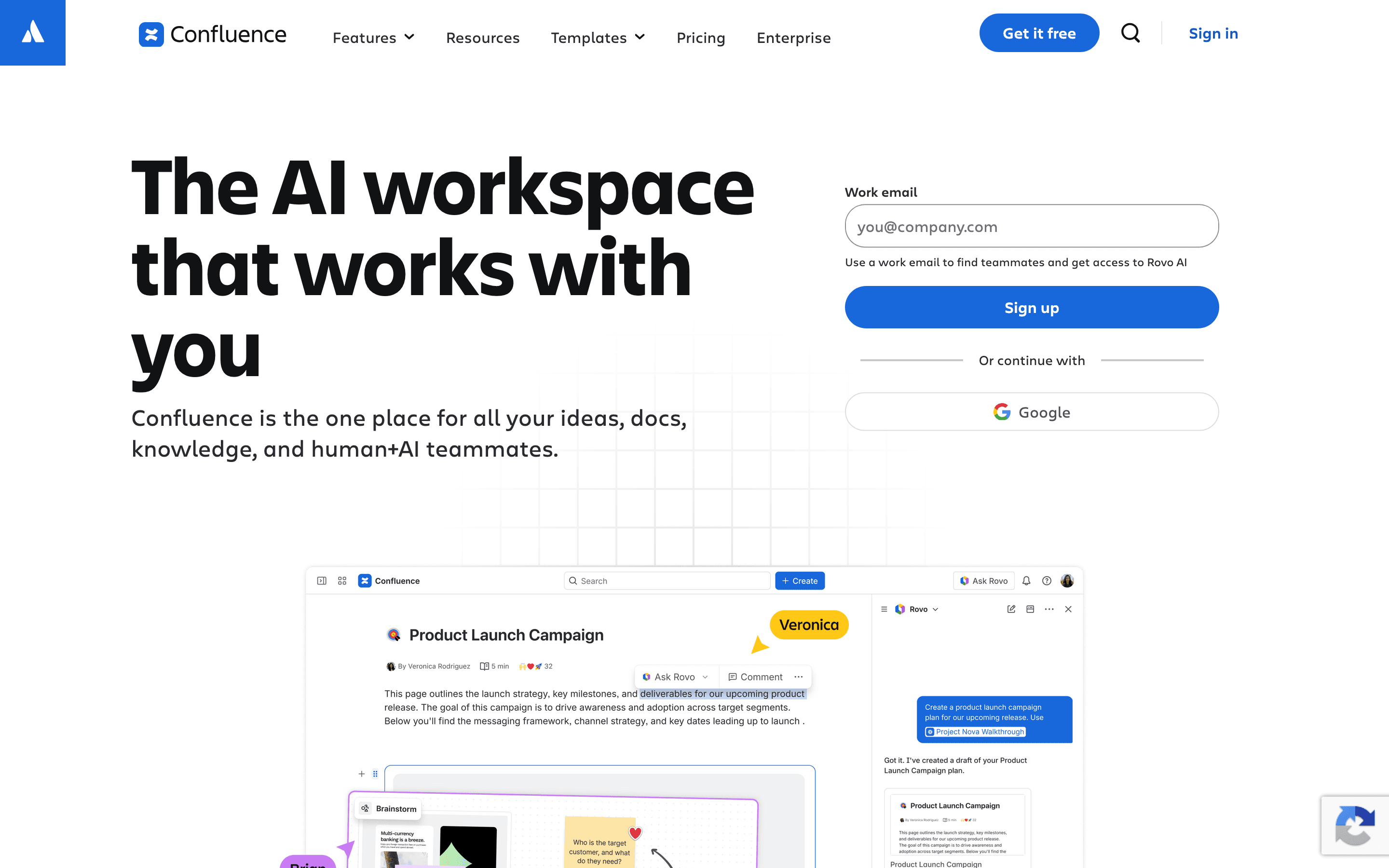
Confluence is the safe default when a team already runs on Jira. Pages link two ways with tickets, so specs, docs, and work items reference each other without extra tooling, something Slab can't do at all. The free plan covers 10 users with unlimited pages and spaces, matching Slab's own free tier, and Standard starts at $6.70 per user a month billed monthly, close to what Slab charges annually. The gap shows up at scale: reviewers regularly say search gets harder to trust once an instance has years of pages piled up, and the current cloud editor is widely seen as a step down from Confluence's older server-era editor. Enterprise pricing is quote-only, the same gap Slab has at its own 100-user Enterprise minimum. Pick Confluence over Slab when Jira is already the center of how your team works, not when you just want a simple wiki.
Pros
- + Deep two-way linking with Jira tickets, so specs and work items stay connected
- + Granular space and page permissions for larger orgs with mixed access needs
- + Free plan supports up to 10 users with unlimited pages and spaces
Cons
- – Per-seat price climbs fast once you're past the smallest team bands
- – Search inside large instances is a common complaint, people struggle to find older pages across spaces
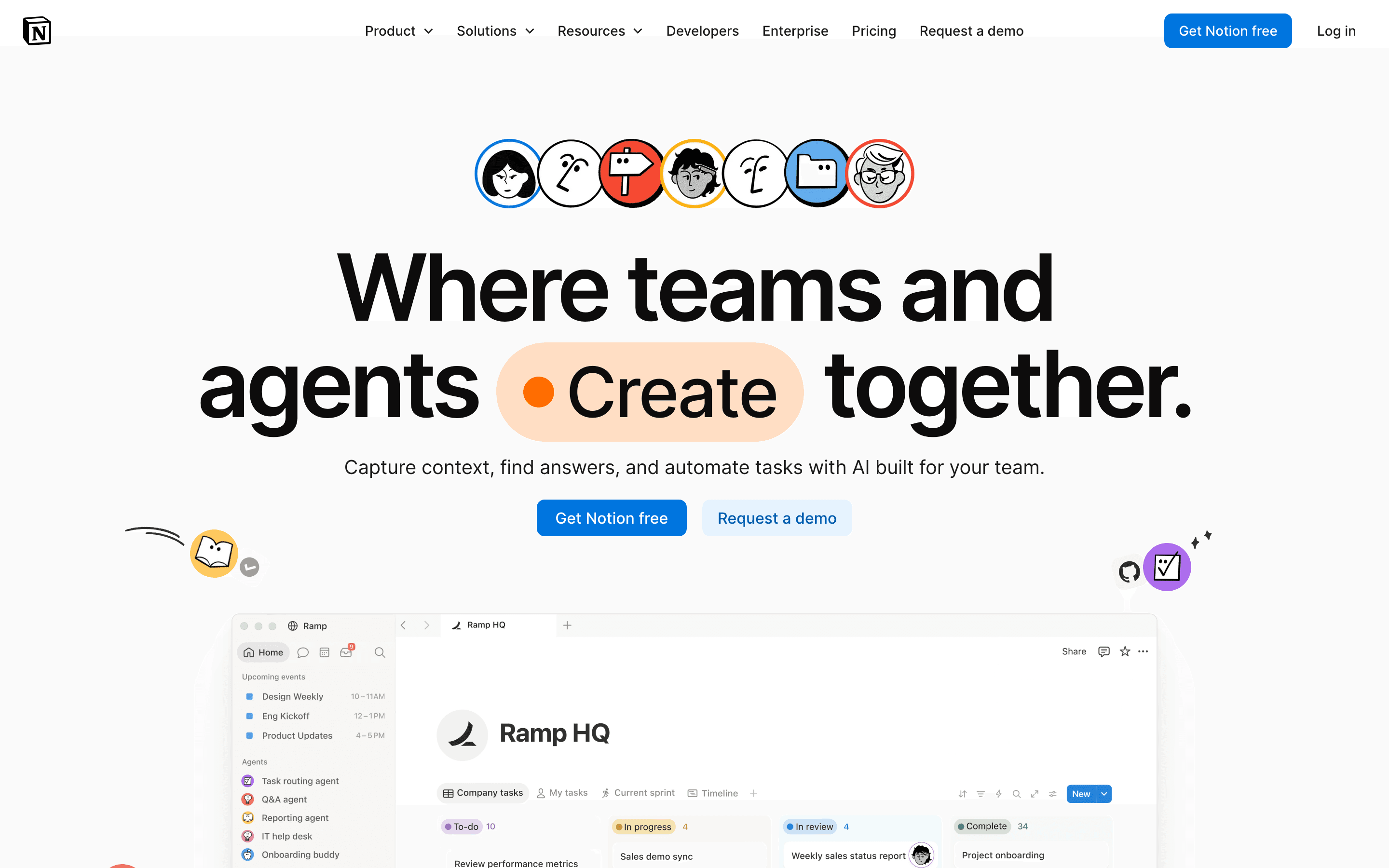
Notion is the broadest substitute for Slab: one workspace for docs, wiki, and lightweight task tracking instead of stitching separate tools together. The free plan supports unlimited individual use, and Plus starts at $10 per seat a month billed monthly, between Slab's $6.67 Startup and $12.50 Business tiers. The tradeoff is structure. Slab hands you a wiki out of the box; Notion hands you blocks and databases you have to assemble into one yourself, which takes real setup time for a new team. Full AI, including Notion Agent and AI Meeting Notes, sits behind the $20/seat Business plan, mirroring how Slab locks SAML and SCIM behind its own Business tier. Choose Notion over Slab if your team wants docs and task tracking merged into a single tool and is willing to spend the time building the structure Slab would otherwise hand you.
Pros
- + One tool covers docs, wikis, and task tracking, cutting down on app switching
- + Databases and pages are flexible enough to build almost any workflow
- + Free plan is usable for real work, not just a stripped-down trial
Cons
- – No native Gantt chart, dependency tracking, or resource management, so real project management needs a template workaround or a plugin
- – Full AI access requires the $20/seat/month Business plan; Free and Plus only get a capped trial
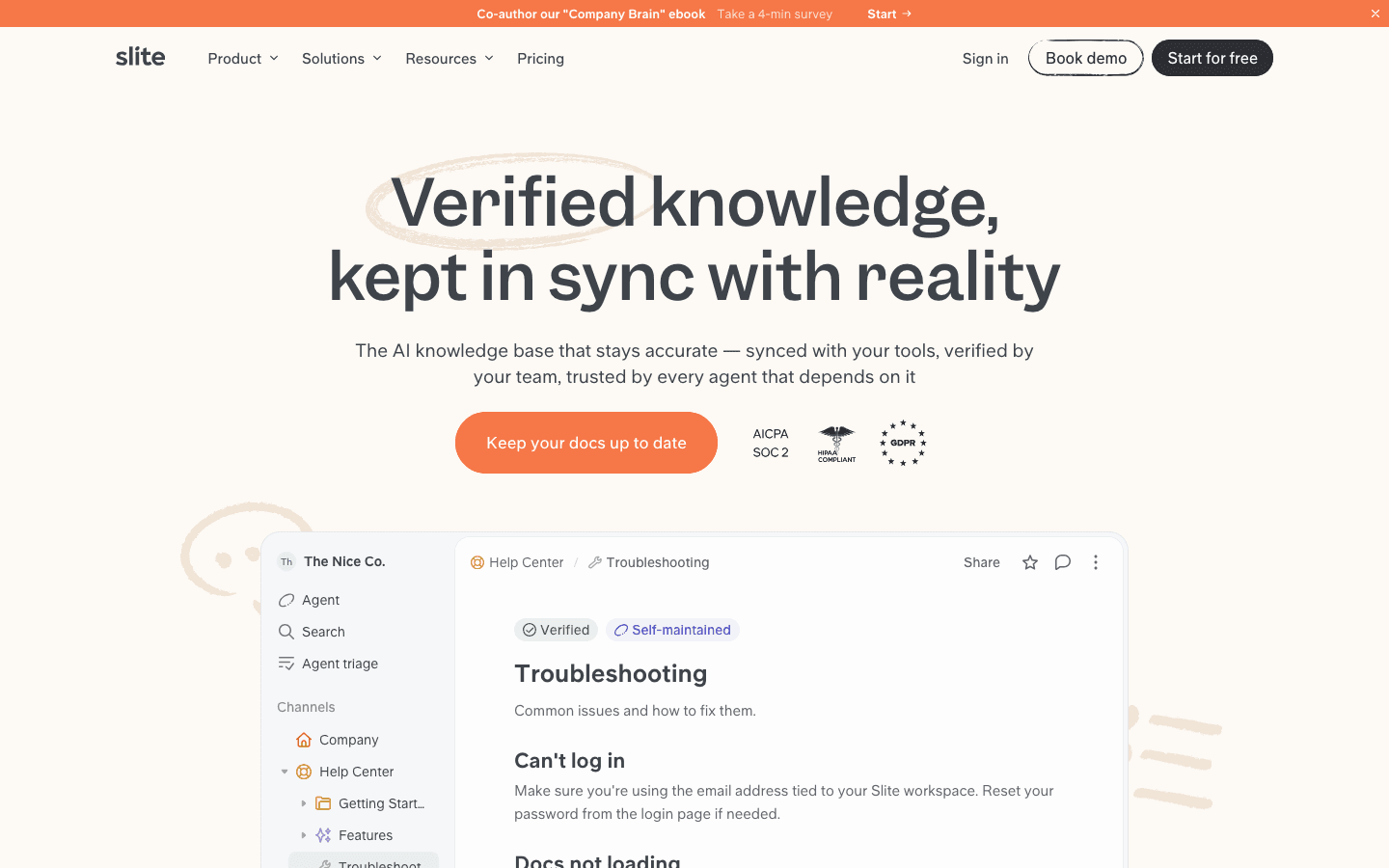
Slite is the closest match to what Slab is actually trying to do: keep a wiki from going stale. Where Slab relies on someone manually re-verifying a post, Slite's Agent watches connected tools like Slack, Linear, and GitHub, flags docs that no longer match what happened there, drafts a fix, and routes it to a teammate for approval. Basic starts at $10 per seat a month, about 50% more than Slab's $6.67 Startup tier, but the Agent itself is capped to the pricier $20 Pro plan, and there's no free-forever plan, only a 14-day trial. Reviewers also note fewer native integrations than some competitors. Pick Slite over Slab if the real problem you're solving is docs drifting out of sync with the tools your team works in every day, and you'd rather pay for automation than rely on someone remembering to check.
Pros
- + Slite Agent catches doc drift automatically instead of relying on someone to notice a doc is outdated
- + Verification workflow gives every doc a clear owner and an audit trail of who confirmed it's still accurate
- + MCP and API access mean Claude, ChatGPT, or your own agents can search and update docs through the same permission model your team uses
Cons
- – No free-forever plan, only a 14-day trial, so there's no way to run it long-term at zero cost
- – The published $10/$20 per-seat prices are annual-billing prices only; the site doesn't show what monthly billing costs
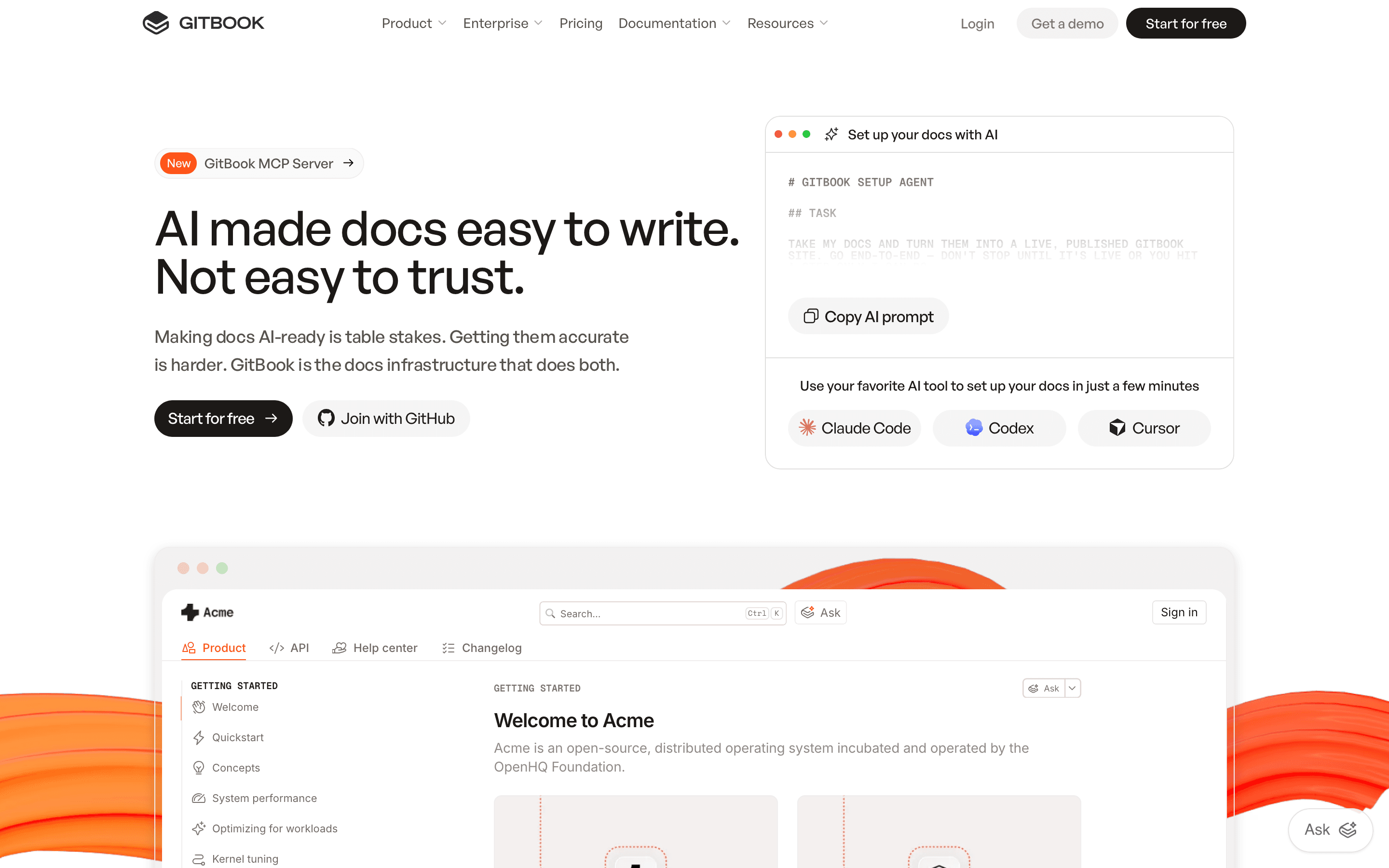
GitBook fits teams whose company brain is really developer documentation: API references, CLI docs, and engineering runbooks synced two ways with a GitHub or GitLab repo, something Slab has no equivalent for. Pricing is public but two-dimensional: Premium runs $65 per site a month plus $12 per user a month, so a 5-person team on one site pays $113 a month, about 80% more than the $62.50 that same headcount costs on Slab's Business tier. Running a second docs site multiplies the site fee again. A team that left GitBook after two years pointed to exactly that per-site-plus-per-seat math, plus lossy export into proprietary block formats that don't convert to plain markdown, a complaint similar to Slab's own weak PDF export. Choose GitBook over Slab only if your docs are fundamentally code-adjacent and worth the git-sync tradeoff; for a general company wiki it costs more for less flexibility.
Pros
- + Pricing is public and itemized, not hidden behind a sales call except at the Enterprise tier
- + Native two-way Git sync for teams that already keep docs source in a repo
- + AI Assistant and GitBook Agent are built into the product, not a bolted-on plugin
Cons
- – Per-site plus per-user billing means the sticker price on the pricing page understates real cost for any team past one seat
- – Running multiple docs sites (API reference, CLI docs, help center) multiplies the site fee for each one
Should your product be on this docs & knowledge bases list?
If you build a tool that belongs next to the ones above, submit it. A human reviews every submission. Approved products get their own page with pricing and screenshots, plus a place in the comparisons where they fit. It is free. You sign in with your work email so you can follow the decision, and there is no password to create.
Slab alternatives: FAQ
What's the best Slab alternative for teams already using Jira?+
Confluence, since its two-way integration links pages directly to Jira tickets, something Slab doesn't offer at all.
Is there a free alternative to Slab?+
Notion's free plan supports unlimited individual use, and Confluence's free plan covers up to 10 users with unlimited pages and spaces, both comparable to Slab's own 10-user free tier.
Why do teams leave Slab?+
The most common reasons are SAML and SCIM being gated behind the pricier Business plan, Enterprise pricing needing a 100-user minimum before you get a quote, and migrations that scramble doc structure coming in or export poorly going out.
What alternative fights doc staleness the way Slab's post verification does?+
Slite. Its Agent watches connected tools for changes, flags docs that look outdated as a result, and drafts a fix automatically, going further than Slab's manual verification step.
Slab alternatives: pricing compared
Entry price, billing model, and whether pricing is public. 5 of 5 publish pricing you can check without talking to sales.
| Tool | Starting price | Billing | Free option | Pricing disclosed |
|---|---|---|---|---|
| Slab | $6.67/seat/mo | per-seat | Yes | Partly public |
| Confluence | $6.7/seat/mo | per-seat | Yes | Partly public |
| Notion | $10/seat/mo | per-seat | Yes | Partly public |
| Slite | $10/seat/mo | per-seat | Trial (14 days, no credit card required) | Partly public |
| GitBook | $65/mo | per-site + per-seat | Yes | Partly public |
How we made these picks. We compare tools on public pricing, features, and hands-on assessment, then verify every price against the vendor's own page. We never accept payment for rankings. Read the full methodology. Spotted an error? Report it.