incident.io Review
Incident response, on-call, and status pages built around Slack and Teams
Is this your product? Claim this page · Request a change
Looking for a incident.io alternative? See our ranked comparison.→What is incident.io?
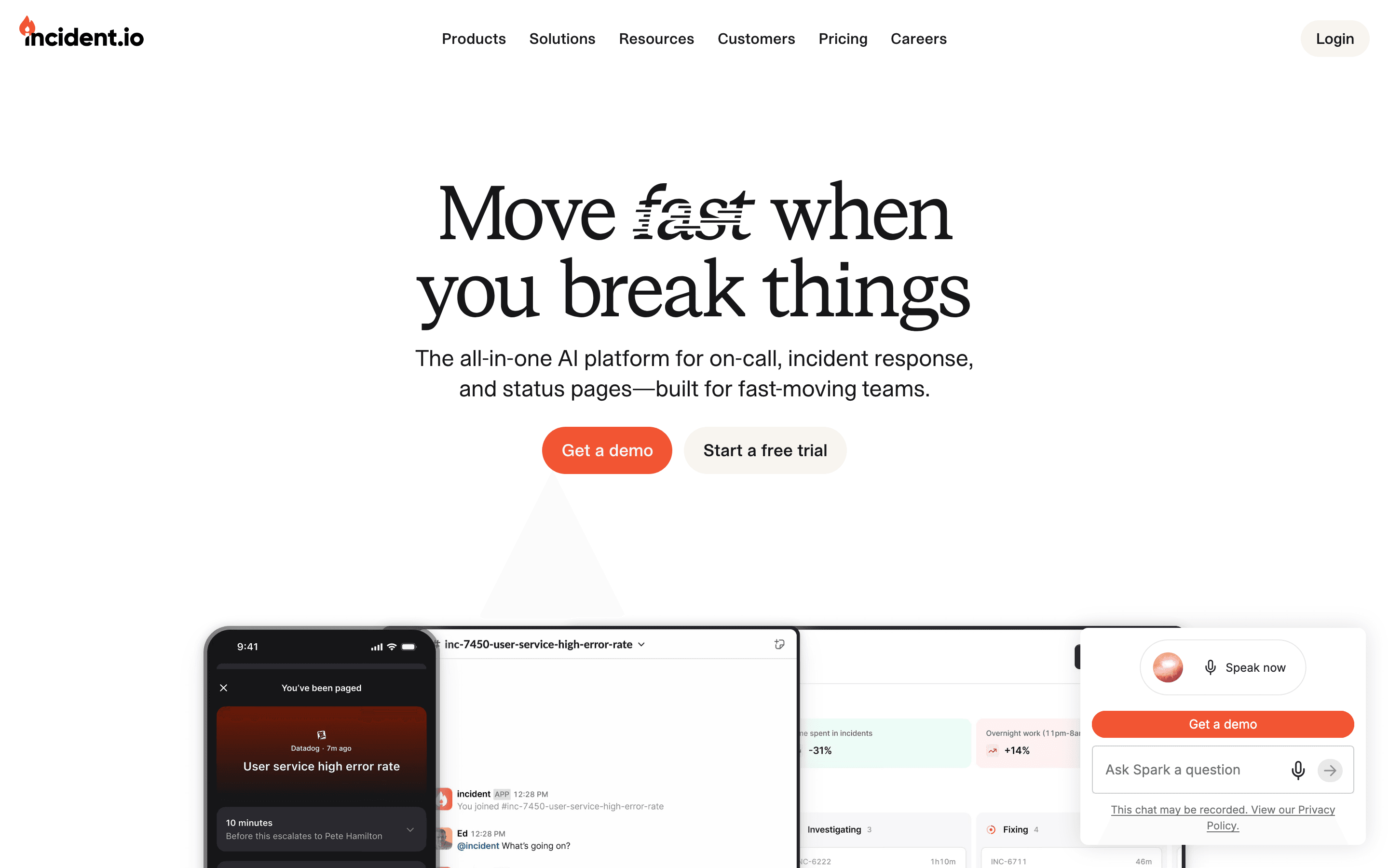
incident.io runs incident response inside Slack or Microsoft Teams. It spins up a channel when something breaks, tracks the timeline, pages the right on-call responder, and turns the mess into a written post-mortem afterward instead of leaving that for someone to reconstruct from memory.
It started as a Slack-native incident tool and has since folded in on-call scheduling and public status pages, so a team can run all three (declare, page, communicate) from one product instead of stitching PagerDuty, a status page tool, and a doc template together.
The newer push is an AI layer: an agent that drafts updates, suggests next steps during an incident, and writes the first pass of the post-mortem, plus a native macOS app aimed at engineers who want alerts and an AI debugging assistant without living in a browser tab.
incident.io screenshots


Who it's for
- ✓ Engineering teams already living in Slack or Teams who want incident channels, paging, and status pages in one tool
- ✓ Teams that want AI-drafted timelines and post-mortems instead of writing them by hand after every incident
Who should look elsewhere
- ✗ Teams that just need basic alerting and paging without a real incident process, where the on-call add-on cost isn't worth it
- ✗ Budget-constrained teams that can't absorb the jump from the $19 headline price once on-call and Pro features get added
Pros
- + Slack and Teams integration feels native, not bolted on
- + AI-written post-mortem drafts save real time after an incident
- + Status pages, on-call, and incident response are one product instead of three separate bills
- + Fast iteration: shipped a macOS app, ServiceNow sync, and agent-wide access to the dashboard in recent months
Cons
- – The advertised per-seat price doesn't include on-call, which is a separate charge on top
- – Status pages are limited on lower tiers: Team gets one public page, Pro adds one internal page, unlimited pages only on Enterprise
- – Enterprise pricing isn't published, so budgeting for SSO, custom roles, or an SLA means a sales call
incident.io pricing
What you pay for
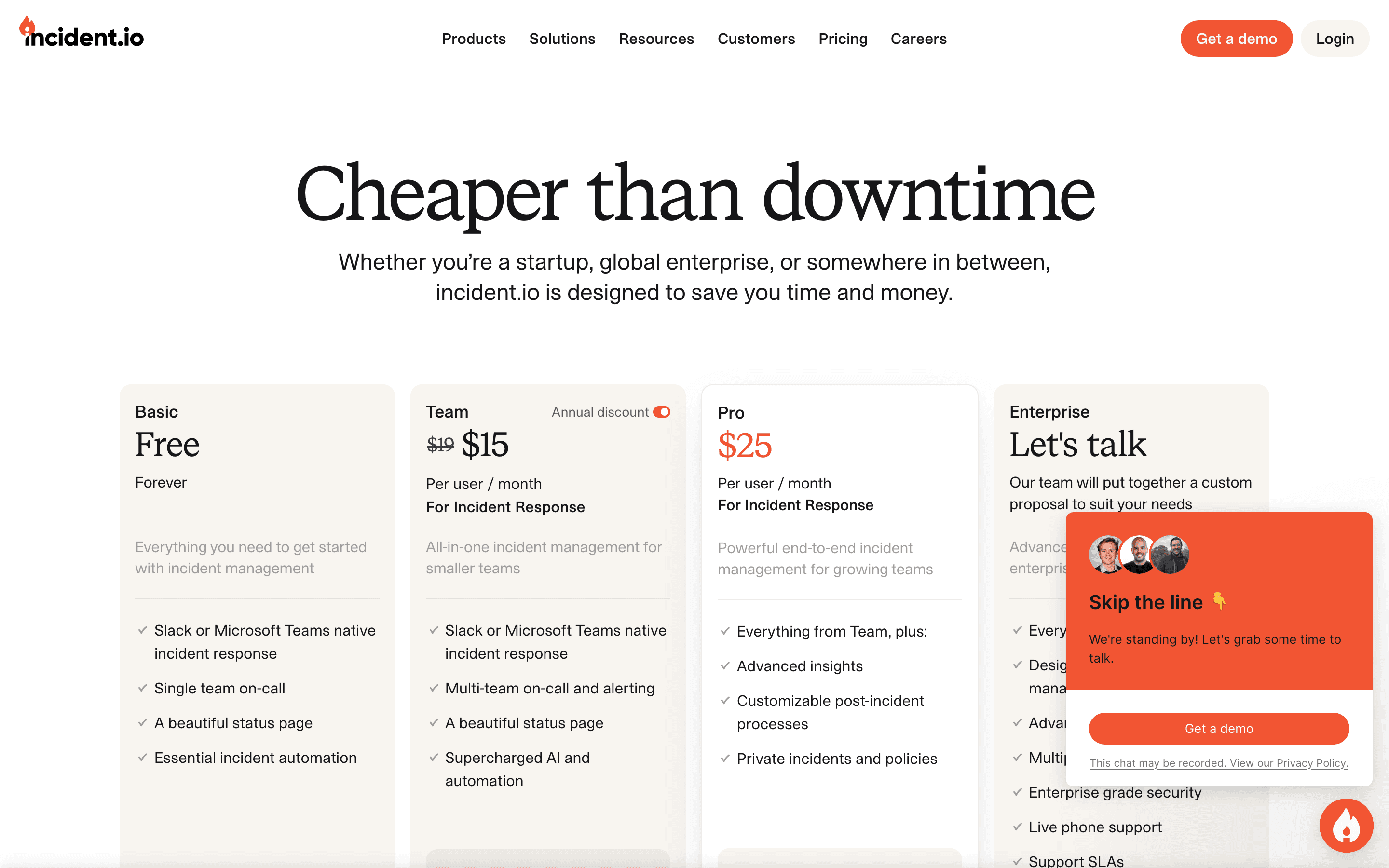
You pay per responder per month, and the plan you pick determines how many schedules, status pages, and custom fields you get. The number most people quote (Team at $19/seat) does not include on-call, which is billed separately per user. Enterprise pricing is not published and requires talking to sales.
At about $15/month to start, it is one of the cheaper options in Incident Management & On-call.
| Plan | Price | Highlights |
|---|---|---|
| Basic | Free | Slack or Teams integration · One on-call schedule · One status page · One custom field |
| Team | $19/seat/mo | AI-suggested next steps · Heartbeat monitoring · Up to 2 schedules · Unlimited integrations · API access · On-call is a separate add-on at $10/user/month |
| Pro | $25/seat/mo | AI-written post-mortems · Custom incident types · Advanced insights · One live call routing number · Maintenance windows · Private incidents · On-call add-on drops to $20/user/month |
| Enterprise | Custom | Dedicated support · Custom roles and permissions · Multiple status pages · Phone trees · Unlimited workflows · 99.99% uptime SLA |
Team is $19/user/month billed monthly, or $15/user/month billed annually. Full incident response plus on-call costs more: on-call is a separate line item, $10/user/month on Team and $20/user/month on Pro. So a team that actually runs on-call rotations is closer to $29-45/user/month, not the $19 headline number. Enterprise is quote-only. Numbers pulled from the live pricing page.
Pricing verified July 7, 2026 · source
How incident.io's pricing compares
incident.io next to its closest alternatives on entry price, billing, and whether pricing is public.
| Tool | Starting price | Billing | Free option | Pricing disclosed |
|---|---|---|---|---|
| incident.io | $15/seat/mo | per-seat | Yes | Partly public |
| PagerDuty | $21/seat/mo | per-seat | Yes | Partly public |
| Rootly | $20/seat/mo | per-seat | Trial (About 2 weeks) | Partly public |
| Better Stack | $29/seat/mo | per-seat | Yes | Partly public |
Is incident.io still actively developed?
Last significant update: June 2026. Shipped a public beta of a native macOS app for on-call engineers, with menu bar alerts, Claude Code and Cursor integration for debugging, and self-serve seat expansion for on-call customers.
Top incident.io alternatives
incident.io FAQ
Is incident.io free?+
Yes, the Basic plan is free and includes one on-call schedule, one status page, and Slack or Teams integration. It's limited compared to the paid tiers.
Does the $19/user price include on-call?+
No. On-call is billed separately, at $10/user/month on the Team plan and $20/user/month on the Pro plan. A team running real on-call rotations should budget for both charges, not just the headline price.
How much does Enterprise cost?+
incident.io doesn't publish Enterprise pricing. You get dedicated support, custom roles, multiple status pages, phone trees, and an uptime SLA, but the price is quote-only.