PagerDuty Review
On-call scheduling and incident response, built for large engineering orgs
Is this your product? Claim this page · Request a change
Looking for a PagerDuty alternative? See our ranked comparison.→What is PagerDuty?
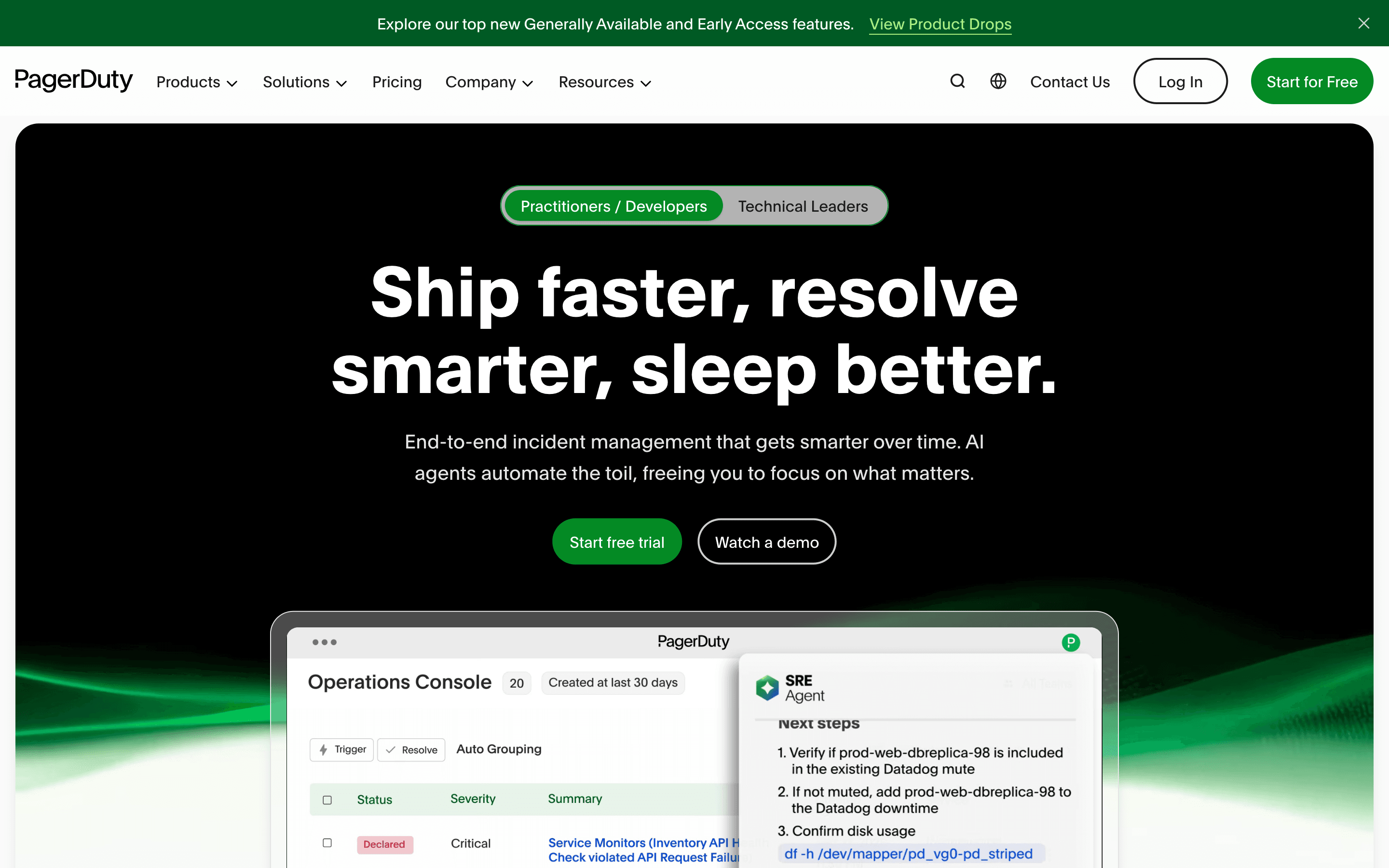
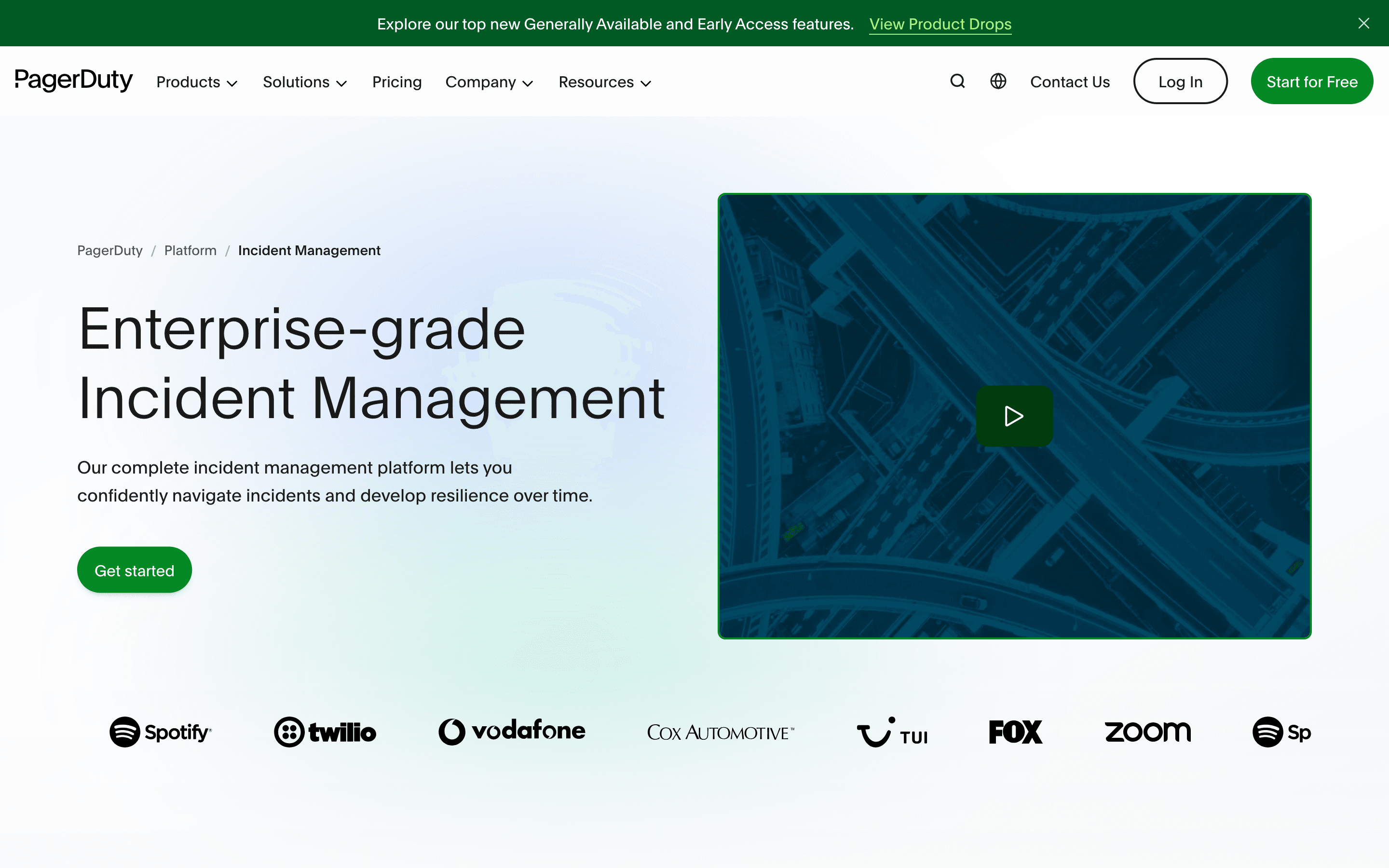
PagerDuty is an incident management platform for alerting the right on-call engineer, running the incident response, and writing up what happened afterward. It routes alerts from your monitoring tools through escalation policies and schedules, then gives responders a shared timeline, status pages, and workflow automation to run the incident to resolution.
It started as a paging tool and has grown into a broader operations platform, adding AIOps-style event correlation, automation actions, and now AI features like automatic incident summaries and recommended orchestration rules. The core product still centers on the pager: who gets called, in what order, and how fast.
PagerDuty screenshots

Who it's for
- ✓ Engineering orgs already running complex, multi-team on-call rotations across many services
- ✓ Teams that need deep ITSM integrations, like bi-directional ServiceNow sync, and enterprise admin controls
- ✓ Companies that want one vendor covering alerting, incident workflows, and status pages
Who should look elsewhere
- ✗ Small teams that just want simple on-call paging without paying for AIOps and workflow features they won't use
- ✗ Budget-conscious teams that don't want per-seat costs to climb every renewal
Pros
- + Free plan works for a small team's basic on-call needs, no card required
- + 750+ integrations cover almost any monitoring or ticketing tool you already run
- + Escalation policies, schedules, and post-incident review tooling are mature and battle-tested
- + Status pages and ITSM sync are built in rather than bolted on
Cons
- – Per-seat price climbs fast once you need custom fields, more incident types, or higher AI Action limits, and Enterprise pricing isn't published
- – Some capabilities, like advanced status page limits and premium chat actions, are split across tiers rather than included at one price
- – Reviewers and forum threads point to renewal increases as a recurring complaint, sometimes pushing teams to shop competitors
- – Support quality is inconsistent across plans, with email-only support on Professional
PagerDuty pricing
What you pay for
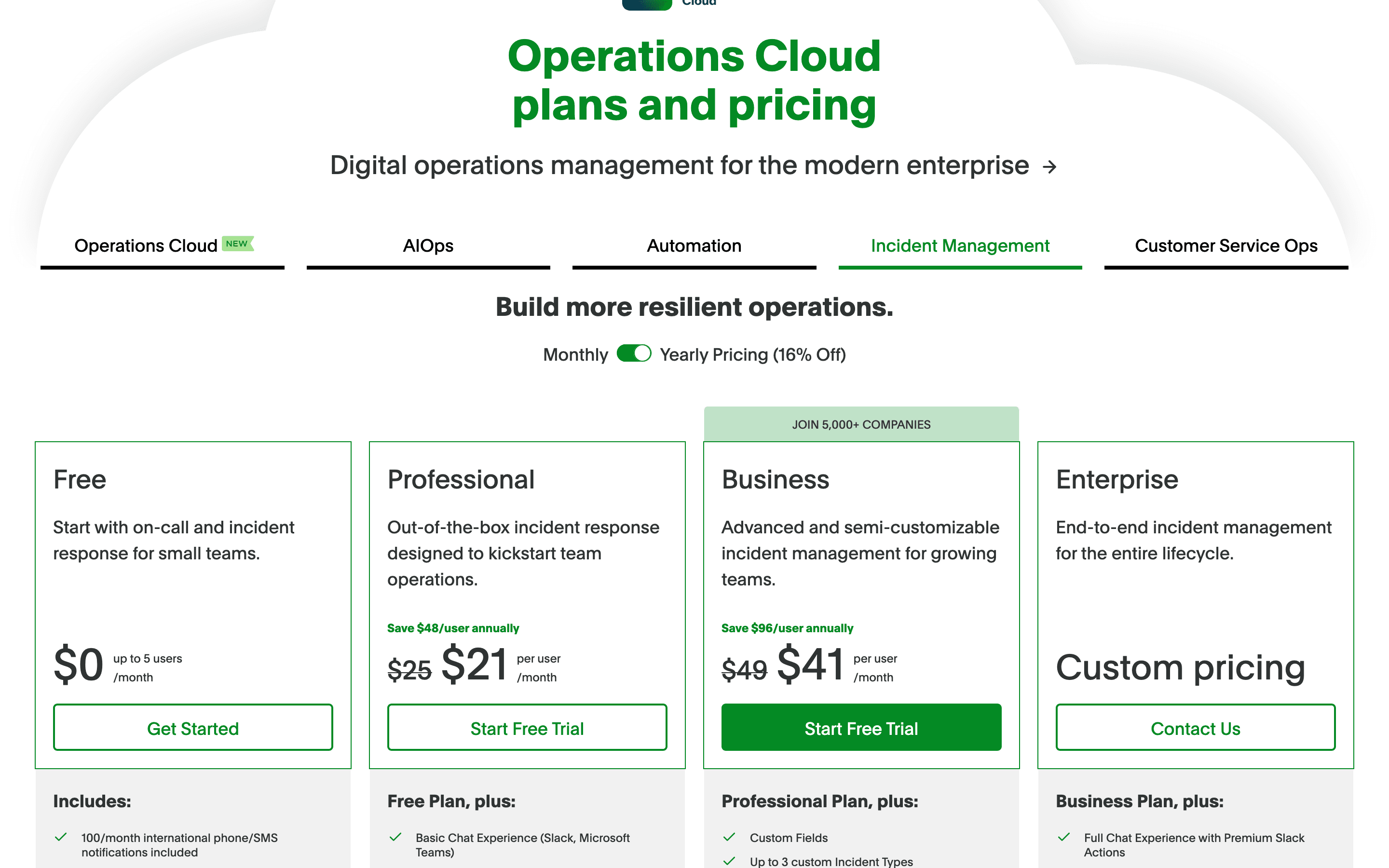
You pay per user per month, with the rate depending on which tier you're on and whether you pay monthly or commit annually. The free plan covers small teams with basic scheduling. Past that, features like chat actions, custom incident types, and AI-driven actions are locked behind the Professional and Business tiers, and Enterprise pricing is quote-only. Pricing is disclosed for the first two paid tiers; Enterprise requires talking to sales.
At about $21/month to start, it sits mid-pack on price in Incident Management & On-call.
| Plan | Price | Highlights |
|---|---|---|
| Free | Free | Up to 5 users · 1 on-call schedule · 1 escalation policy · 100 phone/SMS notifications a month · 750+ integrations · No maintenance windows |
| Professional | $21/seat/mo | $25/user billed monthly, $21/user billed annually · Slack and Teams chat ops · More schedules and escalation policies · Post-incident reviews · External status pages capped at 250 subscribers · 1,000 one-time AI Actions (more require an add-on) · Email support |
| Business | $41/seat/mo | $49/user billed monthly, $41/user billed annually · Custom fields and up to 3 custom incident types · Advanced ITSM integrations · Multi-year historical data · Internal status pages, external status pages up to 500 subscribers · 5,000 one-time AI Actions (more require an add-on) |
| Enterprise | Custom | Full chat actions and incident workflow conditionals · Up to 100 custom incident types, 10 custom incident roles · 20,000 one-time AI Actions (more require an add-on) · Bi-directional ServiceNow sync · Intune support |
Prices are per user per month. Professional and Business list a monthly rate and a lower annual rate (paid upfront). Enterprise is quote-only. Features like advanced AIOps, live call routing, and some status page capacity are gated by tier or sold as add-ons, so a team's real per-seat cost is often higher than the sticker price.
Pricing verified July 7, 2026 · source
How PagerDuty's pricing compares
PagerDuty next to its closest alternatives on entry price, billing, and whether pricing is public.
| Tool | Starting price | Billing | Free option | Pricing disclosed |
|---|---|---|---|---|
| PagerDuty | $21/seat/mo | per-seat | Yes | Partly public |
| incident.io | $15/seat/mo | per-seat | Yes | Partly public |
| Rootly | $20/seat/mo | per-seat | Trial (About 2 weeks) | Partly public |
| Better Stack | $29/seat/mo | per-seat | Yes | Partly public |
Is PagerDuty still actively developed?
Last significant update: June 2026. PagerDuty put its Scribe Agent Enhanced Transcript feature into early access, adding richer automated write-ups of incident timelines for responders.
Top PagerDuty alternatives
PagerDuty FAQ
Is PagerDuty free?+
Yes, for up to 5 users. The free plan includes 1 on-call schedule, 1 escalation policy, and 100 phone or SMS notifications a month.
How much does PagerDuty cost per user?+
Professional is $25/user/month billed monthly or $21/user/month billed annually. Business is $49/user/month monthly or $41/user/month annually. Enterprise pricing is custom.
Does PagerDuty offer a free trial?+
Yes, Professional and Business plans both offer a free trial before you commit to a paid seat.