Top Linear Alternatives in 2026
Here for Linear itself? See the full Linear profile, pricing & reviews →
Suggest a change- If you want Linear's speed and price point but need docs, chat, and cross-functional projects in the same workspace, choose ClickUp. ClickUp starts cheaper than Linear per seat and bundles docs, whiteboards, and dashboards so one tool can cover engineering and the rest of the company.
- If your team lead needs portfolio-level visibility across many cross-functional projects, not sprint tracking, choose Asana. Asana's Starter plan already includes timeline and Gantt views, and Advanced adds workload and goal tracking that Linear's issue-first model was never built to provide.
- If you want a highly visual, no-code system your whole company can reshape for sales, marketing, and engineering alike, choose monday.com. monday.com's boards, automations, and views are built to be reconfigured by non-technical teams without engineering help, unlike Linear's fixed issue-tracker structure.
- If you want project tracking to sit next to your docs and wiki, and you don't need dependencies, cycles, or Gantt views, choose Notion. Notion keeps a task list, roadmap, or sprint board in the same workspace as your team's docs, though you'll rebuild anything Linear gives you natively using database templates.
- If you want the cheapest, simplest visual board and don't need cycles, dependencies, or roadmaps, choose Trello. Trello's Standard plan is half Linear's price at $5 a seat a month, and its card-and-list setup takes almost no onboarding for a small team that finds Linear's structure like overkill.
- If your team is software engineers who want a fast, keyboard-driven tracker wired into GitHub, Slack, and AI coding agents, choose stay on Linear. None of these alternatives match Linear's speed at scale or its AI agent features built around Claude Code and Codex for triage, code review, and drafted updates.
Linear is built for software teams that want a fast, opinionated issue tracker, not a flexible system you configure into shape. That focus is exactly what makes teams look elsewhere: once a team needs cross-functional coordination, Gantt-style reporting, custom fields, or a guest tier that doesn't require a paid seat, Linear's defaults start to feel limiting instead of fast.
The tools below cover that range, from ClickUp and Asana, which handle broader work management while still supporting sprint-style workflows, to monday.com's fully customizable boards, to Trello for teams that want less structure, not more, and Notion for teams that would rather keep tracking next to their docs. None of them fully replace Linear's engineering-native speed and AI agent features, so the right pick depends on what your team actually needs next.
Linear alternatives compared
| Tool | Best for | Starting price | Free option | Last update |
|---|---|---|---|---|
| ClickUpBest value | Teams that want one tool for tasks, docs, and light chat instead of stitching several apps together | $7/seat/mo | Yes | July 2026 |
| AsanaBest for cross-functional teams | Team leads coordinating projects across marketing, ops, and other non-engineering functions | $10.99/seat/mo | Yes | — |
| monday.comBest for building custom systems without engineering help | Cross-functional teams that want one visual system for many different workflows instead of separate tools per department | $9/seat/mo | Yes | June 2026 |
| NotionBest for docs-first teams | Teams that want project tracking, docs, and a wiki in one tool instead of three | $10/seat/mo | Yes | July 2026 |
| TrelloBest for simplicity | Small teams and individuals who want a visual board with almost no setup | $5/seat/mo | Yes | January 2026 |
Why teams switch from Linear
Per-seat pricing climbs fast with no volume discount
Basic is $10 per seat a month and Business is $16 per seat a month, both billed annually, with no published discount for larger teams, so costs scale linearly past 10-15 people.
Compliance basics require the quote-only Enterprise plan
SAML and SCIM, along with granular admin controls, only ship on Enterprise, so teams that need basic security compliance have to go through a sales conversation instead of self-serve upgrading.
Guest access requires buying a full paid seat
Business and Enterprise are the only plans with guest access at all, and Linear doesn't publish a discounted guest rate, unlike some competitors that include free viewer or guest seats.
Customization and reporting are thin for non-engineering work
Linear is built around opinionated engineering workflows, so teams that need custom fields, budget or resourcing views, or Gantt-style reporting outgrow it once cross-functional coordination becomes the job.
The best Linear alternatives, ranked
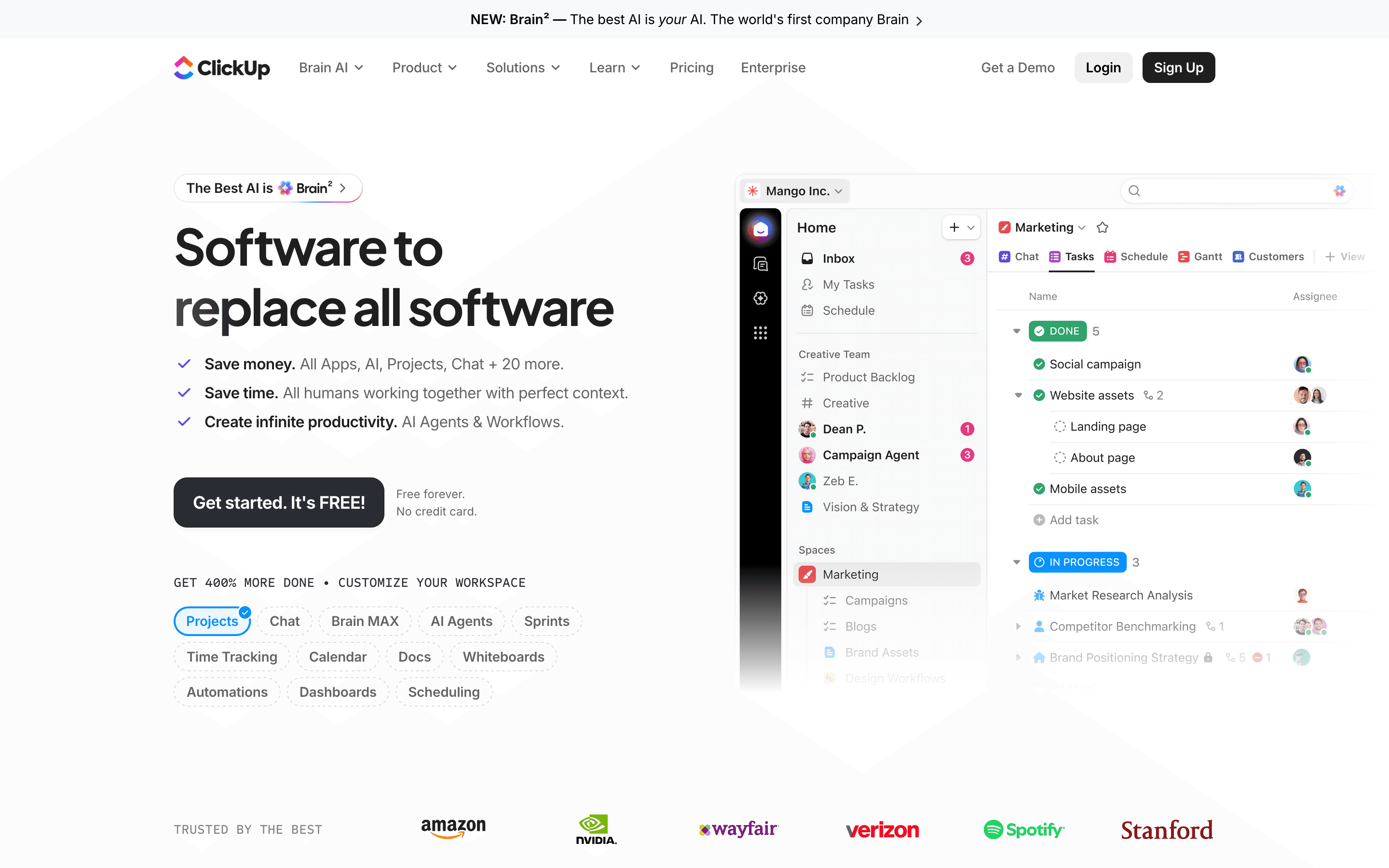
ClickUp is the closest price-for-price match to Linear and the one most software teams would actually shortlist. Entry pricing starts at $7 per seat a month billed annually, undercutting Linear's $10 Basic plan, and the free plan supports unlimited members and tasks rather than capping headcount. Where it pulls ahead of Linear is breadth: docs, whiteboards, chat, and dashboards live in the same workspace, so a team can run engineering work and the rest of the company's projects without a second tool. The tradeoff is setup time. Custom fields, automations, and multiple views need configuring before the tool feels as fast as Linear's opinionated defaults. AI is also a separate paid add-on rather than bundled the way Linear's agent features are, and automation runs are capped per plan and pause once you hit the ceiling. Teams that want Linear's speed with room to grow into non-engineering work should look here first.
Pros
- + Free plan supports unlimited members and tasks, not just a small seat count
- + One app covers tasks, docs, whiteboards, chat, and dashboards, cutting down on tool switching
- + Automation and custom field system is genuinely flexible for teams with non-standard workflows
Cons
- – Free plan's 60MB storage cap is shared across the whole team, not per user, so it fills up fast
- – AI features are a separate paid add-on on top of a core plan, not included at any tier
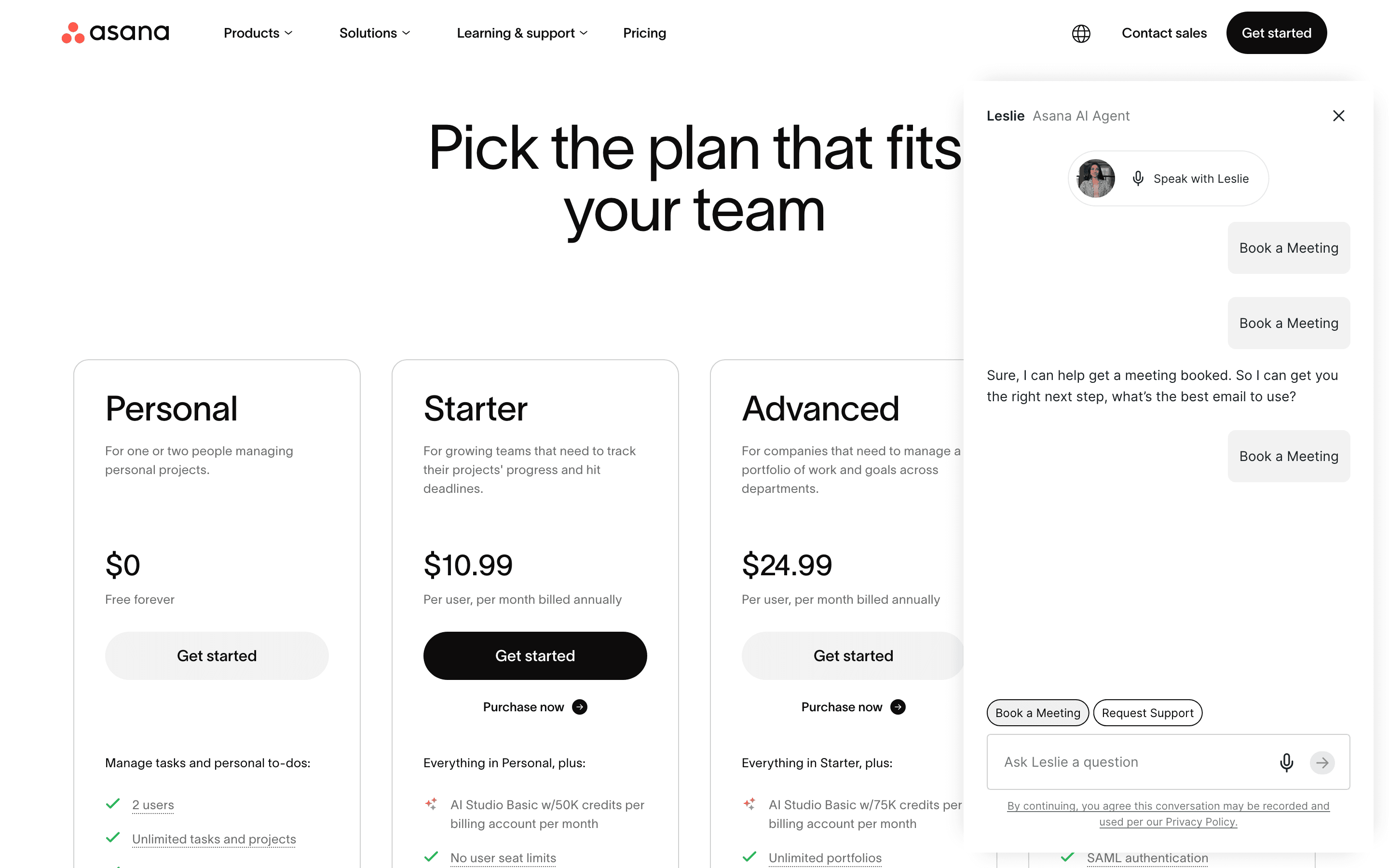
Asana fits teams that need one system to run engineering work alongside marketing, ops, and other functions Linear was never built for. Its Starter plan already includes timeline and Gantt views, and Advanced adds workload and goal tracking that give a team lead visibility across many concurrent projects, something Linear's issue-first model doesn't try to do. The catch is cost and minimums: there's no paid single-seat plan, every paid tier needs at least two seats, and Advanced's price climbs well past Linear's Business tier once a team scales. Time tracking and approvals also sit behind the pricier Advanced plan. Reviewers note Asana costs noticeably more than tools like monday.com for similar functionality. Choose Asana over Linear when the real problem is coordinating cross-functional portfolios, not tracking sprints, and the extra spend buys visibility Linear was never designed to provide.
Pros
- + Free Personal plan works fine for very small teams of up to 2 people
- + Timeline and Gantt views are already included on the entry-level Starter plan, with workload and goal-tracking views adding real cross-project visibility on Advanced
- + Automation and forms are unlimited even on the entry-level Starter plan
Cons
- – No paid plan for a single user, teams need at least 2 seats to leave the free tier
- – Time tracking and approvals are locked behind the pricier Advanced plan, where several competitors include time tracking lower down
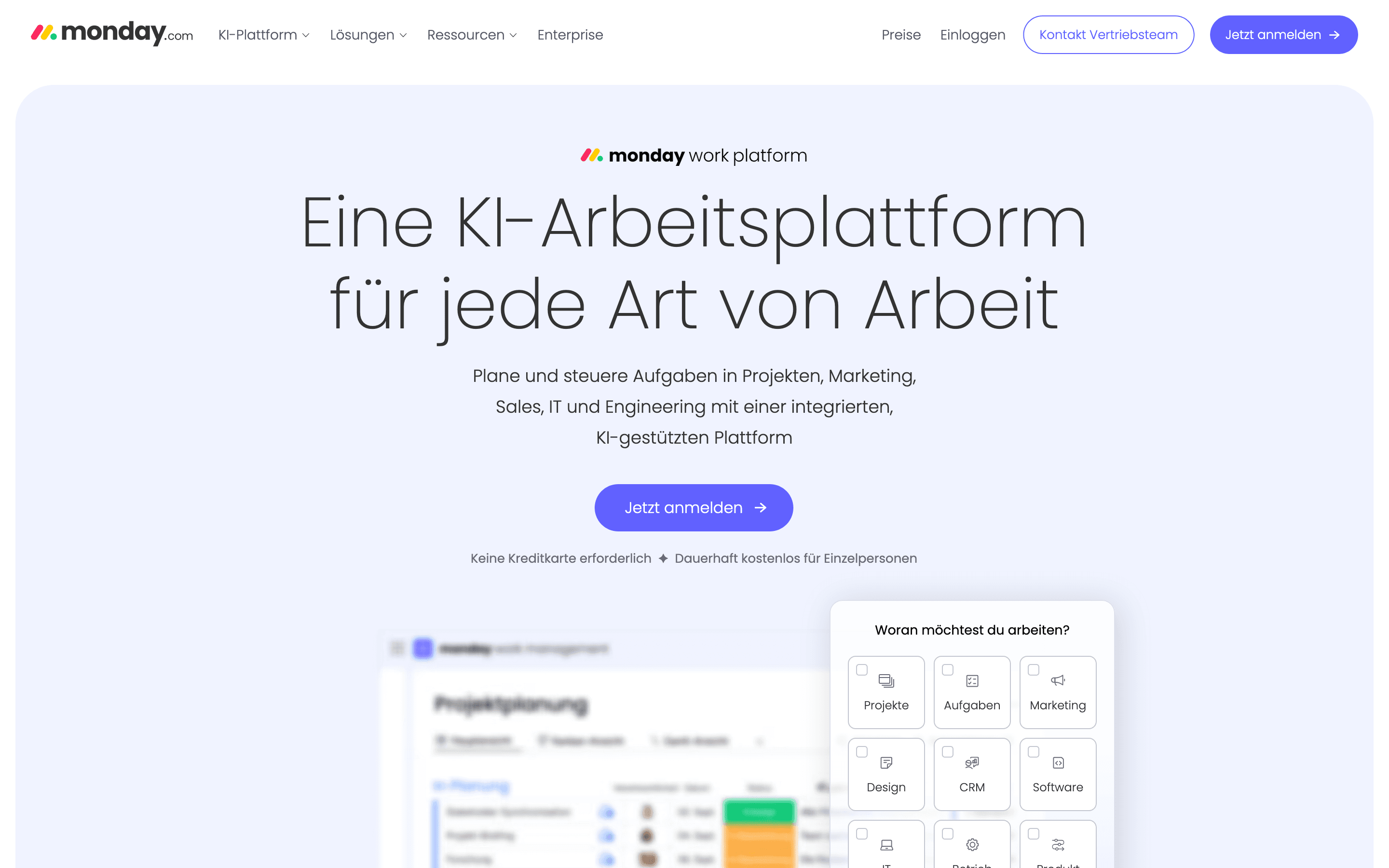
monday.com trades Linear's opinionated issue tracker for a blank, colorful board that teams configure themselves. Standard and Pro plans add Gantt, timeline, and calendar views plus guest access and time tracking, and non-technical team leads tend to pick it up fast because everything is visual rather than keyboard-driven like Linear. The real cost story is the 3-seat minimum on every paid plan and seats sold in blocks above that, so a small team pays for seats it doesn't use, something Linear's true per-seat pricing avoids. AI credits and automation actions are also capped per tier and billed separately once exhausted. Reviewers report slow support and billing disputes more often than with Linear. Pick monday.com when a team wants one visual system flexible enough to run engineering, sales, and marketing workflows side by side, not a purpose-built engineering tracker.
Pros
- + Very visual, color-coded boards that non-technical team members pick up fast
- + Automations and views (Gantt, timeline, calendar, Kanban) are strong even on the Standard plan
- + One platform can cover project management, a lightweight CRM, and dev/service workflows if you buy the matching products
Cons
- – Every paid plan has a 3-seat minimum, so small teams pay for seats they don't use
- – Seats are sold in buckets above the minimum (e.g. rounding 4 users up to a 5-seat block), which pushes real cost above the advertised per-seat price
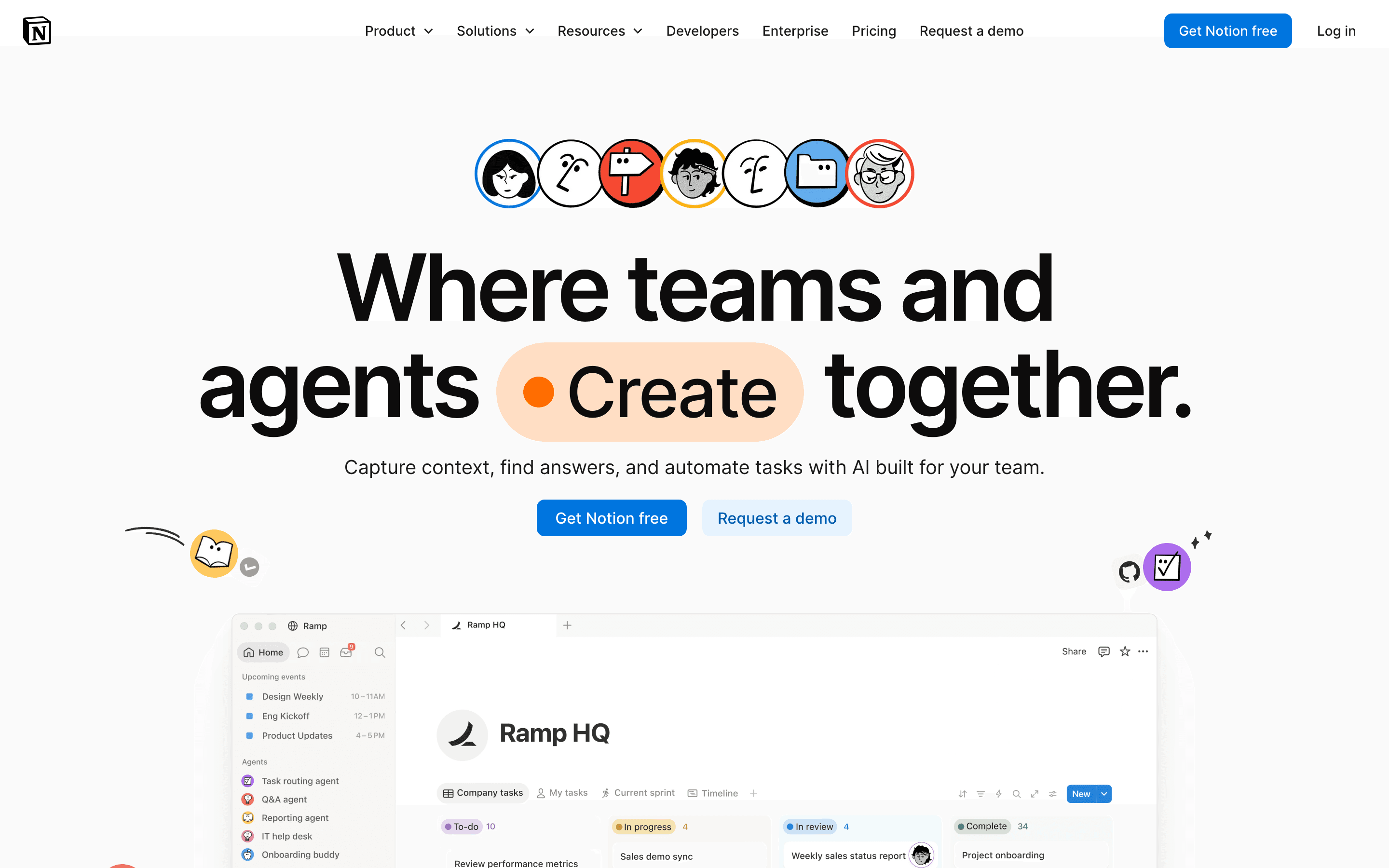
Notion isn't an issue tracker, and that's the point for teams leaving Linear because they want project tracking to live next to docs and a wiki instead of in a separate app. Plus is $10 a seat a month on monthly billing, and Notion advertises up to 20% off if you pay annually, which puts its real annual price closer to $8. Linear's $10 Basic price is already the discounted annual rate, so the two aren't the like-for-like match they first look like. Notion's free plan is usable for real work rather than a stripped trial. But Notion has no native Gantt chart, dependency tracking, or cycles, so teams rebuild what Linear gives them out of the box using database templates instead. Full AI features, including Notion Agent and AI Meeting Notes, require the pricier $20 Business plan, and Custom Agents bill separately by credit on top of seat cost. Notion suits a team lead who wants tracking to live next to docs more than a dedicated tracker, and who doesn't need cycles, dependencies, or workload views out of the box.
Pros
- + One tool covers docs, wikis, and task tracking, cutting down on app switching
- + Databases and pages are flexible enough to build almost any workflow
- + Free plan is usable for real work, not just a stripped-down trial
Cons
- – No native Gantt chart, dependency tracking, or resource management, so real project management needs a template workaround or a plugin
- – Full AI access requires the $20/seat/month Business plan; Free and Plus only get a capped trial
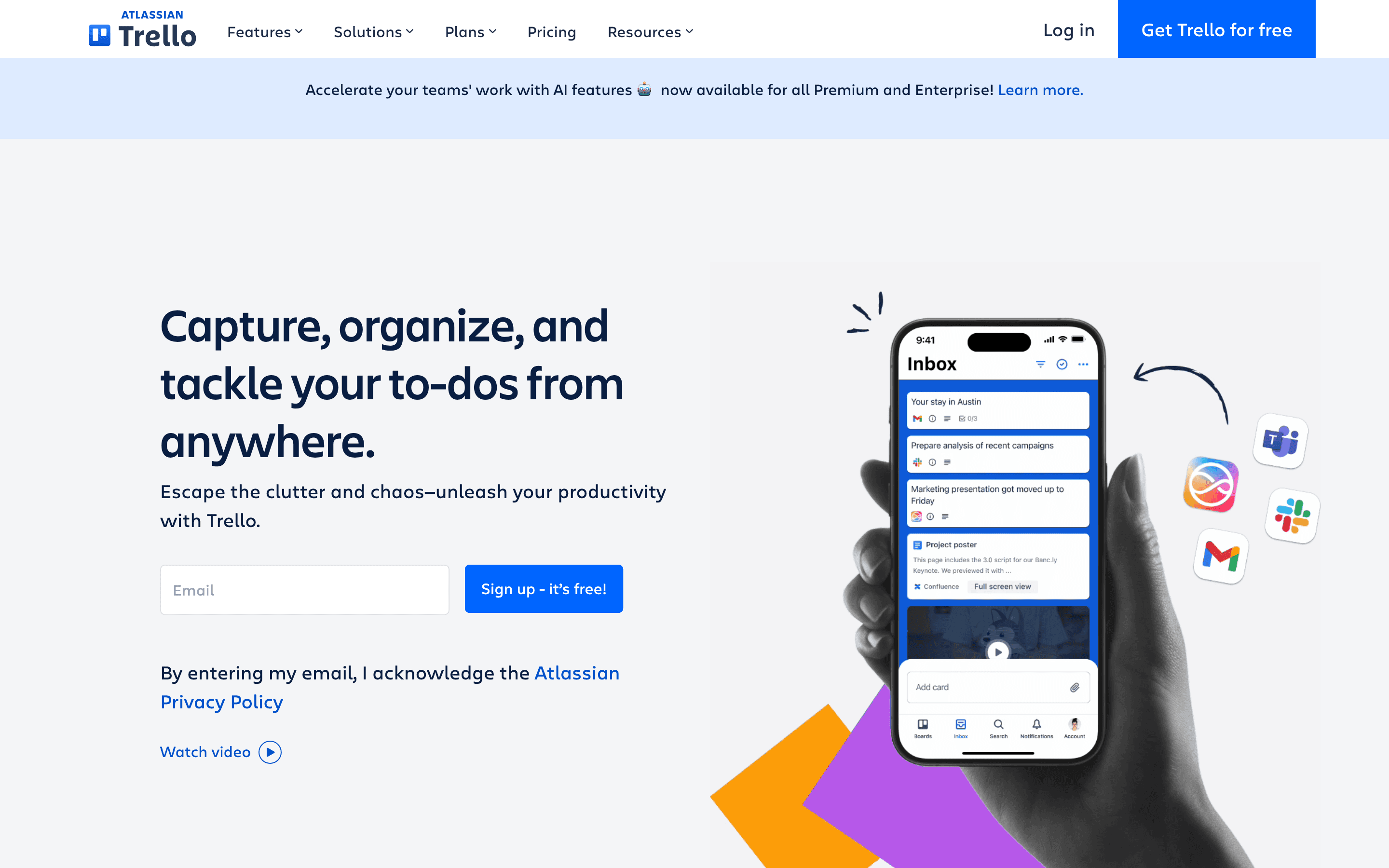
Trello is the simplest tool on this list and the cheapest, with Standard at $5 a seat a month against Linear's $10 Basic. That simplicity is also its limit: there's no cycles, no roadmaps, and no dependency tracking, and Gantt-style Timeline, Calendar, and Table views require the pricier Premium plan. Teams tend to move to Trello from Linear when the actual problem is that Linear feels like overkill for a small team's workflow, not when they need more structure. The free plan covers unlimited cards and unlimited Power-Ups per board, generous for how small teams use it, but caps out at 10 boards and 10 collaborators per Workspace. Trello fits a team lead who wants a visual list of what's happening across a few simple projects, not sprint planning or engineering-grade issue tracking.
Pros
- + Free plan includes unlimited Power-Ups per board and unlimited cards, generous for how most small teams actually use Trello
- + Standard plan is cheap ($5/seat/month annually) for what most small teams actually use
- + Card mirroring lets one task appear on multiple boards without duplicating it
Cons
- – Free plan caps Workspaces at 10 boards and 10 collaborators, which smaller teams hit faster than expected
- – No native Gantt/timeline view below Premium; Table, Calendar, Timeline, and Map views are all gated to Premium
Should your product be on this project management list?
If you build a tool that belongs next to the ones above, submit it. A human reviews every submission. Approved products get their own page with pricing and screenshots, plus a place in the comparisons where they fit. It is free. You sign in with your work email so you can follow the decision, and there is no password to create.
Linear alternatives: FAQ
What's the best free alternative to Linear?+
ClickUp's Free Forever plan supports unlimited members and unlimited tasks, which is more generous than Asana's or monday.com's free tiers, both capped at 2 users.
What's the cheapest paid alternative to Linear?+
Trello's Standard plan is $5 per seat a month, the lowest of any tool here, though ClickUp's Unlimited plan at $7 per seat a month is a closer functional match to Linear's cycles and issue tracking.
Which alternative works best if my team needs more than engineering issue tracking?+
Asana and monday.com both build in cross-functional views like timelines, Gantt charts, and workload tracking that Linear doesn't offer, since Linear is built specifically around software issue tracking.
Which alternative handles guest or client access without charging a full seat?+
monday.com's Basic plan includes unlimited free viewers. Linear only offers guest access on Business and Enterprise, and it requires a paid seat.
Linear alternatives: pricing compared
Entry price, billing model, and whether pricing is public. 6 of 6 publish pricing you can check without talking to sales.
How we made these picks. We compare tools on public pricing, features, and hands-on assessment, then verify every price against the vendor's own page. We never accept payment for rankings. Read the full methodology. Spotted an error? Report it.