monday.com Review
A colorful, highly customizable work OS for tracking projects, tasks, and workflows across teams
Is this your product? Claim this page · Request a change
Looking for a monday.com alternative? See our ranked comparison.→What is monday.com?
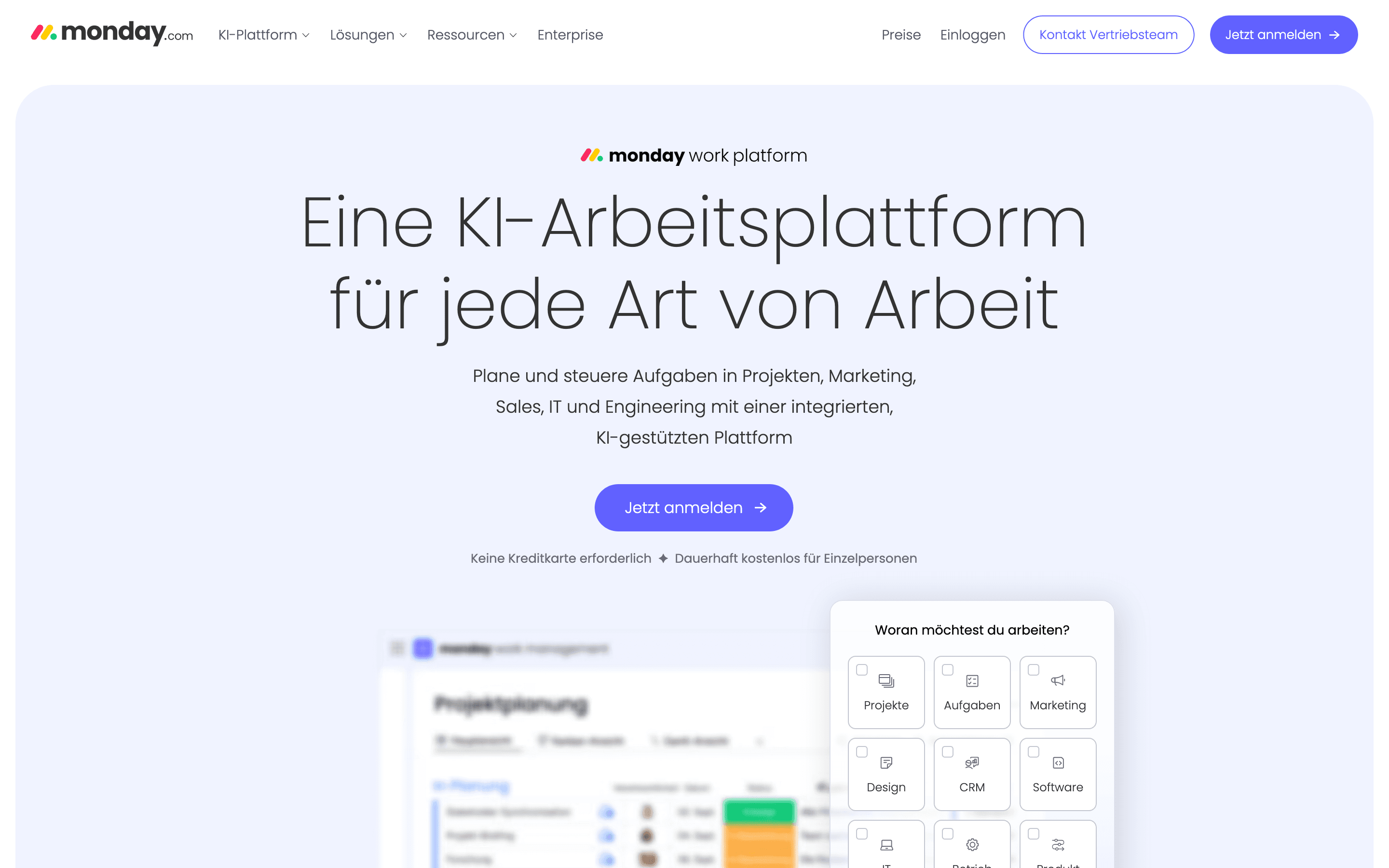
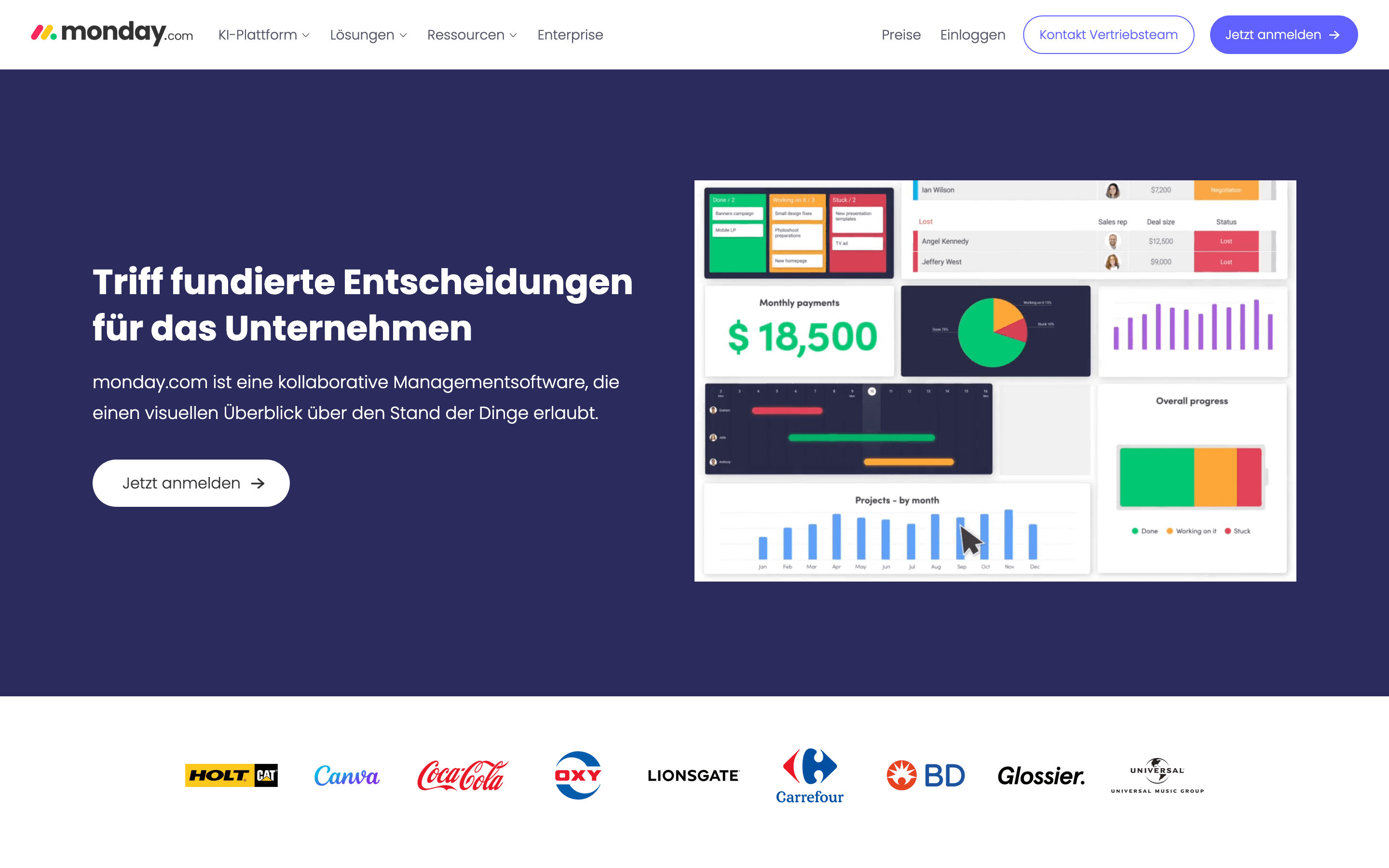
monday.com is a work management platform built around colorful, customizable boards. You track tasks, projects, and workflows as rows and columns, and switch between views like Kanban, timeline, Gantt, and calendar without changing the underlying data.
Beyond the core Work Management product, monday.com sells separate CRM, Service, and Dev products on their own pricing, plus a no-code AI app builder (monday vibe) for building custom internal apps on top of your boards, and AI features like Sidekick that summarize boards, build charts, and suggest or build automations from plain-language prompts.
It's aimed at teams that want a flexible, visual system they can bend into different shapes (marketing calendar, sales pipeline, sprint board) rather than a tool built for one specific workflow.
monday.com screenshots
Who it's for
- ✓ Cross-functional teams that want one visual system for many different workflows instead of separate tools per department
- ✓ Teams that like to build and customize their own boards, automations, and dashboards without engineering help
- ✓ Companies already spread across monday's CRM, Service, or Dev products who want one vendor and one bill
Who should look elsewhere
- ✗ Solo users or 2-person teams, since every paid plan has a 3-seat minimum
- ✗ Teams that want a flat monthly price with no per-seat math or seat-bucket rounding
- ✗ Teams whose top complaint about their current tool is billing accuracy or support speed
Pros
- + Very visual, color-coded boards that non-technical team members pick up fast
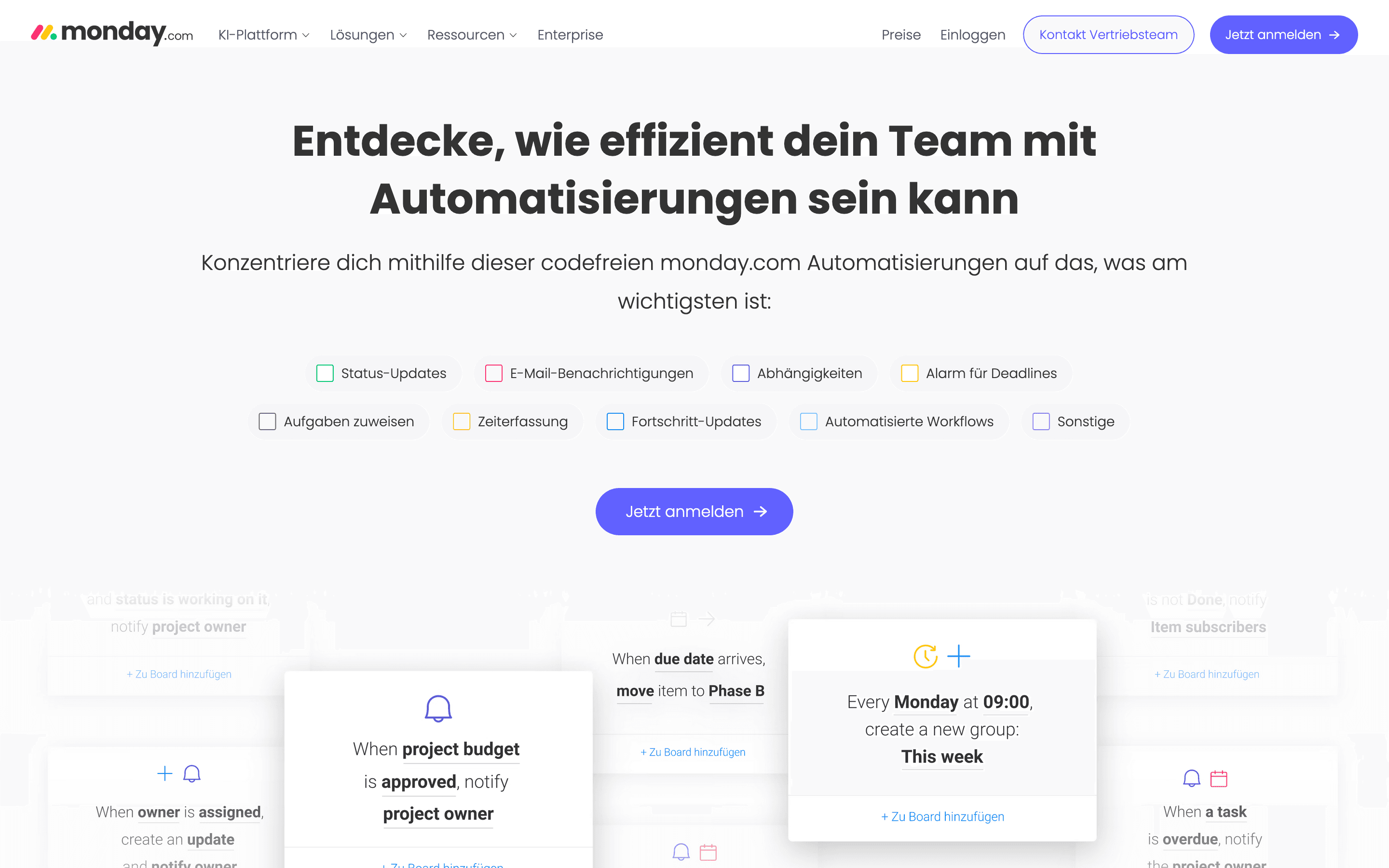
- + Automations and views (Gantt, timeline, calendar, Kanban) are strong even on the Standard plan
- + One platform can cover project management, a lightweight CRM, and dev/service workflows if you buy the matching products
- + AI credits are bundled into paid plans rather than a fully separate purchase for basic use
Cons
- – Every paid plan has a 3-seat minimum, so small teams pay for seats they don't use
- – Seats are sold in buckets above the minimum (e.g. rounding 4 users up to a 5-seat block), which pushes real cost above the advertised per-seat price
- – Automation and AI credit caps on lower tiers run out fast for active teams and require upgrading or buying more credits
- – Reviewers frequently cite slow support response times and billing disputes, especially for account or seat changes
monday.com pricing
What you pay for
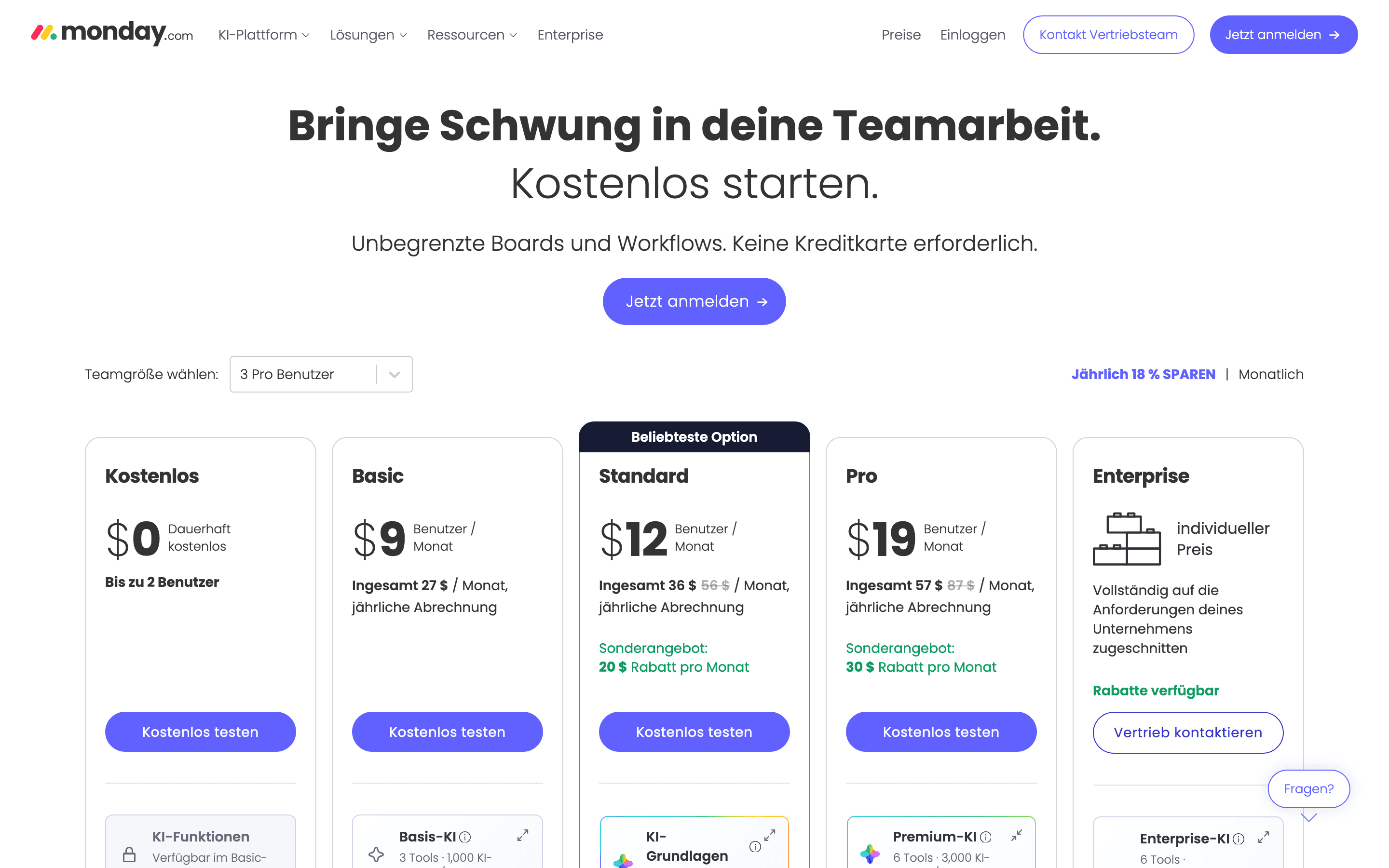
You pay per seat per month, with the sticker price tied to annual billing and a real discount for prepaying a year. The catch is the 3-seat minimum on every paid plan and seat buckets above that, so a 2-person team or a team of 6 ends up paying for seats it doesn't use. Core pricing is public and easy to check, but Enterprise and the AI credit add-ons are quote-only or usage-based.
At about $9/month to start, it sits mid-pack on price in Project Management.
| Plan | Price | Highlights |
|---|---|---|
| Free | Free | Up to 2 seats · Up to 3 boards · Up to 3 docs · 200+ templates |
| Basic | $9/seat/mo | Unlimited free viewers · Unlimited items · 1,000 AI credits/month · 5GB file storage |
| Standard | $12/seat/mo | 2,000 AI credits/month · 250 automation actions/month · Timeline and Gantt views · Guest access |
| Pro | $19/seat/mo | Most popular plan · 3,000 AI credits/month · 25,000 automation actions/month · Private boards and time tracking |
| Enterprise | Custom | Custom AI credit pool · 250,000 automation actions/month · Advanced security and permissions · 24/7 enterprise support |
Prices are per seat per month, billed annually; billing monthly instead costs $12/$14/$24 per seat for Basic/Standard/Pro. All paid plans require a minimum of 3 seats, and seats above that are sold in blocks (e.g. jumping from 4 users to a 5-seat block), so the real bill is often higher than the sticker price suggests. Enterprise is quote-only. AI credits beyond the monthly allotment are billed separately as an add-on. monday.com also sells separate CRM, Service, and Dev products with their own pricing.
Pricing verified July 7, 2026 · source
How monday.com's pricing compares
monday.com next to its closest alternatives on entry price, billing, and whether pricing is public.
| Tool | Starting price | Billing | Free option | Pricing disclosed |
|---|---|---|---|---|
| monday.com | $9/seat/mo | per-seat | Yes | Partly public |
| Asana | $10.99/seat/mo | per-seat | Yes | Partly public |
| ClickUp | $7/seat/mo | per-seat | Yes | Partly public |
| Linear | $10/seat/mo | per-seat | Yes | Partly public |
| Trello | $5/seat/mo | per-seat | Yes | Public |
| Basecamp | $15/seat/mo | tiered | Yes | Public |
| Notion | $10/seat/mo | per-seat | Yes | Partly public |
Is monday.com still actively developed?
Last significant update: June 2026. monday.com added Sidekick charts, which turn item field data into dynamic charts so teams can spot trends without building a separate dashboard.
Top monday.com alternatives
Further reading
- Project Management Pricing Compared: 8 Tools, Real Numbers - Trello, ClickUp, monday.com, Asana, Notion, Linear, Basecamp and Height list prices compared, checked 2026-07-07, plus what per-seat costs hide.
monday.com FAQ
Does monday.com have a free plan?+
Yes, but it caps out at 2 seats, 3 boards, and 3 docs, so it works for a very small team or a personal test run rather than ongoing team use.
What's the real minimum cost to get a team on a paid plan?+
Every paid plan requires at least 3 seats, so the floor is 3 times the per-seat price, for example $27/month on Basic billed annually, even if only 1 or 2 people actually use it.
Is monthly or annual billing cheaper?+
Annual billing is cheaper per seat. Basic, Standard, and Pro run $9, $12, and $19 per seat per month billed annually, versus $12, $14, and $24 billed monthly.
Do I need to buy AI credits separately?+
Paid plans include a monthly AI credit allowance built into the price (1,000 to 3,000 credits depending on tier), but heavy AI use beyond that allowance is billed as an add-on.