Trello Review
Card-and-board task tracking built for simple workflows
Is this your product? Claim this page · Request a change
Looking for a Trello alternative? See our ranked comparison.→What is Trello?
Trello is a card-and-board task tracker: you make lists (like To Do, Doing, Done), drop cards into them, and drag cards across as work moves. Each card holds checklists, due dates, attachments, and comments. It's the simplest visual way to track work that most teams have used at least once.
Atlassian owns Trello and has spent the last year pushing it past pure boards. Trello Inbox pulls tasks in from Slack, Teams, and email. Planner adds calendar scheduling. AI features (quick capture, writing assistance) now sit inside cards. The core product is still a Kanban board, but Atlassian is trying to make it the place work lands before it gets organized, not just where it gets tracked once it's already defined.
Trello screenshots
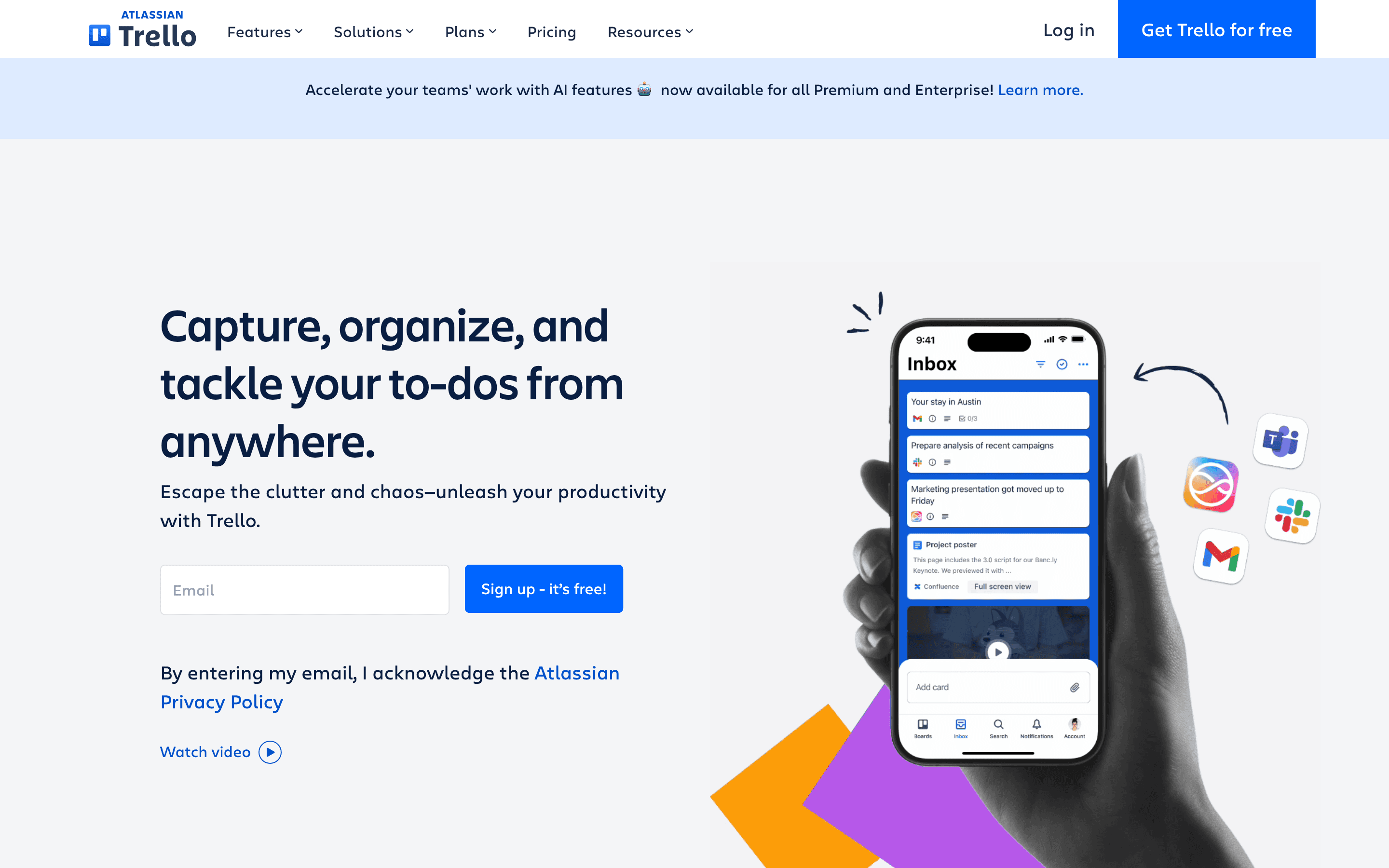
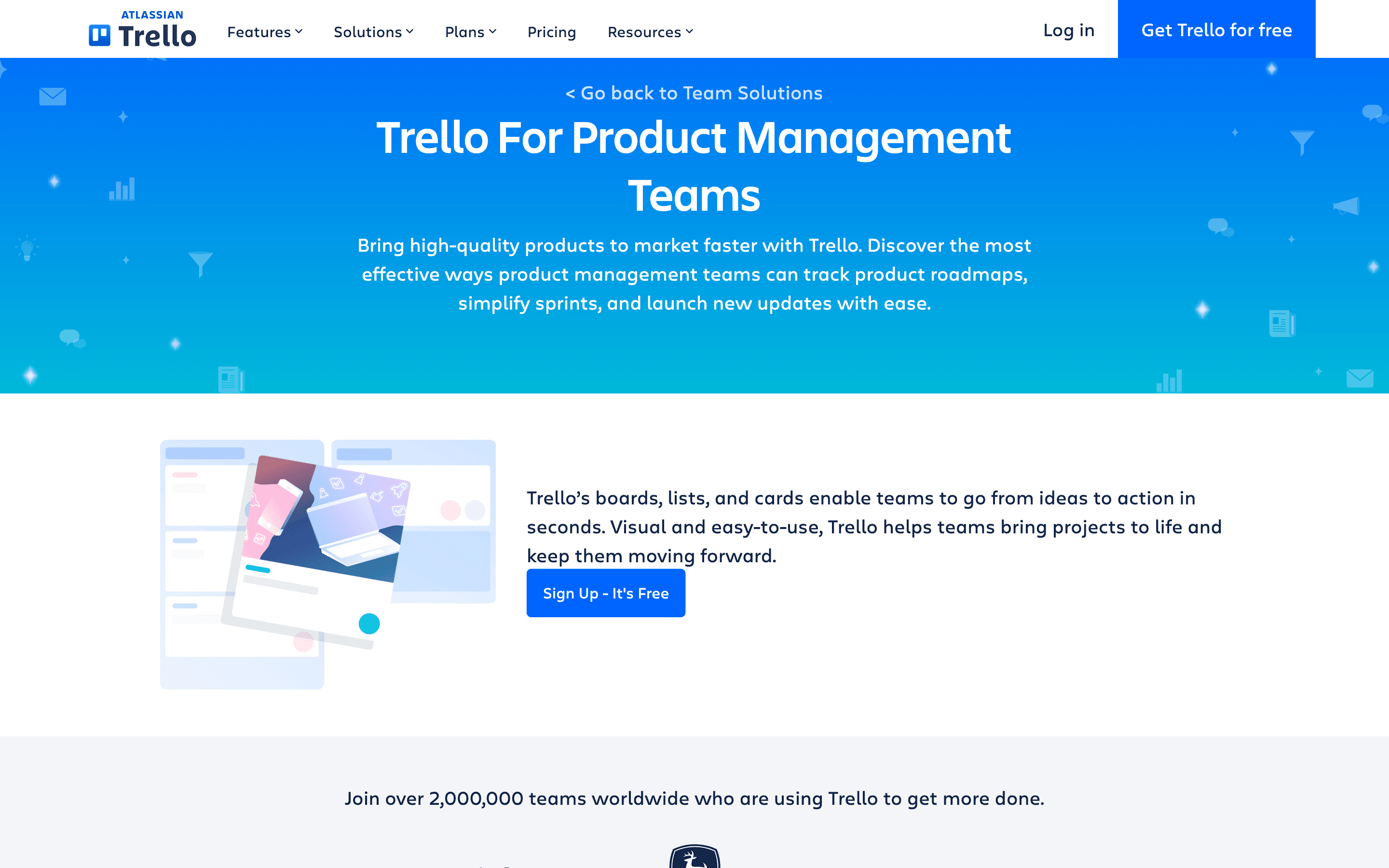
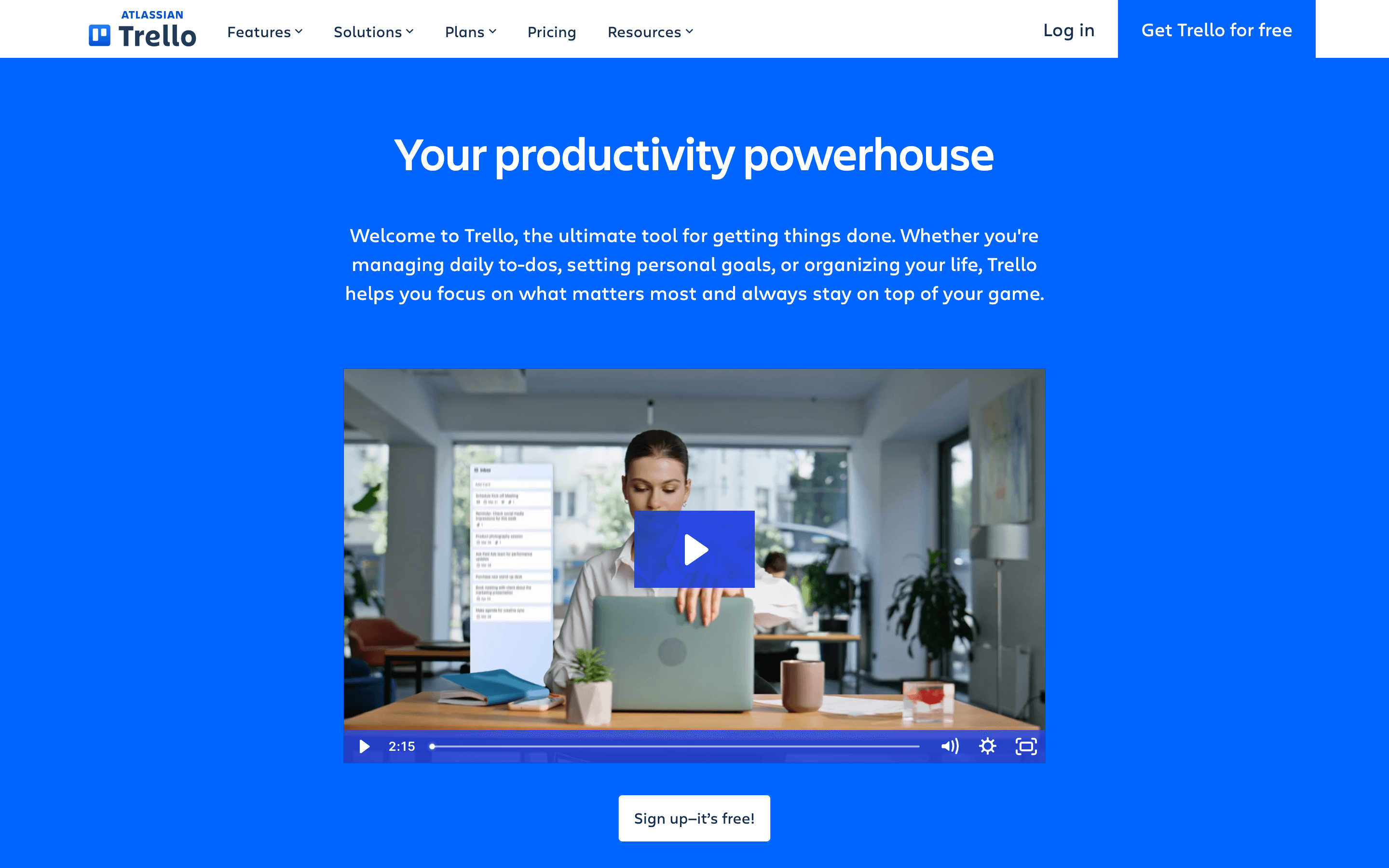
Who it's for
- ✓ Small teams and individuals who want a visual board with almost no setup
- ✓ Teams that mainly need lists, checklists, and due dates, not dependencies or resource planning
- ✓ Organizations already on Atlassian who want Trello to feed into Jira or Confluence
Who should look elsewhere
- ✗ Teams that need Gantt charts, resource management, or budget tracking out of the box
- ✗ Larger teams running multiple interdependent projects where a board view alone gets messy
- ✗ Anyone who needs the free plan to cover more than 10 people per Workspace
Pros
- + Free plan includes unlimited Power-Ups per board and unlimited cards, generous for how most small teams actually use Trello
- + Standard plan is cheap ($5/seat/month annually) for what most small teams actually use
- + Card mirroring lets one task appear on multiple boards without duplicating it
- + Huge Power-Up marketplace covers most integrations teams ask for (Slack, Google Drive, time tracking, etc.)
Cons
- – Free plan caps Workspaces at 10 boards and 10 collaborators, which smaller teams hit faster than expected
- – No native Gantt/timeline view below Premium; Table, Calendar, Timeline, and Map views are all gated to Premium
- – Per-seat pricing adds up once a team grows past a handful of people, since every active board member counts, including guests on multiple boards
- – Reviewers on PissedConsumer describe being charged again after requesting cancellation and say Trello has refused refunds
Trello pricing
At about $5/month to start, it is one of the cheaper options in Project Management.
| Plan | Price | Highlights |
|---|---|---|
| Free | Free | Up to 10 collaborators per Workspace · Unlimited cards · Up to 10 boards per Workspace · Unlimited Power-Ups per board |
| Standard | $5/seat/mo | Unlimited boards · AI-powered Quick Capture · Planner · Custom Fields · Card mirroring |
| Premium | $10/seat/mo | AI features · Calendar, Timeline, Table, and Map views · Admin controls · Collections |
| Enterprise | $17.5/seat/mo | Unlimited Workspaces · Organization-wide permissions · Multi-board guests · Atlassian Guard Standard included |
Standard is $5/user/month billed annually, or $6/user/month billed monthly. Premium is $10/user/month annually, or $12.50/user/month monthly. Enterprise is $17.50/user/month billed annually ($210/user/year); the pricing page does not offer a volume discount at higher headcounts. All figures are per active board member; a guest on more than one board within a Workspace is a Multi-Board Guest and is billed at the same per-seat rate as a full member.
Pricing verified July 7, 2026 · source
How Trello's pricing compares
Trello next to its closest alternatives on entry price, billing, and whether pricing is public.
| Tool | Starting price | Billing | Free option | Pricing disclosed |
|---|---|---|---|---|
| Trello | $5/seat/mo | per-seat | Yes | Public |
| Asana | $10.99/seat/mo | per-seat | Yes | Partly public |
| monday.com | $9/seat/mo | per-seat | Yes | Partly public |
| ClickUp | $7/seat/mo | per-seat | Yes | Partly public |
| Linear | $10/seat/mo | per-seat | Yes | Partly public |
| Basecamp | $15/seat/mo | tiered | Yes | Public |
| Notion | $10/seat/mo | per-seat | Yes | Partly public |
Is Trello still actively developed?
Last significant update: January 2026. Trello rolled out an AI-powered New Year's Resolution Board Builder that auto-generates a board with goals, milestones, quick wins, habits, and reflection prompts, available for a limited time to select Free, Standard, and Premium users.
Top Trello alternatives
Further reading
- Project Management Pricing Compared: 8 Tools, Real Numbers - Trello, ClickUp, monday.com, Asana, Notion, Linear, Basecamp and Height list prices compared, checked 2026-07-07, plus what per-seat costs hide.
Trello FAQ
Is Trello actually free to use?+
Yes. The Free plan covers unlimited cards, up to 10 boards per Workspace, up to 10 collaborators, and unlimited Power-Ups per board. It's a real free tier, not a trial.
How much does Trello cost per user?+
Standard is $5/user/month billed annually ($6 billed monthly). Premium is $10/user/month annually ($12.50 monthly). Enterprise is $17.50/user/month billed annually ($210/user/year), with no published volume discount at higher headcounts.
Does Trello have Gantt charts or timelines?+
Only on Premium and above. Free and Standard are board-and-list views only; Timeline, Calendar, Table, and Map views require Premium.
Who owns Trello?+
Atlassian, which acquired Trello in January 2017 for about $425 million. Atlassian has been adding AI features and cross-tool capture (Inbox, Planner) rather than changing the core board format.