Fly.io Review
Run full apps close to your users as Docker-based Machines, billed per second
Is this your product? Claim this page · Request a change
Looking for a Fly.io alternative? See our ranked comparison.→What is Fly.io?
Fly.io runs your app as a Docker container (they call it a Machine) in data centers around the world, so you can put copies of your app close to your users instead of picking one region. You write a Dockerfile or use their buildpacks, push with fly deploy, and it handles the VM, networking, and load balancing.
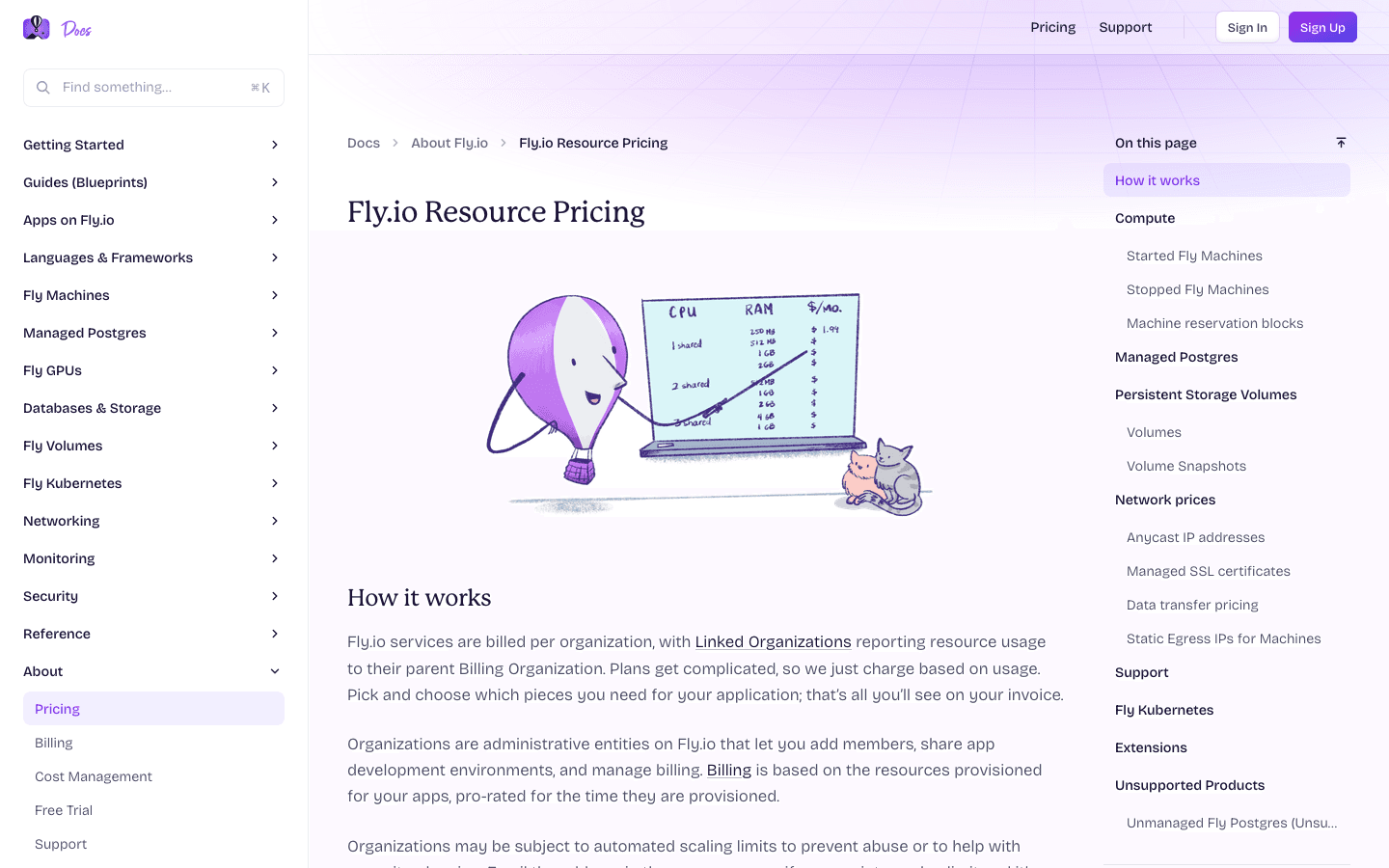
It sits between a raw cloud provider and a fully managed PaaS. You get more control than Heroku or Render (you're managing real Machines, volumes, and private networking) but you skip the work of running your own Kubernetes cluster. Billing is per second for exactly what you provision: CPU, RAM, storage, bandwidth, and IPs are all separate line items.
Fly.io used to be known for a generous always-on free tier. That's gone for anyone who signed up after October 2024. New accounts get a short free trial and then pay for everything from the first Machine.
Fly.io screenshots

Who it's for
- ✓ Developers who want to run Docker containers in multiple regions without managing Kubernetes
- ✓ Apps where latency to users in different parts of the world actually matters
- ✓ Teams comfortable configuring volumes, private networking, and Machine sizing themselves
Who should look elsewhere
- ✗ Teams that want a free always-on tier for side projects, since that no longer exists on new accounts
- ✗ Teams that want a fully managed, click-and-deploy experience with no Docker or infrastructure knowledge
- ✗ Teams that need fine-grained, read-only team permissions out of the box
Pros
- + True pay-per-second billing means a small always-on app can cost around $2/month
- + Global region picker makes it easy to run instances near your users
- + Handles Docker deployments, private networking (Wireguard), and volumes without a separate cloud account
Cons
- – No free tier for new accounts; the old 3-VM always-on free allowance ended in October 2024
- – Pricing is spread across many small usage-based line items (compute, volumes, snapshots, IPs, certs, egress by region), which makes total cost harder to predict upfront than a flat plan
- – Team permissions are coarse; you can't easily grant a read-only teammate scoped access
- – Some users report flaky builds and deploys getting stuck, which hurts day-to-day dev workflow
Fly.io pricing
You pay for what you consume rather than a per-seat fee, so cost scales with usage.
| Plan | Price | Highlights |
|---|---|---|
| Pay as you go | Custom | No monthly minimum, billed per second for what you run · shared-cpu-1x with 256MB RAM runs about $2/month always-on · performance-1x with 2GB RAM runs about $32/month always-on |
| Support: Standard | $29/mo | Priority ticket queue · Access to dedicated support engineers |
| Support: Premium | $199/mo | Faster response times · Deeper architecture help |
| Support: Enterprise | Custom | Starts around $2,500/month · Dedicated account team, custom SLAs |
| Compliance Made Easy | $99/mo | HIPAA-ready configuration and paperwork |
Fly.io has no fixed plans. You pay for the Machines, storage, IPs, and bandwidth you actually use, billed per second. There is no free tier anymore; the old always-on free allowance (3 small VMs, 3GB storage, 160GB bandwidth) was discontinued for new signups in October 2024 and only survives for legacy accounts. Support plans and the compliance add-on are the only flat monthly line items. Prices and rates from Fly.io's pricing and pricing-docs pages.
Pricing verified July 22, 2026 · source
How Fly.io's pricing compares
Fly.io next to its closest alternatives on entry price, billing, and whether pricing is public.
| Tool | Starting price | Billing | Free option | Pricing disclosed |
|---|---|---|---|---|
| Fly.io | Custom / quote | usage-based | Trial (New accounts get a trial that lasts 7 days or 2 hours of total machine runtime, whichever comes first, capped at 10 machines and 20GB of volume storage. Dedicated IPv4s, performance-class CPUs, and GPUs are not available during the trial.) | Partly public |
| Vercel | $20/seat/mo | usage-based | Yes | Partly public |
| Netlify | $9/mo | tiered | Yes | Partly public |
| Render | $25/mo | tiered | Yes | Partly public |
| Railway | $5/mo | usage-based | Trial ($5 one-time usage credit for new accounts, no credit card required) | Partly public |
Is Fly.io still actively developed?
Last significant update: June 2026. Fly's blog is currently focused on Sprites, its sandboxed environment for running AI agent code, with the latest post covering how to keep agents from breaking their own execution environment, following an earlier post announcing MCP support for Sprites
Top Fly.io alternatives
Fly.io FAQ
Does Fly.io have a free tier?+
Not anymore for new accounts. Fly.io discontinued its always-on free allowance in October 2024. New signups get a short free trial (about 2 VM hours or 7 days) with no free resource allowance beyond that, and then pay per second for everything they run.
How much does a small app cost on Fly.io?+
A minimal always-on app, one shared-cpu-1x Machine with 256MB RAM, runs about $2 a month. Costs scale up from there with more Machines, storage, and bandwidth; a production-grade, three-node Postgres cluster alone runs roughly $82 to $164 a month by Fly's own estimate.
Is Fly.io pricing all usage-based, or are there flat plans?+
Compute, storage, and bandwidth are all metered per second or per GB. The only flat line items are the optional support plans ($29, $199, or custom enterprise pricing) and the $99/month compliance add-on.
Why do some teams leave Fly.io?+
The most common complaints are around reliability of builds and deploys, lack of declarative, version-controlled config, and coarse team permissions (no easy read-only access for teammates).