Google BigQuery Review
A serverless data warehouse for petabyte-scale SQL analytics and machine learning
Is this your product? Claim this page · Request a change
Looking for a Google BigQuery alternative? See our ranked comparison.→What is Google BigQuery?
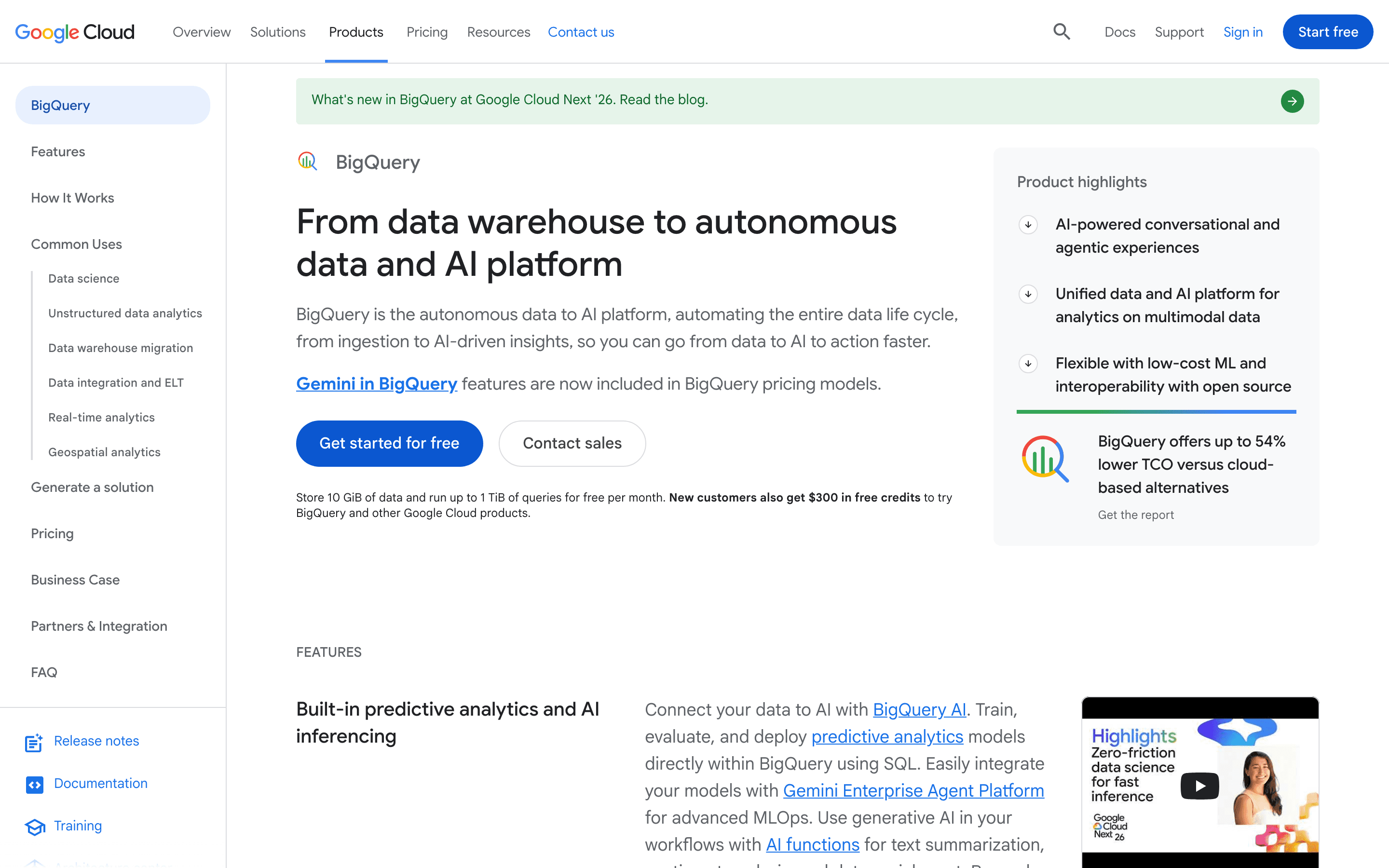
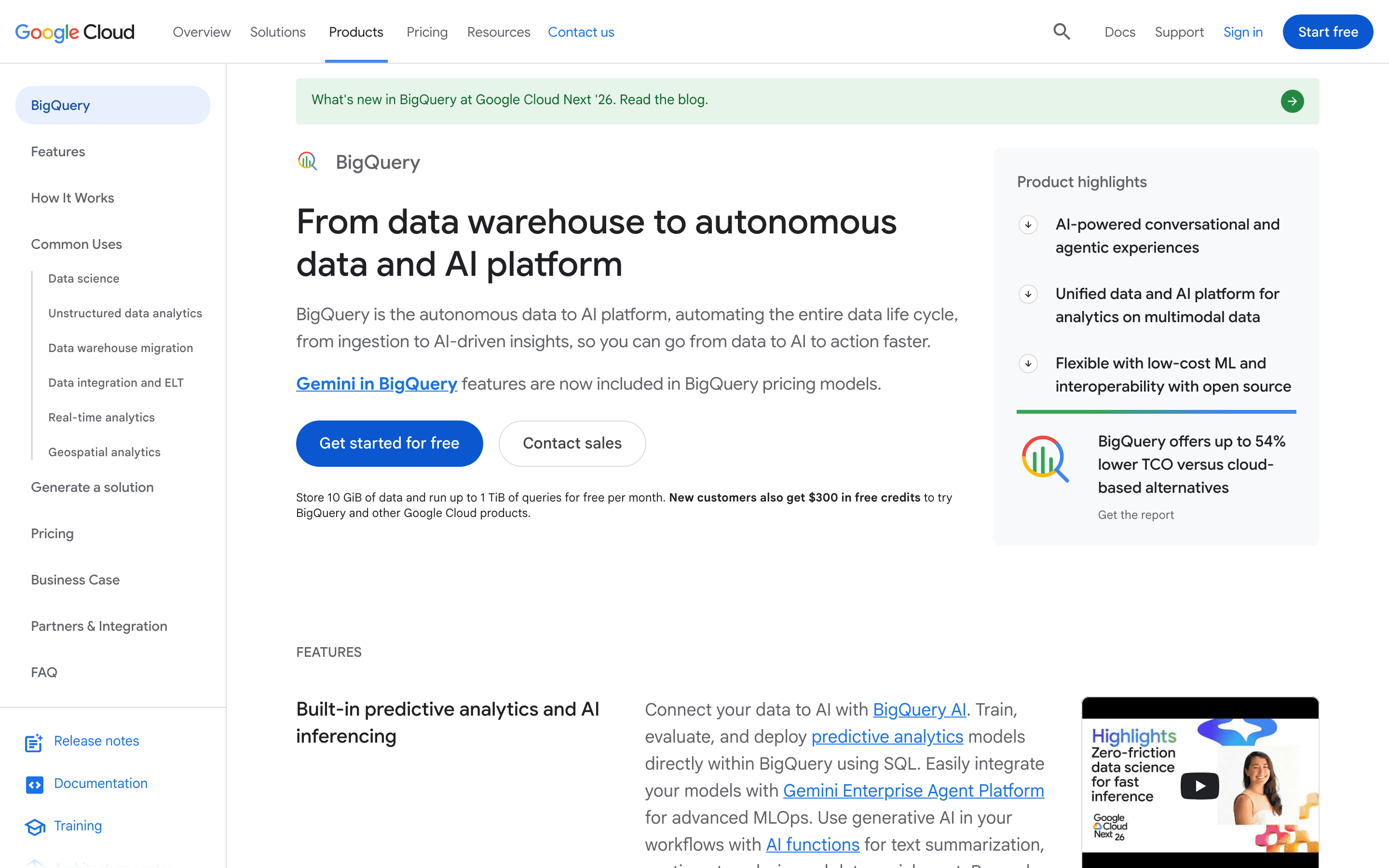
BigQuery is Google Cloud's serverless data warehouse. You load or stream data into it and query it with standard SQL. Google handles storage, compute, and scaling behind the scenes, so there is no cluster to size or patch. Storage and compute are billed and scaled independently, and that's the main structural difference from cluster-based warehouses like Redshift.
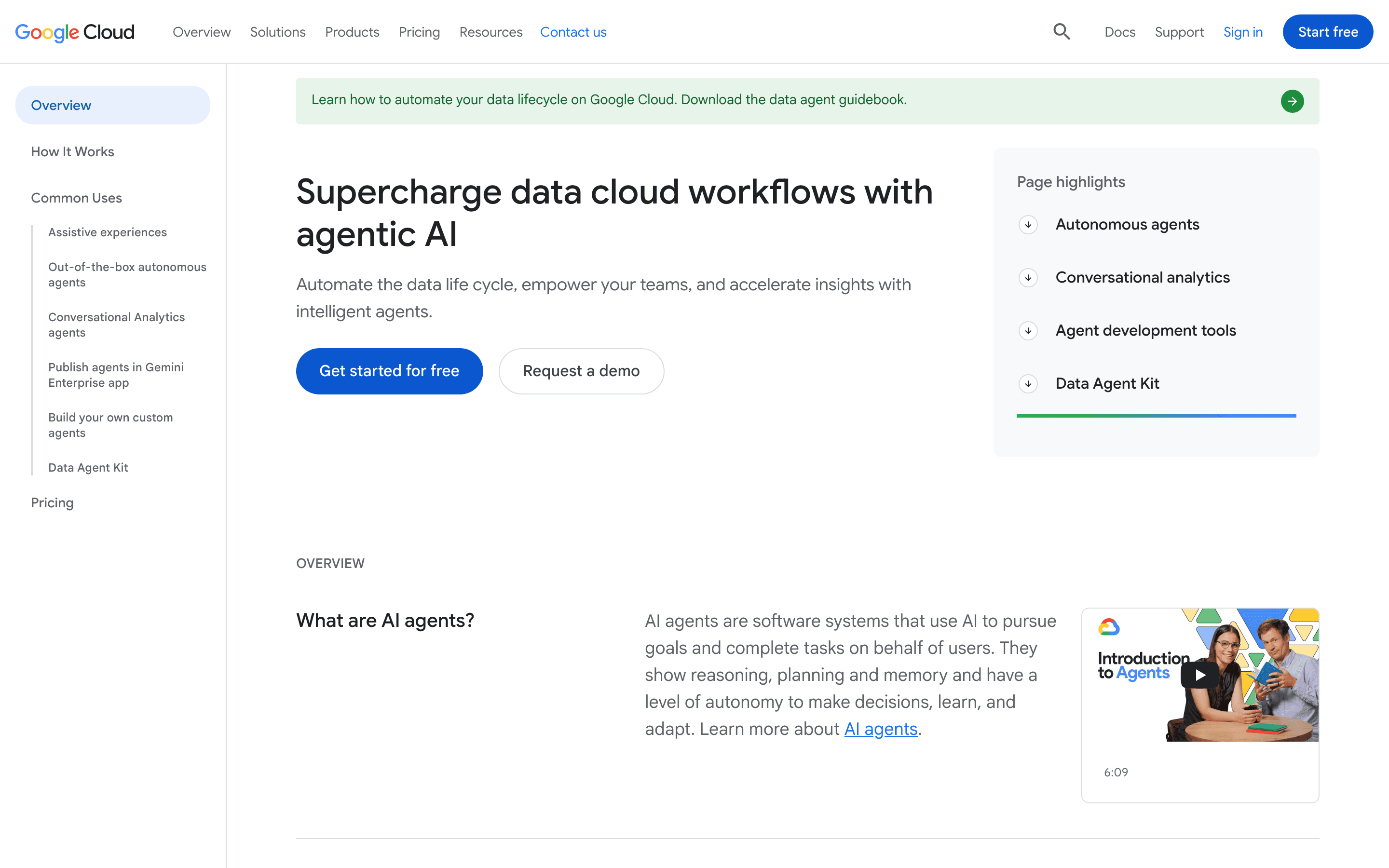
Queries run on-demand, where you pay per TiB of data scanned, or against reserved slot capacity you buy through BigQuery Editions (Standard, Enterprise, Enterprise Plus). Editions trade a commitment for a flatter, more predictable bill. BigQuery also includes BigQuery ML for training and running models with SQL, BI Engine for fast dashboard queries, and native integration with Vertex AI and Gemini for building AI agents on top of your warehouse data.
Google BigQuery screenshots
Who it's for
- ✓ Teams already on Google Cloud or using Google Analytics 4, Google Ads, and other Google data sources that need a warehouse with native connectors
- ✓ Workloads with spiky or unpredictable query volume, since on-demand pricing means you don't pay for idle compute
- ✓ Teams that want SQL-based ML (BigQuery ML) without exporting data to a separate ML platform
Who should look elsewhere
- ✗ Teams that want one predictable monthly bill from day one, before learning to control query costs (an unbounded SELECT * on a large table can get expensive)
- ✗ Multi-cloud shops that want a warehouse that runs natively and equally well on AWS, Azure, and GCP. Snowflake or Databricks fit that better
- ✗ Teams that need heavy, low-latency operational (OLTP) workloads rather than analytical queries
Pros
- + A true serverless model: no cluster sizing, node types, or manual scaling decisions
- + On-demand pricing means light or bursty workloads can run for very little, and the first 1 TiB of query data per month is free
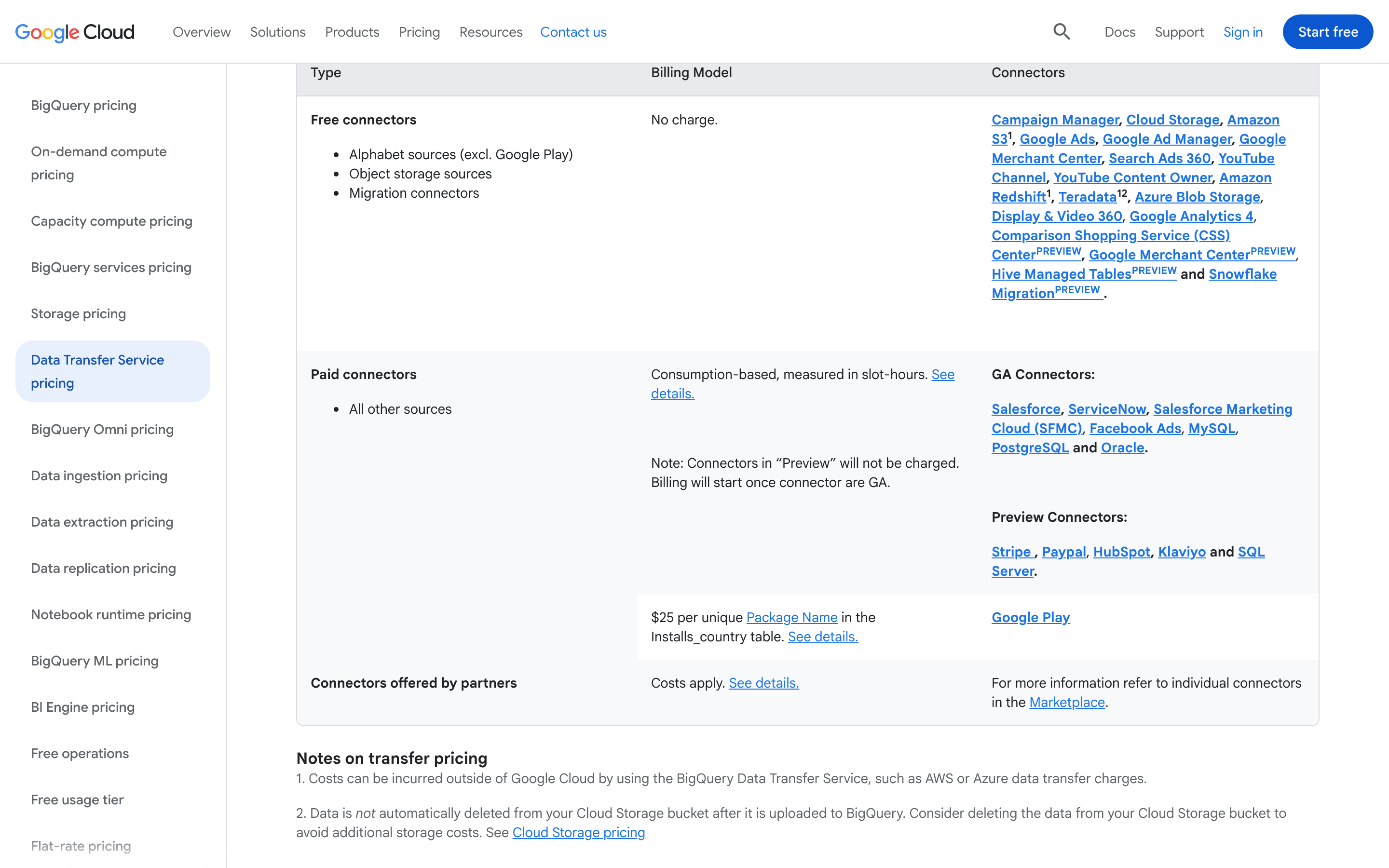
- + Deep native integration with Google Analytics 4, Google Ads, Firebase, and other Google Cloud and Workspace data sources via BigQuery Data Transfer Service
- + BigQuery ML lets you train and run models with SQL statements directly against warehouse tables
Cons
- – On-demand billing is per-query and scan-based, so an unindexed or unfiltered query on a large table can generate a large, surprising charge
- – Editions and slot pricing (Standard, Enterprise, Enterprise Plus) add a second, more complex pricing dimension once teams outgrow on-demand pricing
- – Good cost and performance require partitioning, clustering, and query discipline. Teams that skip this see higher bills than a naive comparison would suggest
- – Built around the Google Cloud ecosystem. Running it as part of a genuinely multi-cloud data platform takes more work than Snowflake or Databricks
Google BigQuery pricing
What you pay for
BigQuery bills usage, not seats. You pay for storage and compute separately: storage by the GiB-hour, and compute either on-demand at $6.25 per TiB of data scanned or through Editions, where you buy dedicated slot capacity by the slot-hour starting at $0.04. The cheapest paid tier is on-demand analysis, and the first 1 TiB of query data and 10 GiB of storage each month are free. There is no full free plan, but the free monthly allowance and the no-credit-card BigQuery Sandbox let you try it before you pay, and Google Cloud's general $300 new-customer credit applies too. All prices above are published on Google's pricing page, not quote-only.
You pay for what you consume rather than a per-seat fee, so cost scales with usage.
| Plan | Price | Highlights |
|---|---|---|
| BigQuery Sandbox | Free | No credit card required · Limited quotas for exploring BigQuery Studio and running queries |
| On-demand analysis | $6.25/mo | $6.25 per TiB of data scanned (default/most GCP regions) · First 1 TiB of query data processed per month is free · No slot reservation or commitment required |
| Standard Edition (capacity/slots) | $0.04/mo | Pay-as-you-go compute capacity billed per slot-hour ($0.04/slot-hour in us-central1) · 1-year commitment discount to $0.036/slot-hour · 3-year commitment discount to $0.032/slot-hour · No workload management or reservation-sharing features |
| Enterprise Edition | $0.06/mo | Pay-as-you-go compute capacity billed per slot-hour ($0.06/slot-hour in us-central1) · 1-year commitment discount to $0.054/slot-hour, 3-year to $0.048/slot-hour · Adds workload management, BigQuery ML editions access, and more granular reservation controls |
| Enterprise Plus Edition | $0.1/mo | Pay-as-you-go compute capacity billed per slot-hour ($0.10/slot-hour in us-central1) · 1-year commitment discount to $0.09/slot-hour, 3-year to $0.08/slot-hour · Adds disaster recovery, CMEK support in more contexts, and stricter compliance/security controls |
BigQuery has no flat subscription price. You pay for storage and compute separately. On-demand query analysis costs $6.25 per TiB scanned (the default rate shown on the pricing page, covering most GCP regions including the US), and the first 1 TiB per month is free. Storage is billed per GiB-hour. Active logical storage (modified in the last 90 days) runs $0.000031507/GiB-hour, about $0.023/GiB per month in us-central1. Long-term logical storage (untouched for 90+ days) runs $0.000021918/GiB-hour, about $0.016/GiB per month, roughly 30% cheaper than active, not half. The first 10 GiB of storage per month is free. Region and a 'physical bytes' billing option change these rates. Editions (Standard, Enterprise, Enterprise Plus) let you buy dedicated slot capacity instead of paying per query, each with published pay-as-you-go slot-hour rates in us-central1: Standard is $0.04/slot-hour ($0.036 with a 1-year commitment, $0.032 with 3-year), Enterprise is $0.06/slot-hour ($0.054 1-year, $0.048 3-year), and Enterprise Plus is $0.10/slot-hour ($0.09 1-year, $0.08 3-year). Streaming inserts via the Storage Write API are billed separately at $0.025/GiB ingested, with the first 2 TiB per month free.
Pricing verified July 6, 2026 · source
How Google BigQuery's pricing compares
Google BigQuery next to its closest alternatives on entry price, billing, and whether pricing is public.
| Tool | Starting price | Billing | Free option | Pricing disclosed |
|---|---|---|---|---|
| Google BigQuery | $6.25/TiB scanned | usage-based | Yes | Public |
| Databricks | Free tier + custom | usage-based | Yes | Not disclosed |
| Snowflake | Custom / quote | usage-based | Trial (30 days with $400 in free credits) | Not disclosed |
| Amazon Redshift | $0.375/RPU-hour | usage-based | Trial ($300 credit (90-day expiration) for first-time Redshift Serverless users; in regions without Serverless, a two-month free trial for provisioned clusters (up to 750 hours/month)) | Partly public |
| Dremio | $0.2/DCU | usage-based | Yes | Partly public |
| Starburst | $0.5/credit | usage-based | Yes | Public |
Is Google BigQuery still actively developed?
Last significant update: July 2026. Pre-trained TimesFM models are now generally available in BigQuery ML. You can use them from Connected Sheets to create forecasts and detect anomalies with the AI.FORECAST and AI.DETECT_ANOMALIES functions.
Top Google BigQuery alternatives
Further reading
- Data warehouse for startups: picking BigQuery or Snowflake - For most small data teams, BigQuery is the best data warehouse for startups. It's serverless, with a free monthly allowance before usage billing starts.
- How to switch from Snowflake to BigQuery - Moving from Snowflake to BigQuery means trading credit-based compute for on-demand or slot pricing, plus a SQL dialect rewrite. Here's what the move takes.
- Data warehouse cost: the real 2026 numbers - Snowflake, Databricks, BigQuery, and Redshift bill by usage, not seats. Cost hinges on scans and idle compute, from hundreds to six figures a month.
Google BigQuery FAQ
Is Google BigQuery free?+
There is no full free plan, but BigQuery has a permanent free monthly allowance. The first 1 TiB of query data processed per month and the first 10 GiB of storage per month are free. There is also a no-credit-card BigQuery Sandbox for trying the product before you set up billing.
How does BigQuery pricing actually work?+
You pay for storage and compute separately. Storage is billed per GiB-hour for active and long-term (untouched 90+ days) data. Active runs about $0.023/GiB per month in us-central1, long-term about $0.016. Compute is billed either on-demand, at $6.25 per TiB of data scanned, or through BigQuery Editions, where you buy dedicated slot capacity by the slot-hour. Standard Edition pay-as-you-go is $0.04/slot-hour in us-central1, Enterprise is $0.06, and Enterprise Plus is $0.10, each with lower rates for 1-year and 3-year commitments.
What are BigQuery Editions and do I need one?+
Editions (Standard, Enterprise, Enterprise Plus) let you reserve slot capacity instead of paying per query, which gives more predictable costs for steady, high-volume workloads. If your query volume is light or unpredictable, start with on-demand pricing and move to an Edition once usage is consistently high.
Can BigQuery run machine learning models?+
Yes, through BigQuery ML. It lets you train and run built-in models, like linear or logistic regression, and call external models directly with SQL. As of July 2026, pre-trained TimesFM models are generally available for forecasting and anomaly detection, including from Connected Sheets.