Linktree Review
The original link-in-bio page for putting every profile, shop, and post in one place
Is this your product? Claim this page · Request a change
Looking for a Linktree alternative? See our ranked comparison.→What is Linktree?
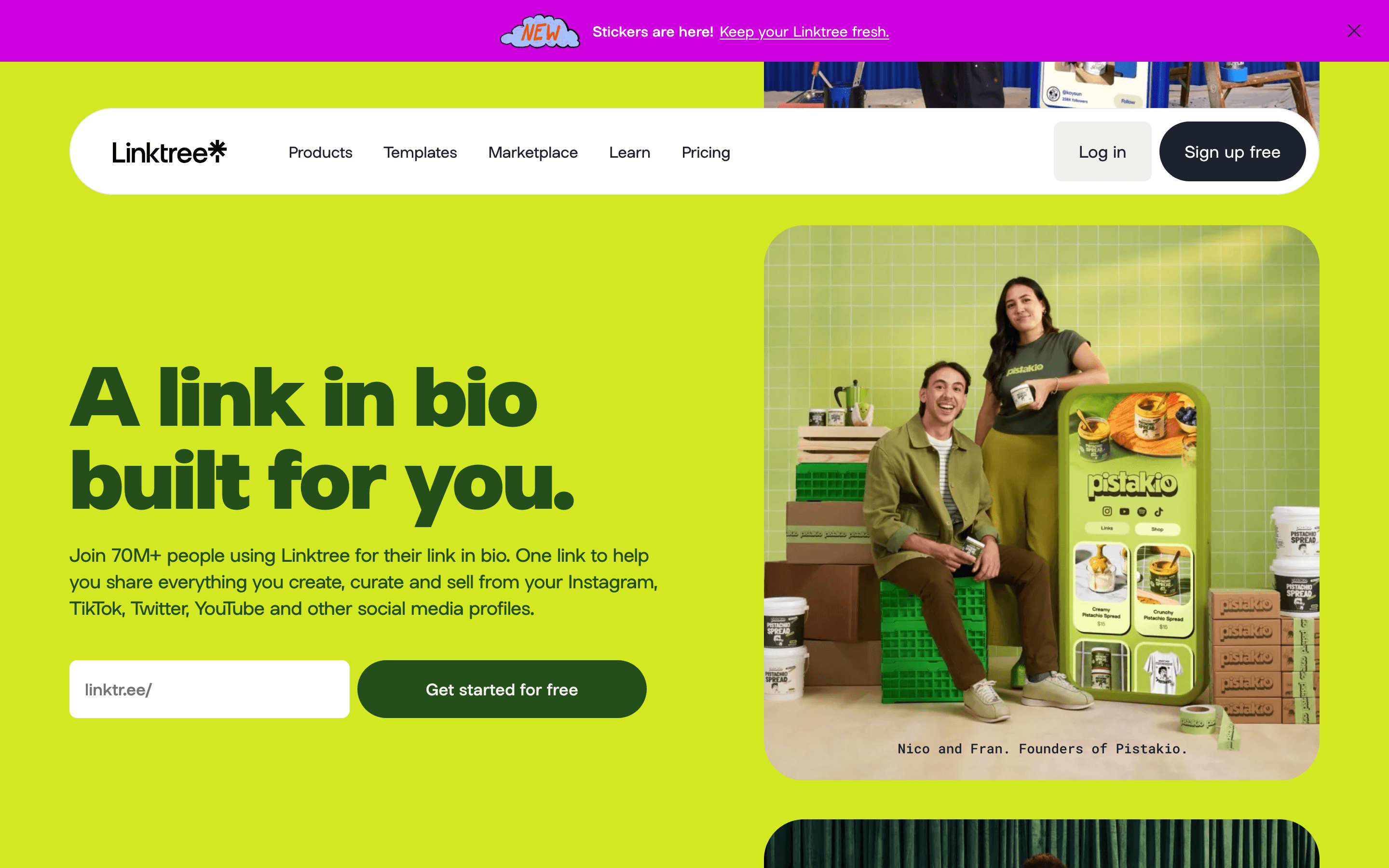
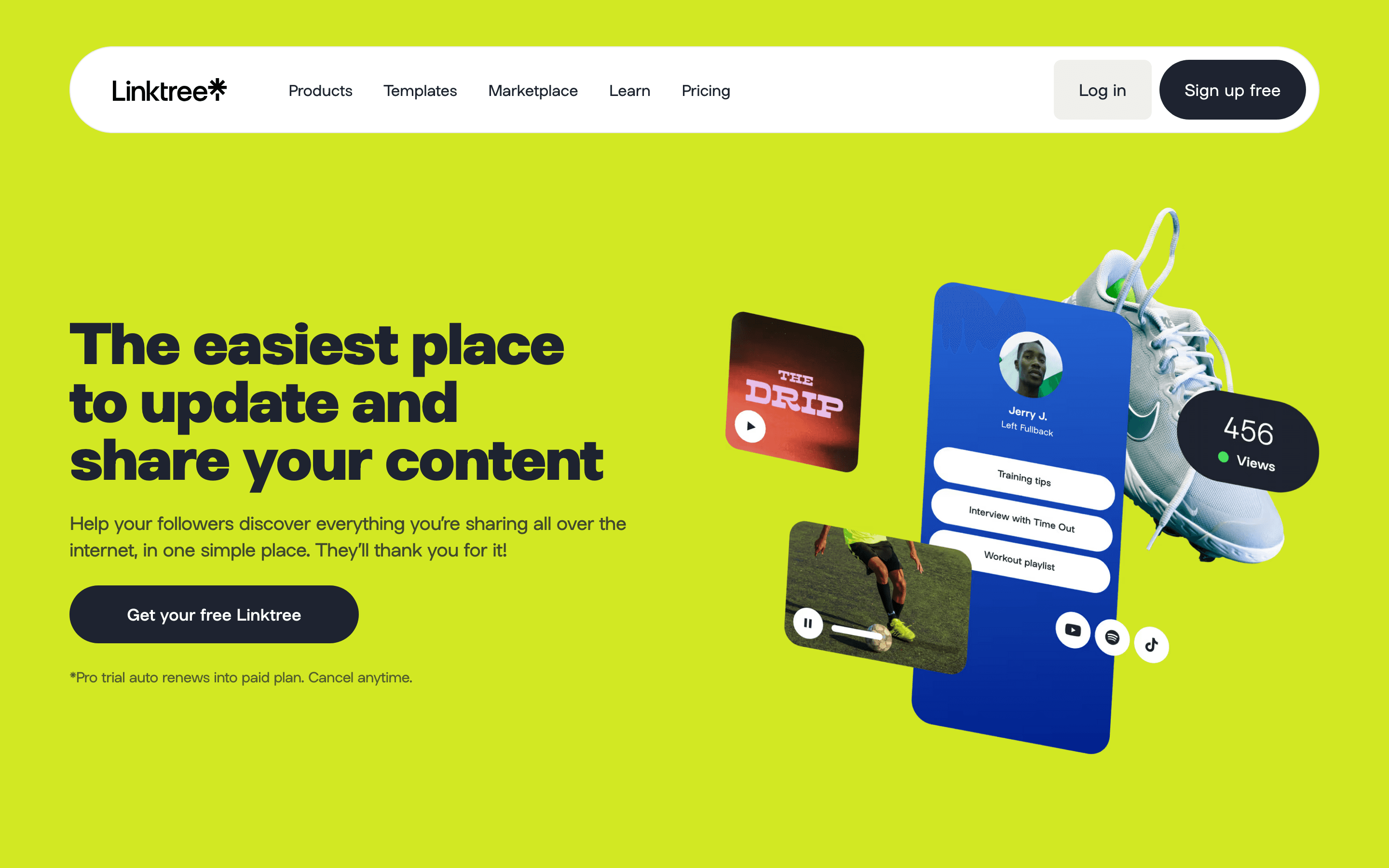
Linktree is a link-in-bio page: one link you put in your Instagram, TikTok, or YouTube bio that opens a page listing everything else you want people to find, your shop, your latest video, your other social profiles, your email signup. It started as a simple free tool and has grown into a small platform, with a built-in shop for digital products, subscriber collection, and automation for replying to Instagram comments and DMs.
Most people can run a Linktree page for free forever. You start paying when you want more design control, full analytics, or the newer growth tools like Instagram auto-replies and email list syncing, and paying more also lowers the cut Linktree takes when you sell something through your page.
Linktree screenshots
Who it's for
- ✓ Creators and small brands who want the most recognized link-in-bio name, so followers already know what to expect when they tap the link
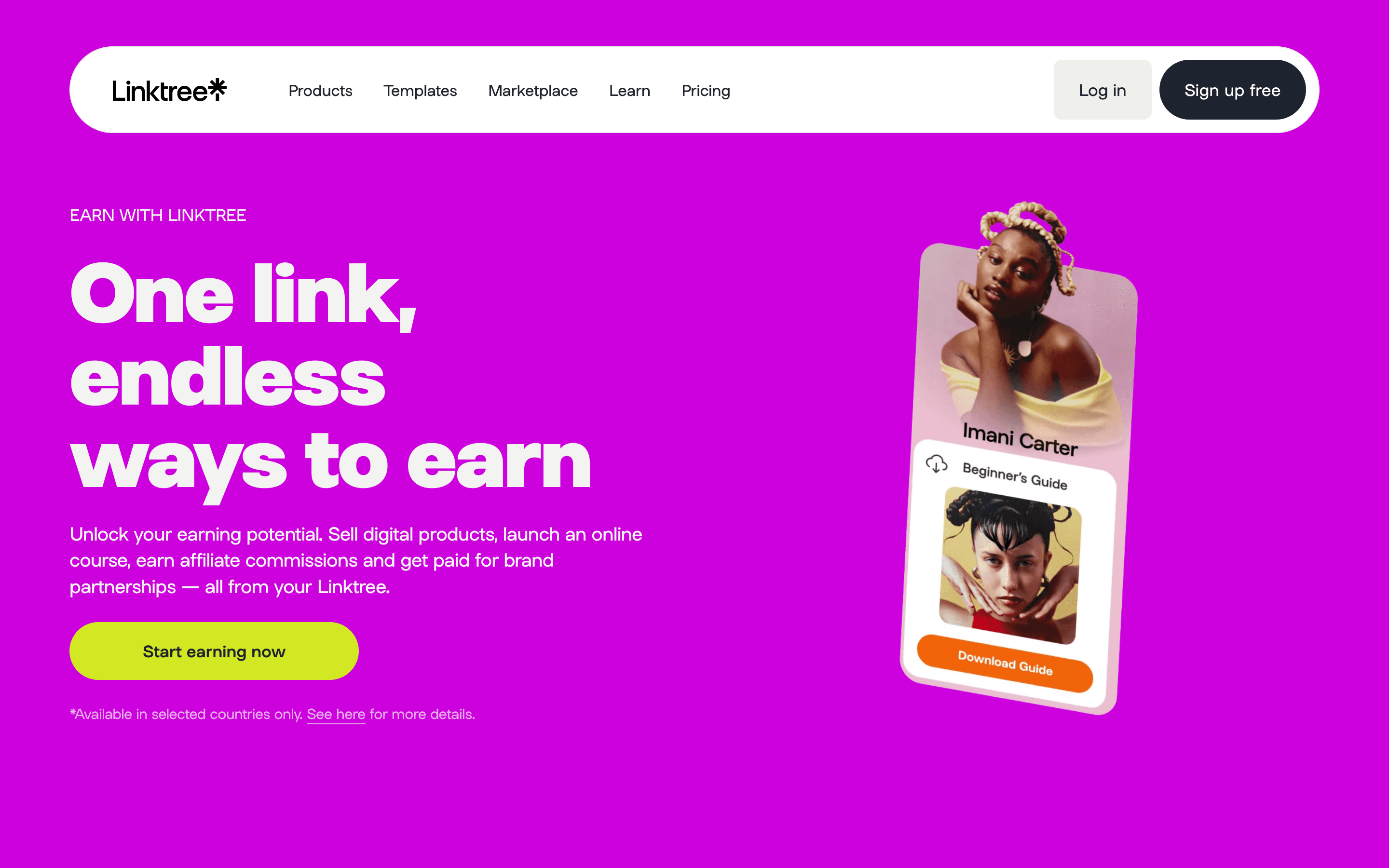
- ✓ Anyone who wants to sell digital products or take affiliate commissions straight from their bio page without wiring up a separate storefront
- ✓ Instagram-heavy accounts that want auto-replies to comments and DMs built into the same tool that hosts their link page
Who should look elsewhere
- ✗ Anyone who just needs one static link page and does not want a paid-upgrade prompt on nearly every feature past the basics
- ✗ Teams that need real multi-user roles and permissions, since collaboration tools are only an add-on on the top paid plan
Pros
- + The free plan is genuinely free forever and includes unlimited links, a shop, and basic analytics, not just a trial
- + Instagram auto-reply, link shortening with UTMs, and email tool syncing (Mailchimp, Kit, Klaviyo, Google Sheets) are built in on Pro, so you skip separate apps
- + Selling fees drop to 0% on Premium, and affiliate commissions are kept in full, which matters if you sell products through your page
Cons
- – A 9% seller fee applies to digital product sales on both Starter and Pro, on top of normal payment processing costs
- – Multiple recent reviews describe support as almost entirely AI chat, including accounts getting banned with no warning and no easy way to reach a person
- – One reviewer describes being charged for Pro monthly, then Pro annual, then a third add-on before a promoted feature worked, with support giving contradictory refund answers
- – Team collaboration tools are an optional add-on limited to the Premium plan, and multi-brand posting caps at 3 brands even there
Linktree pricing
What you pay for
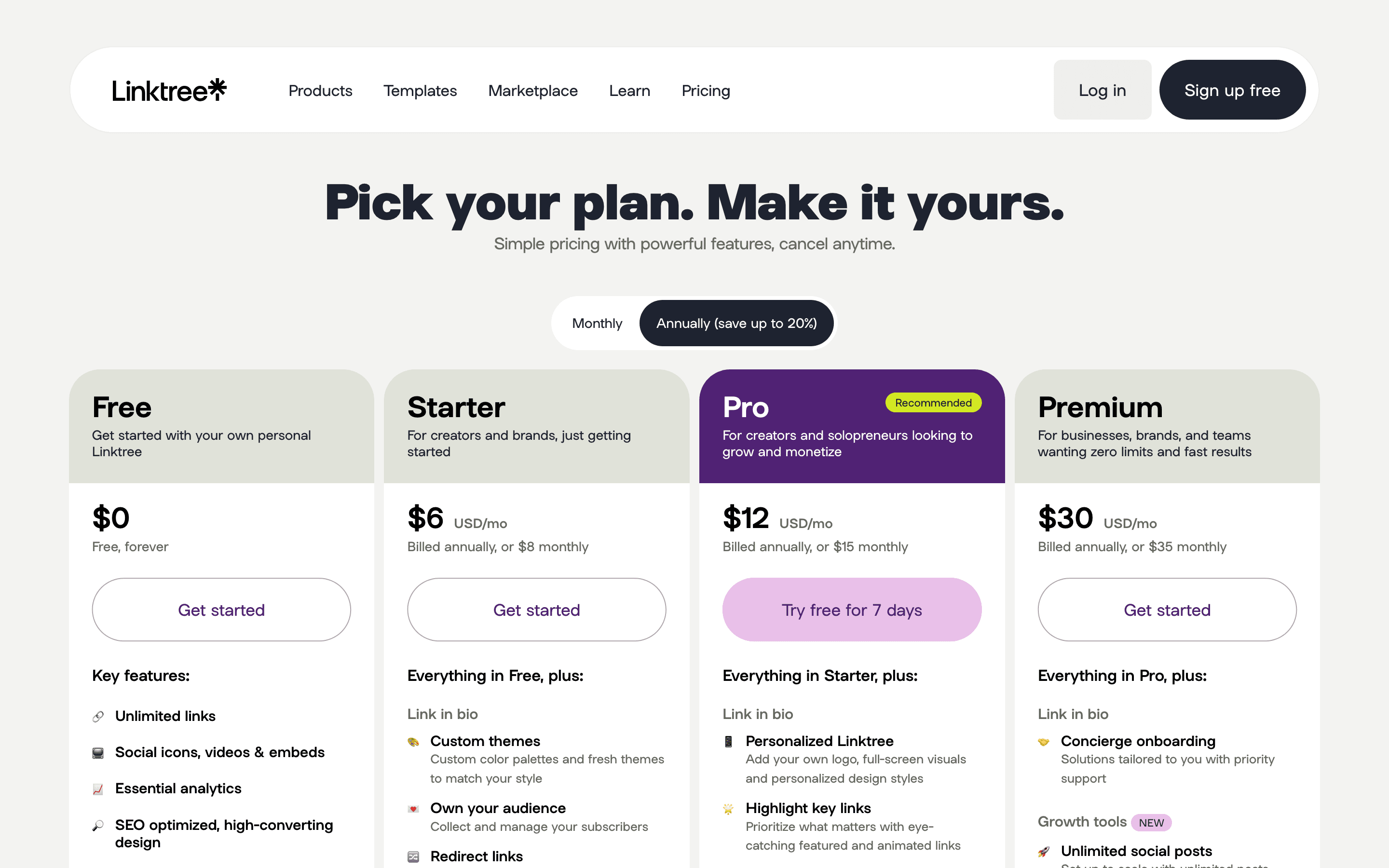
Linktree is free to use forever for a basic page with unlimited links and a shop, so the free plan is a real option, not just a trial. You pay to unlock design customization, full analytics, Instagram auto-reply automation, and lower fees on anything you sell through your page. Pricing is public and shown per plan on the pricing page, though it can shift by region and currency. On the two cheaper paid plans, Linktree also takes a 9% cut of digital product sales, which only drops to 0% on Premium.
At about $6/month to start, it is one of the cheaper options in Link in Bio.
| Plan | Price | Highlights |
|---|---|---|
| Free | Free | Unlimited links · Social icons, video and embeds · Basic analytics · QR code · Shop and digital products, but no fee discount |
| Starter | $6/seat/mo | Custom themes · Subscriber collection · Redirect links for promos · 9% fee on digital product sales |
| Pro | $12/seat/mo | Custom logo and full-screen visuals · Full analytics · Automated Instagram DM replies · Link shortener with UTMs · Mailchimp, Google Sheets, Kit, Klaviyo sync · 9% seller fee |
| Premium | $30/seat/mo | Concierge onboarding and priority support · Unlimited social posts across 3 brands · Unlimited Instagram replies · 0% seller fee · 100% affiliate commissions kept · Optional team collaboration add-on |
| Agency or Enterprise | Custom | Custom plan for large teams, built after a sales conversation |
Prices above are the per-profile monthly rate when billed annually. Billed monthly instead, Starter is $8, Pro is $15, and Premium is $35. Linktree says pricing can vary by region and currency; figures here are the USD prices shown on the US pricing page. The 9% seller fee on Starter and Pro is on top of normal payment processing fees.
Pricing verified July 22, 2026 · source
How Linktree's pricing compares
Linktree next to its closest alternatives on entry price, billing, and whether pricing is public.
Is Linktree still actively developed?
Last significant update: March 2026. Linktree upgraded Insights Chat to pull real performance data from Instagram, TikTok, and YouTube, so creators can ask it things like which links get the most clicks or what to post next and get answers based on their own numbers instead of generic tips.
Top Linktree alternatives
Linktree FAQ
Is Linktree free?+
Yes. The Free plan is free forever and includes unlimited links, social icons and embeds, basic analytics, a QR code, and access to Linktree's shop. Paid plans start at Starter for more design control and lower selling fees.
How much does Linktree Pro cost?+
Pro is $12 a month per profile billed annually, or $15 a month if you pay monthly. It includes full analytics, personalized design options, automated Instagram replies, a link shortener, and email tool syncing.
Does Linktree take a cut of what I sell?+
On Starter and Pro, Linktree takes a 9% fee on digital product sales on top of normal payment processing fees. On Premium, that seller fee drops to 0% and affiliate commissions are kept in full.
Can I use Linktree as a team?+
Team chat, collaboration, and approval workflows are only available as an optional add-on on the Premium plan. For larger teams or multiple brands beyond what Premium covers, Linktree points you to its custom Agency or Enterprise plan.