QuickBooks Review
Small business accounting software for invoicing, bookkeeping, and payroll
Is this your product? Claim this page · Request a change
Looking for a QuickBooks alternative? See our ranked comparison.→What is QuickBooks?
QuickBooks is Intuit's accounting software for small and mid-size businesses, covering invoicing, expense tracking, bill pay, payroll, and financial reporting. QuickBooks Online is the cloud version most businesses buy today; QuickBooks Desktop still exists but Intuit has been pushing existing desktop customers onto the online product.
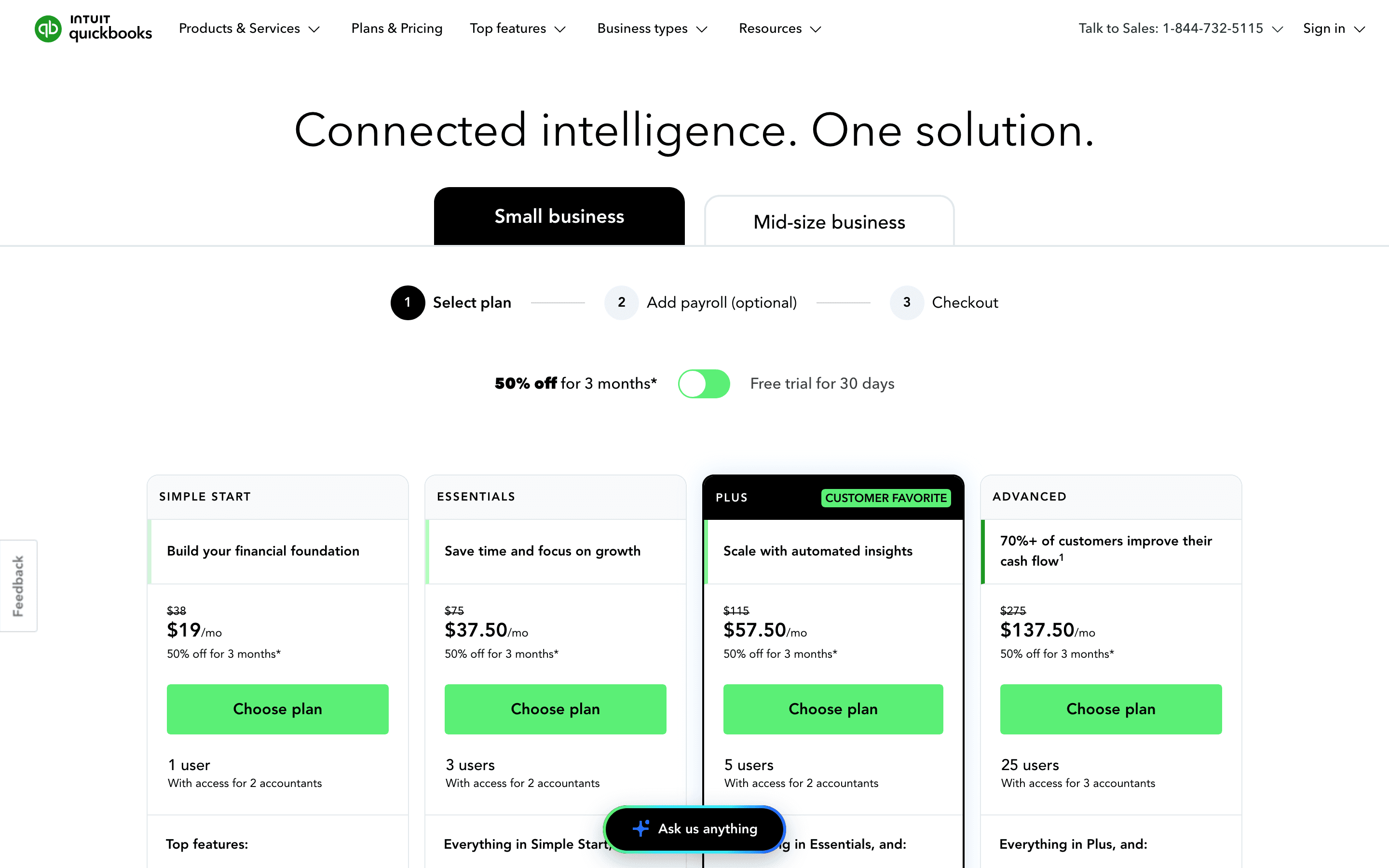
The five online plans (Solopreneur, Simple Start, Essentials, Plus, Advanced) mainly gate you by user count and by which features unlock: bill pay from Simple Start onward, multi-currency and time tracking on Essentials, inventory and project tracking on Plus, and custom roles plus a dedicated support team on Advanced. Payroll and some add-ons (like enhanced payments features) cost extra on any plan.
QuickBooks is the default choice for a US small business mostly because its accountant is already fluent in it. Intuit has raised list prices almost every summer for the past several years, and another round is set for August 2026.
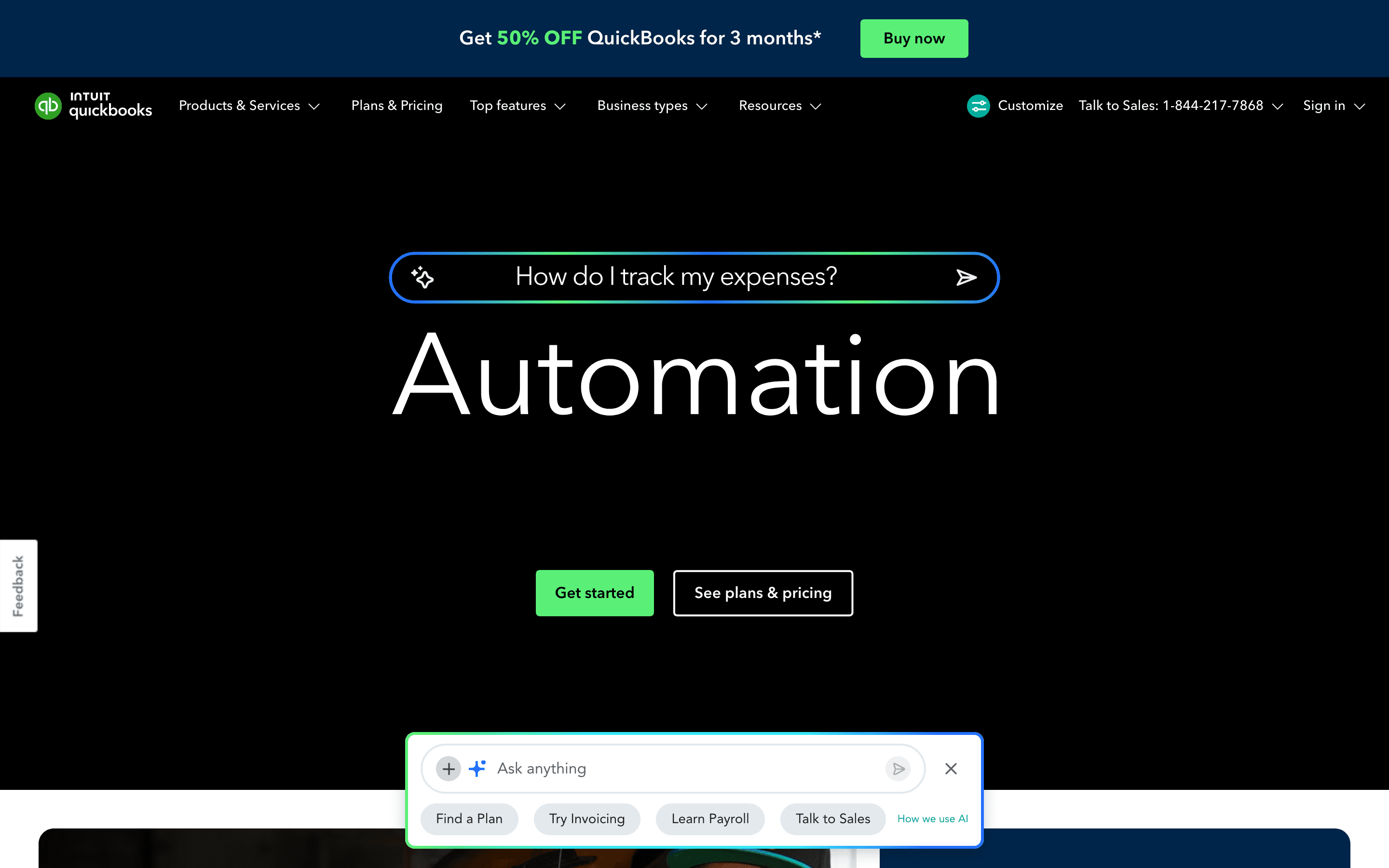
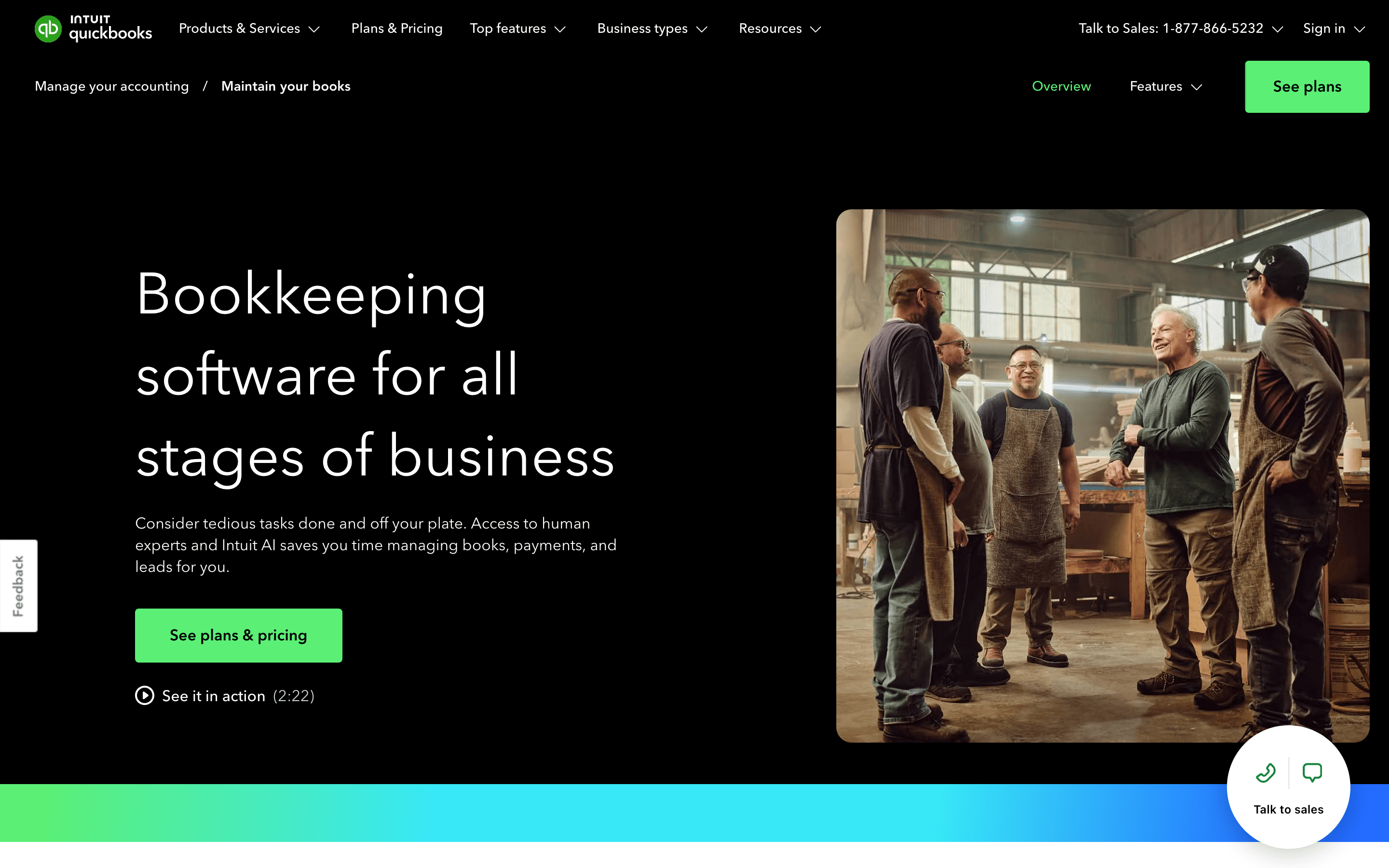
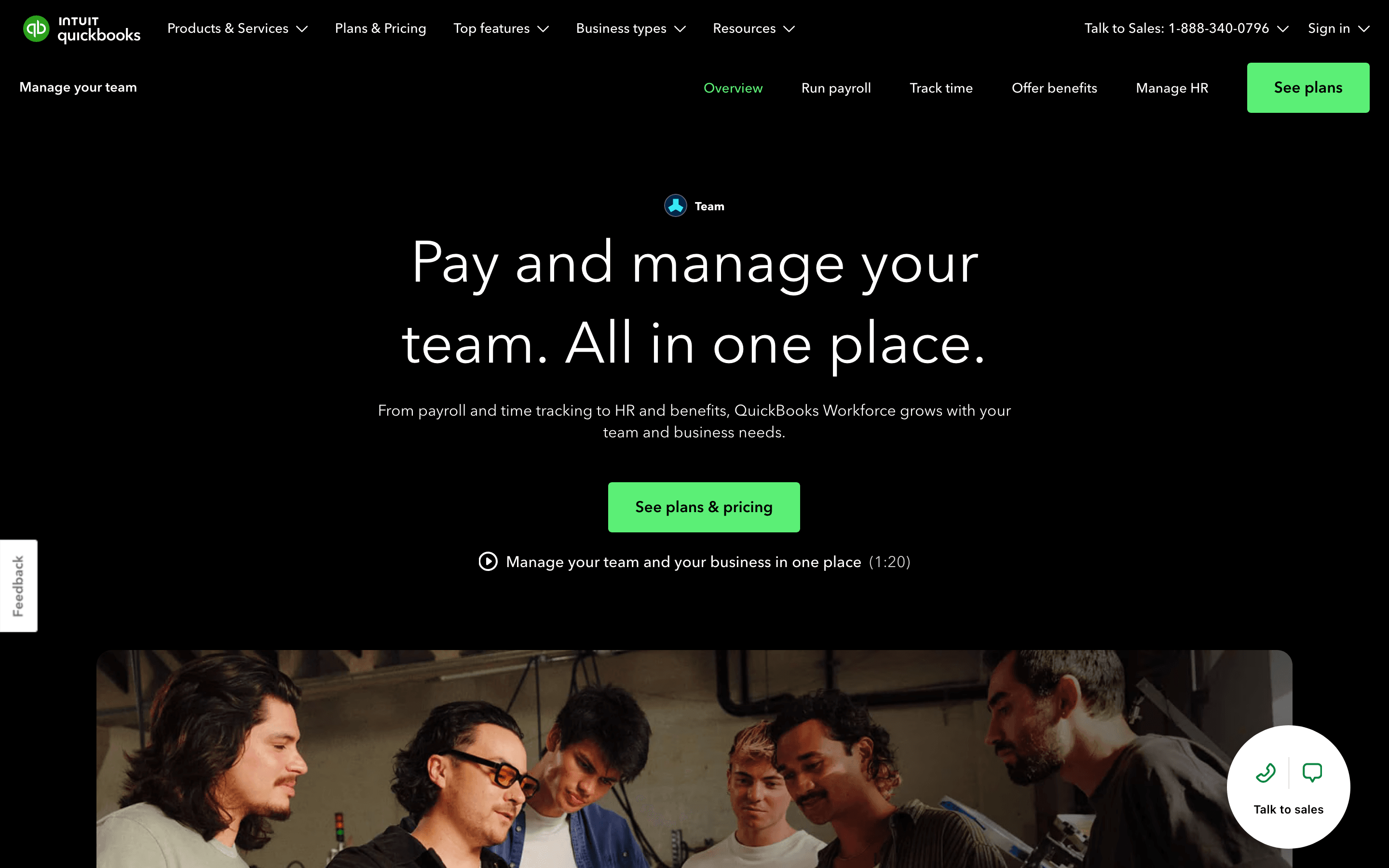
QuickBooks screenshots
Who it's for
- ✓ Businesses whose bookkeeper or accountant already works in QuickBooks
- ✓ Companies that need inventory tracking or project profitability without buying separate software
- ✓ Businesses that plan to grow past 5 users and want a higher-tier plan already available
Who should look elsewhere
- ✗ Freelancers who just need simple invoicing and don't want to pay $38/month plus payroll add-ons
- ✗ Teams that want a flat price with no history of yearly increases
- ✗ Businesses that have been burned by past QuickBooks price hikes and want price stability
Pros
- + Almost every US bookkeeper and accountant already knows QuickBooks, so handoff is easy
- + Real prices published on the site, no forced sales call for the core plans
- + Deep feature set: inventory, project tracking, multi-currency, and payroll all live under one vendor
- + Large app ecosystem and integration library
Cons
- – Prices have climbed nearly every year; Essentials, Plus, and Advanced are all going up again on August 1, 2026
- – No free-forever plan. Solopreneur at $20/month is the cheapest tier and it's still paid
- – Users report long-running customer support problems: long hold times, unresolved billing and refund disputes, and slow escalation to someone who can actually fix account-level issues
- – Payroll and several useful features are separate paid add-ons on top of the plan price
QuickBooks pricing
At about $20/month to start, it sits mid-pack on price in Accounting Software.
| Plan | Price | Highlights |
|---|---|---|
| Solopreneur | $20/mo | 1 user · Invoicing and expense tracking · Mileage tracking · Basic tax deductions for the self-employed |
| Simple Start | $38/mo | 1 user · Full double-entry accounting · Invoicing and bill pay with free ACH · 1099 contractor tracking and e-file · Basic reports |
| Essentials | $75/mo | Up to 3 users · Time tracking · Multi-currency · Enhanced reporting and customer scheduling tools |
| Plus | $115/mo | Up to 5 users · Inventory tracking · Project profitability tracking |
| Advanced | $275/mo | Up to 25 users · Custom report builder and KPI dashboards (Performance Center) · Batch invoicing · Custom user roles · Dedicated account team (Priority Circle) · 24/7 support |
Solopreneur is the cheapest paid plan, not a free-forever tier, and it lives on its own page (quickbooks.intuit.com/solopreneur) rather than the main QuickBooks Online pricing page. New signups pick either a 30-day free trial or an intro discount (50% off list price for the first 3 months) but not both. Intuit raises these list prices most summers; Essentials, Plus, and Advanced are set to jump again to $85, $140, and $340 a month on August 1, 2026, while Simple Start stays at $38. That same update bundles Bill Pay Elite into Advanced at no extra cost. Payroll remains a separate add-on billed on top of any plan.
Pricing verified July 7, 2026 · source
How QuickBooks's pricing compares
QuickBooks next to its closest alternatives on entry price, billing, and whether pricing is public.
| Tool | Starting price | Billing | Free option | Pricing disclosed |
|---|---|---|---|---|
| QuickBooks | $20/seat/mo | tiered | Trial (30 days (or you can take an intro discount instead of the trial)) | Public |
| Xero | $25/mo | tiered | Trial (1 month free on any plan (US), then the regular monthly price applies) | Public |
| FreshBooks | $23/mo | tiered | Trial (30 days, no credit card required) | Partly public |
| Wave | $19/mo | tiered | Yes | Partly public |
| Zoho Books | $15/mo | tiered | Yes | Public |
| Puzzle | $25/mo | tiered | Trial (14 days with full Complete plan access) | Public |
Is QuickBooks still actively developed?
Last significant update: June 2026. QuickBooks retired the Classic view for all 150+ standard reports; they now open only in the newer Modern Reports layout. Custom saved reports keep the option to switch back to Classic until August 15, 2026.
Top QuickBooks alternatives
Further reading
- Best accounting software for agencies - Xero and QuickBooks track project profitability best, FreshBooks bills retainers by client count, and Zoho Books gets project accounting cheapest.
- How to switch from QuickBooks to FreshBooks - Switching from QuickBooks to FreshBooks cuts costs under 50 clients but trades away inventory, multi-currency, and deeper accounting reports.
- What accounting software costs in 2026 - Accounting software costs $0-$25/month to start, $60-$340/month for a full plan in 2026, verified across six vendors, plus the pricing traps to check.
- Best accounting software for freelancers - Wave is free for invoicing, FreshBooks bills by client count, QuickBooks Solopreneur tracks tax deductions, and Zoho Books is free under $50K revenue.
QuickBooks FAQ
Does QuickBooks have a free plan?+
No. Every QuickBooks Online plan is paid. The cheapest, Solopreneur, starts at $20 a month. New customers can choose a 30-day free trial or an intro discount instead.
Is QuickBooks about to get more expensive?+
Yes. Intuit is raising Essentials, Plus, and Advanced prices on August 1, 2026, to $85, $140, and $340 a month. Simple Start is staying at $38.
What's the difference between QuickBooks plans?+
Simple Start is single-user accounting, invoicing, and bill pay. Essentials adds time tracking, multi-currency, and up to 3 users. Plus adds inventory and project tracking with up to 5 users. Advanced adds custom roles, built-in KPI dashboards and reporting, and a dedicated support team for up to 25 users.
Is QuickBooks customer support good?+
It's a common complaint. Reviewers on Trustpilot report hours-long hold times, unresolved billing and refund disputes, and trouble getting escalated to someone who can fix account-level problems.