Zoho Books Review
Cloud accounting software for invoicing, expenses, and bookkeeping
Is this your product? Claim this page · Request a change
Looking for a Zoho Books alternative? See our ranked comparison.→What is Zoho Books?
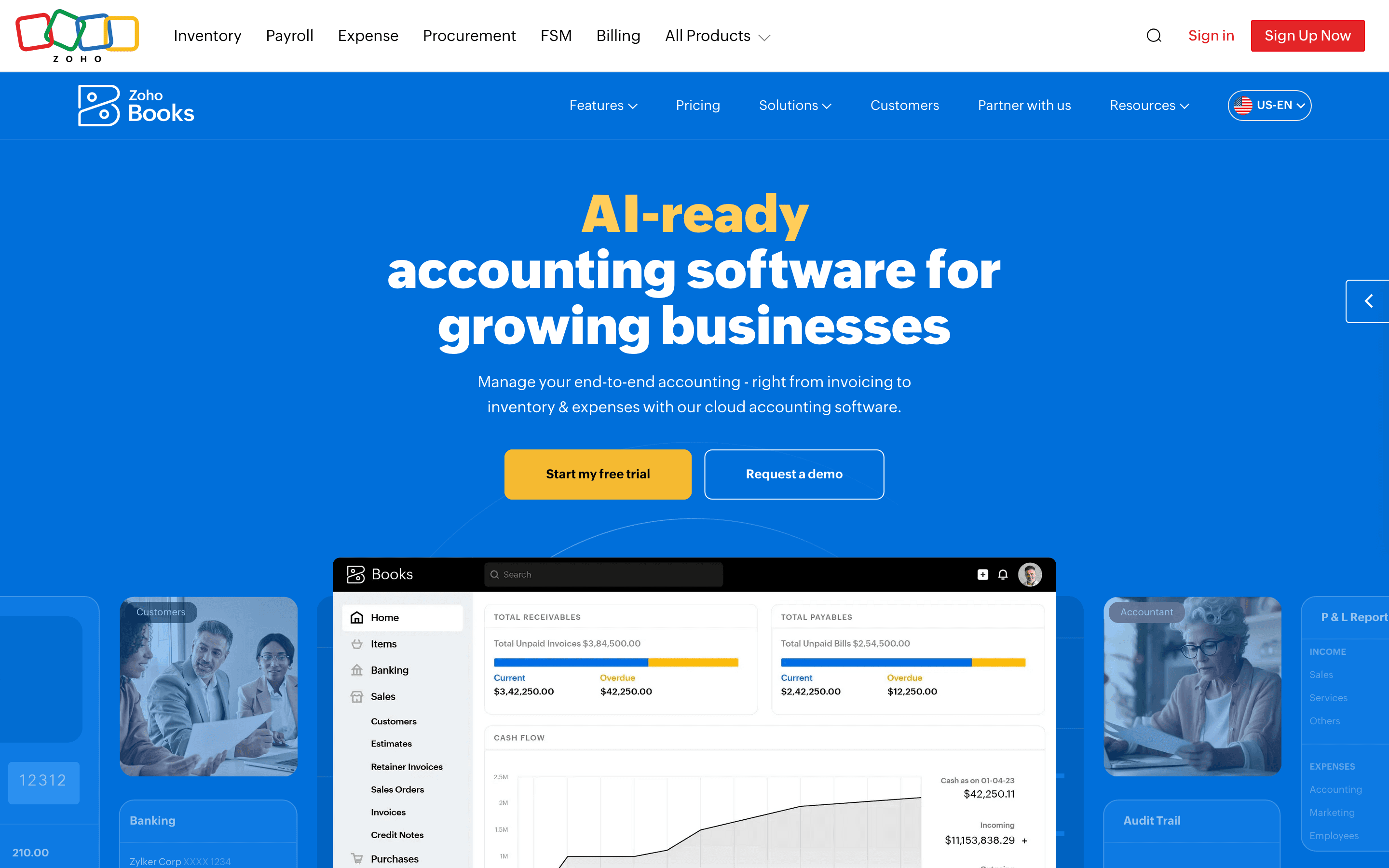
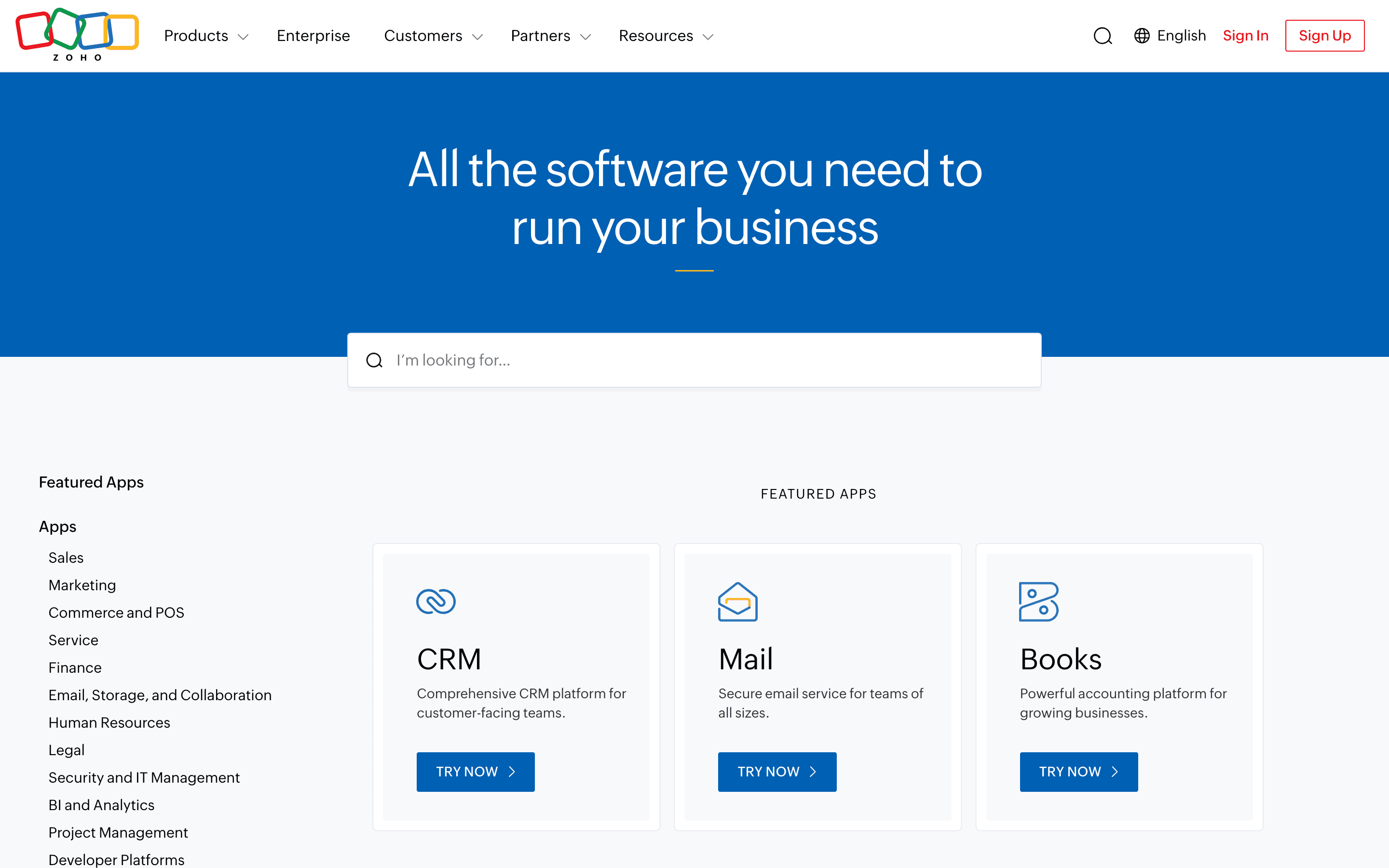
Zoho Books is cloud accounting software for invoicing, expense tracking, bank reconciliation, and tax filing. It's built by Zoho, so it plugs into the wider Zoho suite (CRM, Inventory, Payroll, Analytics) without extra setup.
Pricing is set by transaction volume and user count rather than by feature gating alone. Every plan from Standard up includes core bookkeeping; you upgrade mainly to raise your invoice and bill caps, add users, or unlock inventory, multi-currency, and project billing.
The free plan is a real option for solo operators and very small businesses, not just a trial. It stays free indefinitely as long as your annual revenue is under $50,000.
Zoho Books screenshots
Who it's for
- ✓ Small businesses already using Zoho CRM or Zoho Inventory who want billing data in the same system
- ✓ Solo founders and freelancers under the $50K revenue line who want a real free plan, not a time-limited trial
- ✓ Businesses that need multi-currency invoicing or basic inventory tracking without paying for a full ERP
Who should look elsewhere
- ✗ Teams that bill by seat and want a simple flat per-user price, since Zoho Books prices by tier and caps users and transactions instead
- ✗ Businesses expecting fast, consistent support on complex issues, based on recurring complaints about slow ticket resolution
- ✗ Companies planning to scale past 100,000 invoices a year or needing dedicated account management
Pros
- + Free plan is usable long-term for businesses under $50,000 in annual revenue, not just a 14-day trial
- + Prices are public and transaction caps are stated plainly on the pricing page, no quote request required
- + Deep integration with other Zoho apps (CRM, Inventory, Payroll, Analytics) if you're already in that ecosystem
- + Built-in US 1099 e-filing and UK/France tax compliance features rather than needing a separate add-on
Cons
- – Pricing is per organization with hard user and invoice/bill caps per tier, so a growing team can hit ceilings and be forced up a tier even if it doesn't need the extra features
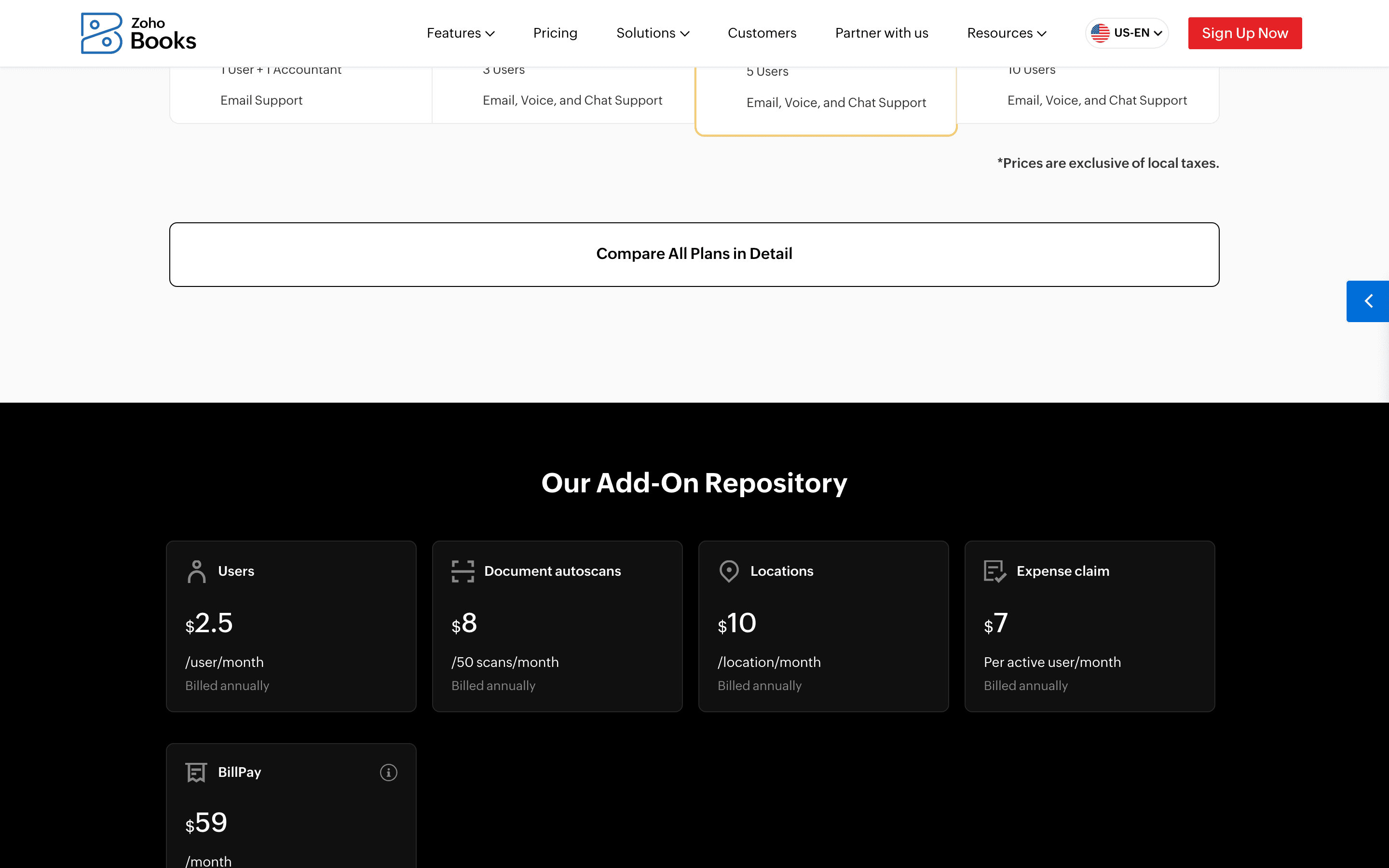
- – Extra users, extra receipt autoscans, extra locations, and BillPay all cost more on top of the plan price
- – Recurring complaints on Capterra about slow support response times
Zoho Books pricing
At about $15/month to start, it is one of the cheaper options in Accounting Software.
| Plan | Price | Highlights |
|---|---|---|
| Free | Free | 1 user + 1 accountant · Up to 1,000 invoices and 1,000 bills a year · 50 receipt autoscans a month · Bank reconciliation, recurring invoices, 1099 tracking · Free indefinitely if annual revenue stays under $50,000 |
| Standard | $15/mo | $20/month billed monthly, $15/month billed annually · 3 users · 5,000 invoices and bills a year · Bank feeds, custom fields and reports, API access |
| Professional | $40/mo | $50/month billed monthly, $40/month billed annually · 5 users · 10,000 invoices and bills a year · Sales/purchase orders, multi-currency, inventory, project profitability |
| Premium | $60/mo | $70/month billed monthly, $60/month billed annually · 10 users · 25,000 invoices and bills a year · Budgeting, cash flow forecasting, vendor portal, custom domains |
| Elite | $120/mo | $150/month billed monthly, $120/month billed annually · 10 users · 100,000 invoices and bills a year · Advanced inventory, warehouse management, Shopify and marketplace integrations |
| Ultimate | $240/mo | $275/month billed monthly, $240/month billed annually · 15 users · 100,000 invoices and bills a year · Advanced analytics built in: 50+ pre-built visualizations and KPI tracking; a paid Zoho Analytics add-on unlocks analysis across other data sources |
Prices shown are per organization, not per seat, and cover the user cap listed in each tier. Annual billing runs about 13-25% cheaper than paying monthly, depending on the plan. Extra users cost $2.50/user/month billed annually ($3 monthly). Extra receipt autoscans, warehouse locations, and BillPay are separate paid add-ons. Prices confirmed on the vendor pricing page.
Pricing verified July 7, 2026 · source
How Zoho Books's pricing compares
Zoho Books next to its closest alternatives on entry price, billing, and whether pricing is public.
| Tool | Starting price | Billing | Free option | Pricing disclosed |
|---|---|---|---|---|
| Zoho Books | $15/mo | tiered | Yes | Public |
| QuickBooks | $20/seat/mo | tiered | Trial (30 days (or you can take an intro discount instead of the trial)) | Public |
| Xero | $25/mo | tiered | Trial (1 month free on any plan (US), then the regular monthly price applies) | Public |
| FreshBooks | $23/mo | tiered | Trial (30 days, no credit card required) | Partly public |
| Wave | $19/mo | tiered | Yes | Partly public |
| Puzzle | $25/mo | tiered | Trial (14 days with full Complete plan access) | Public |
Is Zoho Books still actively developed?
Last significant update: July 2026. June 2026 update added a Walmart seller integration for US accounts, a France edition built for ISCA compliance, location-based price lists, layout rules for custom modules, and annexure attachments on PDF templates.
Top Zoho Books alternatives
Further reading
- Best accounting software for agencies - Xero and QuickBooks track project profitability best, FreshBooks bills retainers by client count, and Zoho Books gets project accounting cheapest.
- The best free accounting software in 2026 - Wave's free plan never expires but stays manual. Zoho Books automates more for free, until your revenue passes $50,000. Here's where each wall sits.
- What accounting software costs in 2026 - Accounting software costs $0-$25/month to start, $60-$340/month for a full plan in 2026, verified across six vendors, plus the pricing traps to check.
- Best accounting software for freelancers - Wave is free for invoicing, FreshBooks bills by client count, QuickBooks Solopreneur tracks tax deductions, and Zoho Books is free under $50K revenue.
Zoho Books FAQ
Is Zoho Books free?+
Yes. The Free plan supports 1 user plus 1 accountant, up to 1,000 invoices and 1,000 bills a year, and 50 receipt autoscans a month. It stays free indefinitely as long as your business's annual revenue is under $50,000.
How much does Zoho Books cost per user?+
Zoho Books doesn't charge per seat directly. Each plan includes a set number of users (3 on Standard up to 15 on Ultimate), and extra users cost $2.50/user/month billed annually or $3/user/month billed monthly.
Does Zoho Books have good customer support?+
Reviews are mixed. Several users on Capterra report slow ticket responses, while others describe support as quick and clear for setup issues. Response quality seems to vary by issue complexity.
What happens if I go over my plan's invoice limit?+
Each tier caps annual invoices and bills (1,000 on Free up to 100,000 on Elite and Ultimate). Going over the cap on your current plan means upgrading to the next tier.