Top QuickBooks Alternatives in 2026
Here for QuickBooks itself? See the full QuickBooks profile, pricing & reviews →
Suggest a change- If you want your team to grow without the software bill growing with it, choose Xero. Every Xero plan includes unlimited users at no per-seat charge, while QuickBooks caps users per tier (1 on Simple Start, 3 on Essentials, 5 on Plus, 25 on Advanced) and pushes larger teams into pricier tiers.
- If you're under $50,000 in annual revenue or already run on other Zoho apps, choose Zoho Books. Zoho Books' Free plan runs indefinitely below that revenue line and connects natively to Zoho CRM, Inventory, and Payroll, while QuickBooks has no free tier and no equivalent built-in CRM.
- If you're a solo freelancer or small agency that mainly needs to invoice a handful of clients, choose FreshBooks. FreshBooks starts at $23/month with mobile mileage tracking included on every tier and caps you by client count instead of by user seat, matching what most freelancers actually bill for.
- If you want free software and don't mind entering transactions by hand, choose Wave. Wave's Starter plan is free indefinitely with no revenue cap and no time limit, while QuickBooks' cheapest tier, Solopreneur, still costs $20 a month.
- If you're a venture-backed startup that wants a live view of cash instead of a monthly close, choose Puzzle. Puzzle's AI drafts categorizations and reconciliations continuously from feeds like Stripe, Brex, Mercury, Ramp, and Gusto, and its Core and Complete plans ship built-in QuickBooks migration tooling. Puzzle doesn't invoice customers or pay bills itself, so it only works if you're already invoicing through Stripe or a similar tool.
- If your bookkeeper already works in QuickBooks and you need inventory, project tracking, and payroll under one vendor, choose stay on QuickBooks. Switching means retraining whoever does your books and rebuilding a workflow that already covers inventory tracking, project profitability, and payroll, capabilities most alternatives split across separate add-ons or don't offer at all.
QuickBooks is the default pick for US small businesses mostly because the bookkeeper already knows it. But the bill keeps growing. Intuit has raised list prices most summers for years, and Essentials, Plus, and Advanced are all going up again on August 1, 2026. Payroll and several useful features cost extra on top of any plan, and Trustpilot reviewers describe long support hold times and unresolved billing disputes. None of that shows up on the pricing page.
Where you land next depends on what's actually driving you to leave. Teams tired of per-seat pricing look at Xero, which charges per organization and includes unlimited users on every plan. Businesses under $50,000 in revenue that want a real free plan look at Zoho Books. Freelancers and small agencies that just need to invoice a handful of clients look at FreshBooks. Anyone who wants free software and can live with manual entry looks at Wave. Venture-backed startups that want continuously updated books instead of a monthly close look at Puzzle. The five alternatives below are ranked and assessed against QuickBooks' own published pricing and features, not marketing claims.
QuickBooks alternatives compared
| Tool | Best for | Starting price | Free option | Last update |
|---|---|---|---|---|
| XeroBest for growing teams | Small businesses that want unlimited user seats instead of paying per person | $25/mo | Trial (1 month free on any plan (US), then the regular monthly price applies) | July 2026 |
| Zoho BooksBest for sub-$50K revenue businesses | Small businesses already using Zoho CRM or Zoho Inventory who want billing data in the same system | $15/mo | Yes | July 2026 |
| FreshBooksBest for solo freelancers | Solo freelancers and small agencies who mainly need to invoice clients and track expenses | $23/mo | Trial (30 days, no credit card required) | June 2026 |
| WaveBest free alternative | Freelancers and very small businesses that mainly need to send invoices and don't mind entering transactions manually | $19/mo | Yes | June 2026 |
| PuzzleBest for startups | Venture-backed or fast-growing startups that want a live view of burn, runway, and revenue instead of waiting for month-end | $25/mo | Trial (14 days with full Complete plan access) | February 2025 |
Why teams switch from QuickBooks
Prices keep climbing, with another round hitting in August 2026
Essentials, Plus, and Advanced list prices jump from $75/$115/$275 to $85/$140/$340 a month on August 1, 2026, continuing a run that saw Essentials rise from around $40/month in 2021 to $75/month in 2026.
Customer support complaints pile up
Trustpilot reviewers report hours-long hold times, unresolved billing and refund disputes, and trouble getting escalated to someone who can actually fix account-level problems.
Payroll and other useful features cost extra on top of the plan price
Payroll runs as a separate paid add-on on every QuickBooks tier, and features like enhanced payments sit outside the base plans, so the number on the pricing page understates the real monthly bill.
There's no free-forever plan
Every QuickBooks Online tier is paid, starting at $20/month for Solopreneur, unlike alternatives such as Wave and Zoho Books that offer a genuine free plan for very small businesses.
The best QuickBooks alternatives, ranked

Xero is the most direct one-to-one substitute for QuickBooks Online. Both cover invoicing, bill pay, bank reconciliation, and reporting, and both publish real prices instead of routing buyers through a sales call. The difference that matters most is licensing: Xero charges per organization, so every plan from Early ($25/month) to Established ($90/month) includes unlimited users, while QuickBooks caps you at 1, 3, 5, or 25 users depending on tier and charges more as a team grows. The tradeoff is transaction volume. Xero's cheapest Early plan caps you at 20 invoices and 5 bills a month, a limit many small businesses hit fast, forcing an upgrade to Growing at $55/month. Xero also has no phone support, only chat and email, and Capterra reviewers call out recurring price increases, much like QuickBooks itself. For a growing team that wants unlimited logins without a per-seat bill, Xero is the closest match.
Pros
- + Unlimited users on every plan, so cost doesn't scale with headcount
- + Strong bank reconciliation and a large ecosystem of accountant and bookkeeper partners
- + Free domestic ACH bill payments included on all plans
Cons
- – The Early plan caps you at 20 invoices and 5 bills a month, which many small businesses outgrow fast
- – No phone support on any plan, only in-app chat and email tickets
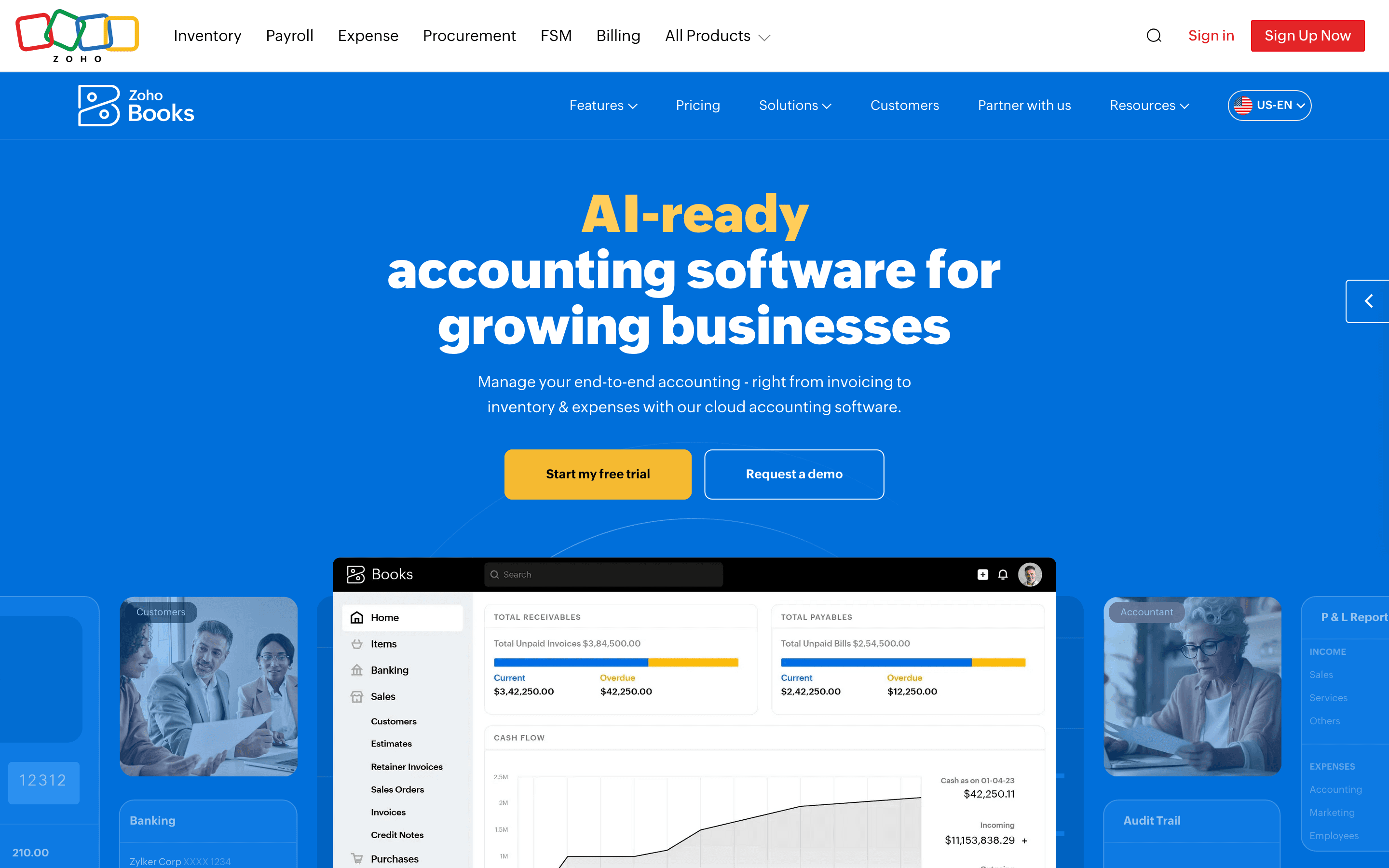
Zoho Books is the rare QuickBooks alternative with an actual free plan, not just a trial. It costs nothing indefinitely as long as annual revenue stays under $50,000, covering 1,000 invoices and 1,000 bills a year, well past what a new business needs. Above that line, five paid tiers run $15 to $240 per user per month billed annually, scaling by user count and transaction volume rather than a straight feature wall, similar to how QuickBooks steps Essentials, Plus, and Advanced. Zoho Books also plugs directly into Zoho CRM, Inventory, and Payroll, useful if a business already runs on other Zoho apps. The catch is hard caps: each tier limits both users and annual invoice volume, and the ceiling stops climbing before the price does. Both Elite ($120/user) and Ultimate ($240/user) cap out at 100,000 invoices and bills a year. There's no tier above that ceiling. Ultimate mainly buys more users (15 vs. 10) and built-in analytics, not more transaction volume. Capterra reviewers also report slow support response times. For a business under $50K in revenue, or one already in the Zoho ecosystem, it's a cheaper start than QuickBooks.
Pros
- + Free plan is usable long-term for businesses under $50,000 in annual revenue, not just a 14-day trial
- + Prices are public and transaction caps are stated plainly on the pricing page, no quote request required
- + Deep integration with other Zoho apps (CRM, Inventory, Payroll, Analytics) if you're already in that ecosystem
Cons
- – Pricing is per organization with hard user and invoice/bill caps per tier, so a growing team can hit ceilings and be forced up a tier even if it doesn't need the extra features
- – Extra users, extra receipt autoscans, extra locations, and BillPay all cost more on top of the plan price
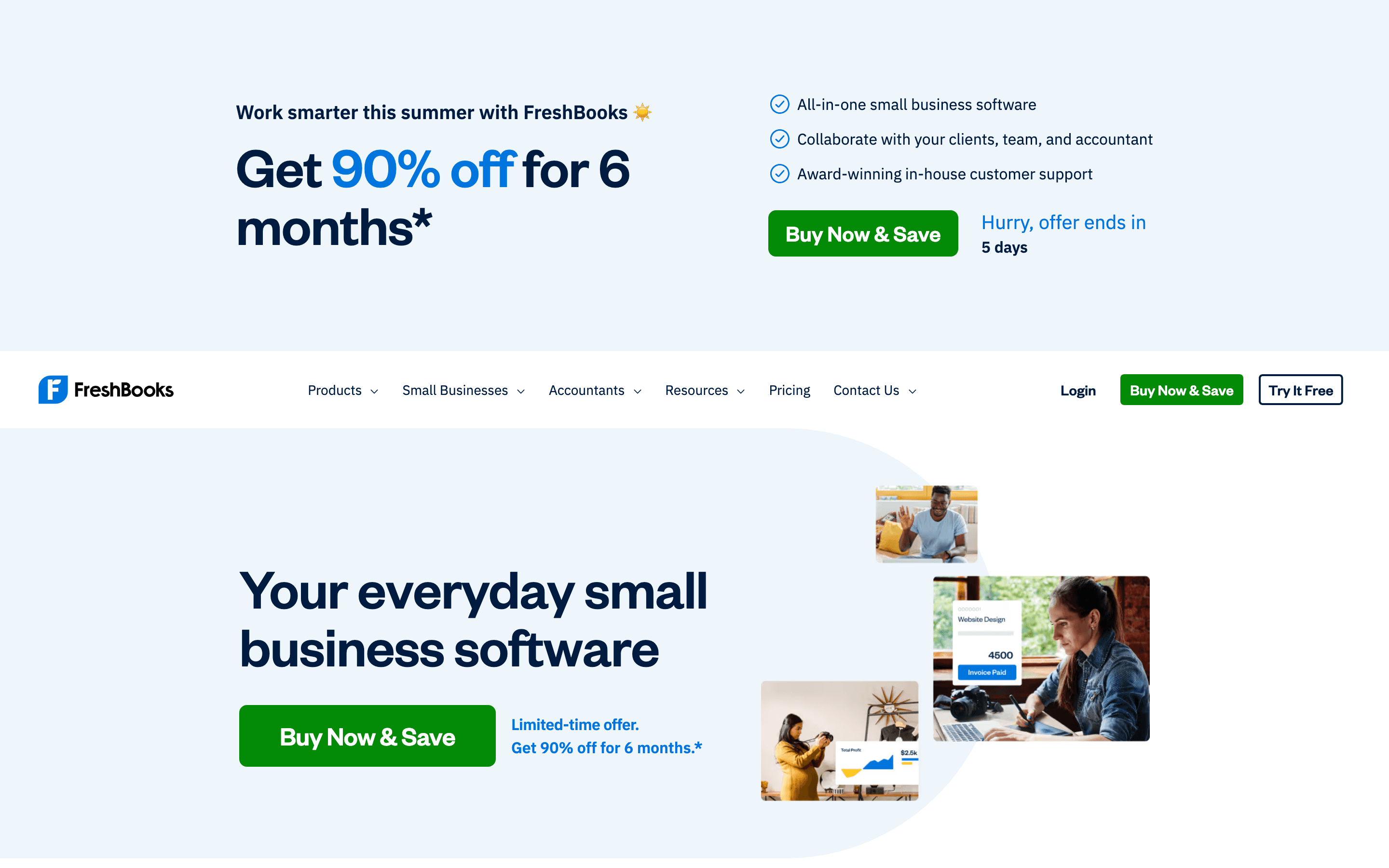
FreshBooks targets the exact segment where QuickBooks' Solopreneur and Simple Start plans live: freelancers and small service businesses that mainly send invoices and track expenses. It starts at $23/month for up to 5 billable clients, includes mobile mileage tracking on every tier including the cheapest, and its 30-day trial needs no credit card. Where it differs from QuickBooks is the billing axis: FreshBooks caps you by number of clients, not user seats, so a business with a stable client list but a growing team pays for extra teammates ($11/month each) rather than extra clients. Double-entry accounting reports, accountant access, and proposals only show up on Plus at $43/month, echoing how QuickBooks locks features like multi-currency behind Essentials. The 5-client cap on Lite is tight, and reviewers note dedicated phone support is reserved for the top Select tier. For a solo operator or small agency that wants QuickBooks-style invoicing without QuickBooks' per-user pricing, FreshBooks is the closer fit.
Pros
- + Invoicing and estimate workflows are fast to set up
- + Mobile mileage tracking is included on every plan, even the cheapest Lite tier
- + 30-day trial with no credit card, plus a money-back guarantee
Cons
- – The 5-client cap on Lite is tight; hitting a sixth client forces an upgrade to the $43/month Plus plan
- – Every plan includes only 1 user, so team member add-ons ($11/month each) stack up fast
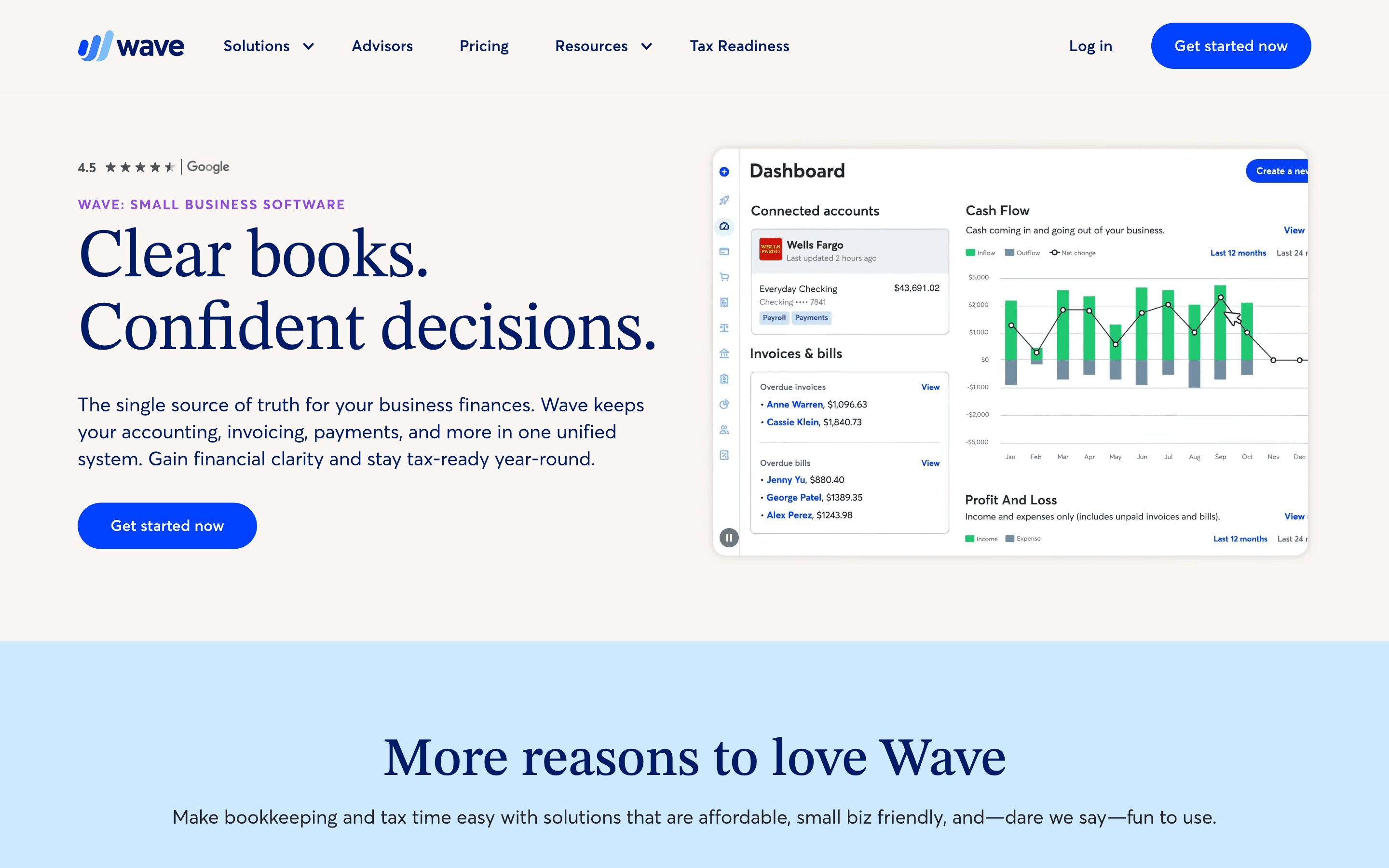
Wave is the answer for anyone who thinks QuickBooks' cheapest plan, Solopreneur at $20/month, still costs too much. Its Starter plan is free forever: unlimited invoices, estimates, and bills, with no revenue cap or time limit, versus QuickBooks where every tier is paid. The catch is that Starter needs manual transaction entry. Automatic bank feed imports and receipt scanning only come on the $19/month Pro plan, still cheaper than QuickBooks Solopreneur and including unlimited users on one account instead of QuickBooks' per-tier user caps. Wave makes its money on payment processing (2.9% + $0.60 per card transaction) rather than software fees. Support is the real gap: free users get only a chatbot, and Wave carries an A- BBB rating with 224 complaints, some describing frozen payouts and multi-week waits even on the paid plan. For a freelancer or very small business that wants free or near-free software and can live with thinner support, Wave beats QuickBooks on price.
Pros
- + Core invoicing and bookkeeping is genuinely free with no seat limits or time cutoff
- + Simple, transparent pricing with only one paid tier to consider
- + Discounted card processing rate on the first 10 transactions each month for Pro users
Cons
- – Free plan requires manual entry since bank feed automation is Pro-only
- – Free plan has no human support at all, only a chatbot
Puzzle is built for startups that have outgrown QuickBooks' after-the-close reporting model. Instead of a human categorizing transactions once a month, Puzzle's AI drafts journal entries continuously from feeds like Stripe, Brex, Mercury, Ramp, and Gusto, giving founders a live view of burn, runway, and revenue rather than a static report. No plan charges per seat: Core ($60/month annually) covers 5 users, and Complete ($100/month) and Scale ($300/month) cover unlimited users, with Core and Complete both shipping QuickBooks migration tooling, self-guided on Core and white-glove on Complete. But Puzzle isn't a like-for-like swap on the accounts receivable side. It doesn't handle invoicing or bill pay itself; it assumes you're already invoicing customers through Stripe or a similar tool and just builds the books from those feeds. If your main reason for leaving QuickBooks is its built-in invoicing, Puzzle alone won't replace that job. The other tradeoffs are real too. Users report AI miscategorizations are hard to correct once posted, basics like transaction memo fields are missing, and support has been inconsistent, including one reported no-show on an onboarding call. Puzzle is also newer and thinner on integrations and edge cases than QuickBooks. For a venture-backed startup that already invoices through Stripe or similar and wants real-time books over a monthly close, Puzzle is the more modern fit for the bookkeeping side.
Pros
- + No per-user fee. Core and up include multiple or unlimited users at one flat price
- + Continuously updated books instead of a monthly close, with dashboards for burn, runway, and revenue
- + Money-back guarantee on the Complete plan if your close isn't 50% faster by your second month
Cons
- – AI miscategorizations are reported as hard to correct once they happen
- – Missing basics some users expect, like transaction memo fields and advanced filtering
Should your product be on this accounting software list?
If you build a tool that belongs next to the ones above, submit it. A human reviews every submission. Approved products get their own page with pricing and screenshots, plus a place in the comparisons where they fit. It is free. You sign in with your work email so you can follow the decision, and there is no password to create.
QuickBooks alternatives: FAQ
What's the best free QuickBooks alternative?+
Wave. Its Starter plan is free forever for invoicing and manual bookkeeping, with no revenue cap or time limit. Zoho Books also has a real free plan, but only for businesses under $50,000 in annual revenue.
Which QuickBooks alternative doesn't charge per user?+
Xero charges per organization with unlimited users on every plan, from $25 to $90 a month. Puzzle also skips per-seat fees, including unlimited users on its Complete and Scale plans.
What's the best QuickBooks alternative for a solo freelancer?+
FreshBooks. It starts at $23/month, bills by number of clients rather than users, and includes mobile mileage tracking on every plan including the cheapest.
Is there a QuickBooks alternative built for startups instead of small businesses?+
Puzzle. It uses AI to continuously draft categorizations and reconciliations from feeds like Stripe, Brex, Mercury, Ramp, and Gusto, and its Core and Complete plans include QuickBooks migration tooling.
QuickBooks alternatives: pricing compared
Entry price, billing model, and whether pricing is public. 6 of 6 publish pricing you can check without talking to sales.
| Tool | Starting price | Billing | Free option | Pricing disclosed |
|---|---|---|---|---|
| QuickBooks | $20/seat/mo | tiered | Trial (30 days (or you can take an intro discount instead of the trial)) | Public |
| Xero | $25/mo | tiered | Trial (1 month free on any plan (US), then the regular monthly price applies) | Public |
| Zoho Books | $15/mo | tiered | Yes | Public |
| FreshBooks | $23/mo | tiered | Trial (30 days, no credit card required) | Partly public |
| Wave | $19/mo | tiered | Yes | Partly public |
| Puzzle | $25/mo | tiered | Trial (14 days with full Complete plan access) | Public |
How we made these picks. We compare tools on public pricing, features, and hands-on assessment, then verify every price against the vendor's own page. We never accept payment for rankings. Read the full methodology. Spotted an error? Report it.
More accounting software comparisons
Further reading
- Best accounting software for agencies - Xero and QuickBooks track project profitability best, FreshBooks bills retainers by client count, and Zoho Books gets project accounting cheapest.
- How to switch from QuickBooks to FreshBooks - Switching from QuickBooks to FreshBooks cuts costs under 50 clients but trades away inventory, multi-currency, and deeper accounting reports.
- What accounting software costs in 2026 - Accounting software costs $0-$25/month to start, $60-$340/month for a full plan in 2026, verified across six vendors, plus the pricing traps to check.
- Best accounting software for freelancers - Wave is free for invoicing, FreshBooks bills by client count, QuickBooks Solopreneur tracks tax deductions, and Zoho Books is free under $50K revenue.