Top Aider Alternatives in 2026
Here for Aider itself? See the full Aider profile, pricing & reviews →
Suggest a change- If you want an official vendor and support line instead of GitHub issues and Discord, choose GitHub Copilot. its Pro plan starts at $10 a month with a real free tier under it, and Microsoft's support and roadmap sit behind it, unlike Aider's community-only help.
- If you want one agent working across your IDE, terminal, and cloud with several tasks running at once, choose Cursor. its Composer mode and cloud and background agents let you parallelize work across branches and repos in a way a single terminal session with Aider cannot.
- If your code can't leave your own infrastructure for compliance reasons, choose Tabnine. it is the only one of these built around self-hosted, VPC, and air-gapped deployment with zero code retention and SOC 2, ISO 27001, and GDPR certifications.
- If you already have an API key, want zero subscription cost, and want every AI edit to land as a reviewable git commit, choose stay on Aider. no alternative here matches Aider's combination of being free and open source, fully model-agnostic including local models, and committing every change to git automatically.
Aider is free, open source, and lives entirely in your terminal. You bring your own LLM API key, it edits your repo directly, and every change lands as a real git commit you can diff or revert. That setup gives you full control over cost and model choice, but it also means no GUI, no official support line, and a bill that depends entirely on which model you point it at.
Most developers who leave Aider are trading that control for something specific: a GUI-based agent that runs in the background, a vendor to call when something breaks, or a self-hosted deployment their compliance team will sign off on. The alternatives below cover those trade-offs directly, rather than just sharing Aider's category label. This roundup does not include newer terminal-native agents like Claude Code or OpenAI's Codex CLI. Both post higher raw benchmark scores than Aider, but they compete on the same terminal-first, bring-your-own-model territory Aider already owns, rather than on the GUI, vendor support, or compliance trade-offs most people switching away from Aider are actually after. We will cover them properly once we have tested them in depth.
Aider alternatives compared
| Tool | Best for | Starting price | Free option | Last update |
|---|---|---|---|---|
| GitHub CopilotBest free plan | Teams already standardized on GitHub who want AI review, chat, and agents without adding a new vendor | $10/seat/mo | Yes | July 2026 |
| CursorBest for parallel agent work | Developers who want one agent that works the same way in the IDE, the terminal, and Slack | $20/seat/mo | Yes | July 2026 |
| TabnineBest for compliance-sensitive teams | Regulated or security-sensitive teams that need code completions and chat without sending code to a public cloud model | $39/seat/mo | No | July 2026 |
Why teams switch from Aider
There is no vendor to call when something breaks
Aider is maintained as an open-source project with no company, subscription, or SLA behind it. Support comes from GitHub issues and a community Discord, which is a hard sell for teams that want a support contract.
The bill is unpredictable because there is no plan to budget against
Aider has no pricing of its own. Your cost scales with token usage and whichever model you choose, so there is no flat fee or vendor to negotiate with if a bill runs high. Most alternatives trade that for a fixed seat price, then layer their own metered usage on top, so the ceiling moves rather than disappears. Tabnine is the exception, with flat annual pricing and no usage meter to watch.
The best Aider alternatives, ranked
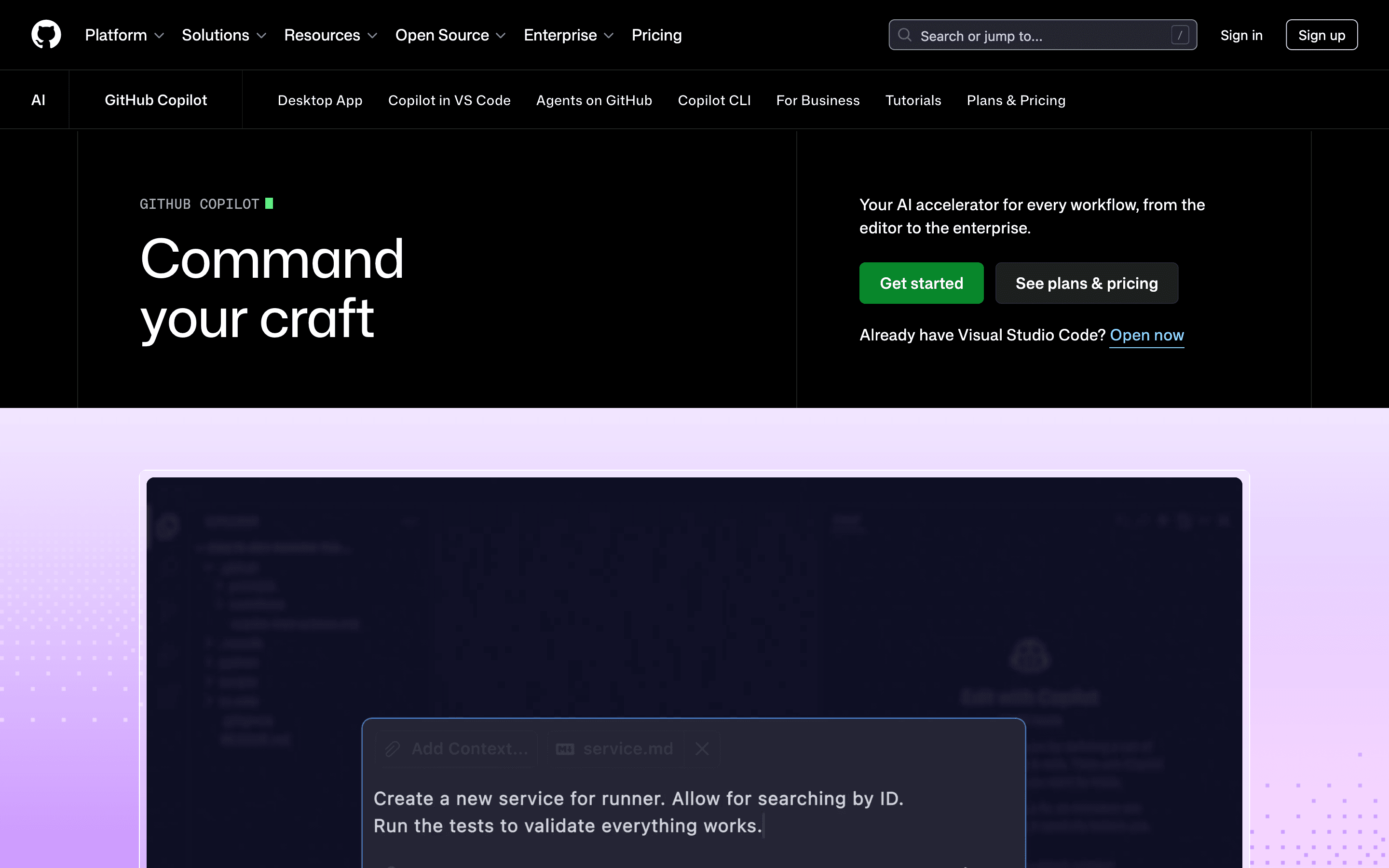
GitHub Copilot is the safest jump from Aider if what you want is a vendor behind the tool instead of the DIY setup of your own API key. Its free plan gives you 2,000 completions and 50 chat requests a month with no credit card, and Pro starts at $10 a month with a credit allotment for chat, agent mode, and the CLI. That CLI is the closest thing here to Aider's terminal-first workflow, and code completions stay unlimited on every paid plan even after your chat and agent credits run out. The tradeoff is the same one Aider's own cons page flags for other agents: GitHub moved to token-metered credits in June 2026, and trade press reported some heavy users seeing bills jump up to 100-fold under the new system. Budget for that if you run agent mode often.
Pros
- + Deep integration with GitHub pull requests, issues, and Actions, plus native support in VS Code, Visual Studio, and JetBrains
- + Unlimited, unmetered code completions on every paid plan, so basic autocomplete never runs out
- + Access to a wide model catalog (GPT, Claude, and others) from one subscription and one billing relationship
Cons
- – The June 2026 move to token-metered AI credits caught many users off guard: trade press reported some customers seeing bills rise as much as 100-fold under the new system for the same workflows
- – Credit pools are shared across chat, agent mode, code review, and CLI, so a single long agent session can eat a month's allotment in days
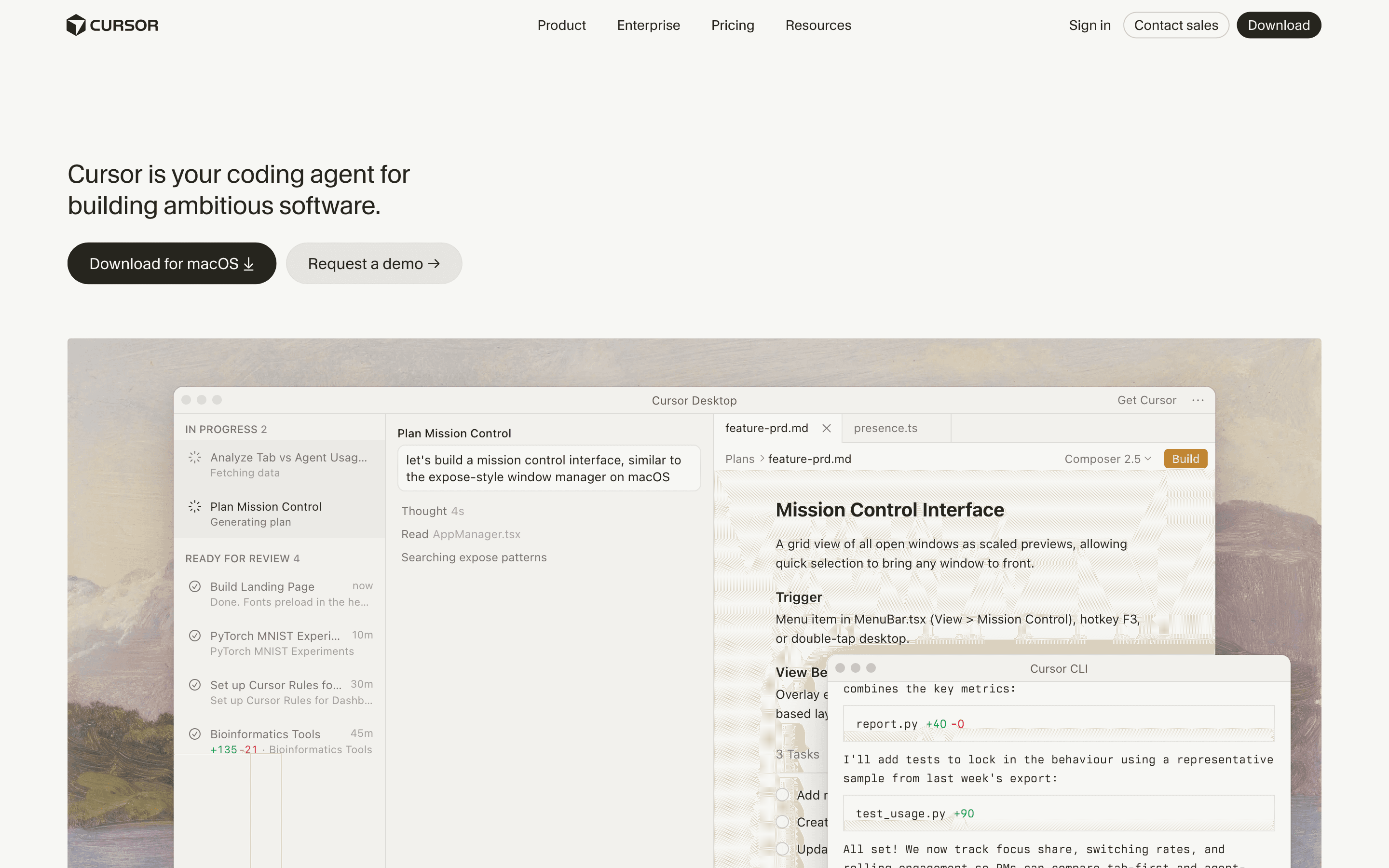
Cursor fits developers who liked Aider's agent loop but want it running across an IDE, a CLI, and the cloud at once, with Composer letting you fan work out across several agents and branches in parallel. It supports the same range of models Aider does, including OpenAI, Anthropic, and Gemini, so you keep model choice while gaining a polished editor and a changelog that ships new agent features on a fast, visible cadence. The catch is cost predictability, and neither tool really gives you that. Aider's bill floats with whatever model you point it at, and Cursor layers its own usage-based billing on top of a seat price, so you trade one unpredictable meter for another. That 2025 shift to usage-based billing caught existing users off guard, and heavy agent use can push you from the $20 a month Pro plan into Pro+ at $60 or Ultra at $200 fairly quickly. If you want Aider's flexibility with more agent power behind it, this is usually where people land.
Pros
- + Runs agents across IDE, CLI, Slack, and mobile, so you can hand off work from wherever you already are
- + Supports multiple model providers instead of locking you into one vendor's models
- + Cloud and background agents let you parallelize work across several tasks or repos at once
Cons
- – Usage-based billing on top of the seat price means your real monthly cost is hard to predict in advance
- – The 2025 move from fixed request limits to metered, API-cost-linked billing caught existing users off guard with much higher effective costs
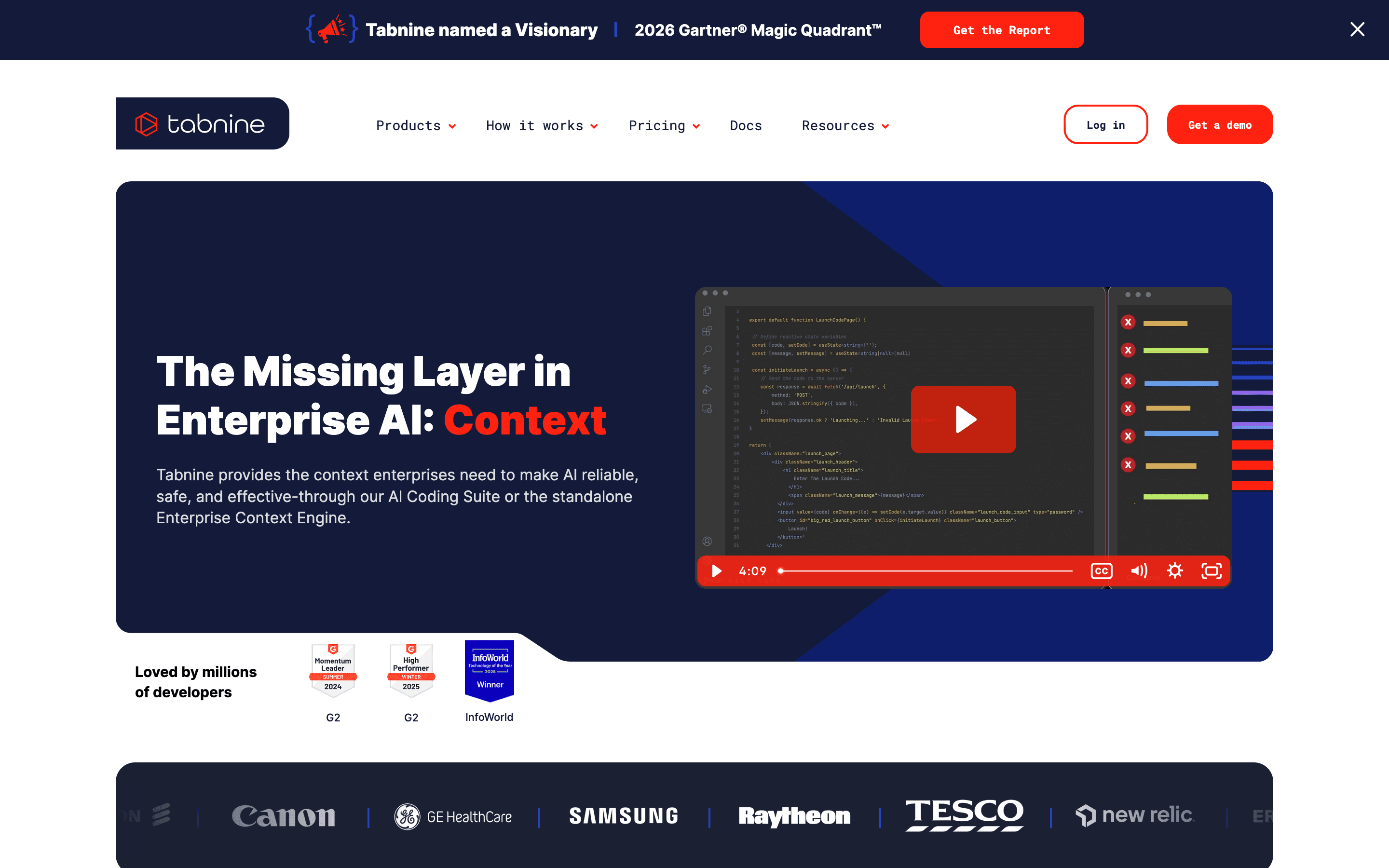
Tabnine answers a different reason people leave Aider: compliance. Where Aider can run local models through Ollama but leaves you to wire up that deployment yourself, Tabnine sells self-hosted, VPC, and air-gapped deployment as a packaged product, with zero code retention and SOC 2, ISO 27001, and GDPR certifications, backed by a vendor you can actually call. That comes at a real cost. There is no free tier, both plans require annual billing, and the cheapest seat is $39 a month, two to four times Copilot's or Cursor's entry price. That $39 base plan only covers completions and chat, though. The part that actually matches what Aider does, the Tabnine CLI for terminal agents, is locked to the $59 a month Agentic Platform tier, so budget for that higher seat price if replacing Aider's agent workflow is the point. Reviewers also rate its completion quality below Copilot and Cursor, so you are paying more for deployment control, not sharper suggestions. This is a narrow fit: right for a regulated enterprise team, wrong for a solo developer who just wants Aider with a GUI.
Pros
- + Self-hosted, VPC, and air-gapped deployment options that most AI coding tools don't offer
- + Zero code retention and compliance certifications (SOC 2, ISO 27001, GDPR) that pass security reviews other tools fail
- + Context Engine connects unlimited repos across GitHub, GitLab, and Bitbucket on the Agentic plan
Cons
- – No free tier and no published trial, so you commit to annual billing before testing it properly
- – Entry price of $39/seat/month is 2-4x Copilot or Cursor's entry price
Should your product be on this ai coding assistants list?
If you build a tool that belongs next to the ones above, submit it. A human reviews every submission. Approved products get their own page with pricing and screenshots, plus a place in the comparisons where they fit. It is free. You sign in with your work email so you can follow the decision, and there is no password to create.
Aider alternatives: FAQ
Is there a free alternative to Aider?+
Not exactly free the way Aider is. Aider itself costs nothing beyond API tokens, while GitHub Copilot's free plan (2,000 completions, 50 chat requests a month) is the closest real free tier among the alternatives, though it caps usage well below what a paid plan gives you.
Which Aider alternative works from the terminal?+
GitHub Copilot ships a Copilot CLI, and Cursor now has its own CLI and Slack integration, so both let you work from a terminal the way Aider does. Tabnine also has a CLI for terminal agents, but only on its $59/seat Agentic Platform tier, not the base plan.
Which Aider alternative gives me the most model choice?+
Cursor and GitHub Copilot both let you pick from multiple providers, including OpenAI, Anthropic, and Gemini models, which is the closest match to Aider's model-agnostic design. Tabnine leans more on its own hosted models.
Is there a self-hosted alternative to Aider for compliance-sensitive teams?+
Tabnine is the one built for that. It supports VPC, on-premises, and air-gapped deployment with zero code retention and SOC 2, ISO 27001, and GDPR certifications, though it starts at $39 a seat a month with no free tier.
Aider alternatives: pricing compared
Entry price, billing model, and whether pricing is public. 3 of 4 publish pricing you can check without talking to sales.
| Tool | Starting price | Billing | Free option | Pricing disclosed |
|---|---|---|---|---|
| Aider | Free tier + custom | usage-based | Yes | Not disclosed |
| GitHub Copilot | $10/seat/mo | usage-based | Yes | Public |
| Cursor | $20/seat/mo | usage-based | Yes | Partly public |
| Tabnine | $39/seat/mo | per-seat | No | Partly public |
How we made these picks. We compare tools on public pricing, features, and hands-on assessment, then verify every price against the vendor's own page. We never accept payment for rankings. Read the full methodology. Spotted an error? Report it.