Top Asana Alternatives in 2026
Here for Asana itself? See the full Asana profile, pricing & reviews →
Suggest a change- If you want an Asana-style work OS with heavier visual customization and can absorb a 3-seat minimum, choose monday.com. monday.com matches Asana's breadth of views and reporting while giving non-technical teams more control over how boards look and behave, though its automation runs are capped well below Asana's unlimited Starter automations.
- If you want tasks, docs, and chat bundled into a single, cheaper app instead of stitching tools together, choose ClickUp. ClickUp's entry paid tier starts under Asana's Starter price while still including native time tracking that Asana locks behind its pricier Advanced plan.
- If you're a small team that finds Asana too expensive or complex once you leave the 2-person free plan, choose Trello. Trello's Standard plan costs $5 per seat a month with no seat minimum and covers the lists, checklists, and due dates most small teams actually use.
- If your team is past about 27 people on Asana's Starter plan and tired of per-seat bills that grow with every hire, choose Basecamp. Basecamp's Pro Unlimited plan is a flat $299 a month for unlimited users, which comes out cheaper than Asana's per-seat pricing at that headcount.
- If the team you're actually solving for is engineering, not marketing or ops, choose Linear. Linear is built around cycles, roadmaps, and code-focused AI agents for software teams, a job Asana's general-purpose task views were never designed to do.
- If your real complaint about Asana is that project tracking and documentation live in separate tools, choose Notion. Notion merges docs, a wiki, and lightweight task tracking into one workspace, though it has no Gantt chart, dependency tracking, or workload views, so it's not a fit for Asana's timeline or portfolio features.
- If you need portfolio-level goal tracking and workload management across many concurrent cross-functional projects, choose stay on Asana. Asana's Advanced plan bundles goals, workload management, and approvals in one place, and none of the alternatives above match that specific combination yet.
Asana is built for coordinating work across marketing, ops, and other non-engineering functions, not for a single specialty like sales or code. Teams look elsewhere for one of a few reasons: the free plan caps out at 2 people, workload management, goals, approvals, and native time tracking all sit behind the pricier Advanced tier, and per-seat costs climb fast as a team grows past a handful of people.
The tools below cover the same general job Asana does: tracking projects and tasks across a team. Pick based on how much structure you want. monday.com matches Asana's breadth of views at a slightly higher per-seat price, and ClickUp gives you more views and automation for a lower price. Trello and Basecamp strip things down for teams that find Asana's setup like overkill. Notion fits teams whose real complaint is that docs and tasks live in separate apps. Linear is the one narrow pick here, built for engineering teams specifically, not general cross-functional work.
Asana alternatives compared
| Tool | Best for | Starting price | Free option | Last update |
|---|---|---|---|---|
| monday.comBest overall alternative | Cross-functional teams that want one visual system for many different workflows instead of separate tools per department | $9/seat/mo | Yes | June 2026 |
| ClickUp | Teams that want one tool for tasks, docs, and light chat instead of stitching several apps together | $7/seat/mo | Yes | July 2026 |
| TrelloBest value | Small teams and individuals who want a visual board with almost no setup | $5/seat/mo | Yes | January 2026 |
| BasecampBest for flat, predictable pricing at scale | Small agencies and services teams that want one shared space for client work without a lot of setup | $15/seat/mo | Yes | May 2026 |
| Notion | Teams that want project tracking, docs, and a wiki in one tool instead of three | $10/seat/mo | Yes | July 2026 |
| LinearBest for engineering teams | Software and product teams who want a fast, opinionated issue tracker over a flexible one | $10/seat/mo | Yes | July 2026 |
Why teams switch from Asana
Pricing runs higher than comparable tools as a team grows
Reviewers on Capterra report Asana's pricing runs significantly higher than competitors like monday.com for comparable functionality, and that costs get steep as a team grows.
Real functionality is locked behind higher-tier plans
Reporting and advanced automation are locked behind higher-tier plans, and reviewers note that detailed time tracking often means adding a third-party integration instead.
There's no paid plan for a single user
The free Personal plan caps at 2 users and every paid plan needs at least 2 seats, so a solo user or a 1-person team can't buy the timeline, automation, or reporting features at any price.
Enterprise pricing is opaque
Enterprise and Enterprise+ pricing isn't published, so budgeting for a company-wide rollout means starting a sales conversation instead of reading a price list.
The best Asana alternatives, ranked
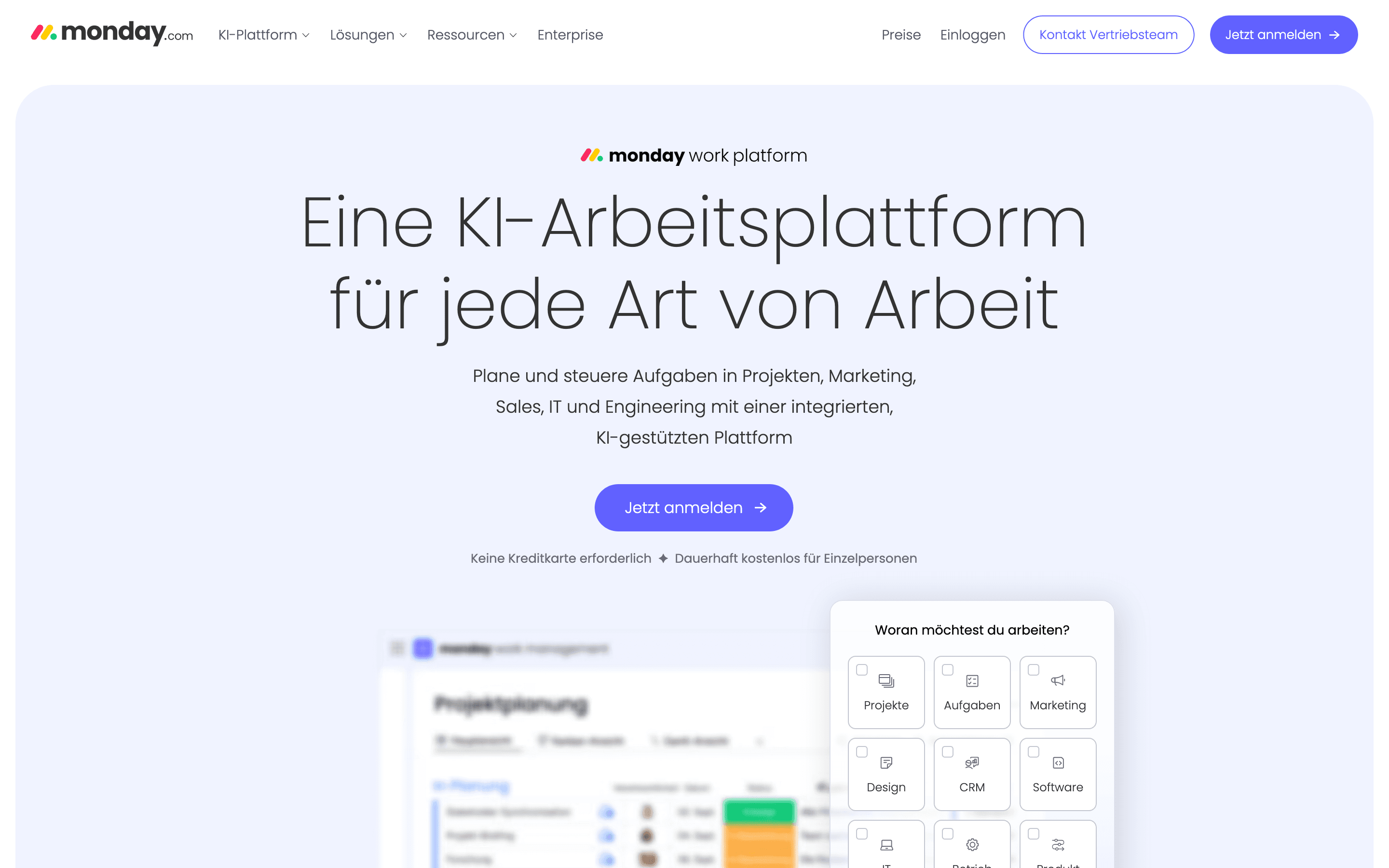
monday.com is the closest match to Asana's breadth: colorful, customizable boards that switch between Kanban, timeline, Gantt, and calendar views without changing the underlying data. Cross-functional teams that like building their own boards and automations without engineering help tend to land here first. Standard costs a bit more per seat than Asana's Starter plan ($12 versus $10.99, both billed annually) and caps automation at 250 actions a month, well short of Starter's unlimited automations, though it does bundle AI credits Asana's entry tier doesn't include. The catch is the 3-seat minimum on every paid plan, which means a 2-person team pays for a seat it doesn't use, and seats scale in fixed blocks above that. Reviewers also flag slower support and billing disputes more often than with Asana. If your team wants one visual system it can bend into marketing, ops, and even a lightweight CRM, monday.com is the strongest all-around swap.
Pros
- + Very visual, color-coded boards that non-technical team members pick up fast
- + Automations and views (Gantt, timeline, calendar, Kanban) are strong even on the Standard plan
- + One platform can cover project management, a lightweight CRM, and dev/service workflows if you buy the matching products
Cons
- – Every paid plan has a 3-seat minimum, so small teams pay for seats they don't use
- – Seats are sold in buckets above the minimum (e.g. rounding 4 users up to a 5-seat block), which pushes real cost above the advertised per-seat price
ClickUp
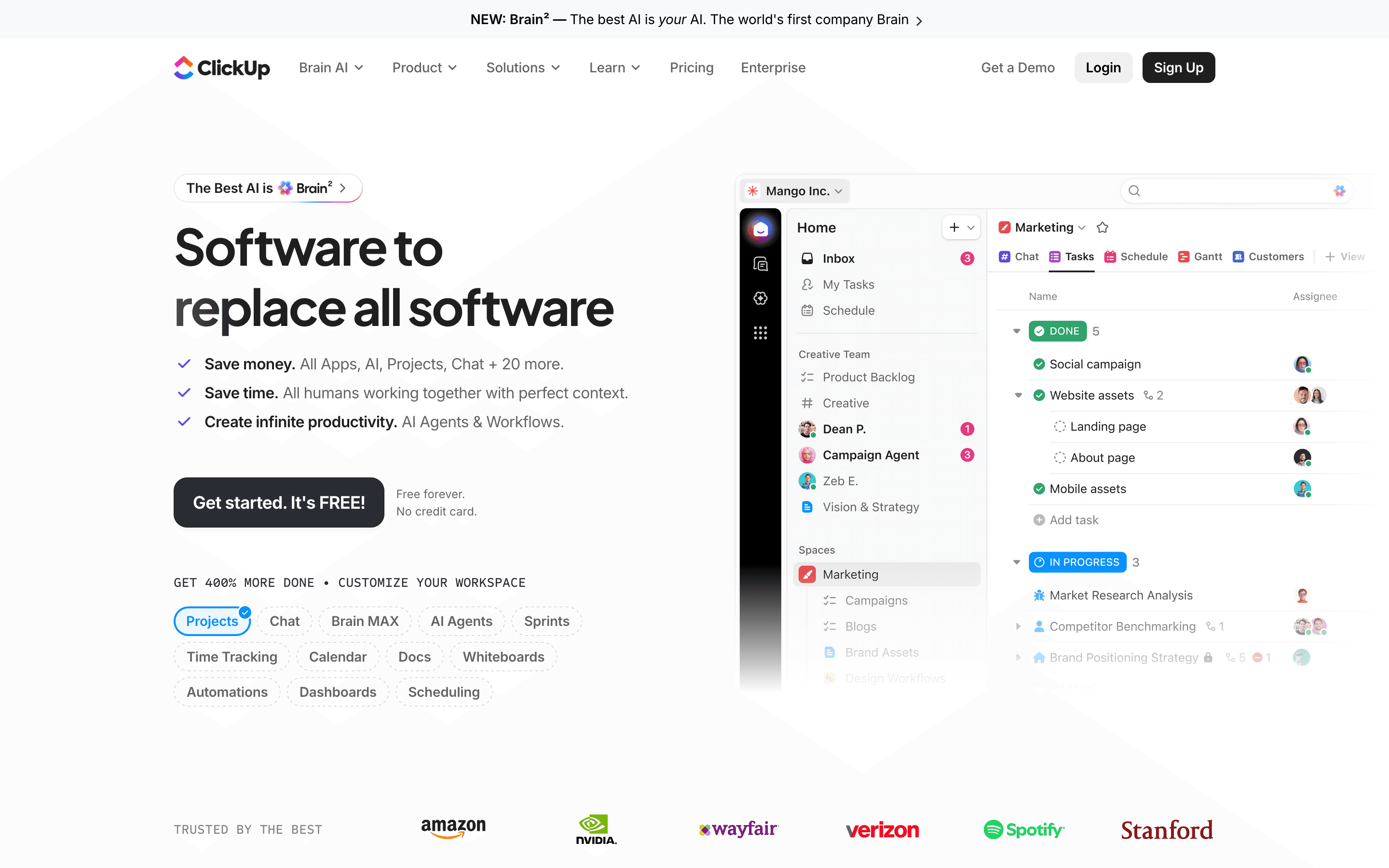
ClickUp trades Asana's cleaner interface for more range: tasks, docs, whiteboards, and chat sit inside one app, with automations and custom fields deep enough for teams running non-standard workflows. Its free plan supports unlimited members and tasks, not just a small seat cap, and the Unlimited paid tier starts under Asana's Starter price. The tradeoff is setup time. New teams spend real hours configuring views and automations before the tool feels usable, and AI is billed as a separate add-on rather than bundled in. Automation runs are also capped per plan and pause once you hit the ceiling until the next billing cycle. Teams already juggling several point tools, a project tracker, a wiki, a chat app, get the most value from consolidating into ClickUp. Teams that just want Asana's simplicity won't find it here.
Pros
- + Free plan supports unlimited members and tasks, not just a small seat count
- + One app covers tasks, docs, whiteboards, chat, and dashboards, cutting down on tool switching
- + Automation and custom field system is genuinely flexible for teams with non-standard workflows
Cons
- – Free plan's 60MB storage cap is shared across the whole team, not per user, so it fills up fast
- – AI features are a separate paid add-on on top of a core plan, not included at any tier
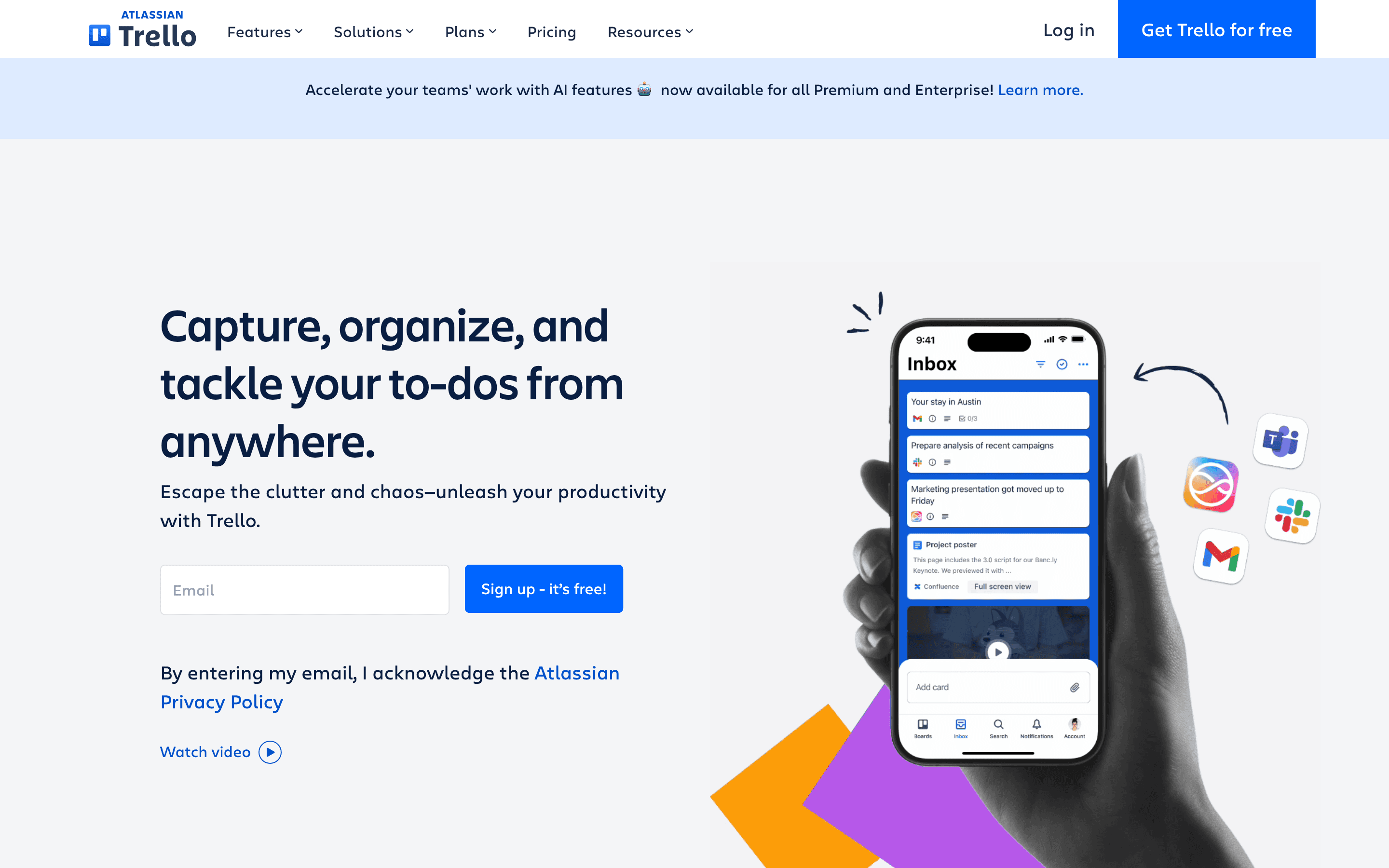
Trello is the pick for teams that find Asana's setup, custom fields, and reporting like overkill for what they actually track: lists, cards, checklists, and due dates. The Standard plan runs $5 per seat a month billed annually, cheaper than Asana's Starter, and the free plan already includes unlimited cards and Power-Ups per board. What you give up is scale. Free Workspaces cap at 10 boards and 10 collaborators, and native Gantt, timeline, table, and calendar views only unlock on the pricier Premium tier. Atlassian has been pushing Trello past pure boards with Trello Inbox and a Planner for calendar scheduling, but it is still fundamentally a kanban tool. Good for small teams and individuals who want a visual board with almost no setup, not for portfolio-level cross-project coordination.
Pros
- + Free plan includes unlimited Power-Ups per board and unlimited cards, generous for how most small teams actually use Trello
- + Standard plan is cheap ($5/seat/month annually) for what most small teams actually use
- + Card mirroring lets one task appear on multiple boards without duplicating it
Cons
- – Free plan caps Workspaces at 10 boards and 10 collaborators, which smaller teams hit faster than expected
- – No native Gantt/timeline view below Premium; Table, Calendar, Timeline, and Map views are all gated to Premium
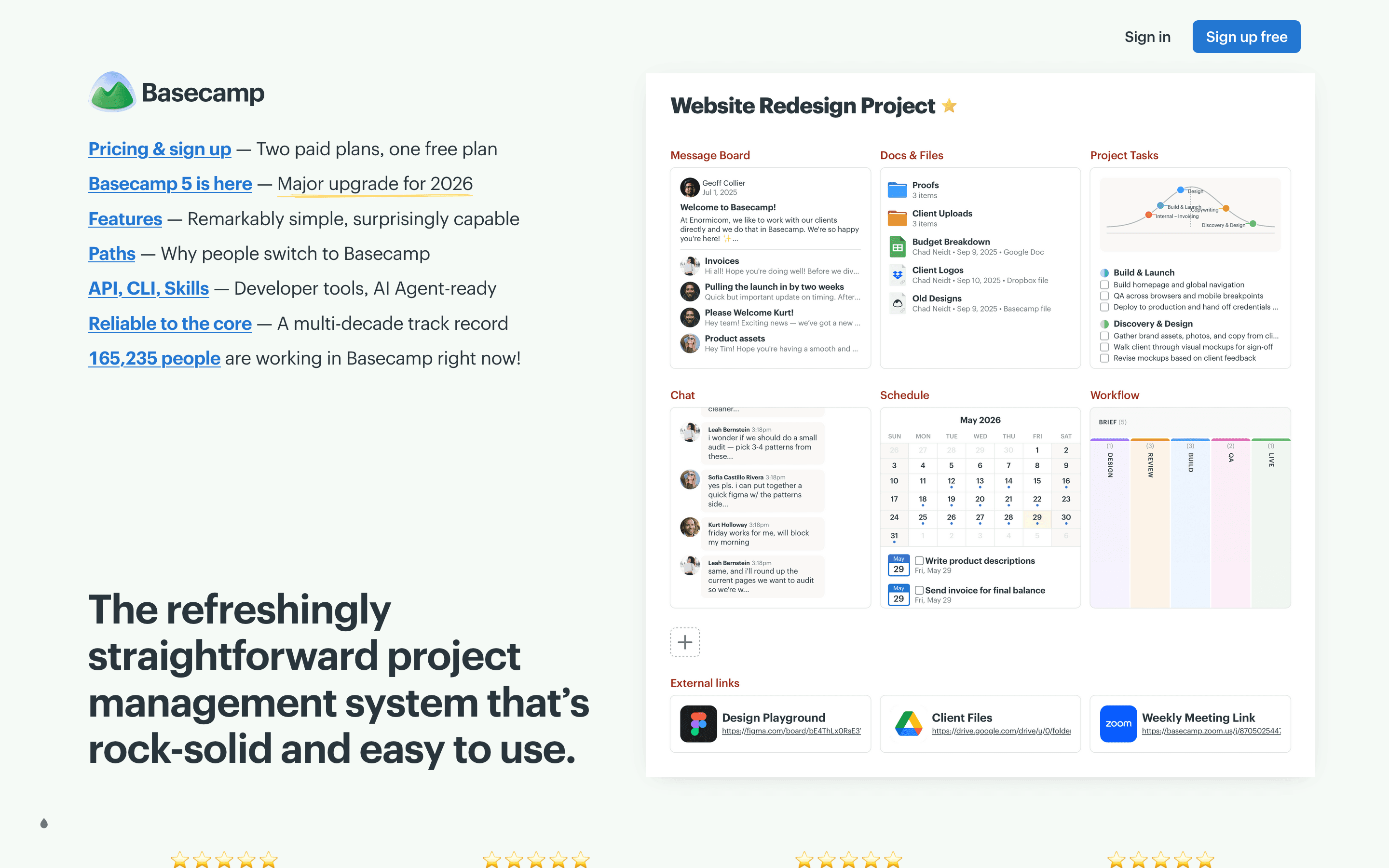
Basecamp is the anti-Asana: no Gantt charts, no dependencies, no automation rules, just message boards, to-do lists, schedules, and group chat bundled into one project space. Teams that find Asana's task automation and custom fields more overhead than help tend to like the flatter learning curve. Pricing is unusual for the category. Pro is $15 per seat a month, but Pro Unlimited is a flat $299 a month for unlimited users, which beats Asana's Starter per-seat pricing once a company passes about 27 people. Clients and contractors don't count toward billing either, which matters for agencies. The real gap is capability. Teams doing sprint planning or needing time tracking, a $50/month add-on here, outgrow Basecamp fast. It fits simplicity-first teams and flat-fee budgets, not teams that need Asana's workload and portfolio views.
Pros
- + Pro Unlimited's flat $299/month for unlimited users is a real deal once a team passes about 20 people
- + Clients and contractors don't count toward billing on the Pro plan, so client-facing agencies pay less
- + Message boards and Campfire chat cut down on scattered email and Slack threads for project discussion
Cons
- – No task dependencies, Gantt charts, or automations, so teams doing sprint planning outgrow it fast
- – Time tracking isn't included on Pro. It's a separate $50/month add-on
Notion
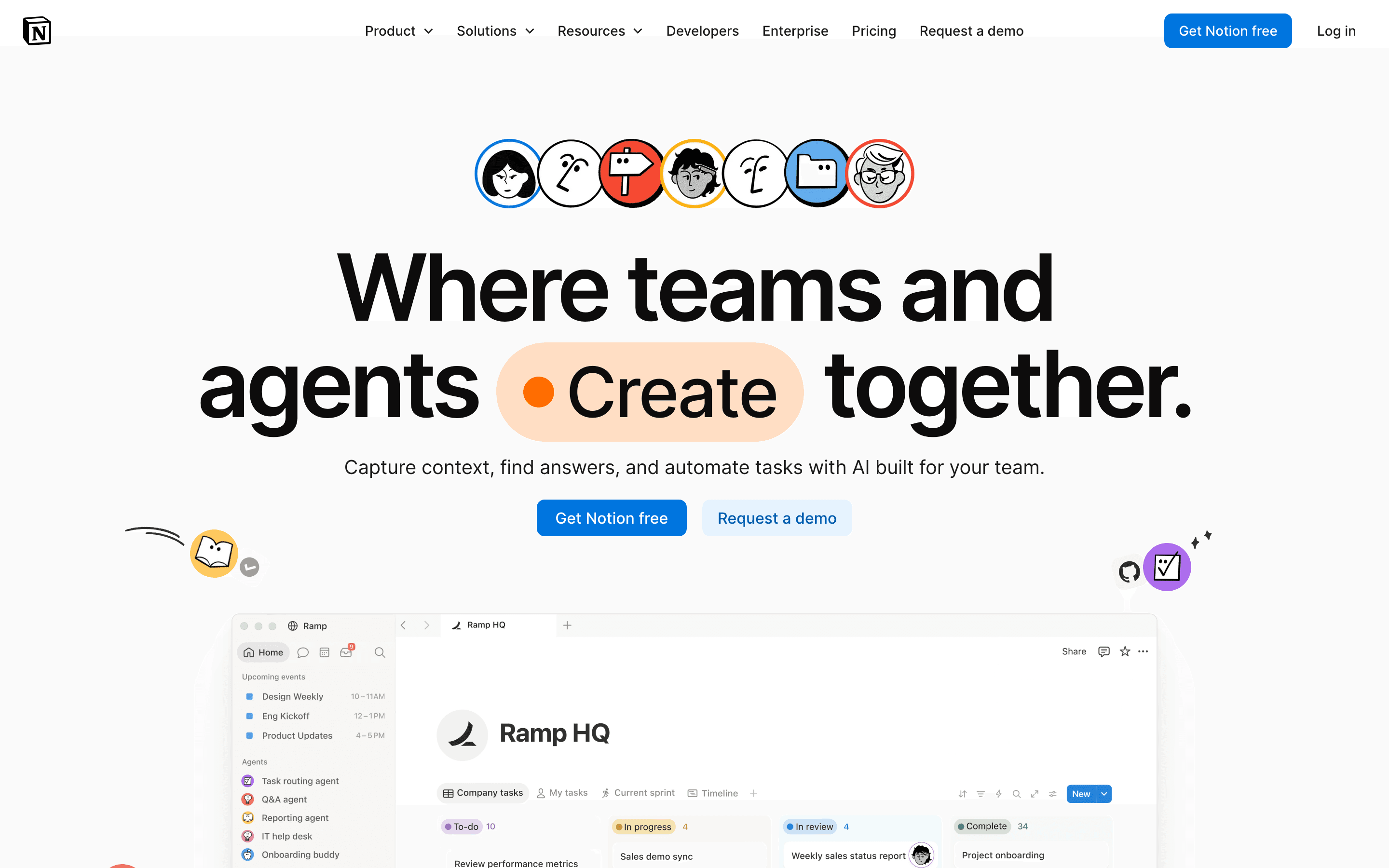
Notion isn't a dedicated project management tool the way Asana is, but plenty of teams cross-shop it because it merges docs, a wiki, and lightweight task tracking into one workspace instead of three separate apps. Plus starts at $10 per seat a month, roughly in line with Asana's Starter price, and the free plan is usable for real work rather than a stripped-down trial. What you lose is native PM depth: no Gantt chart, no dependency tracking, and no resource or workload views, so teams end up building templates instead of using structure that already exists in Asana. Full AI access also requires the pricier $20/seat Business plan. Notion fits teams whose real problem with Asana is that project tracking and documentation live in separate tools, not teams that need Asana's timeline or portfolio features.
Pros
- + One tool covers docs, wikis, and task tracking, cutting down on app switching
- + Databases and pages are flexible enough to build almost any workflow
- + Free plan is usable for real work, not just a stripped-down trial
Cons
- – No native Gantt chart, dependency tracking, or resource management, so real project management needs a template workaround or a plugin
- – Full AI access requires the $20/seat/month Business plan; Free and Plus only get a capped trial
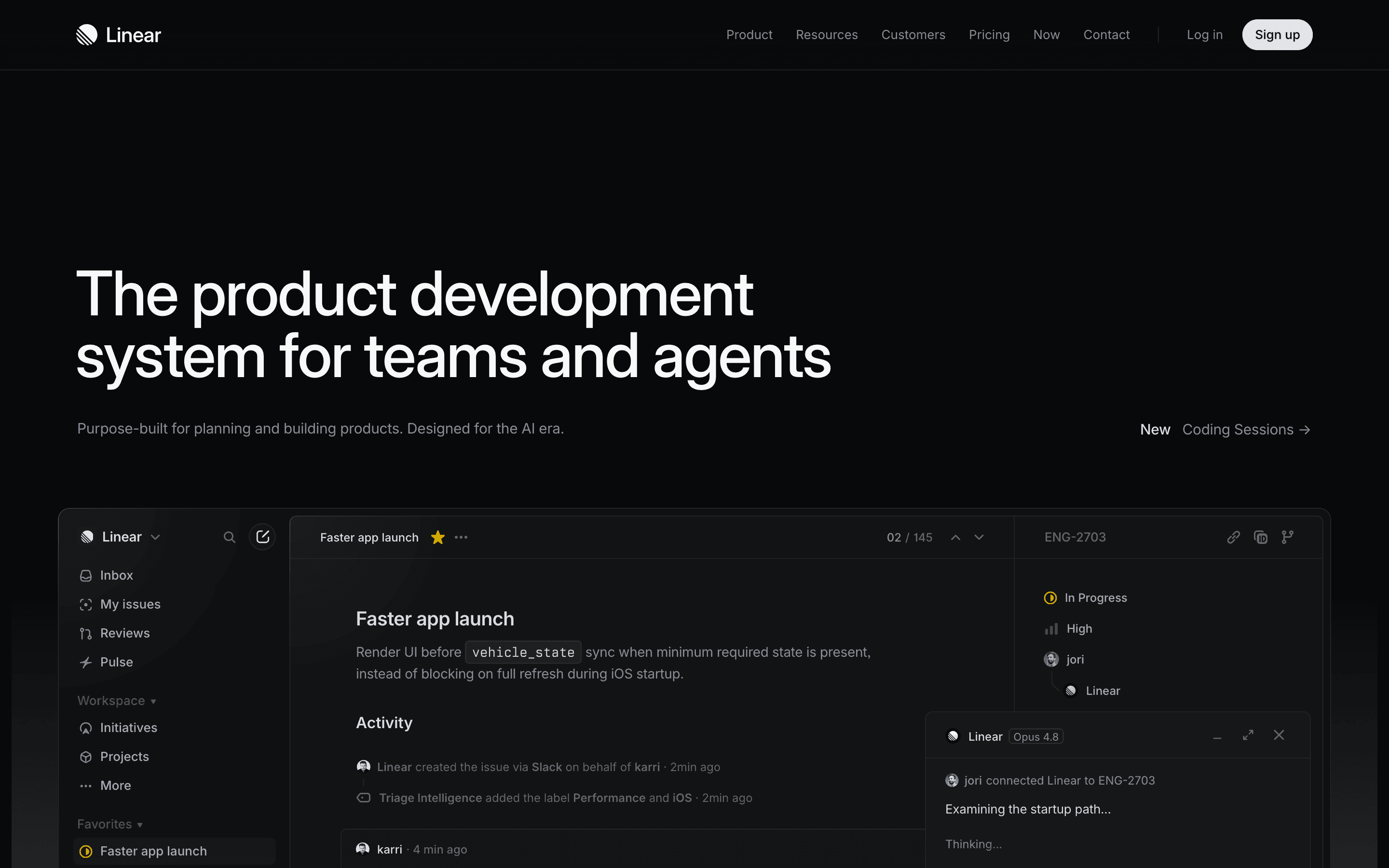
Linear is the narrowest substitute on this list. It's an issue tracker built for software teams, not a general cross-functional project management tool like Asana. If your team is asking what replaces Asana for engineering, rather than for marketing or ops, Linear is the answer, with a fast, keyboard-driven interface, cycles, and roadmaps that engineers tend to prefer over Asana's more generic task views. Its free plan is genuinely usable, not just a gate to a trial, and its AI agent features, automated triage, agent-written code, drafted updates, are built into the core product rather than bolted on. Pricing is simple with no per-feature add-ons to track. The real limits are non-engineering fit: no Gantt charts, no budget or resourcing views, and no SAML or SSO below the quote-only Enterprise plan. Only choose Linear if engineering is the team you're actually solving for.
Pros
- + Fast, keyboard-first interface that stays responsive at scale
- + Free plan is usable for small teams, not just a trial gate
- + AI agent features (Triage Intelligence, agent-written code, agent-drafted updates) are shipping fast and are core to the product, not bolted on
Cons
- – Per-seat pricing gets expensive fast for teams above 10-15 people, since there are no volume discounts published
- – Security and compliance basics like SAML/SCIM only ship on Enterprise, which is quote-only
Should your product be on this project management list?
If you build a tool that belongs next to the ones above, submit it. A human reviews every submission. Approved products get their own page with pricing and screenshots, plus a place in the comparisons where they fit. It is free. You sign in with your work email so you can follow the decision, and there is no password to create.
Asana alternatives: FAQ
What's the cheapest real alternative to Asana?+
Trello's Standard plan runs $5 per seat a month billed annually, less than Asana's $10.99 Starter price, and its free plan already covers unlimited cards and Power-Ups per board.
Is there a good Asana alternative for engineering teams specifically?+
Linear. It's built around cycles, roadmaps, and code-focused AI agents instead of Asana's general-purpose task views, and its free plan is usable for a small engineering team, not just a trial.
What should a small team switch to if Asana's 2-person free cap is too limiting?+
monday.com's free plan also caps at 2 seats, but Basecamp's free plan supports up to 20 users on one project, and ClickUp's free plan has no member cap at all.
Is monday.com cheaper than Asana?+
At the entry tier, yes. monday's Basic plan starts at $9 per seat a month versus Asana's $10.99 Starter plan, though monday requires a 3-seat minimum on every paid plan while Asana only requires 2.
Asana alternatives: pricing compared
Entry price, billing model, and whether pricing is public. 7 of 7 publish pricing you can check without talking to sales.
| Tool | Starting price | Billing | Free option | Pricing disclosed |
|---|---|---|---|---|
| Asana | $10.99/seat/mo | per-seat | Yes | Partly public |
| monday.com | $9/seat/mo | per-seat | Yes | Partly public |
| ClickUp | $7/seat/mo | per-seat | Yes | Partly public |
| Trello | $5/seat/mo | per-seat | Yes | Public |
| Basecamp | $15/seat/mo | tiered | Yes | Public |
| Notion | $10/seat/mo | per-seat | Yes | Partly public |
| Linear | $10/seat/mo | per-seat | Yes | Partly public |
How we made these picks. We compare tools on public pricing, features, and hands-on assessment, then verify every price against the vendor's own page. We never accept payment for rankings. Read the full methodology. Spotted an error? Report it.
More project management comparisons
Further reading
- Project Management Pricing Compared: 8 Tools, Real Numbers - Trello, ClickUp, monday.com, Asana, Notion, Linear, Basecamp and Height list prices compared, checked 2026-07-07, plus what per-seat costs hide.