Top Calendly Alternatives in 2026
Here for Calendly itself? See the full Calendly profile, pricing & reviews →
Suggest a change- If you want the same booking-link shape as Calendly at a lower, more transparent price, choose Cal.com. its free plan is unlimited on event types and calendars for one user, and Teams runs $12 per seat a month versus Calendly's $16 for a similar mix of round-robin scheduling and routing forms.
- If you want the person booking time with you to see a friendlier picker than a plain grid of slots, choose SavvyCal. it overlays your calendar on top of the invitee's so you both can spot times that work well for each side, which Calendly's slot grid doesn't do.
- If you're a founder, exec, or recruiter who lives back-to-back in meetings across time zones, choose Vimcal. it's built for speed and multi-timezone handling as your actual calendar, not just a link you send out, though booking links are one feature inside it rather than the whole product.
- If your real problem is protecting focus time and getting tasks onto your calendar automatically, not just taking external bookings, choose Reclaim. it auto-schedules habits and tasks from tools like Asana and Linear around your meetings, still includes scheduling links, and keeps a genuine forever-free tier for one user.
- If you're a sales team that has outgrown Calendly's Teams-tier routing and needs territory-based rules and an SDR-to-AE handoff, choose Chili Piper. it's built specifically for that job, though entry pricing starts at $15,000 a year for 15 seats, an enterprise-level jump from Calendly's per-seat plans.
- If your team is happy paying $16 per seat for round-robin routing plus Salesforce sync (or $10 per seat for HubSpot sync alone, without round-robin) and hasn't hit Calendly's SSO or Enterprise price cliff yet, choose stay on Calendly. no alternative here matches that specific combination of price, routing, and mature CRM integrations without either paying more or trading away features your team already relies on.
Calendly turned scheduling links into the default way people book meetings, and its free plan still covers a solo user with one event type and one calendar connection. Teams outgrow it in a few different directions: some want the same booking-link shape at a lower price without SSO stuck behind a paid add-on, some want a calendar tool that does more than publish open slots, and sales teams running real inbound volume want routing and Salesforce sync that goes deeper than Calendly's Teams tier.
The alternatives below are all true substitutes for the job Calendly does: turning your calendar into something other people can book time on. They're ranked by how closely they match the buyer who reaches for Calendly first, moving from direct booking-link swaps toward calendar-automation tools and enterprise routing platforms built for full revenue teams.
One tool that comes up in the same conversation but isn't ranked here: Motion. It's an AI task and project manager with meeting booking pages bolted on, not a booking tool with task features added. If your real problem is task and time management rather than a link people use to book time with you, Motion is worth a look on its own, just not as a Calendly swap.
Calendly alternatives compared
| Tool | Best for | Starting price | Free option | Last update |
|---|---|---|---|---|
| Cal.comBest value swap | Founders and small teams that want a free single-user scheduling link with no seat cost | $12/seat/mo | Yes | June 2026 |
| SavvyCalBest booking experience for the invitee | Founders, sales reps, and recruiters who send a lot of one-off scheduling links and want the recipient to see a friendlier, less generic-looking calendar picker | $10/seat/mo | Yes | — |
| VimcalBest for founders and execs living in back-to-back meetings | Founders, execs, and sales reps who take calls across many timezones and want a calendar that feels instant | $20/seat/mo | Yes | June 2026 |
| Reclaim | Founders, reps, and recruiters who keep losing focus time to back-to-back meetings and want it defended automatically | $10/seat/mo | Yes | June 2026 |
| Chili PiperBest for revenue teams that need routing | Sales teams with an SDR-to-AE handoff process who need inbound leads booked and routed automatically | Custom / quote | No | January 2026 |
Why teams switch from Calendly
SSO is a paid add-on on Teams, not included until Enterprise
Security-conscious teams that need SSO across the org have to either pay extra on top of the Teams plan or jump all the way to a quote-only Enterprise contract.
The price jump from Teams to Enterprise is a cliff, not a step
Teams runs about $192 per seat a year, but Enterprise starts around $15,000 a year as a fixed minimum regardless of team size, an order-of-magnitude jump for small teams that need Enterprise-only controls like SSO and audit logs.
The best Calendly alternatives, ranked
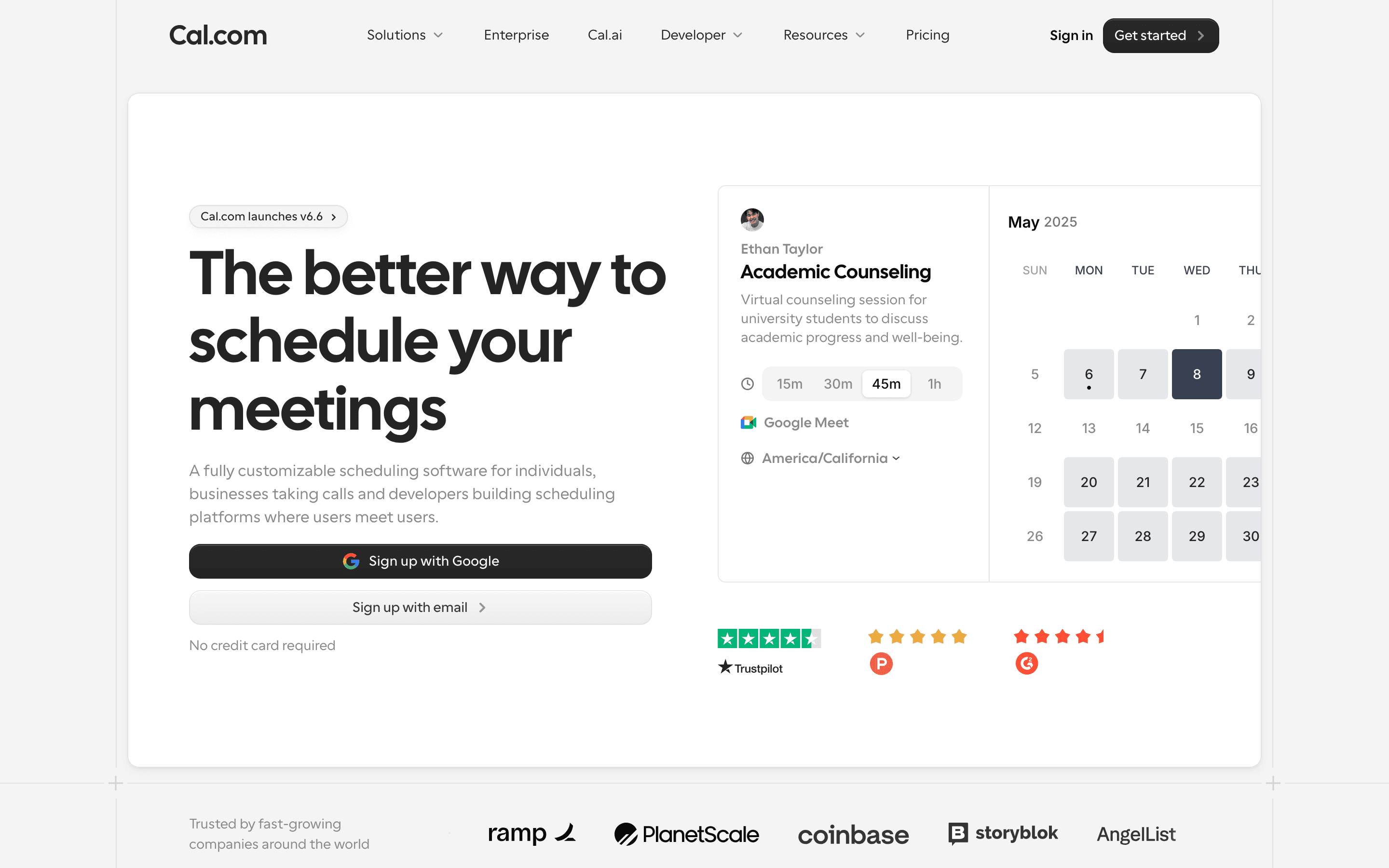
Cal.com is the most direct swap for Calendly, built around the same core idea: a booking link, shared with an invitee, that turns into a meeting on your calendar. The free plan beats Calendly's outright, with unlimited event types and calendars for one user, versus Calendly's cap of one event type and one calendar connection. Teams costs $12 per seat a month billed annually, compared with Calendly's $16 for a similar mix of round-robin scheduling and routing forms, and Organizations adds SSO, SCIM, and compliance certifications for $28 per seat rather than gating SSO behind a paid add-on the way Calendly does on Teams. The catch: Cal.com went closed source in April 2026, upsetting some of its original open-source audience, and its Cal.ai phone agent bills per minute on top of the seat price. Support response times also draw complaints. Still, for teams that just want Calendly's shape at a lower, more transparent price, this is the closest match.
Pros
- + Actual per-seat prices are on the pricing page, no contact-sales wall until Enterprise
- + Free plan is unlimited on event types and calendars, not a time-limited trial
- + Ships frequent, documented product updates with real changelogs
Cons
- – Went closed source in April 2026 after years of marketing itself as the open source Calendly, which upset some of its original user base
- – Multiple users report slow support response times and an AI-first support chat that doesn't always escalate to a human
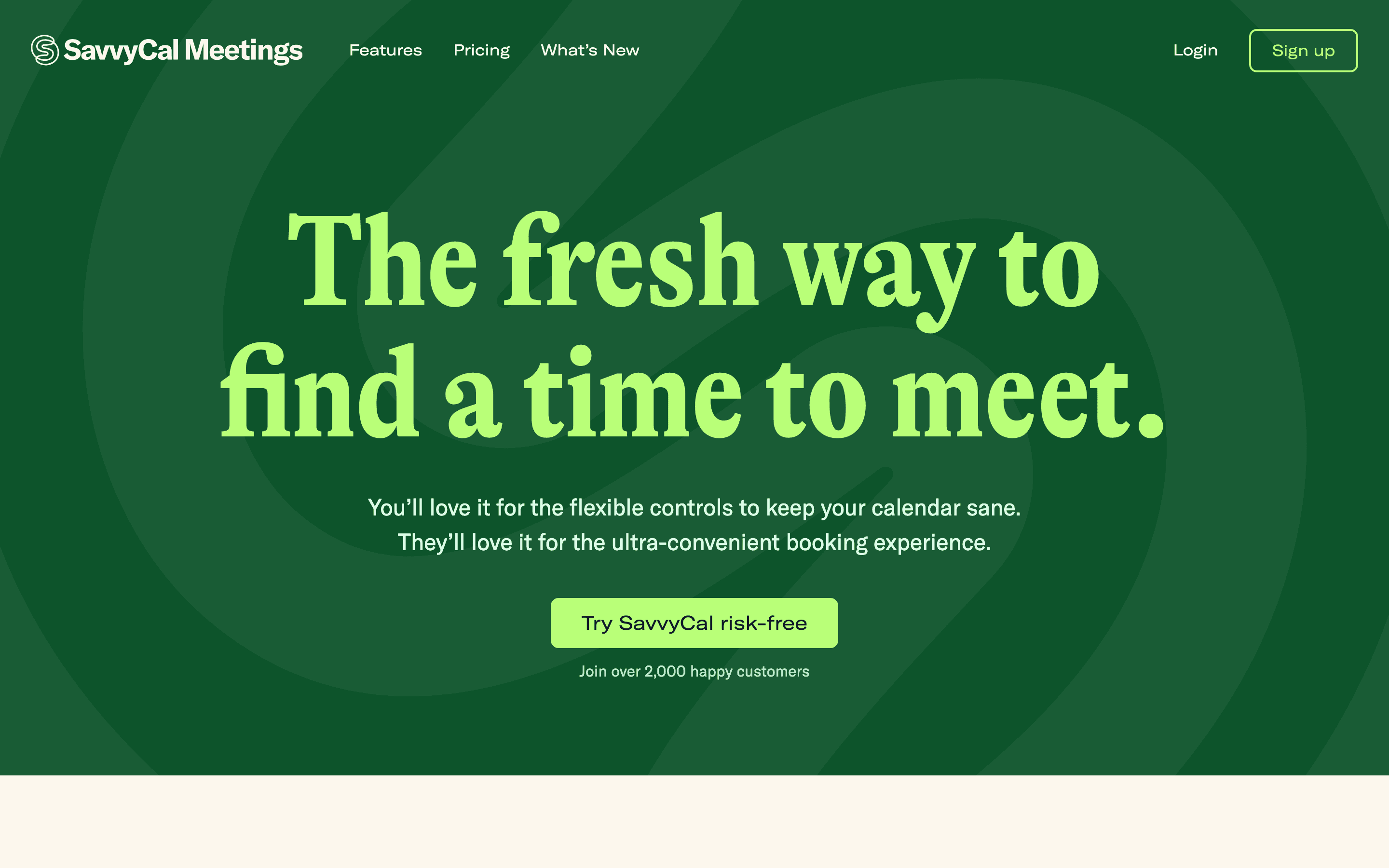
SavvyCal solves the same job as Calendly, turning a link into a booked meeting, but changes what the invitee actually sees: instead of a bare grid of open slots, it overlays your calendar on top of theirs so you can both spot times that work well for each side. Round robin, collective, and group scheduling ship on both plans, and a 30-day money-back guarantee applies to Basic ($10/seat/month) and Premium ($17/seat/month). Unlike Calendly's full free booking link, SavvyCal's free plan is limited to meeting polls and sharing your availability, and features like custom domains, paid bookings, branding removal, and delegated access sit behind the pricier Premium plan rather than being spread across tiers the way Calendly does. There is also no native mobile app, a recurring complaint in reviews. For founders, reps, or recruiters who send a lot of one-off links and want the booking page itself to feel less generic, SavvyCal is the strongest direct swap after Cal.com.
Pros
- + The calendar-overlay booking page is genuinely a different (and less annoying) experience for the person picking a time than a plain slot grid
- + Meeting polls, delegate scheduling, and round robin/collective team modes are all included rather than scattered across add-ons
- + Ships real product updates regularly, including link lockdown windows and multi-language booking pages
Cons
- – The free plan is limited to meeting polls and sharing your availability with paid users, so your own full scheduling link needs Basic or Premium
- – Custom domains, paid bookings via Stripe, branding removal, and delegated access all sit behind the pricier $17/seat Premium tier
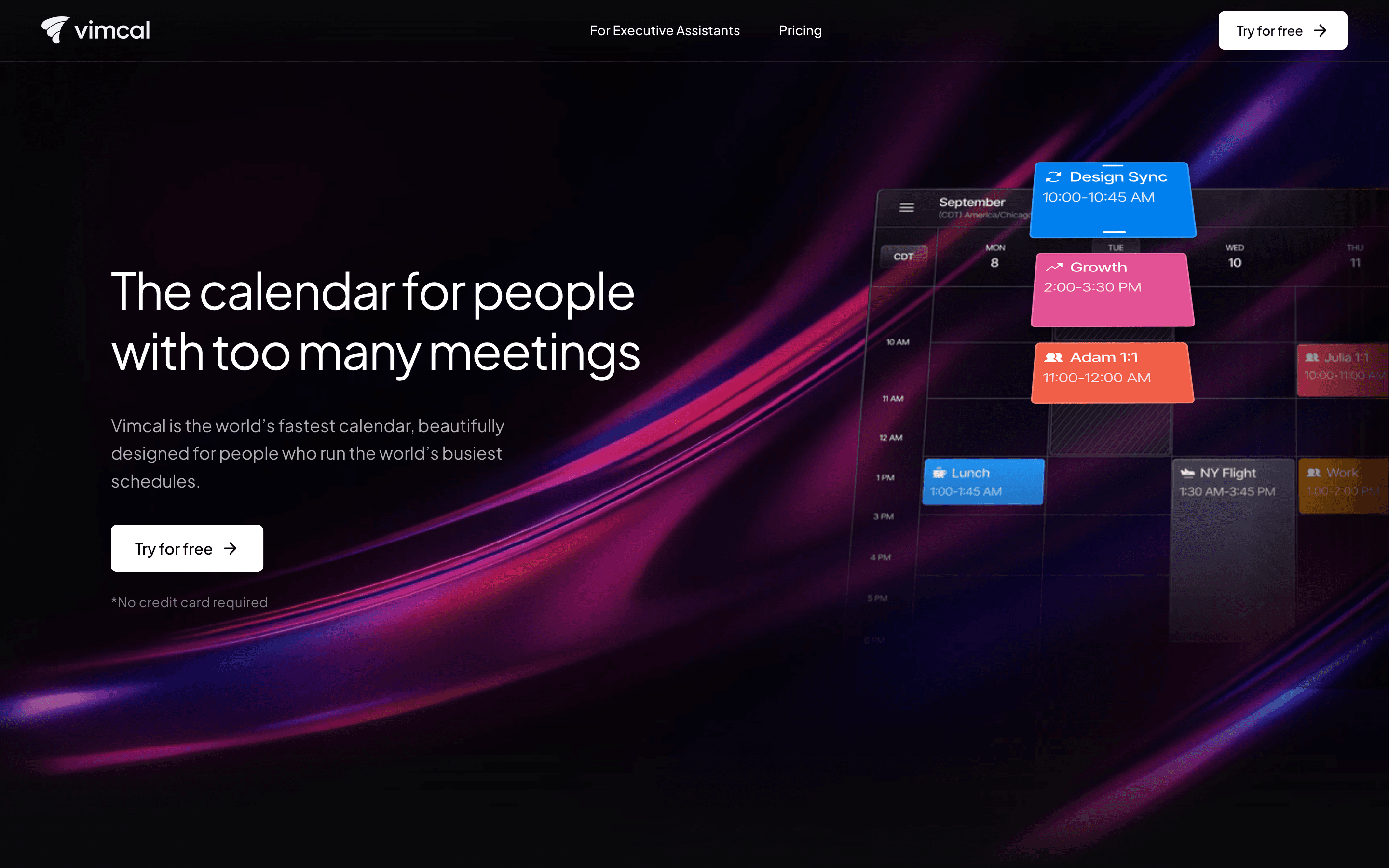
Vimcal is built for people whose day is wall-to-wall meetings: founders, VCs, sales reps, and the executive assistants managing their calendars. Where Calendly is a link you send out, Vimcal is the calendar itself, with booking links as one feature rather than the whole product, plus keyboard shortcuts and a near-instant interface for creating events across multiple time zones. Standard costs $20 per seat a month, more than Calendly's Standard tier, and it only connects to Google Calendar and Outlook, not native Apple Calendar, which has driven some cancellations. Vimcal EA, a separate $75-per-seat tier, adds auto-created and self-deleting holds, calendar audits, and weekly metrics purpose-built for assistants managing someone else's schedule. The tradeoff versus Calendly is scope: you are buying a faster calendar for daily use, not primarily a public booking page, so teams whose main need is external scheduling links may find Vimcal's strengths beside the point.
Pros
- + Built for speed, with keyboard shortcuts and a near-instant interface for creating and editing events
- + Strong timezone tools for coordinating across several locations at once
- + Vimcal EA has features purpose-built for executive assistants, like auto-created and self-deleting calendar holds
Cons
- – Standard tier is $20/seat/month, more expensive than most consumer calendar apps
- – No native Apple Calendar support, only Google (and Outlook), which has caused some users to cancel
Reclaim
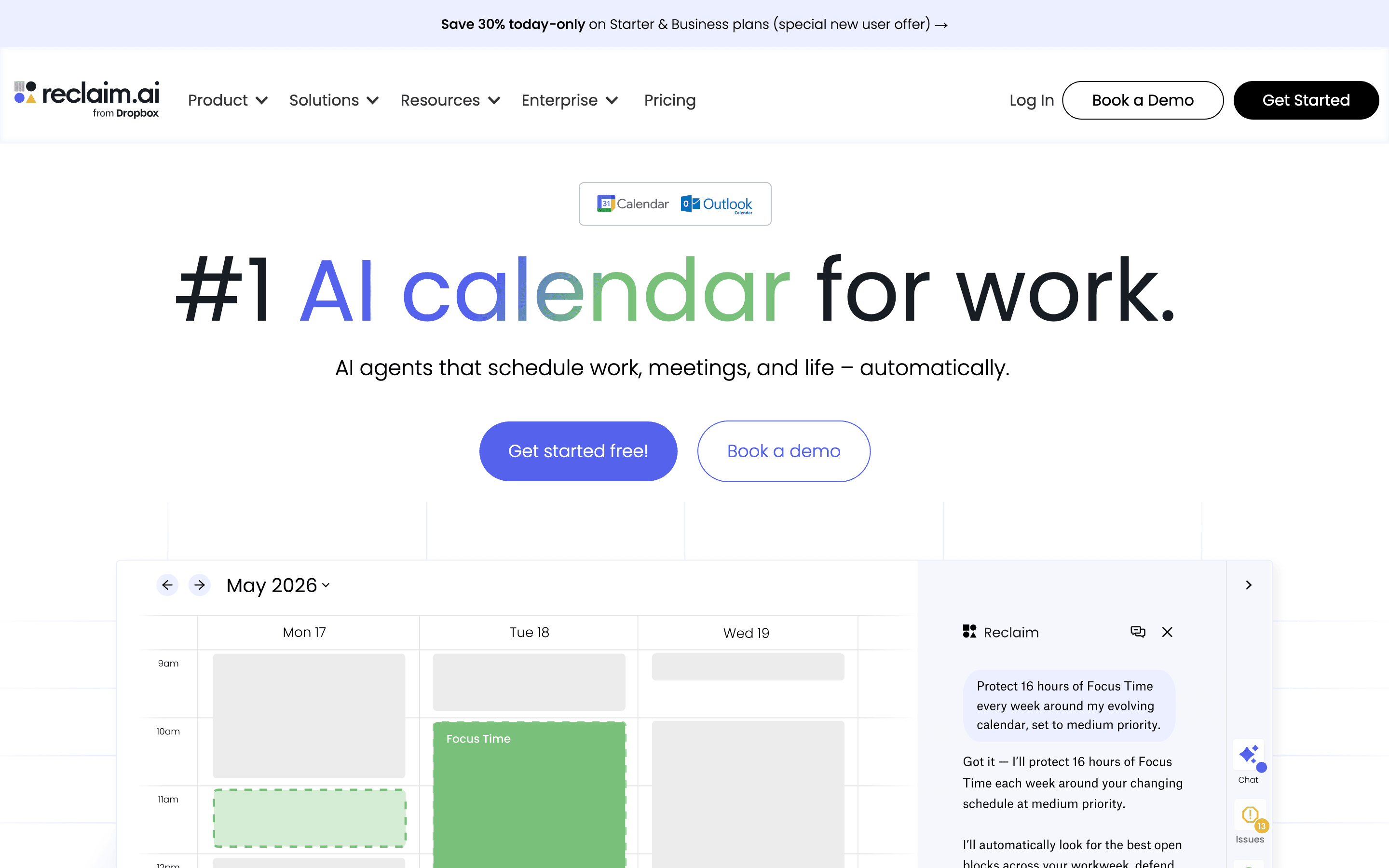
Reclaim starts from a different premise than Calendly: instead of just publishing your open slots, it actively defends time on your calendar for focus work, habits, and tasks pulled from tools like Asana, ClickUp, and Linear, moving them automatically when new meetings land. It still includes scheduling links, so it can replace Calendly's core use case, and its free Lite plan is a genuine forever-free tier for one user, capped at one calendar sync and one scheduling link. Starter runs $10 per seat a month billed annually, the same price as Calendly's Standard tier, but adds task and habit auto-scheduling on top, and Business at $15 per seat adds team analytics. Dropbox has owned Reclaim since 2024 and kept shipping, most recently Outlook support and Slack out-of-office replies. The gaps are a missing mobile app and support for only Google Calendar and Outlook. Reclaim fits the Calendly buyer who wants automated time protection more than a polished public booking page, and is willing to trade some scheduling polish for that.
Pros
- + Publishes real self-serve pricing with no forced sales call, which is rare in this category
- + Habits and task-scheduling actually move around your calendar as meetings get booked, instead of sitting as a static block you have to manually protect
- + Free Lite plan is a genuine forever-free tier, not a time-limited trial
Cons
- – No mobile app, which reviewers on G2 cite as the most common complaint for a tool meant to manage your daily schedule
- – Free Lite plan has been trimmed over time and now caps out at 1 calendar sync, 1 scheduling link, and a 1-week scheduling range

Chili Piper is the substitute for the segment of Calendly's buyers running full sales and marketing motions, not the segment that just needs a personal booking link. It qualifies inbound leads from web forms, routes them by territory or round robin, and books the meeting immediately, with a built-in SDR-to-AE handoff that Calendly does not natively replicate at the same depth. Pricing sits far above Calendly: Routing & Scheduling starts at $15,000 a year for 15 seats, and Experiences starts at $42,000 a year for 30, both annual-only with no monthly option. There is no free trial or free plan, and platform fees that scale with lead volume are not shown until a sales call. This only makes sense once Calendly's Teams-level round-robin and Salesforce sync stop being enough for the volume of inbound leads a revenue team handles, and budget exists for enterprise scheduling infrastructure.
Pros
- + Routes and books inbound leads automatically instead of just showing a calendar link
- + Deep Salesforce integration for territory-based and round-robin routing
- + SDR-to-AE handoff flow is built in, not bolted on
Cons
- – No public per-seat pricing and no free trial or free plan
- – Entry plan requires a 15-seat, $15,000/year annual contract with no monthly billing option
Should your product be on this meeting scheduling list?
If you build a tool that belongs next to the ones above, submit it. A human reviews every submission. Approved products get their own page with pricing and screenshots, plus a place in the comparisons where they fit. It is free. You sign in with your work email so you can follow the decision, and there is no password to create.
Calendly alternatives: FAQ
What's the best free alternative to Calendly?+
Cal.com's free plan is unlimited on event types and calendars for one user, versus Calendly's cap of one event type and one calendar connection. Neither includes round-robin routing on the free tier.
Which Calendly alternative is best for sales teams that need lead routing?+
Chili Piper is built specifically for territory-based and round-robin routing tied to Salesforce, with an SDR-to-AE handoff included, though it starts at $15,000 a year for 15 seats compared with Calendly's Teams plan at $16 per seat a month.
Is there a cheaper alternative to Calendly for a small team?+
Cal.com's Teams plan is $12 per seat a month billed annually, undercutting Calendly's Teams plan at $16 per seat a month, for a similar mix of round-robin scheduling and routing forms.
What's the best Calendly alternative for someone who lives back-to-back in meetings across time zones?+
Vimcal is built specifically for that: fast, keyboard-driven event creation and tools for handling several time zones at once. Its Standard plan at $20 per seat a month costs more than Calendly's Standard plan.
Calendly alternatives: pricing compared
Entry price, billing model, and whether pricing is public. 6 of 6 publish pricing you can check without talking to sales.
| Tool | Starting price | Billing | Free option | Pricing disclosed |
|---|---|---|---|---|
| Calendly | $10/seat/mo | per-seat | Yes | Partly public |
| Cal.com | $12/seat/mo | per-seat | Yes | Partly public |
| SavvyCal | $10/seat/mo | per-seat | Yes | Public |
| Vimcal | $20/seat/mo | per-seat | Yes | Partly public |
| Reclaim | $10/seat/mo | per-seat | Yes | Public |
| Chili Piper | Custom / quote | quote-only | No | Partly public |
How we made these picks. We compare tools on public pricing, features, and hands-on assessment, then verify every price against the vendor's own page. We never accept payment for rankings. Read the full methodology. Spotted an error? Report it.
More meeting scheduling comparisons
Further reading
- What meeting scheduling software costs in 2026 - Most meeting schedulers run $10 to $20 per user per month, and Calendly, Cal.com, Reclaim, and Vimcal have real free tiers. Here is what each plan costs.