SavvyCal Review
Scheduling links that show your calendar overlaid on the other person's, so meetings land on a time you both actually like
Is this your product? Claim this page · Request a change
Looking for a SavvyCal alternative? See our ranked comparison.→What is SavvyCal?
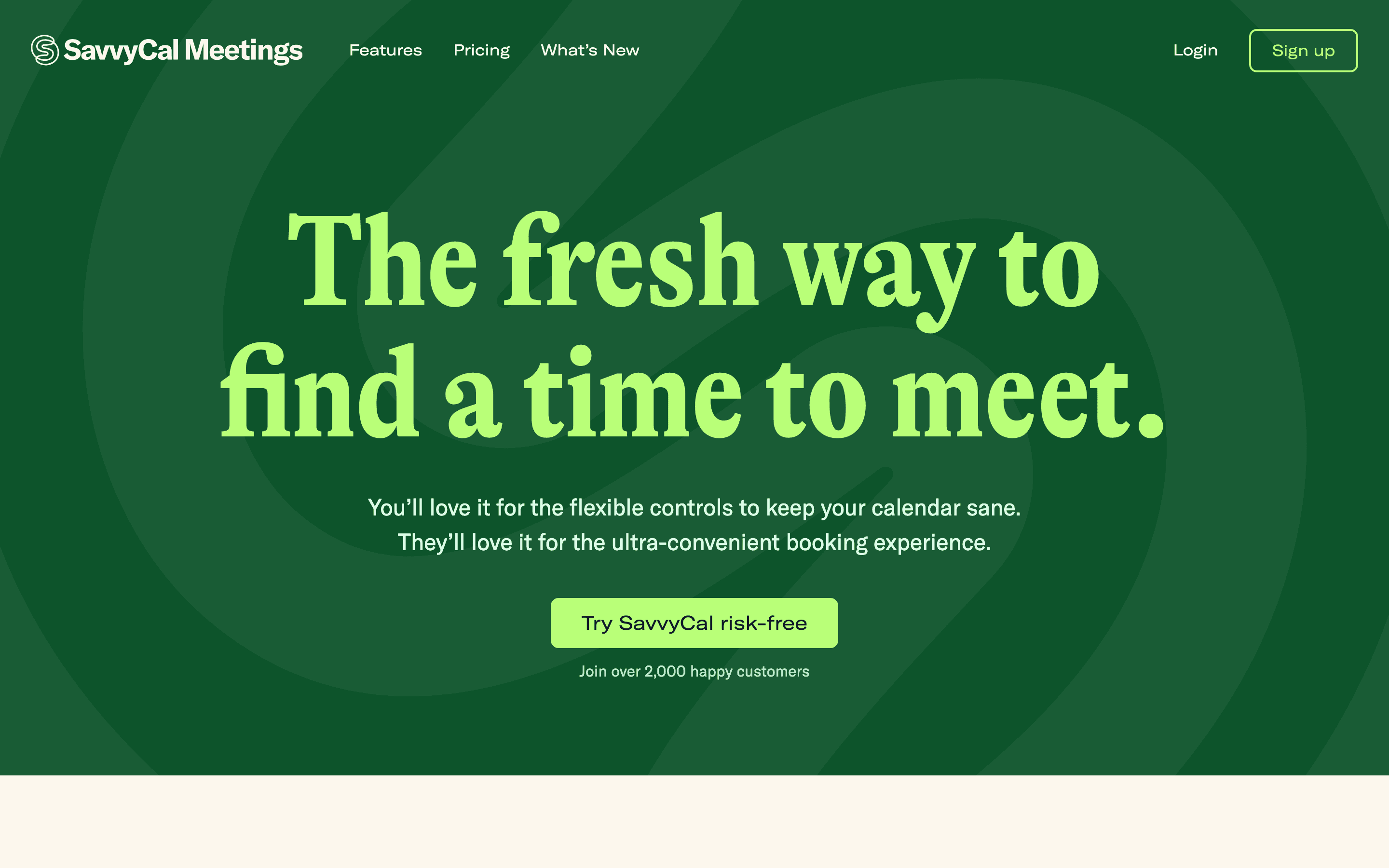
SavvyCal is a scheduling tool built around one idea: instead of showing a guest a bare grid of open slots, it overlays your calendar on top of theirs so you both can see which times actually work well for each of you. You send a link, the other person connects their calendar (or not), and SavvyCal highlights the overlap.
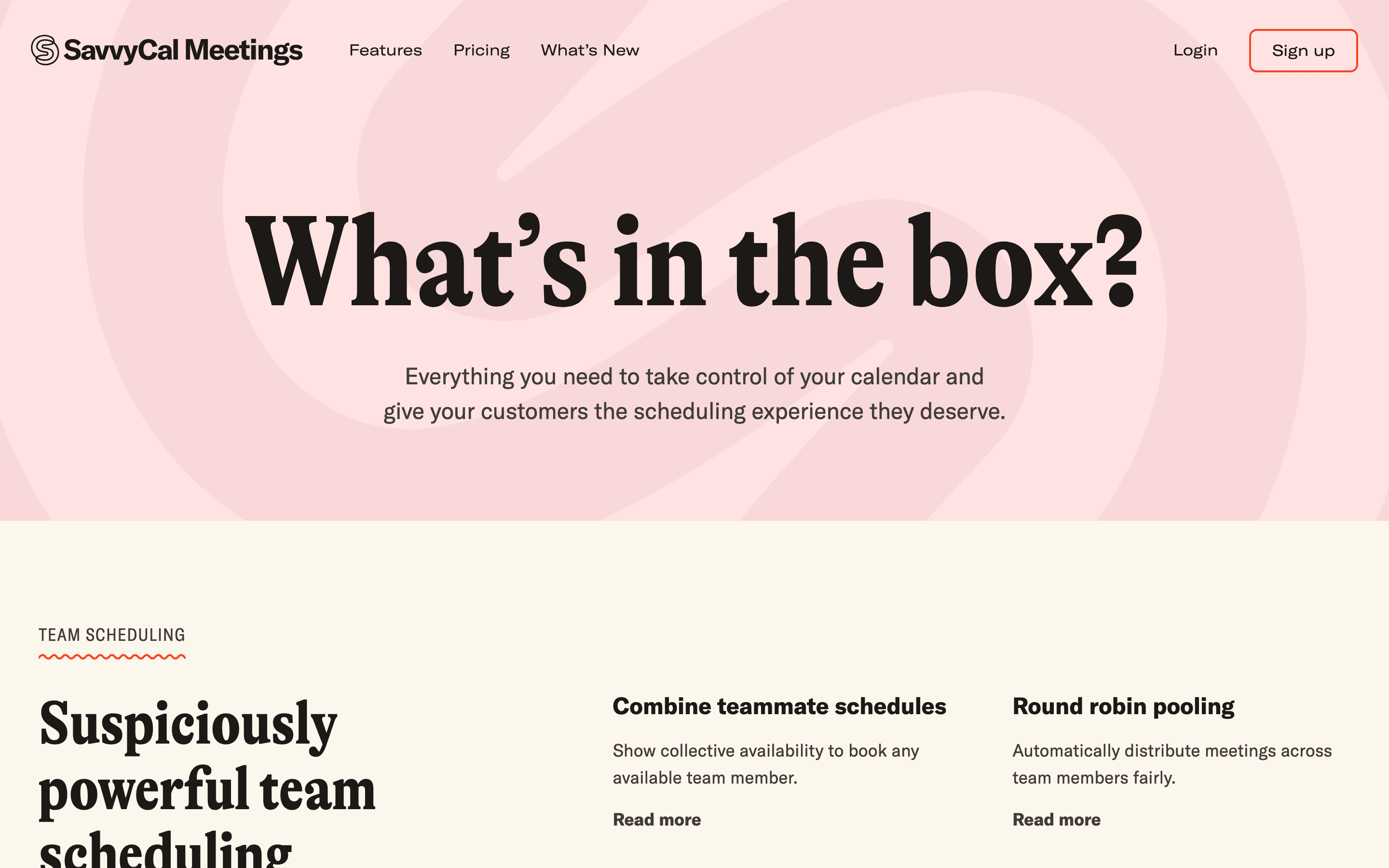
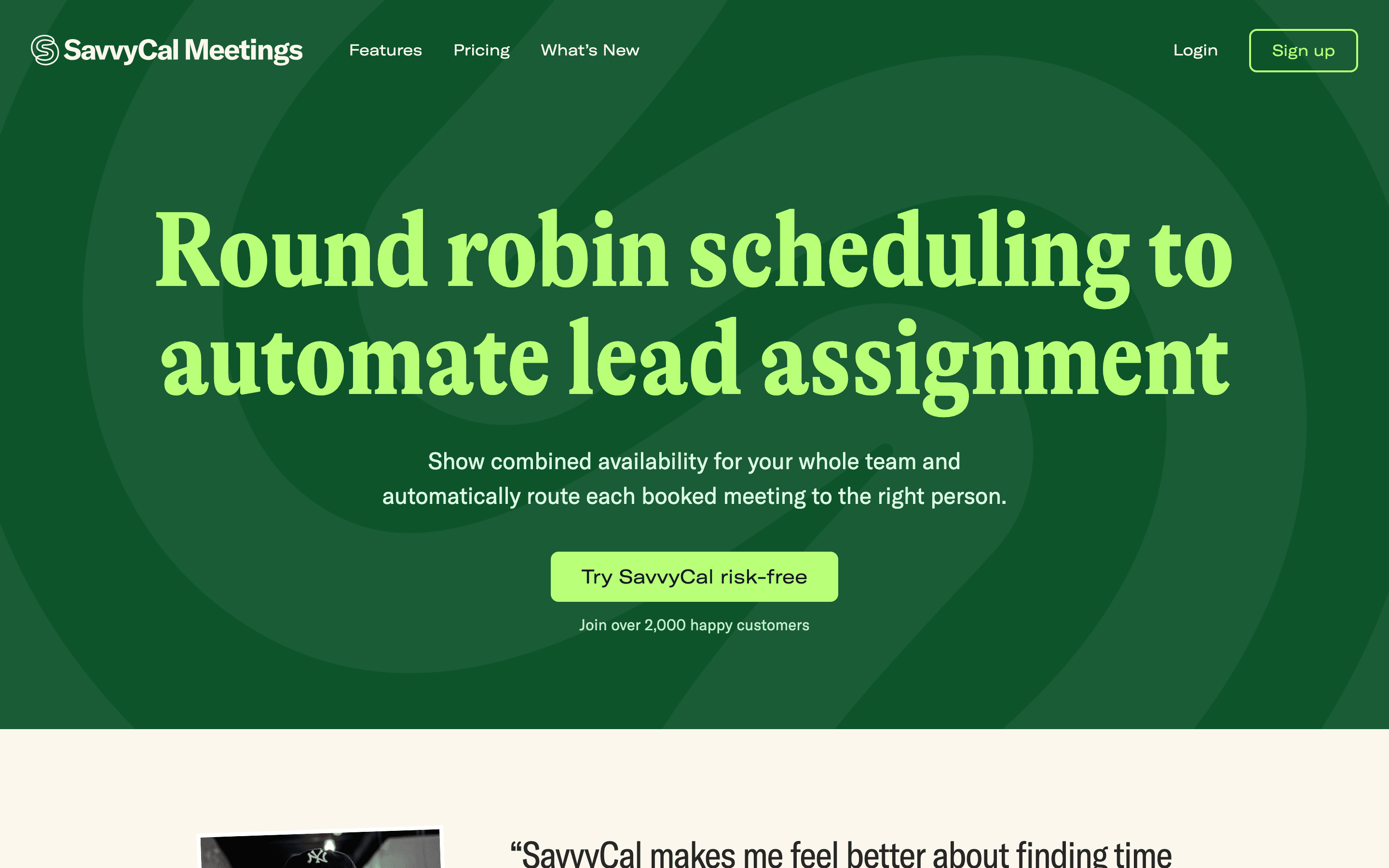
Past the core scheduling link, it covers the same ground as most tools in this space: meeting polls, team scheduling (round robin, collective, group), buffers and time preferences, and a booking page you can put your own branding and domain on at the Premium tier. It runs in the browser only, there's no native mobile app.
SavvyCal screenshots
Who it's for
- ✓ Founders, sales reps, and recruiters who send a lot of one-off scheduling links and want the recipient to see a friendlier, less generic-looking calendar picker
- ✓ Small teams that need round robin or collective scheduling without buying an enterprise scheduling platform
Who should look elsewhere
- ✗ Solo users who want a full free scheduling link, since the free plan only covers meeting polls and sharing your availability, so a real booking link needs Basic or Premium at $10-17/seat/month
- ✗ Teams that need custom domains, paid bookings via Stripe, or delegated access for an assistant without paying for the Premium tier
- ✗ Anyone who wants a dedicated mobile app to manage bookings on the go
Pros
- + The calendar-overlay booking page is genuinely a different (and less annoying) experience for the person picking a time than a plain slot grid
- + Meeting polls, delegate scheduling, and round robin/collective team modes are all included rather than scattered across add-ons
- + Ships real product updates regularly, including link lockdown windows and multi-language booking pages
- + 30-day money-back guarantee on paid plans
Cons
- – The free plan is limited to meeting polls and sharing your availability with paid users, so your own full scheduling link needs Basic or Premium
- – Custom domains, paid bookings via Stripe, branding removal, and delegated access all sit behind the pricier $17/seat Premium tier
- – No native iOS or Android app, it's web-only with a responsive mobile site
- – Smaller integration list than Calendly, which shows up if your stack leans on niche marketing tools or a deep Salesforce setup
SavvyCal pricing
At about $10/month to start, it is one of the cheaper options in Meeting Scheduling.
| Plan | Price | Highlights |
|---|---|---|
| Free | Free | Meeting polls with no ads · Share your availability with paid SavvyCal users so your times show up in their links · API access, Zapier, and webhooks |
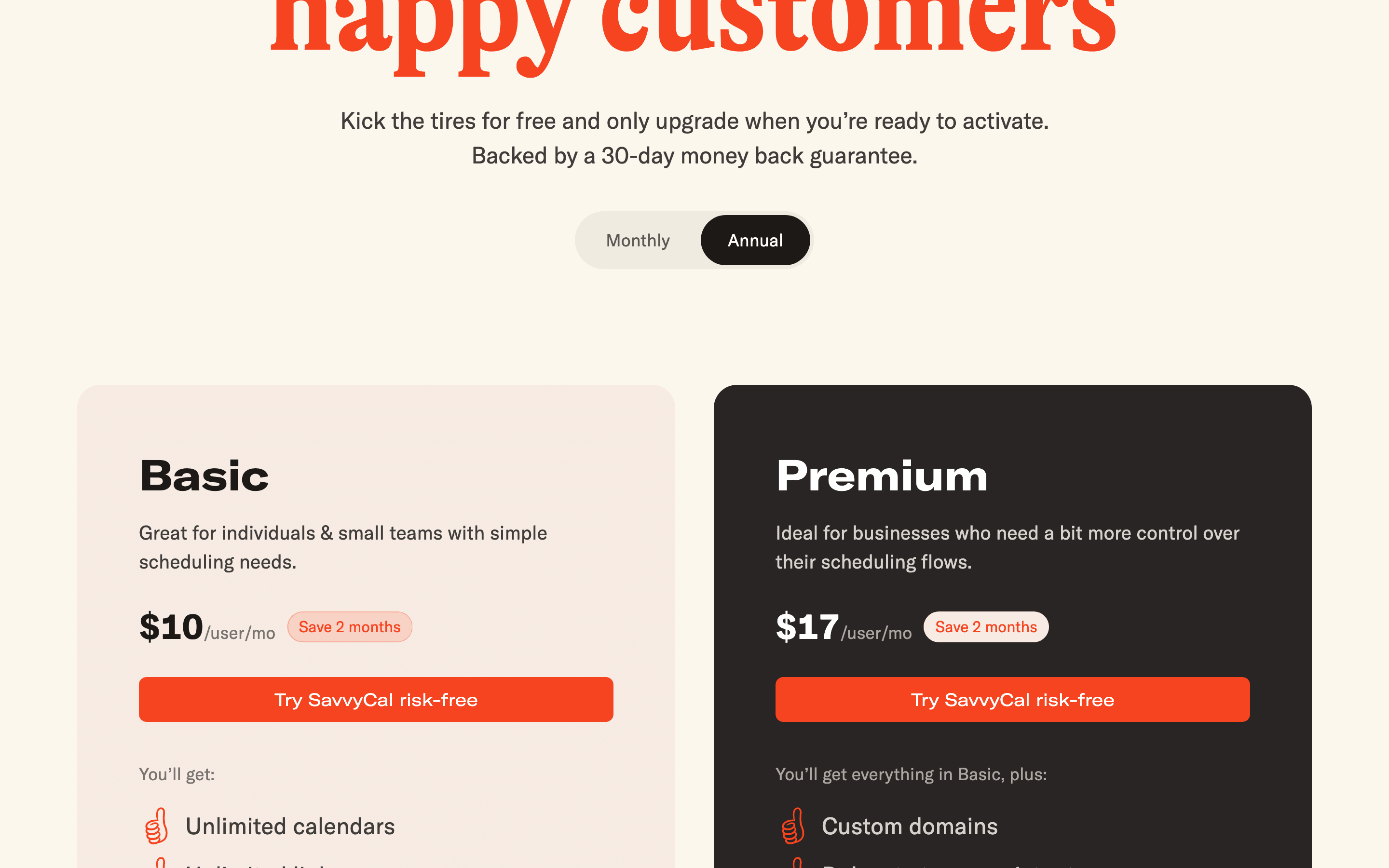
| Basic | $10/seat/mo | Unlimited scheduling links · Unlimited calendar connections · Meeting polls · Team scheduling |
| Premium | $17/seat/mo | Everything in Basic · Custom domains · Custom email sending domains · Book on behalf of others (delegation) · Paid bookings via Stripe · Remove SavvyCal branding |
SavvyCal has a free plan. It covers meeting polls with no ads and lets you share your availability with paid SavvyCal users so your open times factor into their scheduling links. Your own full scheduling links and the richer feature set need Basic ($10/seat/mo) or Premium ($17/seat/mo), each with a 30-day money-back guarantee. Annual billing knocks off about 2 months versus paying monthly. API access, Zapier, and webhooks are included on every plan, including the free one. What Premium adds over Basic is custom domains, custom email sending domains, paid bookings via Stripe, removal of SavvyCal branding, and delegated access for an assistant.
Pricing verified July 7, 2026 · source
How SavvyCal's pricing compares
SavvyCal next to its closest alternatives on entry price, billing, and whether pricing is public.
| Tool | Starting price | Billing | Free option | Pricing disclosed |
|---|---|---|---|---|
| SavvyCal | $10/seat/mo | per-seat | Yes | Public |
| Calendly | $10/seat/mo | per-seat | Yes | Partly public |
| Cal.com | $12/seat/mo | per-seat | Yes | Partly public |
| Vimcal | $20/seat/mo | per-seat | Yes | Partly public |
| Reclaim | $10/seat/mo | per-seat | Yes | Public |
| Motion | $29/seat/mo | per-seat | Trial (Free trial on paid plans (exact length not disclosed on the pricing page)) | Public |
| Chili Piper | Custom / quote | quote-only | No | Partly public |
Top SavvyCal alternatives
Further reading
- What meeting scheduling software costs in 2026 - Most meeting schedulers run $10 to $20 per user per month, and Calendly, Cal.com, Reclaim, and Vimcal have real free tiers. Here is what each plan costs.
SavvyCal FAQ
Is SavvyCal free?+
SavvyCal has a free plan, but it's limited. It covers meeting polls with no ads and lets you share your availability with paid SavvyCal users so your times show up in their links. For your own full scheduling links you need Basic at $10/seat/month or Premium at $17/seat/month, each with a 30-day money-back guarantee.
What do you get with Premium that Basic doesn't have?+
Premium adds custom domains, custom email sending domains, paid bookings through Stripe, removal of SavvyCal branding, and delegated access so an assistant can book on your behalf. API access, Zapier, and webhooks are not Premium features, they come with every plan, including Basic and the free plan.
Does SavvyCal have a mobile app?+
No. It's web-only with a mobile-responsive site. This is one of the most common complaints in user reviews.