Calendly Review
Scheduling links that let people book time on your calendar without the back-and-forth
Is this your product? Claim this page · Request a change
Looking for a Calendly alternative? See our ranked comparison.→What is Calendly?
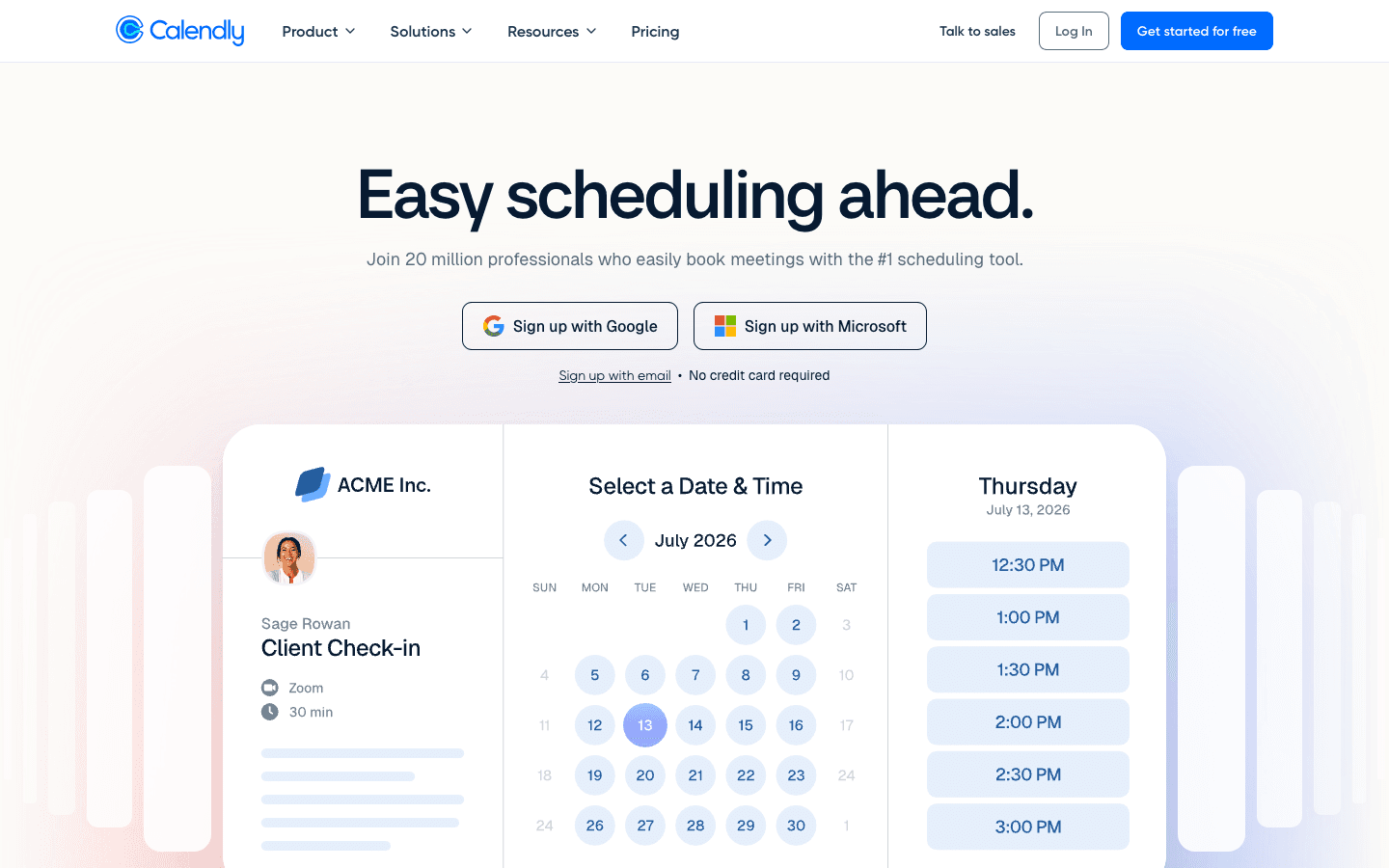
Calendly is a scheduling link tool. You set your availability once, share a link, and the other person picks a slot without emailing back and forth. It handles time zone conversion, calendar syncing, video link generation, and reminder emails automatically.
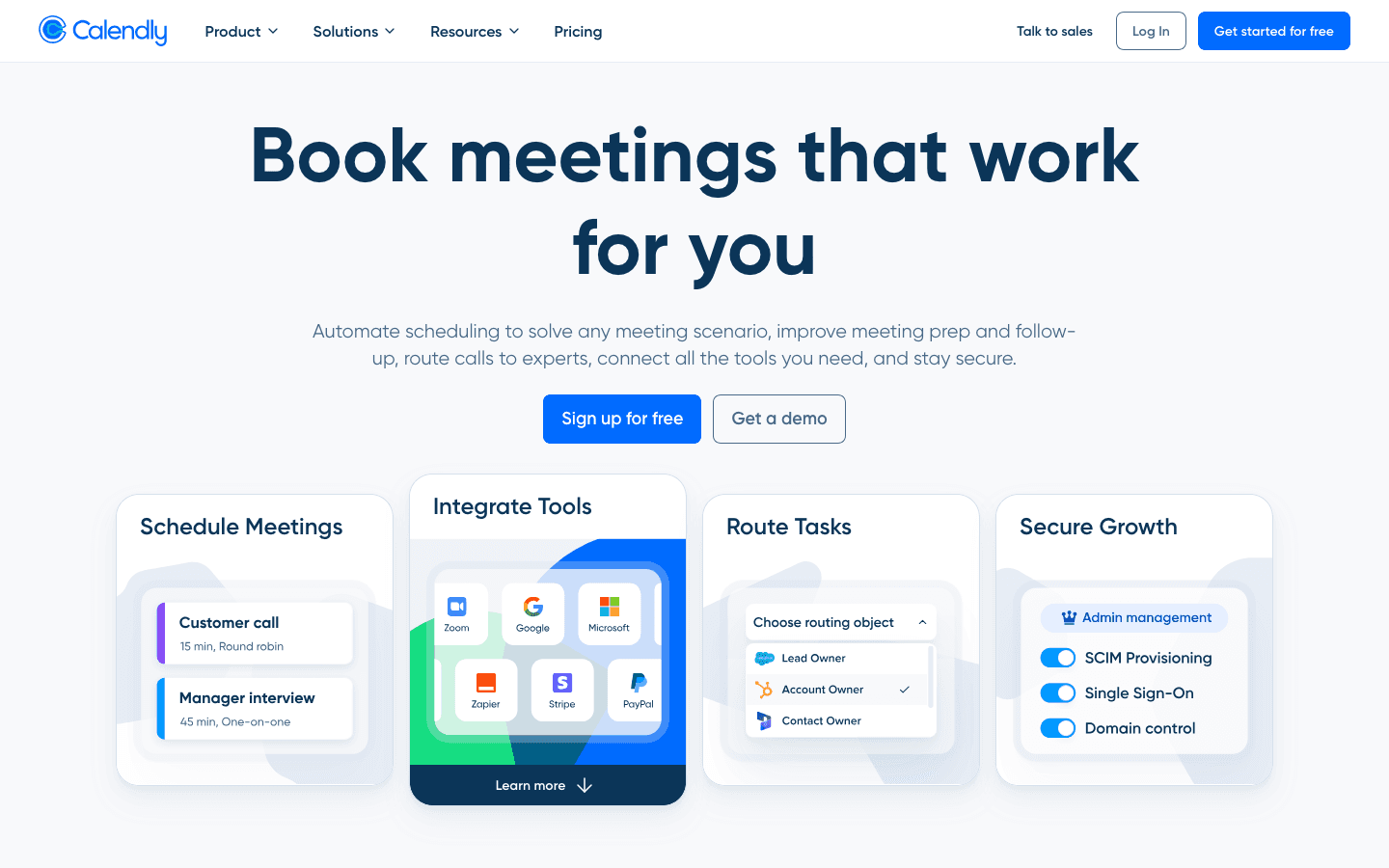
Past the free plan, most of what you pay for is routing and integration depth: round-robin distribution across a sales or recruiting team, CRM sync (Salesforce, HubSpot), and admin controls like SSO and audit logs. The core booking experience is the same across every tier.
Calendly screenshots
Who it's for
- ✓ Solo founders, recruiters, and reps who just need a booking link and a free calendar sync
- ✓ Sales teams that want round-robin routing and Salesforce sync without building custom scheduling logic
- ✓ Teams already inside HubSpot, Salesforce, or Zapier workflows who want scheduling to plug straight in
Who should look elsewhere
- ✗ Teams that need SSO across the whole org without paying an add-on fee or jumping to a five-figure Enterprise contract
- ✗ Small teams that expect Enterprise-level admin controls at Teams-plan prices
Pros
- + Free plan covers a real single-event-type use case, not just a demo
- + Round-robin and lead-routing features are strong once you're on Teams
- + Deep native integrations with Salesforce, HubSpot, Zapier, and video tools
- + Notetaker now syncs meeting recaps straight into Salesforce and HubSpot
Cons
- – SSO is a paid add-on on Teams instead of being included, so security basics cost extra
- – Enterprise is quote-only and starts around $15,000/year, a steep jump from Teams even for a 5-person team
- – Per-seat pricing adds up fast once a sales or recruiting org scales past a handful of reps
- – Free plan is capped at one event type and one calendar connection
Calendly pricing
What you pay for
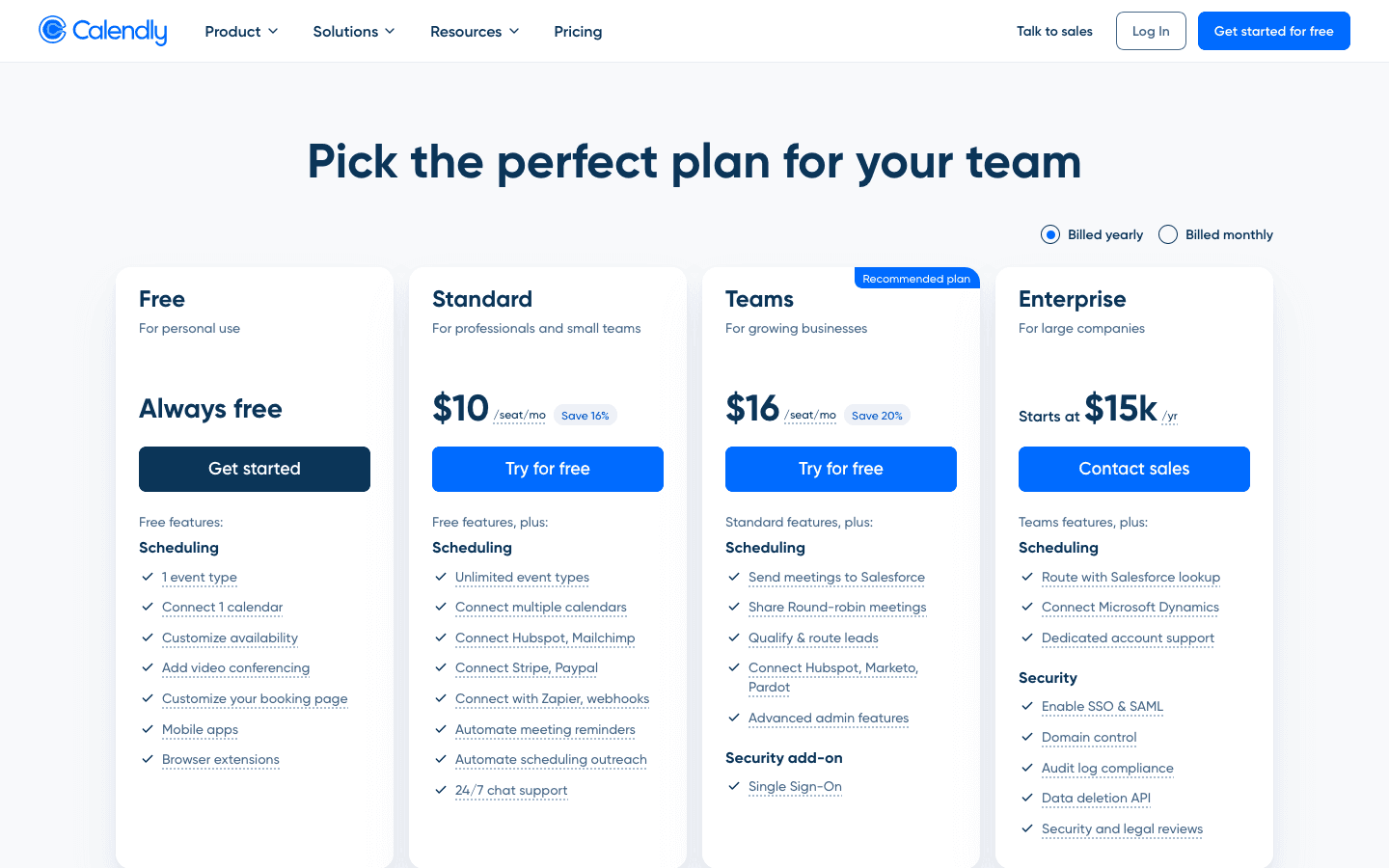
Calendly is disclosed pricing up through Teams: free for one user, then $10 or $16 per seat per month (annual billing) depending on how much routing and CRM sync you need. You're paying for automation and admin controls, not the core booking link, which stays the same across tiers. Enterprise is quote-only and starts around $15,000 a year, so it's worth checking that jump before you commit a team to Teams-level pricing.
At about $10/month to start, it is one of the cheaper options in Meeting Scheduling.
| Plan | Price | Highlights |
|---|---|---|
| Free | Free | 1 event type · 1 calendar connection · Customizable availability · Video conferencing integration |
| Standard | $10/seat/mo | Unlimited event types · Up to 6 calendar connections · HubSpot, Mailchimp, Stripe, PayPal integrations · Zapier and webhooks · 24/7 chat support |
| Teams | $16/seat/mo | Salesforce integration · Round-robin meeting distribution · Lead qualification and routing · Marketo and Pardot sync · SSO available as a paid add-on |
| Enterprise | Custom | Starts around $15,000/year · Salesforce routing with lookup · Microsoft Dynamics 365 integration · SSO and SAML included · Audit log and data deletion API |
The $10 (Standard) and $16 (Teams) per-seat-per-month prices are the annual-billed rate; billed monthly they're $12 and $20 per seat. Annual Teams pricing also steps down at volume, from $16/seat down to $12/seat above 300 seats. Enterprise is quote-only starting around $15,000/year regardless of seat count, so a small team moving from Teams to Enterprise can see costs jump by an order of magnitude. SSO is a paid add-on on Teams but included on Enterprise.
Pricing verified July 7, 2026 · source
How Calendly's pricing compares
Calendly next to its closest alternatives on entry price, billing, and whether pricing is public.
| Tool | Starting price | Billing | Free option | Pricing disclosed |
|---|---|---|---|---|
| Calendly | $10/seat/mo | per-seat | Yes | Partly public |
| Cal.com | $12/seat/mo | per-seat | Yes | Partly public |
| Vimcal | $20/seat/mo | per-seat | Yes | Partly public |
| SavvyCal | $10/seat/mo | per-seat | Yes | Public |
| Reclaim | $10/seat/mo | per-seat | Yes | Public |
| Motion | $29/seat/mo | per-seat | Trial (Free trial on paid plans (exact length not disclosed on the pricing page)) | Public |
| Chili Piper | Custom / quote | quote-only | No | Partly public |
Is Calendly still actively developed?
Last significant update: April 2026. Notetaker recaps can now sync to Salesforce and HubSpot, and the Meetings page filtering was reworked so canceled meetings no longer show by default.
Top Calendly alternatives
Further reading
- What meeting scheduling software costs in 2026 - Most meeting schedulers run $10 to $20 per user per month, and Calendly, Cal.com, Reclaim, and Vimcal have real free tiers. Here is what each plan costs.
Calendly FAQ
Does Calendly have a free plan?+
Yes. The free plan covers one event type, one calendar connection, and video conferencing integration. It works for a solo user with simple scheduling needs but caps out fast for anyone running multiple meeting types.
How much does Calendly cost for a team?+
Teams costs $16 per seat per month when billed annually, or $20 per seat per month billed monthly. That covers round-robin routing and Salesforce integration but SSO is still a paid add-on at that tier.
Why is Calendly Enterprise so much more expensive than Teams?+
Enterprise is quote-only and starts around $15,000 a year regardless of team size, because it bundles SSO, SAML, domain control, and audit logging that aren't available on the per-seat Teams plan.