Cal.com Review
Scheduling infrastructure that started open source, now closed, with team and org-wide booking built in
Is this your product? Claim this page · Request a change
Looking for a Cal.com alternative? See our ranked comparison.→What is Cal.com?
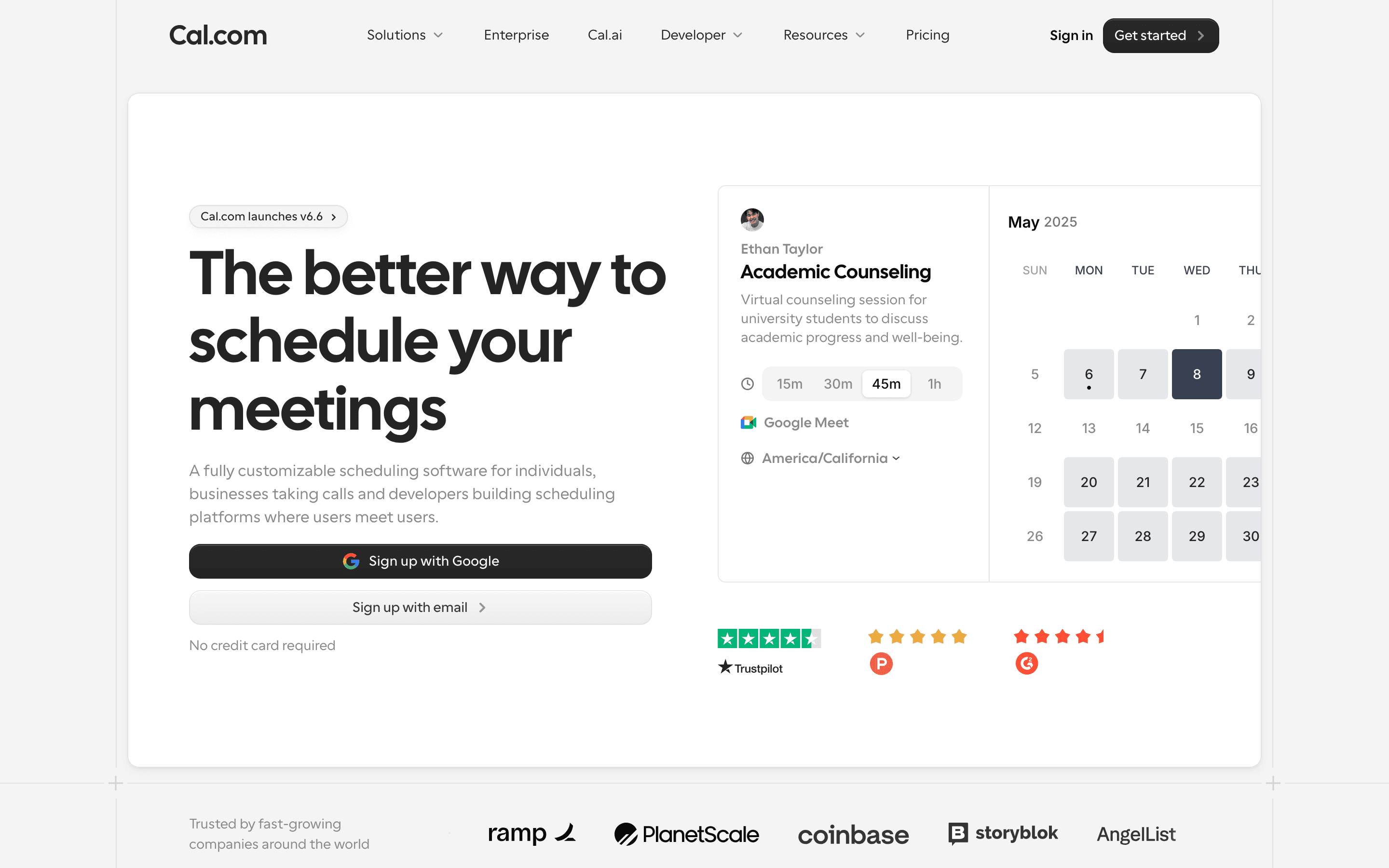
Cal.com is a scheduling tool for booking meetings, similar in shape to Calendly, built to also work as scheduling infrastructure for larger companies. A single person can use the free plan to take bookings off one calendar. Teams add round-robin routing, collective event types, and routing forms; organizations add sub-teams, SSO, and compliance certifications.
Cal.com ran as an open source project for five years before going closed source in April 2026, a move the company attributed to AI-assisted vulnerability scanning. A community fork, Cal.diy, continues as the open option for people who want to self-host.
The product ships fast. Cal.com pushes numbered releases with real changelogs, and the June 2026 release (v6.6) reworked the interface and added a live preview when setting up event types.
Cal.com screenshots

Who it's for
- ✓ Founders and small teams that want a free single-user scheduling link with no seat cost
- ✓ Companies that need round-robin or collective booking across a sales or support team
- ✓ Organizations that want SSO, SCIM, and compliance certifications without paying enterprise sales prices for the base plan
Who should look elsewhere
- ✗ Teams that specifically want an open source, self-hostable tool with no vendor lock-in, since Cal.com is now closed source
- ✗ Anyone budgeting a flat monthly number who also plans to use Cal.ai, which bills per minute on top of the seat price
Pros
- + Actual per-seat prices are on the pricing page, no contact-sales wall until Enterprise
- + Free plan is unlimited on event types and calendars, not a time-limited trial
- + Ships frequent, documented product updates with real changelogs
- + Round-robin, routing forms, and Salesforce/HubSpot sync are available well below Enterprise pricing
Cons
- – Went closed source in April 2026 after years of marketing itself as the open source Calendly, which upset some of its original user base
- – Multiple users report slow support response times and an AI-first support chat that doesn't always escalate to a human
- – Cal.ai and other add-ons bill separately by usage, so the total cost can run past the advertised seat price
- – Organizations plan jumps to $28/seat/month, more than double the Teams price, for SSO and compliance features many buyers need earlier than Cal.com's tiering assumes
Cal.com pricing
What you pay for
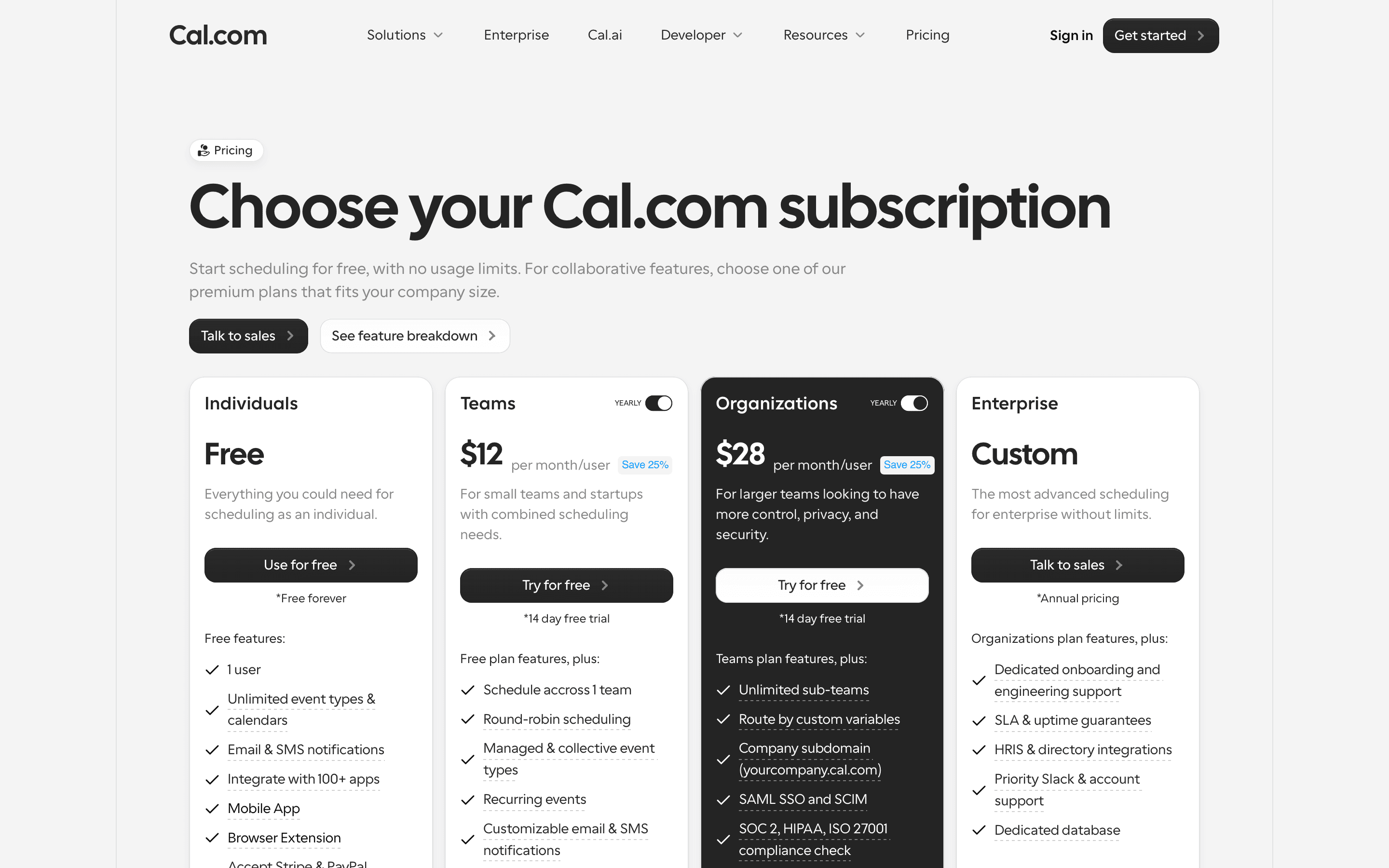
Cal.com publishes real per-seat prices for everyone below Enterprise, so you don't have to talk to sales to know what a Teams or Organizations plan costs. The free plan is a genuine single-user tier, not a trial. Add-ons like the Cal.ai phone agent bill separately by usage, so a team leaning on those features pays more than the listed seat price suggests.
At about $12/month to start, it sits mid-pack on price in Meeting Scheduling.
| Plan | Price | Highlights |
|---|---|---|
| Free | Free | 1 user · Unlimited event types and calendars · Email and SMS notifications · 100+ app integrations · Stripe and PayPal payments · Two-way Salesforce and HubSpot sync |
| Teams | $12/seat/mo | Everything in Free, plus one team · Round-robin scheduling · Managed and collective event types · Recurring events · Removes Cal.com branding · Routing forms · Booking analytics |
| Organizations | $28/seat/mo | Everything in Teams, plus unlimited sub-teams · Company subdomain (yourcompany.cal.com) · SAML SSO and SCIM · SOC 2, HIPAA, ISO 27001 compliance · Role-based permissions |
| Enterprise | Custom | Everything in Organizations, plus dedicated onboarding and engineering support · SLA and uptime guarantees · HRIS and directory integrations · Dedicated database |
Prices shown are per user per month billed annually, which Cal.com says saves 25% versus monthly. Enterprise is quote-only. Cal.ai, the AI phone agent add-on, bills separately at $0.29/minute after bundled credits run out.
Pricing verified July 7, 2026 · source
How Cal.com's pricing compares
Cal.com next to its closest alternatives on entry price, billing, and whether pricing is public.
| Tool | Starting price | Billing | Free option | Pricing disclosed |
|---|---|---|---|---|
| Cal.com | $12/seat/mo | per-seat | Yes | Partly public |
| Calendly | $10/seat/mo | per-seat | Yes | Partly public |
| Vimcal | $20/seat/mo | per-seat | Yes | Partly public |
| SavvyCal | $10/seat/mo | per-seat | Yes | Public |
| Reclaim | $10/seat/mo | per-seat | Yes | Public |
| Motion | $29/seat/mo | per-seat | Trial (Free trial on paid plans (exact length not disclosed on the pricing page)) | Public |
| Chili Piper | Custom / quote | quote-only | No | Partly public |
Is Cal.com still actively developed?
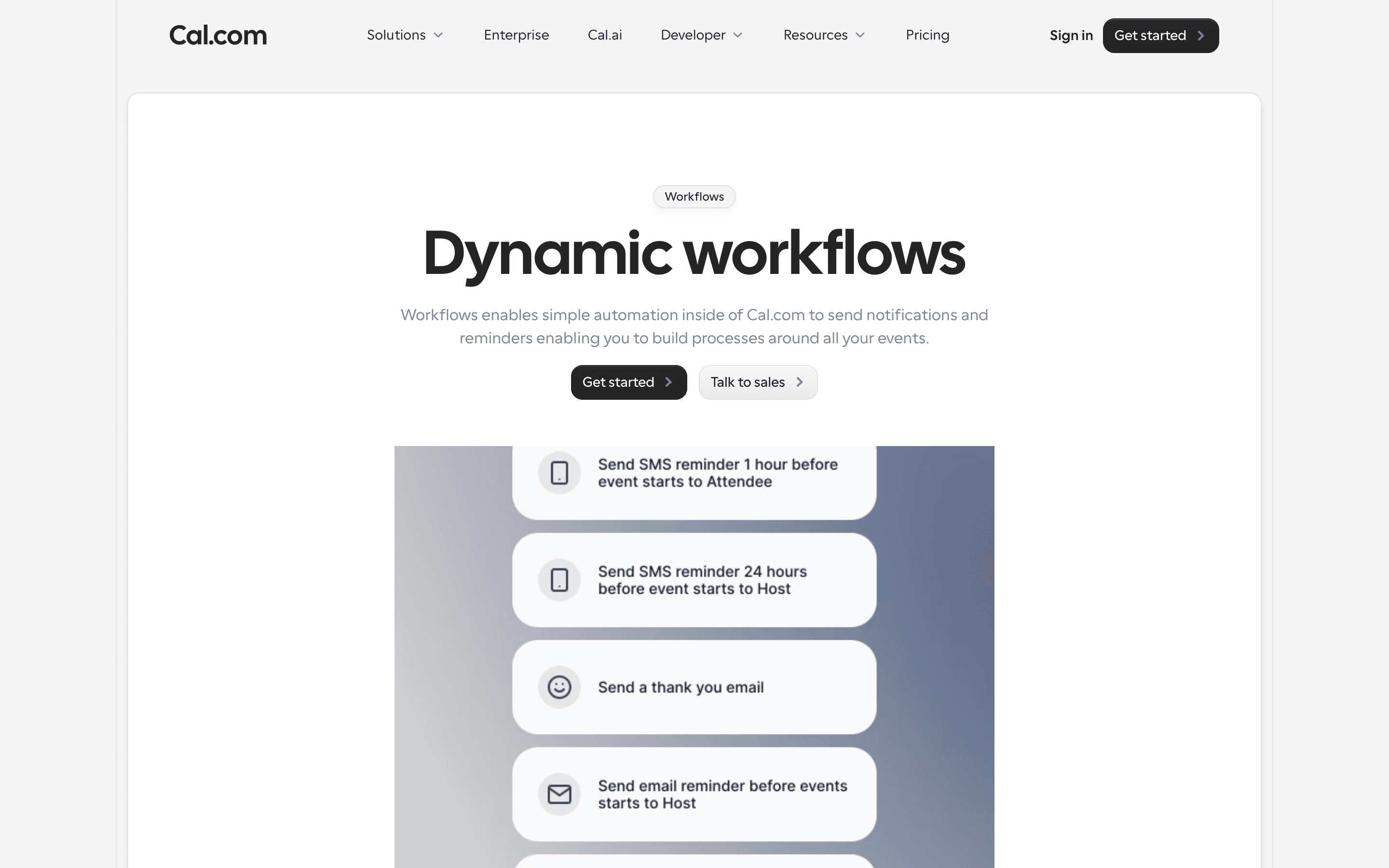
Last significant update: June 2026. Cal.com v6.6 migrated the whole product to a new design system, redesigned the event type settings page with a live booker preview, added drag-and-drop for event types, workflows, and routing forms, and introduced isolated availability so one event type can run on its own schedule.
Top Cal.com alternatives
Further reading
- What meeting scheduling software costs in 2026 - Most meeting schedulers run $10 to $20 per user per month, and Calendly, Cal.com, Reclaim, and Vimcal have real free tiers. Here is what each plan costs.
Cal.com FAQ
Is Cal.com free?+
Yes, for one user. The free plan has no seat cost and includes unlimited event types and calendars, but team features like round-robin scheduling start on the $12/seat/month Teams plan.
Is Cal.com still open source?+
No. Cal.com went closed source in April 2026, citing AI-assisted vulnerability scanning as the reason. A community fork called Cal.diy continues as an open source option.
What does Cal.com's Organizations plan add over Teams?+
Organizations ($28/seat/month annually) adds unlimited sub-teams, a company subdomain, SAML SSO and SCIM, and SOC 2, HIPAA, and ISO 27001 compliance checks.