Top DocuSign Alternatives in 2026
Here for DocuSign itself? See the full DocuSign profile, pricing & reviews →
Suggest a change- If you send proposals and pricing tables alongside contracts, not just plain documents for signature, choose PandaDoc. it combines document building, pricing tables, and e-signature in one tool, so a sales team doesn't need a separate PDF and a separate signing step.
- If your company already pays for Acrobat Pro or Studio for PDF editing, choose Adobe Acrobat Sign. e-signature is already bundled into the Acrobat plan your team is paying for, so there's no new app or new invoice to add.
- If you're a small team that stores files in Dropbox or Google Drive and just wants simple per-seat pricing, choose Dropbox Sign. it charges a flat per-seat rate with no per-envelope volume cap, and it pulls files straight from the storage you already use.
- If your contract volume is low but uneven across the year, so a strict monthly free-tier cap wouldn't hold up but a shared annual allowance would, choose SignNow. its flat unlimited-user subscription starts at $8 a month billed annually and the 100-invite allowance pools across the whole year and team instead of resetting monthly. If your volume is steady and low enough to fit inside 5 documents a month, PandaDoc's and Documenso's free plans cost $0 and beat SignNow's price outright.
- If you have engineering resources and want to control your own contract data instead of trusting a vendor with it, choose Documenso. it's open source under an AGPL license, so you can self-host it for close to the cost of a server, and API access is included even on its lower tiers.
- If external counterparties, candidates, or clients need to sign with zero friction and no learning curve, choose stay on DocuSign. recipients have almost always signed a DocuSign envelope before, and that recognition is worth more than a cheaper per-seat rate when the person signing isn't your employee.
DocuSign is the tool most people have already signed something in, which is why sales, HR, and ops teams default to it even when it isn't the best fit. The complaints that push teams to look elsewhere are specific: per-seat rates that jump 5-20% at renewal, envelope caps of 100 per user a year that trigger overage fees once a team is actually sending contracts every week, no free-forever plan, and API access priced steeply on top of the seat price.
The five alternatives below are all e-signature tools built for the same job DocuSign does: getting a contract, offer letter, or NDA signed and tracked. None of them beat DocuSign on every dimension, so the right pick depends on whether you're trying to fix price, add proposal and quoting tools, or get out from under per-seat pricing entirely.
DocuSign alternatives compared
| Tool | Best for | Starting price | Free option | Last update |
|---|---|---|---|---|
| PandaDocBest for sales proposals | Sales teams that want pricing tables, proposals, and e-signature in the same document instead of stitching tools together | $19/seat/mo | Yes | — |
| Adobe Acrobat SignBest if you already use Acrobat | Companies already paying for Acrobat Pro or Studio who want signatures added to a tool people already use | $14.99/seat/mo | Trial (7 days on Acrobat Pro and Acrobat Studio (individual and Teams); Acrobat Standard has no free trial) | June 2026 |
| Dropbox SignBest simple, predictable pricing | Small teams that already store contracts in Dropbox and want signing built into that workflow | $15/seat/mo | Yes | January 2026 |
| SignNowCheapest for low, uneven volume | Small teams or solo operators sending a light, predictable volume, comfortably under 100 documents a year in total, who want the lowest sticker price | $8/mo | Trial (7 days, no credit card required) | June 2026 |
| Documenso | Startups and small teams that want e-signature without per-seat pricing that scales into hundreds of dollars a month | $25/seat/mo | Yes | June 2026 |
Why teams switch from DocuSign
Per-seat rates jump at renewal
Reviewers report DocuSign per-seat rates increasing 5-20% at renewal, and volume shortfalls against sales targets can trigger even bigger per-unit increases.
API access costs extra on top of the seat price
DocuSign prices API access separately and steeply for the functional tier: roughly $5.7k a year if paid annually, or $720 a month (about $8.6k a year) if billed month-to-month, which eats most of the margin for smaller teams and resellers building signing into their own workflow.
Envelope caps trigger overage fees for regular senders
Standard and Business Pro both cap out at 100 envelopes per user per year, and going over triggers pay-as-you-go overage charges rather than the plan just handling it.
No forever-free plan
DocuSign only offers a 30-day free trial, with no credit card required, but there is no ongoing free tier for teams that want to test the product long-term or run light volume at no cost.
The best DocuSign alternatives, ranked
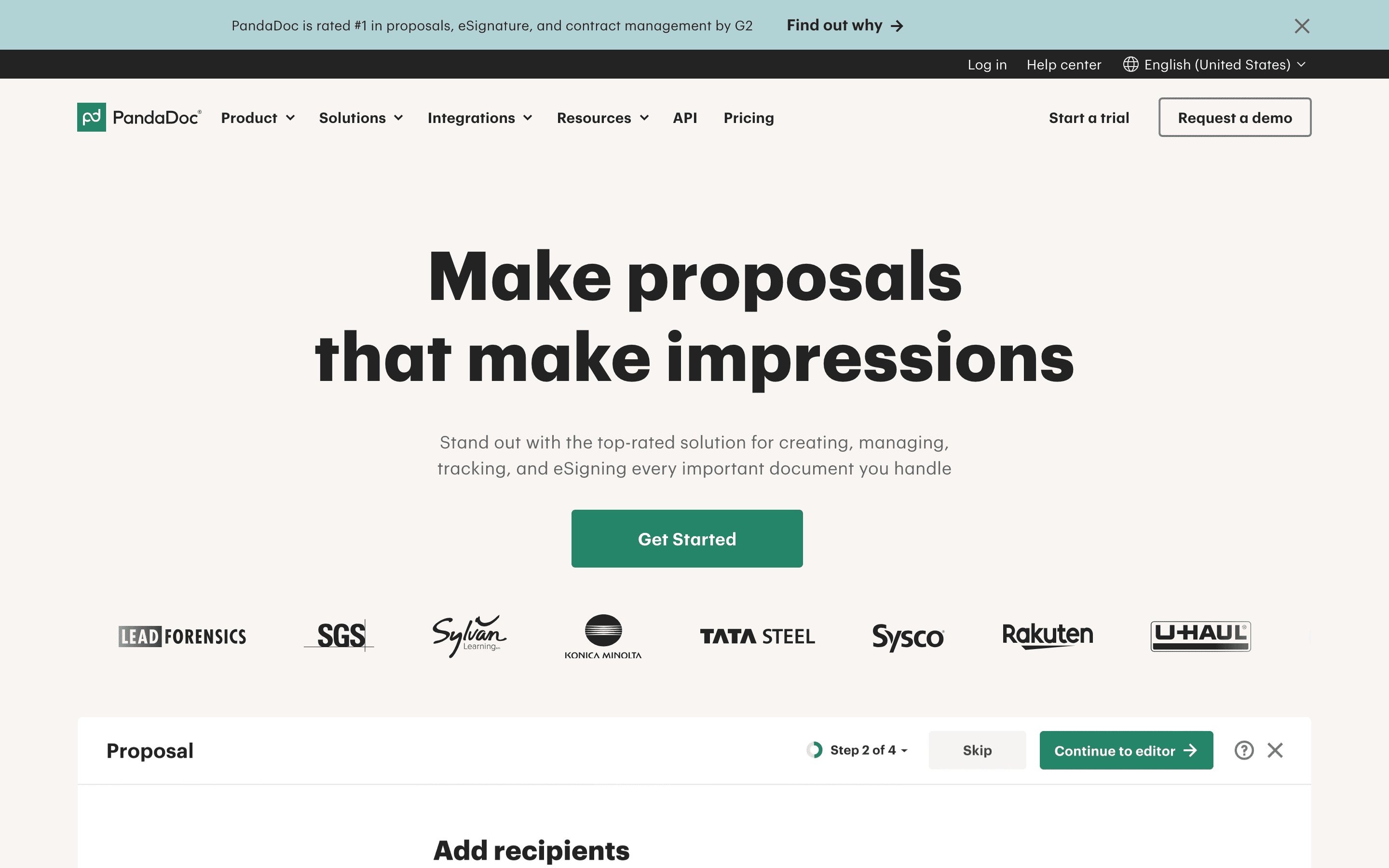
PandaDoc is the strongest all-around swap for sales, HR, and ops teams that do more than just sign a plain PDF. It builds the document, drops in pricing tables or a signature block, sends it, and tracks whether the recipient has opened it, all in one place, and its Business plan layers on CRM integrations, approval workflows, and deal rooms that DocuSign doesn't offer directly. Free and Starter prices are published on the site rather than hidden behind a sales call. The catch is that Free and Starter aren't truly unlimited: they cap at 60 documents a year or a fair-use limit, with $2-3.50 per document in overage once you're past it, and reviewers report web form submissions sometimes getting counted against that cap without warning. API access also requires the quote-only Enterprise tier. For a team sending proposals and contracts on a predictable schedule, it covers more of the job than DocuSign does out of the box.
Pros
- + Combines document building, e-signature, and pricing/quote tables in one tool, so proposals don't need a separate PDF and separate signing step
- + Free and Starter prices are published on the site, no sales call needed to get a number
- + Business plan adds CRM integrations, approval workflows, and bulk send, useful for ops teams running contracts through a process
Cons
- – Free and Starter aren't truly unlimited: they cap at 60 documents a year (Free) or a fair-use limit, and overage runs $2-3.50 per document
- – API access and workflow automation require Enterprise, which is quote-only, so smaller teams that outgrow the basics face a sales call anyway
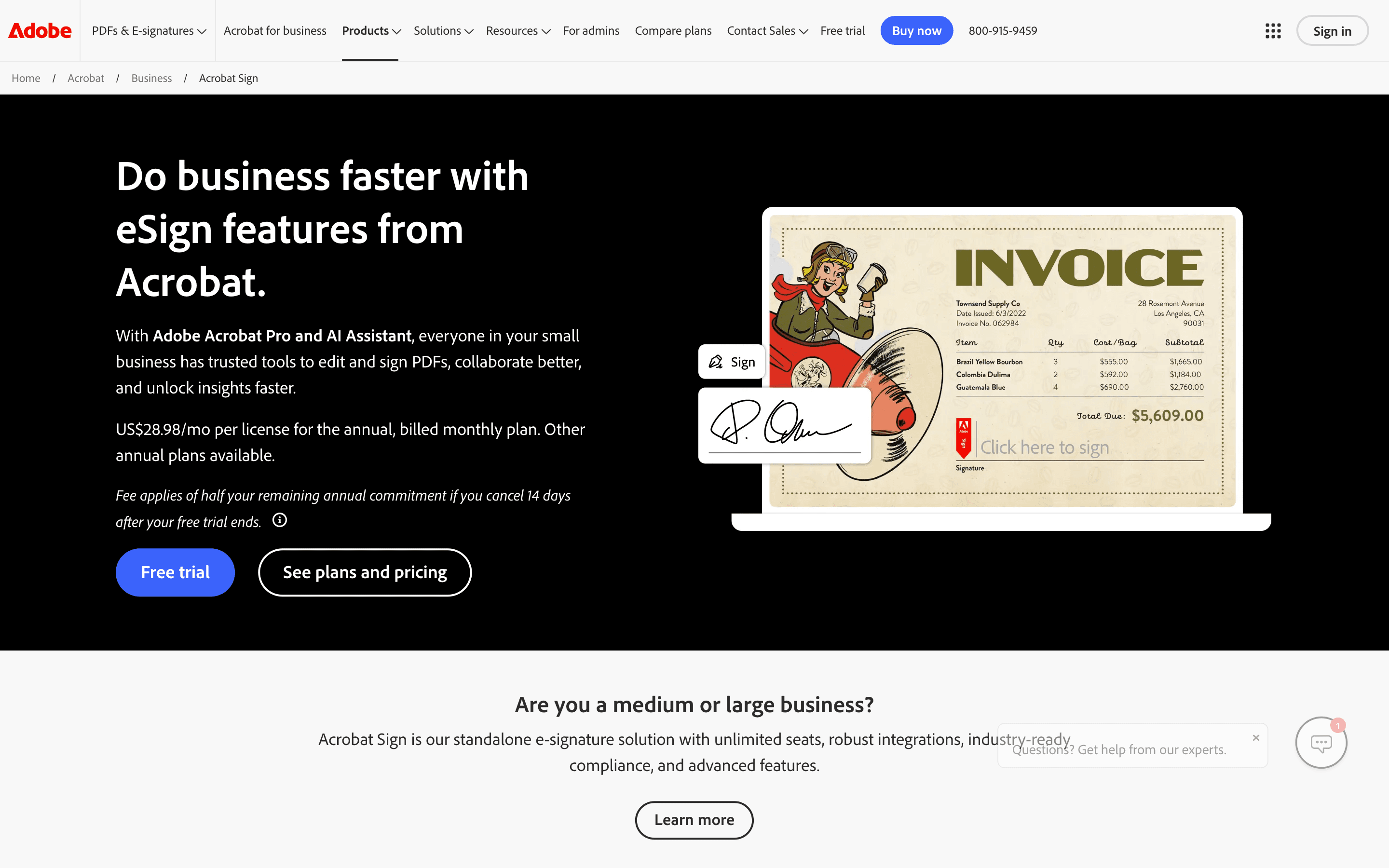
Adobe Acrobat Sign is the pick for teams that already live in Acrobat for PDF editing, since signing becomes one more button instead of a separate login. Individual plans (Pro, Studio) include unlimited signature transactions, a real advantage over DocuSign's per-user envelope caps, and Acrobat Sign carries deep integrations with Microsoft 365, Salesforce, and Workday plus compliance features like Bio-Pharma signing settings built for regulated industries. The tradeoff shows up on Teams plans, which cap you at 150 transactions per user per year, the same kind of ceiling that pushes people off DocuSign in the first place; go over it and Adobe pushes you into a sales conversation rather than a self-serve upgrade, as one user found after hitting the limit on a 13-seat account. You're also paying for a PDF editor bundle even if signing is all you actually need. It suits teams that already have Acrobat in the budget more than teams shopping for e-signature on its own.
Pros
- + Signing lives inside the same Acrobat app people already use for PDFs, so there's no separate tool to learn
- + Individual plans include unlimited signature transactions, unlike the Teams plans
- + Deep integrations with Microsoft 365, Salesforce, and Workday for companies that need them
Cons
- – Team plans cap you at 150 signature transactions per user per year, and going over means a sales conversation, not a self-serve upgrade
- – Real e-signature workflows require Pro or Studio, not the cheaper Standard tier
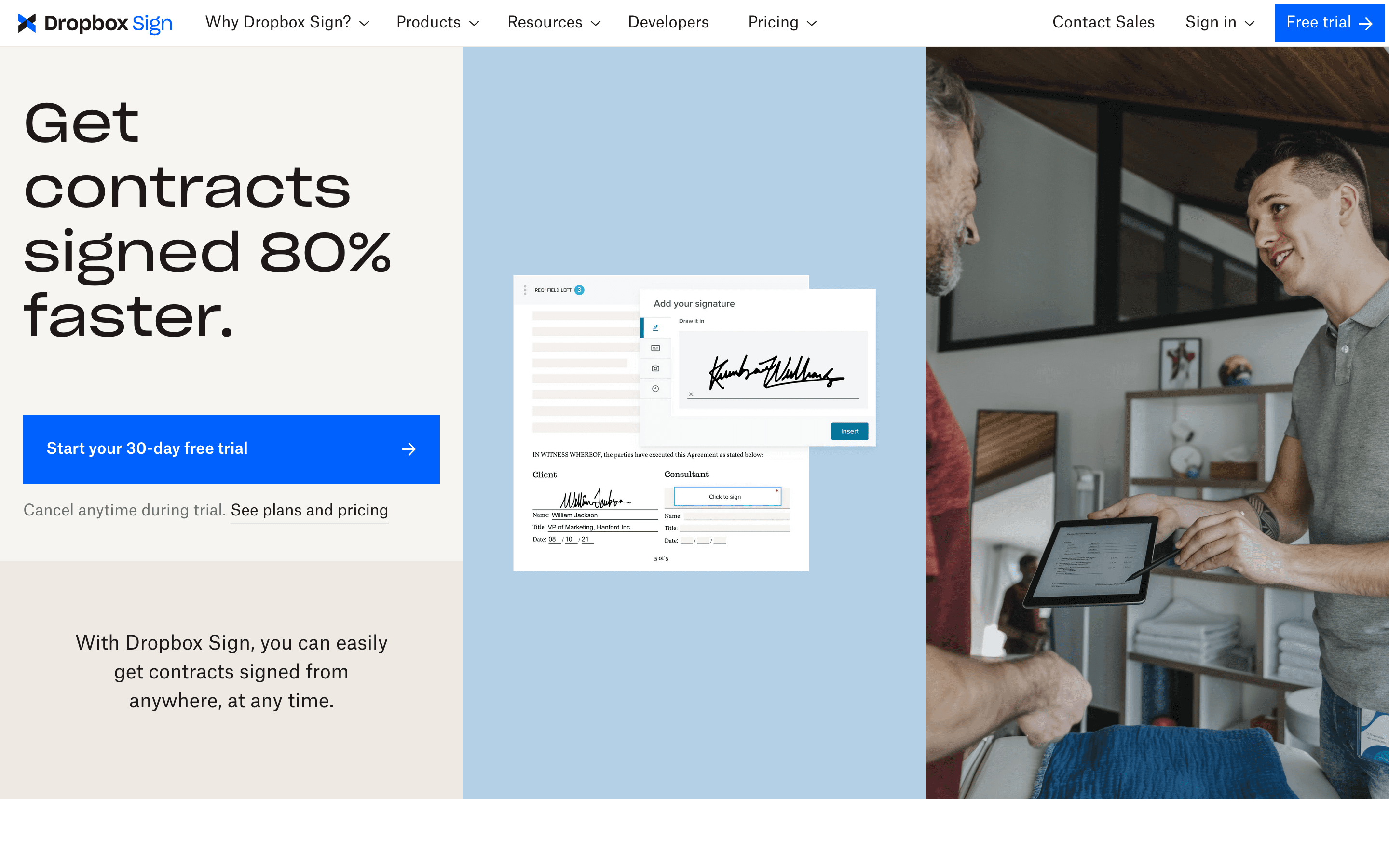
Dropbox Sign is the simplest, most predictable option here for small teams that don't need workflow automation or CPQ tools, just reliable sending and signing. It charges a flat per-seat price with no per-document envelope cap the way DocuSign's paid plans do, and it integrates natively with Dropbox, Google Drive, and OneDrive so files don't need a separate upload step. Essentials starts at $15 a month for one user, with a 30-day trial on paid plans to test real contracts before paying. The limits show up if you need more than the basics: Standard requires a minimum of 2 seats even for a solo user, multi-party routing feels thin next to workflow-heavy competitors, and reviewers describe support as slow, with some accounts flagged for suspected spam after sending just 10-14 contracts in a short window. For a team that wants signing to just work without extra tooling, it's a clean, cheaper substitute for DocuSign's core flow.
Pros
- + Simple per-seat pricing with no per-document fees on paid plans
- + Native integration with Dropbox, Google Drive, and OneDrive for pulling files straight into a signing request
- + 30-day free trial on both paid plans so you can test real contracts before paying
Cons
- – Standard plan requires a minimum of 2 seats, so a 1-person team pays for 2 licenses to get team features
- – Support is mostly self-serve FAQs and group sessions, and reviewers describe email support as slow
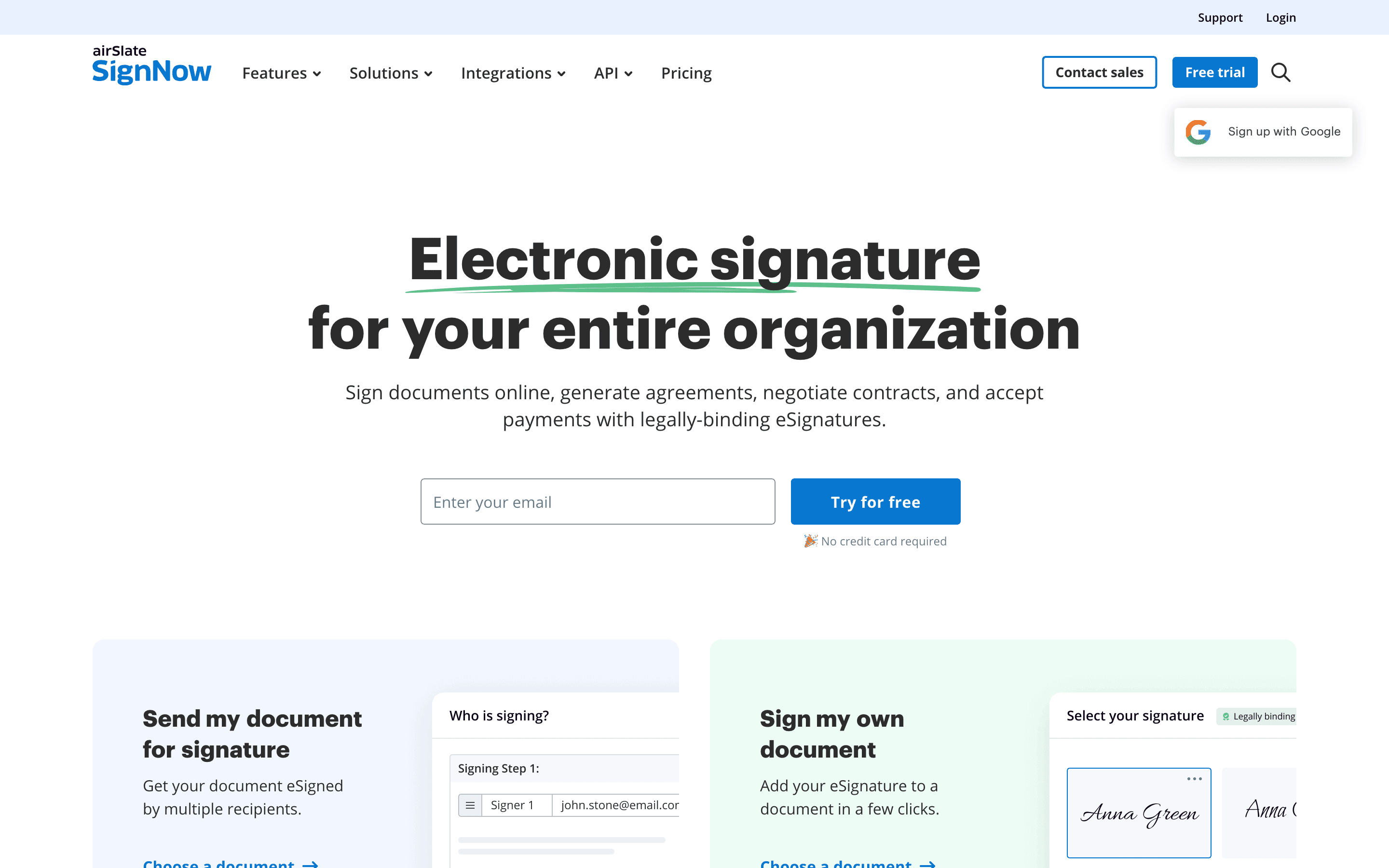
SignNow is the budget option, and it's worth understanding the tradeoff before picking it for its price. Every paid plan lets you add unlimited users at no extra fee, and Business starts at $8 a month billed annually, well under DocuSign's $11 Personal seat. The catch is the 100-eSignature-invite annual allowance, which belongs to the whole account rather than to each person on it. A team that sends contracts every week, as the reader here does, will likely burn through 100 sends across just a couple of people well before the year is out, and overage runs roughly $1.50 per extra invite once that happens, eroding the price advantage fast. One user reported a $198 overage charge on top of a $30/month plan. SignNow isn't automatically the cheapest option on this page, either: PandaDoc's Free plan and Documenso's Free plan both cover up to 60 documents a year at $0, undercutting SignNow's roughly $96/year sticker price, as long as sending stays steady enough to fit inside their 5-a-month caps. SignNow's real edge over those free tiers is that its cap pools annually instead of resetting every month, so a team whose volume is low but lumpy month to month won't get shut out the way a strict monthly free plan would. SignNow fits a small team or solo operator with genuinely light volume, whether steady or uneven, not a sales or HR team sending contracts as a regular part of the job.
Pros
- + Lowest advertised entry price among the major e-signature tools, and every plan includes unlimited users with no per-seat fee
- + Bulk sending, quick invite links, and payment requests unlock starting at the mid-tier Business Premium plan
- + Mobile app, unlimited templates, and cloud storage integrations cover most routine contract-sending needs
Cons
- – The 100-invite annual allowance is shared by the whole account, not per user, so adding teammates under 'unlimited users' spreads the same quota across more people instead of adding sending capacity
- – No forever-free tier, only a 7-day trial
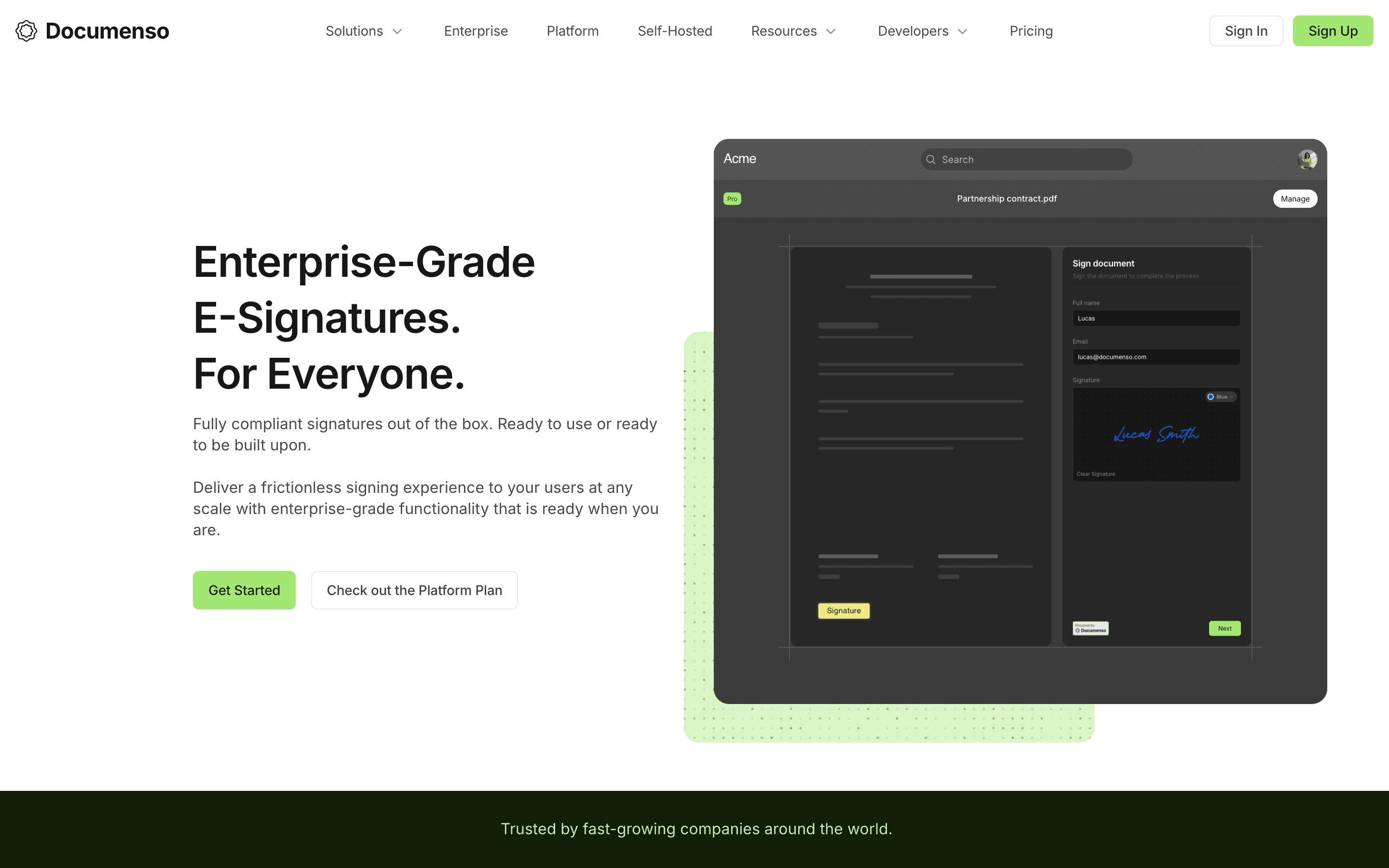
Documenso is the alternative for teams with the engineering resources to self-host, since its full codebase is open source under an AGPL license and can run on your own infrastructure for close to the cost of a server. Its cloud plans also undercut DocuSign on price: Individual at $25/month includes API access for personal use, while full API automation and embedded signing kick in at Teams ($40/month), still well under Enterprise-gated equivalents elsewhere. That said, it's the least mainstream fit for the sales, HR, and ops audience this hub is written for: signer authentication is limited to login, passkey, password, or two-factor codes, with no SMS verification or government ID checks, which rules it out for regulated or high-value contracts. It also has far fewer native integrations than DocuSign, so teams without developer support end up building their own connections through the API. It's a real substitute for cost-conscious or privacy-focused teams willing to do that work, not a drop-in replacement for a non-technical office.
Pros
- + Free plan and open-source self-hosting mean you can run it at close to zero licensing cost
- + Full source code is public, so you can audit exactly how your documents and signatures are handled
- + API access and embedded signing are included even on lower-priced plans, not locked to enterprise tiers
Cons
- – No SMS verification, knowledge-based authentication, or government ID checks, which some contracts and industries require
- – No native payment collection field in the signing flow
Should your product be on this e-signature & document workflow list?
If you build a tool that belongs next to the ones above, submit it. A human reviews every submission. Approved products get their own page with pricing and screenshots, plus a place in the comparisons where they fit. It is free. You sign in with your work email so you can follow the decision, and there is no password to create.
DocuSign alternatives: FAQ
What's the best DocuSign alternative for sales teams?+
PandaDoc, because it combines the document builder, pricing tables, and e-signature that a sales team needs for proposals in one send, plus CRM integrations on its Business plan. Just budget for document-volume overage: Free caps at 60 documents a year ($3/document overage); Starter is marketed as unlimited but still has an undisclosed fair-use ceiling, with $2-3.50/document overage once you're past it.
What's the cheapest DocuSign alternative?+
It depends on your volume pattern. If sending is steady and under about 5 documents a month, PandaDoc's Free plan and Documenso's Free plan both cost $0, cheaper than SignNow's roughly $96/year sticker price. SignNow's Business plan, at $8 a month billed annually with unlimited users, wins once volume is low but uneven from month to month, since its 100-signature-invite cap pools across the whole year and team instead of resetting monthly. Go over that pooled cap and overage runs roughly $1.50 per extra invite, which can erode the savings fast for a team sending contracts every week.
Can I self-host a DocuSign alternative instead of paying per seat?+
Yes. Documenso is open source under an AGPL license and can be self-hosted on your own infrastructure for close to the cost of server hosting, rather than paying a per-seat fee. It's a better fit for teams with engineering support than for a typical non-technical sales or HR team.
Which DocuSign alternative avoids annual envelope caps?+
Dropbox Sign and Adobe Acrobat Sign's individual plans (Pro and Studio) both include unlimited signature transactions with no per-user annual cap, unlike DocuSign's Standard and Business Pro plans, which cap at 100 envelopes per user per year, and Adobe's own Teams plans, which cap at 150.
DocuSign alternatives: pricing compared
Entry price, billing model, and whether pricing is public. 6 of 6 publish pricing you can check without talking to sales.
| Tool | Starting price | Billing | Free option | Pricing disclosed |
|---|---|---|---|---|
| DocuSign | $11/seat/mo | per-seat | Trial (30 days free, no credit card required) | Partly public |
| PandaDoc | $19/seat/mo | per-seat | Yes | Partly public |
| Adobe Acrobat Sign | $14.99/seat/mo | per-seat | Trial (7 days on Acrobat Pro and Acrobat Studio (individual and Teams); Acrobat Standard has no free trial) | Partly public |
| Dropbox Sign | $15/seat/mo | per-seat | Yes | Partly public |
| SignNow | $8/mo | tiered | Trial (7 days, no credit card required) | Partly public |
| Documenso | $25/seat/mo | tiered | Yes | Partly public |
How we made these picks. We compare tools on public pricing, features, and hands-on assessment, then verify every price against the vendor's own page. We never accept payment for rankings. Read the full methodology. Spotted an error? Report it.
More e-signature & document workflow comparisons
Further reading
- What e-signature software costs in 2026 - E-signature plans run $11 to $30 per user per month. DocuSign and Adobe have no free tier; Dropbox Sign and PandaDoc do. Here is what each plan costs.