Adobe Acrobat Sign Review
E-signature built into Adobe Acrobat, sold as part of Acrobat's PDF plans
Is this your product? Claim this page · Request a change
Looking for a Adobe Acrobat Sign alternative? See our ranked comparison.→What is Adobe Acrobat Sign?
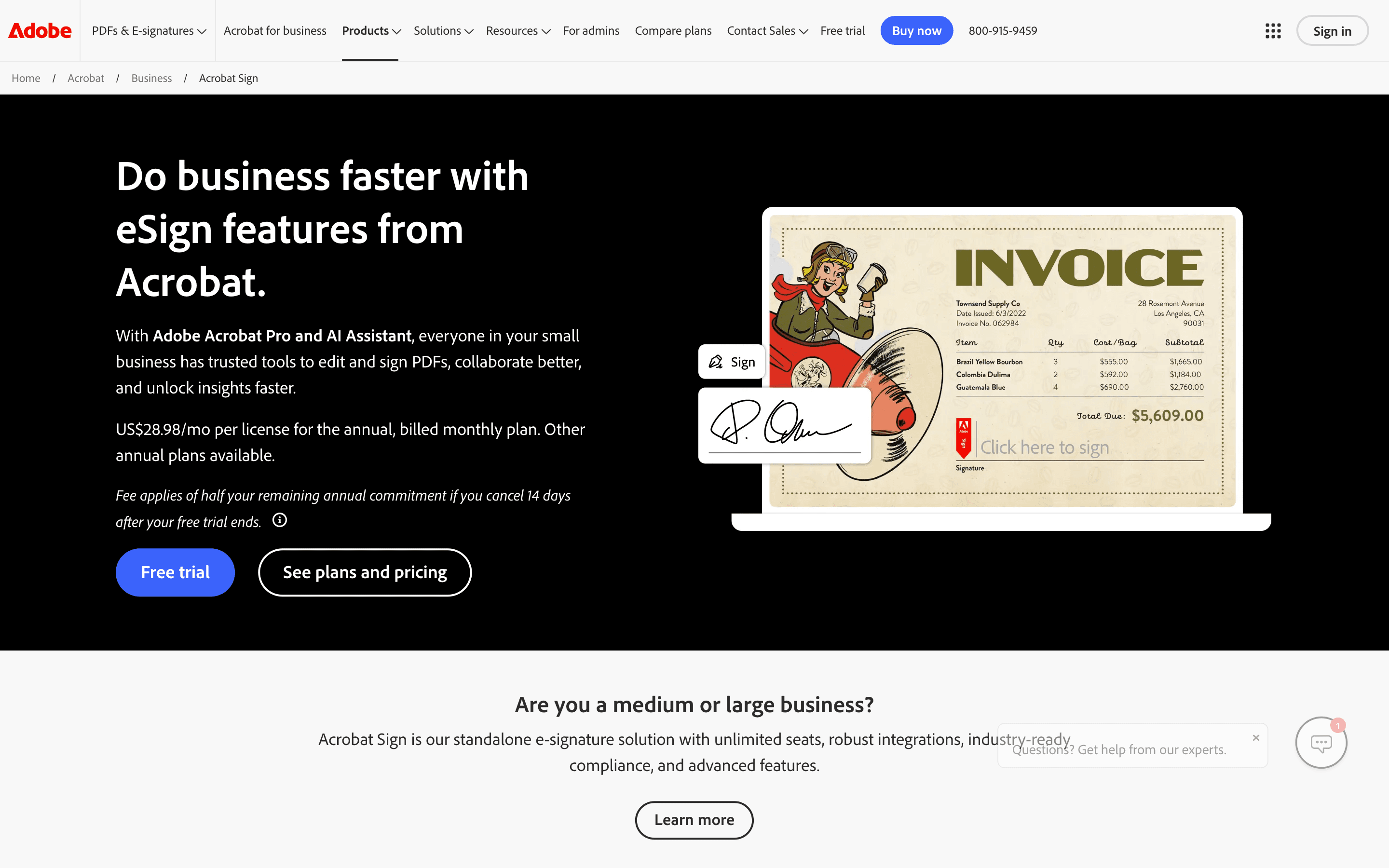
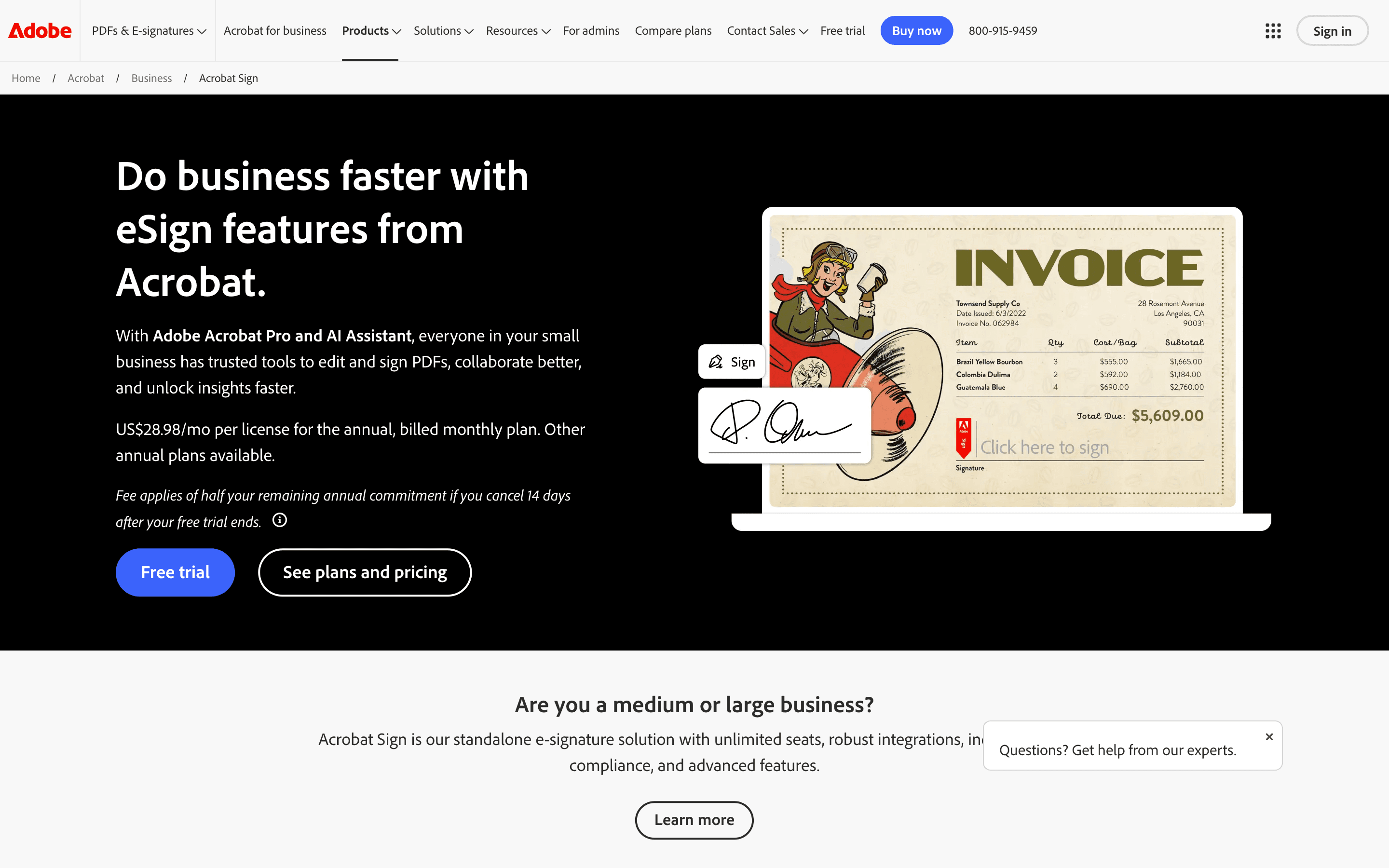
Adobe Acrobat Sign is Adobe's e-signature tool, sold bundled into Acrobat's PDF plans rather than as its own standalone product. If your team already edits and shares PDFs in Acrobat, sending something out for signature is one more button, not a separate app or a separate login.
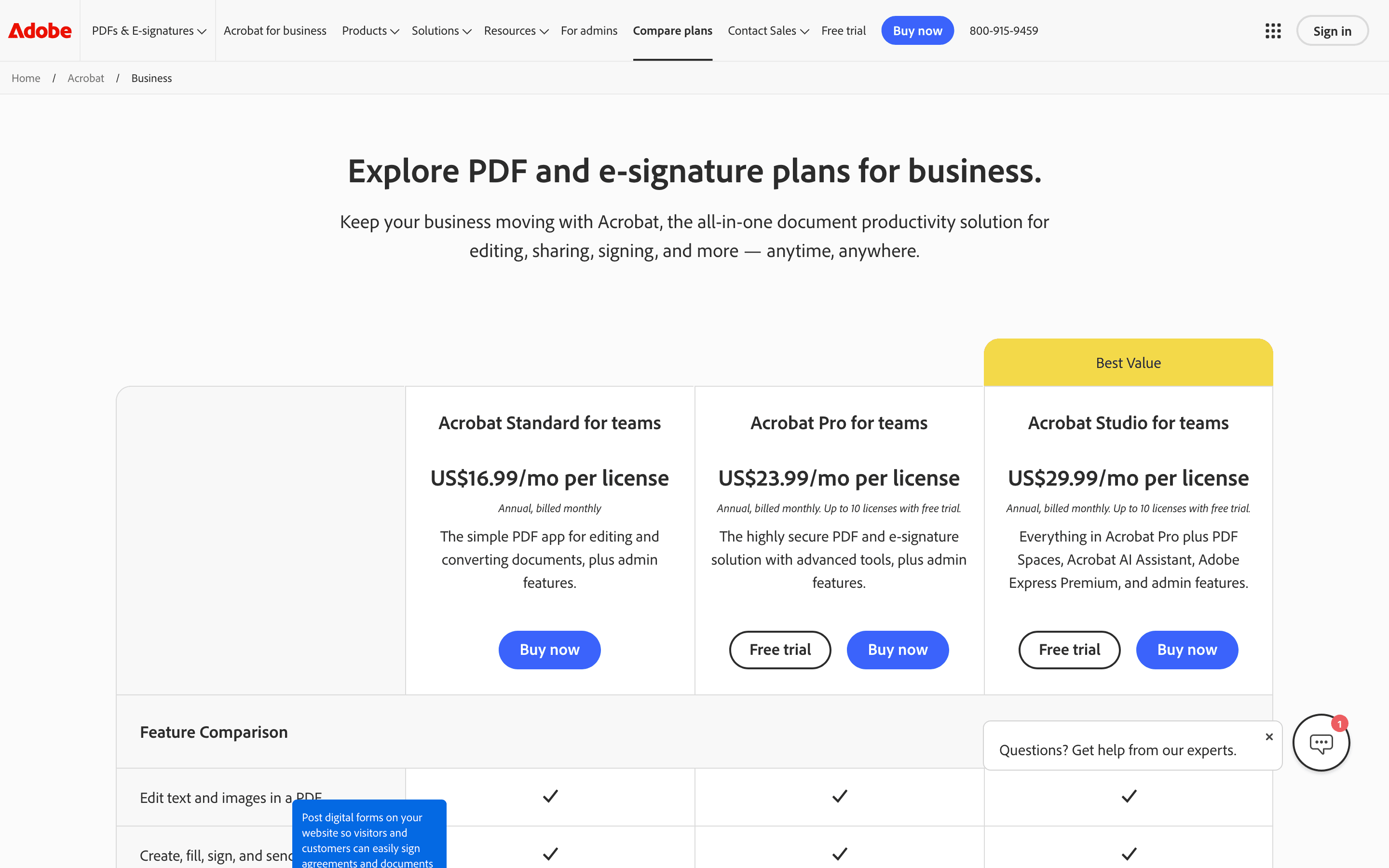
There are two ways to buy it. Individual and Teams plans (Standard, Pro, Studio) bundle e-signature with PDF editing at a flat per-seat price. Above that sits Acrobat Sign Solutions, a quote-only enterprise tier built for companies that need API access, advanced ID verification, and system integrations like Salesforce or Workday.
Team plans cap you at 150 signature transactions per user per year. That number sounds generous until a sales or HR team sends contracts, offer letters, and NDAs every week, at which point it can run out mid-year.
Adobe Acrobat Sign screenshots
Who it's for
- ✓ Companies already paying for Acrobat Pro or Studio who want signatures added to a tool people already use
- ✓ IT and procurement teams that want one vendor and one invoice for PDFs and e-signature
- ✓ Enterprises that need audit trails, ID verification, and CRM integrations and are willing to negotiate a contract for it
Who should look elsewhere
- ✗ Small teams that just want a simple, cheap e-signature tool and don't need PDF editing
- ✗ Sales or HR teams sending contracts every week who don't want to track a 150-transaction annual cap
- ✗ Teams that want transparent self-serve pricing without a sales call for anything beyond the basic plans
Pros
- + Signing lives inside the same Acrobat app people already use for PDFs, so there's no separate tool to learn
- + Individual plans include unlimited signature transactions, unlike the Teams plans
- + Deep integrations with Microsoft 365, Salesforce, and Workday for companies that need them
- + Audit trails and compliance features (including Bio-Pharma signing settings) built for regulated industries
Cons
- – Team plans cap you at 150 signature transactions per user per year, and going over means a sales conversation, not a self-serve upgrade
- – Real e-signature workflows require Pro or Studio, not the cheaper Standard tier
- – Enterprise Sign Solutions pricing isn't published anywhere, so budgeting requires a sales quote
- – You're paying for a PDF editor bundle even if all you actually need is signatures
Adobe Acrobat Sign pricing
At about $14.99/month to start, it sits mid-pack on price in E-signature & Document Workflow.
| Plan | Price | Highlights |
|---|---|---|
| Acrobat Standard (individual) | $14.99/seat/mo | PDF editing and conversion · Basic e-signature (fill and sign, request signatures) · Billed annually, paid monthly |
| Acrobat Pro (individual) | $19.99/seat/mo | Full e-signature workflows · Advanced PDF editing and protection · Unlimited transactions on individual plans |
| Acrobat Studio (individual) | $24.99/seat/mo | Everything in Pro · PDF Spaces and Acrobat AI Assistant · Adobe Express Premium included |
| Acrobat Pro for Teams | $23.99/seat/mo | E-signature plus admin console and license management · 150 transactions per user per year · Up to 10 licenses via self-serve checkout |
| Acrobat Studio for Teams | $29.99/seat/mo | Everything in Pro for Teams · AI Assistant and Adobe Express Premium · 150 transactions per user per year |
| Acrobat Sign Solutions (Enterprise) | Custom | Advanced signer authentication · API and system integrations (Salesforce, Workday, Microsoft 365) · Volume transaction packs, quote-only |
Prices are per user per month, billed annually, from Adobe's own pricing pages. Team plans cap you at 150 signature transactions per user per year; go over and you need to buy more or move to a custom Sign Solutions contract. Individual Standard/Pro/Studio plans get unlimited transactions but no team admin console. Enterprise Sign Solutions has no public price, you talk to sales.
Pricing verified July 7, 2026 · source
How Adobe Acrobat Sign's pricing compares
Adobe Acrobat Sign next to its closest alternatives on entry price, billing, and whether pricing is public.
| Tool | Starting price | Billing | Free option | Pricing disclosed |
|---|---|---|---|---|
| Adobe Acrobat Sign | $14.99/seat/mo | per-seat | Trial (7 days on Acrobat Pro and Acrobat Studio (individual and Teams); Acrobat Standard has no free trial) | Partly public |
| DocuSign | $11/seat/mo | per-seat | Trial (30 days free, no credit card required) | Partly public |
| PandaDoc | $19/seat/mo | per-seat | Yes | Partly public |
| Dropbox Sign | $15/seat/mo | per-seat | Yes | Partly public |
| SignNow | $8/mo | tiered | Trial (7 days, no credit card required) | Partly public |
| Documenso | $25/seat/mo | tiered | Yes | Partly public |
Is Adobe Acrobat Sign still actively developed?
Last significant update: June 2026. Release v17.1.1 added a recipient filter to modern reporting so admins can pull all agreements tied to one recipient's email, brought Bio-Pharma signing settings (reason capture, sign-time reauthentication) into the modern eSign experience without falling back to classic, and let senders suppress specific notification emails via the API.
Top Adobe Acrobat Sign alternatives
Further reading
- What e-signature software costs in 2026 - E-signature plans run $11 to $30 per user per month. DocuSign and Adobe have no free tier; Dropbox Sign and PandaDoc do. Here is what each plan costs.
Adobe Acrobat Sign FAQ
Is Adobe Acrobat Sign the same thing as Adobe Sign?+
Yes. Adobe renamed Adobe Sign to Acrobat Sign and folded it into the Acrobat product lineup, so it's now sold as a feature of Acrobat plans rather than a standalone signature product.
Does Adobe Acrobat Sign have a free plan?+
No. There's no free-forever tier. You get a free trial on Acrobat plans, but every plan with real e-signature features (Pro, Studio, or Sign Solutions) is paid.
What happens if my team goes over 150 signature transactions a year?+
On Teams plans, you either buy additional transactions, upgrade to a custom Sign Solutions contract, or pay per-transaction overage fees, depending on your agreement with Adobe.
Can I buy Acrobat Sign without Acrobat's PDF editing tools?+
Not through self-serve checkout. Standard, Pro, and Studio all bundle e-signature with PDF tools. If you only want signatures with no PDF editor, Adobe pushes you toward a Sign Solutions enterprise quote instead.