Dropbox Sign Review
E-signature tool from Dropbox for sending, signing, and tracking contracts
Is this your product? Claim this page · Request a change
Looking for a Dropbox Sign alternative? See our ranked comparison.→What is Dropbox Sign?
Dropbox Sign is an e-signature tool for sending contracts out, getting them signed, and tracking where they stand. It runs as its own product (still branded HelloSign in places) but is owned and billed by Dropbox, and it plugs into Dropbox, Google Drive, and OneDrive for pulling in files to sign.
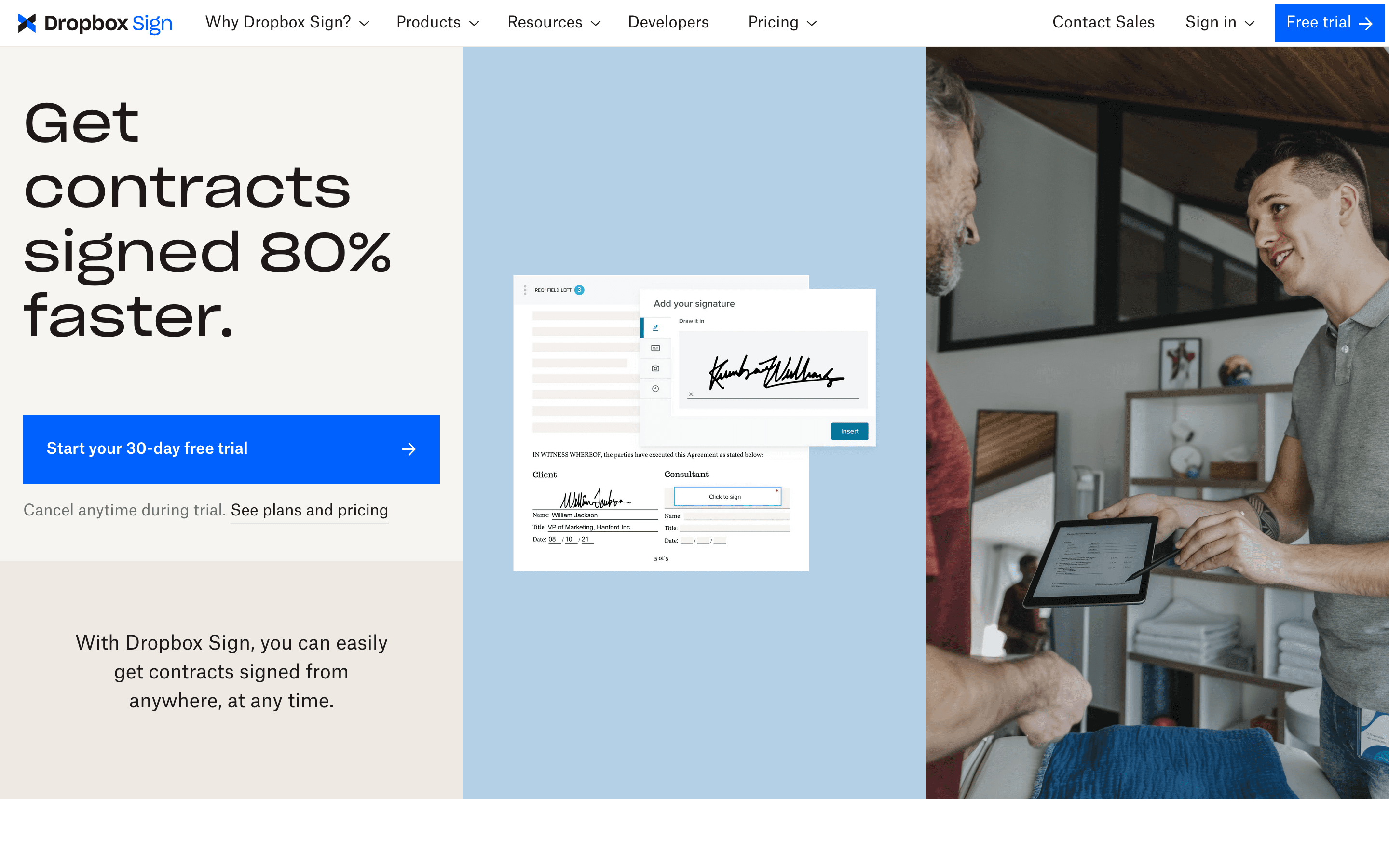
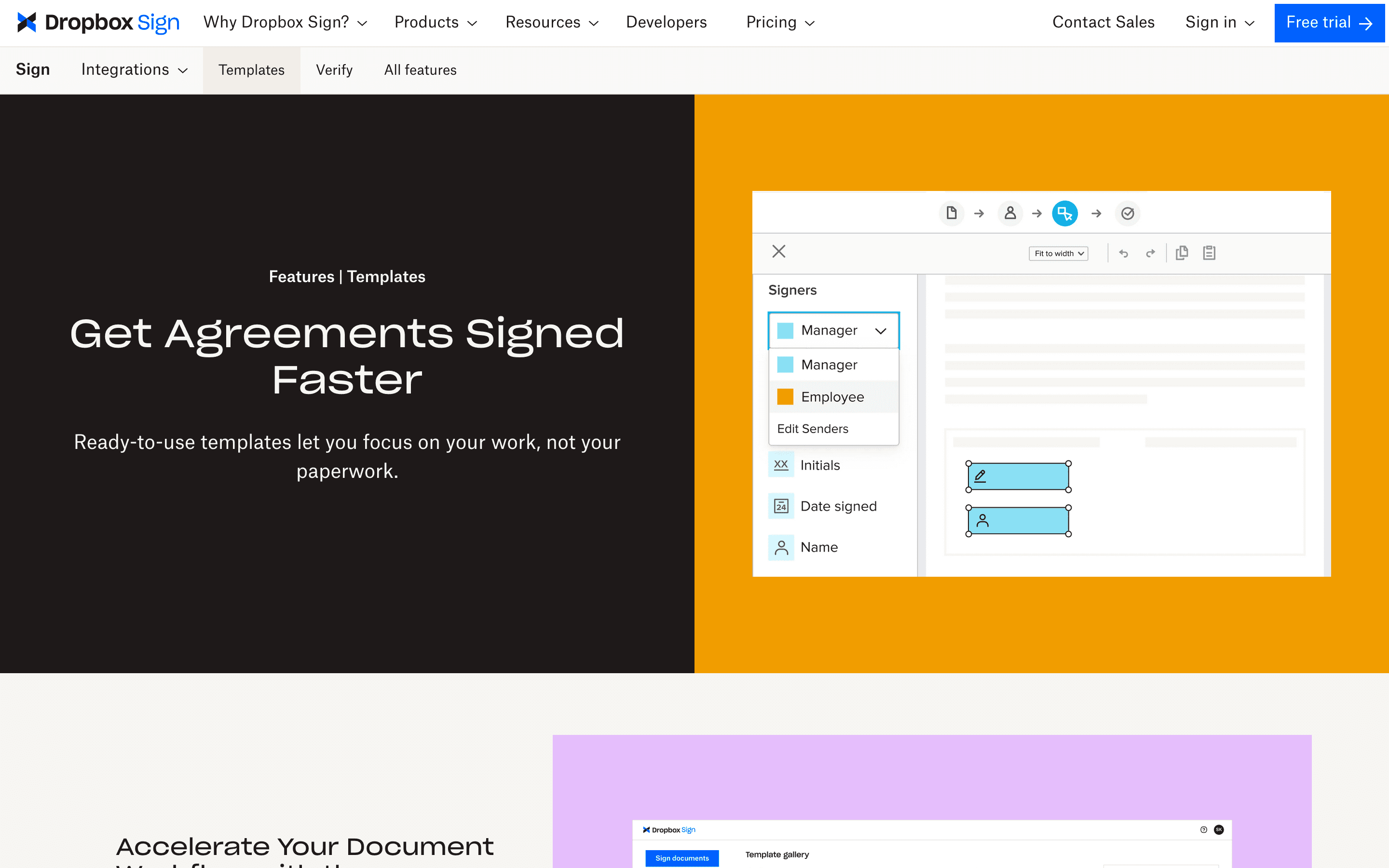
It covers the basics well: upload a document, drop signature and date fields on it, send it to one or more signers in order, and get an audit trail back. It also has a developer API for teams that want to build signing into their own app rather than use the web app directly.
Dropbox Sign screenshots
Who it's for
- ✓ Small teams that already store contracts in Dropbox and want signing built into that workflow
- ✓ Solo users and freelancers who only need to send a handful of contracts a month
- ✓ Teams that want a straightforward per-seat price instead of per-envelope or per-credit pricing
Who should look elsewhere
- ✗ Teams that need complex multi-branch approval workflows or conditional routing
- ✗ High-volume senders who fire off many contracts a day, since seat-based pricing plus rate limits on bulk sending can get in the way
- ✗ Companies needing a Standard plan for a single user, since it requires at least 2 seats
Pros
- + Simple per-seat pricing with no per-document fees on paid plans
- + Native integration with Dropbox, Google Drive, and OneDrive for pulling files straight into a signing request
- + 30-day free trial on both paid plans so you can test real contracts before paying
- + Free plan covers occasional signers who only need a few requests a month
Cons
- – Standard plan requires a minimum of 2 seats, so a 1-person team pays for 2 licenses to get team features
- – Support is mostly self-serve FAQs and group sessions, and reviewers describe email support as slow
- – Some accounts have been flagged and blocked for suspected spam after sending 10-14 contracts in a short window
- – Multi-party signing order and routing feel limited next to dedicated workflow-heavy competitors
Dropbox Sign pricing
What you pay for
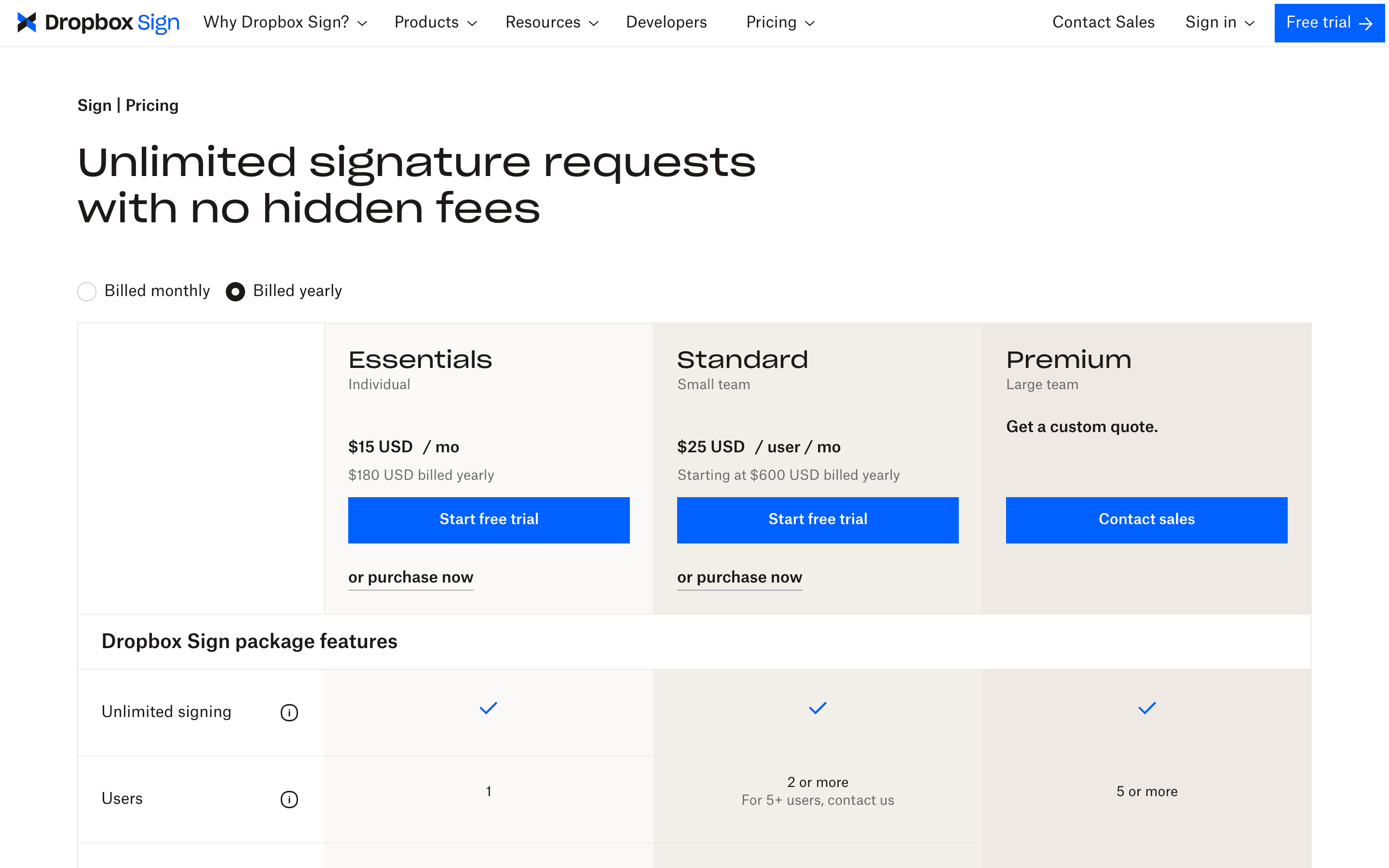
Dropbox Sign charges per seat, not per document, so cost scales with how many people on your team send contracts, not how many contracts you send. The Essentials and Standard prices are public on the pricing page. Standard requires at least 2 seats, so the real entry cost for a small team is closer to $50/month than the $25 headline. Premium is quote-only, so enterprise pricing is not disclosed.
At about $15/month to start, it sits mid-pack on price in E-signature & Document Workflow.
| Plan | Price | Highlights |
|---|---|---|
| Free | Free | 3 free documents to sign per month · No unlimited sending; paid plans remove the document cap |
| Essentials | $15/seat/mo | 1 user · Unlimited signature requests · Templates |
| Standard | $25/seat/mo | 2-5 users required · Team management · Bulk send |
| Premium | Custom | 5+ users · Advanced admin and reporting controls · Contact sales for quote |
Essentials is $15/mo billed monthly or $10.05/mo billed annually ($120.60/yr), 1 user. Standard is $25/user/mo billed monthly or $17.50/user/mo billed annually, and requires a minimum of 2 users (starts at $420/yr). Premium is custom quote for 5+ users. Prices from vendor pricing page, checked 2026-07-07.
Pricing verified July 7, 2026 · source
How Dropbox Sign's pricing compares
Dropbox Sign next to its closest alternatives on entry price, billing, and whether pricing is public.
| Tool | Starting price | Billing | Free option | Pricing disclosed |
|---|---|---|---|---|
| Dropbox Sign | $15/seat/mo | per-seat | Yes | Partly public |
| DocuSign | $11/seat/mo | per-seat | Trial (30 days free, no credit card required) | Partly public |
| PandaDoc | $19/seat/mo | per-seat | Yes | Partly public |
| SignNow | $8/mo | tiered | Trial (7 days, no credit card required) | Partly public |
| Documenso | $25/seat/mo | tiered | Yes | Partly public |
| Adobe Acrobat Sign | $14.99/seat/mo | per-seat | Trial (7 days on Acrobat Pro and Acrobat Studio (individual and Teams); Acrobat Standard has no free trial) | Partly public |
Is Dropbox Sign still actively developed?
Last significant update: January 2026. Rolled out a redesigned Signer App with a new mobile web signing experience, starting with API plans
Top Dropbox Sign alternatives
Further reading
- What e-signature software costs in 2026 - E-signature plans run $11 to $30 per user per month. DocuSign and Adobe have no free tier; Dropbox Sign and PandaDoc do. Here is what each plan costs.
Dropbox Sign FAQ
Is Dropbox Sign free?+
There is a free plan limited to 3 documents to sign a month. Paid plans start at $15/month for a single user (Essentials).
Can I buy Dropbox Sign Standard for just myself?+
No. Standard requires a minimum of 2 users, so the real starting cost for that plan is around $50/month billed monthly, not $25.
How much does Dropbox Sign's Premium plan cost?+
Premium pricing is not published. It's for 5+ users and requires contacting sales for a custom quote.
Is Dropbox Sign the same as HelloSign?+
Yes. Dropbox acquired HelloSign and rebranded it as Dropbox Sign, though the old name still shows up in some reviews and developer docs.