DocuSign Review
The default e-signature tool most contract counterparties already know how to use
Is this your product? Claim this page · Request a change
Looking for a DocuSign alternative? See our ranked comparison.→What is DocuSign?
DocuSign is the e-signature tool most people have already signed something in, which is its real advantage: recipients rarely need a walkthrough. You pay per seat for the person sending documents, not for people signing them, and price scales with how many envelopes (documents sent for signature) each seat uses per year.
The paid plans (Personal, Standard, Business Pro) cap envelope volume per seat per year and charge overage once you're past it. Above that sits a quote-only Enhanced tier and the newer Intelligent Agreement Management (IAM) products, which bundle AI contract analysis and workflow automation on top of the core signing tool.
DocuSign discloses list prices for its core plans on its pricing page, so most buyers know what they're getting into before signing up. What is not obvious upfront is how quickly SMS delivery, ID verification, and API access add cost once you're past the one-time bonus sends and free allowances baked into each plan.
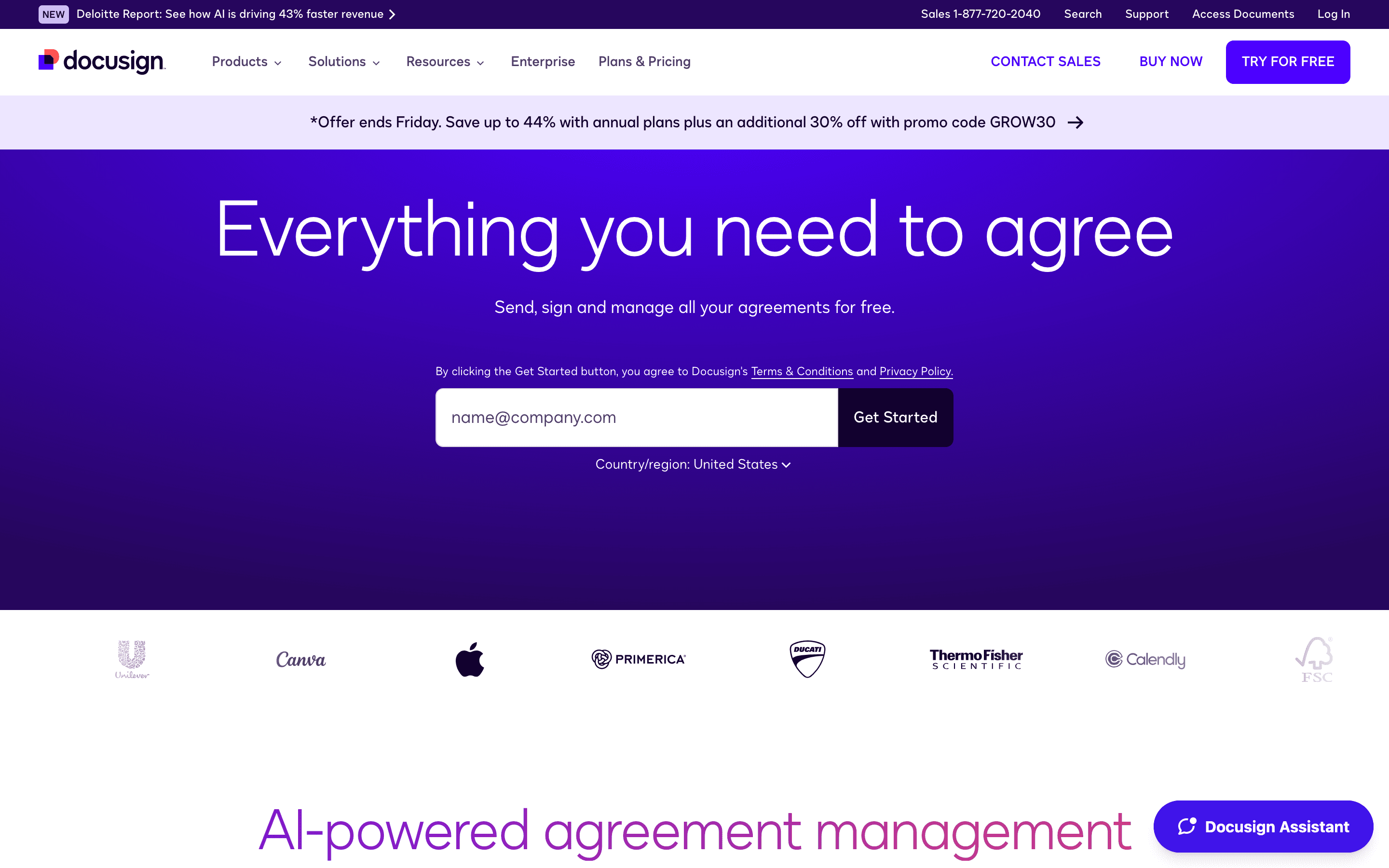
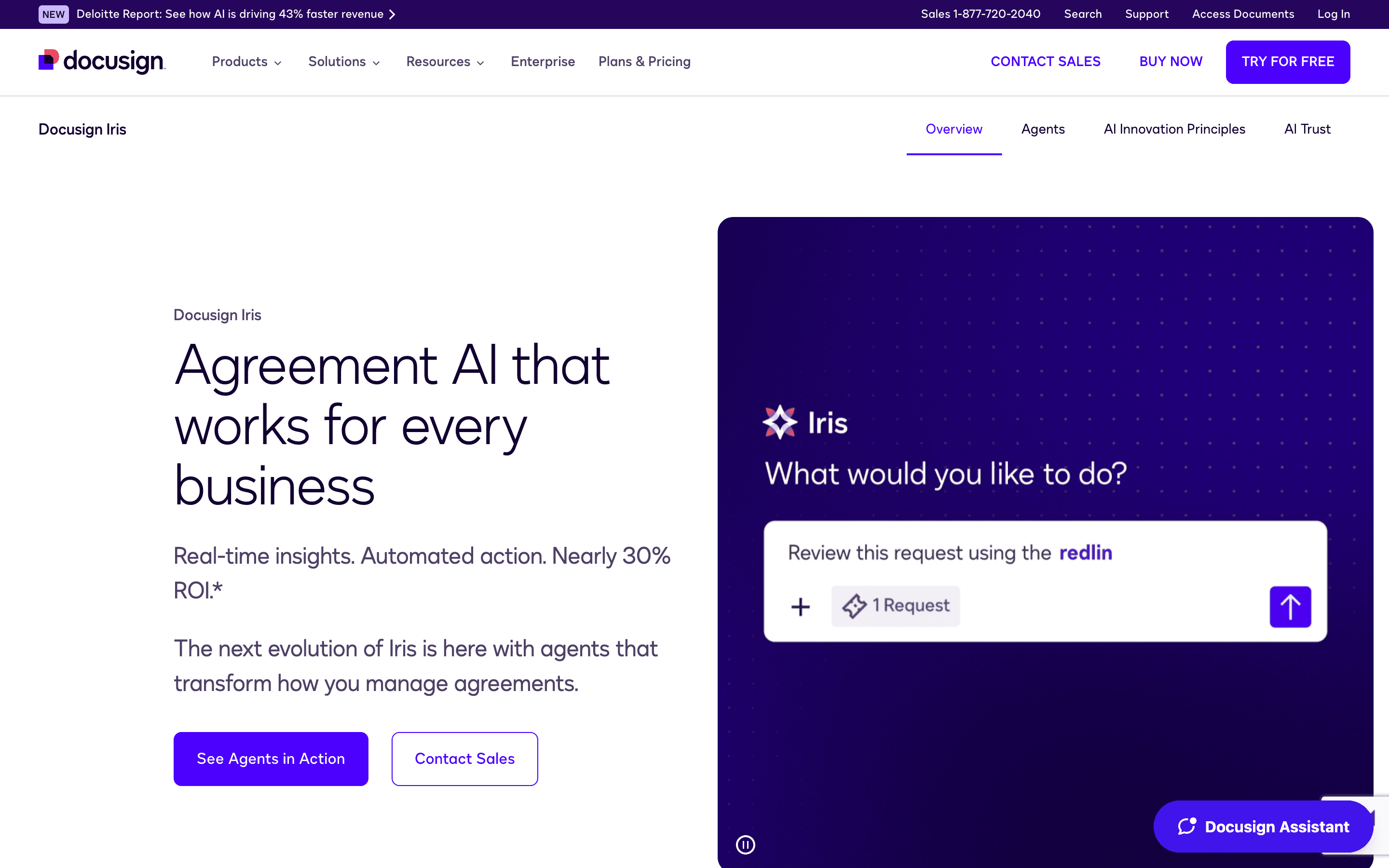
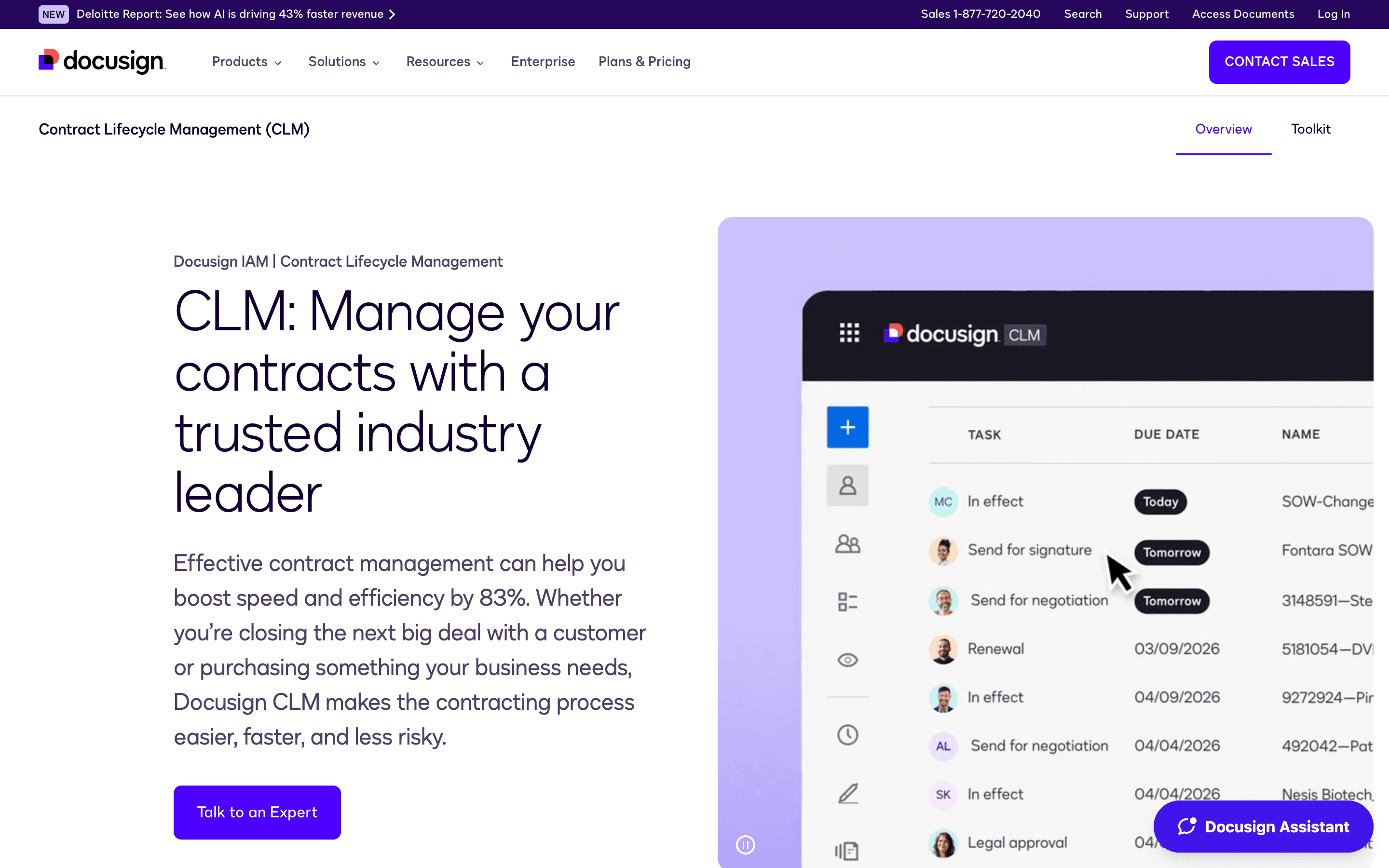
DocuSign screenshots
Who it's for
- ✓ Sales, HR, and ops teams that need every counterparty and candidate to recognize the signing flow with zero explanation
- ✓ Companies already inside the DocuSign ecosystem via Salesforce, Microsoft 365, or other integrations
- ✓ Teams sending a predictable, moderate volume of contracts who can plan around the annual envelope cap
Who should look elsewhere
- ✗ High-volume senders who will blow past the 100-envelope-per-user annual cap and get hit with overage fees
- ✗ Budget-conscious teams that want a genuinely free plan, since DocuSign only offers a time-limited trial
- ✗ Teams that want predictable renewal pricing, given how often per-seat rates jump at contract renewal
Pros
- + Recipients almost never need instructions, since most business contacts have signed a DocuSign envelope before
- + AI-assisted summaries now give signers a plain-English breakdown of a contract before they sign
- + Business Pro adds payment collection and web forms, useful for ops teams collecting signed agreements plus payment in one step
- + Pricing for the core plans is published, not hidden behind a sales call, unlike many competitors
Cons
- – Standard and Business Pro both cap at 100 envelopes per user per year, with pay-as-you-go overage once you're over
- – No free-forever tier, only a time-limited 30-day trial
- – Reviewers report per-seat rate hikes of 5-20% at renewal, sometimes without clear advance notice from the account team
- – Extras like SMS delivery, ID verification past the one-time free bonus, and API access add real cost on top of the seat price
DocuSign pricing
At about $11/month to start, it is one of the cheaper options in E-signature & Document Workflow.
| Plan | Price | Highlights |
|---|---|---|
| Personal | $11/seat/mo | Single user only · 5 envelopes per month · Templates · AI-assisted summaries |
| Standard | $30/seat/mo | Up to 50 users · 100 envelopes per user per year · Team collaboration and branding · Delegated signing · 5 SMS deliveries and 5 ID verification sends as a one-time bonus |
| Business Pro | $45/seat/mo | Up to 50 users · 100 envelopes per user per year · Payment collection · Web forms and interactive fields · Bulk sending |
| Enhanced Plans | Custom | Custom envelope limits · 24/7 support · SSO · Salesforce integration · Advanced routing · Remote notary |
Prices shown are per user per month under DocuSign's default plan, which is a 12-month commitment billed in monthly installments. The pricing page states you save up to 33% versus its plain month-to-month rate, though that month-to-month price isn't shown directly on the page, and prepaying the full year upfront saves more still. Standard and Business Pro both cap out at 100 envelopes per user per year, and going over triggers pay-as-you-go overage charges. The Enhanced tier is quote-only through sales. No forever-free plan exists, only the 30-day trial.
Pricing verified July 7, 2026 · source
How DocuSign's pricing compares
DocuSign next to its closest alternatives on entry price, billing, and whether pricing is public.
| Tool | Starting price | Billing | Free option | Pricing disclosed |
|---|---|---|---|---|
| DocuSign | $11/seat/mo | per-seat | Trial (30 days free, no credit card required) | Partly public |
| PandaDoc | $19/seat/mo | per-seat | Yes | Partly public |
| Dropbox Sign | $15/seat/mo | per-seat | Yes | Partly public |
| SignNow | $8/mo | tiered | Trial (7 days, no credit card required) | Partly public |
| Documenso | $25/seat/mo | tiered | Yes | Partly public |
| Adobe Acrobat Sign | $14.99/seat/mo | per-seat | Trial (7 days on Acrobat Pro and Acrobat Studio (individual and Teams); Acrobat Standard has no free trial) | Partly public |
Is DocuSign still actively developed?
Last significant update: January 2026. Added AI-assisted agreement summaries and natural-language Q&A to eSignature, so signers get a plain-English rundown of a contract and can ask questions about specific terms before signing.
Top DocuSign alternatives
Further reading
- What e-signature software costs in 2026 - E-signature plans run $11 to $30 per user per month. DocuSign and Adobe have no free tier; Dropbox Sign and PandaDoc do. Here is what each plan costs.
DocuSign FAQ
Does DocuSign have a free plan?+
No. DocuSign only offers a 30-day free trial with no credit card required. There's no forever-free tier for ongoing use.
What happens if we go over our envelope limit?+
Standard and Business Pro plans include 100 envelopes per user per year. Going over that triggers pay-as-you-go overage charges rather than an automatic plan upgrade.
Why do people complain about DocuSign pricing?+
The most common complaint is per-seat rate increases at renewal, reported in the 5-20% range, along with overage and add-on fees for things like SMS delivery, ID verification, and API access that stack on top of the base seat price.
Is the Enhanced plan the same as Enterprise?+
DocuSign's own pricing page lists Personal, Standard, and Business Pro with published prices, then groups everything above that as "Enhanced Plans" that require talking to sales for a custom quote.