PandaDoc Review
Document builder, e-signature, and CPQ in one tool for teams that send a lot of proposals and contracts
Is this your product? Claim this page · Request a change
Looking for a PandaDoc alternative? See our ranked comparison.→What is PandaDoc?
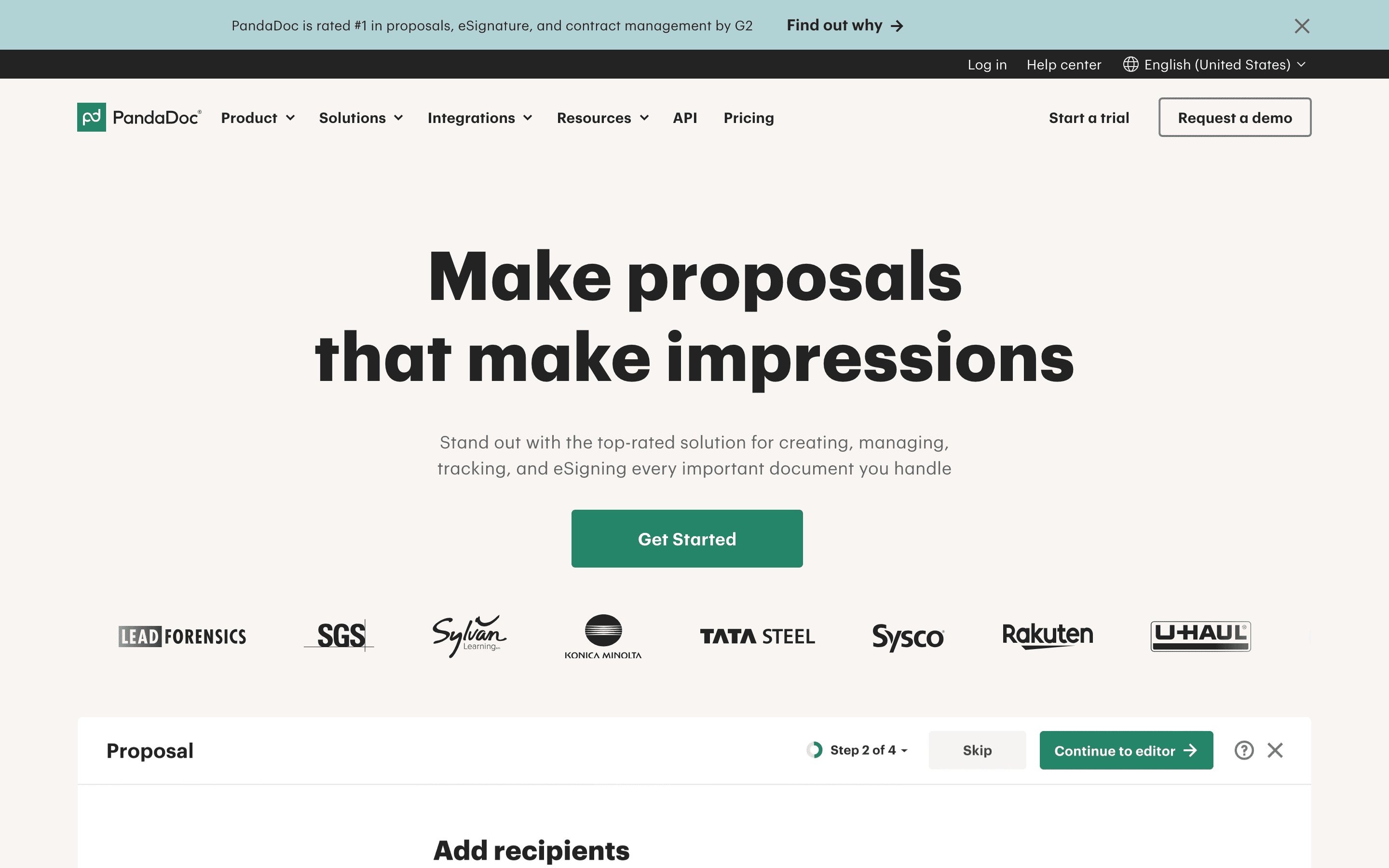
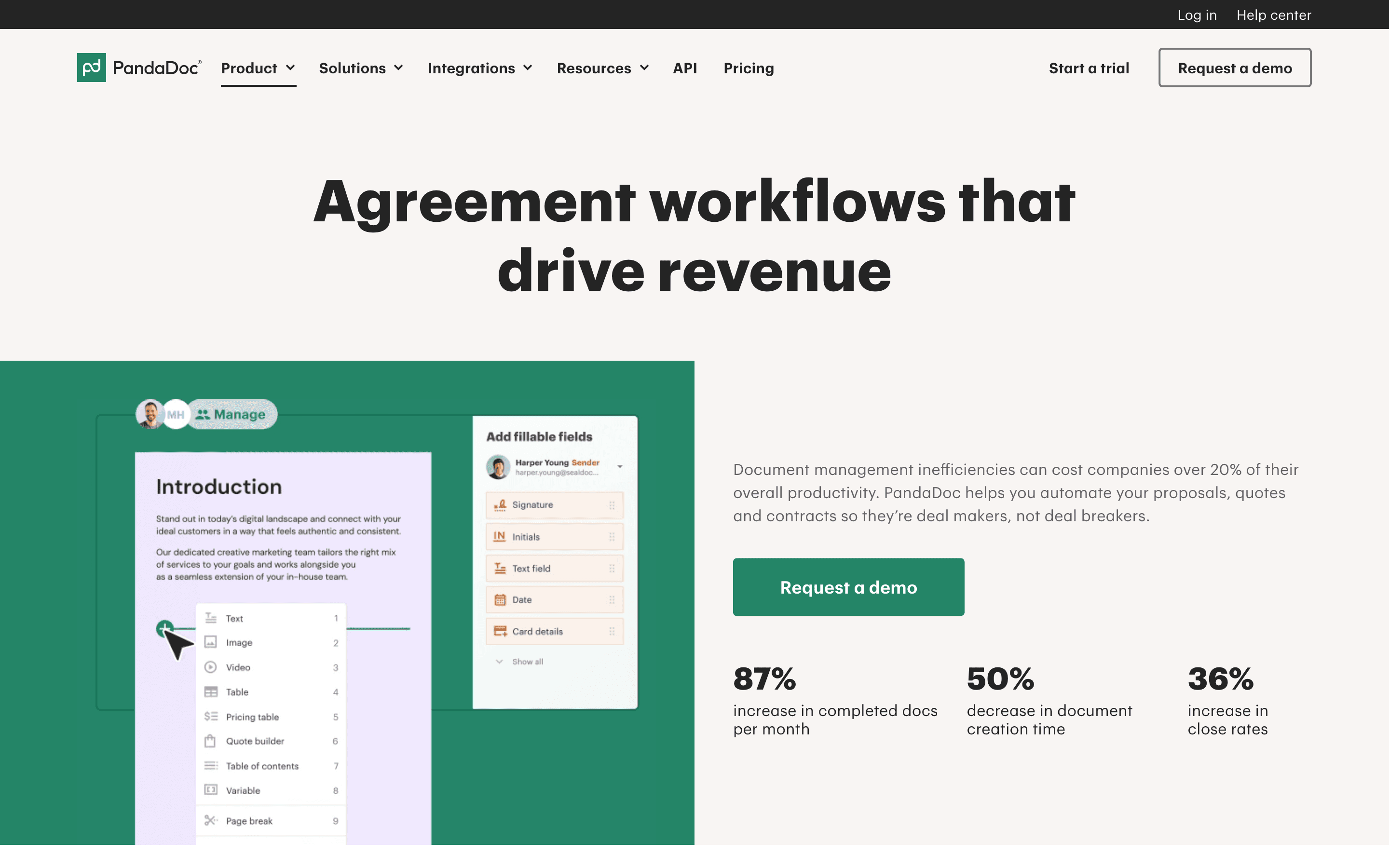
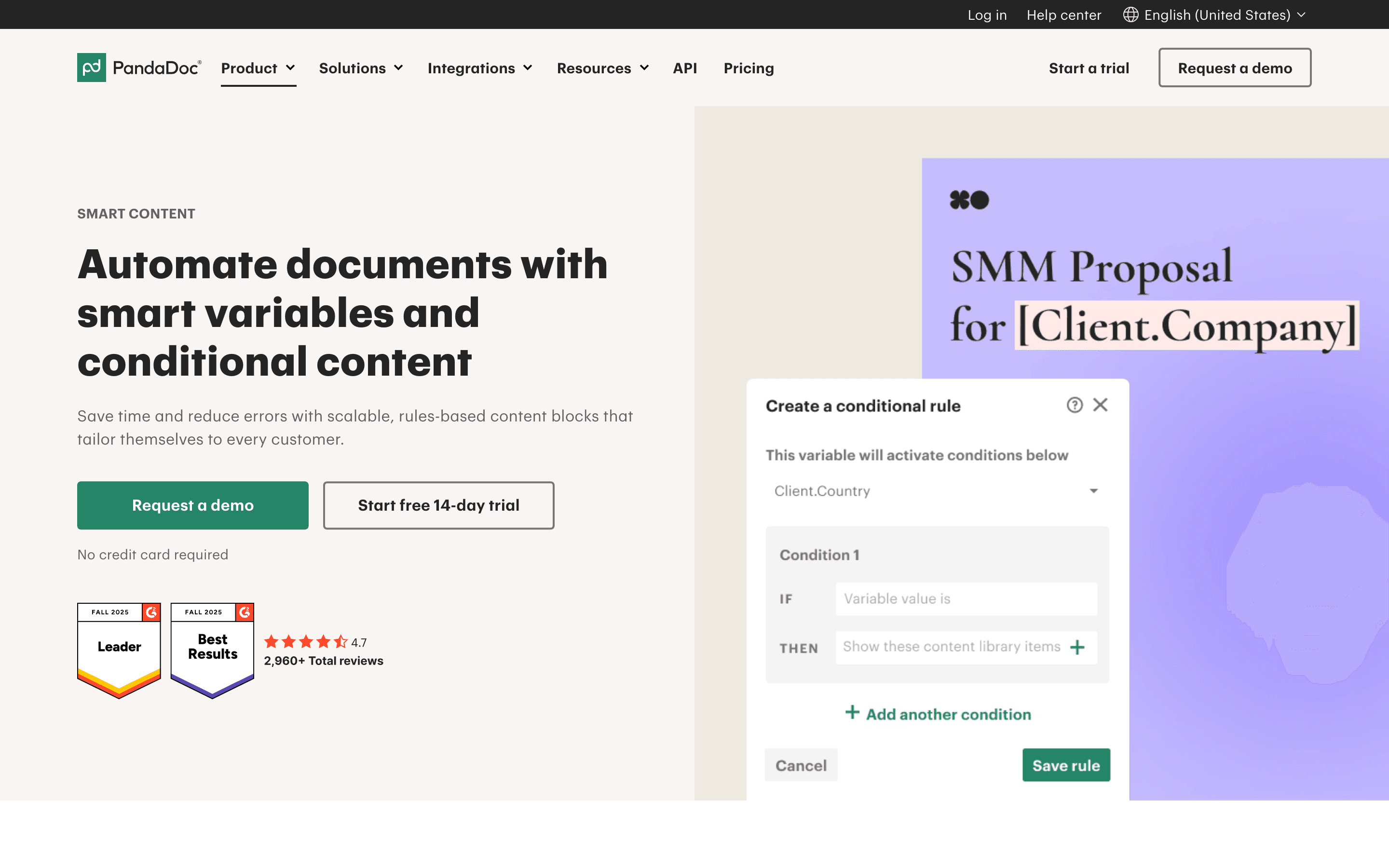
PandaDoc is a document tool built around sending things and getting them signed: proposals, quotes, and contracts. You build a document from a template, drop in pricing tables or an e-signature block, send it, and track whether the other side has opened it. The paid plans add CRM integrations, approval workflows, and CPQ (configure-price-quote) tools on top of the basic send-and-sign flow.
Pricing is per seat, and the free and Starter plans count against an annual or monthly document limit rather than giving you truly unlimited sends. Go over the limit and you pay per document, which is a common source of surprise bills.
PandaDoc discloses its Free, Starter, and Business prices on its own site, so you don't need a sales call to get a number. Only Enterprise, with CPQ, SSO, and API access, is quote-only.
PandaDoc screenshots
Who it's for
- ✓ Sales teams that want pricing tables, proposals, and e-signature in the same document instead of stitching tools together
- ✓ Ops or HR teams that send a predictable, moderate volume of contracts and want CRM integrations built in
- ✓ Teams that want published prices instead of a quote-only sales process, at least below Enterprise
Who should look elsewhere
- ✗ High-volume senders who will blow past the document caps on Free or Starter and get hit with per-document overage charges
- ✗ Teams that need API or workflow automation access without paying for Enterprise, since those live only on the top tier
- ✗ Teams that want every paid feature priced up front, since add-ons like bulk send need a sales call for Usage Credit pricing even on Business
Pros
- + Combines document building, e-signature, and pricing/quote tables in one tool, so proposals don't need a separate PDF and separate signing step
- + Free and Starter prices are published on the site, no sales call needed to get a number
- + Business plan adds CRM integrations, approval workflows, and bulk send, useful for ops teams running contracts through a process
- + Built-in AI assistant for searching, summarizing, and asking questions across your documents, plus AI-drafted email copy when sending
Cons
- – Free and Starter aren't truly unlimited: they cap at 60 documents a year (Free) or a fair-use limit, and overage runs $2-3.50 per document
- – API access and workflow automation require Enterprise, which is quote-only, so smaller teams that outgrow the basics face a sales call anyway
- – Reviewers report unexpected charges when Forms submissions get counted and billed as documents against the annual cap
- – Renewal and cancellation complaints show up repeatedly: customers report being auto-renewed at full price without a heads-up, then needing to escalate for a refund
PandaDoc pricing
What you pay for
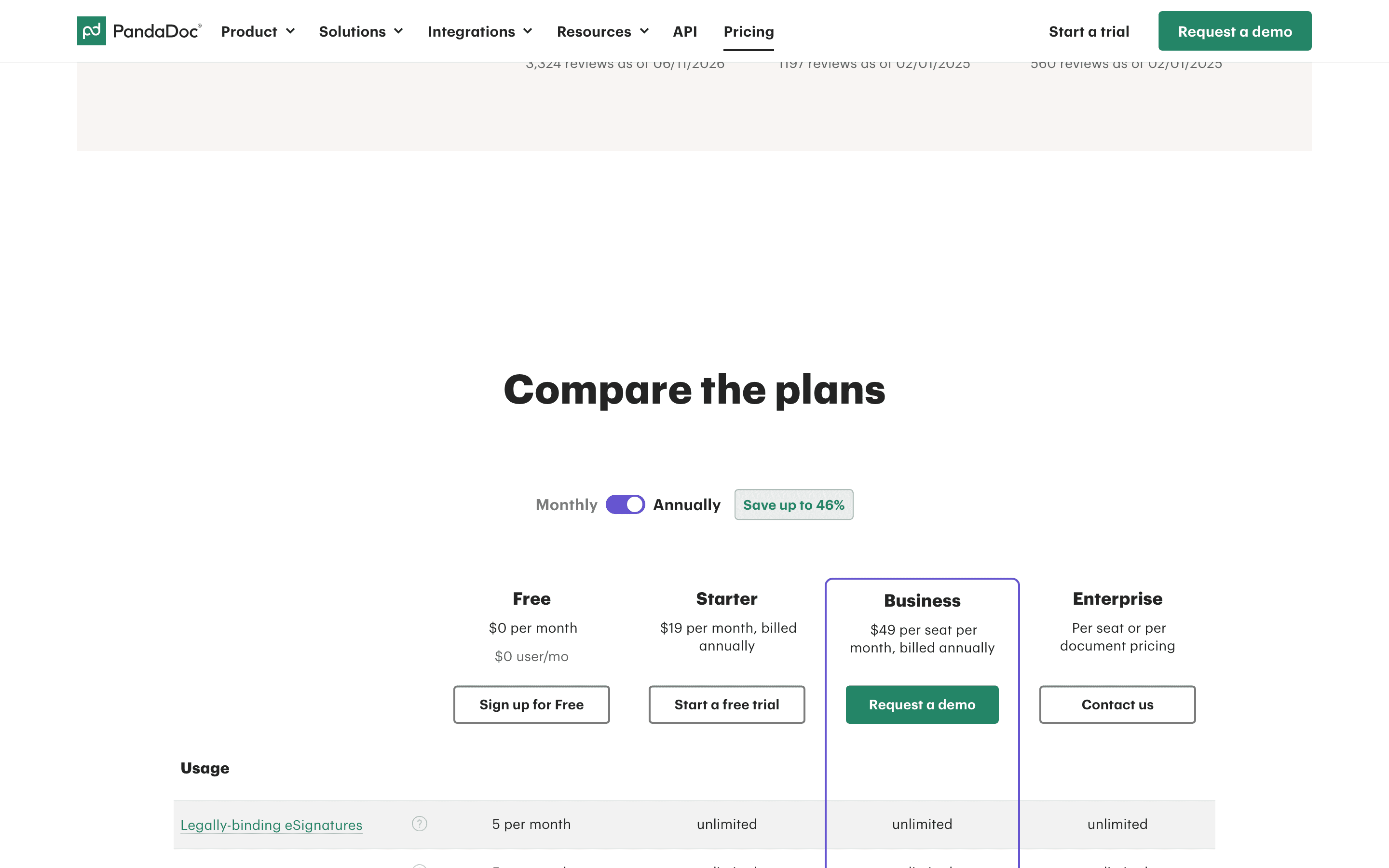
You pay per seat, and the advertised $19/$49 prices are the annual-billed rate; paying monthly costs more ($35 and $65/seat). Free and Starter cap document volume with per-document overage fees rather than being truly unlimited in practice. Business adds CRM integrations and workflow tools; some of those, like bulk send, cost extra on top of the seat price. Free, Starter, and Business prices are all published on the site, so pricing is disclosed up to that point. Enterprise, which unlocks the API and CPQ tools, is quote-only through sales.
At about $19/month to start, it sits at the higher end of E-signature & Document Workflow pricing.
| Plan | Price | Highlights |
|---|---|---|
| Free | Free | 60 documents a year (5 a month) for upload and e-signature, $3/document overage · Document editor and mobile app · Real-time tracking |
| Starter | $19/seat/mo | Unlimited document uploads and e-signatures · Rich media editor and themes · 24/7 support · $35/seat/month if billed monthly instead of annually · Overage past fair-use kicks in at $3.50/document monthly, $2/document annual |
| Business | $49/seat/mo | Everything in Starter · CRM integrations and custom branding · Up to 3 deal rooms · Approval workflows and web forms · $65/seat/month if billed monthly instead of annually · Bulk send available as a paid add-on (Usage Credits, annual plans only) |
| Enterprise | Custom | Everything in Business · CPQ and workflow automation · SSO and team workspaces · Notary and API access |
The $19 (Starter) and $49 (Business) per-seat rates are the annual-billed prices, which is what the pricing page shows by default under its 'Save up to 46%' annual toggle. Switching that toggle to monthly billing shows $35/seat/month (Starter) and $65/seat/month (Business); the page itemizes both, it doesn't just show a percentage-off banner. Free caps at 5 documents/month (60/year) for upload and e-signature, with $3/document overage. Starter and Business are marketed as unlimited documents but still carry fair-use overage: $3.50/document (Starter, monthly billing), $2/document (Starter, annual billing), $2.60/document (Business, monthly billing). Bulk send on Business requires purchasing separate Usage Credits and is only available on annual-billed plans. Enterprise is quote-only, offered as either per-seat or per-document pricing.
Pricing verified July 7, 2026 · source
How PandaDoc's pricing compares
PandaDoc next to its closest alternatives on entry price, billing, and whether pricing is public.
| Tool | Starting price | Billing | Free option | Pricing disclosed |
|---|---|---|---|---|
| PandaDoc | $19/seat/mo | per-seat | Yes | Partly public |
| DocuSign | $11/seat/mo | per-seat | Trial (30 days free, no credit card required) | Partly public |
| Dropbox Sign | $15/seat/mo | per-seat | Yes | Partly public |
| SignNow | $8/mo | tiered | Trial (7 days, no credit card required) | Partly public |
| Documenso | $25/seat/mo | tiered | Yes | Partly public |
| Adobe Acrobat Sign | $14.99/seat/mo | per-seat | Trial (7 days on Acrobat Pro and Acrobat Studio (individual and Teams); Acrobat Standard has no free trial) | Partly public |
Top PandaDoc alternatives
Further reading
- What e-signature software costs in 2026 - E-signature plans run $11 to $30 per user per month. DocuSign and Adobe have no free tier; Dropbox Sign and PandaDoc do. Here is what each plan costs.
PandaDoc FAQ
Is PandaDoc free?+
Yes, there's a genuinely free plan, but it caps at 5 documents a month (60 a year) for upload and e-signature, with a $3 overage fee per extra document. Most teams sending contracts regularly outgrow it fast.
What happens if I go over my document limit?+
You get charged per document over the cap, roughly $2 to $3.50 depending on plan and billing cycle. Some customers report this catching them off guard, especially when web form submissions count as documents too.
Do I need Enterprise for API access?+
Yes. API access, CPQ, and workflow automation are Enterprise-only, and Enterprise pricing is quote-only through sales.
Why do people complain about PandaDoc pricing?+
The recurring complaints are about document overage charges that weren't clearly flagged in advance, and about auto-renewal at full price without a heads-up before the renewal date.