Top Filecamp Alternatives in 2026
Here for Filecamp itself? See the full Filecamp profile, pricing & reviews →
Suggest a change- If you want a free-forever plan with unlimited users and real storage, choose Air. its free plan never expires and includes 120 monthly credits worth of storage or AI images, while Filecamp only offers a 30-day trial.
- If you're a budget-conscious ecommerce or retail brand that needs product content synced to Shopify without a sales call, choose Dash. it ships a dedicated Shopify integration with SKU matching and bulk product updates at published, self-serve pricing. Canto's DAM for Products module syncs to Shopify and Amazon too, but only through a quote-only enterprise contract, so Dash is the pick if you want to see a price and sign up today.
- If you need built-in approval workflows and brand portals at enterprise scale, plus multi-channel product sync, and can accept quote-only pricing, choose Canto. its Approval Hub and Brand Studio pair with a DAM for Products module that syncs to Shopify and Amazon, and AI search and tagging come standard on its mid and top tiers, not held back as a separate paid add-on the way some competitors sell it.
- If you want AI-driven search and analytics with facial-recognition auto-tagging, and your team is already on Smartsheet, choose Brandfolder. its People Tagging feature auto-identifies who's in an image, a level of AI search Filecamp's tagging doesn't reach, and it's owned by Smartsheet, which helps if you already run other Smartsheet tools.
- If you need strict approval and sign-off chains plus integrations like Salesforce Marketing Cloud or Sitecore, and can absorb a roughly $33,000-a-year SMB contract, choose Bynder. its metadata-driven workflows and Studio templating cover approval chains and marketing-stack integrations that Filecamp's simpler proofing and commenting tools don't handle.
- If your team already lives in Adobe Creative Cloud and needs deep governance, choose Adobe Experience Manager Assets. Adobe Asset Link lets designers check files in and out of Photoshop, Illustrator, and InDesign directly, something Filecamp has no equivalent for.
- If you're a large, often regulated enterprise that wants DAM bundled with work management, marketing spend, and AI compliance agents, choose Aprimo. its module lineup covers content operations well beyond a simple asset library, which is all Filecamp is built to be.
- If you're an agency or small marketing team that just needs affordable, unlimited-user file sharing without a sales call, choose stay on Filecamp. Filecamp publishes clear per-tier pricing, includes white labeling below the enterprise tier, and lets you start today with a 30-day self-serve trial.
Filecamp is a Swiss digital asset management tool built around unlimited users and published, storage-based pricing, a combination that appeals to agencies and marketing teams that want a branded, client-facing portal without per-seat costs. Teams look elsewhere when they outgrow its 20-100 GB storage tiers, need AI auto-tagging on every plan instead of just the top two, or want integrations beyond WebDAV.
The seven alternatives below split into two groups. Air and Dash keep Filecamp's no-per-seat, transparent-pricing model, which makes them the easiest lateral move. Brandfolder, Bynder, Canto, Adobe Experience Manager Assets, and Aprimo trade that transparency for enterprise-grade features like approval workflows, AI content agents, and deeper ecosystem integrations, all sold through a sales-led, quote-only process.
Filecamp alternatives compared
| Tool | Best for | Starting price | Free option | Last update |
|---|---|---|---|---|
| AirBest free alternative | Marketing and creative teams that need a shared asset library with client-facing review links | $25/mo | Yes | July 2026 |
| DashBest affordable ecommerce pick | Growing brands that want unlimited team members without per-seat pricing | $109/mo | Trial (14 days, no credit card required) | July 2026 |
| CantoBest ecommerce pick at enterprise scale | Marketing and brand teams that need a mature, established DAM with strong search and brand portal features | Custom / quote | No | March 2026 |
| BrandfolderBest for AI-driven search and auto-tagging | Marketing and brand teams that need a central, searchable library for images, video, and documents | Custom / quote | No | April 2026 |
| BynderBest for approval chains and marketing-stack integrations | Mid-size to large marketing and brand teams that need strict version control and approval workflows for creative assets | Custom / quote | No | June 2026 |
| Adobe Experience Manager AssetsBest for Adobe-native creative teams | Large enterprises already standardized on Adobe Creative Cloud and Experience Cloud | Custom / quote | No | April 2026 |
| AprimoBest for large-scale content operations | Large enterprises that want DAM, work management, marketing spend, and content planning under one vendor | Custom / quote | No | May 2026 |
Why teams switch from Filecamp
Storage fills up fast and extra capacity is pricey
Filecamp's plans top out at 100 GB on Professional, and additional storage runs from $10 a month for 10 GB up to $3,500 a month for 20 TB.
AI auto-tagging is locked to the two higher tiers
Basic plan customers don't get AI auto-tagging at all. It only unlocks on the Advanced and Professional plans.
There's no free-forever plan to try long term
Filecamp offers only a 30-day trial of the Professional plan, unlike alternatives such as Air that keep a free tier running indefinitely.
The integration list is thin
Filecamp's only listed integration is WebDAV, while alternatives connect natively to Shopify, Slack, Salesforce Marketing Cloud, and Adobe Creative Cloud.
The best Filecamp alternatives, ranked

Air is the closest alternative to Filecamp in spirit: no per-seat pricing, unlimited users on every plan, including the free one. Where Filecamp charges by storage tier, Air charges by a monthly credit pool that covers storage, AI image and video generation, and auto-tagging. The free plan runs indefinitely with no credit card, unlike Filecamp's 30-day-only trial. Starter costs $25 a month, cheaper than Filecamp's $29 Basic plan, and includes client-facing review links with passcodes. Business jumps steeply to $1,100 a month, a bigger leap than Filecamp's tiers, but it adds a public API, MCP server access, and CDN delivery. Air also leans further into AI generation with its Canvas editor, a feature Filecamp doesn't have. The tradeoff is that credit-based billing is harder to predict than Filecamp's flat storage tiers, especially if your team generates a lot of AI content.
Pros
- + No per-seat charges, so adding reviewers, clients, or contributors doesn't raise the bill
- + Free plan works indefinitely with no credit card and includes real storage and AI credits
- + Business plan includes CDN delivery, public API, and MCP server access for building on top of the platform
Cons
- – Credit-based pricing is harder to predict than flat per-seat pricing, especially for teams that generate a lot of AI images or video
- – Business plan jumps to $1,100/month, a large step up from Starter's $25/month
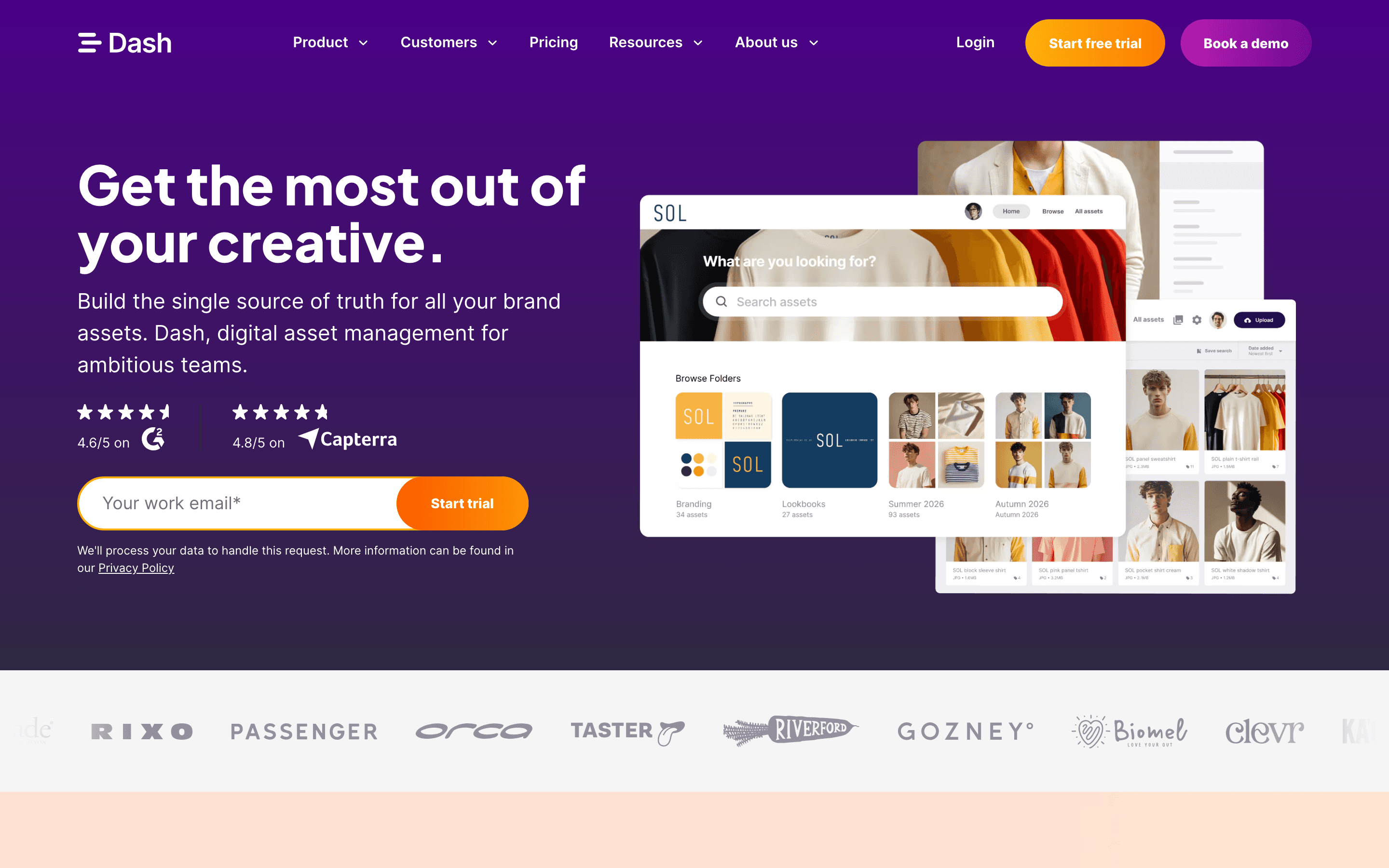
Dash mirrors Filecamp's pricing philosophy almost exactly: every plan includes every feature and unlimited users, so you pay for usage, not headcount. But the entry tier costs more for less room. Start up runs $109 a month for 10GB of storage and 250 downloads, while Filecamp's Basic plan gives you 20GB, double the storage, for $29. Every Dash tier caps both storage and downloads together (Small team: 50GB and 500 downloads, Growing brand: 100GB and 1,000 downloads), so this isn't a straightforward storage upgrade from Filecamp. Where Dash actually pulls ahead is ecommerce: it has a dedicated Shopify integration with SKU matching and bulk product updates, something Filecamp's WebDAV-only integration list can't match. The top Established brand tier also drops the download cap entirely, which helps if your team shares assets heavily and can justify the $589 a month price. Both offer branded portals and a free trial with no credit card, Dash's running 14 days against Filecamp's 30. Canto's DAM for Products module goes further, syncing to Amazon as well as Shopify, but only via a quote-only enterprise contract with no published price and no trial. Dash earns its place for the Shopify integration and, on its top tier, unlimited downloads, not for cheaper or roomier storage; if you need multi-channel sync at enterprise scale and can accept a sales process, Canto is the stronger fit.
Pros
- + Every plan includes the full feature set and unlimited users, so there is no feature-gating to work around
- + Straightforward, published USD pricing with a slider-style scaling model instead of hidden quotes
- + Strong Shopify integration, including SKU matching and reviewing product images before export
Cons
- – No free forever plan
- – Monthly download caps on the lower tiers mean cost can rise fast for teams with heavy sharing
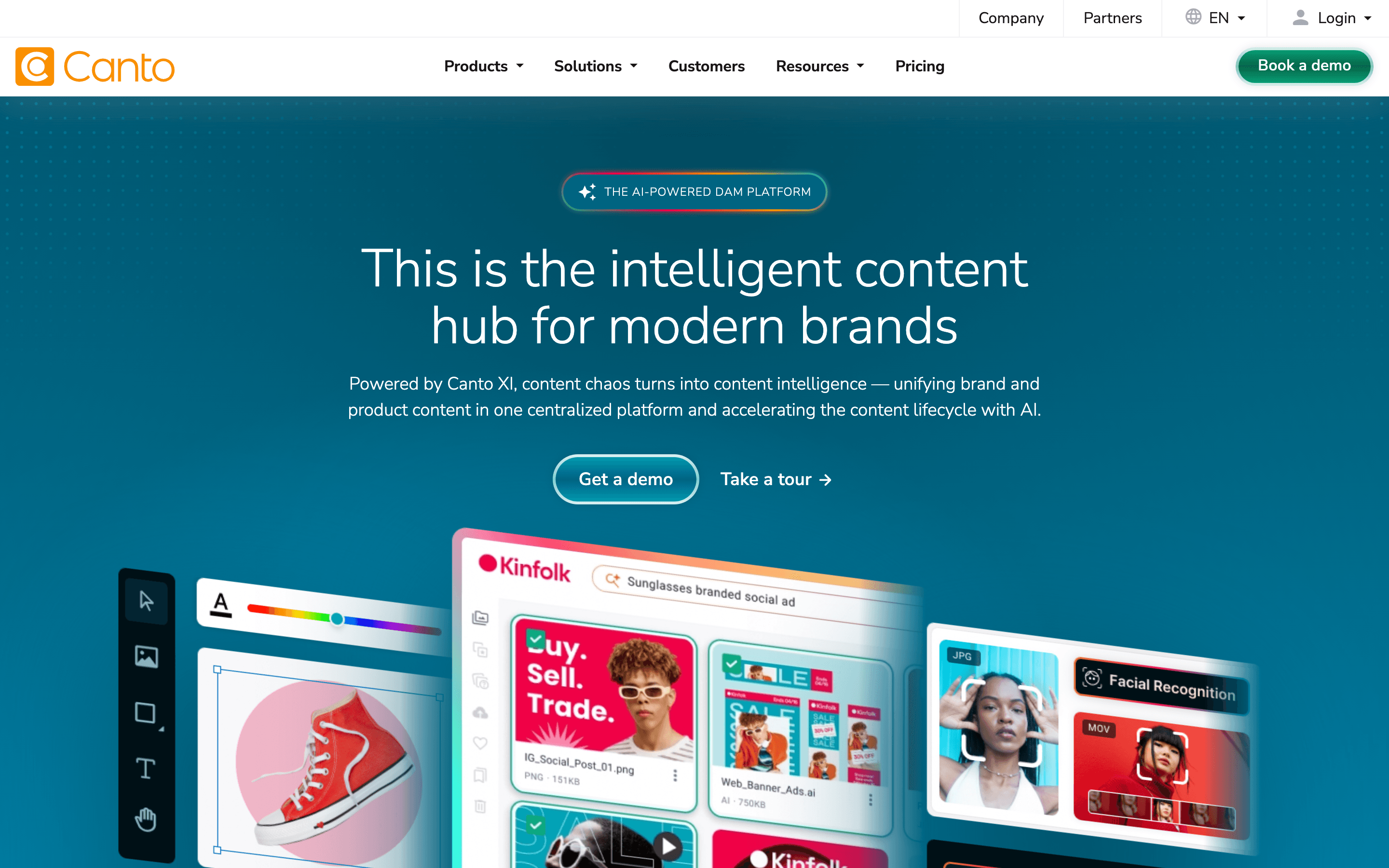
Canto is a step up in scale from Filecamp, built for brand teams that have outgrown a simple file library. It adds an Approval Hub with version history, a Brand Studio template builder, and AI search and tagging that comes standard on its two higher tiers (Enhanced Collaboration and Advanced) rather than sitting behind a separate paid add-on, though the entry-level Core Essentials and the DAM for Products tier don't list it as a highlight. Canto's DAM for Products module, with direct Shopify and Amazon sync, makes it a strong pick for retail brands syncing product content at scale, though Dash covers Shopify alone at a fraction of the cost and with published pricing. The catch is pricing: all four tiers, from Core Essentials to the Pro tier, are quote-only, so you lose the price transparency Filecamp offers on its own site, and there's no free trial to test before signing. Canto has sold DAM since 1990, giving it a maturity Filecamp doesn't claim, but that maturity comes with a sales-led buying process instead of Filecamp's self-serve signup.
Pros
- + Long track record as a DAM vendor, with a platform that has kept adding features rather than stalling
- + AI search and tagging are included rather than gated behind a separate add-on purchase
- + Dedicated product content tools with direct Shopify and Amazon sync for retail brands
Cons
- – No public pricing anywhere, so you cannot budget or compare cost without contacting sales
- – No free tier or free trial, so there's no way to test the product before signing a contract
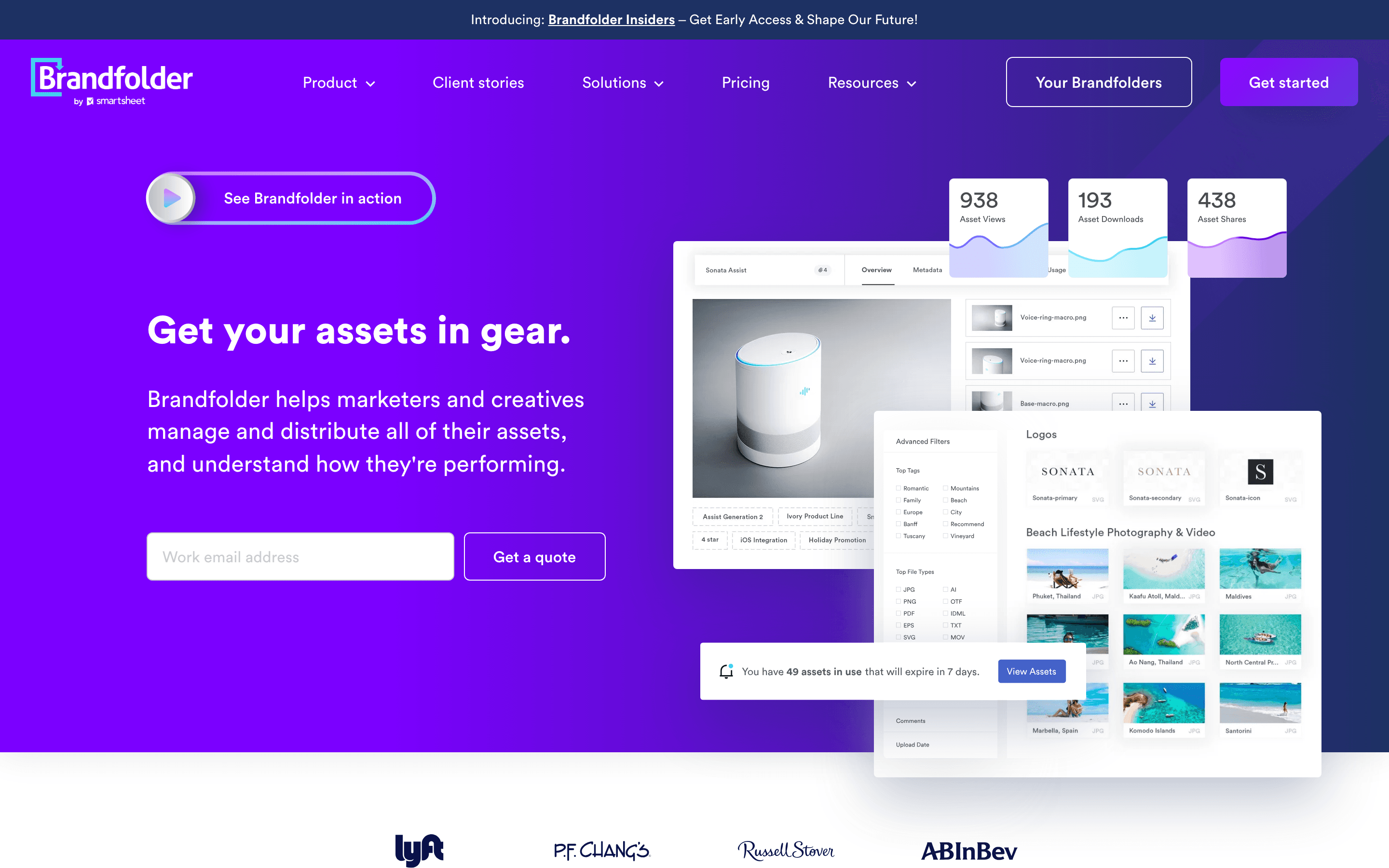
Brandfolder, owned by Smartsheet since 2020, targets a similar mid-market audience to Filecamp but leans harder into AI search and asset analytics. Its People Tagging feature uses facial recognition to auto-identify who's in each image, a level of AI sophistication Filecamp's tagging doesn't reach. Brandfolder also includes a smart CDN for publishing approved assets externally and a Chrome extension for finding assets from any browser tab. The downside compared to Filecamp is pricing transparency: Brandfolder publishes no numbers at all, splitting only into Premium and Enterprise, both requiring a demo call, while Filecamp lists every tier's price on its own site. Brandfolder is a reasonable pick if you value AI-driven search and analytics over Filecamp's simpler tagging and are comfortable with a sales-led buying process instead of self-serve signup.
Pros
- + Clean, easy to learn interface that most teams pick up without training
- + Strong AI-powered search and auto-tagging, including the new People Tagging facial recognition feature
- + Asset analytics are more detailed than most DAM competitors offer
Cons
- – No published pricing. You must book a demo to get a quote
- – Asset preview loading and search can slow down on large libraries
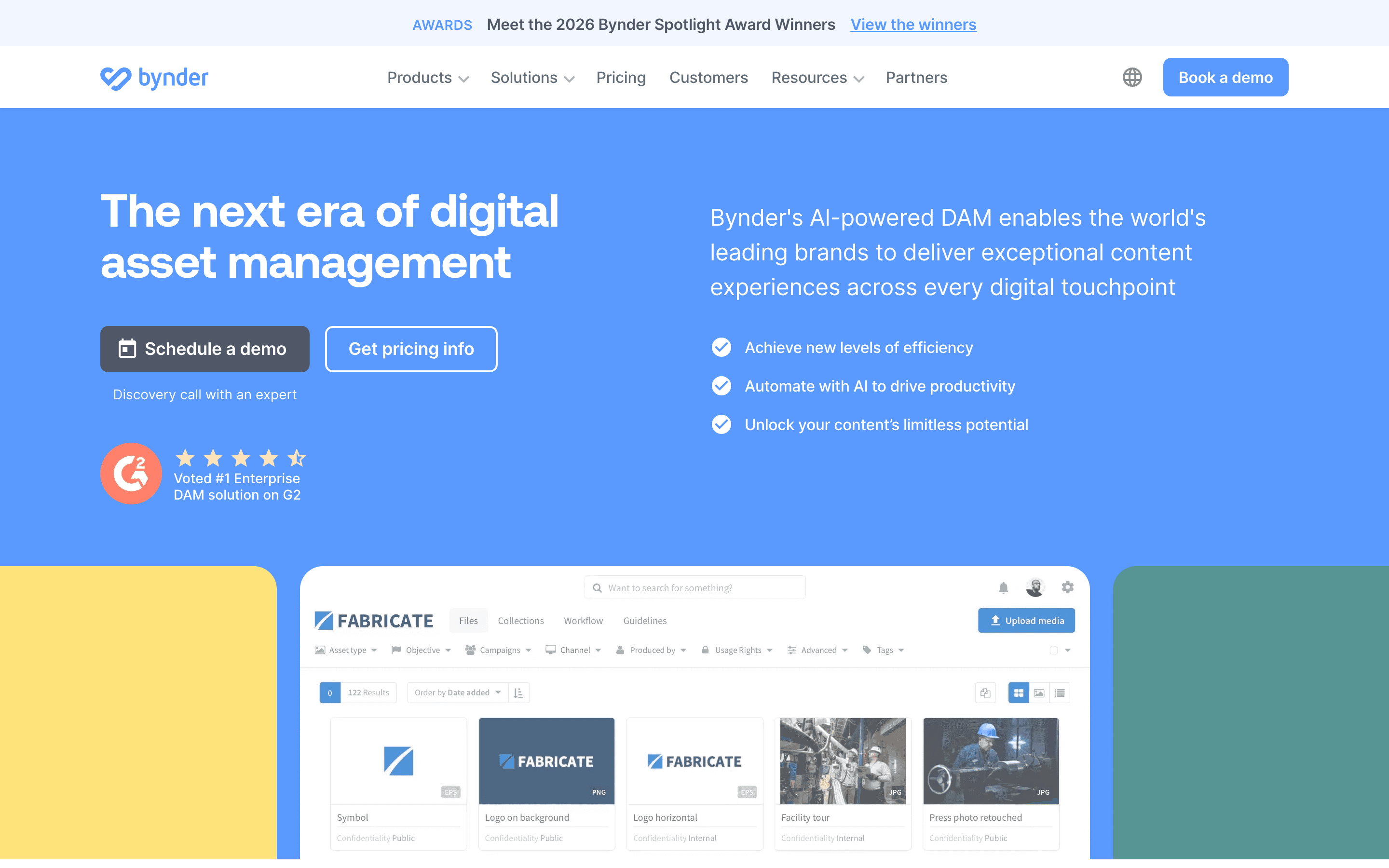
Bynder is a bigger, workflow-heavy jump from Filecamp, built around metadata-driven search, approval workflows, and Studio, a lightweight tool for resizing templates without a design app. It suits teams that need strict version control and sign-off chains before assets go live, more process than Filecamp's simpler proofing and commenting. Bynder sells its deeper functionality as separate paid modules, so the base DAM alone may not include everything a team expects, and there's no published pricing or free trial: every deal starts with a sales call. Third-party buying data puts average SMB contracts around $33,663 a year, far above Filecamp's public $29-89 a month range. Bynder makes sense once a team's approval process and integration needs, like Salesforce Marketing Cloud or Sitecore AI, outgrow what Filecamp's branding and proofing tools can handle.
Pros
- + Deep metadata and smart filter search makes large libraries easier to navigate than basic file storage tools
- + Studio lets non-designers resize and adapt approved templates without opening a design app
- + Wide integration marketplace, including Slack, Salesforce Marketing Cloud, and Sitecore AI, added or expanded in 2026
Cons
- – No published pricing anywhere, so every deal starts with a sales call and demo
- – No free trial or free tier, unlike several DAM competitors
Adobe Experience Manager Assets is built for organizations already standardized on Adobe Creative Cloud, a very different starting point than Filecamp's standalone, agency-friendly tool. Its main advantage is Adobe Asset Link, which lets designers check files in and out of Photoshop, Illustrator, and InDesign directly, plus Dynamic Media for image and video delivery at scale. Content Advisor, its AI asset-discovery layer, recently expanded into Adobe Workfront and third-party apps. None of this comes cheap or fast: pricing is entirely quote-only across both the Prime and Ultimate tiers, there's no self-serve trial, and implementation typically needs professional services. Filecamp's white-label branding and 30-day trial make it far easier to start using today. AEM Assets only makes sense if your team's daily tools are already Adobe's and you need governance and delivery that Filecamp was never built to provide.
Pros
- + Adobe Asset Link connects Photoshop, Illustrator, and InDesign directly to the DAM, so creatives can check assets in and out without leaving their desktop app
- + Dynamic Media handles image and video renditions and delivery at scale without a separate CDN tool
- + Content Advisor adds AI-driven asset discovery that now reaches into Workfront and third-party apps, not just Adobe surfaces
Cons
- – No published pricing anywhere, so every deal starts with a sales call and a custom quote
- – No self-serve free trial. Getting hands-on access means requesting a demo or sandbox from Adobe
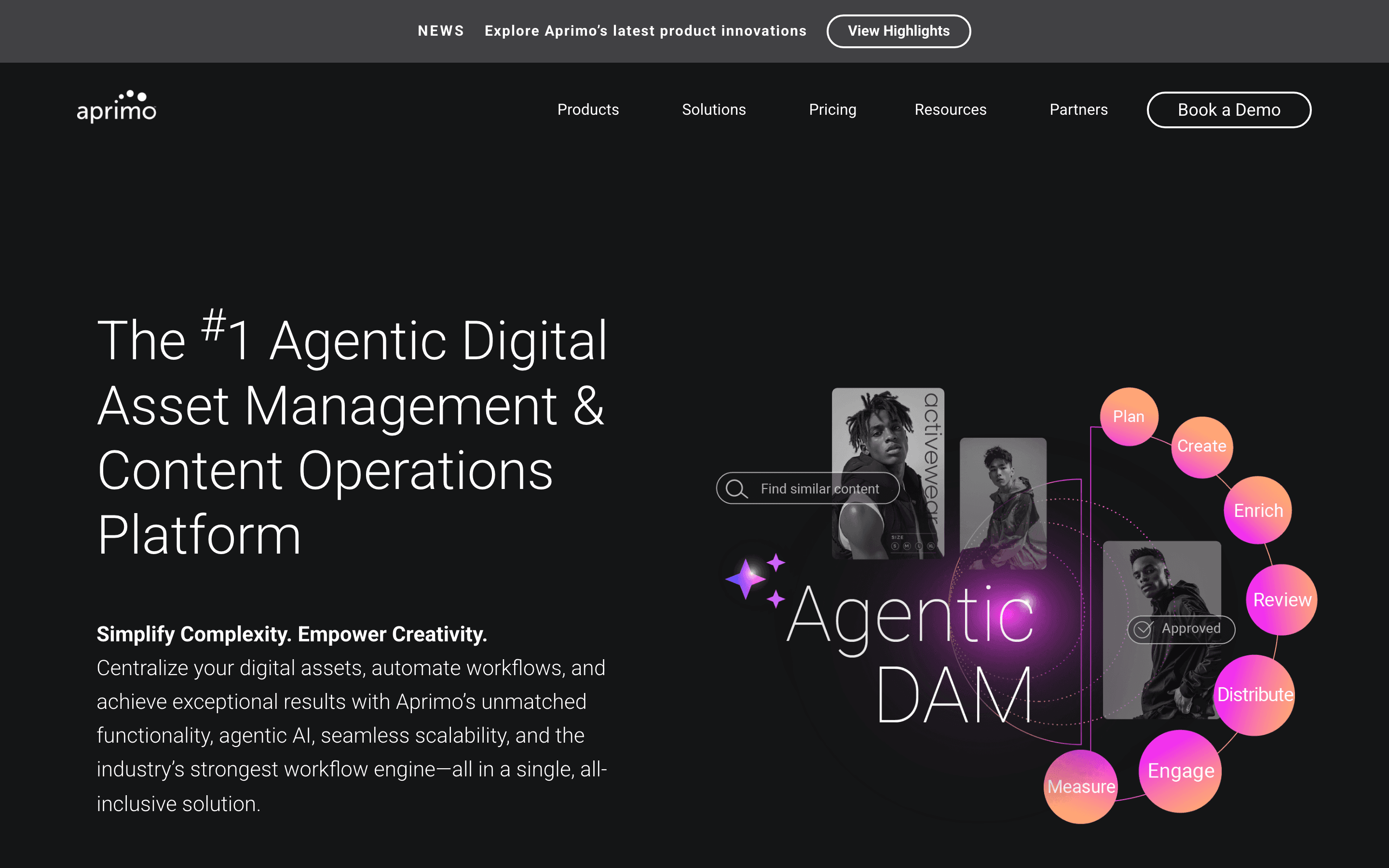
Aprimo is the largest jump on this list, an enterprise content operations platform that treats DAM as one module among several: work management, marketing spend, planning, and personalization. Its May 2026 release added AI agents for cataloging, brand compliance, and content production, plus an MCP Server for feeding approved assets into external AI workflows, capabilities well beyond Filecamp's tagging and proofing. That scope comes with enterprise-grade cost and commitment: pricing is entirely quote-only, contracts run a 12-month minimum, and third-party estimates put typical DAM deals between $20,000 and $100,000 or more a year before add-on modules. There's no free trial, unlike Filecamp's 30-day trial. Aprimo fits large, often regulated organizations consolidating several marketing tools under one vendor, not the agencies and lean marketing teams Filecamp is built for.
Pros
- + Modules cover DAM, work management, marketing spend, and planning, so large marketing orgs can consolidate several tools into one vendor
- + Agentic AI features (librarian, compliance, and production agents) go beyond basic tagging into automated enrichment and brand checks
- + New MCP Server lets approved assets flow into external AI tools, useful for teams already building AI workflows
Cons
- – No published pricing anywhere. Every deal requires a sales conversation and a custom quote
- – No free tier or trial, so there is no way to test the product without engaging sales
Should your product be on this digital asset management list?
If you build a tool that belongs next to the ones above, submit it. A human reviews every submission. Approved products get their own page with pricing and screenshots, plus a place in the comparisons where they fit. It is free. You sign in with your work email so you can follow the decision, and there is no password to create.
Filecamp alternatives: FAQ
What is the best free alternative to Filecamp?+
Air. Its free plan never expires, includes 120 monthly credits worth of storage or AI-generated images, and needs no credit card, while Filecamp offers only a 30-day trial with no ongoing free tier.
Which Filecamp alternative keeps the same unlimited-users, published-pricing model?+
Air and Dash both charge by usage rather than by seat and publish their prices on their own sites, the same model Filecamp uses. The other five alternatives here are quote-only.
Which Filecamp alternative is best for ecommerce brands?+
Dash, if you want published, self-serve pricing: it has a dedicated Shopify integration with SKU matching and bulk product updates, a feature Filecamp doesn't offer. Canto covers more ground with Shopify and Amazon sync through its DAM for Products module, but only via a quote-only enterprise contract.
Is there a Filecamp alternative with published enterprise pricing?+
No, not for a plan built for enterprise scale. Brandfolder, Bynder, Aprimo, Canto, and Adobe Experience Manager Assets are quote-only across every tier. Air publishes its Free, Starter, and Business plans but keeps its top Enterprise tier quote-only too. Filecamp and Dash are the only two on this list with every tier, including their top one, priced in public.
Filecamp alternatives: pricing compared
Entry price, billing model, and whether pricing is public. 3 of 8 publish pricing you can check without talking to sales.
| Tool | Starting price | Billing | Free option | Pricing disclosed |
|---|---|---|---|---|
| Filecamp | $29/mo | tiered | Trial (30 days on the Professional plan, 10 GB storage, no credit card required) | Public |
| Air | $25/mo | tiered | Yes | Partly public |
| Dash | $109/mo | usage-based | Trial (14 days, no credit card required) | Public |
| Canto | Custom / quote | quote-only | No | Not disclosed |
| Brandfolder | Custom / quote | quote-only | No | Not disclosed |
| Bynder | Custom / quote | quote-only | No | Not disclosed |
| Adobe Experience Manager Assets | Custom / quote | quote-only | No | Not disclosed |
| Aprimo | Custom / quote | quote-only | No | Not disclosed |
How we made these picks. We compare tools on public pricing, features, and hands-on assessment, then verify every price against the vendor's own page. We never accept payment for rankings. Read the full methodology. Spotted an error? Report it.