Filecamp Review
Cloud digital asset management with unlimited users on every plan
Is this your product? Claim this page · Request a change
Looking for a Filecamp alternative? See our ranked comparison.→What is Filecamp?
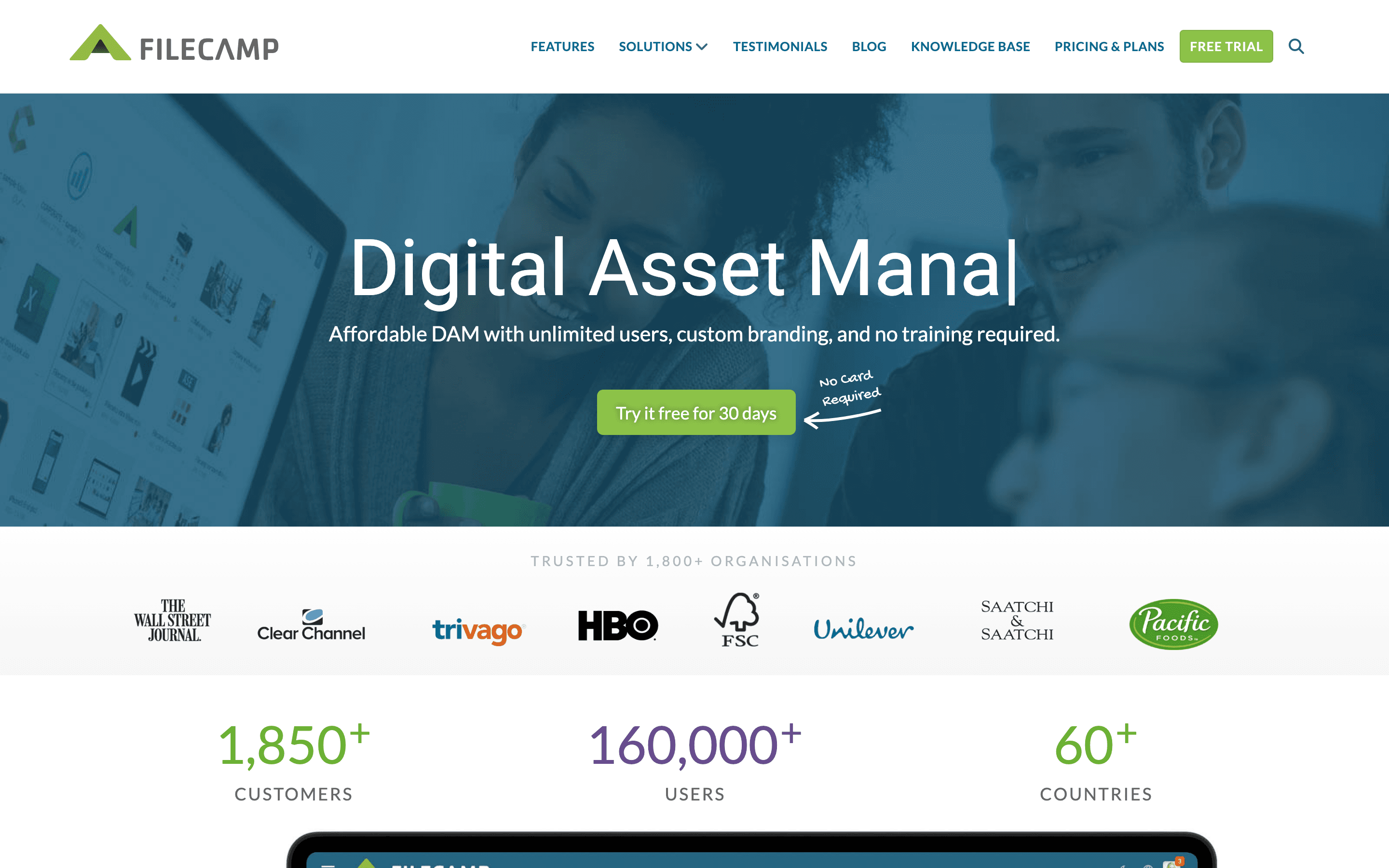
Filecamp is a cloud digital asset management tool for storing, tagging, and sharing files like images, videos, logos, and documents. It is built around unlimited users on every plan, so the cost driver is storage and feature tier rather than seats.
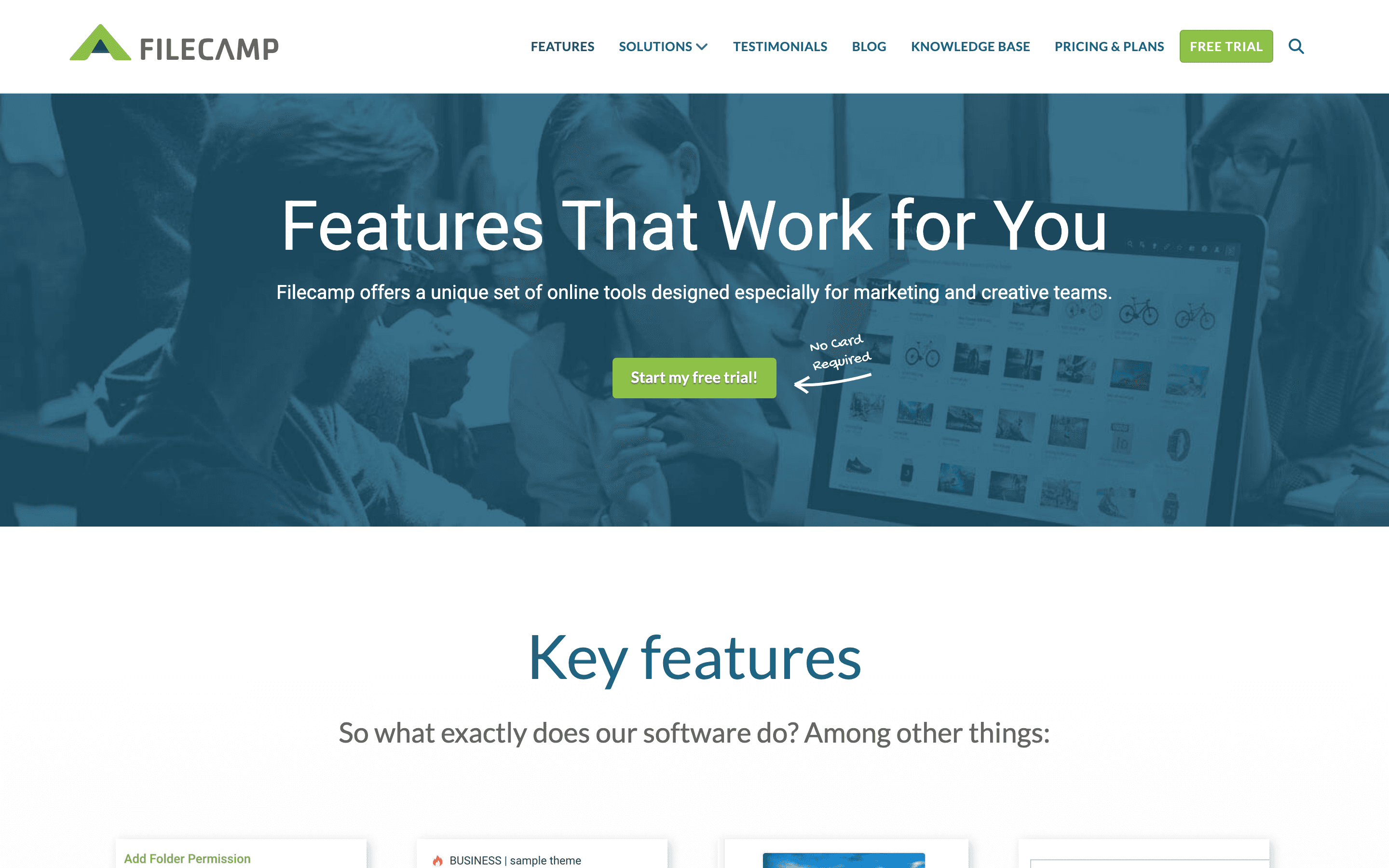
The product leans on branding: custom domains, white labeling, and a WYSIWYG page builder let agencies and marketing teams present a client-facing portal rather than a generic file browser. Higher tiers add AI auto-tagging, access request workflows, and commenting for proofing creative work.
Filecamp AG is a Swiss company founded in 2010 and says it serves over 1,800 organizations across 50+ countries.
Filecamp screenshots
Who it's for
- ✓ Agencies and marketing teams that need a branded, client-facing portal for sharing creative assets
- ✓ Organizations with many occasional users who would get expensive on a per-seat DAM tool
- ✓ Teams that want online proofing and commenting on creative files without a separate tool
Who should look elsewhere
- ✗ Large enterprises needing deep integrations with product information management or headless CMS platforms
- ✗ Teams whose asset volume will quickly exceed the 20-100 GB storage included per plan, since extra storage adds up fast
- ✗ Buyers who want AI-based visual search or generative features beyond auto-tagging
Pros
- + Unlimited users on every plan, so cost does not scale with headcount
- + Pricing is fully public with named tiers and clear monthly/annual rates
- + White labeling and custom domains are available even below the top enterprise tier
- + 30-day free trial with no credit card required
Cons
- – Storage limits are small relative to competitors (20-100 GB included) and extra storage is expensive
- – AI auto-tagging is limited to the Advanced and Professional plans, not Basic
- – No free-forever plan, unlike some DAM competitors that offer a limited free tier
Filecamp pricing
What you pay for
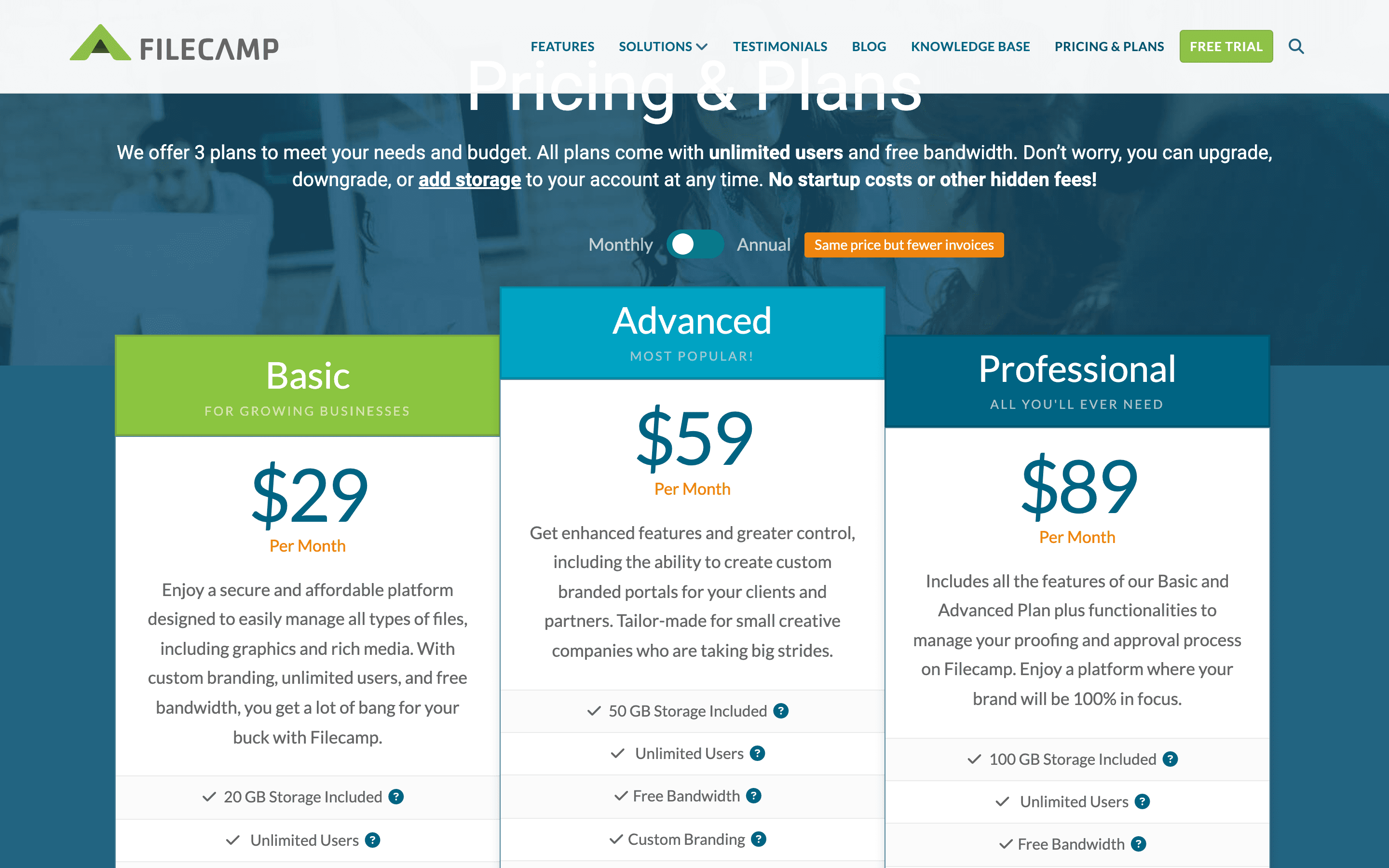
Filecamp charges by storage tier, not by seat. All three plans include unlimited users, so the price you pay depends on how much storage and which feature set (branding, proofing, custom domain) you need. Pricing is fully disclosed on the site, with published monthly and annual rates for all three tiers plus a self-serve add-on storage price list.
At about $29/month to start, it sits mid-pack on price in Digital Asset Management.
| Plan | Price | Highlights |
|---|---|---|
| Basic | $29/mo | 20 GB storage · Unlimited users · Custom branding · Public download pages · File request links · 24/7 email support |
| Advanced | $59/mo | 50 GB storage · Everything in Basic · Multiple themed sub-accounts · Custom pages with WYSIWYG editor · Collections · AI auto-tagging |
| Professional | $89/mo | 100 GB storage · Everything in Advanced · Bulk auto-tagging · Access request workflows · Custom domain · White label · Commenting and online proofing |
Prices shown are monthly billing. Annual billing is cheaper per month: Basic $348/year, Advanced $708/year, Professional $1,068/year. Users are unlimited on every plan; you pay for storage tier instead. Extra storage above plan limits costs from $10/month for 10 GB up to $3,500/month for 20 TB.
Pricing verified July 7, 2026 · source
How Filecamp's pricing compares
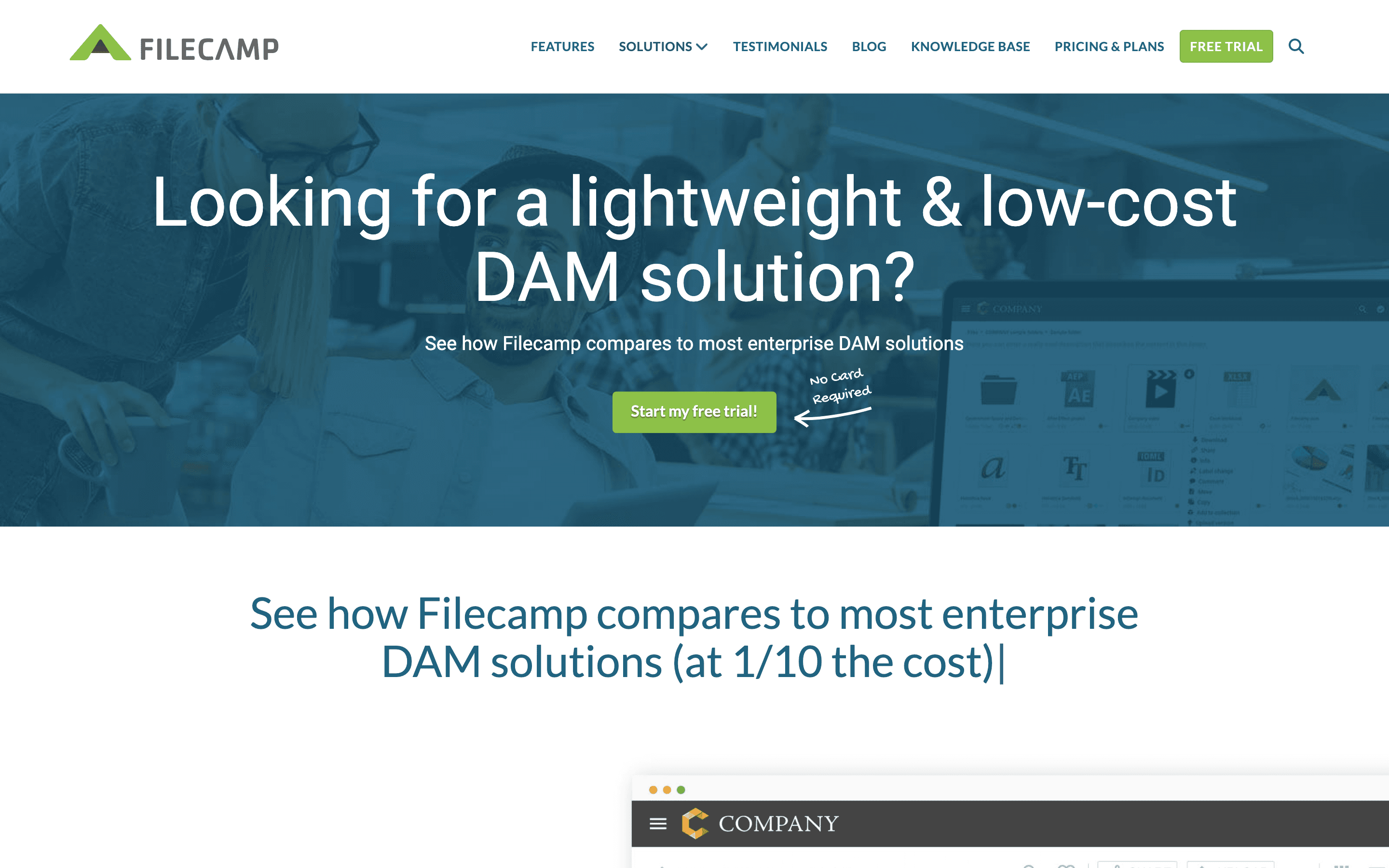
Filecamp next to its closest alternatives on entry price, billing, and whether pricing is public.
| Tool | Starting price | Billing | Free option | Pricing disclosed |
|---|---|---|---|---|
| Filecamp | $29/mo | tiered | Trial (30 days on the Professional plan, 10 GB storage, no credit card required) | Public |
| Brandfolder | Custom / quote | quote-only | No | Not disclosed |
| Bynder | Custom / quote | quote-only | No | Not disclosed |
| Aprimo | Custom / quote | quote-only | No | Not disclosed |
| Canto | Custom / quote | quote-only | No | Not disclosed |
| Adobe Experience Manager Assets | Custom / quote | quote-only | No | Not disclosed |
| Air | $25/mo | tiered | Yes | Partly public |
Is Filecamp still actively developed?
Last significant update: July 2026. Kept the Infobar accessible while browsing files, fixed timeout issues when updating many items at once, and added support for newer HEIC file formats.
Top Filecamp alternatives
Further reading
- Best digital asset management for small teams - Air's free plan and Filecamp's $29/month tier beat enterprise DAM for small marketing teams. Dash and Canto fit narrower budgets and use cases.
Filecamp FAQ
Does Filecamp charge per user?+
No. All three plans include unlimited users. You pay based on the storage and feature tier you pick, not the number of people you invite.
Is there a free plan?+
No. Filecamp does not have a free-forever tier. It offers a 30-day free trial of the Professional plan with 10 GB of storage and no credit card required.
What happens if I run out of storage?+
You can buy extra storage as an add-on. Pricing starts at $10/month for 10 GB and scales up to $3,500/month for 20 TB.
Can I white label Filecamp for clients?+
Yes, but only on the Professional plan, which adds custom domain support and full white labeling on top of the custom branding available on lower tiers.