Top Bynder Alternatives in 2026
Here for Bynder itself? See the full Bynder profile, pricing & reviews →
Suggest a change- If you want the closest feature-for-feature swap for an enterprise DAM, with AI search, approval workflows, and brand portals included once you're on the right tier rather than sold as separate add-ons, choose Canto. Canto's AI search, Approval Hub, and Brand Studio are included once you're on Canto's DAM Plus tier or above, rather than sold as a separate line-item module on top of whatever plan you're on the way Bynder sells Asset Workflow and Studio.
- If you need one vendor to cover DAM, work management, marketing spend, and compliance-heavy content operations for a large or regulated organization, choose Aprimo. Aprimo bundles DAM with planning, spend management, and agentic compliance and production AI built for financial services, life sciences, and other regulated industries.
- If your team already runs on Adobe Creative Cloud and Experience Cloud, choose Adobe Experience Manager Assets. Adobe Asset Link and Dynamic Media plug the DAM directly into Photoshop, Illustrator, InDesign, Workfront, and AEM Sites in a way an outside vendor can't match.
- If you want published USD pricing but need more storage and download volume than Filecamp's tiers offer as you grow, choose Dash. Dash lists all four tiers with real monthly prices, up to $589/month, and every tier includes unlimited users. Filecamp is cheaper at small scale, but Dash's higher storage and download ceiling gives growing brands more room before they outgrow the plan.
- If you're already deep into Bynder's Asset Workflow, Content Workflow, and Studio modules with integrations built out, choose stay on Bynder. migrating a mature module stack and rebuilding integrations like Salesforce Marketing Cloud and Sitecore AI usually costs more than any pricing-transparency gain from switching.
Bynder is a solid digital asset management platform, but it never tells you what it costs. Every deal starts with a sales call and a custom quote built around users, storage, and which add-on modules (Asset Workflow, Content Workflow, Studio, Analytics) you bundle in. Third-party buyer data points to average SMB contracts around $33,663 a year and enterprise contracts around $124,668 a year, with renewals commonly climbing 21-23% year over year.
That pricing model, plus the fact that a lot of Bynder's real functionality sits behind separate paid modules rather than the base DAM, is the main reason teams go looking for an alternative. Some want a mature enterprise DAM without the same opaque pricing. Others want published, self-serve pricing they can budget against without talking to a salesperson. The right pick depends on which of those you care about more.
Bynder alternatives compared
| Tool | Best for | Starting price | Free option | Last update |
|---|---|---|---|---|
| Canto | Marketing and brand teams that need a mature, established DAM with strong search and brand portal features | Custom / quote | No | March 2026 |
| BrandfolderBest ease of use / fastest onboarding | Marketing and brand teams that need a central, searchable library for images, video, and documents | Custom / quote | No | April 2026 |
| Aprimo | Large enterprises that want DAM, work management, marketing spend, and content planning under one vendor | Custom / quote | No | May 2026 |
| Adobe Experience Manager Assets | Large enterprises already standardized on Adobe Creative Cloud and Experience Cloud | Custom / quote | No | April 2026 |
| DashBest transparent pricing at scale | Growing brands that want unlimited team members without per-seat pricing | $109/mo | Trial (14 days, no credit card required) | July 2026 |
| AirBest for AI creative generation | Marketing and creative teams that need a shared asset library with client-facing review links | $25/mo | Yes | July 2026 |
| FilecampBest budget / self-serve option | Agencies and marketing teams that need a branded, client-facing portal for sharing creative assets | $29/mo | Trial (30 days on the Professional plan, 10 GB storage, no credit card required) | July 2026 |
Why teams switch from Bynder
No published pricing means every deal, even a small one, starts with a sales call and a demo
Bynder's pricing page confirms every customer gets a custom package and price with no listed numbers and no free trial.
Renewal prices climb steeply year over year
Vendr's aggregated buyer data puts average SMB contracts around $33,663/year and average enterprise contracts around $124,668/year, and SpendHound's contract data shows roughly 21-23% year-over-year renewal increases across both segments.
Core DAM functionality is split across paid add-on modules
Most Bynder customers buy a bundle of modules such as Asset Workflow, Content Workflow, and Studio rather than plain storage, which makes the base plan alone incomplete for many teams.
The best Bynder alternatives, ranked
Canto
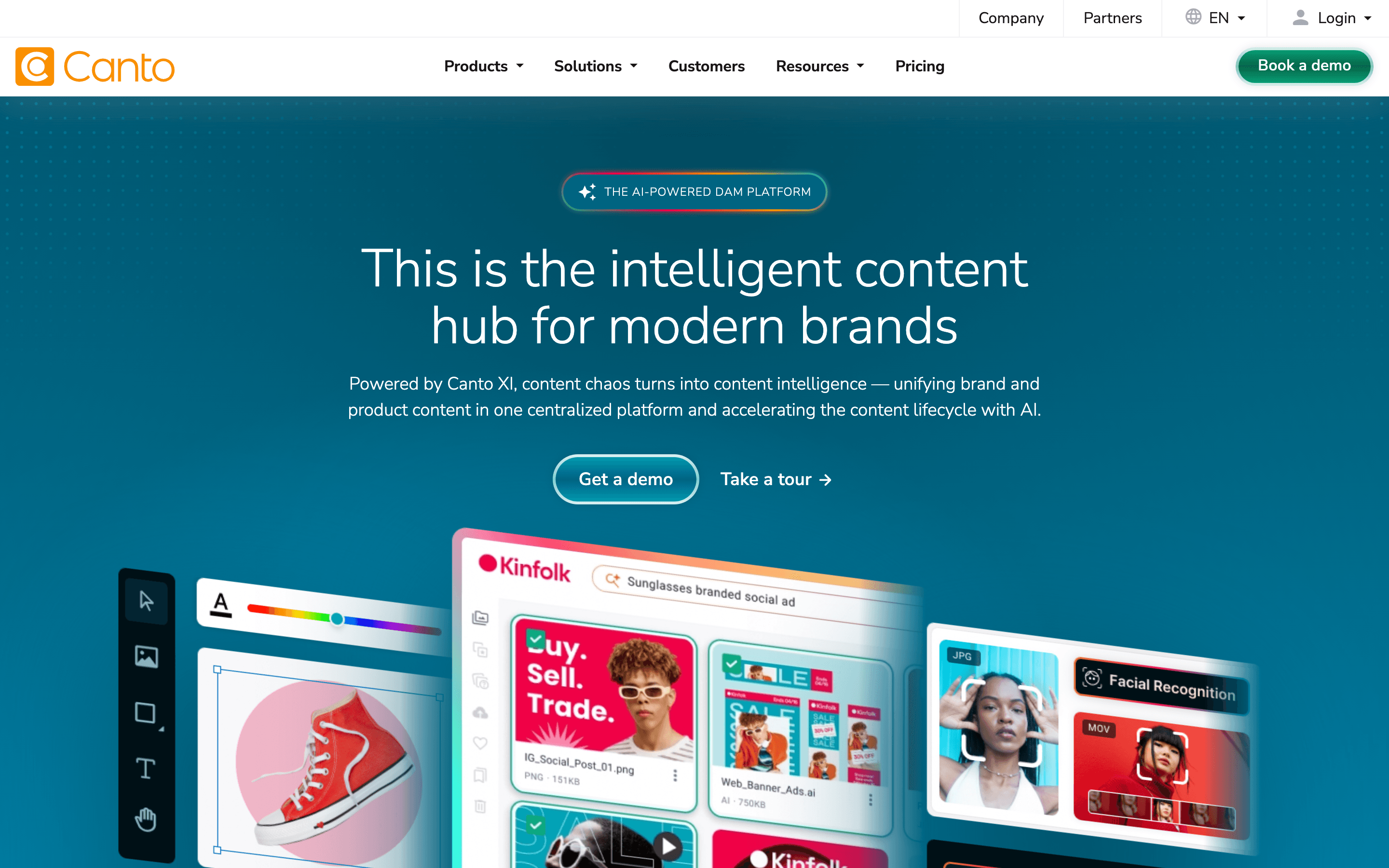
Canto is the alternative that looks most like Bynder on paper: a mature enterprise DAM with AI search, approval workflows, and brand portals, built to serve large brand and marketing teams. The difference is what's included once you pick a tier. Canto's entry tier, Core Essentials, is a plain DAM without AI tagging, approvals, or brand portals; AI tagging and search, Approval Hub, and Brand Studio only show up starting at the Enhanced Collaboration (DAM Plus) tier and up. So the advantage over Bynder isn't that these are free everywhere, it's that once you're on DAM Plus or above they're part of that tier rather than a separate paid module stacked on top, the way Bynder prices Asset Workflow, Content Workflow, and Studio as add-ons regardless of which base plan you're on. Canto also added a dedicated DAM for Products line in 2026 with Shopify and Amazon sync, useful if you sell physical goods. The catch is the same one Bynder has: all four Canto tiers are quote-only, with no public pricing and no free trial, so you still can't compare real numbers without a sales call. Pick Canto if you want Bynder's caliber of feature set bundled into a tier instead of billed as separate add-on modules, but budget for at least the DAM Plus tier to actually get AI search and approvals.
Pros
- + Long track record as a DAM vendor, with a platform that has kept adding features rather than stalling
- + AI search and tagging are included rather than gated behind a separate add-on purchase
- + Dedicated product content tools with direct Shopify and Amazon sync for retail brands
Cons
- – No public pricing anywhere, so you cannot budget or compare cost without contacting sales
- – No free tier or free trial, so there's no way to test the product before signing a contract
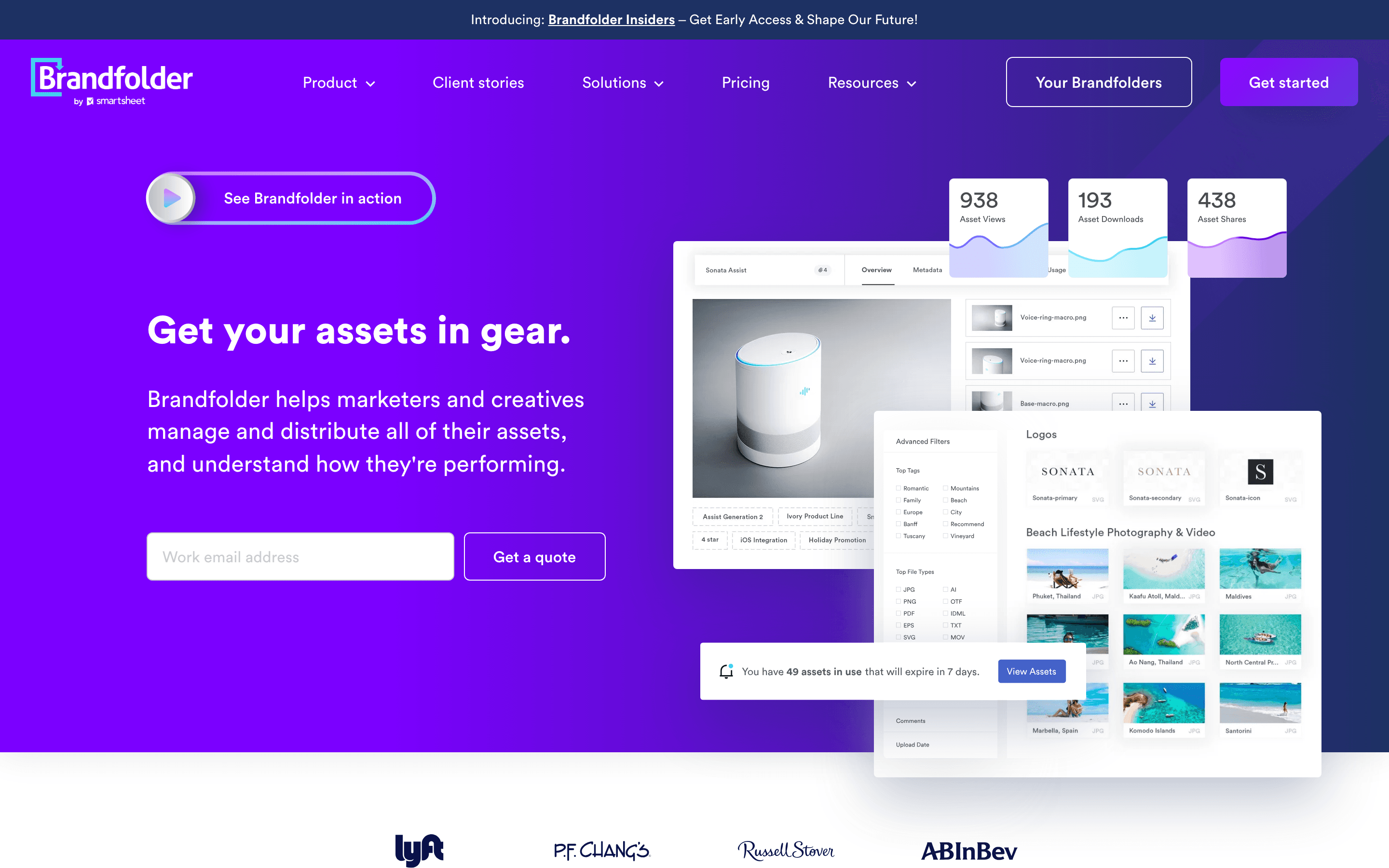
Brandfolder, now owned by Smartsheet, is the pick for teams that found Bynder's interface or onboarding heavier than expected. Reviewers consistently call it easy to learn without training, and its AI-powered tagging and search, including a 2026 People Tagging feature that auto-identifies people in photos and video, cuts down manual metadata work. Asset analytics are more detailed than most DAM competitors offer, which helps brand teams justify the tool internally. Like Bynder, Brandfolder discloses no pricing: you choose between Premium and Enterprise, then book a demo for a quote based on users, storage, and contract length, and there's no free tier. Some users report slower search and asset previews on very large libraries, plus inconsistent account rep turnover. Choose Brandfolder if ease of use and search quality matter more to your team than getting a number before the sales call.
Pros
- + Clean, easy to learn interface that most teams pick up without training
- + Strong AI-powered search and auto-tagging, including the new People Tagging facial recognition feature
- + Asset analytics are more detailed than most DAM competitors offer
Cons
- – No published pricing. You must book a demo to get a quote
- – Asset preview loading and search can slow down on large libraries
Aprimo
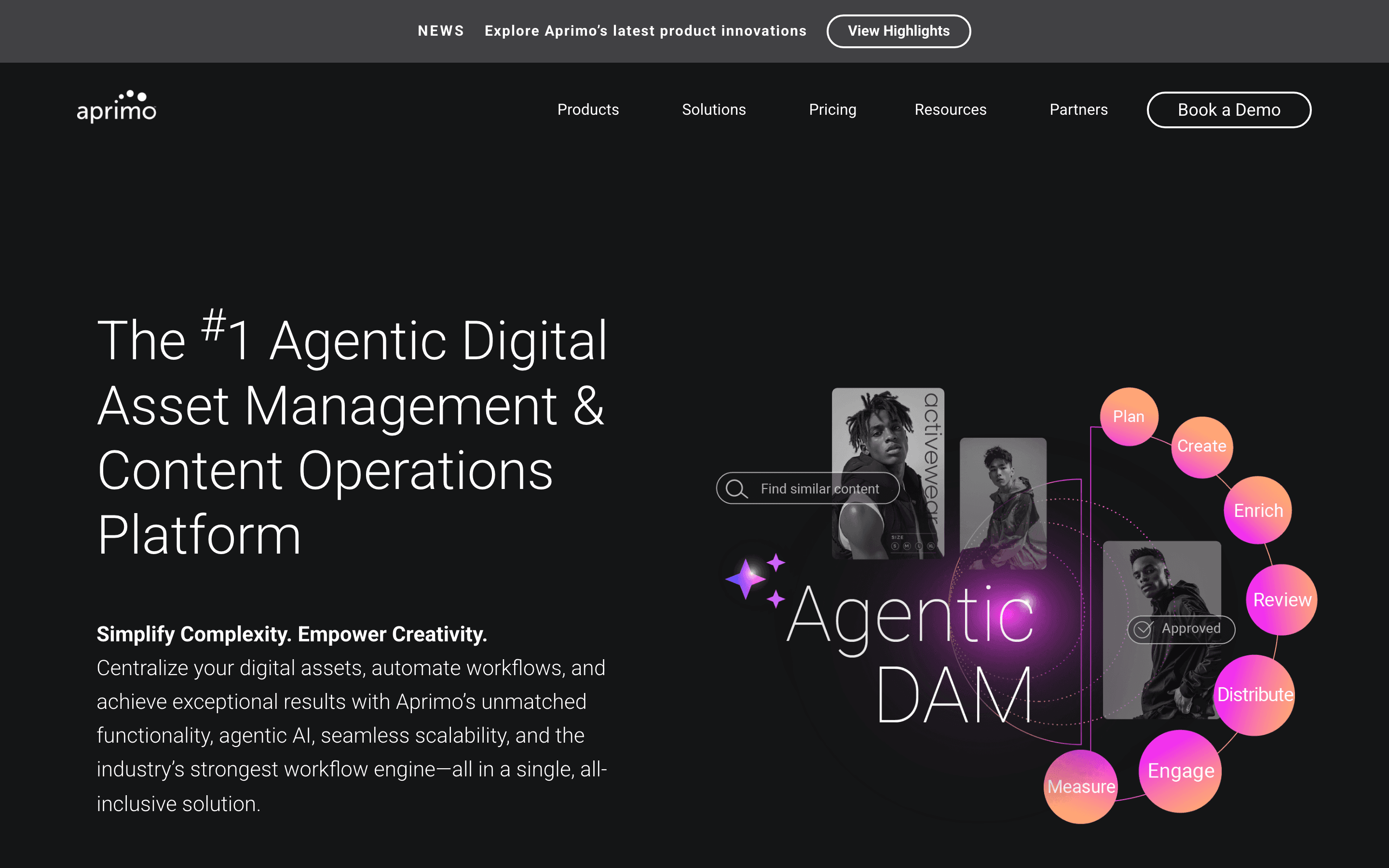
Aprimo is the option for teams that have outgrown a simple asset library and want DAM, work management, marketing spend and invoicing, and content planning under one enterprise vendor, the way some larger Bynder customers eventually do with Bynder's own add-on modules. Its 2026 push into agentic AI adds librarian, compliance, and production agents, plus an MCP Server for pulling approved content into external AI workflows, which goes further than Bynder's current feature set. That depth comes with enterprise weight: pricing is entirely custom, contracts run a 12-month minimum, and third-party estimates put typical deals from $20,000 to well over $100,000 a year before implementation. There's no free tier or trial. Choose Aprimo over Bynder if you're a large or regulated organization that wants compliance-aware AI agents and a broader content-operations suite, not just a DAM.
Pros
- + Modules cover DAM, work management, marketing spend, and planning, so large marketing orgs can consolidate several tools into one vendor
- + Agentic AI features (librarian, compliance, and production agents) go beyond basic tagging into automated enrichment and brand checks
- + New MCP Server lets approved assets flow into external AI tools, useful for teams already building AI workflows
Cons
- – No published pricing anywhere. Every deal requires a sales conversation and a custom quote
- – No free tier or trial, so there is no way to test the product without engaging sales
Adobe Experience Manager Assets makes sense as a Bynder alternative specifically for organizations already committed to the Adobe ecosystem. Adobe Asset Link lets designers check assets in and out of Photoshop, Illustrator, and InDesign without leaving the desktop app, Dynamic Media handles image and video delivery at scale, and a 2026 update extended the Content Advisor AI search into Workfront and third-party apps. None of that matters much if you're not already paying for Creative Cloud or Experience Cloud. Pricing follows the same pattern as Bynder: two tiers, Prime and Ultimate, both quote-only, with no public numbers and no self-serve trial, just a demo or sandbox request. Implementation typically needs professional services on top. Pick AEM Assets over Bynder only if the Adobe-native workflow is worth more to your team than avoiding a second enterprise sales cycle.
Pros
- + Adobe Asset Link connects Photoshop, Illustrator, and InDesign directly to the DAM, so creatives can check assets in and out without leaving their desktop app
- + Dynamic Media handles image and video renditions and delivery at scale without a separate CDN tool
- + Content Advisor adds AI-driven asset discovery that now reaches into Workfront and third-party apps, not just Adobe surfaces
Cons
- – No published pricing anywhere, so every deal starts with a sales call and a custom quote
- – No self-serve free trial. Getting hands-on access means requesting a demo or sandbox from Adobe
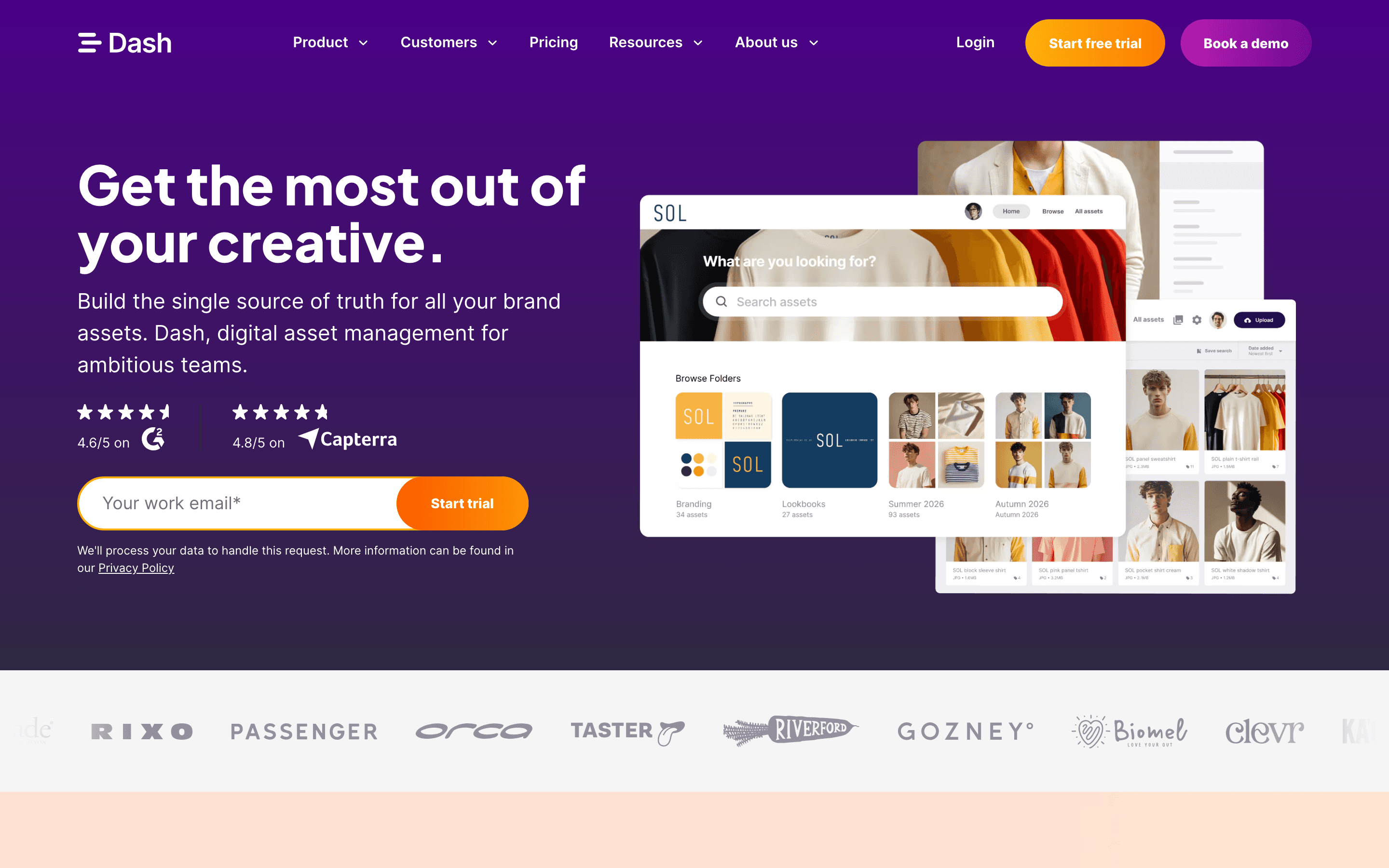
Dash is the clearest answer if what actually bothers you about Bynder is not having a price. All four Dash tiers, Start up at $109/month up to Established brand at $589/month, are posted with real USD numbers on its pricing page, and every tier includes unlimited users and the full feature set, so nothing is gated behind a higher plan. Cost instead scales with storage and monthly downloads, with automatic plan increases if you go over rather than a sales call. It includes a strong Shopify integration with SKU matching, useful for ecommerce brands. The tradeoff is scale and depth: there's no free plan (just a 14-day trial), download caps can push cost up for high-volume sharing teams, and its integration list and governance tools are thinner than Bynder's enterprise workflow features. Choose Dash if you want Bynder-like asset management with a price you can see before you sign up.
Pros
- + Every plan includes the full feature set and unlimited users, so there is no feature-gating to work around
- + Straightforward, published USD pricing with a slider-style scaling model instead of hidden quotes
- + Strong Shopify integration, including SKU matching and reviewing product images before export
Cons
- – No free forever plan
- – Monthly download caps on the lower tiers mean cost can rise fast for teams with heavy sharing

Air is worth a look if what you actually want from Bynder is unlimited users without per-seat costs, plus AI generation tools built into the library. Every Air plan, including a genuinely free one with 120 credits a month and no credit card required, allows unlimited workspace users; you pay for a shared credit pool that covers storage, AI image and video generation, and enrichment instead. The Business plan adds CDN delivery, a public API, and MCP server access. That credit model is also the main downside: it's harder to predict than flat per-seat pricing, especially if your team generates a lot of AI imagery, and the jump from Starter's $25/month to Business's $1,100/month is steep. Enterprise pricing isn't published either. Choose Air over Bynder if AI generation and free-tier access for occasional collaborators matter more than mature workflow and governance tools.
Pros
- + No per-seat charges, so adding reviewers, clients, or contributors doesn't raise the bill
- + Free plan works indefinitely with no credit card and includes real storage and AI credits
- + Business plan includes CDN delivery, public API, and MCP server access for building on top of the platform
Cons
- – Credit-based pricing is harder to predict than flat per-seat pricing, especially for teams that generate a lot of AI images or video
- – Business plan jumps to $1,100/month, a large step up from Starter's $25/month
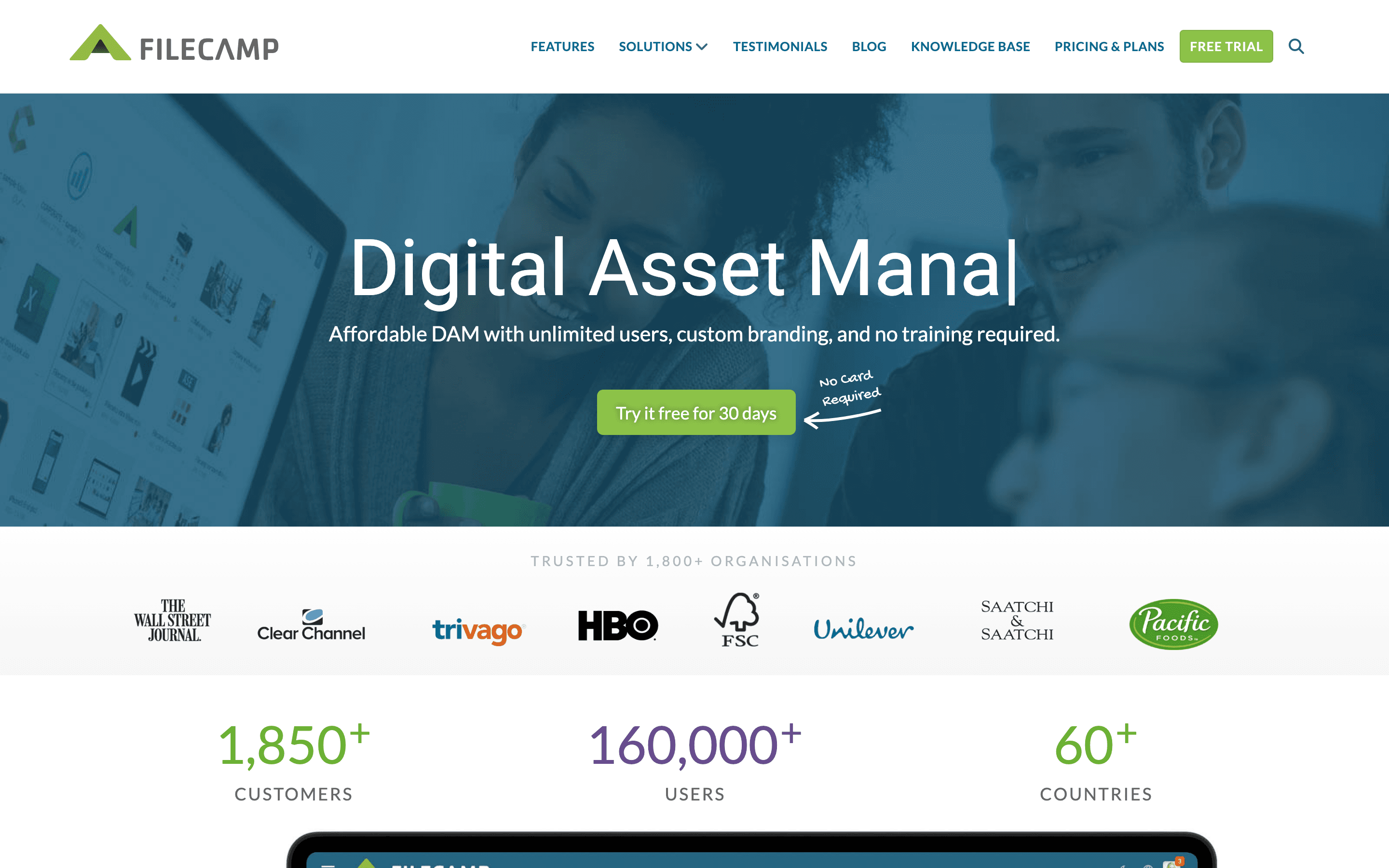
Filecamp is the budget pick among Bynder alternatives. Every plan includes unlimited users, so the price you pay depends on storage tier (20 to 100 GB) and features like branding, white labeling, and online proofing rather than headcount, and it's the cheapest tool here with fully public pricing, starting at $29/month. A 30-day free trial with no credit card lets you test it before paying. White labeling and custom domains are Professional-tier-only (the top $89/month plan), which suits agencies presenting client-facing portals but means you can't get either on the cheaper Basic or Advanced plans. The tradeoffs are real: included storage is small next to enterprise DAM tools, extra storage gets expensive fast, AI auto-tagging is limited to the two higher plans, and there's no deep integration marketplace like Bynder's Salesforce Marketing Cloud or Sitecore AI connections. Choose Filecamp if you're a small team or agency that wants transparent, low-cost pricing over enterprise-grade workflow depth.
Pros
- + Unlimited users on every plan, so cost does not scale with headcount
- + Pricing is fully public with named tiers and clear monthly/annual rates
- + White labeling and custom domains are available even below the top enterprise tier
Cons
- – Storage limits are small relative to competitors (20-100 GB included) and extra storage is expensive
- – AI auto-tagging is limited to the Advanced and Professional plans, not Basic
Should your product be on this digital asset management list?
If you build a tool that belongs next to the ones above, submit it. A human reviews every submission. Approved products get their own page with pricing and screenshots, plus a place in the comparisons where they fit. It is free. You sign in with your work email so you can follow the decision, and there is no password to create.
Bynder alternatives: FAQ
What is the best Bynder alternative for a small team?+
Filecamp and Dash are the two options here with fully published pricing and no per-seat charges, which suits small teams that want a real number before committing. Filecamp starts at $29/month; Dash starts at $109/month with more built-in downloads and storage.
Is there a free Bynder alternative?+
Air has a genuinely free plan with no credit card required, including unlimited users and a monthly credit allowance for storage and AI generation. Bynder, Brandfolder, Aprimo, Canto, and Adobe AEM Assets all require a paid contract with no free tier.
Which Bynder alternative is best for a large enterprise?+
Aprimo fits organizations that want DAM bundled with work management, marketing spend, and compliance-aware AI agents, especially in regulated industries. Adobe Experience Manager Assets fits large enterprises already standardized on Adobe Creative Cloud and Experience Cloud.
Do any Bynder alternatives publish real pricing?+
Yes. Dash and Filecamp both list actual USD prices and tiers on their pricing pages, and Air publishes Free, Starter, and Business pricing (Enterprise is still quote-only). Brandfolder, Aprimo, Canto, and Adobe AEM Assets are all quote-only like Bynder.
Bynder alternatives: pricing compared
Entry price, billing model, and whether pricing is public. 3 of 8 publish pricing you can check without talking to sales.
| Tool | Starting price | Billing | Free option | Pricing disclosed |
|---|---|---|---|---|
| Bynder | Custom / quote | quote-only | No | Not disclosed |
| Canto | Custom / quote | quote-only | No | Not disclosed |
| Brandfolder | Custom / quote | quote-only | No | Not disclosed |
| Aprimo | Custom / quote | quote-only | No | Not disclosed |
| Adobe Experience Manager Assets | Custom / quote | quote-only | No | Not disclosed |
| Dash | $109/mo | usage-based | Trial (14 days, no credit card required) | Public |
| Air | $25/mo | tiered | Yes | Partly public |
| Filecamp | $29/mo | tiered | Trial (30 days on the Professional plan, 10 GB storage, no credit card required) | Public |
How we made these picks. We compare tools on public pricing, features, and hands-on assessment, then verify every price against the vendor's own page. We never accept payment for rankings. Read the full methodology. Spotted an error? Report it.
More digital asset management comparisons
Further reading
- Digital asset management cost in 2026: what to expect - Most DAM vendors hide pricing behind a sales call. Here is what drives your quote, the entry prices that are public, and what to ask before you sign.
- Best digital asset management for agencies - For agencies juggling client libraries, Air wins on sharing and price. Brandfolder, Bynder, and Canto compete on quote-only enterprise workflow.