Top PandaDoc Alternatives in 2026
Here for PandaDoc itself? See the full PandaDoc profile, pricing & reviews →
Suggest a change- If you need every counterparty, candidate, or client to recognize the signing flow with zero explanation, choose DocuSign. most business contacts have already signed a DocuSign envelope, and it now adds AI-assisted summaries so signers understand what they're agreeing to before they sign.
- If you want a simple per-seat price with no document caps or overage fees to track, choose Dropbox Sign. Essentials and Standard both include unlimited signature requests with no per-document overage charge, unlike PandaDoc's Free and Starter plans.
- If your team already edits and shares PDFs in Adobe Acrobat, choose Adobe Acrobat Sign. signing becomes one more button inside the PDF tool your team already pays for instead of a separate app people have to learn.
- If your total contract volume is light, well under 100 documents a year across the whole team, choose SignNow. its flat unlimited-user plans start at $8/month billed annually, the lowest sticker price in this group, though the 100-invite cap is shared by the whole account and stops being cheap once weekly sending starts.
- If you want to cut per-seat licensing cost to near zero and can live without SMS or ID verification, choose Documenso. it's open source under an AGPL license, so a self-hosted deployment costs close to just server hosting instead of a per-seat fee.
- If you need pricing tables, CPQ, and e-signature built into one document workflow for proposals and quotes, choose stay on PandaDoc. none of these alternatives combine document building, quoting, and signing as tightly as PandaDoc does, and switching would mean rebuilding your proposal and quote templates somewhere else.
PandaDoc bundles document building, e-signature, and pricing tables into one tool, which is why sales, HR, and ops teams pick it in the first place. But the same teams that send contracts every week are the ones who bump into its document caps, per-document overage fees, and Enterprise-only API access.
If you're evaluating a switch, the right pick depends on what you actually need most: a signing experience every counterparty already knows, a flat per-seat price with no document caps, a tool that lives inside software you already pay for, or a way to cut licensing cost to near zero. The alternatives below are ranked for that decision, not for a generic feature checklist.
PandaDoc alternatives compared
| Tool | Best for | Starting price | Free option | Last update |
|---|---|---|---|---|
| DocuSignBest for universal signer recognition | Sales, HR, and ops teams that need every counterparty and candidate to recognize the signing flow with zero explanation | $11/seat/mo | Trial (30 days free, no credit card required) | January 2026 |
| Dropbox SignBest value with no document caps | Small teams that already store contracts in Dropbox and want signing built into that workflow | $15/seat/mo | Yes | January 2026 |
| Adobe Acrobat SignBest for Acrobat-heavy teams | Companies already paying for Acrobat Pro or Studio who want signatures added to a tool people already use | $14.99/seat/mo | Trial (7 days on Acrobat Pro and Acrobat Studio (individual and Teams); Acrobat Standard has no free trial) | June 2026 |
| SignNow | Small teams or solo operators sending a light, predictable volume, comfortably under 100 documents a year in total, who want the lowest sticker price | $8/mo | Trial (7 days, no credit card required) | June 2026 |
| DocumensoBest for cutting cost to near zero | Startups and small teams that want e-signature without per-seat pricing that scales into hundreds of dollars a month | $25/seat/mo | Yes | June 2026 |
Why teams switch from PandaDoc
Document overage charges catch teams off guard
Customers on PandaDoc's Free and Starter plans report unexpected per-document overage charges, including cases where web form submissions get counted and billed as documents against the annual cap without clear upfront disclosure.
Auto-renewal at full price without a heads-up
Multiple BBB complaints describe being auto-renewed at full price with no advance notice, then having to escalate a complaint before getting a refund.
API and workflow automation are Enterprise-only
Teams that outgrow the document-and-signature basics need PandaDoc's Enterprise tier for API access and workflow automation, and that tier is quote-only through sales rather than self-serve.
The best PandaDoc alternatives, ranked
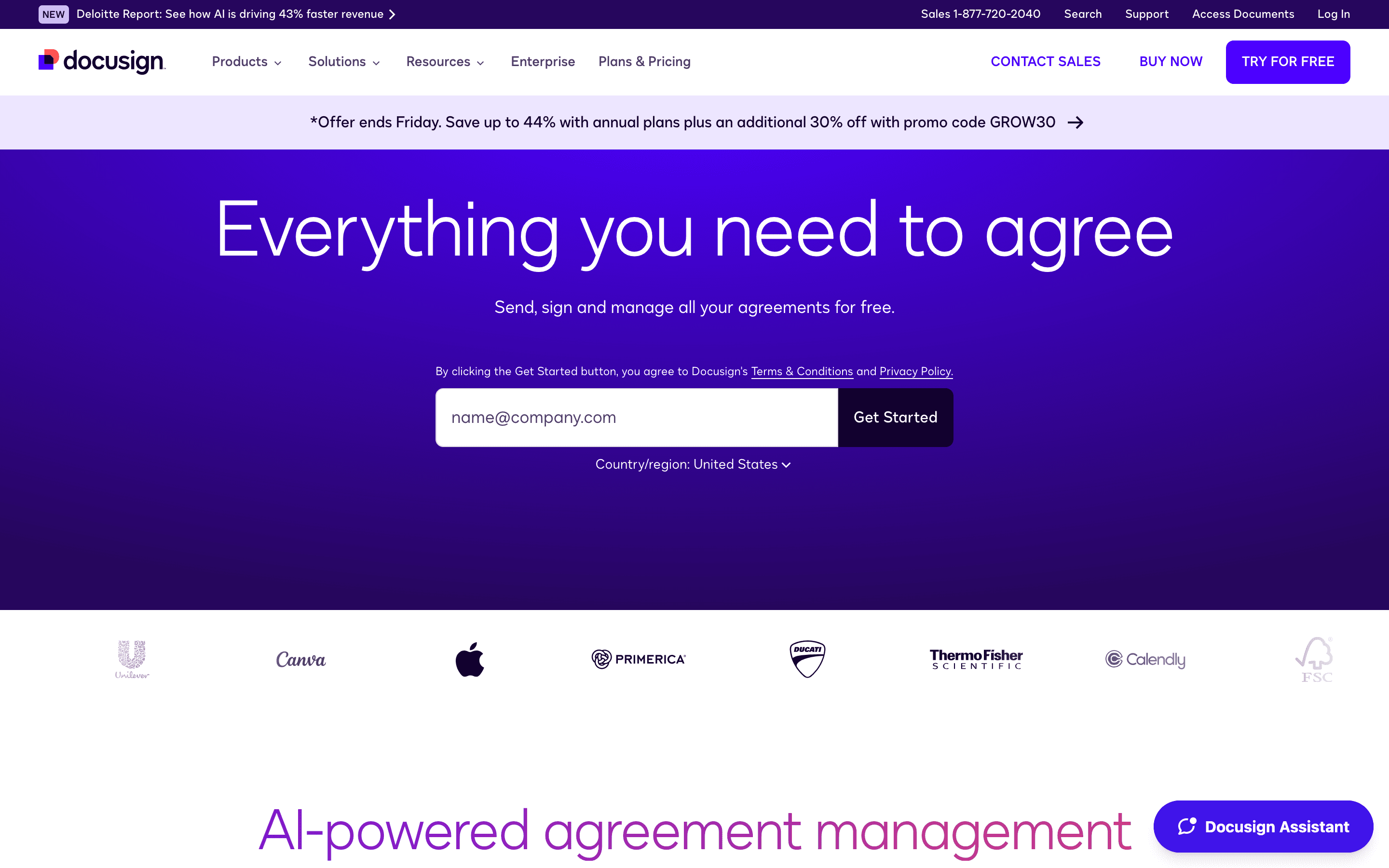
DocuSign is the safest switch for teams whose main complaint with PandaDoc is per-seat pricing opacity above the free and Starter tiers, not document caps. Standard and Business Pro cap out at 100 envelopes per user per year, and once you're past that, pay-as-you-go overage kicks in, a real numeric ceiling that isn't necessarily looser than PandaDoc's own caps. What DocuSign does offer is a published price for that cap: Standard and Business Pro list their per-seat cost and envelope allowance up front, so you get a number without a sales call, the same thing PandaDoc offers below Enterprise. The real draw is familiarity: almost every business contact has signed a DocuSign envelope before, so there's no onboarding friction for the other side of a deal. New AI-assisted summaries also give signers a plain-English rundown of a contract before they sign. Budget for the 100-envelope-per-user cap and for renewal price hikes reviewers report in the 5-20% range, rather than assuming the entry price and allowance hold as volume grows.
Pros
- + Recipients almost never need instructions, since most business contacts have signed a DocuSign envelope before
- + AI-assisted summaries now give signers a plain-English breakdown of a contract before they sign
- + Business Pro adds payment collection and web forms, useful for ops teams collecting signed agreements plus payment in one step
Cons
- – Standard and Business Pro both cap at 100 envelopes per user per year, with pay-as-you-go overage once you're over
- – No free-forever tier, only a time-limited 30-day trial
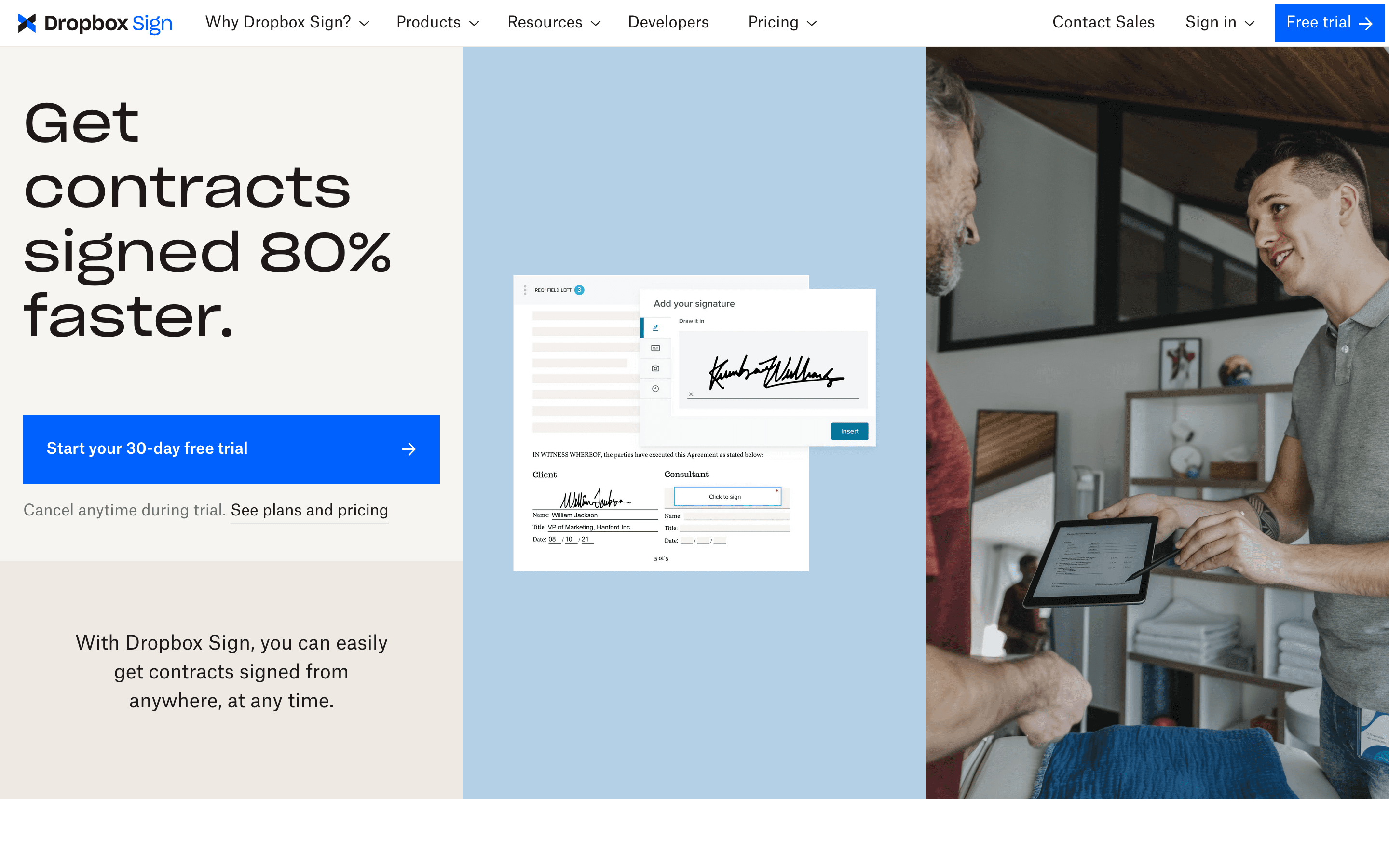
Dropbox Sign is the pick for teams that want PandaDoc's core sending-and-signing loop without its document-count math. Essentials and Standard both include unlimited signature requests, so there's no per-document overage fee to track the way there is on PandaDoc's Free and Starter plans. Pricing is straightforward per seat, and it plugs directly into Dropbox, Google Drive, and OneDrive, useful if your contracts already live in one of those. The catch is Standard requires a minimum of 2 seats, so a solo user pays for a seat they don't need to get team management and bulk send. It also doesn't try to match PandaDoc's document builder, pricing tables, or CPQ tools, so if your team sends proposals with line-item pricing rather than plain contracts, you'll lose that in the switch. Support is mostly self-serve, and reviewers describe email response times as slow.
Pros
- + Simple per-seat pricing with no per-document fees on paid plans
- + Native integration with Dropbox, Google Drive, and OneDrive for pulling files straight into a signing request
- + 30-day free trial on both paid plans so you can test real contracts before paying
Cons
- – Standard plan requires a minimum of 2 seats, so a 1-person team pays for 2 licenses to get team features
- – Support is mostly self-serve FAQs and group sessions, and reviewers describe email support as slow
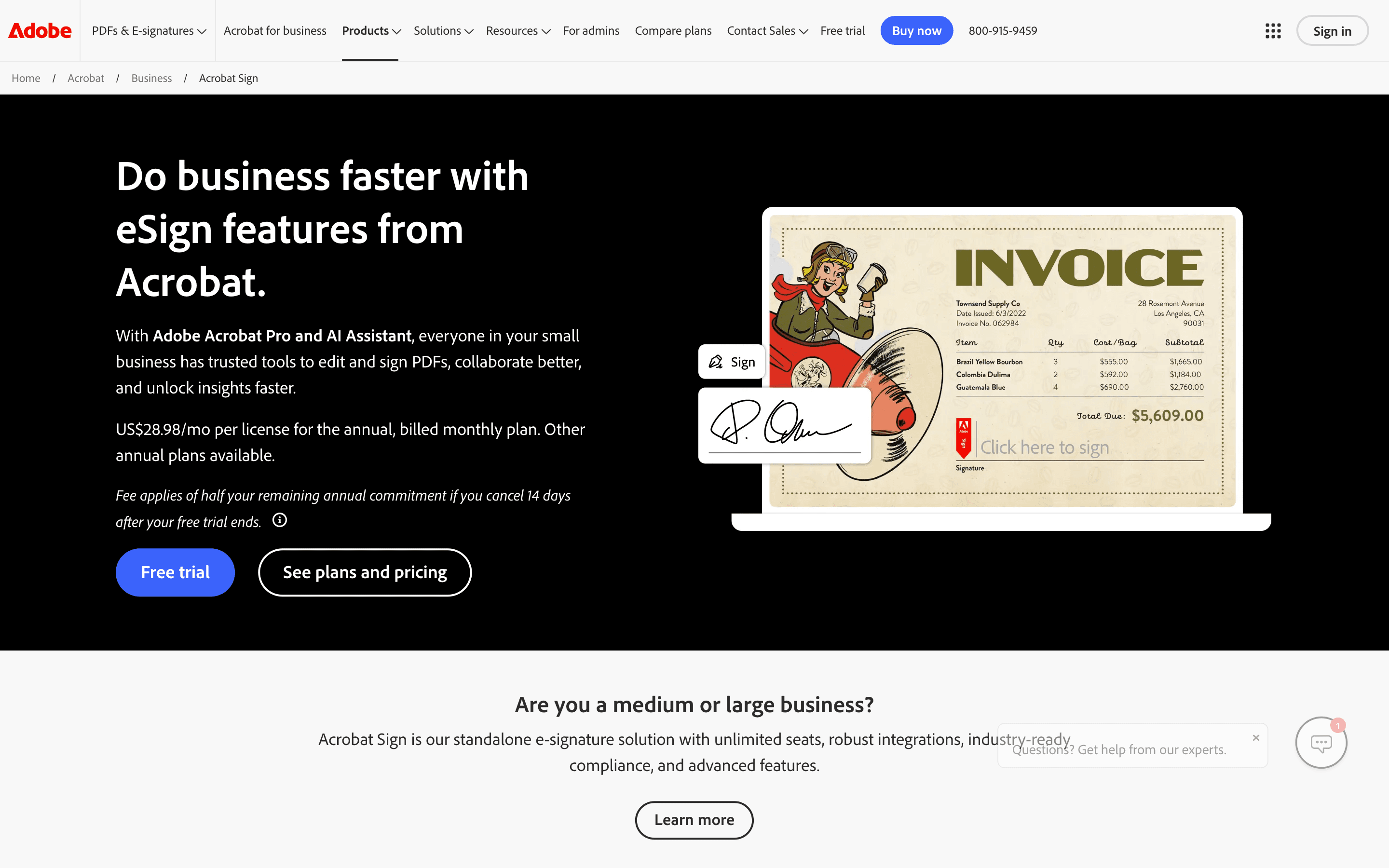
Adobe Acrobat Sign makes sense mainly for teams already paying for Acrobat to edit and share PDFs, since signing then becomes one more button rather than a separate login. It has real strengths PandaDoc doesn't: Bio-Pharma signing settings, deep Salesforce and Workday integrations, and audit trails built for regulated industries. But it isn't a standalone e-signature product you can buy cheaply. Real signing workflows require the Pro or Studio tier, not the entry Standard plan, and Teams plans cap out at 150 signature transactions per user per year, a number ops and HR teams sending weekly can run through faster than they expect. One Adobe community user hit that cap on a 13-seat account and was told the only fix was upgrading to a custom Sign Solutions contract, not a self-serve top-up. If you don't already need Acrobat's PDF editor, you're paying for a bundle you won't fully use.
Pros
- + Signing lives inside the same Acrobat app people already use for PDFs, so there's no separate tool to learn
- + Individual plans include unlimited signature transactions, unlike the Teams plans
- + Deep integrations with Microsoft 365, Salesforce, and Workday for companies that need them
Cons
- – Team plans cap you at 150 signature transactions per user per year, and going over means a sales conversation, not a self-serve upgrade
- – Real e-signature workflows require Pro or Studio, not the cheaper Standard tier
SignNow
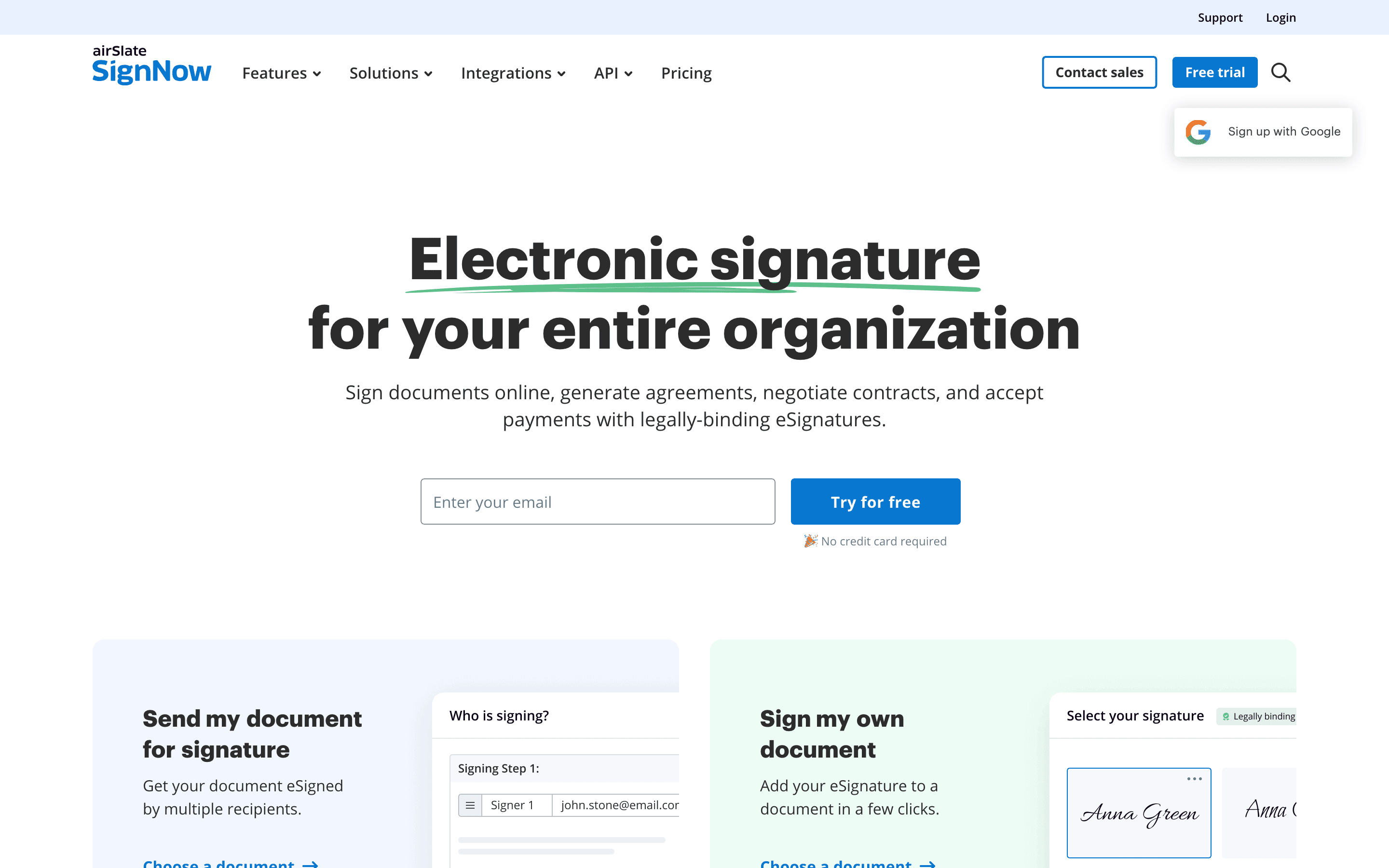
SignNow is the cheapest sticker price in this group and the only one that charges a flat subscription instead of per seat, letting you add unlimited users at no extra fee. For a small team sending a handful of contracts a year, that undercuts PandaDoc's per-seat model badly. But the catch matters more here than on any other alternative: every plan, Enterprise included, bundles the same 100 eSignature invites a year for the whole account, not per user. A twenty-person team on the same plan as a two-person team shares that identical 100-send allowance, and going over triggers pay-as-you-go overage that erases the price advantage fast. For the reader sending contracts every week, this is close to a disqualifying limit unless volume is genuinely light. It's a real alternative, just a narrow one: cheap for occasional senders, risky for anyone with steady weekly volume.
Pros
- + Lowest advertised entry price among the major e-signature tools, and every plan includes unlimited users with no per-seat fee
- + Bulk sending, quick invite links, and payment requests unlock starting at the mid-tier Business Premium plan
- + Mobile app, unlimited templates, and cloud storage integrations cover most routine contract-sending needs
Cons
- – The 100-invite annual allowance is shared by the whole account, not per user, so adding teammates under 'unlimited users' spreads the same quota across more people instead of adding sending capacity
- – No forever-free tier, only a 7-day trial
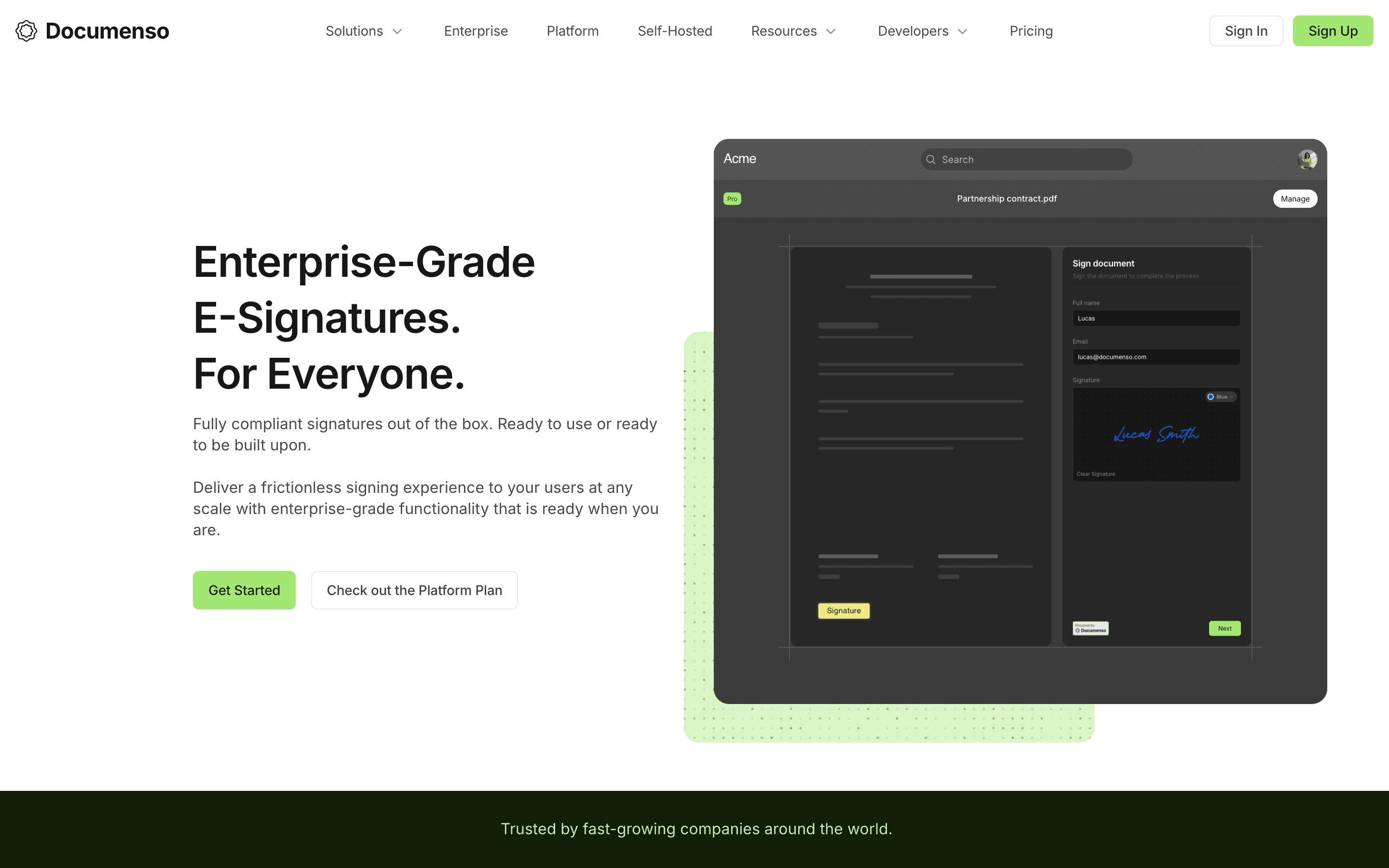
Documenso is the alternative for teams that want to cut PandaDoc's per-seat cost close to zero and are willing to trade some polish for it. The full codebase is open source under an AGPL license, so you can self-host on your own server for roughly the cost of hosting rather than a recurring per-seat fee. On the cloud plans, the price story is mixed: Documenso's entry Individual plan runs $25/seat/month, more than PandaDoc's $19/seat Starter plan, so it isn't cheaper at the natural starting comparison. It pulls ahead once a team grows, since the Teams plan includes 5 seats for $40/month and each additional seat is $8/month, well under PandaDoc Business's $49/seat. It covers the core signing loop well: templates, sequential and parallel signing order, an approver role, and CSV-based bulk send, plus API access and embedded signing on lower tiers rather than locked to Enterprise. What it doesn't have yet is what limits it for regulated contract-sending: no SMS verification, knowledge-based authentication, or government ID checks, and eIDAS Advanced or Qualified Electronic Signatures are only planned for H2 2026. It also has far fewer native integrations than PandaDoc, so ops teams leaning on Salesforce or HubSpot connections will feel that gap.
Pros
- + Free plan and open-source self-hosting mean you can run it at close to zero licensing cost
- + Full source code is public, so you can audit exactly how your documents and signatures are handled
- + API access and embedded signing are included even on lower-priced plans, not locked to enterprise tiers
Cons
- – No SMS verification, knowledge-based authentication, or government ID checks, which some contracts and industries require
- – No native payment collection field in the signing flow
Should your product be on this e-signature & document workflow list?
If you build a tool that belongs next to the ones above, submit it. A human reviews every submission. Approved products get their own page with pricing and screenshots, plus a place in the comparisons where they fit. It is free. You sign in with your work email so you can follow the decision, and there is no password to create.
PandaDoc alternatives: FAQ
What's the best PandaDoc alternative for a team that sends contracts every week?+
DocuSign or Dropbox Sign are the safest picks for steady weekly volume. DocuSign gives you universal signer recognition and published pricing on its core plans, while Dropbox Sign gives you unlimited signature requests with no per-document overage fee. Avoid SignNow for weekly sending, since its 100-invite cap is shared by the whole account, not per user.
Is there a cheaper alternative to PandaDoc?+
SignNow has the lowest sticker price, at $8/month billed annually with unlimited users, but that price comes with a 100-signature-invite annual cap for the whole account. Documenso is cheaper only in specific cases: its entry Individual plan is $25/seat, actually more than PandaDoc's $19/seat Starter plan, but its Teams plan drops to about $8 per extra seat and self-hosting cuts cost to close to just server hosting. Both come with fewer integrations, and Documenso also lacks SMS or ID verification.
Do any PandaDoc alternatives include pricing tables and CPQ?+
Not at the same depth. PandaDoc's combination of document building, pricing tables, and CPQ in one send-and-sign flow is its main differentiator, and none of these alternatives fully replace it. Teams that rely heavily on PandaDoc's proposal and quoting tools should weigh that loss carefully before switching purely to save on document caps.
Is there an open source alternative to PandaDoc?+
Yes, Documenso. Its full codebase is public under an AGPL license, so you can self-host it on your own infrastructure for close to just the hosting cost. Its hosted cloud plans start higher than PandaDoc per seat ($25 vs. $19), but the Teams plan's roughly $8 per extra seat undercuts PandaDoc once a team grows.
PandaDoc alternatives: pricing compared
Entry price, billing model, and whether pricing is public. 6 of 6 publish pricing you can check without talking to sales.
| Tool | Starting price | Billing | Free option | Pricing disclosed |
|---|---|---|---|---|
| PandaDoc | $19/seat/mo | per-seat | Yes | Partly public |
| DocuSign | $11/seat/mo | per-seat | Trial (30 days free, no credit card required) | Partly public |
| Dropbox Sign | $15/seat/mo | per-seat | Yes | Partly public |
| Adobe Acrobat Sign | $14.99/seat/mo | per-seat | Trial (7 days on Acrobat Pro and Acrobat Studio (individual and Teams); Acrobat Standard has no free trial) | Partly public |
| SignNow | $8/mo | tiered | Trial (7 days, no credit card required) | Partly public |
| Documenso | $25/seat/mo | tiered | Yes | Partly public |
How we made these picks. We compare tools on public pricing, features, and hands-on assessment, then verify every price against the vendor's own page. We never accept payment for rankings. Read the full methodology. Spotted an error? Report it.
More e-signature & document workflow comparisons
Further reading
- What e-signature software costs in 2026 - E-signature plans run $11 to $30 per user per month. DocuSign and Adobe have no free tier; Dropbox Sign and PandaDoc do. Here is what each plan costs.