Top SignNow Alternatives in 2026
Here for SignNow itself? See the full SignNow profile, pricing & reviews →
Suggest a change- If you keep hitting SignNow's 100-invite annual cap and don't want another hidden ceiling, choose Dropbox Sign. its paid plans include genuinely unlimited signature requests with no annual document ceiling, so sending more contracts doesn't trigger overage fees.
- If your contracts go to clients, candidates, or vendors who need zero explanation of how to sign, choose DocuSign. most business contacts have already signed something in DocuSign, so recipients rarely need a walkthrough.
- If you send proposals and quotes that happen to need a signature at the end, not just a bare signature request, choose PandaDoc. it bundles a document builder, pricing tables, and e-signature in one file instead of a separate PDF and a separate signing step.
- If your team already edits and shares PDFs in Adobe Acrobat every day, choose Adobe Acrobat Sign. signing is one more button inside the Acrobat plan you already pay for, not a separate login.
- If you're an engineering-led startup that wants signing at close to zero licensing cost and full control of contract data, choose Documenso. it is open source under an AGPL license, so you can self-host it on your own server for close to just the hosting bill.
- If your total sending genuinely stays under 100 invites a year and you add people to the account, not sending volume, choose stay on SignNow. at that low a volume, unlimited users at a flat $8-$30/month beats paying per seat anywhere else.
SignNow looks cheap on the sticker price: $8 a month with no per-seat fee and unlimited users on the account. The catch shows up once your team actually starts sending contracts, because every plan, Enterprise included, shares just 100 eSignature invites a year across the whole subscription, not per person. A sales, HR, or ops team sending offer letters, NDAs, and contracts every week can burn through that in a couple of months, then land on pay-as-you-go overage that erases the price advantage.
The alternatives below cover the real reasons teams leave SignNow: hitting the invite cap, needing counterparties who already know the tool, or wanting proposals and signatures in one document instead of two separate steps.
SignNow alternatives compared
| Tool | Best for | Starting price | Free option | Last update |
|---|---|---|---|---|
| Dropbox SignBest for high-volume senders | Small teams that already store contracts in Dropbox and want signing built into that workflow | $15/seat/mo | Yes | January 2026 |
| DocuSignBest for signer familiarity | Sales, HR, and ops teams that need every counterparty and candidate to recognize the signing flow with zero explanation | $11/seat/mo | Trial (30 days free, no credit card required) | January 2026 |
| PandaDocBest for proposals plus signatures | Sales teams that want pricing tables, proposals, and e-signature in the same document instead of stitching tools together | $19/seat/mo | Yes | — |
| Adobe Acrobat Sign | Companies already paying for Acrobat Pro or Studio who want signatures added to a tool people already use | $14.99/seat/mo | Trial (7 days on Acrobat Pro and Acrobat Studio (individual and Teams); Acrobat Standard has no free trial) | June 2026 |
| DocumensoBest budget or self-hosted pick | Startups and small teams that want e-signature without per-seat pricing that scales into hundreds of dollars a month | $25/seat/mo | Yes | June 2026 |
Why teams switch from SignNow
The 100-invite annual cap is shared by the whole account, not per user
Adding more people under the 'unlimited users' plan spreads the same 100-invite allowance across more senders instead of increasing it. Overage runs roughly $1.50 per extra invite, and one user reported a $198 overage charge on top of a $30/month plan.
No forever-free plan
SignNow offers only a 7-day trial with no credit card required. Every ongoing plan is paid.
Monthly billing costs far more than the advertised annual rate
Paying month-to-month costs $20/$30/$50 for Business/Business Premium/Enterprise instead of the advertised $8/$15/$30, a 2 to 2.5x jump for teams not ready to commit annually.
The best SignNow alternatives, ranked
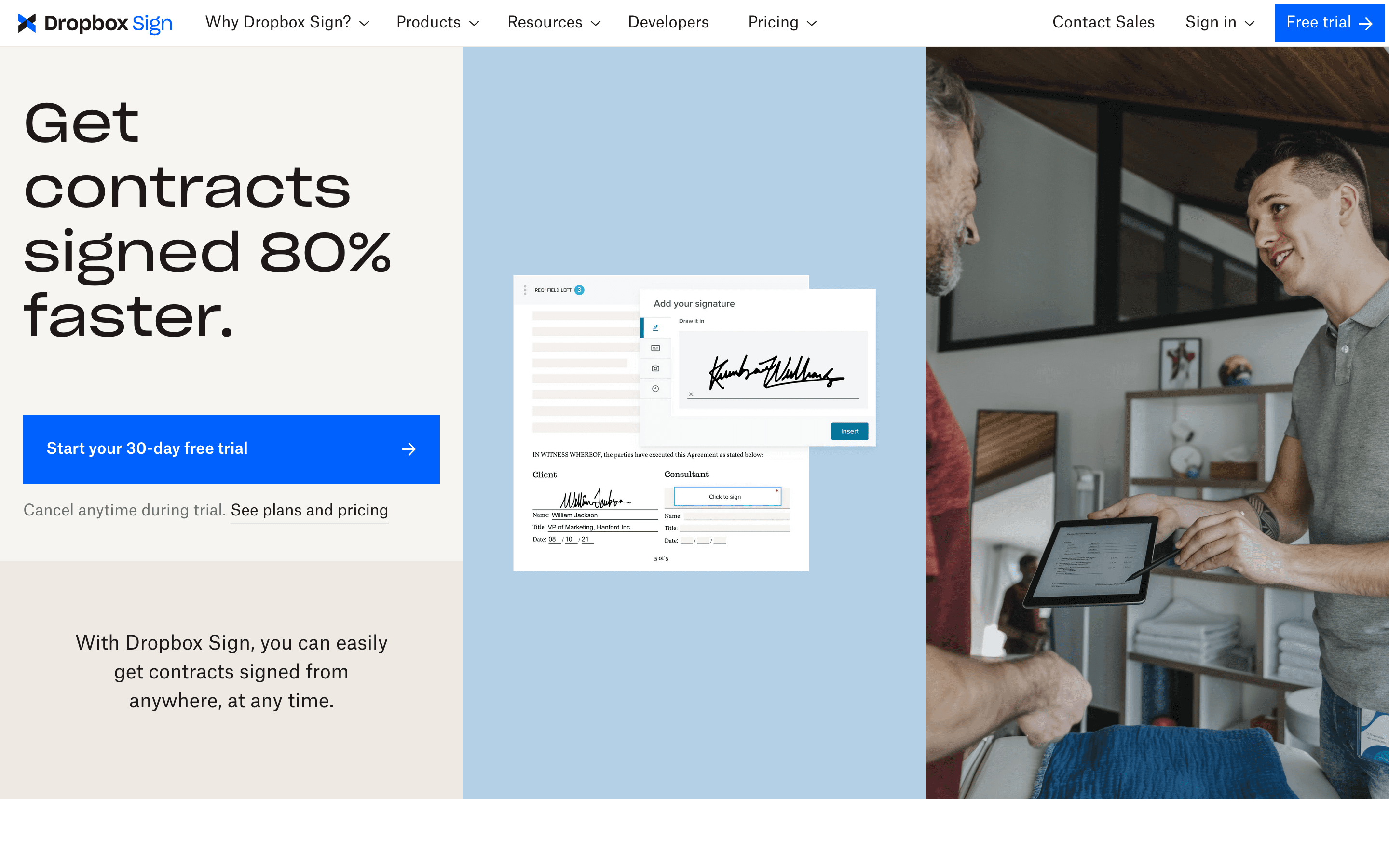
Dropbox Sign is the closest fix for SignNow's real problem, the 100-invite annual cap. Once you're on Essentials or Standard, signature requests are genuinely unlimited, so a busy sales or HR team sending contracts every week isn't watching a shared quota drain across the whole account. Pricing is per seat rather than SignNow's flat unlimited-user model, starting at $15/month for one user ($10.05/month billed annually), and it plugs straight into Dropbox, Google Drive, and OneDrive if that's where your contracts already live. The catch: Standard requires a minimum of 2 seats, so a solo operator pays for a license they don't use to unlock team features, and support is mostly self-serve FAQs, with reviewers describing email response times as slow.
Pros
- + Simple per-seat pricing with no per-document fees on paid plans
- + Native integration with Dropbox, Google Drive, and OneDrive for pulling files straight into a signing request
- + 30-day free trial on both paid plans so you can test real contracts before paying
Cons
- – Standard plan requires a minimum of 2 seats, so a 1-person team pays for 2 licenses to get team features
- – Support is mostly self-serve FAQs and group sessions, and reviewers describe email support as slow
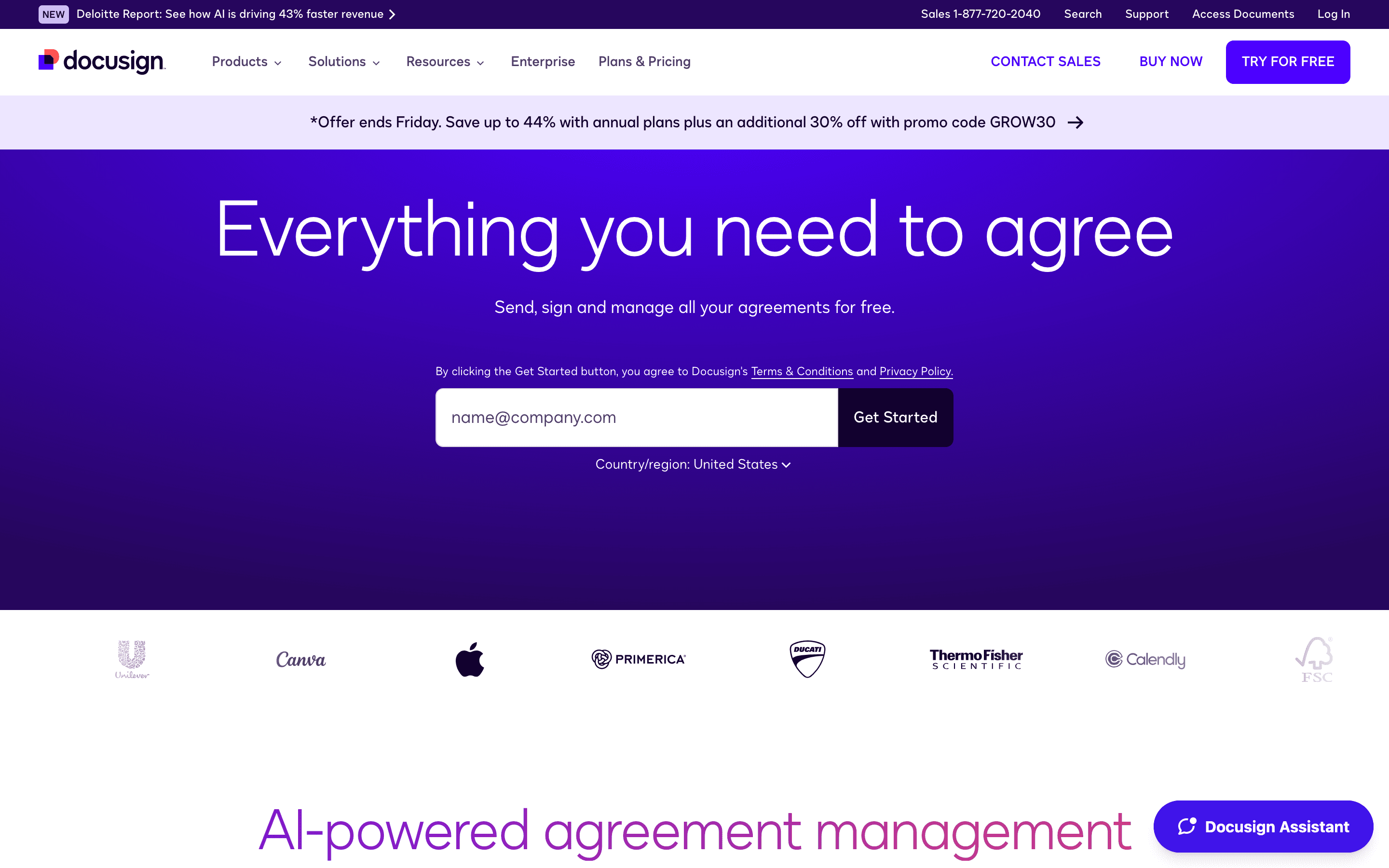
DocuSign is the safest pick when the person on the other end of the contract matters as much as the tool itself. Most clients, candidates, and vendors have already signed something in DocuSign, so there's no explaining the signing flow, unlike with less familiar tools. Pricing starts at $11/seat/month for a single-user Personal plan, but Personal caps at 5 envelopes a month, 60 a year, a ceiling in the same range as the SignNow cap you're trying to escape. If a sending cap is the reason you're leaving SignNow, the fix is Standard or Business Pro at $30 and $45/seat/month, not the $11 entry tier: both cap out at 100 envelopes per user per year rather than SignNow's 100 invites for the entire account, so a five-person team gets five times the sending room for a similar per-seat jump. The tradeoffs are real: reviewers report per-seat renewal hikes of 5-20%, there is no free-forever plan, and add-ons like SMS delivery and ID verification cost extra once you're past the one-time bonus sends built into Standard.
Pros
- + Recipients almost never need instructions, since most business contacts have signed a DocuSign envelope before
- + AI-assisted summaries now give signers a plain-English breakdown of a contract before they sign
- + Business Pro adds payment collection and web forms, useful for ops teams collecting signed agreements plus payment in one step
Cons
- – Standard and Business Pro both cap at 100 envelopes per user per year, with pay-as-you-go overage once you're over
- – No free-forever tier, only a time-limited 30-day trial
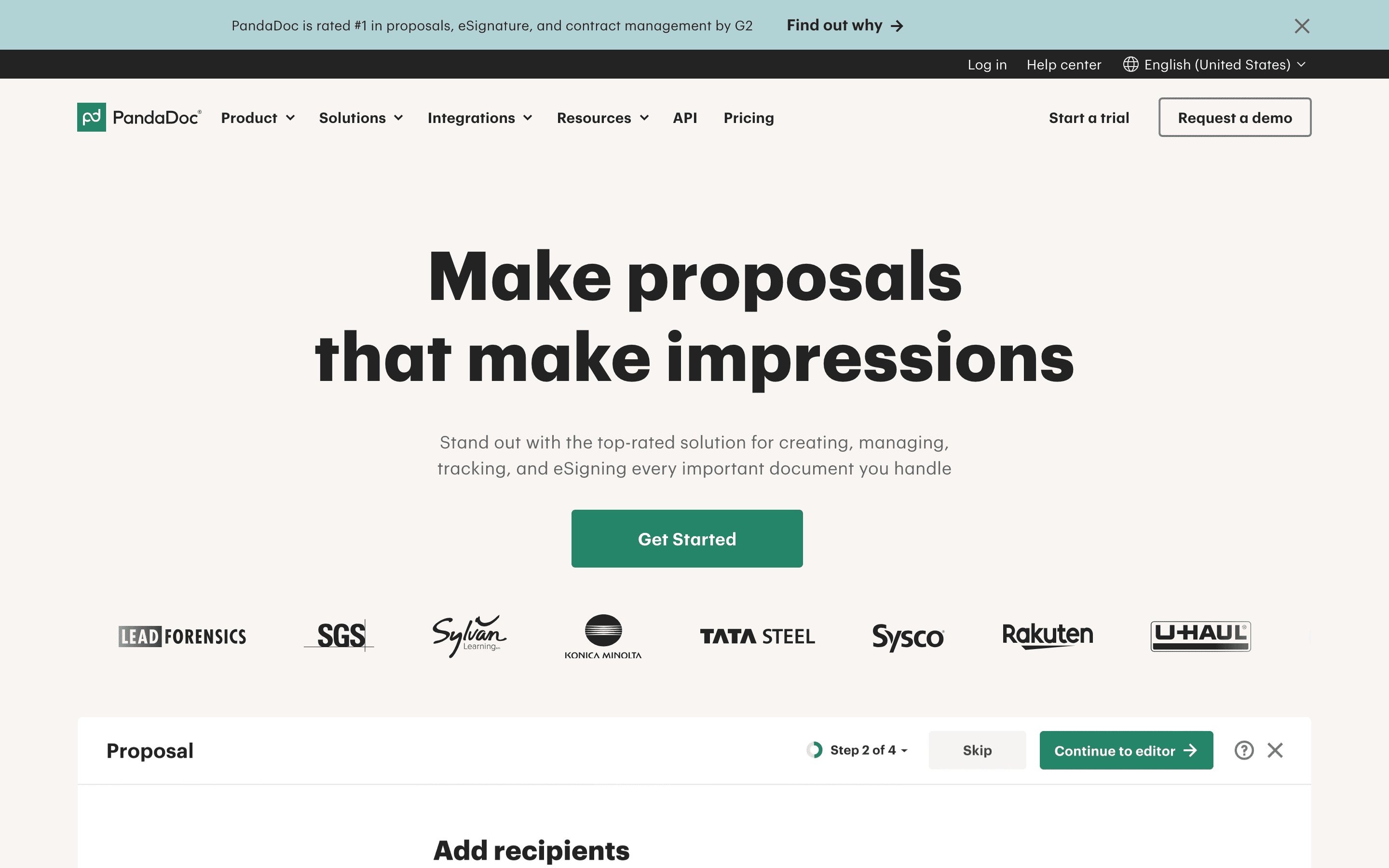
PandaDoc fits teams whose real job is proposals and quotes that happen to need a signature at the end, not just a signature request on its own. The document builder handles pricing tables, CPQ, and e-signature blocks in one file, so a sales rep isn't stitching together a separate PDF and a separate signing step. Starter runs $19/seat/month billed annually ($35 month-to-month) with unlimited uploads and e-signatures, and Business at $49/seat/month adds CRM integrations and approval workflows. The free plan caps at 60 documents a year with a $3 per-document overage. Reviewers flag two recurring complaints: web form submissions sometimes get counted and billed as documents against the cap, and several customers report being auto-renewed at full price without a heads-up before having to escalate for a refund.
Pros
- + Combines document building, e-signature, and pricing/quote tables in one tool, so proposals don't need a separate PDF and separate signing step
- + Free and Starter prices are published on the site, no sales call needed to get a number
- + Business plan adds CRM integrations, approval workflows, and bulk send, useful for ops teams running contracts through a process
Cons
- – Free and Starter aren't truly unlimited: they cap at 60 documents a year (Free) or a fair-use limit, and overage runs $2-3.50 per document
- – API access and workflow automation require Enterprise, which is quote-only, so smaller teams that outgrow the basics face a sales call anyway
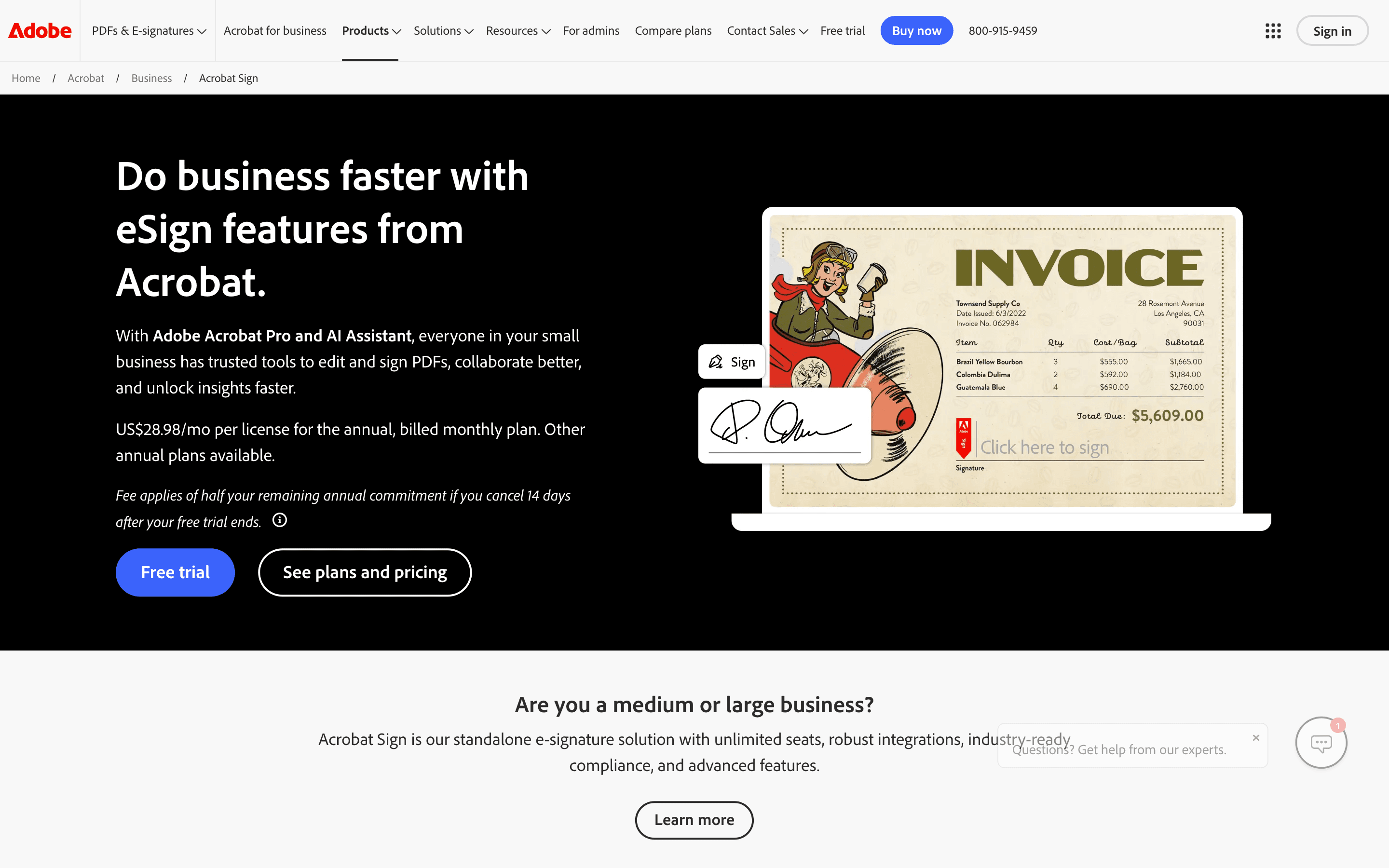
Adobe Acrobat Sign makes the most sense for teams that already pay for Acrobat to edit and share PDFs, since signing is bundled into the same app rather than sold as its own product. Acrobat Pro for Teams runs $23.99/seat/month and includes e-signature, an admin console, and license management, but caps out at 150 signature transactions per user per year, and going over means a sales conversation, not a self-serve top-up. Individual Pro and Studio plans skip that cap entirely and include unlimited transactions, just without team admin features. The upside for regulated teams is deep integrations with Salesforce, Workday, and Microsoft 365, plus Bio-Pharma-specific signing settings that neither SignNow nor most of its budget alternatives offer.
Pros
- + Signing lives inside the same Acrobat app people already use for PDFs, so there's no separate tool to learn
- + Individual plans include unlimited signature transactions, unlike the Teams plans
- + Deep integrations with Microsoft 365, Salesforce, and Workday for companies that need them
Cons
- – Team plans cap you at 150 signature transactions per user per year, and going over means a sales conversation, not a self-serve upgrade
- – Real e-signature workflows require Pro or Studio, not the cheaper Standard tier
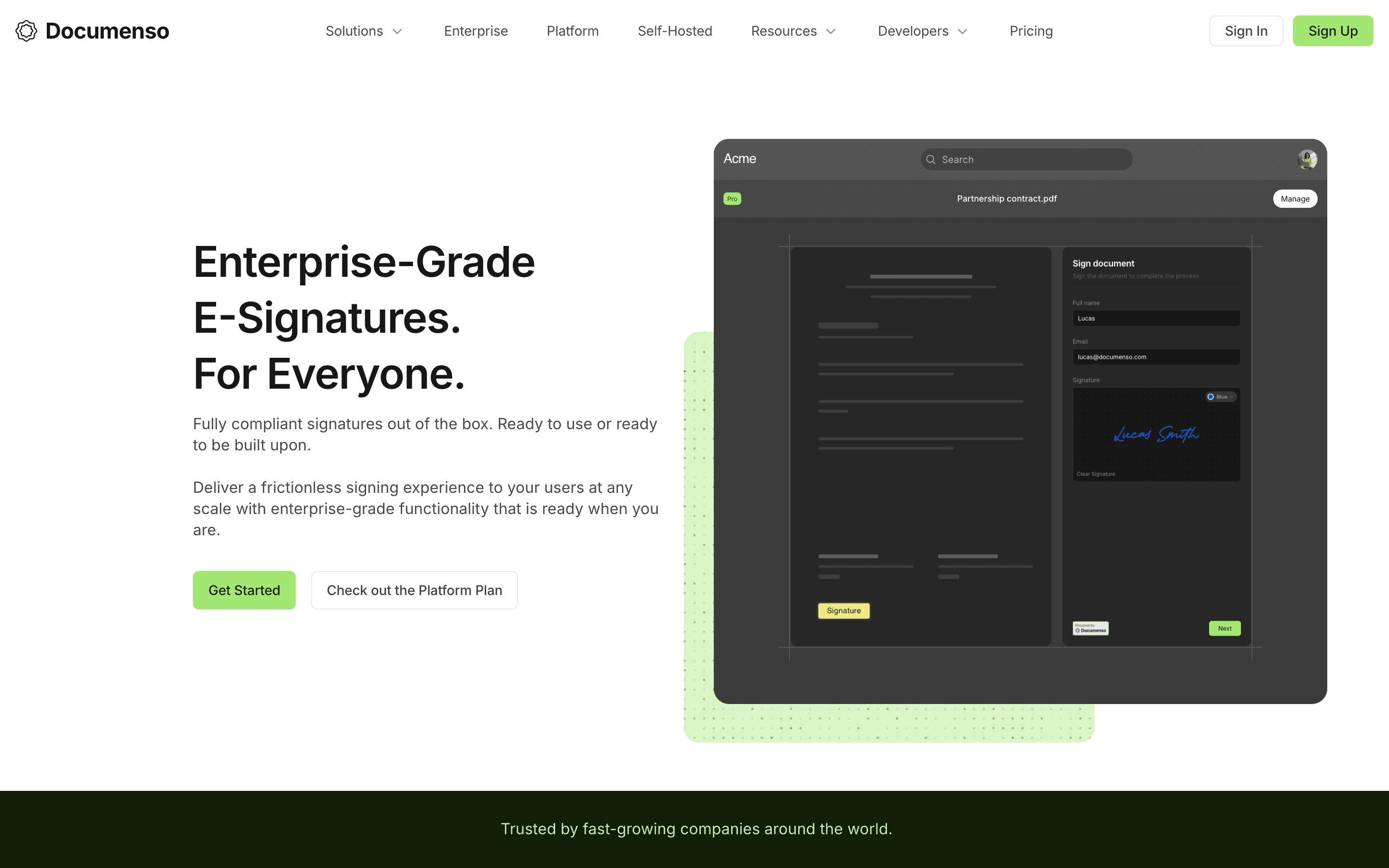
Documenso fits a narrower buyer: an engineering-led startup or small company that wants e-signature without per-seat costs creeping toward hundreds of dollars a month, and is comfortable self-hosting an open-source AGPL codebase for full control of contract data. The free plan covers 5 documents a month with up to 10 recipients each, Individual runs $25/month for unlimited documents and API access, and self-hosting the same code costs close to just a server bill. What it doesn't do yet matters for regulated buyers: there's no SMS verification, ID checks, or knowledge-based authentication, only account login, passkey, password, or two-factor codes, and eIDAS Advanced and Qualified signatures are still planned for later in 2026, not shipped.
Pros
- + Free plan and open-source self-hosting mean you can run it at close to zero licensing cost
- + Full source code is public, so you can audit exactly how your documents and signatures are handled
- + API access and embedded signing are included even on lower-priced plans, not locked to enterprise tiers
Cons
- – No SMS verification, knowledge-based authentication, or government ID checks, which some contracts and industries require
- – No native payment collection field in the signing flow
Should your product be on this e-signature & document workflow list?
If you build a tool that belongs next to the ones above, submit it. A human reviews every submission. Approved products get their own page with pricing and screenshots, plus a place in the comparisons where they fit. It is free. You sign in with your work email so you can follow the decision, and there is no password to create.
SignNow alternatives: FAQ
What is the best free SignNow alternative?+
Documenso's free plan allows 5 documents a month with up to 10 recipients each and no credit card required. PandaDoc's free plan also caps at 5 documents a month, but only for upload and signature, with a $3 per-document overage fee once you go over.
Which SignNow alternative has no sending cap?+
Dropbox Sign's Essentials and Standard plans include unlimited signature requests once you're paying per seat, with no annual invite cap. Documenso's Individual plan also allows unlimited documents for a flat $25/month.
Is DocuSign more expensive than SignNow?+
At sticker price DocuSign starts at $11/seat/month against SignNow's $8/month, but SignNow's $8 hides a 100-invite cap shared by the whole account, while DocuSign's 100-envelope cap is per seat. That means DocuSign's sending capacity grows with headcount and SignNow's doesn't.
What's the best alternative for sending proposals and quotes, not just contracts?+
PandaDoc, since it bundles a document builder with pricing tables and CPQ tools alongside e-signature, letting you build a full proposal rather than just get a PDF signed.
SignNow alternatives: pricing compared
Entry price, billing model, and whether pricing is public. 6 of 6 publish pricing you can check without talking to sales.
| Tool | Starting price | Billing | Free option | Pricing disclosed |
|---|---|---|---|---|
| SignNow | $8/mo | tiered | Trial (7 days, no credit card required) | Partly public |
| Dropbox Sign | $15/seat/mo | per-seat | Yes | Partly public |
| DocuSign | $11/seat/mo | per-seat | Trial (30 days free, no credit card required) | Partly public |
| PandaDoc | $19/seat/mo | per-seat | Yes | Partly public |
| Adobe Acrobat Sign | $14.99/seat/mo | per-seat | Trial (7 days on Acrobat Pro and Acrobat Studio (individual and Teams); Acrobat Standard has no free trial) | Partly public |
| Documenso | $25/seat/mo | tiered | Yes | Partly public |
How we made these picks. We compare tools on public pricing, features, and hands-on assessment, then verify every price against the vendor's own page. We never accept payment for rankings. Read the full methodology. Spotted an error? Report it.