Top Starburst Alternatives in 2026
Here for Starburst itself? See the full Starburst profile, pricing & reviews →
Suggest a change- If you want one platform to own data engineering, analytics, and AI instead of a federation layer, choose Databricks. It runs Spark-based engineering, MLflow-based ML, and BI on one governed copy of data instead of only querying other systems in place.
- If you want to consolidate scattered data into a single SQL warehouse with clear governance tiers, choose Snowflake. Compute and storage bill separately with auto-suspend, and the Enterprise and Business Critical editions add governance controls that Starburst reserves for its own higher tiers.
- If you're deep in Google Analytics, Google Ads, or the wider Google Cloud stack, choose Google BigQuery. Native GA4 and Ads connectors pull marketing data in without custom pipelines, and on-demand billing means you pay only for what you scan.
- If you're all-in on AWS and want your data platform wired into S3, Glue, and QuickSight, choose Amazon Redshift. Redshift Serverless and Redshift Spectrum give deep native AWS integration with scale-to-zero billing when idle.
- If you want the closest match to Starburst's own approach, an Iceberg-native engine that also federates across sources, choose Dremio. Its free Community Edition runs self-hosted with no time limit, and Reflections speed up repeat queries automatically, though it now operates under SAP.
- If your data is already spread across many different warehouses, lakes, and databases and you need one SQL layer over all of them at once, choose stay on Starburst. No alternative here connects to as many different source systems through one query layer without asking you to consolidate data first.
Starburst is a managed Trino engine. It queries data across warehouses, lakes, and databases without moving it, built around Apache Iceberg and the open lakehouse pattern. The free Galaxy tier and 50+ connectors make it a strong pick for query federation. But it doesn't run data engineering or machine learning workloads itself, and pricing on both products has rough edges. Galaxy bills by compute credit at a rate that shifts by cloud provider and region, and Starburst Enterprise, the self-managed product, skips public pricing altogether.
Teams tend to leave Starburst in two directions. Some want one platform to own data engineering, analytics, and AI outright, which points to Databricks. Others want to consolidate scattered data into a single SQL warehouse instead of querying it in place, which points to Snowflake, Google BigQuery, or Amazon Redshift depending on their cloud. Dremio sits closest to Starburst itself: another Iceberg-native engine that also federates across external sources, now under SAP ownership after its July 2026 acquisition closed.
Starburst alternatives compared
| Tool | Best for | Starting price | Free option | Last update |
|---|---|---|---|---|
| DatabricksBest for a unified data and AI platform | Data engineering and data science teams running large-scale Spark pipelines and ML training on the same data | Free tier + custom | Yes | July 2026 |
| Snowflake | Teams that need to run SQL analytics, data engineering, and AI workloads on one governed copy of data instead of stitching together separate systems | Custom / quote | Trial (30 days with $400 in free credits) | June 2026 |
| Google BigQueryBest for serverless simplicity | Teams already on Google Cloud or using Google Analytics 4, Google Ads, and other Google data sources that need a warehouse with native connectors | $6.25/TiB scanned | Yes | July 2026 |
| Amazon RedshiftBest for AWS-native teams | Teams already on AWS who want a data warehouse tightly integrated with S3, Glue, QuickSight, and other AWS services | $0.375/RPU-hour | Trial ($300 credit (90-day expiration) for first-time Redshift Serverless users; in regions without Serverless, a two-month free trial for provisioned clusters (up to 750 hours/month)) | April 2026 |
| DremioBest free option | Teams that already store data as Apache Iceberg tables and want to query it without moving it into a warehouse | $0.2/DCU | Yes | July 2026 |
Why teams switch from Starburst
Usage-based credit pricing is hard to forecast
Galaxy bills by compute credit consumed, and the actual per-credit rate depends on your cloud provider and region. Annual commitment discounts need a sales conversation.
Starburst Enterprise has no public pricing
The self-managed product doesn't appear on the public pricing page at all. It's quote-only, with no published rate.
Fine-grained governance sits behind higher tiers
ABAC and SCIM access controls are reserved for the Enterprise tier and above, so teams on the Pro tier don't get them.
Starburst queries data, it doesn't process or model it
Teams that also need data engineering or ML training on the same data outgrow a query-only layer and move to a platform that owns both.
The best Starburst alternatives, ranked
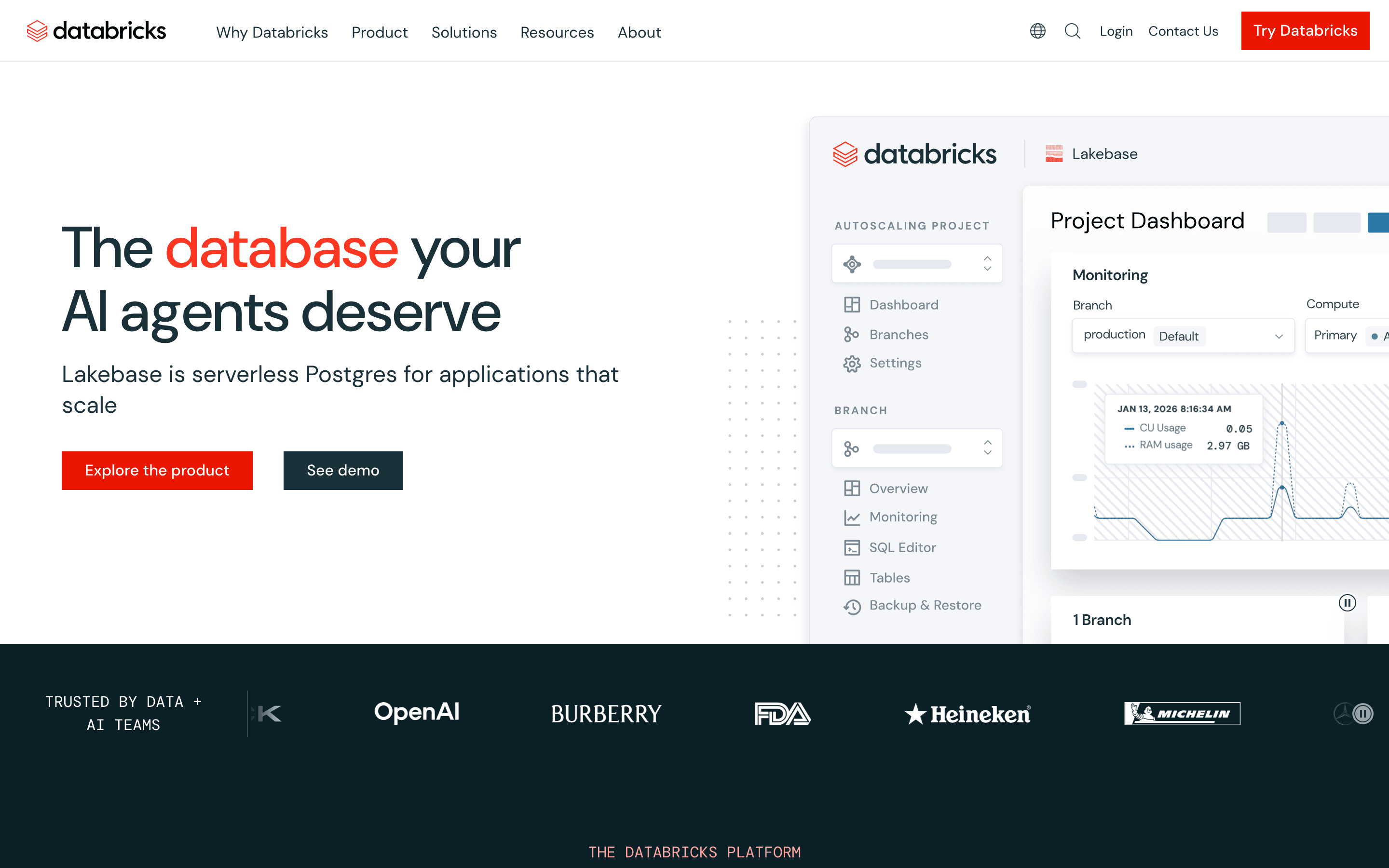
Databricks is the widest alternative on this list because it doesn't stop at querying data. It also runs data engineering, ML training, and BI on the same Delta Lake tables. Where Starburst federates across whatever warehouses and lakes you already have, Databricks wants to be the one place where that data lives and gets processed. It bills by Databricks Unit (DBU) consumed per second with no public rate card, on top of your cloud provider's own compute and storage bill. Teams need the pricing calculator or a sales call to get real numbers. Third-party spend data puts the median Databricks customer at roughly $300,000 a year, well above what most Starburst credit consumption looks like. Databricks Free Edition gives real hands-on access for learning, but production use assumes comfort with Spark, notebooks, and cluster configuration that pure SQL teams may not have.
Pros
- + One platform for data engineering, SQL analytics, and ML/AI, so you avoid separate warehouse-plus-ML-platform sprawl
- + Open formats, Delta Lake and Unity Catalog, cut lock-in compared with proprietary warehouse storage formats
- + Runs natively on AWS, Azure, and GCP, which helps multi-cloud or cloud-migrating organizations
Cons
- – No public price list. Total cost depends on DBU rates that vary by cloud, region, and workload, and you need a calculator or a sales call to estimate it
- – Usage-based DBU billing, plus separate cloud infrastructure cost, makes budgeting and cost governance harder than flat per-seat pricing
Snowflake takes the opposite approach from Starburst. Instead of querying data in place across many systems, it wants you to bring your data into one governed warehouse and run everything there. Compute and storage bill separately by the second, and multi-cluster warehouses auto-suspend when idle, which tends to produce steadier costs than Starburst's credit-based pricing once teams learn to size warehouses correctly. Snowpark extends SQL into Python, Java, and Scala, and Cortex adds managed AI functions, so some of Starburst's appeal, querying data without extra tooling, gets replicated inside one warehouse instead of across many. Snowflake has no free tier at all, only a 30-day trial with $400 in credits, a step down from Starburst's permanent free Galaxy tier. Higher-security editions, Business Critical and Virtual Private Snowflake, require a sales conversation rather than self-serve signup.
Pros
- + Compute and storage scale and bill independently, so idle warehouses can auto-suspend to stop charges
- + Native support for Apache Iceberg tables lets teams query open-format data without duplicating it into proprietary storage
- + Snowpark and Cortex let SQL, Python, and AI/LLM workloads run against the same data and governance model instead of separate platforms
Cons
- – No published flat price. You have to use the consumption calculator or get a sales quote to estimate real monthly cost
- – Per-credit compute rates differ by edition, cloud provider, and region, which makes it harder to compare quotes
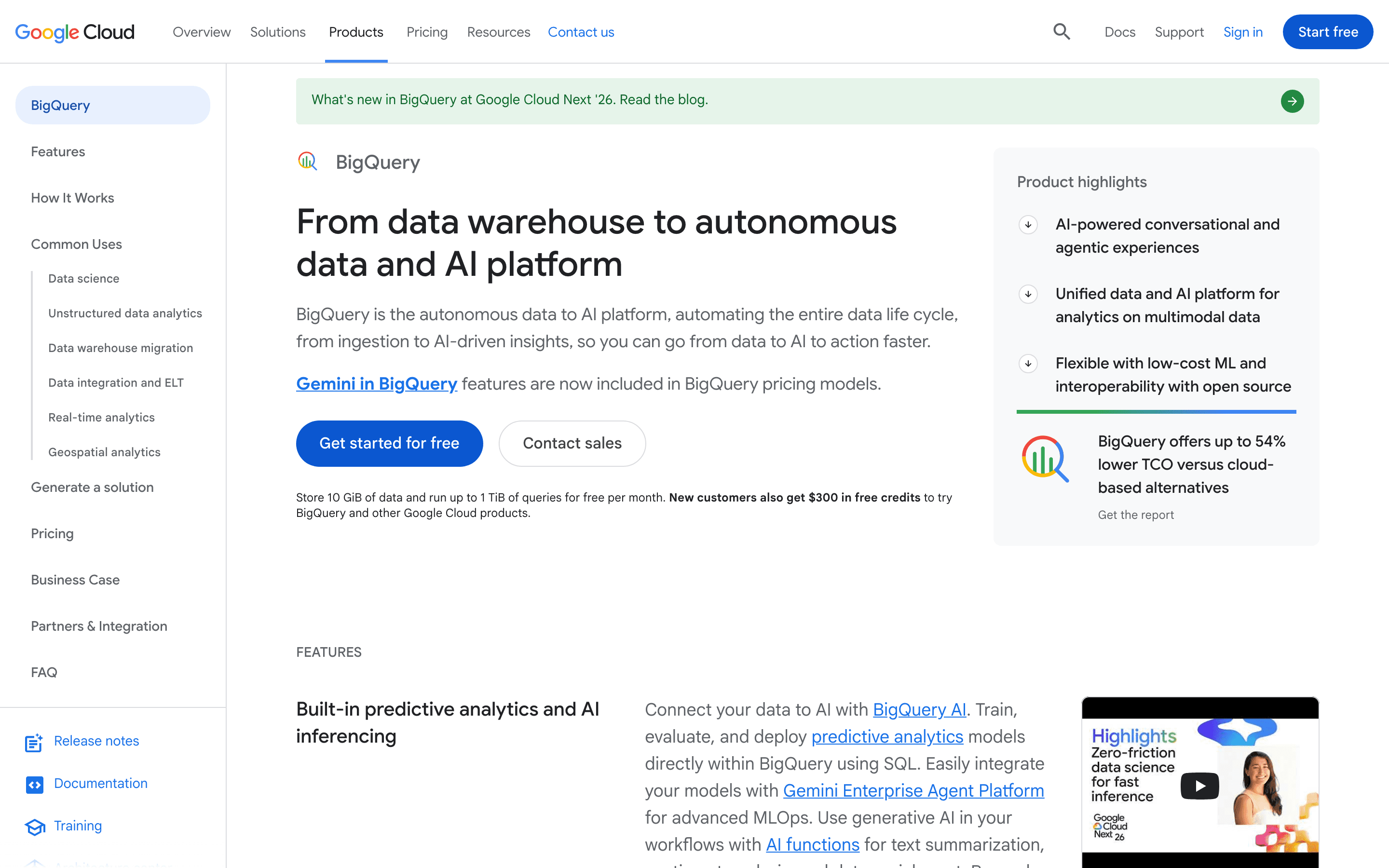
Google BigQuery is the most serverless alternative here. There's no cluster to size, not even the lightweight cluster concept Starburst Galaxy uses, and Google scales storage and compute on its own. On-demand pricing charges $6.25 per TiB scanned with the first 1 TiB each month free, plus a genuine no-credit-card Sandbox for trying the product first. That makes BigQuery a good match for light or spiky workloads, the same segment Starburst's own free tier serves. The tradeoff is ecosystem depth. BigQuery is built for Google Cloud, Google Analytics 4, and Google Ads, and running it as part of a multi-cloud setup takes more work than Starburst's cross-source federation was built for. Editions, Standard through Enterprise Plus, let heavier users buy predictable slot capacity once on-demand billing gets expensive to track.
Pros
- + A true serverless model: no cluster sizing, node types, or manual scaling decisions
- + On-demand pricing means light or bursty workloads can run for very little, and the first 1 TiB of query data per month is free
- + Deep native integration with Google Analytics 4, Google Ads, Firebase, and other Google Cloud and Workspace data sources via BigQuery Data Transfer Service
Cons
- – On-demand billing is per-query and scan-based, so an unindexed or unfiltered query on a large table can generate a large, surprising charge
- – Editions and slot pricing (Standard, Enterprise, Enterprise Plus) add a second, more complex pricing dimension once teams outgrow on-demand pricing
Amazon Redshift fits teams who want their data platform wired straight into AWS instead of federated across several clouds. Redshift Serverless removes cluster management and bills per RPU-hour, with a 4-RPU minimum that puts an active workgroup's floor around $1.50 an hour. Redshift Spectrum queries data sitting in S3 directly at $5 per TB scanned, which covers a narrow slice of what Starburst does across 50+ connectors, but only for S3, not Snowflake, BigQuery, or other outside warehouses. Provisioned clusters remain available for steady workloads, with Reserved Instance discounts for one- or three-year commitments. Redshift has no standing free tier. New Serverless users get a $300 credit that expires after 90 days, and provisioned trials cap at two months. Teams outside AWS, or those that want Starburst's reach across many different clouds and warehouses, will find Redshift's single-cloud design limiting.
Pros
- + Deep native integration with the AWS ecosystem (S3, Glue, Lambda, QuickSight, SageMaker, IAM) means less glue code for teams already on AWS
- + Redshift Serverless removes cluster sizing and management. You pay per RPU-hour and pay nothing while idle
- + Redshift Spectrum lets you query data sitting in S3 directly, without loading it into the warehouse first, at $5/TB scanned
Cons
- – No standing free tier. The only no-cost options are a 90-day/$300 Serverless credit or a two-month provisioned trial. After that, standard on-demand billing kicks in automatically
- – Pricing is split across compute (provisioned node-hour or serverless RPU-hour), managed storage (per GB-month), Spectrum scans (per TB), and Concurrency Scaling, so total cost is harder to estimate up front than with single-metric competitors
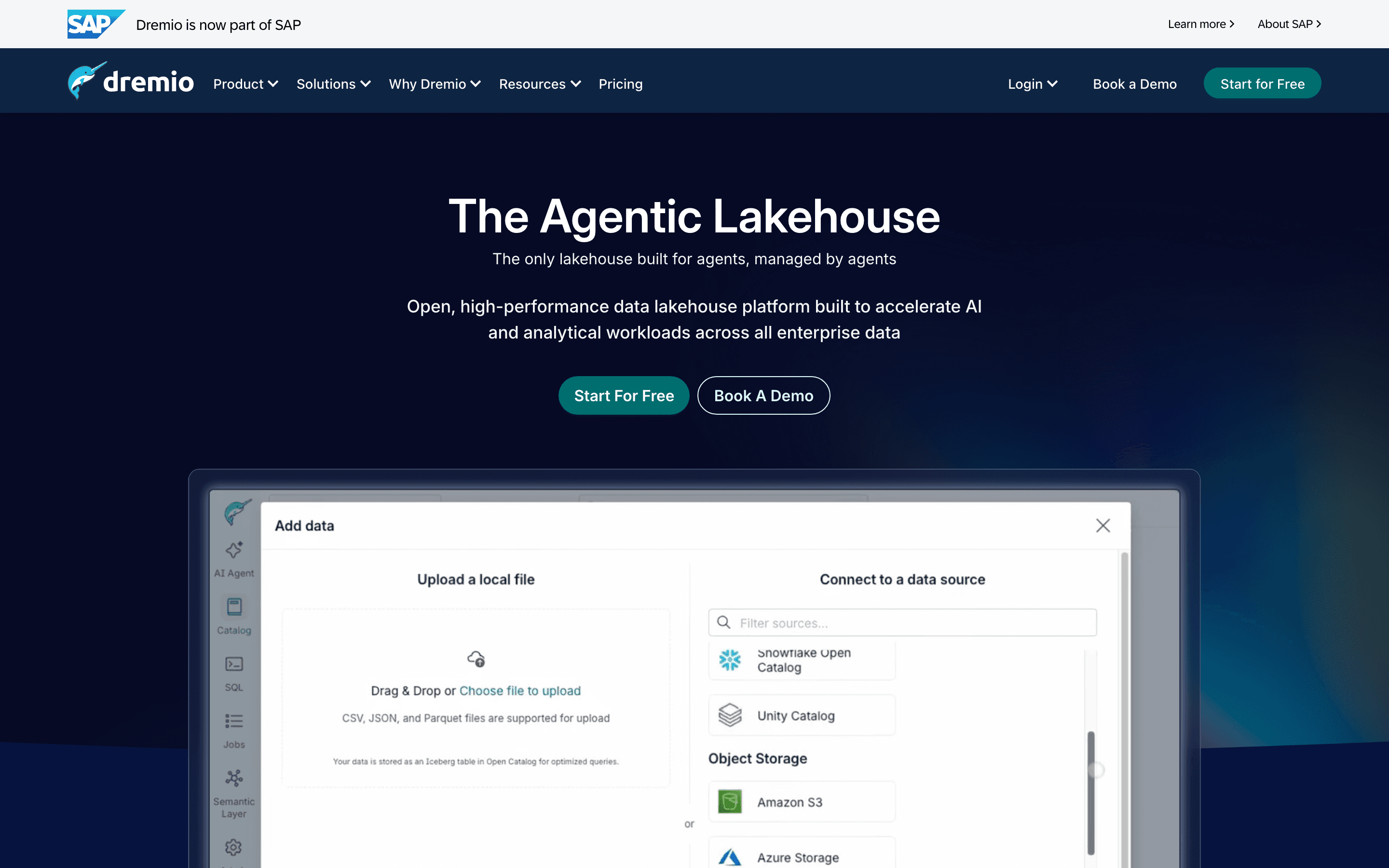
Dremio is the closest match to Starburst in spirit. Both are Iceberg-native query engines that federate across external sources rather than forcing you to move data first. Dremio's own connector list includes Snowflake, BigQuery, and Elasticsearch alongside Iceberg tables. Its Community Edition is free forever and self-hosted, an advantage over Starburst's free tier, which caps out at 3 clusters. Reflections, Dremio's automatic materialized caching layer, speed up repeat queries without manual tuning. Dremio Cloud bills $0.20 per Dremio Compute Unit, cheaper on paper than Starburst's $0.50 starting credit rate, though the two aren't measured the same way, so a direct comparison needs your own workload numbers. Enterprise pricing is quote-only, the same limitation as Starburst's self-managed product. The open question for 2026 buyers is ownership. SAP completed its acquisition of Dremio on July 6, 2026, adding uncertainty about roadmap and support terms going forward.
Pros
- + Community Edition is free with no time limit and no row or data caps for self-hosting
- + Queries Iceberg tables directly, so you skip a separate ETL or copy step into a warehouse
- + Reflections (materialized, auto-maintained accelerations) can cut repeat-query latency a lot without manual tuning
Cons
- – Enterprise pricing is quote-only, so it's hard to budget or compare against fixed-price competitors upfront
- – Community Edition leaves out governance and cataloging features, pushing serious deployments toward paid tiers
Should your product be on this data & analytics platforms list?
If you build a tool that belongs next to the ones above, submit it. A human reviews every submission. Approved products get their own page with pricing and screenshots, plus a place in the comparisons where they fit. It is free. You sign in with your work email so you can follow the decision, and there is no password to create.
Starburst alternatives: FAQ
What is the best free alternative to Starburst?+
Dremio's Community Edition is free forever and self-hosted, with no cluster limit. Google BigQuery has a no-credit-card Sandbox and a permanent free monthly allowance. Databricks Free Edition is free too, but it's meant for learning, not production work.
Which Starburst alternative is cheapest for a small team with unpredictable usage?+
Google BigQuery's on-demand pricing charges only for data scanned, with the first 1 TiB per month free and no minimum cluster or credit floor to keep running.
Is there a Starburst alternative with flat, predictable pricing instead of usage billing?+
No. Databricks, Snowflake, BigQuery, Redshift, and Dremio are all usage-billed in some form, same as Starburst. BigQuery and Dremio publish clearer per-unit rates than Databricks or Snowflake, but none offer a flat per-seat plan.
Which alternative best replaces Starburst's ability to query across multiple warehouses at once?+
Dremio comes closest. It also federates queries across sources like Snowflake, BigQuery, and Elasticsearch, though its connector list is narrower than Starburst's 50+. The single-cloud warehouses, BigQuery and Redshift, and the Databricks platform don't query outside systems the way Starburst and Dremio do natively.
Starburst alternatives: pricing compared
Entry price, billing model, and whether pricing is public. 4 of 6 publish pricing you can check without talking to sales.
| Tool | Starting price | Billing | Free option | Pricing disclosed |
|---|---|---|---|---|
| Starburst | $0.5/credit | usage-based | Yes | Public |
| Databricks | Free tier + custom | usage-based | Yes | Not disclosed |
| Snowflake | Custom / quote | usage-based | Trial (30 days with $400 in free credits) | Not disclosed |
| Google BigQuery | $6.25/TiB scanned | usage-based | Yes | Public |
| Amazon Redshift | $0.375/RPU-hour | usage-based | Trial ($300 credit (90-day expiration) for first-time Redshift Serverless users; in regions without Serverless, a two-month free trial for provisioned clusters (up to 750 hours/month)) | Partly public |
| Dremio | $0.2/DCU | usage-based | Yes | Partly public |
How we made these picks. We compare tools on public pricing, features, and hands-on assessment, then verify every price against the vendor's own page. We never accept payment for rankings. Read the full methodology. Spotted an error? Report it.