Top Browse AI Alternatives in 2026
Here for Browse AI itself? See the full Browse AI profile, pricing & reviews →
Suggest a change- If you want the closest no-code, point-and-click experience but need more free-tier headroom, choose Octoparse. its free plan allows up to 50,000 rows of data export a month using the same click-to-build template workflow, versus roughly 500 rows worth of credits on Browse AI's free plan (50 credits x 10 rows/credit), a 100x difference.
- If you want a marketplace of ready-made scrapers with the option to write custom code later, choose Apify. its Actor Store covers thousands of sites and its free plan's $5 of monthly credits are usable for real small jobs, not just a time-limited trial.
- If your targets fight back with CAPTCHAs and IP blocks at real volume, choose Bright Data. its large residential proxy network and 1,000+ pre-built site scrapers are built for exactly the hard targets that trip up Browse AI's point-and-click robots.
- If you'd rather hand the whole job to someone else instead of managing a credit budget, choose Zyte. Zyte Data has Zyte's own team build and maintain the scraper and deliver a structured feed, instead of leaving the setup to you, starting at $500/month for an AI-supported schema or $1,000/month for a fully custom one.
- If you're a developer who wants one API call instead of a visual robot trainer, choose ScrapingBee. it replaces your own proxy and browser stack with a single endpoint, starting at $49/month, close to Browse AI's Personal plan at $48/month billed monthly, though the two use different credit systems so the volume you get isn't directly comparable.
- If you're a non-technical team that just wants to click on data and pipe it into Sheets or Zapier, choose stay on Browse AI. none of the alternatives above match its combination of point-and-click training, prebuilt robots, and direct Sheets, Airtable, and Zapier exports for people who don't want to touch code or a raw API.
Browse AI is a no-code point-and-click scraper. You click the fields you want on a page, and it builds a robot that keeps pulling that same data on a schedule, then exports it to Sheets, Airtable, or Zapier. It works well for ops and research teams who don't want to write scraping code, but its credit-based pricing and the steep jump between its Personal and Professional plans push some teams to look elsewhere once they outgrow the free tier or need more volume.
The alternatives below split into two groups. Octoparse matches Browse AI's own no-code workflow most closely. Apify, Bright Data, Zyte, and ScrapingBee trade some of that point-and-click simplicity for a bigger scraper library, better handling of sites that actively block scrapers, or a plain API you can build on.
Browse AI alternatives compared
| Tool | Best for | Starting price | Free option | Last update |
|---|---|---|---|---|
| OctoparseClosest no-code match | Ops, research, or marketing teams that want scraped data without writing code | $69/mo | Yes | July 2026 |
| ApifyBest marketplace of ready-made scrapers | Developers who want a large library of ready-made scrapers instead of building one from scratch | $29/mo | Yes | June 2026 |
| Bright DataBest for hard, bot-defended targets | Data teams scraping heavily-protected or high-volume sites that need a large, reliable IP pool | Usage-based | Yes | June 2026 |
| ZyteBest fully managed option | Developers who want a single API call to handle proxy rotation, browser rendering, and anti-bot bypassing instead of building that stack themselves | Usage-based | Yes | November 2025 |
| ScrapingBee | Developers who want a single API call instead of running their own headless browser and proxy pool | $49/mo | Trial (1,000 API credits, no credit card required) | January 2026 |
Why teams switch from Browse AI
The free plan's credit limits are the thing users most often say they'd change
G2's review summary (4.8/5 average across 60 reviews as of mid-2026) says users consistently praise ease of use and support, but note the free plan's credit limits could be more generous.
Credit-based pricing runs out fast on heavier monitoring or scraping jobs
Each credit covers only 10 rows of data or 1 screenshot, and scraping harder or premium sites costs a minimum of 2 to 10 credits per run, so active monitoring jobs can burn through a monthly allowance quickly.
The jump from Personal to Professional is steep
Personal is $19/month billed annually with 5 websites, and Professional jumps to $69/month billed annually for 10 websites, a big step for teams that just need a bit more room.
There's no code-first API layer for teams that outgrow the point-and-click UI
Browse AI has no scraping SDK or API-first workflow, so teams that want programmatic control over scraping logic instead of a visual trainer eventually look elsewhere.
The best Browse AI alternatives, ranked
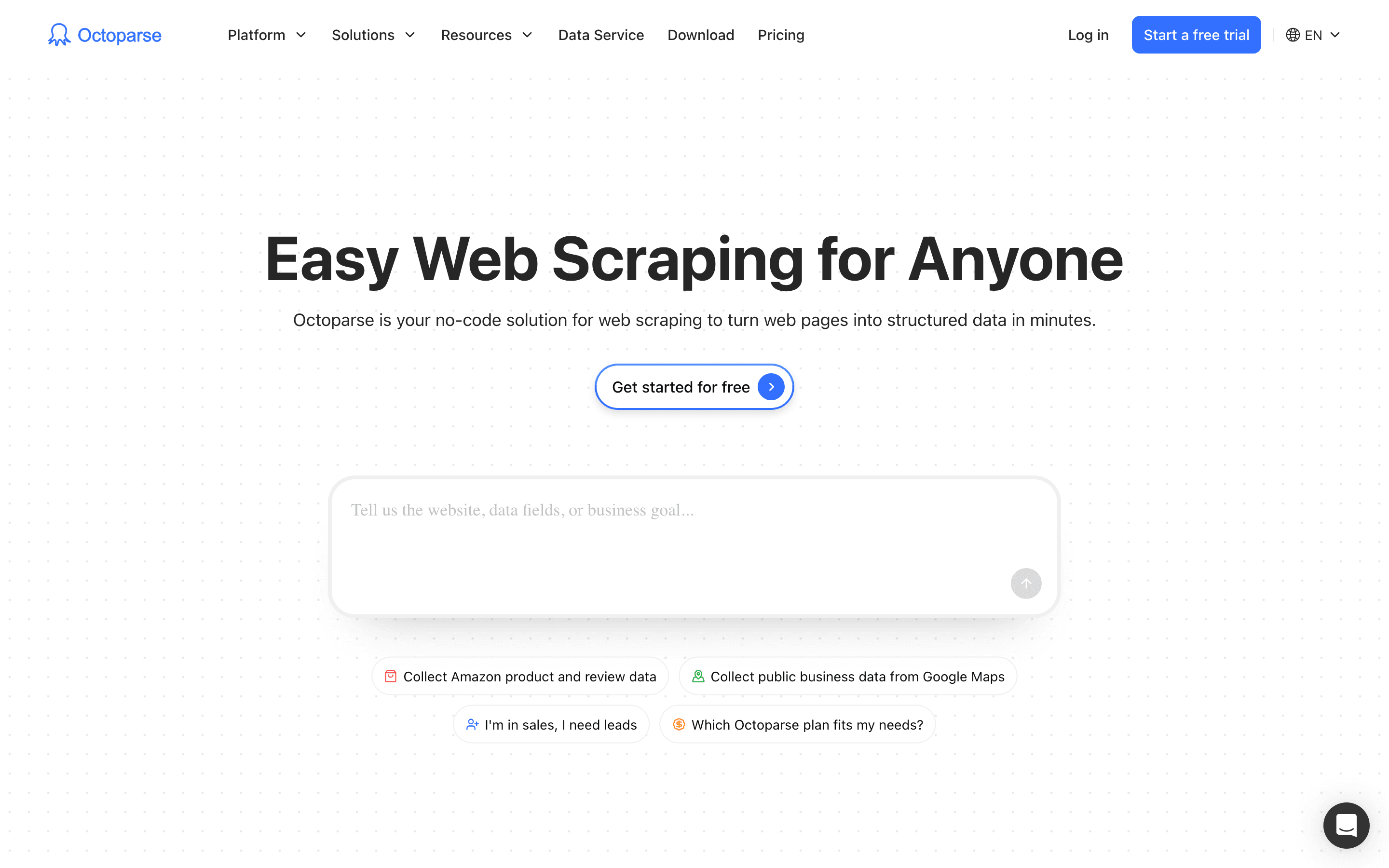
Octoparse is the alternative that feels most like Browse AI itself. You open a site in its built-in browser, click the fields you want, and it builds a template with no selectors or code, the same workflow Browse AI's robots use. Its free plan runs local extraction only, but it allows up to 50,000 rows of export a month, versus roughly 500 rows worth of credits on Browse AI's free plan (50 credits x 10 rows/credit), a 100x difference. Paid plans jump straight from free to $69/month (Standard, billed annually) or $83/month billed monthly, adding cloud concurrency, IP rotation, and automatic CAPTCHA solving. The catch is that residential proxies and CAPTCHA solving are separate add-ons on top of the plan price, and the refund window is a short 5 days. If your main complaint about Browse AI is running out of free credits, Octoparse's higher free row limit is worth checking, but budget for those add-on costs before switching for volume.
Pros
- + Visual template builder gets a working scraper running in minutes without writing selectors
- + Free plan is a real free tier, not a time-limited trial, with 50,000 rows a month
- + 500+ prebuilt templates for common sites cut setup time for popular targets
Cons
- – Standard price jumps from free to $83/month (or $69/month billed annually) with no mid-tier option, and Professional jumps again to $299/month ($249/month billed annually)
- – Residential proxies ($3/GB), CAPTCHA solving ($1-1.5 per 1,000), and premium pay-per-result templates ($0.001-3 per 1,000 results) are billed as separate add-ons on top of the plan price
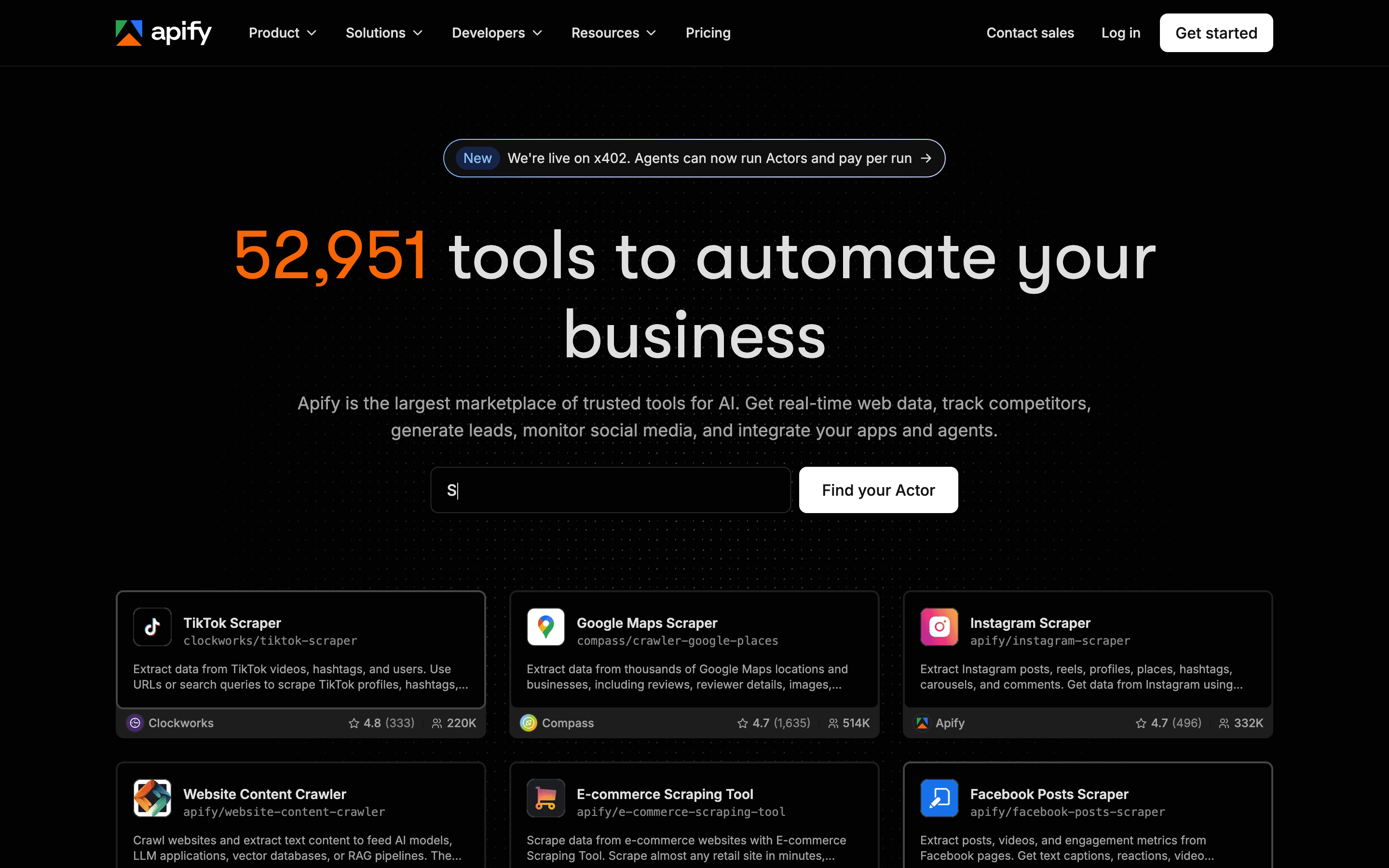
Apify trades Browse AI's simple credit pool for a marketplace: thousands of pre-built Actors covering sites like Google Maps, Amazon, and LinkedIn, plus the option to write your own scraper in JavaScript or Python if a template doesn't fit. Its free plan gives $5 of platform credits a month and is usable for small jobs, not a time-limited trial. Paid plans start at $29/month and bundle proxy rotation, browser automation, and result storage into the same platform. The tradeoff is a less predictable bill: compute units, proxy bandwidth, storage, and sometimes fees set by individual Actor developers all show up as separate line items, and unused monthly credits expire with no rollover. Pick Apify over Browse AI when you need a wider library of ready-made scrapers or want the option to move from clicking to code without switching vendors.
Pros
- + Huge marketplace of ready-made Actors, so many scraping jobs need zero code
- + Free plan is genuinely usable for small, occasional jobs, not just a trial
- + Handles the annoying parts of scraping at scale: proxy rotation, browser automation, and result storage
Cons
- – Monthly credits expire with no rollover, so uneven usage months mean paying for credits you don't use
- – Billing has several separate meters (compute units, proxy bandwidth, storage, per-Actor fees from third-party developers), which makes total cost hard to predict in advance
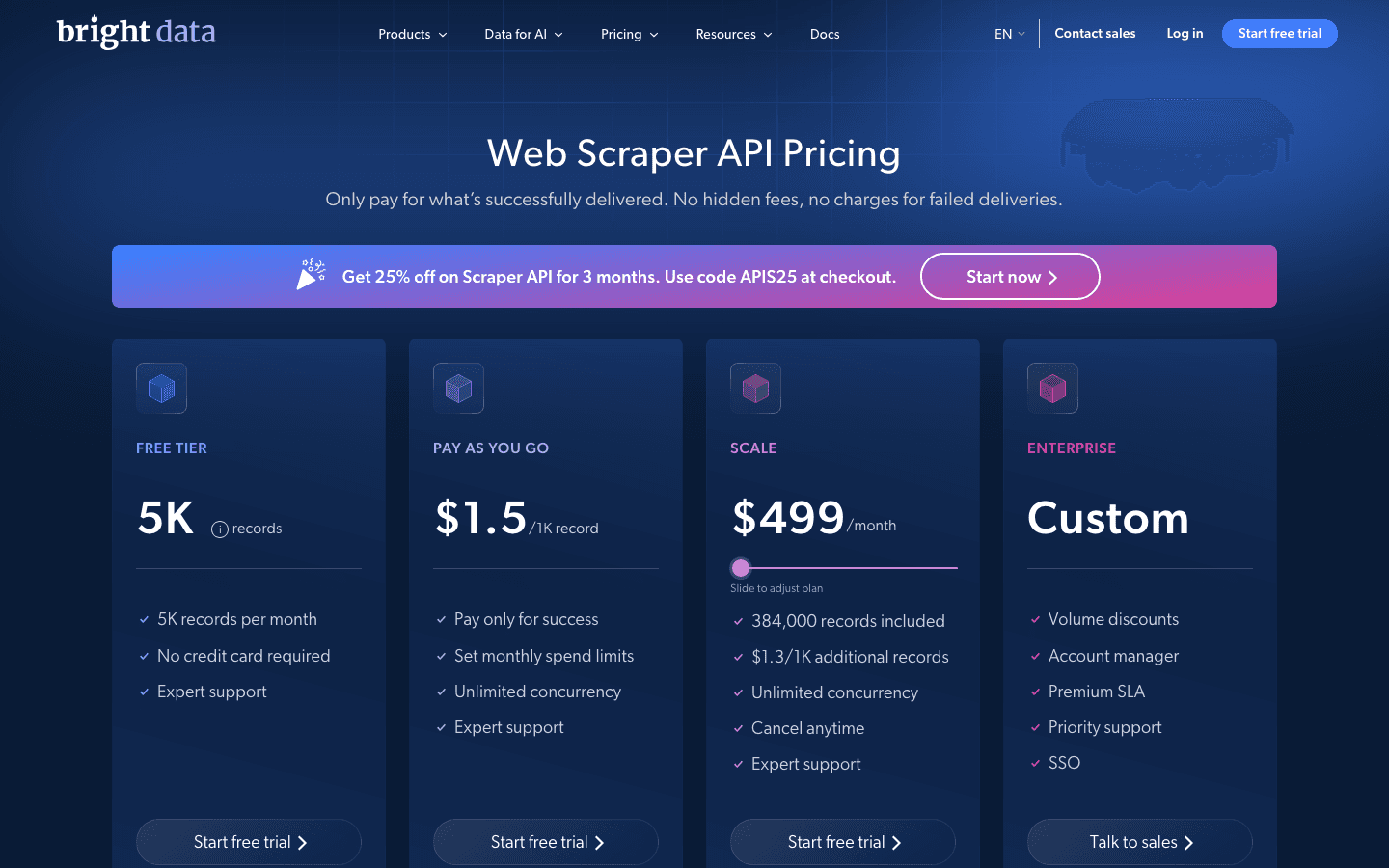
Bright Data is built for the jobs Browse AI's point-and-click trainer struggles with: sites that fight back with CAPTCHAs and IP blocks at real volume. Its Web Scraper API includes 1,000+ pre-built scrapers for popular targets, backed by one of the largest residential proxy networks around, and you only pay for successfully delivered records on the pay-as-you-go plans. A free tier gives 5,000 shared credits a month to test before committing to anything. The downside is that pricing lives across separate pages for proxies, the Scraper API, the SERP API, and datasets, so working out a real monthly number takes effort, and the committed plans that bring per-unit costs down start at $499/month. This is the upgrade path once Browse AI's robots keep getting blocked or credit costs on hard sites climb, not a first tool for casual scraping.
Pros
- + IP pool size and geographic coverage are hard to match, useful for high-volume or heavily geo-restricted targets
- + 1,000+ pre-built scrapers mean you often don't have to write scraping logic for popular sites
- + You aren't billed for failed requests on the Web Scraper API and SERP API pay-as-you-go plans, only successful deliveries
Cons
- – Pricing is spread across many separate product pages (proxies, Web Scraper API, SERP API, Scraping Browser, Datasets), so working out your real monthly cost takes effort
- – Pay-as-you-go rates run noticeably higher per unit than the committed monthly plans, which pushes usage-heavy teams toward locking into a $499+/month plan
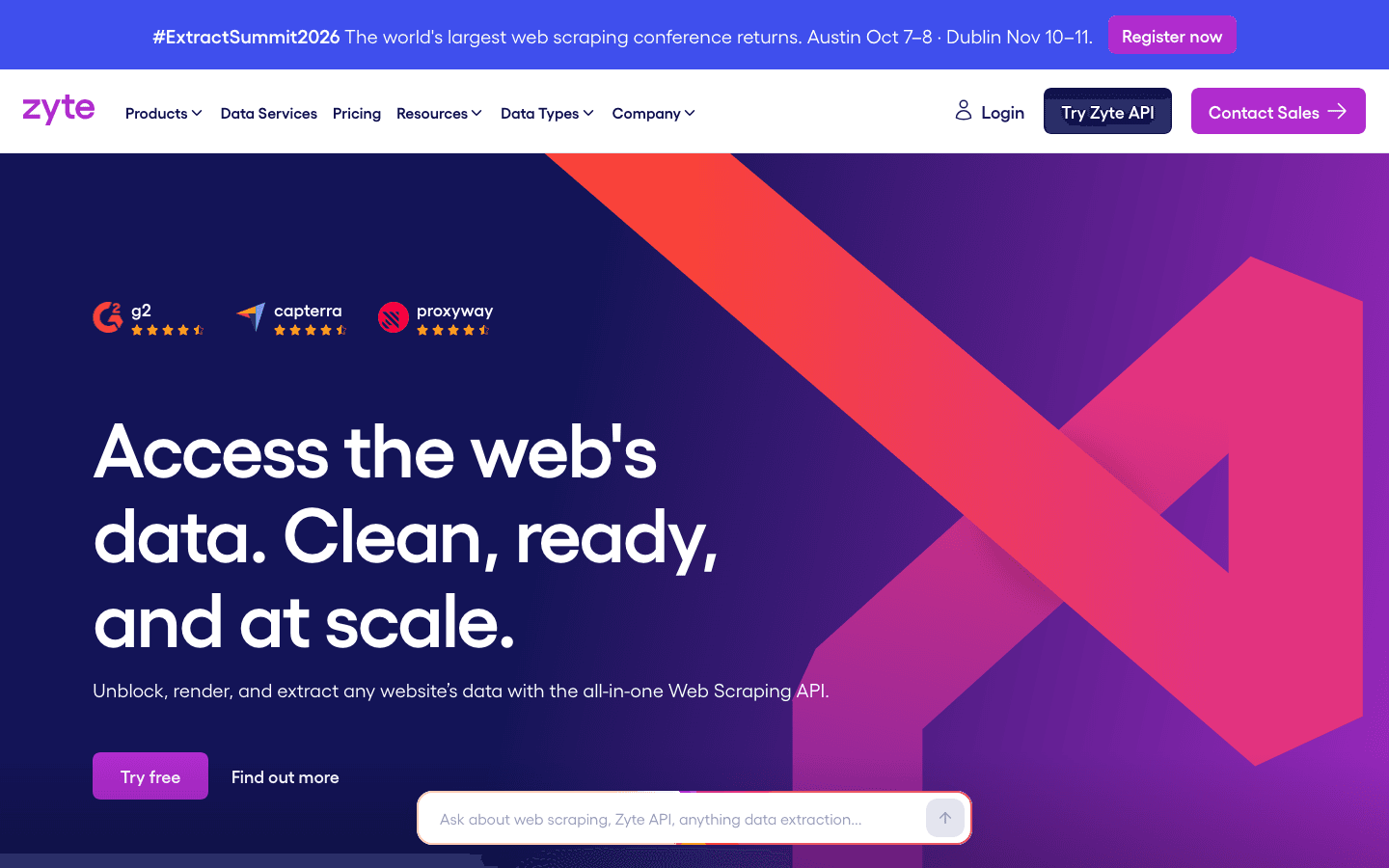
Zyte swaps Browse AI's robot trainer for a single API endpoint that handles proxy rotation, headless rendering, and anti-bot bypassing behind the scenes, plus Zyte Data, a managed option where Zyte's own team builds and runs the scraper for you, starting at $500/month for an AI-supported schema or $1,000/month for a fully custom plan, well above what a typical Browse AI budget covers. There's no free plan on the API itself, just a $5 signup credit, though the separate Scrapy Cloud product does have a genuinely free tier for spider hosting. Pricing is per successful request, so failed pulls cost nothing, but browser-rendered requests run up to roughly 13 times the price of a plain HTTP request, and several Trustpilot reviewers say bills came in higher than expected. Choose Zyte over Browse AI when you want either full API control over scraping logic or a fully managed feed, and you're comfortable with usage-based billing instead of a flat credit plan.
Pros
- + Per-request pricing means you don't pay for failed or blocked requests
- + Handles proxy rotation, headless browser rendering, and CAPTCHA/anti-bot bypass in one API instead of separate tools
- + Scrapy Cloud and the Web Scraping Copilot VS Code extension give existing Scrapy users a direct path from local development to hosted spiders
Cons
- – Browser-rendered requests cost up to roughly 13x the equivalent HTTP request, so costs scale fast on JavaScript-heavy sites
- – Zyte API and Zyte Data are paid only, with just a $5 signup credit for the first billing month; the genuinely free plan lives on the separate Scrapy Cloud product and caps crawls at 1 hour
ScrapingBee is the plainest developer alternative: send a URL and get back rendered HTML or extracted data from one API call, with no robot to train and no UI to click through. Plans start at $49/month for 250,000 credits, with a free 1,000-credit trial and no card required to test it. The catch is that a plain request costs 1 credit but turning on JavaScript rendering costs 5, premium proxies 25, and stealth proxies 75, so the headline credit count overstates what you actually get on harder sites. Independent benchmarks put its overall success rate around 31% across 13 popular targets, with some sites like LinkedIn near 0%. It suits developers who want Browse AI's ease of setup without the visual trainer, but expect it to struggle on the same heavily-protected sites that trip up Browse AI's robots.
Pros
- + One API call replaces your own proxy rotation, headless browser, and CAPTCHA handling
- + Free 1,000-credit trial with no credit card, enough to test real workloads before paying
- + Support is consistently rated responsive, and the team doubled after the Oxylabs acquisition
Cons
- – Credit pricing is easy to misjudge. JavaScript rendering costs 5x a plain request, premium proxies 10 to 25x, and stealth proxies 75x, and JS rendering is on by default, so the advertised credit count on each plan overstates real capacity
- – Credits don't roll over month to month, and a request the target site blocks that still returns a 200 costs credits even though you got no usable data
Should your product be on this web scraping & data extraction list?
If you build a tool that belongs next to the ones above, submit it. A human reviews every submission. Approved products get their own page with pricing and screenshots, plus a place in the comparisons where they fit. It is free. You sign in with your work email so you can follow the decision, and there is no password to create.
Browse AI alternatives: FAQ
What's the best free alternative to Browse AI?+
Apify's free plan gives you $5 of platform credits a month and is usable for actual small jobs, not just a time-limited trial, which makes it the most workable free option among Browse AI alternatives.
Is there a no-code alternative to Browse AI?+
Octoparse is the closest match. You click the fields you want in its built-in browser and it builds a scraping template with no selectors or code, the same workflow Browse AI uses.
What should I use if Browse AI's robots keep getting blocked?+
Bright Data is built for that case. It runs a large residential proxy network and offers 1,000+ pre-built scrapers for hard targets like Amazon and LinkedIn.
Do any Browse AI alternatives offer a fully managed service?+
Zyte Data does. Instead of running a self-serve tool, Zyte's own team builds and maintains the scraper for you and delivers a structured data feed, starting at $500/month for an AI-supported schema or $1,000/month for a fully custom plan.
Browse AI alternatives: pricing compared
Entry price, billing model, and whether pricing is public. 6 of 6 publish pricing you can check without talking to sales.
| Tool | Starting price | Billing | Free option | Pricing disclosed |
|---|---|---|---|---|
| Browse AI | $19/mo | tiered | Yes | Public |
| Octoparse | $69/mo | tiered | Yes | Partly public |
| Apify | $29/mo | tiered | Yes | Partly public |
| Bright Data | Usage-based | usage-based | Yes | Partly public |
| Zyte | Usage-based | usage-based | Yes | Partly public |
| ScrapingBee | $49/mo | usage-based | Trial (1,000 API credits, no credit card required) | Partly public |
How we made these picks. We compare tools on public pricing, features, and hands-on assessment, then verify every price against the vendor's own page. We never accept payment for rankings. Read the full methodology. Spotted an error? Report it.