Top Formstack Alternatives in 2026
Here for Formstack itself? See the full Formstack profile, pricing & reviews →
Suggest a change- If you're a solo builder who needs document generation and e-signatures for less than Formstack's $250-a-month Suite plan, choose Jotform. Jotform's Gold plan bundles e-signature forms, PDF generation, and approval workflows for $99 a month per person, less than half of Suite's $250 flat price for a single builder. That math flips for a team, though: Suite's $250 a month already covers 3 builder users, so matching that headcount on Jotform Gold costs 3 x $99 = $297 a month, more than staying on Formstack, not less.
- If you want your whole team building forms without paying per seat, choose Fillout. Fillout charges for response volume instead of seats, so an unlimited number of teammates can build and edit forms on one plan.
- If you're a solo founder or small team on a tight budget, choose Tally. Tally's free plan has no cap on forms or submissions and already includes e-signatures for free. Formstack only offers e-signatures on its $250-a-month Suite plan, not on the cheaper $83-a-month Forms plan.
- If you mainly need a polished lead-capture or hiring form with CRM sync, choose Typeform. Typeform's conversational layout and its Talent ($169/seat/mo) and Growth Flow ($379/seat/mo billed monthly, about $266/seat/mo annualized) plans are built for lead capture and structured hiring with Salesforce sync, jobs that Formstack's document-and-signature workflow was never designed for. Growth Flow costs more per seat than Formstack's own $250-a-month Suite plan, so the CRM sync is a tradeoff, not a discount.
- If your team runs on Formstack's native Salesforce Solutions plan for CRM-native form-to-record workflows, choose stay on Formstack. None of these alternatives offer a dedicated Salesforce-native forms product with one-click document generation and Experience Cloud support, so switching would mean rebuilding that workflow with separate middleware.
Formstack pairs a form builder with document generation and e-signatures, sold as one connected platform for ops, HR, and healthcare teams. That combination is also its biggest cost: the Forms plan starts at $83 a month for one builder user, and adding document generation and e-signatures triples the price to $250 a month on the Suite plan, which bundles three builder users.
Most teams shopping Formstack alternatives are really looking for one of two things: a cheaper way to collect data and get documents signed, or a simpler form builder without Formstack's document layer at all. The tools below split along that line, from Jotform and Fillout, which cover the same forms-to-signature workflow for less, to Tally and Typeform, which do forms well but skip document generation entirely.
Formstack alternatives compared
| Tool | Best for | Starting price | Free option | Last update |
|---|---|---|---|---|
| JotformBest for document generation and e-signatures | Solo operators and small businesses who need a form live quickly from a template | $34/seat/mo | Yes | January 2026 |
| FilloutBest if you don't want to pay per seat | Ops and marketing teams that need one form tool for intake, surveys, and payment collection without paying per seat | $15/mo | Yes | — |
| TallyBest free option | Solo founders and small teams that want unlimited forms without paying anything | $29/seat/mo | Yes | July 2026 |
| TypeformBest for lead-gen and hiring forms | Teams that want a polished, on-brand, conversational form for lead gen or customer feedback | $39/seat/mo | Yes | — |
Why teams switch from Formstack
Steep 3x jump from the Forms plan to the Suite plan
Reviewers describe the price jump from the $83-a-month Forms plan (1 builder user) to the $250-a-month Suite plan (3 builder users), plus form and submission limits that force costly upgrades as usage grows, as expensive for smaller organizations.
Support and billing complaints drag down its Trustpilot score
Formstack's Trustpilot rating sits around 1.6 out of 5, with reviewers describing support as largely unresponsive, auto-renewal lock-in, and continued billing after attempting to cancel.
No free plan to test before paying
The cheapest plan, Forms, starts at $83 a month billed annually for one builder user, with only a 14-day free trial and no free-forever tier.
Submission and storage caps force upgrades
Both published plans cap forms, submissions, and storage, so growing usage on a form that's working well can force a mid-cycle upgrade.
The best Formstack alternatives, ranked
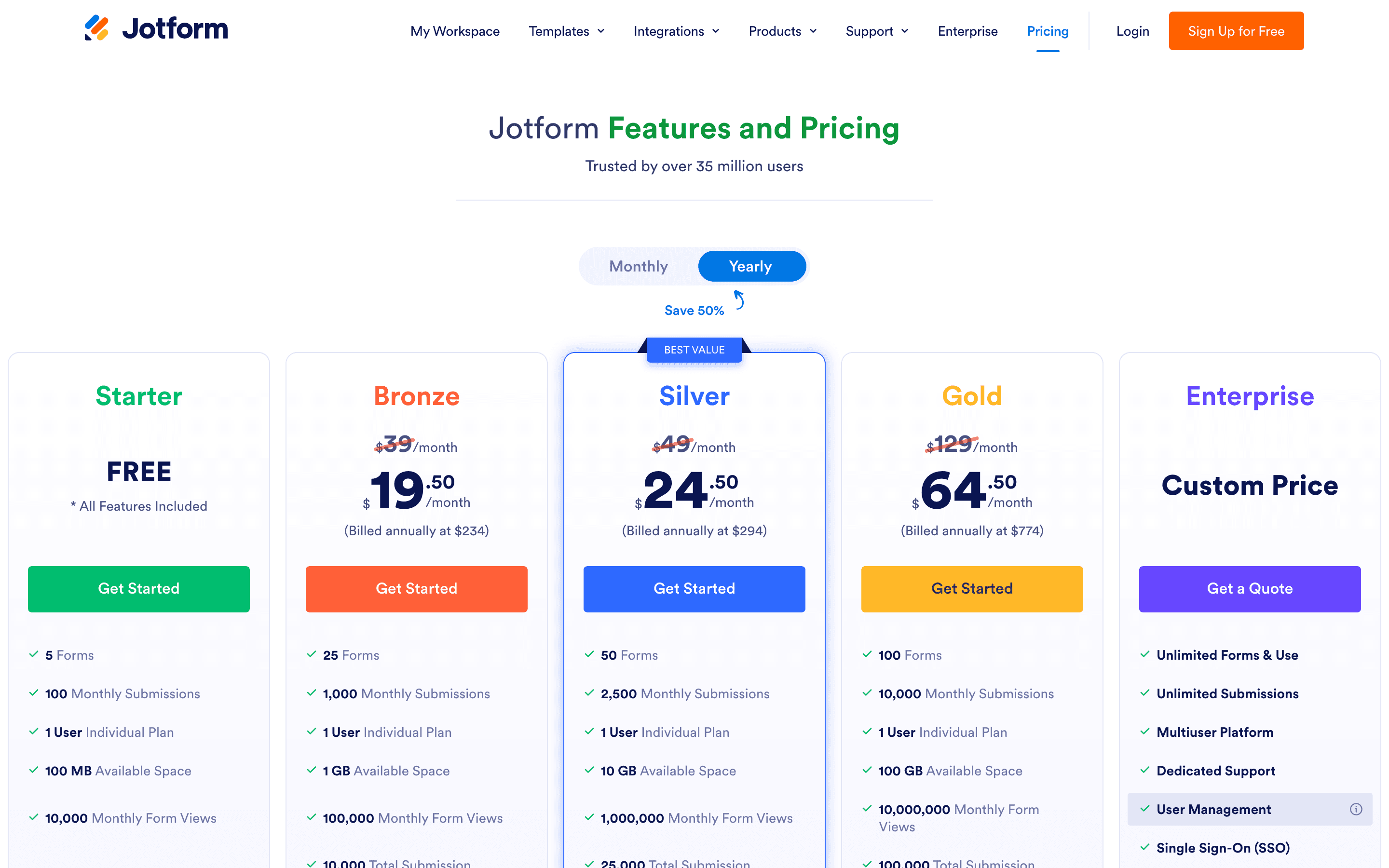
Jotform is the closest match to what Formstack actually does: collect data, then turn it into a signed document or route it through an approval step. E-signature forms, PDF generation from submissions, and Jotform Workflows for approvals and webhook triggers cover the same ground as Formstack's Forms plus Documents plus Sign combination, at a lower price for a single builder. Gold, at $99 a month per person billed annually, includes HIPAA-friendly features and 10,000 monthly submissions, cheaper than Formstack Suite's $250 flat price if you're comparing one builder to one builder. But Suite's $250 a month already includes 3 builder users, so a 3-person team on Jotform Gold pays 3 x $99 = $297 a month, more than Formstack Suite, not less. The catch is that every plan below Enterprise is single-user, so a team that needs several people building forms on one account has to go custom-priced. Submission caps also apply across all forms combined, so one form that takes off can use up the whole month's quota. Support is reported as slow for non-urgent tickets, but the core document-and-workflow feature set is the nearest thing to Formstack's own pitch.
Pros
- + Huge template library covers most common form types out of the box
- + Payment, e-signature, and workflow features are built in instead of separate add-ons
- + HIPAA-friendly compliance is available starting at the Gold tier, not locked to Enterprise
Cons
- – Every plan except Enterprise is single-user, so teams can't collaborate on one account without the custom plan
- – Submission caps apply per month across all your forms combined, so one popular form can use up the whole account's quota
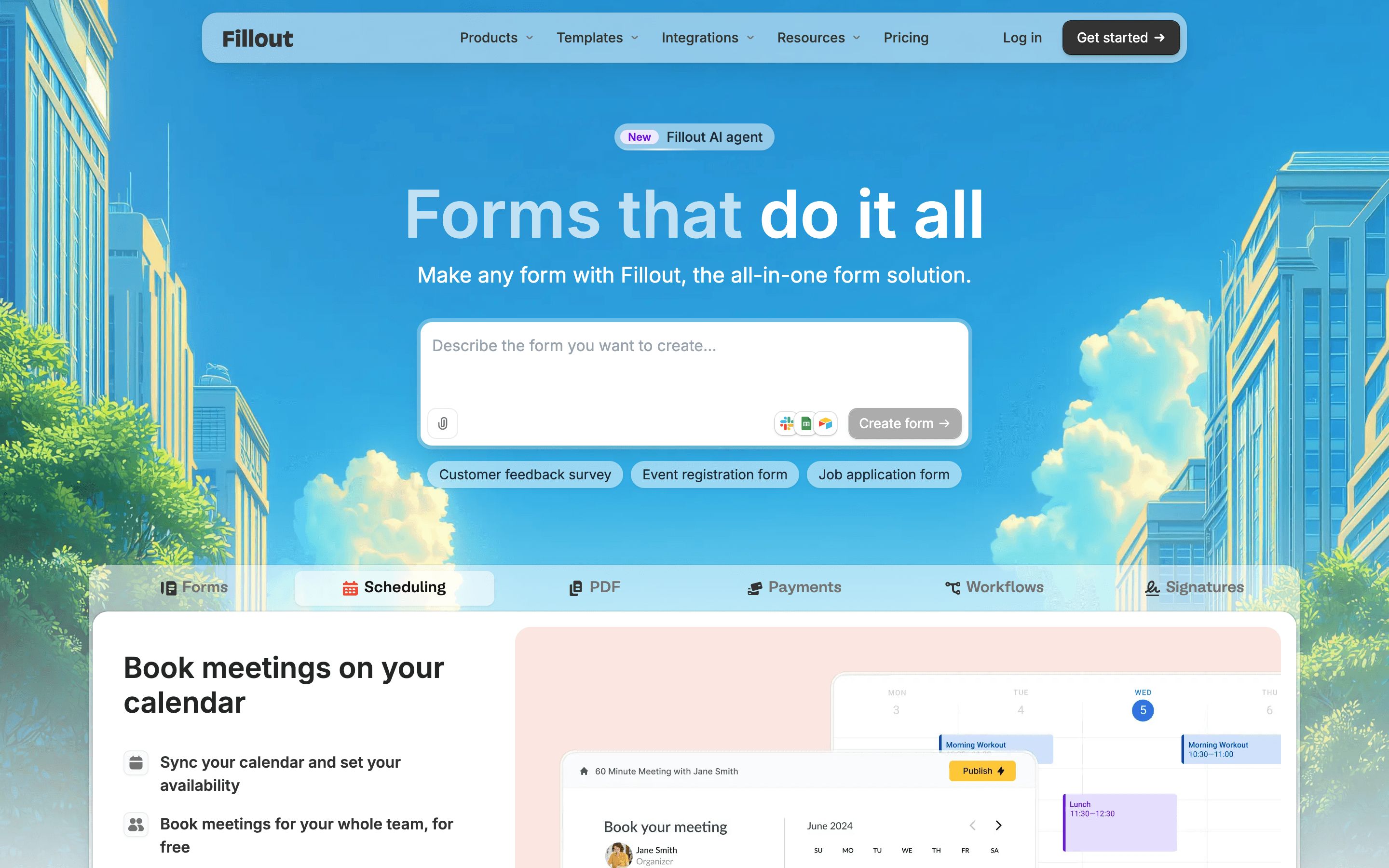
Fillout covers the same forms-to-PDF-to-signature loop as Formstack, but prices it by response volume instead of seats, so an entire ops or marketing team can build and edit forms on one plan without buying extra licenses. Business, at $75 a month billed annually, includes unlimited responses, a custom domain, and priority support, and Fillout offers native Salesforce and HubSpot integrations for teams that want form data flowing straight into a CRM. SSO and audit logs sit behind the custom-priced Enterprise tier. The free plan alone allows 1,000 responses a month with no seat limit, more generous than most Formstack-adjacent tools. What it doesn't have is Formstack's compliance depth: there's no published HIPAA or PCI option. For a team that wants Formstack's forms-plus-documents workflow without per-seat costs, Fillout is the pick, as long as regulatory compliance isn't a requirement.
Pros
- + No per-seat charges, so the whole team can build and edit forms on one plan
- + Free plan covers unlimited forms and 1,000 responses a month, more generous than most competitors' free tiers
- + Payments, e-signatures, PDF generation, and conditional logic are included rather than gated behind an add-on
Cons
- – Response caps step up quickly: 1,000 free, 2,000 on Starter, 5,000 on Pro, so any growth in submissions forces an upgrade
- – Removing Fillout branding and getting custom emails and CSS both require the Pro plan, not Starter
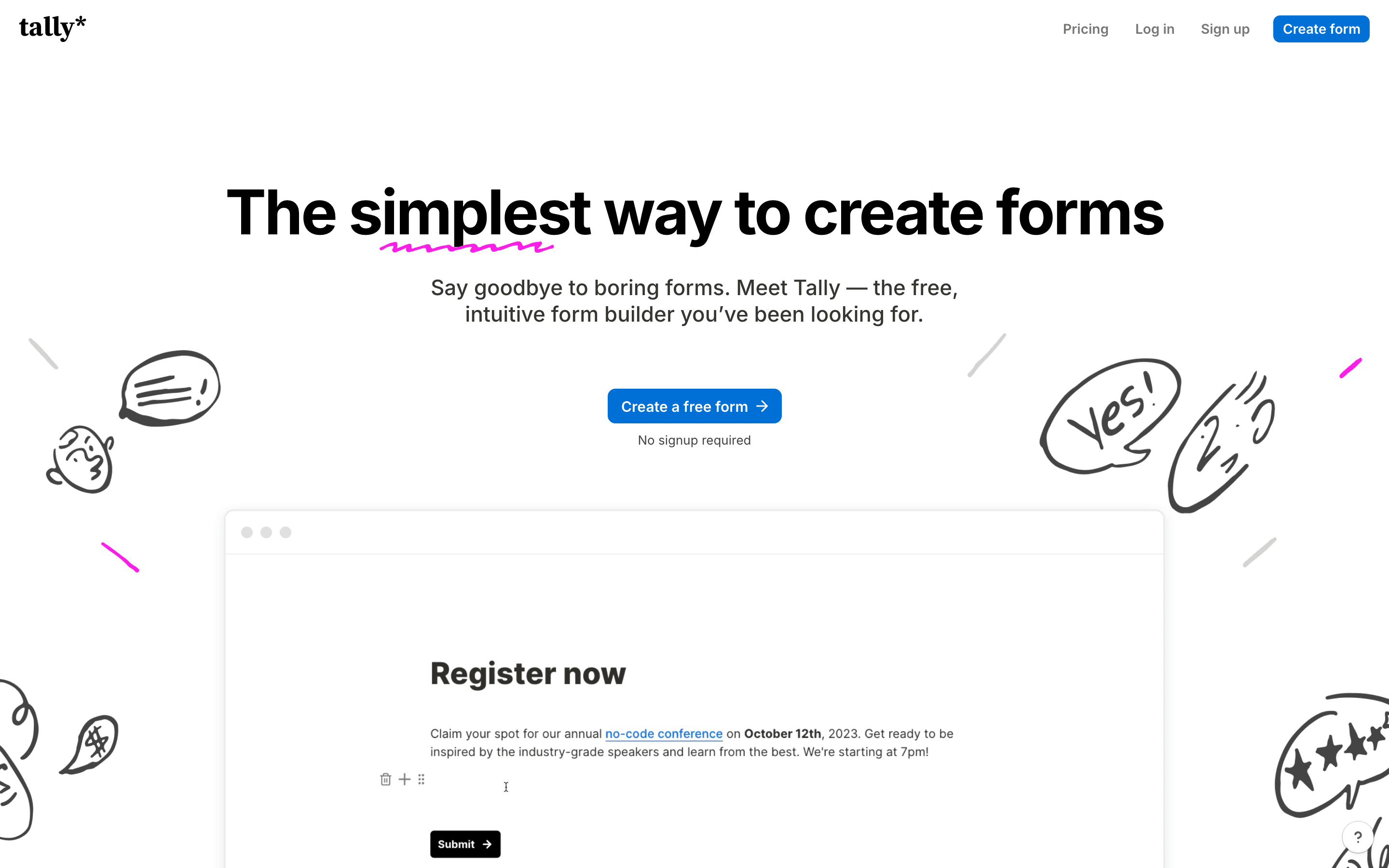
Tally is the budget pick. Its free plan has no cap on forms or submissions, and it already includes payment collection, file uploads, and e-signatures at no cost. E-signatures alone are worth flagging against Formstack: Formstack only offers e-signatures on its $250-a-month Suite plan, not on the cheaper $83-a-month Forms plan. Pro, at $29 a month, removes Tally's branding and adds custom domains and team workspaces, still far under any Formstack tier. The tradeoff is depth: Tally has no document-generation engine to turn form data into a formatted PDF or contract, and its workflow logic handles simple branching rather than the approval routing Formstack teams often need. Analytics also stay basic even on paid plans, with no funnel view or device breakdown on any tier. Tally suits a team that mainly needs signatures and payments collected through a simple form, not one that needs Formstack's document-assembly or Salesforce-native workflow.
Pros
- + Free plan has no form or submission cap, unlike most competitors that cap free submissions
- + Document-style editor is fast to learn and fast to build in
- + Payment collection, file uploads, and e-signatures are included on every plan, even free
Cons
- – Analytics stays basic even on paid plans: Pro adds visit and drop-off tracking, but no tier has a funnel view or completion-rate breakdown by device
- – Conditional logic handles simple branching but struggles with complex scored quizzes or payment-gated paths
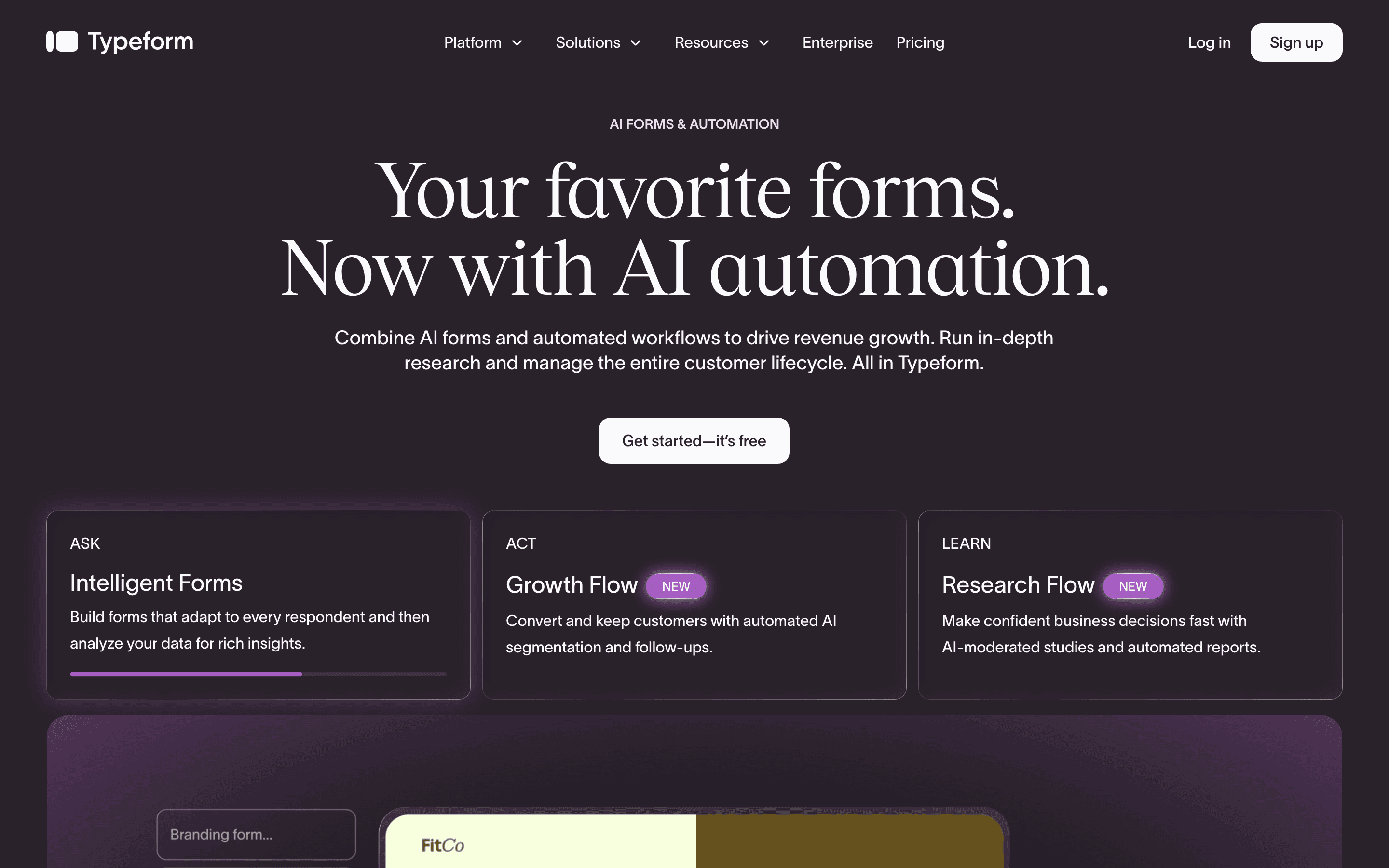
Typeform solves a narrower problem than Formstack: getting a polished, conversational form in front of people, not turning form data into signed documents. Its Talent plan, at $169 a seat a month, builds structured hiring flows with video questions, and Growth Flow, at $379 a seat a month billed monthly (about $266 a seat annualized), adds lead enrichment and a Salesforce sync, both aimed at the marketing and recruiting side of what Formstack customers do. Growth Flow costs more per seat than Formstack's own $250-a-month Suite plan even on annual billing, so the CRM sync comes at a premium over Formstack, not a discount. There's no document generation or e-signature feature anywhere in Typeform's lineup, so it won't replace Formstack's Documents or Sign tools. Pricing is also metered by monthly responses on every tier, including the 10-response free plan, so a good marketing month can shut off new submissions until you upgrade. Typeform fits a Formstack buyer whose real need was lead capture or hiring forms with CRM sync, not the document-and-signature workflow that anchors Formstack's own pitch, and not a buyer chasing savings on the Salesforce-sync plan specifically.
Pros
- + Conversational one-question layout has a genuinely different feel than a typical form and tends to raise completion rates for opinion-based surveys
- + AI-assisted form creation and AI-generated clarification questions cut down build time
- + Talent and Growth Flow plans bundle features (video Q&A, lead enrichment, Salesforce sync) that most form tools don't offer at all
Cons
- – Every plan, including the free one, has a hard monthly response cap baked into the price, so a good marketing month can shut off new submissions
- – Free plan is capped at 10 responses/month, too low for real use and mostly there to get you to upgrade
Should your product be on this forms & surveys list?
If you build a tool that belongs next to the ones above, submit it. A human reviews every submission. Approved products get their own page with pricing and screenshots, plus a place in the comparisons where they fit. It is free. You sign in with your work email so you can follow the decision, and there is no password to create.
Formstack alternatives: FAQ
What is the best free alternative to Formstack?+
Tally. Its free plan has no cap on forms or submissions and already includes payment collection, file uploads, and e-signatures at no cost. Formstack only unlocks e-signatures on its $250-a-month Suite plan.
Which Formstack alternative is closest to its document generation and e-signature features?+
Jotform. It generates PDFs from form submissions, collects e-signatures, and routes submissions through approval workflows, covering the same job as Formstack's Documents and Sign tools at a lower price.
Is there a Formstack alternative that doesn't charge per seat?+
Fillout. Every plan, including the free one, allows unlimited seats and charges based on how many responses you collect each month instead.
Do any of these alternatives match Formstack's native Salesforce integration?+
Not fully. Typeform's Growth Flow plan syncs form data to Salesforce, but it costs $379 a seat a month billed monthly (about $266 annualized), more per seat than Formstack's own $250-a-month Suite plan. None of these tools offer Formstack's dedicated Salesforce Solutions plan, built for one-click document generation and Experience Cloud support inside Salesforce itself.
Formstack alternatives: pricing compared
Entry price, billing model, and whether pricing is public. 5 of 5 publish pricing you can check without talking to sales.
| Tool | Starting price | Billing | Free option | Pricing disclosed |
|---|---|---|---|---|
| Formstack | $83/seat/mo | per-seat | Trial (14 days on the Forms plan, no credit card required) | Partly public |
| Jotform | $34/seat/mo | tiered | Yes | Partly public |
| Fillout | $15/mo | tiered | Yes | Partly public |
| Tally | $29/seat/mo | per-seat | Yes | Public |
| Typeform | $39/seat/mo | per-seat | Yes | Partly public |
How we made these picks. We compare tools on public pricing, features, and hands-on assessment, then verify every price against the vendor's own page. We never accept payment for rankings. Read the full methodology. Spotted an error? Report it.