Top Typeform Alternatives in 2026
Here for Typeform itself? See the full Typeform profile, pricing & reviews →
Suggest a change- If you're a small team or solo founder on a tight budget, choose Tally. its free plan has no cap on forms or submissions, which removes the exact response ceiling that pushes people off Typeform.
- If you want to avoid per-seat pricing and need native CRM sync, choose Fillout. every plan allows unlimited seats and bills by response volume instead, with built-in Salesforce and HubSpot integrations.
- If you need a huge template library plus payments, e-signatures, and approval workflows, choose Jotform. it bundles workflow routing and document features Typeform doesn't offer at all, at the cost of being single-user below Enterprise.
- If the job is running structured market research, not lead-gen forms, choose SurveyMonkey. it has built-in research methods like MaxDiff and Van Westendorp pricing studies and deeper sentiment analysis than any form builder here.
- If a submitted form needs to become a signed contract or regulated document, choose Formstack. its Suite plan bundles unlimited document senders and e-signatures with the form builder, so a submission can become a signed document without re-entering data. The capabilities that truly set it apart, PCI compliance and native Salesforce document generation with dynamic prefill, sit in its quote-only Salesforce Solutions tier, not the published plans.
- If you're already on Typeform's Talent or Growth Flow plan for hiring or CRM-enriched lead gen, choose stay on Typeform. no alternative here bundles video Q&A, lead enrichment, and Salesforce sync into one plan the way Typeform does.
Typeform's conversational, one-question-at-a-time forms still look better than a plain form, but every plan meters monthly responses, including the free one, capped at 10. Teams that outgrow that cap, or that don't want to pay $79/mo just to remove Typeform's own branding, start shopping for something that collects the same structured answers without the response tax.
The five tools below all build forms and surveys for the same core job: capturing lead-gen forms, applications, and feedback in a structured way. They split by what they trade Typeform's polish for: free response volume, seatless pricing, template depth, research tooling, or document workflows.
Typeform alternatives compared
| Tool | Best for | Starting price | Free option | Last update |
|---|---|---|---|---|
| TallyBest free alternative | Solo founders and small teams that want unlimited forms without paying anything | $29/seat/mo | Yes | July 2026 |
| FilloutBest for avoiding per-seat pricing | Ops and marketing teams that need one form tool for intake, surveys, and payment collection without paying per seat | $15/mo | Yes | — |
| JotformBest template library | Solo operators and small businesses who need a form live quickly from a template | $34/seat/mo | Yes | January 2026 |
| SurveyMonkeyBest for market research | Teams that already know they need SurveyMonkey's brand recognition and large template library | $30/seat/mo | Yes | February 2026 |
| Formstack | Operations and HR teams that need a form to trigger a generated document or contract, not just collect answers | $83/seat/mo | Trial (14 days on the Forms plan, no credit card required) | June 2026 |
Why teams switch from Typeform
Response and feature caps on every paid tier
Recent Capterra reviewers cite Typeform's response and feature caps as a top complaint, saying useful features and higher response volume stay locked behind paid plans even after upgrading.
The free plan caps out at 10 responses a month
Every Typeform plan, including free, has a hard monthly response cap built into the price. Free stops at 10 responses a month, which is too low for real use and mainly exists to push an upgrade.
Removing Typeform branding requires at least the $79/mo Plus plan
Typeform keeps its own branding on forms through the Basic tier. Getting it off, along with basic analytics, needs Plus or higher.
The best Typeform alternatives, ranked
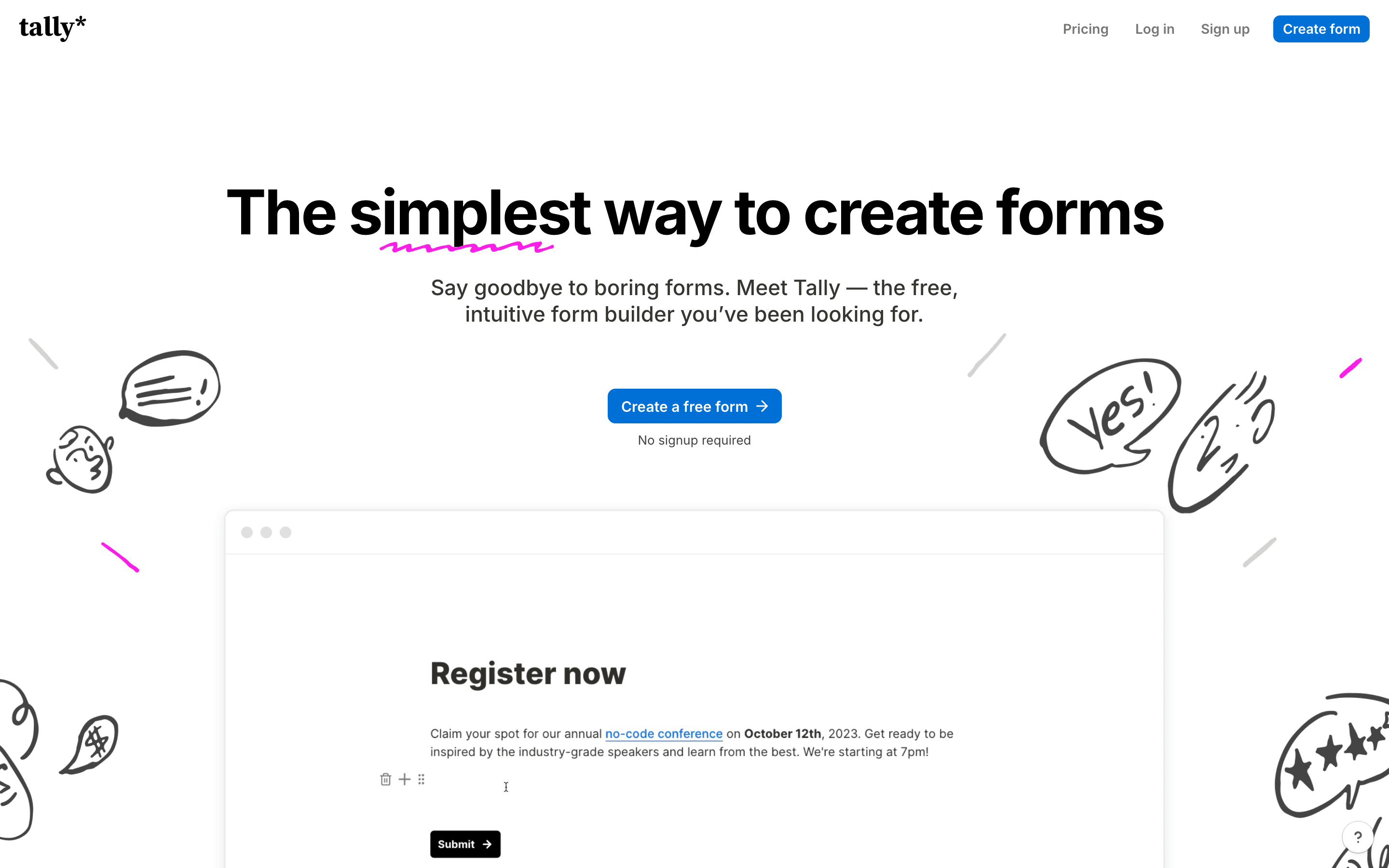
Tally is the closest thing to a true free alternative to Typeform. The free plan has no cap on forms or submissions, covers payments, file uploads, and e-signatures, and only asks you to stay within a fair-use policy instead of a fixed response ceiling. That removes Typeform's biggest complaint: hitting a monthly response wall mid-campaign. Tally's document-style editor, where you type a form the way you'd write a doc and turn text into fields with slash commands, is a genuinely faster way to build than Typeform's screen-by-screen flow. Pro, at $29 a month, removes Tally's branding and adds a custom domain, still cheaper than Typeform's $79 Plus tier for the same job. The tradeoff is analytics: Tally has no funnel view or completion-rate breakdown by device, even on paid plans, and there's no live chat support. For teams that just need forms live without a response tax, Tally is the easiest switch.
Pros
- + Free plan has no form or submission cap, unlike most competitors that cap free submissions
- + Document-style editor is fast to learn and fast to build in
- + Payment collection, file uploads, and e-signatures are included on every plan, even free
Cons
- – Analytics stays basic even on paid plans: Pro adds visit and drop-off tracking, but no tier has a funnel view or completion-rate breakdown by device
- – Conditional logic handles simple branching but struggles with complex scored quizzes or payment-gated paths
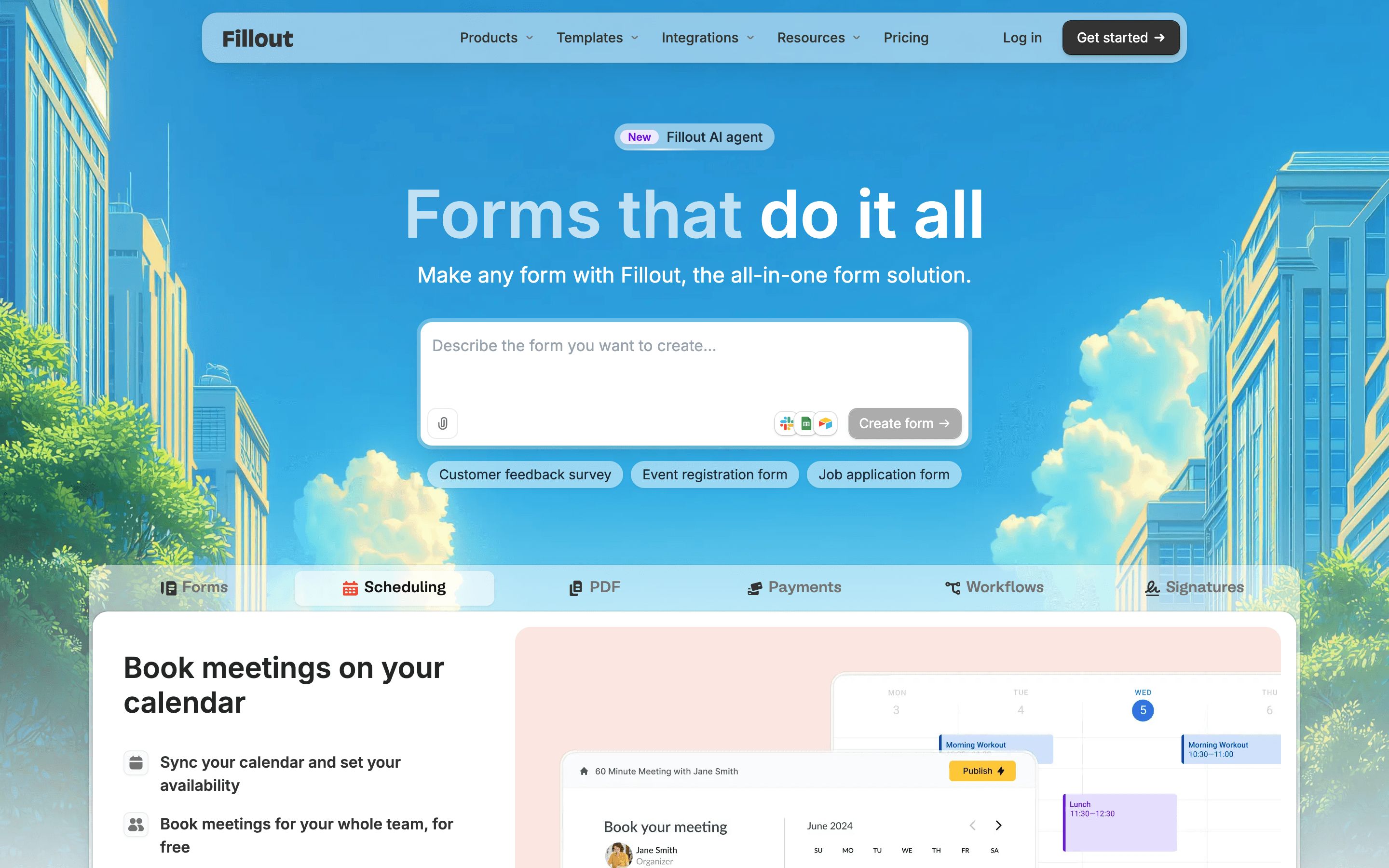
Fillout's pitch is unlimited seats on every plan, including free, so the whole team can build and edit forms without Typeform's per-seat math. Pricing scales with monthly responses instead: 1,000 free, 2,000 on the $15 Starter plan, 5,000 on $40 Pro, unlimited on $75 Business. That's a different cost model for ops and marketing teams running several forms with more than one builder. Multi-page forms, conditional logic, payments, e-signatures, and PDF generation are included rather than gated add-ons, and native Salesforce and HubSpot integrations mean less middleware than a typical form tool needs. Removing Fillout's own branding still requires the Pro tier, and monthly billing costs about 20% more than the advertised annual rate. Fillout's parent company renamed itself Zite in 2026, though Fillout still runs as its own product and pricing page. For teams that want a Typeform-like builder without paying per seat, Fillout is the strongest direct swap.
Pros
- + No per-seat charges, so the whole team can build and edit forms on one plan
- + Free plan covers unlimited forms and 1,000 responses a month, more generous than most competitors' free tiers
- + Payments, e-signatures, PDF generation, and conditional logic are included rather than gated behind an add-on
Cons
- – Response caps step up quickly: 1,000 free, 2,000 on Starter, 5,000 on Pro, so any growth in submissions forces an upgrade
- – Removing Fillout branding and getting custom emails and CSS both require the Pro plan, not Starter
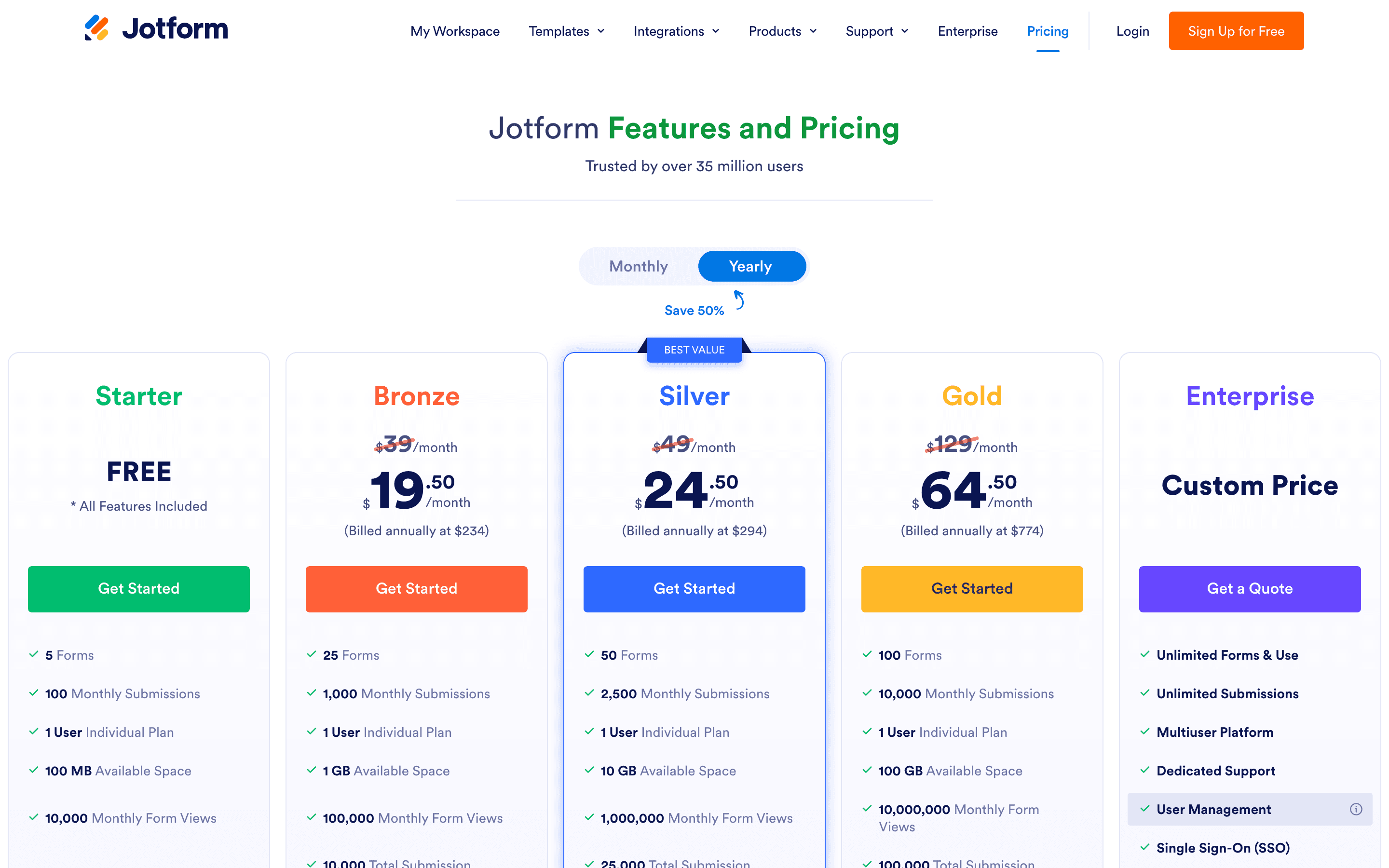
Jotform trades Typeform's conversational styling for raw feature breadth: a huge template library, drag-and-drop building, payment collection, e-signatures, PDF generation, and a workflow layer for routing submissions through approvals. That makes it a stronger pick for ops-heavy use cases like intake forms, applications, or HIPAA-friendly healthcare forms, available from the $99/mo Gold tier billed annually ($129/mo billed monthly) without needing Enterprise. The catch is that every plan short of Enterprise is single-user, so a small team sharing one account can't collaborate the way they could on Typeform's multi-seat Plus or Business plans. Pricing is also capped by monthly submissions across the whole account, not per form, so one form that takes off can burn through the quota for everything else. Support response times are reported as slow, sometimes close to a week. Jotform is the pick when the job is workflow automation more than lead-gen forms.
Pros
- + Huge template library covers most common form types out of the box
- + Payment, e-signature, and workflow features are built in instead of separate add-ons
- + HIPAA-friendly compliance is available starting at the Gold tier, not locked to Enterprise
Cons
- – Every plan except Enterprise is single-user, so teams can't collaborate on one account without the custom plan
- – Submission caps apply per month across all your forms combined, so one popular form can use up the whole account's quota
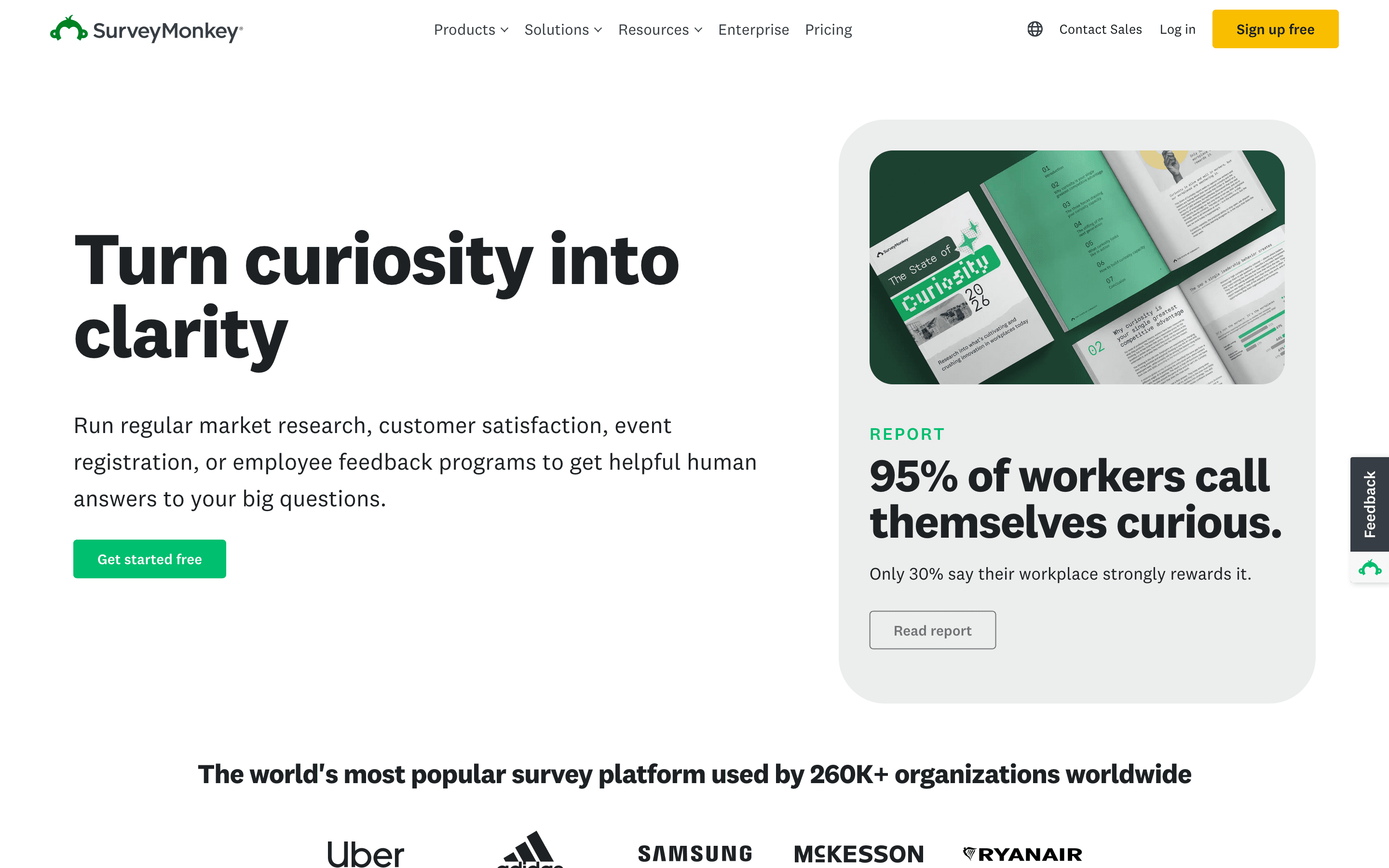
SurveyMonkey is built for research, not lead-gen forms, which makes it the right swap when the job is running structured surveys rather than a slick conversational intake form. It has AI-generated summaries of open-ended answers, sentiment analysis across 57 languages, and add-on market research methods like MaxDiff and Van Westendorp pricing studies that neither Typeform nor any other alternative here offers. The free plan lets you build unlimited surveys but only shows the first 25 responses, a common source of surprise upgrades. Team plans start at $30/seat/month with a 3-seat minimum, so the real entry cost runs closer to $90/month, and responses beyond your yearly cap cost $0.15 each. SurveyMonkey makes sense for teams that already want its brand recognition and research toolkit, less so for anyone just trying to replace Typeform's conversational lead-capture forms at a lower price.
Pros
- + Deep library of templates and question types built from years of survey research
- + AI-powered analysis of open-ended answers, including sentiment across 57 languages
- + 200+ integrations and solid CRM/BI connections at the Enterprise tier
Cons
- – Free plan only shows 25 responses per survey even if you collect more, a common source of surprise charges
- – Team plans have a 3-seat minimum, so the real entry cost is higher than the per-seat price implies
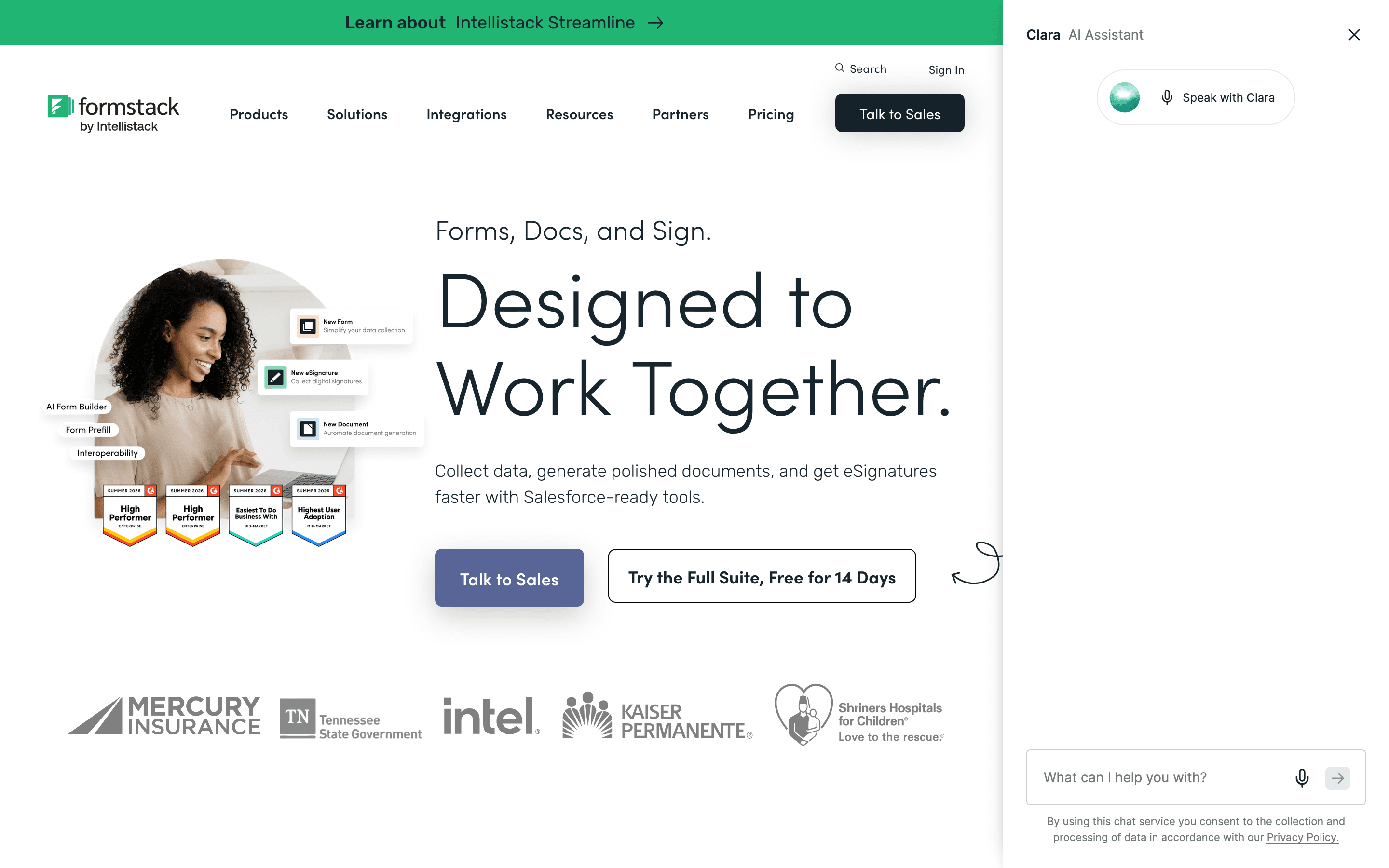
Formstack is the alternative to reach for when a form is really the front end to a document, not the end goal. It bundles form building with document generation and e-signatures, so a submitted form can turn straight into a signed PDF or contract without re-entering data. That capability is what the two published plans buy: the entry Forms plan runs $83/seat/month billed annually and only builds forms, while jumping to Suite for unlimited document senders and e-signatures triples the price to $250/seat/month. Suite still caps you at 100 forms, 5,000 submissions per form, and 10GB storage, so that unlimited part covers who can send and sign, not how much you generate or store. If the job also needs PCI-compliant workflows or native Salesforce document generation with dynamic prefill, that lives in the separate, quote-only Salesforce Solutions tier, not in Forms or Suite. Trustpilot reviewers describe support as largely unresponsive on billing issues. Formstack is a poor fit for anyone who just wants Typeform's conversational forms cheaper; it's the right pick only when document workflow, not form design, is the actual job.
Pros
- + Combines forms, document generation, and e-signatures in one platform so data does not need to be re-entered between tools
- + Strong compliance options (HIPAA, PCI) for regulated industries
- + Native Salesforce integration for form-to-CRM workflows
Cons
- – No free tier, and the cheapest plan starts at $83/seat/month billed annually
- – The jump from Forms ($83) to Suite ($250) is a 3x price increase just to get document generation and e-signatures
Should your product be on this forms & surveys list?
If you build a tool that belongs next to the ones above, submit it. A human reviews every submission. Approved products get their own page with pricing and screenshots, plus a place in the comparisons where they fit. It is free. You sign in with your work email so you can follow the decision, and there is no password to create.
Typeform alternatives: FAQ
What's the best free Typeform alternative?+
Tally. Its free plan has no cap on forms or submissions, covers payments, file uploads, and e-signatures, and only asks you to stay within a fair-use policy.
Which Typeform alternative doesn't charge per seat?+
Fillout. Every plan, including free, allows unlimited seats, and pricing scales with how many responses you collect instead of how many people use the account.
Is there a Typeform alternative with a bigger template library?+
Jotform has a much larger template library than Typeform, plus built-in payment collection, e-signatures, and workflow routing.
Which alternative works best for market research surveys rather than lead-gen forms?+
SurveyMonkey. It has add-on research methods like MaxDiff and Van Westendorp pricing studies and AI-powered sentiment analysis that Typeform and the other alternatives here don't offer.
Typeform alternatives: pricing compared
Entry price, billing model, and whether pricing is public. 6 of 6 publish pricing you can check without talking to sales.
| Tool | Starting price | Billing | Free option | Pricing disclosed |
|---|---|---|---|---|
| Typeform | $39/seat/mo | per-seat | Yes | Partly public |
| Tally | $29/seat/mo | per-seat | Yes | Public |
| Fillout | $15/mo | tiered | Yes | Partly public |
| Jotform | $34/seat/mo | tiered | Yes | Partly public |
| SurveyMonkey | $30/seat/mo | per-seat | Yes | Partly public |
| Formstack | $83/seat/mo | per-seat | Trial (14 days on the Forms plan, no credit card required) | Partly public |
How we made these picks. We compare tools on public pricing, features, and hands-on assessment, then verify every price against the vendor's own page. We never accept payment for rankings. Read the full methodology. Spotted an error? Report it.