Top Tally Alternatives in 2026
Here for Tally itself? See the full Tally profile, pricing & reviews →
Suggest a change- If you want live chat support instead of a help-center-only setup, choose Typeform. Tally's support runs through a help center and contact form on every tier. Typeform's Business plan adds priority support with live chat, which no Tally tier offers.
- If your team is growing and you don't want cost to rise with every new person who needs to build or edit forms, choose Fillout. Every Fillout plan, including the free one, allows unlimited seats and charges for response volume instead, so adding teammates costs nothing extra.
- If you need to turn form submissions into signed PDFs or contracts as part of a compliance workflow, choose Formstack. Formstack bundles document generation and e-signatures with HIPAA and PCI compliance options that Tally does not offer at any tier.
- If you're running structured customer or market research surveys and want built-in statistical analysis, choose SurveyMonkey. SurveyMonkey's Team Premier plan adds crosstabs, significance testing, and multilingual surveys, but that plan runs about $276 a month with its 3-seat minimum, not the $90-a-month Team Advantage starting price. Both tiers include AI-generated response summaries and sentiment analysis, built for research rather than lead capture.
- If you just want unlimited free forms with payments, files, and signatures and don't need deep analytics, choose stay on Tally. Tally's free plan already covers unlimited forms and submissions with no forced cap, more generous than every alternative's free tier.
Tally's pitch is a form builder that costs nothing to start: unlimited forms, unlimited submissions, payments, file uploads, and e-signatures on the free plan, with no fixed cap. Teams leave when they hit its analytics ceiling or want live chat support that Tally doesn't offer.
The five tools below sit in the same forms-and-surveys space but split into three jobs: conversational lead-gen builders like Typeform, workflow-and-document platforms like Formstack, and research-grade survey tools like SurveyMonkey. Fillout and Jotform stay closest to Tally's do-everything, budget-friendly model.
Tally alternatives compared
| Tool | Best for | Starting price | Free option | Last update |
|---|---|---|---|---|
| FilloutBest free alternative | Ops and marketing teams that need one form tool for intake, surveys, and payment collection without paying per seat | $15/mo | Yes | — |
| Jotform | Solo operators and small businesses who need a form live quickly from a template | $34/seat/mo | Yes | January 2026 |
| TypeformBest for conversational lead-gen forms | Teams that want a polished, on-brand, conversational form for lead gen or customer feedback | $39/seat/mo | Yes | — |
| SurveyMonkeyBest for survey analytics | Teams that already know they need SurveyMonkey's brand recognition and large template library | $30/seat/mo | Yes | February 2026 |
| FormstackBest for document workflows | Operations and HR teams that need a form to trigger a generated document or contract, not just collect answers | $83/seat/mo | Trial (14 days on the Forms plan, no credit card required) | June 2026 |
Why teams switch from Tally
Analytics stay basic even on paid plans
Pro adds visit and drop-off tracking, but no Tally tier has a funnel view or a completion-rate breakdown by device.
No live chat support, even on paid plans
Support runs through a help center and contact form. Paid plans get 'priority support' with no published response-time SLA.
No speech-to-text or voice input for respondents
This can hurt completion on mobile compared with tools built around a more conversational, voice-friendly format.
The best Tally alternatives, ranked
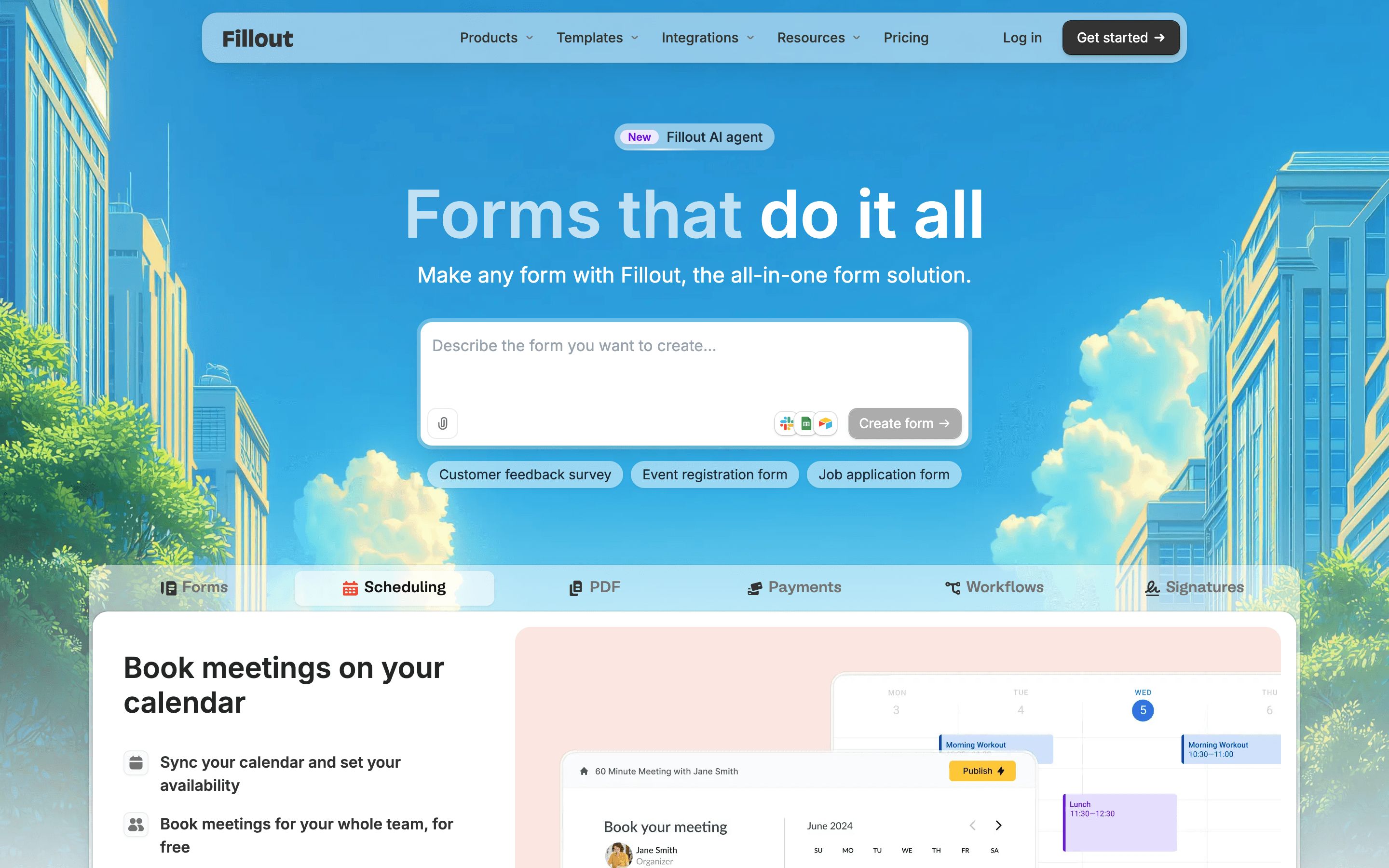
Fillout runs on the same no-per-seat idea as Tally: every plan, including the free one, allows unlimited team seats, so cost tracks how many responses you collect rather than how many people log in to build forms. The free plan covers unlimited forms and up to 1,000 responses a month, more generous than Typeform's 10-response free cap but a real ceiling next to Tally's uncapped free tier. Fillout pulls ahead on integrations, with native Salesforce and HubSpot connections that write form data straight into a CRM instead of routing through Zapier the way Tally does. Removing Fillout's own branding needs the Pro plan, $40 a month billed annually or $49 a month billed monthly, meaningfully more than Tally's $29-a-month Pro plan for the same feature. The catch is that response caps step up quickly, 1,000 then 2,000 then 5,000, so a form that takes off can force an upgrade fast.
Pros
- + No per-seat charges, so the whole team can build and edit forms on one plan
- + Free plan covers unlimited forms and 1,000 responses a month, more generous than most competitors' free tiers
- + Payments, e-signatures, PDF generation, and conditional logic are included rather than gated behind an add-on
Cons
- – Response caps step up quickly: 1,000 free, 2,000 on Starter, 5,000 on Pro, so any growth in submissions forces an upgrade
- – Removing Fillout branding and getting custom emails and CSS both require the Pro plan, not Starter
Jotform
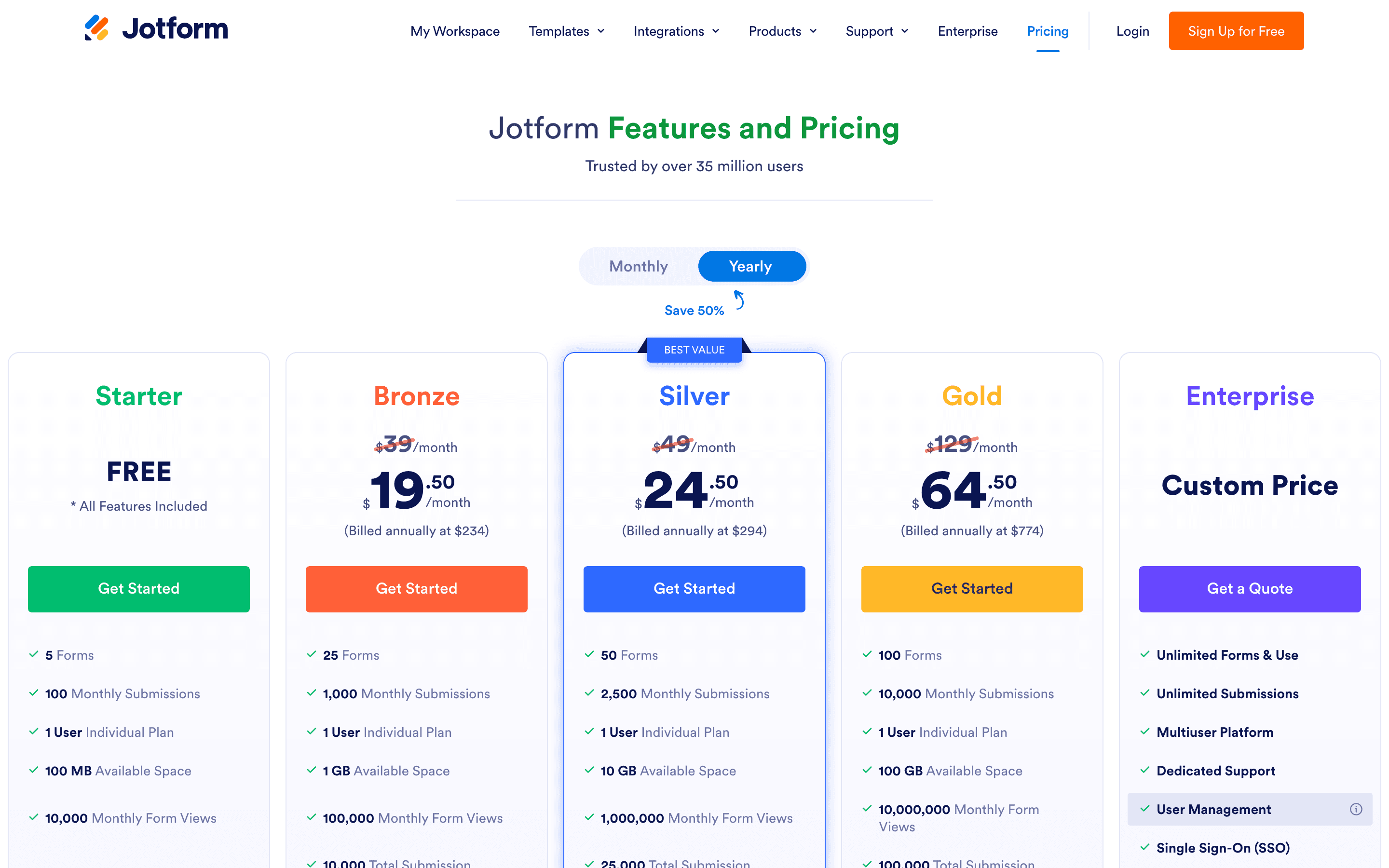
Jotform trades Tally's blank-document approach for thousands of ready-made templates, so most teams start from a template instead of typing a form from scratch. Its free plan is more limited than Tally's: 5 active forms and 100 submissions a month, against Tally's unlimited free tier, and every paid plan below Enterprise stays single-user, so a small team sharing one account will hit its account-wide submission cap fast if any form performs well. What Jotform adds that Tally doesn't is a workflow layer for routing submissions through approvals, PDF generation from responses, and HIPAA-friendly compliance starting at the $99 a month Gold plan. Support response times run slow, sometimes close to a week for non-urgent tickets. Choose Jotform over Tally if you want a template-first start and built-in approval workflows, and can live with per-form submission caps instead of Tally's uncapped free plan.
Pros
- + Huge template library covers most common form types out of the box
- + Payment, e-signature, and workflow features are built in instead of separate add-ons
- + HIPAA-friendly compliance is available starting at the Gold tier, not locked to Enterprise
Cons
- – Every plan except Enterprise is single-user, so teams can't collaborate on one account without the custom plan
- – Submission caps apply per month across all your forms combined, so one popular form can use up the whole account's quota

Typeform swaps Tally's document-style editor for a full-screen, one-question-at-a-time layout that tends to raise completion rates on opinion-based surveys and lead forms. That polish comes at a real cost difference: Tally's free plan has no response cap, while Typeform's free plan stops at 10 responses a month and its paid tiers meter monthly responses on top of seats, starting at $39 a month for just 100 responses. Where Typeform earns its higher price is the Talent and Growth Flow plans, which add video Q&A questions, lead enrichment, and direct Salesforce sync, features no version of Tally offers. Removing Typeform's own branding needs at least the $79 a month Plus plan, well above Tally's $29 Pro tier for the same job. Pick Typeform if the conversational format and CRM-grade lead handling matter more than free, unlimited volume.
Pros
- + Conversational one-question layout has a genuinely different feel than a typical form and tends to raise completion rates for opinion-based surveys
- + AI-assisted form creation and AI-generated clarification questions cut down build time
- + Talent and Growth Flow plans bundle features (video Q&A, lead enrichment, Salesforce sync) that most form tools don't offer at all
Cons
- – Every plan, including the free one, has a hard monthly response cap baked into the price, so a good marketing month can shut off new submissions
- – Free plan is capped at 10 responses/month, too low for real use and mostly there to get you to upgrade
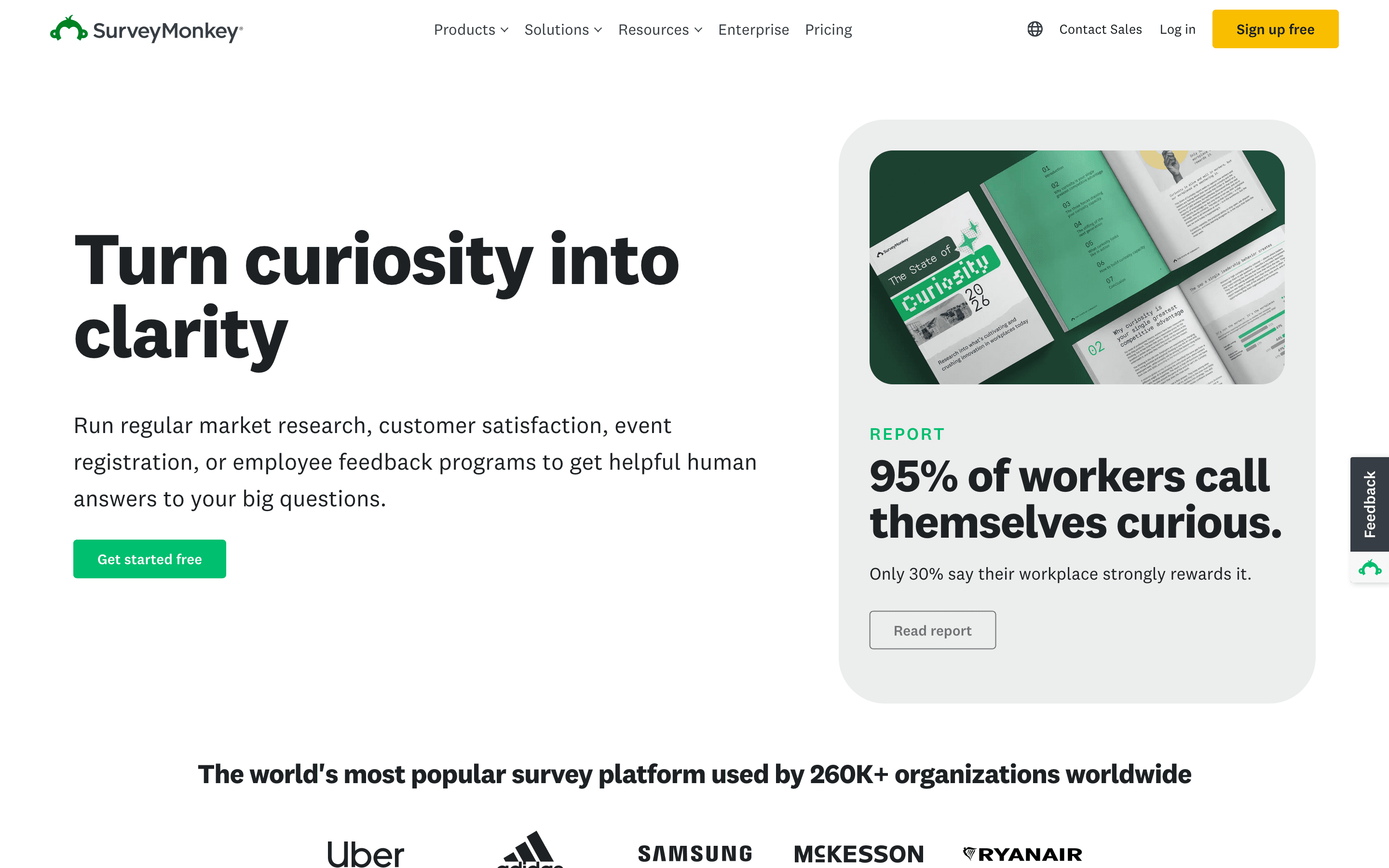
SurveyMonkey is built for research, not the general-purpose forms Tally handles, and that shows in both features and pricing. Its free Basic plan lets you build unlimited surveys but only shows the first 25 responses on each one, a harder limit than Tally's fully uncapped free plan. Team plans start at $30 per seat a month with a 3-seat minimum, so the real entry cost runs around $90 a month, well above Tally's $29 single-seat Pro tier. What justifies the premium for research teams is AI-generated summaries of open-ended answers, sentiment analysis across 57 languages, and add-on methods like MaxDiff and Van Westendorp pricing studies that Tally has no equivalent for. Extra responses past your plan's yearly cap cost $0.15 each. Pick SurveyMonkey over Tally when you need real survey analysis and brand recognition respondents already trust, not just a way to collect answers.
Pros
- + Deep library of templates and question types built from years of survey research
- + AI-powered analysis of open-ended answers, including sentiment across 57 languages
- + 200+ integrations and solid CRM/BI connections at the Enterprise tier
Cons
- – Free plan only shows 25 responses per survey even if you collect more, a common source of surprise charges
- – Team plans have a 3-seat minimum, so the real entry cost is higher than the per-seat price implies
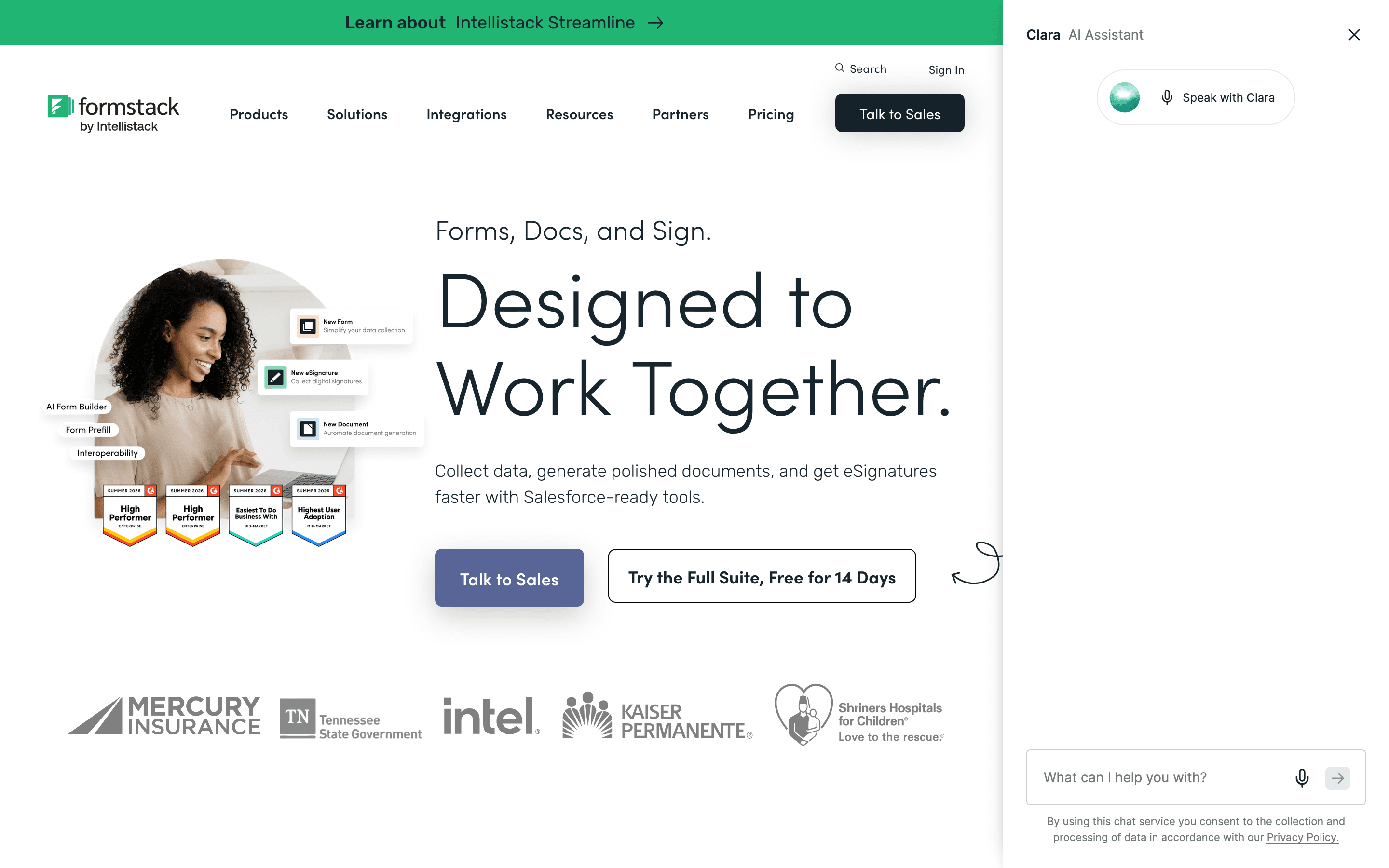
Formstack is the furthest from Tally's free, lightweight model: there's no free-forever plan, and the cheapest option starts at $83 per seat a month billed annually, almost three times Tally's $29 Pro tier. What you get for that price is document generation and e-signatures built into the same platform as the form builder, so a submission can turn straight into a signed PDF or contract without re-entering data anywhere else. HIPAA and PCI compliance options and a native Salesforce integration make it a fit for regulated teams and operations groups that Tally was never built for. The jump from the entry Forms plan to the Suite plan, which unlocks document generation, is a steep 3x price increase. Trustpilot reviewers also describe support as largely unresponsive on billing issues. Choose Formstack over Tally only if document generation and compliance matter more than cost.
Pros
- + Combines forms, document generation, and e-signatures in one platform so data does not need to be re-entered between tools
- + Strong compliance options (HIPAA, PCI) for regulated industries
- + Native Salesforce integration for form-to-CRM workflows
Cons
- – No free tier, and the cheapest plan starts at $83/seat/month billed annually
- – The jump from Forms ($83) to Suite ($250) is a 3x price increase just to get document generation and e-signatures
Should your product be on this forms & surveys list?
If you build a tool that belongs next to the ones above, submit it. A human reviews every submission. Approved products get their own page with pricing and screenshots, plus a place in the comparisons where they fit. It is free. You sign in with your work email so you can follow the decision, and there is no password to create.
Tally alternatives: FAQ
What's the best free alternative to Tally?+
None of Tally's alternatives match its uncapped free plan. Fillout comes closest, with unlimited forms and seats and a 1,000-response monthly cap, while Jotform's free plan stops at 100 submissions a month and Typeform's stops at 10.
Is there a Tally alternative that doesn't charge per seat?+
Fillout is the closest match. It charges for response volume, not seats, so a whole team can build and edit forms on one plan the same way they can on Tally.
Which Tally alternative has the best analytics?+
SurveyMonkey goes furthest, with AI-generated summaries, sentiment analysis, and crosstabs that no Tally tier offers. Typeform's Business plan adds drop-off rate and conversion tracking, but that's close to what Tally's own Pro plan already covers, so it isn't a real analytics upgrade on its own.
Does any Tally alternative generate signed documents from form submissions?+
Formstack does this natively, turning a submission straight into a signed PDF or contract with HIPAA and PCI compliance options. Jotform also includes e-signatures, though without Formstack's document-generation depth.
Tally alternatives: pricing compared
Entry price, billing model, and whether pricing is public. 6 of 6 publish pricing you can check without talking to sales.
| Tool | Starting price | Billing | Free option | Pricing disclosed |
|---|---|---|---|---|
| Tally | $29/seat/mo | per-seat | Yes | Public |
| Fillout | $15/mo | tiered | Yes | Partly public |
| Jotform | $34/seat/mo | tiered | Yes | Partly public |
| Typeform | $39/seat/mo | per-seat | Yes | Partly public |
| SurveyMonkey | $30/seat/mo | per-seat | Yes | Partly public |
| Formstack | $83/seat/mo | per-seat | Trial (14 days on the Forms plan, no credit card required) | Partly public |
How we made these picks. We compare tools on public pricing, features, and hands-on assessment, then verify every price against the vendor's own page. We never accept payment for rankings. Read the full methodology. Spotted an error? Report it.