Formstack Review
Online forms, document generation, and e-signatures for teams that need workflow automation, not just a form builder
Is this your product? Claim this page · Request a change
Looking for a Formstack alternative? See our ranked comparison.→What is Formstack?
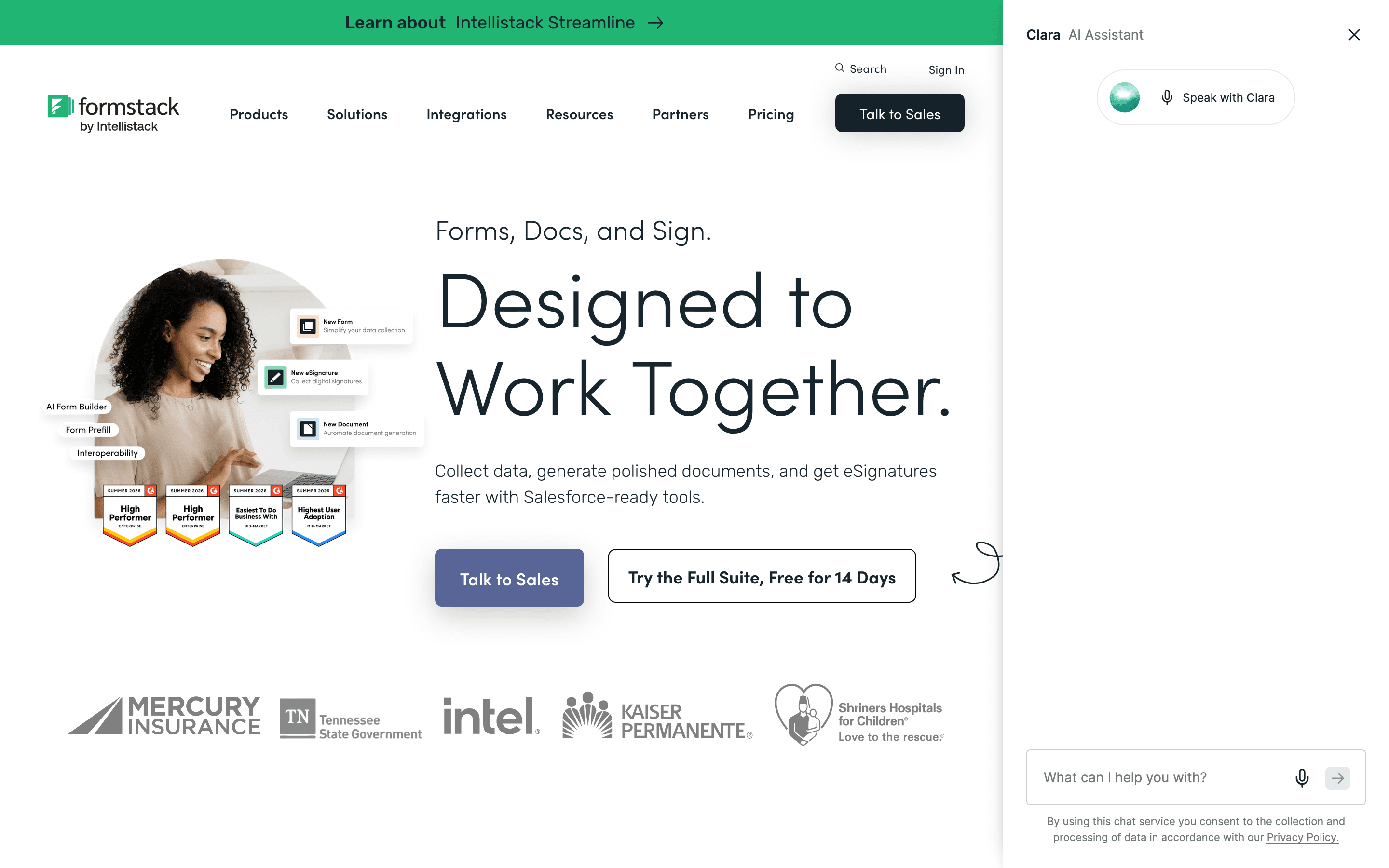
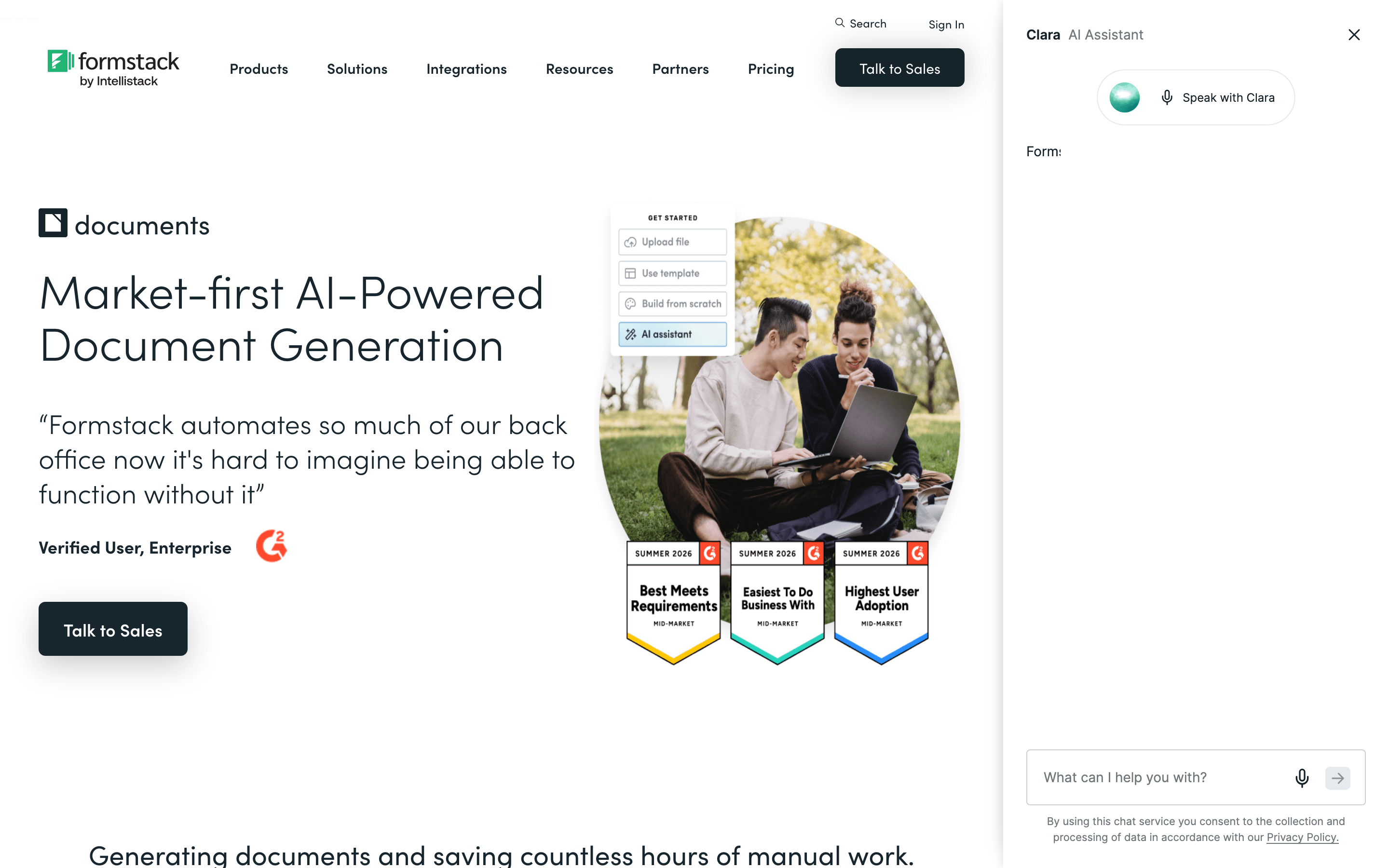
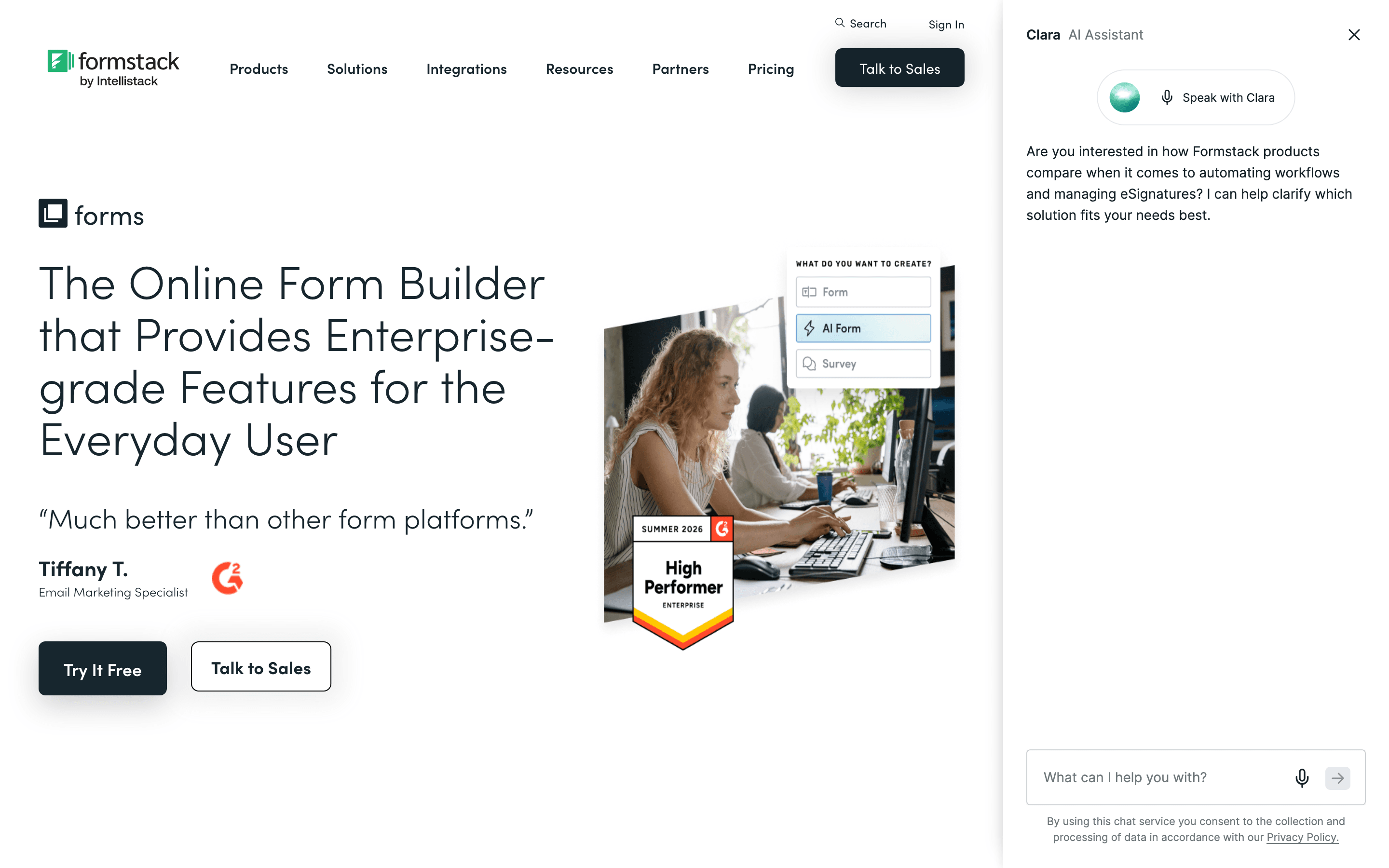
Formstack is a form builder that also does document generation and e-signatures, sold as one connected platform. Teams use it to collect data with a form, then automatically turn that data into a filled-out PDF or contract that gets signed, without re-keying anything.
It's built for operations, HR, and healthcare teams that need workflow automation around a form, not just a way to collect survey responses. The Forms-only plan is priced like an add-on to the bigger Suite plan, which is where the document and signature tools live.
In 2025 Formstack's parent company rebranded from Formstack to Intellistack and moved its headquarters from Fishers, Indiana to Denver, Colorado. The Formstack product name and its Forms, Documents, and Sign tools continue to be sold and supported under the Formstack brand.
Formstack screenshots
Who it's for
- ✓ Operations and HR teams that need a form to trigger a generated document or contract, not just collect answers
- ✓ Regulated industries like healthcare that need HIPAA-compliant forms and workflows
- ✓ Teams already committed to the Salesforce ecosystem that want native form-to-Salesforce data flow
Who should look elsewhere
- ✗ Small teams or solo users who just want a simple, cheap form builder
- ✗ Anyone who wants to try a real product for free before paying
Pros
- + Combines forms, document generation, and e-signatures in one platform so data does not need to be re-entered between tools
- + Strong compliance options (HIPAA, PCI) for regulated industries
- + Native Salesforce integration for form-to-CRM workflows
Cons
- – No free tier, and the cheapest plan starts at $83/seat/month billed annually
- – The jump from Forms ($83) to Suite ($250) is a 3x price increase just to get document generation and e-signatures
- – Submission and storage caps on both published plans mean growing usage can force an upgrade
- – Trustpilot reviewers describe support as largely unresponsive for billing and account issues, and report continued charges after trying to cancel
Formstack pricing
What you pay for
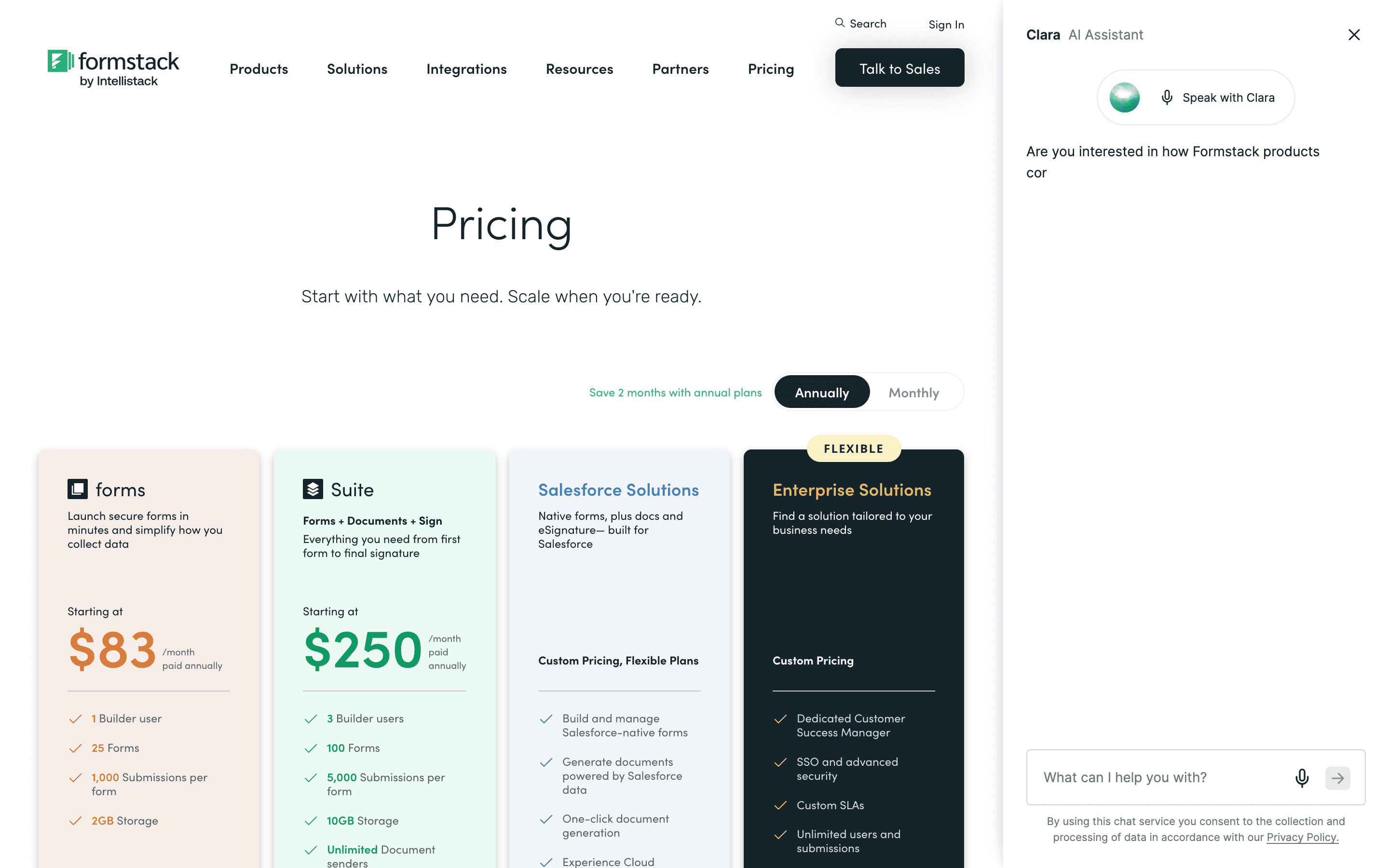
You pay a flat monthly price per plan that bundles in a small number of builder users, and the jump between the two published plans is steep: Suite costs three times what Forms costs, mainly to add document generation and e-signatures. Formstack publishes real numbers for its two main plans, but Salesforce Solutions and Enterprise are quote-only. There's no free plan, and the entry price is high next to most form builders.
At about $83/month to start, it sits at the higher end of Forms & Surveys pricing.
| Plan | Price | Highlights |
|---|---|---|
| Forms | $83/seat/mo | 1 builder user · 25 forms · 1,000 submissions per form · 2GB storage |
| Suite | $250/seat/mo | 3 builder users · 100 forms · 5,000 submissions per form · 10GB storage · Unlimited document senders and eSignatures |
| Salesforce Solutions | Custom | Salesforce-native forms with one-click document generation · Experience Cloud integration · Salesforce Shield and PCI/HIPAA-compliant solutions · Progressive data capture and dynamic prefill |
| Enterprise | Custom | Dedicated Customer Success Manager · SSO and advanced security · Custom SLAs · Unlimited users and submissions · API access and custom integrations |
Forms is $83/month billed annually ($99 billed monthly) and includes 1 builder user. Suite is $250/month billed annually ($299 billed monthly) and includes 3 builder users. Additional builder users, forms, and submissions can be added to either plan for an extra cost. Salesforce Solutions and Enterprise are quote-only. No free forever plan.
Pricing verified July 7, 2026 · source
How Formstack's pricing compares
Formstack next to its closest alternatives on entry price, billing, and whether pricing is public.
| Tool | Starting price | Billing | Free option | Pricing disclosed |
|---|---|---|---|---|
| Formstack | $83/seat/mo | per-seat | Trial (14 days on the Forms plan, no credit card required) | Partly public |
| Typeform | $39/seat/mo | per-seat | Yes | Partly public |
| Tally | $29/seat/mo | per-seat | Yes | Public |
| Jotform | $34/seat/mo | tiered | Yes | Partly public |
| Fillout | $15/mo | tiered | Yes | Partly public |
| SurveyMonkey | $30/seat/mo | per-seat | Yes | Partly public |
Is Formstack still actively developed?
Last significant update: June 2026. May 2026 product update covering an enhanced Google Drive integration that can build dynamic folder structures from workflow data, new incoming webhook support for external systems, and a round of bug fixes across Forms, Documents, Sign, and Workflows
Top Formstack alternatives
Formstack FAQ
Is Formstack free?+
No. There is no free forever plan, only a 14-day free trial of the Forms plan with no credit card required.
What does Formstack cost?+
The Forms plan is $83 per seat per month billed annually ($99 billed monthly). The Suite plan, which adds document generation and e-signatures, is $250 per seat per month billed annually ($299 billed monthly). Salesforce Solutions and Enterprise plans are quote-only.
Why do people complain about Formstack pricing?+
Reviewers point to the steep jump from the Forms plan to the Suite plan, submission and storage caps that force upgrades as usage grows, and cases of being pushed into annual contracts at prices far above what they were quoted initially.
Is Formstack support good?+
Reviews are mixed by platform. G2 and Capterra ratings sit around 4.1-4.5, but Formstack's Trustpilot rating is much lower, around 1.6 out of 5. Trustpilot reviewers describe support as effectively non-existent for many billing and account issues, and report continued charges after trying to cancel.