Jotform Review
Drag-and-drop form builder with workflows, payments, and an app store of templates
Is this your product? Claim this page · Request a change
Looking for a Jotform alternative? See our ranked comparison.→What is Jotform?
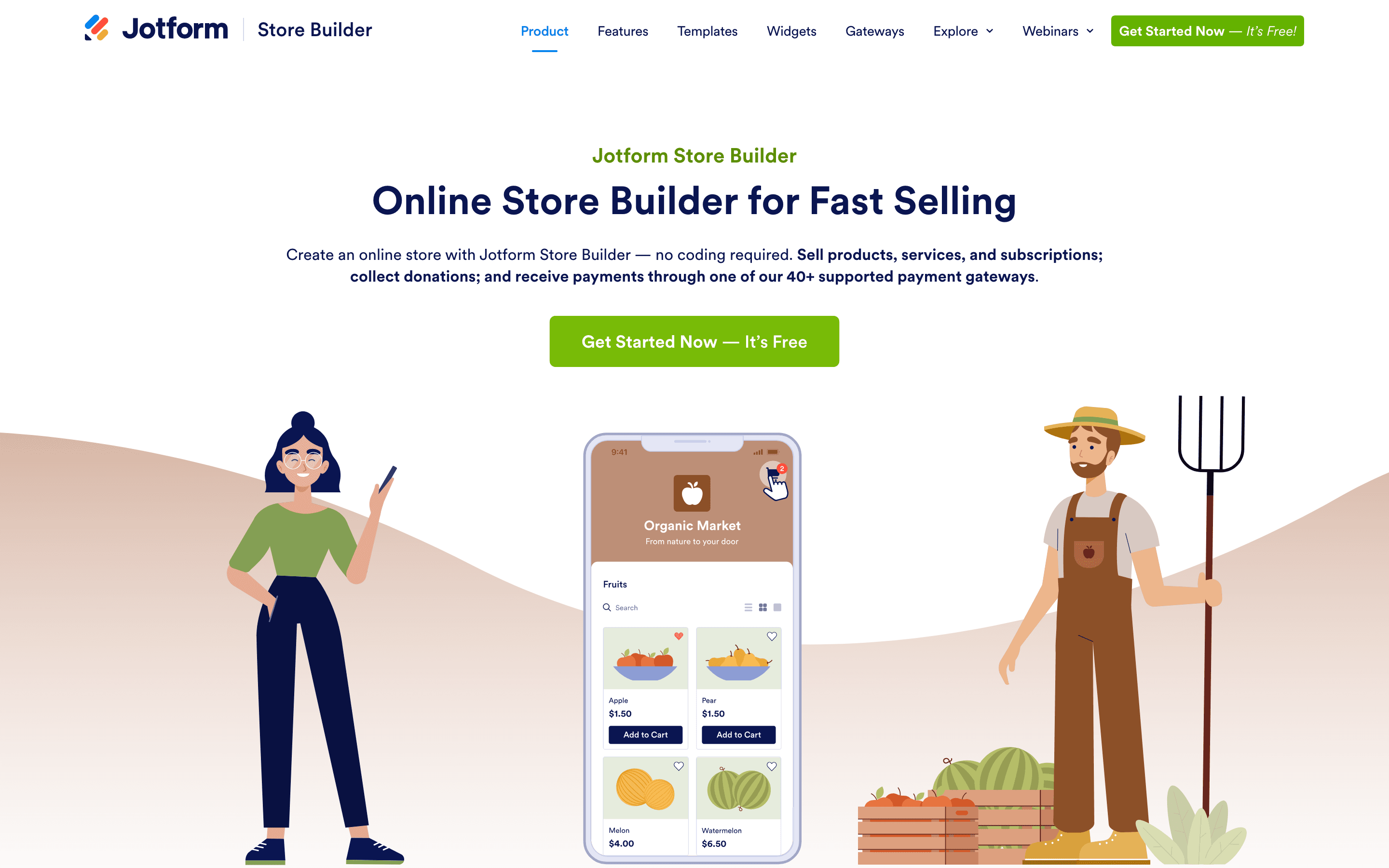
Jotform is a form builder that covers the basics (contact forms, surveys, registrations) plus payment collection, e-signatures, and a workflow layer for routing submissions through approvals. It also ships a library of thousands of templates and an app-style directory of prebuilt use cases, so most people start from a template instead of a blank canvas.
Plans are capped by form count, monthly submissions, and storage, not by seats. That works fine for a single owner running a handful of forms, but a growing team quickly runs into caps at the exact moment a form is doing its job well, since a spike in submissions forces an upgrade mid-cycle.
Jotform screenshots
Who it's for
- ✓ Solo operators and small businesses who need a form live quickly from a template
- ✓ Teams that also want e-signatures, payment collection, or basic approval workflows in the same tool
- ✓ Healthcare and other regulated teams that need HIPAA-friendly forms without a separate vendor
Who should look elsewhere
- ✗ Teams that need several people editing forms on one plan below Enterprise
- ✗ High-volume forms where submission counts vary month to month and could blow through a tier's cap
Pros
- + Huge template library covers most common form types out of the box
- + Payment, e-signature, and workflow features are built in instead of separate add-ons
- + HIPAA-friendly compliance is available starting at the Gold tier, not locked to Enterprise
- + Pricing is fully published, no sales call needed for the standard tiers
Cons
- – Every plan except Enterprise is single-user, so teams can't collaborate on one account without the custom plan
- – Submission caps apply per month across all your forms combined, so one popular form can use up the whole account's quota
- – Customer support response times are reported as slow, sometimes about a week for non-urgent tickets
- – Gold, the top named tier, still caps out at 100 forms and 10,000 submissions a month
Jotform pricing
What you pay for
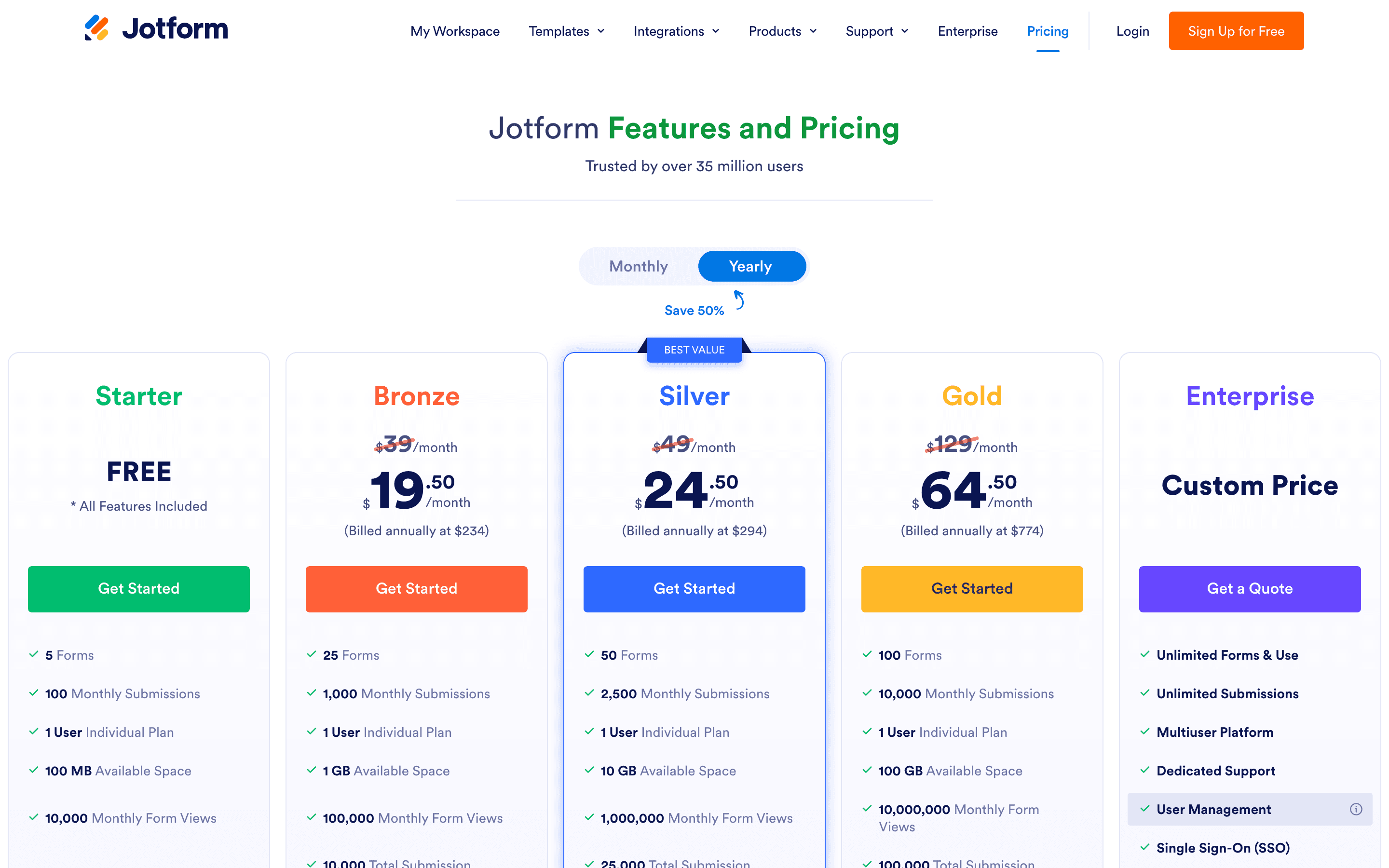
You pay for how many forms you run and how many submissions they collect each month, not for extra users. Every plan below Enterprise is single-user, so a small team sharing one Jotform account will hit the submission cap fast if any form takes off. Pricing is fully published on the site: annual billing brings the entry paid plan to $34/month and each tier up adds more forms, submissions, and storage rather than new core features.
At about $34/month to start, it sits mid-pack on price in Forms & Surveys.
| Plan | Price | Highlights |
|---|---|---|
| Starter | Free | 5 active forms · 100 submissions/month · 10,000 views/month · 100 MB upload space · Jotform branding on forms |
| Bronze | $34/seat/mo | 25 forms · 1,000 submissions/month · 1 GB storage · Branding removable |
| Silver | $39/seat/mo | 50 forms · 2,500 submissions/month · 10 GB storage |
| Gold | $99/seat/mo | 100 forms · 10,000 submissions/month · 100 GB storage · HIPAA-friendly features |
| Enterprise | Custom | Multi-user team accounts · Unlimited forms and submissions · SSO · Dedicated support |
Bronze/Silver/Gold prices shown are the annual-billing rate; monthly billing is $39/$49/$129. Nonprofits and educators get 50% off Bronze through Gold and 30% off Enterprise.
Pricing verified July 7, 2026 · source
How Jotform's pricing compares
Jotform next to its closest alternatives on entry price, billing, and whether pricing is public.
| Tool | Starting price | Billing | Free option | Pricing disclosed |
|---|---|---|---|---|
| Jotform | $34/seat/mo | tiered | Yes | Partly public |
| Typeform | $39/seat/mo | per-seat | Yes | Partly public |
| Tally | $29/seat/mo | per-seat | Yes | Public |
| Fillout | $15/mo | tiered | Yes | Partly public |
| SurveyMonkey | $30/seat/mo | per-seat | Yes | Partly public |
| Formstack | $83/seat/mo | per-seat | Trial (14 days on the Forms plan, no credit card required) | Partly public |
Is Jotform still actively developed?
Last significant update: January 2026. Jotform Workflows added Preview (step-by-step run simulator), Pause (delay a workflow for a set time or until a date, resumable early from the Jotform Inbox), and a formal Webhook element that can fire mid-workflow based on conditions.
Top Jotform alternatives
Jotform FAQ
Is Jotform free?+
Yes. The Starter plan is free and includes 5 active forms and 100 submissions a month, with Jotform branding on the forms.
Can more than one person use a Jotform account?+
Not on Bronze, Silver, or Gold. Those plans are single-user. Multi-user team access requires the custom-priced Enterprise plan.
What happens if I go over my monthly submission limit?+
Jotform emails a warning first, then disables your forms on the date stated in that email once the account-wide monthly submission cap is hit. Disabled forms show a "Form over quota" message to visitors and stop accepting new responses until you upgrade or the count resets on the first of the next month; existing submissions are kept.
Does Jotform support HIPAA compliance?+
Yes, starting at the Gold plan ($99/month billed annually). It isn't available as an add-on on Bronze or Silver.