Top Render Alternatives in 2026
Here for Render itself? See the full Render profile, pricing & reviews →
Suggest a change- If you want the closest like-for-like replacement for Render's whole workflow, web services, workers, cron jobs, and a managed database, billed by usage, choose Railway. Railway builds and deploys straight from a Git repo the same way Render does, wires services to a database over a private network by default, and bills per second instead of stacking a flat workspace fee on top of compute.
- If your app needs to run close to users in several regions or you're comfortable configuring Docker Machines, volumes, and networking yourself, choose Fly.io. Fly.io lets you place Docker Machines in specific regions around the world and bills per second down to about $2 a month for a small always-on service, which gives more control than Render's single-region defaults.
- If you're deploying a Next.js app and want the deepest framework integration with automatic preview deploys, choose Vercel. Vercel is built by the team that maintains Next.js, so image optimization, edge functions, and pull request previews work with less configuration than hosting the same app on Render.
- If you're a frontend-first team that wants one number to budget against instead of stacked usage meters, choose Netlify. Netlify is focused on frontend and Jamstack sites, and its Pro plan pools bandwidth, compute, requests, and deploys into one $20-a-month credit balance. Render's Pro plan is also a flat $25 a month with unlimited seats, but Render runs a broader set of backend services and bills compute, bandwidth, and storage on separate meters on top, so a frontend project is simpler to budget on Netlify.
- If you're already on Render and the real complaint is one billing surprise rather than the platform itself, choose stay on Render. Render already waives the Pro or Scale workspace fee for months with no active services and added free PgBouncer connection pooling in July 2026, so a plan adjustment may fix the pain without a migration.
Render bills in two layers: a flat workspace subscription for team size, plus usage-based compute, storage, and bandwidth on top. Teams generally start looking elsewhere for one of two reasons: they've been burned by a pricing change or account suspension with little warning, or they want a platform built more precisely around one job, a Next.js frontend, a multi-region Docker deployment, or a classic PaaS with a bigger add-on marketplace.
The four tools below all get cross-shopped against Render for the same core job: git-push deploys of web apps, APIs, and services without managing your own servers. Railway and Fly.io are the closest matches for full-stack backend workloads with databases and workers. Vercel and Netlify fit better if your app is frontend-heavy.
Render alternatives compared
| Tool | Best for | Starting price | Free option | Last update |
|---|---|---|---|---|
| RailwayBest like-for-like replacement | Developers who want to deploy a full app plus its database without managing servers | $5/mo | Trial ($5 one-time usage credit for new accounts, no credit card required) | July 2026 |
| Fly.ioBest for global, multi-region apps | Developers who want to run Docker containers in multiple regions without managing Kubernetes | Custom / quote | Trial (New accounts get a trial that lasts 7 days or 2 hours of total machine runtime, whichever comes first, capped at 10 machines and 20GB of volume storage. Dedicated IPv4s, performance-class CPUs, and GPUs are not available during the trial.) | June 2026 |
| VercelBest for Next.js frontends | Teams already building on Next.js who want deploys and previews to just work without infra setup | $20/seat/mo | Yes | July 2026 |
| NetlifyBest single-bill pricing | Frontend teams that want git-push deploys, PR previews, and a CDN without managing servers | $9/mo | Yes | July 2026 |
Why teams switch from Render
Pricing changes have rolled out with short notice
Render has previously added fees, like a per-seat charge, with little warning, which some users said damaged trust right after they'd migrated off Heroku.
Automated abuse detection has suspended accounts without warning
In reported cases, fraud checks suspended new accounts mid-deploy before their first billing cycle; Render's CEO confirmed the cause was an overzealous automated check after the incident went public.
Real costs are split across many separate meters
Compute, bandwidth over the included amount, storage, extra custom domains, and dedicated IPs all bill separately on top of the workspace fee, so a production app costs noticeably more than the sticker price implies.
The best Render alternatives, ranked
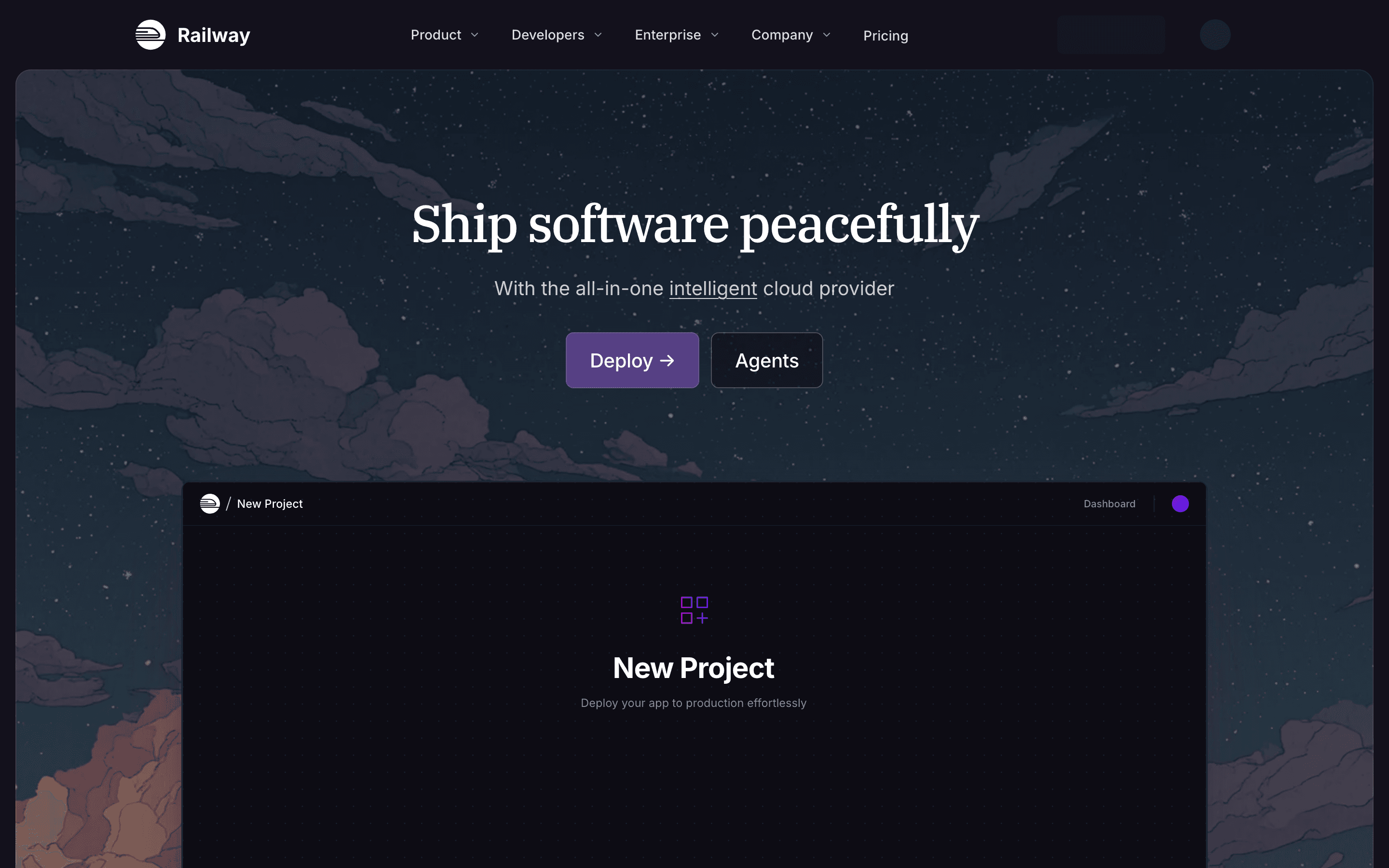
Railway is the closest match to Render's own workflow: point it at a Git repo, and it builds, deploys, and networks your services with almost no config, the same promise Render makes. Where it differs is billing. Instead of Render's flat workspace fee plus a separate compute meter, Railway charges one usage-based bill per second, with $5 of usage bundled into the $5 Hobby plan and $20 per seat bundled into Pro. Managed Postgres, MySQL, Redis, MongoDB, and ClickHouse are one-click templates, matching Render's built-in databases. The catch is there's no permanent free tier, just a one-time $5 trial credit, and spending limits are opt-in rather than default, so a busy multi-service app on Pro can run well past the $20 base once usage stacks up.
Pros
- + One project can hold your app, its database, and background workers, all networked automatically
- + Billing is metered per second, so a service that's idle most of the day costs close to nothing
- + Deploys straight from a Git repo with no Dockerfile required by default (Nixpacks handles the build)
Cons
- – No permanent free plan, only a one-time $5 trial credit that runs out
- – Usage-based pricing means your bill isn't fixed, and spending limits have to be set up manually rather than being on by default
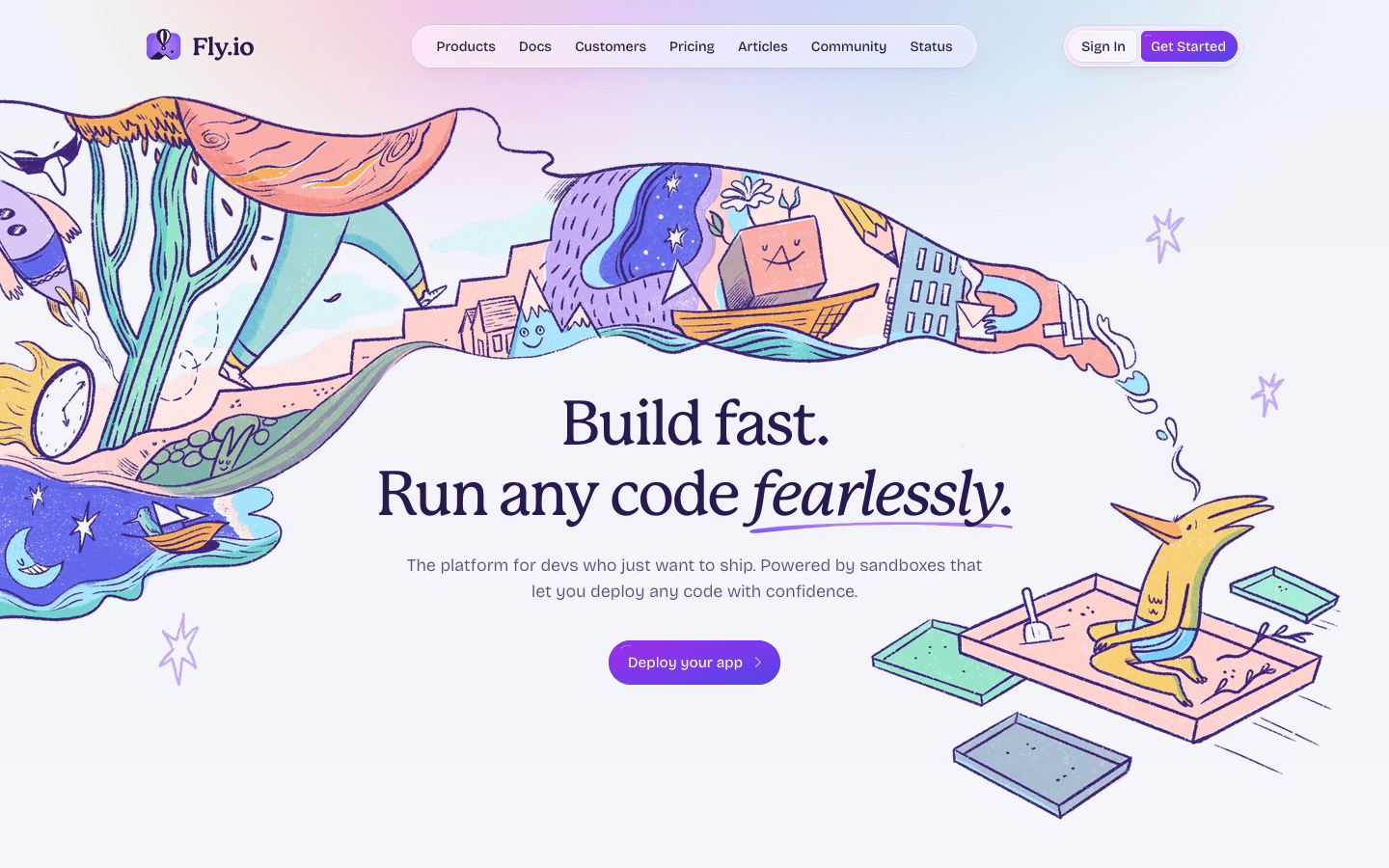
Fly.io fits teams that want more control than Render gives: real Docker Machines they size themselves, deployed across multiple regions, wired together over a private Wireguard network. Where Render's dashboard picks defaults for you, Fly.io expects you to configure volumes, Machine sizing, and networking directly, in exchange for true per-second billing that can run a small always-on service for about $2 a month. There's no flat workspace fee to budget against, but also no free tier for new accounts since October 2024, only a short trial. Managed Postgres and volumes are available, though a production three-node cluster runs $82 to $164 a month by Fly's own estimate. Some users report flaky builds and coarse team permissions, with no easy way to grant a teammate read-only access.
Pros
- + True pay-per-second billing means a small always-on app can cost around $2/month
- + Global region picker makes it easy to run instances near your users
- + Handles Docker deployments, private networking (Wireguard), and volumes without a separate cloud account
Cons
- – No free tier for new accounts; the old 3-VM always-on free allowance ended in October 2024
- – Pricing is spread across many small usage-based line items (compute, volumes, snapshots, IPs, certs, egress by region), which makes total cost harder to predict upfront than a flat plan
Vercel is built for frontend-heavy apps, especially Next.js, which its own team maintains, so deploy previews, image optimization, and edge functions work with less setup than Render needs for a comparable static site or API. The free Hobby tier covers personal projects, and Pro starts at $20 per seat per month with $20 of usage credit included, but that's a floor, not a ceiling. Bandwidth, compute time, and requests meter separately with no default spending cap, and teams have reported bills jumping from $20 to $80 a month after a small traffic increase, or spiking into the thousands during a traffic attack. It's a strong swap for the frontend and API-route portion of what Render hosts, but it isn't built for long-running background workers or full managed databases the way Render is.
Pros
- + Deploy previews on every pull request work out of the box, no config needed
- + Best-in-class integration with Next.js, since Vercel builds the framework
- + Global edge network keeps static and cached content fast by default
Cons
- – No spending cap by default, so a traffic spike or attack can produce a bill far above what you expected
- – Bandwidth overage past the included 1 TB on Pro adds up quickly for media-heavy sites

Netlify covers the same git-push-to-deploy, preview-per-branch workflow as Render for frontend apps and static sites, plus serverless functions, edge functions, and now a managed Postgres database and AI agent runners. In July 2026 it dropped per-seat pricing on Pro entirely, so a flat $20 a month covers unlimited team members. Render's Pro workspace is also flat at $25 a month with unlimited seats, but Render runs a broader set of backend services and bills compute, bandwidth, and storage on separate meters on top, so Netlify's single frontend-focused price is easier to plan around. The tradeoff is that Netlify converted bandwidth, compute, requests, and deploys into a single credit pool, which is harder to estimate at a glance than Render's per-service pricing, and at least one team calculated their bill would have jumped roughly 30 times under the new credit system based on their real traffic. It fits frontend-first teams well but is less built out for background workers and cron jobs than Render.
Pros
- + Free tier is genuinely usable for small projects, with unlimited deploy previews and a real CDN
- + Per-seat pricing on Pro is gone, so adding team members doesn't add cost
- + Every credit rate (bandwidth, compute, requests, deploys) is published, so you can build your own cost model instead of guessing
Cons
- – The credit system replaced simple bandwidth/build-minute limits with a bundled unit that's harder to reason about at a glance
- – Teams with high bandwidth or request volume relative to their plan have reported large cost increases after the 2025 pricing change, in some cases many times their old bill
Should your product be on this app hosting & paas list?
If you build a tool that belongs next to the ones above, submit it. A human reviews every submission. Approved products get their own page with pricing and screenshots, plus a place in the comparisons where they fit. It is free. You sign in with your work email so you can follow the decision, and there is no password to create.
Render alternatives: FAQ
What's the closest alternative to Render?+
Railway. It uses the same git-push deploy model with one-click managed databases and background workers wired into the same project, though it has no permanent free tier, only a one-time $5 trial credit.
Is there a free alternative to Render?+
Netlify's Free plan works at $0 for any small project, and Vercel's Hobby plan is also free but restricted to personal, non-commercial use. Neither includes a free hosted database, though Render's own free Postgres on the Hobby plan expires 30 days after creation and gets deleted if you don't upgrade within a 14-day grace window.
Which Render alternative is best for a global user base?+
Fly.io. You choose the specific regions your Docker Machines run in, and per-second billing keeps a small always-on service to around $2 a month.
Render alternatives: pricing compared
Entry price, billing model, and whether pricing is public. 5 of 5 publish pricing you can check without talking to sales.
| Tool | Starting price | Billing | Free option | Pricing disclosed |
|---|---|---|---|---|
| Render | $25/mo | tiered | Yes | Partly public |
| Railway | $5/mo | usage-based | Trial ($5 one-time usage credit for new accounts, no credit card required) | Partly public |
| Fly.io | Custom / quote | usage-based | Trial (New accounts get a trial that lasts 7 days or 2 hours of total machine runtime, whichever comes first, capped at 10 machines and 20GB of volume storage. Dedicated IPv4s, performance-class CPUs, and GPUs are not available during the trial.) | Partly public |
| Vercel | $20/seat/mo | usage-based | Yes | Partly public |
| Netlify | $9/mo | tiered | Yes | Partly public |
How we made these picks. We compare tools on public pricing, features, and hands-on assessment, then verify every price against the vendor's own page. We never accept payment for rankings. Read the full methodology. Spotted an error? Report it.