Top Vercel Alternatives in 2026
Here for Vercel itself? See the full Vercel profile, pricing & reviews →
Suggest a change- If you're deploying a Next.js or frontend-heavy site and want the closest same-workflow swap, choose Netlify. It offers the same git-push deploys and PR previews as Vercel, plus a published credit-rate pricing model instead of Vercel's uncapped metered add-ons.
- If you need a database, background workers, and cron jobs bundled with your web app, not just a frontend host, choose Render. Render treats web services, workers, cron jobs, and managed Postgres or Redis as first-class parts of one project rather than bolt-ons.
- If you want your whole stack, app and database, wired together automatically with the widest choice of one-click databases, choose Railway. Railway auto-networks every service in a project and ships one-click templates for Postgres, MySQL, Redis, MongoDB, and ClickHouse, a wider database lineup than Render's Postgres and Redis-compatible pair.
- If latency to users in specific regions matters more than a fully managed click-deploy experience, choose Fly.io. Fly.io lets you place Docker Machines in the exact regions you pick and bills compute per second with no fixed plan.
- If your app is built deep into Next.js and depends on ISR, image optimization, and the AI Gateway, choose stay on Vercel. No alternative here matches Vercel's first-party integration with Next.js internals or its edge network depth for those specific features.
Vercel is the default choice for teams building on Next.js, with deploy previews and edge functions that work out of the box. The catch is its usage-based pricing: the $20 seat price is just a starting point, and bandwidth, compute, and requests are metered separately with no spending cap by default.
Teams leave Vercel either because a traffic spike turned into a surprise bill, or because their app has outgrown a frontend-first platform and needs a real backend, database, or multi-region deploy. The four alternatives below cover both directions, from Netlify's near-identical workflow to Fly.io's full infrastructure control.
Vercel alternatives compared
| Tool | Best for | Starting price | Free option | Last update |
|---|---|---|---|---|
| NetlifyBest like-for-like swap | Frontend teams that want git-push deploys, PR previews, and a CDN without managing servers | $9/mo | Yes | July 2026 |
| RenderBest free plan for a real app | Solo developers and small teams who want git-push deploys for web apps, APIs, workers, and cron jobs without managing servers | $25/mo | Yes | July 2026 |
| RailwayBest for a full stack in one project | Developers who want to deploy a full app plus its database without managing servers | $5/mo | Trial ($5 one-time usage credit for new accounts, no credit card required) | July 2026 |
| Fly.ioBest for multi-region latency control | Developers who want to run Docker containers in multiple regions without managing Kubernetes | Custom / quote | Trial (New accounts get a trial that lasts 7 days or 2 hours of total machine runtime, whichever comes first, capped at 10 machines and 20GB of volume storage. Dedicated IPv4s, performance-class CPUs, and GPUs are not available during the trial.) | June 2026 |
Why teams switch from Vercel
A traffic spike or attack can blow past what you budgeted, since Vercel doesn't cap spending by default.
Attack or spike traffic bills at the same metered bandwidth and function rates as normal traffic, so without a manually set spending limit a short surge can turn into a bill many times your usual plan cost.
The advertised $20 base price often understates the real bill once metered usage kicks in.
One team that moved a Next.js app off Vercel pointed to pricing that jumped from $20 to $80 a month on only a small traffic increase, plus slow edge function cold starts, as their reasons for leaving.
Commercial use isn't allowed on the free Hobby tier, so any monetized project has to move to a paid plan right away.
Vercel's own pricing page restricts Hobby to personal, non-commercial projects; any commercial use requires Pro or Enterprise.
The best Vercel alternatives, ranked
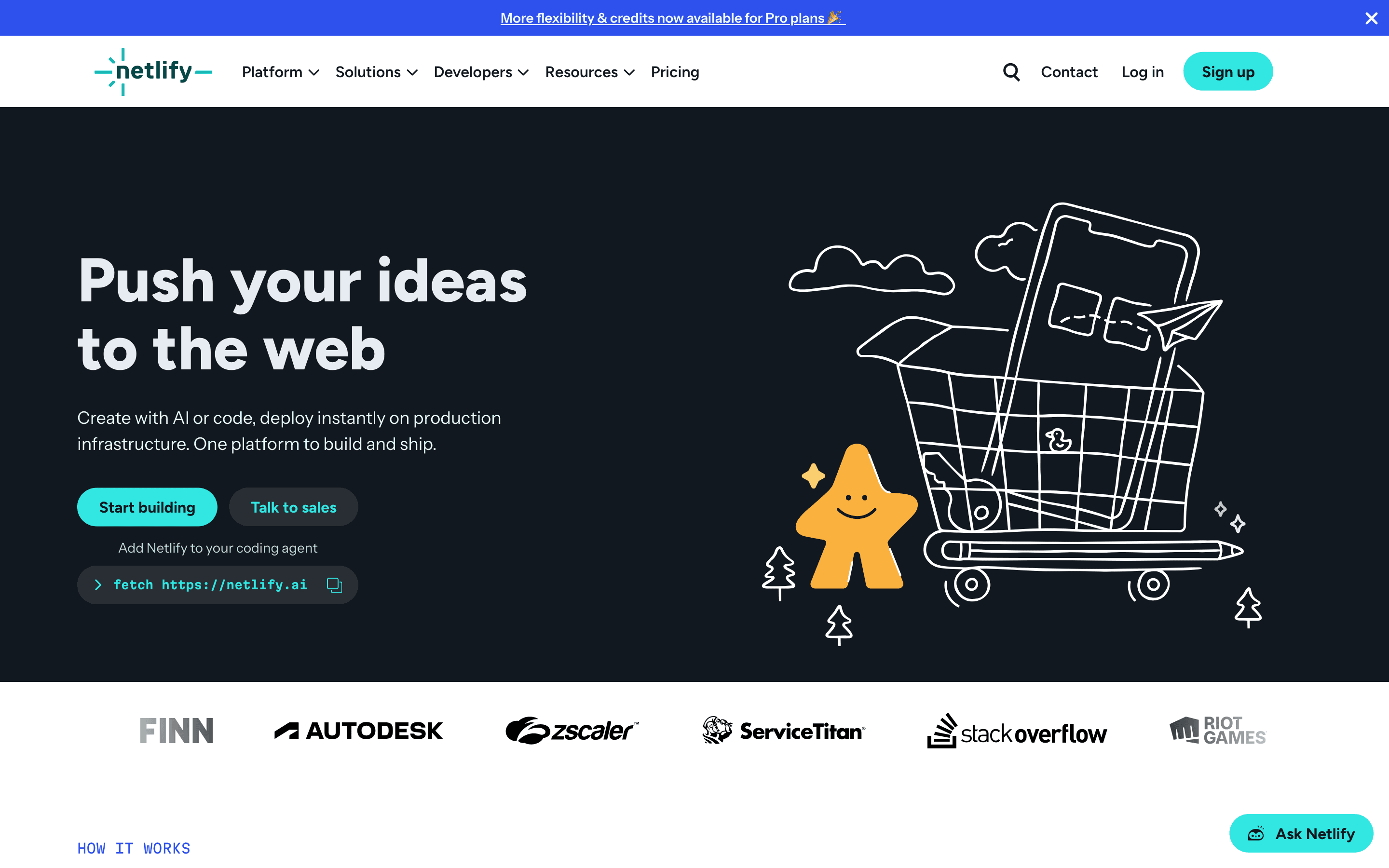
Netlify is the closest like-for-like swap for a Vercel-hosted Next.js or frontend app. It runs the same git-push workflow: connect a repo, get build previews on every branch, and deploy to a global CDN with serverless and edge functions on top. In July 2026 Netlify dropped per-seat pricing on Pro entirely, so a flat $20/month fee covers unlimited team members, removing one whole line item Vercel still charges for. Everything else, bandwidth, compute, function invocations, forms, and AI usage, draws from a single published credit pool instead of Vercel's separate metered add-ons, so you can build your own cost model from public rates rather than guessing. The tradeoff is that credits are a less intuitive unit than a flat GB or CPU-hour price, and teams with heavy, unpredictable traffic have reported bills jumping many times over after the 2025 pricing overhaul.
Pros
- + Free tier is genuinely usable for small projects, with unlimited deploy previews and a real CDN
- + Per-seat pricing on Pro is gone, so adding team members doesn't add cost
- + Every credit rate (bandwidth, compute, requests, deploys) is published, so you can build your own cost model instead of guessing
Cons
- – The credit system replaced simple bandwidth/build-minute limits with a bundled unit that's harder to reason about at a glance
- – Teams with high bandwidth or request volume relative to their plan have reported large cost increases after the 2025 pricing change, in some cases many times their old bill
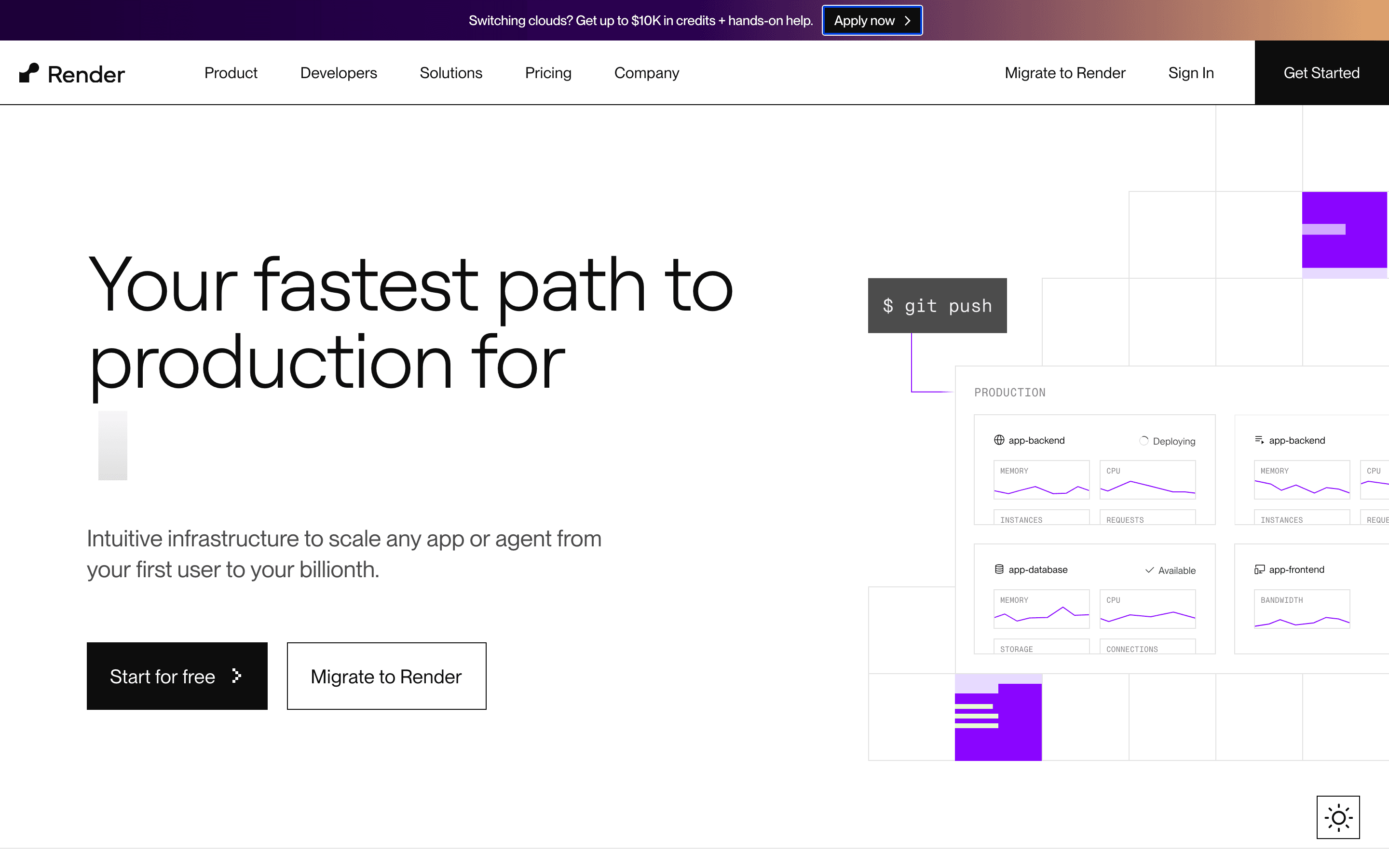
Render fits teams that want more than a frontend host: it treats web services, background workers, cron jobs, and managed Postgres or Redis-compatible caches as first-class parts of the same project, closer to a classic all-in-one PaaS than to Vercel's edge-first model. Pricing is two layers, a flat workspace fee ($25/month on Pro with unlimited seats) plus per-second compute starting at $7/month per service, and Render waives the workspace fee entirely in months where you run nothing. The free Hobby plan is real, not just a trial: a static site, one web service, a Postgres database, and a Redis-compatible cache with no card required. The catch is the free Postgres database isn't permanent: it expires 30 days after creation and gets deleted if you haven't upgraded it within a 14-day grace period after that, so you have 44 days total before your data is gone. Bandwidth, storage, custom domains, and dedicated IPs also all bill separately on usage, so a production app costs more than the sticker price, and Render has a history of rolling out pricing changes with little notice.
Pros
- + Free Hobby plan covers a real static site, web service, Postgres database, and Redis-compatible cache with no card required
- + Compute is prorated to the second, so cron jobs and Workflows tasks only cost you while they're actually running
- + Paid Postgres instances now include PgBouncer connection pooling at no extra charge (added July 2026)
Cons
- – Every layer, bandwidth, storage, custom domains beyond the included count, dedicated IPs, is billed separately, so a real production app costs noticeably more than the workspace fee alone
- – Free Postgres databases expire 30 days after creation and are deleted if not upgraded within a 14-day grace window, which catches teams off guard mid-project
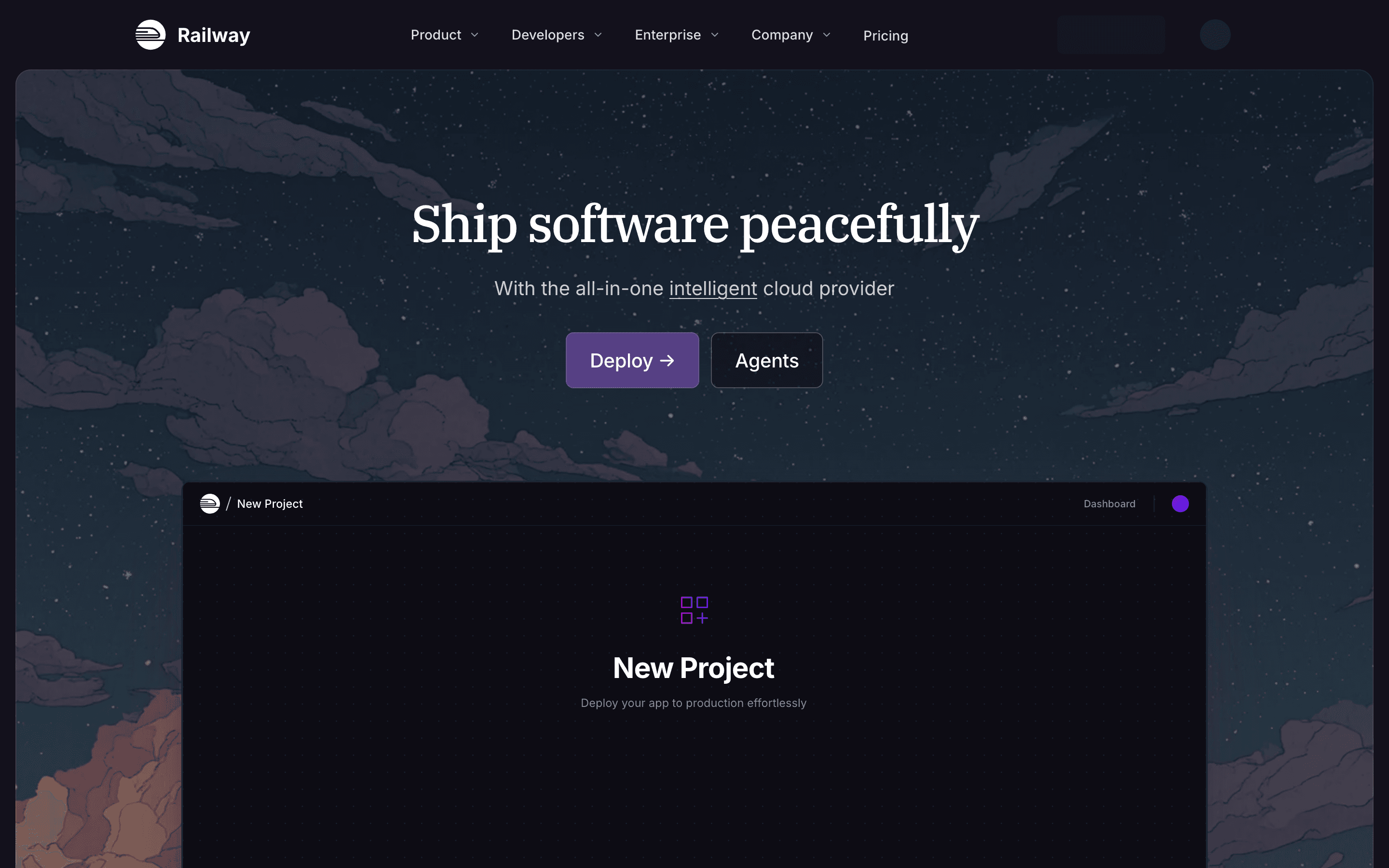
Railway suits developers who want their app and its database wired together in one project rather than juggling separate services. Point it at a repo or Docker image and it builds, deploys, and privately networks everything automatically, with one-click templates for Postgres, MySQL, Redis, MongoDB, and ClickHouse. Billing is metered by the second on top of a flat plan fee ($5/month Hobby, $20/seat/month Pro), so an idle background worker costs close to nothing, and new tools like the railway usage CLI command and typed feature flags now ship built in rather than as add-ons. There's no ongoing free tier, only a one-time $5 trial credit, and spending limits have to be turned on manually rather than being the default, so a busy multi-service app on Pro can land well above its $20 base once usage is added.
Pros
- + One project can hold your app, its database, and background workers, all networked automatically
- + Billing is metered per second, so a service that's idle most of the day costs close to nothing
- + Deploys straight from a Git repo with no Dockerfile required by default (Nixpacks handles the build)
Cons
- – No permanent free plan, only a one-time $5 trial credit that runs out
- – Usage-based pricing means your bill isn't fixed, and spending limits have to be set up manually rather than being on by default
Fly.io is the pick for teams that want real control over where their app runs, not just a managed black box. You ship a Dockerfile, and Fly runs it as a Machine in whichever regions you choose, with built-in Wireguard private networking between services, which suits apps where latency to users in different parts of the world actually matters. Billing is entirely usage-based per second with no monthly minimum, so a small always-on app runs about $2/month, but that also means compute, volumes, snapshots, IPs, and egress are all separate line items that are harder to estimate upfront than a flat plan. There's no free tier for new accounts since October 2024, only a short trial, and reported flakiness in builds and deploys, plus coarse team permissions with no easy read-only teammate access, are recurring complaints.
Pros
- + True pay-per-second billing means a small always-on app can cost around $2/month
- + Global region picker makes it easy to run instances near your users
- + Handles Docker deployments, private networking (Wireguard), and volumes without a separate cloud account
Cons
- – No free tier for new accounts; the old 3-VM always-on free allowance ended in October 2024
- – Pricing is spread across many small usage-based line items (compute, volumes, snapshots, IPs, certs, egress by region), which makes total cost harder to predict upfront than a flat plan
Should your product be on this app hosting & paas list?
If you build a tool that belongs next to the ones above, submit it. A human reviews every submission. Approved products get their own page with pricing and screenshots, plus a place in the comparisons where they fit. It is free. You sign in with your work email so you can follow the decision, and there is no password to create.
Vercel alternatives: FAQ
What's the best free alternative to Vercel?+
Render's Hobby plan is the strongest free option here. It's free forever and includes a real web service and a Redis-compatible cache, not just a static site, plus a free Postgres database, though that database expires 30 days after creation and is deleted if you don't upgrade it within a 14-day grace period. Vercel's own free Hobby tier bars commercial use, which Render's does not.
Which Vercel alternative is cheapest for a small commercial project?+
It depends on what you mean by cheapest. Railway's Hobby plan starts at $5/month and Fly.io has no monthly minimum at all, with a small always-on app running about $2/month, both lower on paper than Netlify's $9/month Personal plan. But those are usage-based bills that climb with traffic and services, while Netlify's $9 is a flat price that already allows commercial use and is easy to budget around. For the cheapest predictable flat-rate plan, pick Netlify. For the lowest possible starting cost, and you're willing to watch usage closely, Railway or Fly.io can come in lower.
Is there a Vercel alternative that avoids surprise bills from traffic spikes?+
Not entirely. Every usage-based platform here, Railway, Fly.io, and Vercel itself, requires you to opt in to a spending limit rather than having one by default. Render separates a flat workspace fee from metered compute, which makes the base cost predictable even though usage on top still isn't capped automatically.
What's a good alternative if I need a database bundled with hosting?+
Render and Railway both ship managed Postgres and Redis-compatible caches as one-click parts of the same project, closer to a classic all-in-one PaaS than Vercel's frontend-first setup.
Vercel alternatives: pricing compared
Entry price, billing model, and whether pricing is public. 5 of 5 publish pricing you can check without talking to sales.
| Tool | Starting price | Billing | Free option | Pricing disclosed |
|---|---|---|---|---|
| Vercel | $20/seat/mo | usage-based | Yes | Partly public |
| Netlify | $9/mo | tiered | Yes | Partly public |
| Render | $25/mo | tiered | Yes | Partly public |
| Railway | $5/mo | usage-based | Trial ($5 one-time usage credit for new accounts, no credit card required) | Partly public |
| Fly.io | Custom / quote | usage-based | Trial (New accounts get a trial that lasts 7 days or 2 hours of total machine runtime, whichever comes first, capped at 10 machines and 20GB of volume storage. Dedicated IPv4s, performance-class CPUs, and GPUs are not available during the trial.) | Partly public |
How we made these picks. We compare tools on public pricing, features, and hands-on assessment, then verify every price against the vendor's own page. We never accept payment for rankings. Read the full methodology. Spotted an error? Report it.