Beautiful.ai Review
AI presentation software that auto-formats every slide as you build it
Is this your product? Claim this page · Request a change
Looking for a Beautiful.ai alternative? See our ranked comparison.→What is Beautiful.ai?
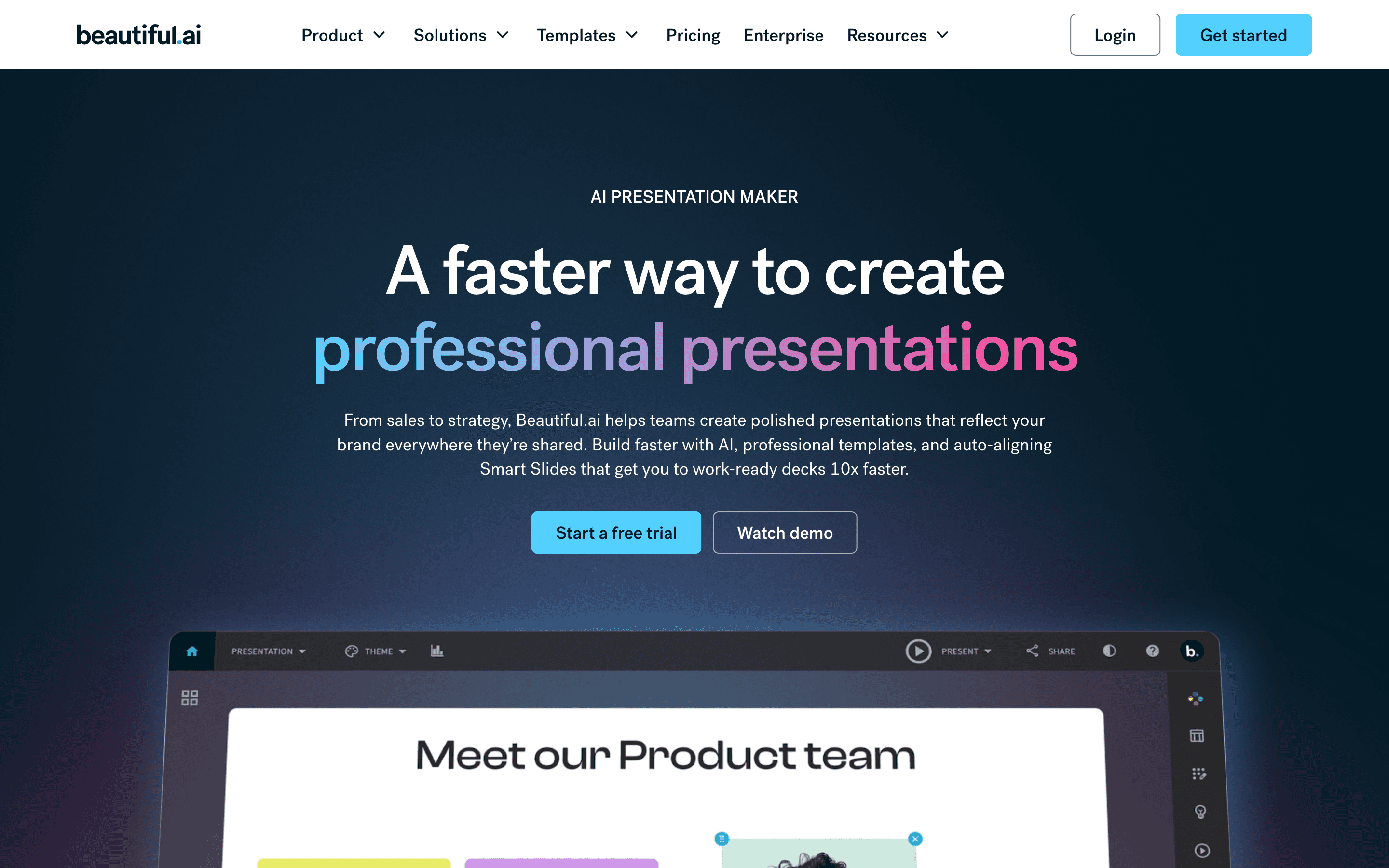
Beautiful.ai builds your slides for you as you type. Instead of dragging boxes around, you pick a Smart Slide layout and it auto-aligns text, images, and charts, and keeps re-aligning them every time you add or remove content. The pitch is that anyone can produce a deck that looks designed, without doing the design work.
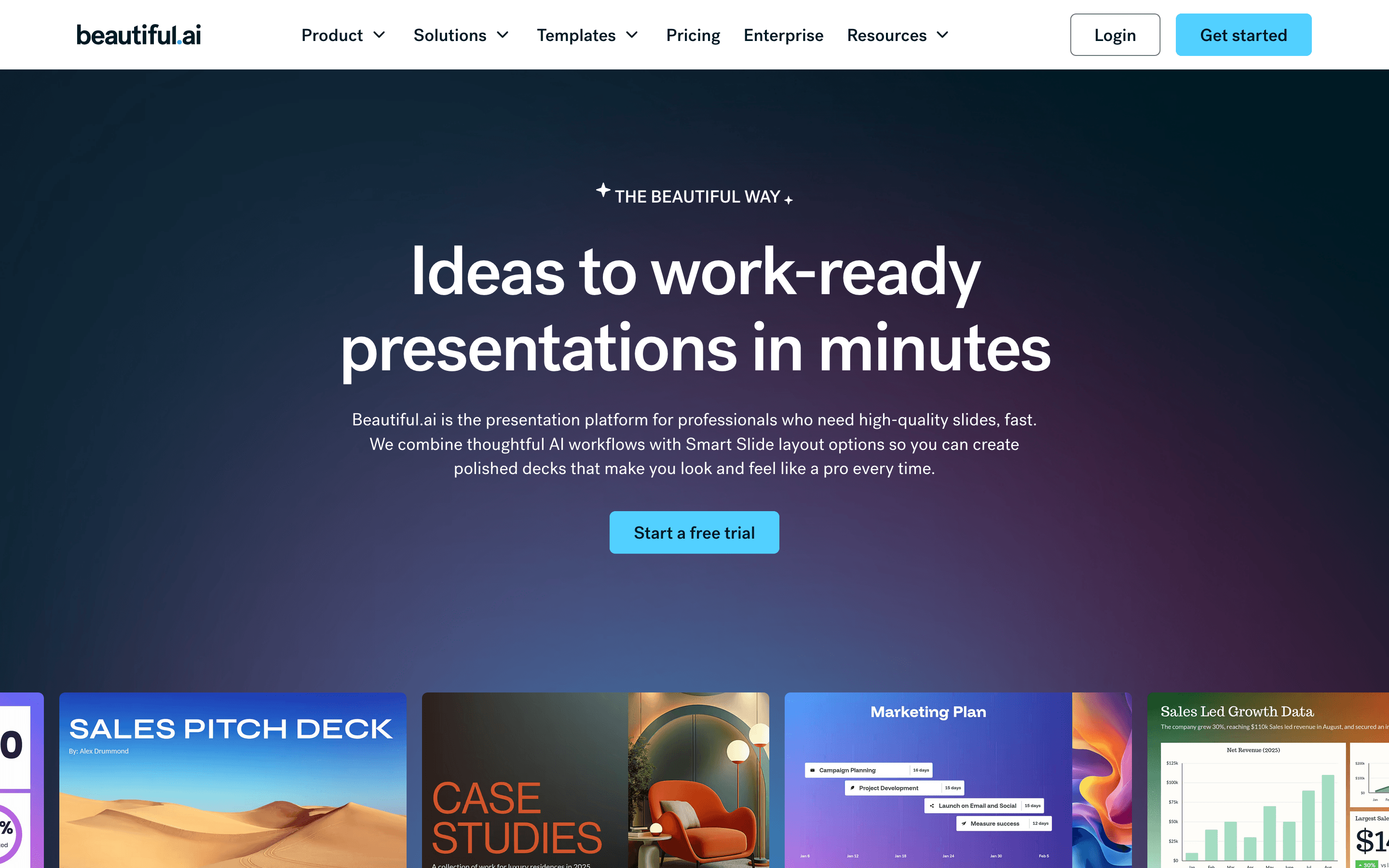
In 2026 it added a prompt-based workflow: you give it a topic, an outline, or a document, and it drafts a full deck you then edit slide by slide in a chat-style interface. It's aimed squarely at people who make decks often and want speed over full creative control.
Beautiful.ai screenshots
Who it's for
- ✓ Founders and sellers who build decks weekly and want a clean result fast without touching design
- ✓ Teams that want a shared slide and brand library so decks look consistent across the company
Who should look elsewhere
- ✗ Anyone who wants full free-form design control over layout and typography
- ✗ Teams that need a genuinely free plan before committing
Pros
- + Smart Slides keep layouts aligned automatically, so decks look consistent even from non-designers
- + Prompt-to-deck workflow gets you a rough draft in minutes
- + Team plan gives real-time co-editing, a shared asset library, and slide analytics
Cons
- – No free plan, and the 14-day trial needs a credit card and auto-charges the full annual price if you forget to cancel
- – Price jumps hard from Pro ($12/seat) to Team ($40/seat) just to get collaboration and shared libraries
- – Smart Slide layouts limit how far you can push custom design compared to a blank-canvas tool
Beautiful.ai pricing
What you pay for
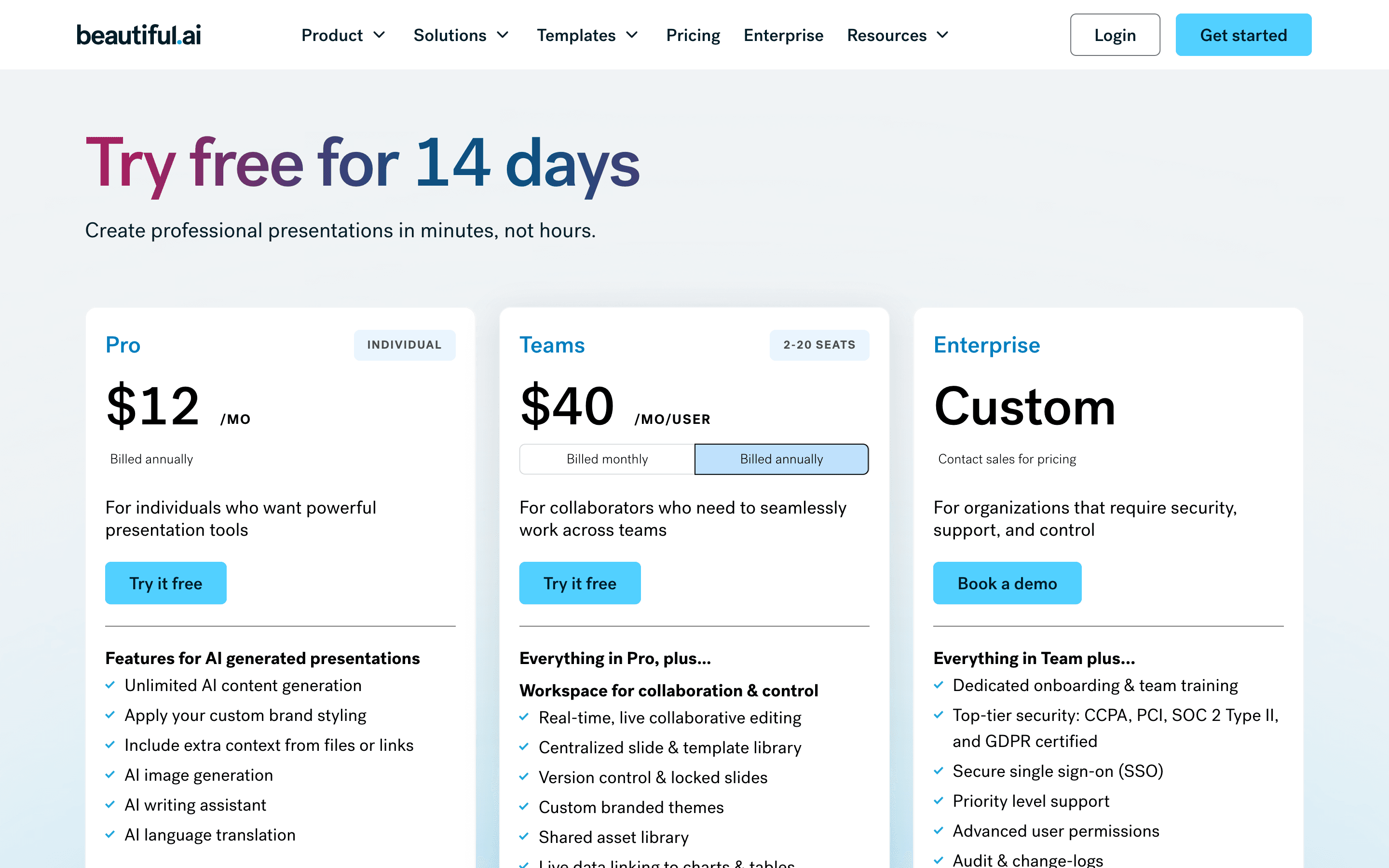
You pay per seat, and the jump from Pro to Team is steep, $12 to $40 a month per person, mainly to unlock real-time collaboration and shared libraries. There's no free plan, only a 14-day trial that needs a card up front. Enterprise pricing isn't published; you have to talk to sales for SSO, SCIM, and compliance add-ons.
At about $12/month to start, it sits mid-pack on price in Presentation Software.
| Plan | Price | Highlights |
|---|---|---|
| Pro | $12/seat/mo | For individuals · Unlimited AI content generation · Custom brand styling · AI image generation and writing assistant · 300+ Smart Slide layouts |
| Team | $40/seat/mo | 2-20 seats · Everything in Pro · Real-time collaborative editing · Shared asset and template library · Version control and locked slides · Viewer and slide analytics |
| Enterprise | Custom | Everything in Team · SSO and SCIM provisioning · SOC 2 Type II, GDPR, PCI, CCPA · Priority support · Audit and change logs |
Pro is $12/seat/month billed annually (1 seat). Team is $40/seat/month billed annually or $50/seat/month billed monthly, for 2-20 seats. There's also a no-commitment Pro option billed monthly at $45/month, cancel anytime, aimed at one-off projects rather than ongoing use. Enterprise is quote-only. Beautiful.ai also sells separate flat-rate SMB plans (not shown on the main pricing page) at $6,000/year for up to 50 employees and $12,000/year for up to 100. All prices from the vendor's own pricing and teams pages.
Pricing verified July 7, 2026 · source
How Beautiful.ai's pricing compares
Beautiful.ai next to its closest alternatives on entry price, billing, and whether pricing is public.
| Tool | Starting price | Billing | Free option | Pricing disclosed |
|---|---|---|---|---|
| Beautiful.ai | $12/seat/mo | per-seat | Trial (14 days on Pro or Team (credit card required, auto-charges if you don't cancel)) | Partly public |
| Gamma | $9/seat/mo | per-seat | Yes | Public |
| Pitch | $13/seat/mo | per-seat | Yes | Partly public |
| Canva | $144/seat/yr | per-seat | Yes | Partly public |
Is Beautiful.ai still actively developed?
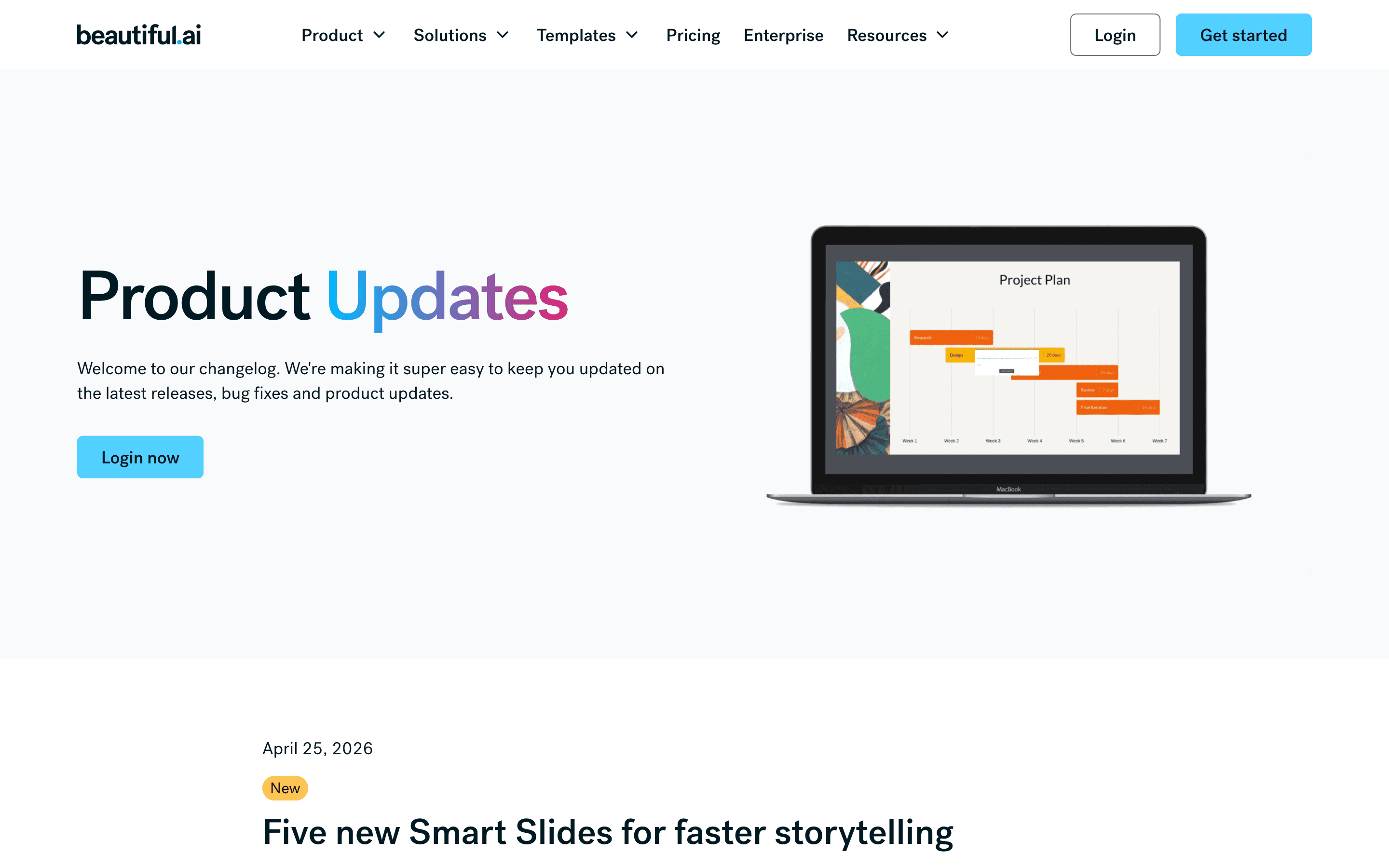
Last significant update: April 2026. Added five new Smart Slides (sequence, connection diagrams, horizontal funnels, ROI, and enhanced map slides) for faster storytelling
Top Beautiful.ai alternatives
Beautiful.ai FAQ
Does Beautiful.ai have a free plan?+
No. There's a 14-day free trial on Pro or Team, but it needs a credit card and switches to a paid annual subscription automatically if you don't cancel first.
How much does Beautiful.ai cost?+
Pro is $12 per seat per month billed annually. There's also a no-commitment Pro option at $45/month, cancel anytime, for one-off projects. Team, which adds real-time collaboration, is $40 per seat per month billed annually (or $50/month billed monthly) for 2 to 20 seats. Enterprise pricing is custom.
What do people complain about most with Beautiful.ai?+
Billing. Reviewers on Trustpilot and Capterra flag being auto-charged for a full year after a forgotten trial, and describe slow support when trying to fix billing or account access issues.